Trupeer Blog
Synthétiser

Découvrez les meilleurs outils et fonctionnalités pour une formation client efficace.
3000 min de lecture. 30 mars 2026.
Aperçu de l’acheteur
Les entreprises qui forment des clients externes, comme les agences, les éditeurs SaaS et les cabinets de conseil, font face à des défis spécifiques. Les outils classiques d’enregistrement d’écran ne suffisent souvent pas, car ils ne disposent pas des fonctionnalités nécessaires pour des vidéos de formation destinées aux clients. Sans portails clients dédiés, contrôles d’accès et analyses d’engagement, il devient difficile de garantir que la formation est à la fois efficace et sécurisée. Un chiffre impressionnant : 73 % des entreprises déclarent avoir du mal à mesurer l’efficacité de la formation en raison d’analyses insuffisantes.
73 % des entreprises ont du mal à mesurer l’efficacité de la formation en raison d’analyses insuffisantes.
Source : Training Industry Trend Report par Training Magazine, 2025
Ce guide est conçu pour vous aider à naviguer dans l’écosystème des plateformes de vidéos de formation client. Nous passerons en revue une sélection d’outils, en mettant en avant leurs points forts et leurs limites. Que vous soyez une petite agence ou une grande entreprise, ce guide vous aidera à trouver une plateforme adaptée à vos besoins spécifiques.
Meilleures plateformes de vidéos de formation client : comparaison directe
Fonctionnalité | Trupeer | Panopto | Loom | Kaltura | Vidyard | Wistia | Camtasia |
|---|---|---|---|---|---|---|---|
Fonctionnalités principales | |||||||
Portail client | Oui | Oui | Non | Oui | Limité | Non | Non |
Contrôles d’accès | Oui | Oui | Non | Limité | Oui | Limité | Non |
Capacités IA | |||||||
Voix off IA | Oui | Limité | Non | Oui | Non | Non | Non |
Multi-langue | Oui | Oui | Non | Oui | Limité | Non | Non |
Fonctionnalités professionnelles | |||||||
Vidéo interactive | Oui | Oui | Non | Oui | Oui | Limité | Non |
Analyses d’engagement | Oui | Oui | Limité | Oui | Oui | Limité | Non |
Intégrations | |||||||
Intégration LMS | Oui | Oui | Non | Oui | Limité | Limité | Non |
Marquage personnalisé | Oui | Oui | Non | Oui | Oui | Oui | Oui |
Offre gratuite | Limité | Non | Oui | Non | Oui | Oui | Non |
Trupeer

Trupeer est conçu spécifiquement pour les entreprises qui doivent former des clients externes. Il propose une suite complète d’outils qui facilite la gestion et la diffusion de contenus vidéo de manière sécurisée. La plateforme est particulièrement adaptée aux agences et aux entreprises SaaS grâce à ses portails clients robustes et à ses options de marquage personnalisable. Trupeer se distingue par ses capacités de voix off pilotées par l’IA et ses analyses d’engagement détaillées, qui fournissent des informations en temps réel sur l’activité des clients.
Cependant, ce n’est peut-être pas le meilleur choix pour ceux qui recherchent une offre gratuite étendue, car ses propositions dans ce domaine sont limitées. Mais si vous cherchez une plateforme qui excelle dans l’engagement client et les fonctionnalités professionnelles, Trupeer est un excellent candidat.
Fonctionnalités clés
Portails clients dédiés
Contrôles d’accès granulaires
Voix off et traduction IA
Éléments de vidéo interactive
Analyses d’engagement complètes
Options de marquage personnalisé
Intégration LMS
Gestion des mises à jour de contenu
« Trupeer a transformé notre façon de former nos clients, en rendant le processus à la fois efficace et engageant. »
Avantages
Inconvénients
Des fonctionnalités d’engagement client excellentes.
Des options d’offre gratuite limitées.
Des capacités IA solides pour les voix off.
La configuration initiale peut être complexe.
Des analyses détaillées pour mesurer l’efficacité de la formation.
Un coût plus élevé pour les petites entreprises.
Tarifs
Trupeer propose une offre gratuite limitée et des formules payantes à partir de 49 $ par utilisateur/mois.
Panopto
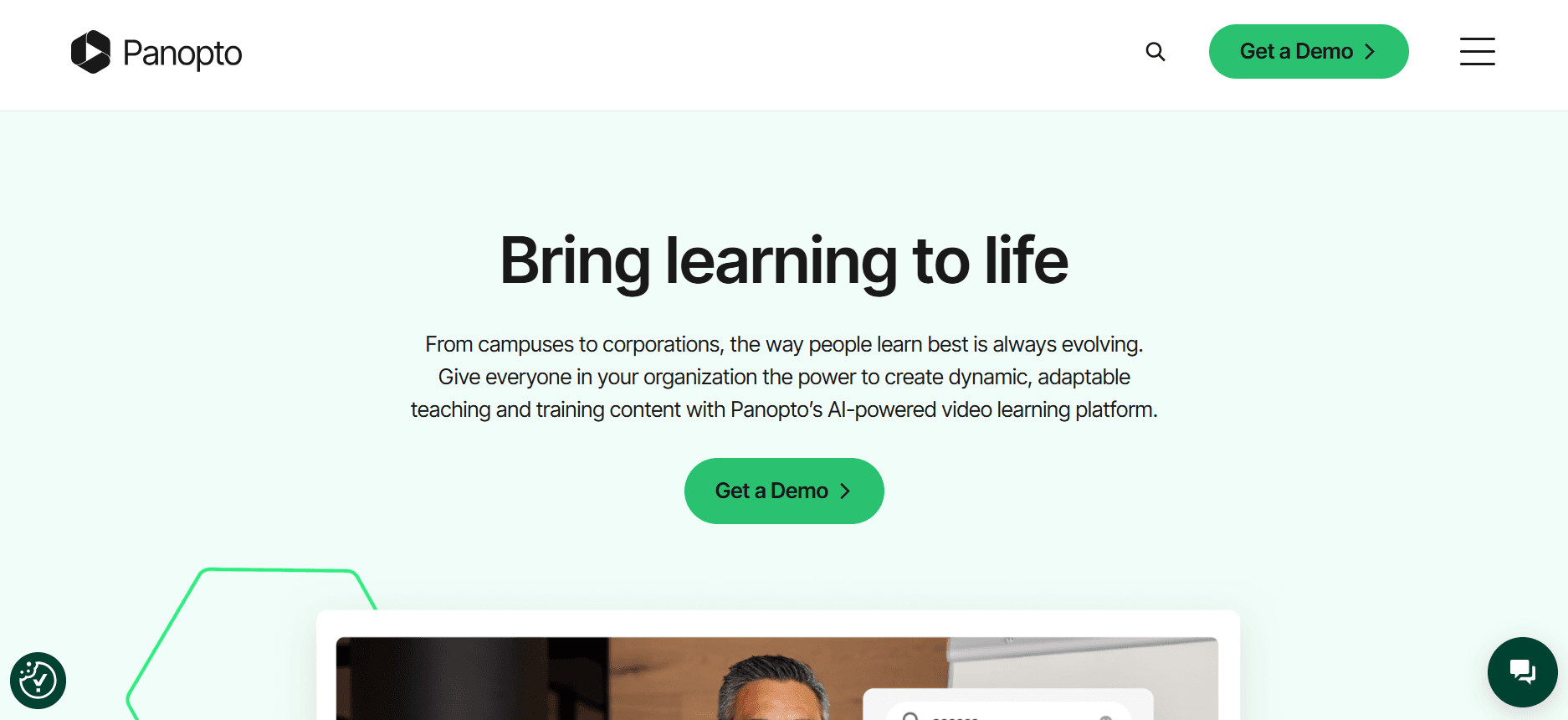
Panopto est une plateforme vidéo polyvalente, idéale pour les universités et les grandes entreprises. Elle excelle dans la capture de cours et la gestion de contenus vidéo, ce qui en fait un choix populaire dans les environnements éducatifs. Grâce à ses analyses robustes et à ses capacités d’intégration, Panopto convient parfaitement aux organisations qui doivent diffuser efficacement de grands volumes de contenus vidéo. L’une de ses fonctionnalités phares est sa recherche avancée, qui permet aux utilisateurs de retrouver rapidement des contenus.
Cependant, l’interface de Panopto peut sembler intimidante pour les nouveaux utilisateurs, et elle ne propose pas d’offre gratuite, ce qui peut constituer un frein pour les petites organisations ou celles qui débutent dans la formation vidéo.
Fonctionnalités clés
Capture de cours et gestion vidéo
Fonctionnalité de recherche avancée
Analyses complètes
Intégration avec LMS et CMS
Contrôles d’accès sécurisés
Services de transcription automatique
Capacités de marquage personnalisé
Options de diffusion en direct
Avantages
Inconvénients
Excellent pour les établissements d’enseignement.
Aucune offre gratuite disponible.
Des options d’intégration robustes.
Interface complexe pour les débutants.
Recherche et analyses avancées.
Coût plus élevé pour les petites équipes.
Tarifs
Panopto ne propose pas d’offre gratuite, avec des formules payantes à partir de 14,99 $ par utilisateur/mois.
Loom

Loom est un outil simple et convivial, excellent en termes de simplicité et de rapidité, idéal pour des enregistrements d’écran rapides et le partage. Il est particulièrement populaire auprès des équipes qui doivent fournir un retour rapide ou des explications sans montage approfondi. L’interface de Loom est intuitive et s’intègre bien à divers outils de collaboration, ce qui en fait un favori des petites équipes et des startups.
Cependant, Loom ne propose pas de fonctionnalités avancées comme les portails clients et des analyses détaillées, ce qui peut limiter son utilisation pour des programmes de formation client plus structurés. Il est mieux adapté aux équipes qui recherchent une façon rapide et simple de partager des contenus vidéo basiques.
Fonctionnalités clés
Enregistrement d’écran simple
Options de partage rapides
Montage vidéo de base
Intégration avec des outils de collaboration
Informations pour les spectateurs
Miniatures vidéo personnalisées
Enregistrement vidéo en haute définition
Stockage cloud pour les vidéos
Avantages
Inconvénients
Très facile à utiliser et à déployer rapidement.
Manque de fonctionnalités avancées pour la formation client.
S’intègre bien aux outils de collaboration.
Analyses et reporting limités.
Rentable pour les petites équipes.
Pas de portail client ni de contrôles d’accès.
Tarifs
Loom propose une offre gratuite avec des formules payantes à partir de 8 $ par utilisateur/mois.
Kaltura
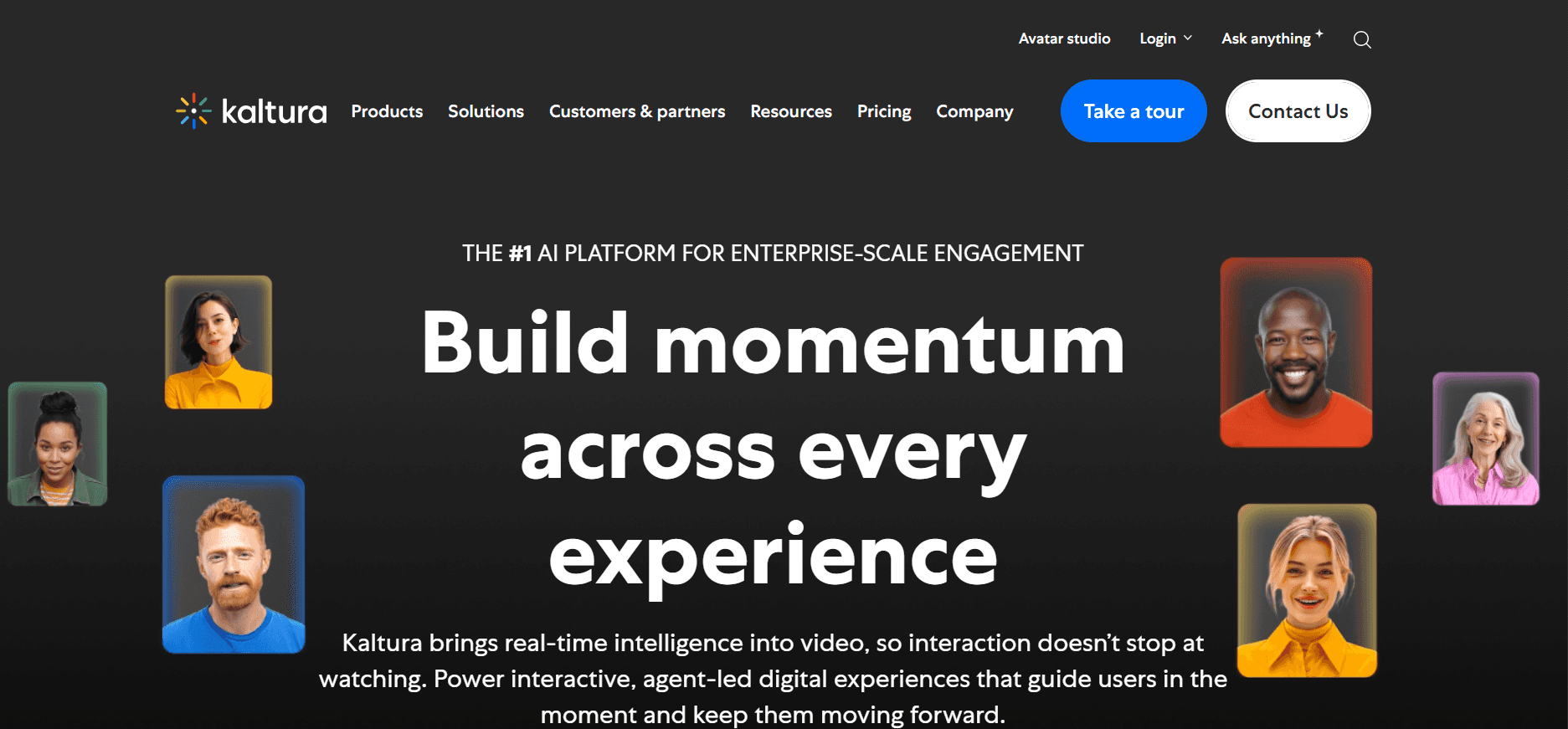
Kaltura est réputé pour sa flexibilité et ses options de personnalisation, ce qui en fait un choix de premier plan pour les entreprises ayant des besoins vidéo complexes. Il propose un large éventail de fonctionnalités, notamment la diffusion en direct, la vidéo à la demande et des analyses solides. La nature open source de Kaltura permet une personnalisation poussée, ce qui peut constituer un avantage majeur pour les organisations technophiles qui souhaitent adapter la plateforme à leurs besoins spécifiques.
Cependant, cette même flexibilité peut rendre Kaltura difficile à appréhender pour les petites équipes ou celles qui ne disposent pas de ressources IT dédiées. La plateforme ne propose pas d’offre gratuite, ce qui peut être un inconvénient pour ceux qui recherchent des solutions rentables.
Fonctionnalités clés
Capacités de diffusion en direct
Services de vidéo à la demande
Plateforme personnalisable
Analyses et reporting solides
Intégration avec plusieurs plateformes
Options de vidéo interactive
Accès et autorisations sécurisés
Prise en charge multi-langue
Avantages
Inconvénients
Très personnalisable et flexible.
Peut être déroutant pour les petites équipes.
Excellent pour les grandes entreprises.
Aucune offre gratuite disponible.
Capacités d’analyses solides.
Peut coûter cher à mettre en place.
Tarifs
Kaltura ne propose pas d’offre gratuite, avec des tarifs entreprise disponibles sur demande.
Vidyard

Vidyard est une plateforme vidéo polyvalente axée sur les ventes et le marketing. Elle est connue pour ses excellentes analyses vidéo et son intégration avec des outils CRM comme Salesforce. Vidyard est idéal pour les entreprises qui souhaitent engager leurs clients et prospects grâce à des contenus vidéo personnalisés. Ses fonctionnalités de vidéo interactive et ses capacités d’intégration solides en font un choix particulièrement intéressant pour les équipes commerciales qui doivent suivre l’engagement et optimiser leurs stratégies de prospection.
Cependant, l’orientation de Vidyard vers les ventes et le marketing signifie qu’il peut manquer certaines fonctionnalités nécessaires à une formation client structurée, comme des options de portail client robustes. Il est mieux adapté aux organisations qui privilégient le marketing vidéo et l’aide à la vente.
Fonctionnalités clés
Analyses vidéo avancées
Intégration avec des outils CRM
Capacités de vidéo personnalisée
Fonctionnalités de vidéo interactive
Hébergement et partage vidéo
Marquage personnalisé
Outils de génération de leads
Qualité vidéo haute définition
Avantages
Inconvénients
Idéal pour les équipes ventes et marketing.
Peut manquer de fonctionnalités robustes pour la formation.
Capacités d’intégration CRM solides.
Options de portail client limitées.
Excellents outils d’analyse.
Les niveaux de tarification plus élevés peuvent coûter cher.
Tarifs
Vidyard propose une offre gratuite avec des formules payantes à partir de 15 $ par utilisateur/mois.
Wistia

Wistia est une plateforme d’hébergement vidéo qui met l’accent sur le marketing vidéo et la construction de marque. Elle est particulièrement forte pour proposer des outils permettant de créer des expériences vidéo marquées, ce qui en fait un favori des marketeurs. Wistia propose des fonctionnalités comme des lecteurs vidéo personnalisables et des analyses approfondies des spectateurs, essentielles pour optimiser les campagnes marketing. La plateforme est conçue pour aider les entreprises à créer une présence vidéo professionnelle et engageante.
Cependant, l’orientation marketing de Wistia signifie qu’elle n’est peut-être pas le meilleur choix pour une formation client structurée, car elle ne propose pas de fonctionnalités dédiées de portail client. Elle est mieux adaptée aux entreprises qui privilégient le marketing et l’engagement de marque plutôt que les fonctionnalités de formation.
Fonctionnalités clés
Lecteurs vidéo personnalisables
Analyses approfondies des spectateurs
Options de branding et de personnalisation
Intégration avec des outils marketing
Fonctionnalités de génération de leads
Capacités de SEO vidéo
Hébergement vidéo de haute qualité
Système de gestion de contenu
Avantages
Inconvénients
Excellent pour le marketing et la construction de marque.
Ne propose pas de fonctionnalités dédiées à la formation client.
Capacités de personnalisation solides.
Aucun portail client disponible.
De très bonnes analyses pour optimiser le marketing.
Coût plus élevé pour les fonctionnalités avancées.
Tarifs
Wistia propose une offre gratuite avec des formules payantes à partir de 99 $ par mois.
Camtasia

Camtasia est un outil puissant d’enregistrement d’écran et de montage vidéo, idéal pour les formateurs et les enseignants qui doivent créer des vidéos pédagogiques détaillées. Il propose une gamme de fonctionnalités de montage qui permettent une production vidéo de niveau professionnel, ce qui en fait un choix populaire pour créer des tutoriels et des contenus éducatifs. Camtasia convient particulièrement aux utilisateurs qui souhaitent garder un contrôle total sur le processus de montage.
Cependant, Camtasia ne propose pas de fonctionnalités avancées comme les portails clients et les éléments interactifs, ce qui peut limiter son utilité pour des programmes de formation client. Il est mieux adapté aux formateurs et aux enseignants axés sur la création de contenus vidéo soignés.
Fonctionnalités clés
Outils de montage vidéo complets
Capacités d’enregistrement d’écran
Fonctionnalités d’amélioration audio
Modèles vidéo personnalisables
Transitions et animations
Effets écran vert
Options de narration
Quiz et enquêtes vidéo
Avantages
Inconvénients
Excellentes capacités de montage vidéo.
Pas de fonctionnalités de portail client.
Idéal pour les contenus éducatifs.
Analyses avancées absentes.
Large éventail d’outils de montage.
Pas d’éléments de vidéo interactive.
Tarifs
Camtasia ne propose pas d’offre gratuite, avec un achat unique à partir de 299,99 $.
Défis des plateformes de vidéos de formation client : ce que les équipes ont du mal à gérer
Absence de contrôles d’accès dédiés aux clients
Le partage de liens plutôt que l’utilisation de passerelles sécurisées entraîne souvent des accès non autorisés.
Les clients peuvent partager des liens par inadvertance, ce qui expose des contenus sensibles.
Le manque de contrôle sur les personnes qui consultent le contenu réduit l’engagement effectif.
Les paramètres d’accès personnalisés sont essentiels, mais souvent difficiles à gérer avec des outils génériques.
Manque de visibilité sur le fait que les clients ont réellement regardé les vidéos
Les plateformes traditionnelles manquent d’analyses détaillées, ce qui rend difficile d’évaluer les taux de complétion des vidéos.
Sans informations, les formateurs ne peuvent pas améliorer le contenu pour mieux répondre aux besoins des clients.
Les suppositions remplacent les décisions fondées sur les données, ce qui entraîne des processus de formation inefficaces.
Les boucles de feedback sont limitées, ce qui réduit la capacité à affiner le contenu de formation.
Absence de marquage professionnel pour les contenus destinés aux clients
Les vidéos sans marque peuvent sembler moins professionnelles, ce qui impacte la perception des clients.
Un marquage incohérent peut diminuer l’impact des supports de formation.
Les lecteurs vidéo génériques réduisent les opportunités de renforcer la marque.
L’identité de marque est diluée lorsque les vidéos ne correspondent pas à l’esthétique de l’entreprise.
Absence d’éléments interactifs pour une formation client en autonomie
Les vidéos statiques n’arrivent pas à capter l’attention des apprenants qui préfèrent les contenus interactifs.
Sans quiz ni chapitres, il devient difficile de maintenir l’intérêt des clients.
Les apprenants manquent des opportunités de feedback qui favorisent l’amélioration.
Les éléments interactifs sont essentiels pour adapter le contenu à différents styles d’apprentissage.
Re-enregistrement nécessaire pour chaque mise à jour produit
Mettre à jour les vidéos fréquemment est chronophage et coûteux en ressources.
L’impossibilité de modifier des sections entraîne un re-enregistrement complet du contenu.
Les équipes ont du mal à maintenir des supports de formation à jour.
Les retards dans les mises à jour peuvent amener les clients à utiliser des informations obsolètes.
Défi
Processus traditionnel
Impact business
Coût en temps
Absence de contrôles d’accès dédiés aux clients
Liens génériques partagés
Risque d’accès non autorisé
Élevé
Manque de visibilité sur le fait que les clients ont regardé les vidéos
Collecte manuelle du feedback
Informations d’engagement limitées
Moyen
Absence de marquage professionnel
Plateformes vidéo génériques
Perception de marque faible
Moyen
Absence d’éléments interactifs
Contenu vidéo statique
Engagement réduit des apprenants
Moyen
Re-enregistrement pour les mises à jour produit
Re-enregistrement complet de la vidéo
Contenu de formation obsolète
Élevé
Fonctionnalités indispensables des plateformes de vidéos de formation client
Portail client avec contrôles d’accès granulaires
Pour les entreprises qui forment des clients externes, disposer d’un portail client dédié est essentiel. Il permet aux formateurs de gérer qui peut consulter et interagir avec leur contenu. Les contrôles d’accès granulaires garantissent que seuls les utilisateurs autorisés peuvent accéder à des supports de formation spécifiques. Cette fonctionnalité renforce la sécurité et donne aux formateurs la possibilité d’adapter l’accès au contenu selon les besoins des clients.
Des outils comme Trupeer excellent dans ce domaine, en proposant une façon fluide de mettre en place des portails d’accès sécurisés, spécifiques aux clients. Cela encourage les clients à interagir avec le contenu dans un environnement contrôlé, réduisant le risque d’accès non autorisé.
Analyses vidéo indiquant l’engagement par spectateur
Comprendre comment les clients interagissent avec les vidéos de formation est essentiel pour améliorer l’efficacité du contenu. Les analyses vidéo qui offrent des informations par spectateur aident les formateurs à identifier les parties de la vidéo les plus engageantes et celles qui nécessitent des améliorations. Cette approche pilotée par les données permet d’améliorer en continu les programmes de formation.
Des plateformes comme Vidyard et Kaltura proposent des fonctionnalités d’analyses robustes qui fournissent des rapports détaillés sur le comportement des spectateurs, aidant les formateurs à prendre des décisions éclairées pour optimiser leur contenu.
Éléments interactifs comme quiz, chapitres et scénarios de branchement
Les éléments interactifs transforment le visionnage passif en expériences d’apprentissage actives. En intégrant des quiz, des chapitres et des scénarios de branchement, les formateurs peuvent maintenir l’engagement des clients et offrir un parcours d’apprentissage plus personnalisé. Ces fonctionnalités s’adaptent à différents styles d’apprentissage et rendent le contenu plus mémorable.
Kaltura et Trupeer proposent de solides capacités interactives, permettant aux formateurs d’intégrer différents éléments interactifs de manière fluide dans leurs vidéos. Cela stimule non seulement l’engagement, mais aide aussi les clients à mieux retenir l’information.
Voix off IA et auto-traduction
À mesure que les entreprises fonctionnent de plus en plus à l’échelle mondiale, la capacité à proposer des contenus de formation dans plusieurs langues devient cruciale. Les outils de voix off IA et les fonctionnalités de traduction automatique permettent aux formateurs de délivrer un contenu qui s’adresse directement à leur audience, quelles que soient les barrières linguistiques.
Trupeer et Panopto sont des leaders dans ce domaine, avec des solutions pilotées par l’IA qui facilitent la traduction et la localisation des supports de formation sans perdre en qualité ni en contexte.
Marquage personnalisé avec logo et couleurs
Maintenir la cohérence de la marque dans toutes les interactions avec les clients est essentiel pour renforcer l’identité de marque. Les fonctionnalités de marquage personnalisé permettent aux entreprises d’intégrer leurs logos et leurs palettes de couleurs dans les vidéos de formation, créant ainsi une image cohérente et professionnelle.
Wistia et Vidyard excellent dans la fourniture d’options de personnalisation qui permettent aux entreprises d’aligner leurs supports de formation sur l’esthétique de leur marque, renforçant ainsi le côté professionnel de leurs contenus.
Mises à jour de contenu faciles sans re-enregistrement
Des mises à jour fréquentes des contenus de formation sont souvent nécessaires pour suivre les changements produit ou les nouvelles réglementations du secteur. La possibilité de mettre à jour le contenu sans devoir re-enregistrer des vidéos entières permet de gagner du temps et de réduire la charge en ressources. Elle garantit également que les clients ont toujours accès aux informations les plus récentes.
Des plateformes comme Camtasia proposent des outils de montage qui facilitent la mise à jour de sections spécifiques d’une vidéo, réduisant le besoin de re-enregistrements complets et permettant de garder les contenus de formation frais et pertinents.
Comment choisir des plateformes de vidéos de formation client selon votre cas d’usage
Vidéos d’onboarding logiciel pour les clients
Lors de la présentation d’un nouveau logiciel à vos clients, des vidéos d’onboarding efficaces peuvent faire toute la différence. Ces vidéos doivent être engageantes, informatives et faciles à suivre, afin de garantir que les clients comprennent comment utiliser le produit efficacement. L’objectif est de réduire la courbe d’apprentissage et d’aider les clients à devenir rapidement autonomes.
Veiller à ce que le contenu soit clair et concis.
Fournir un accompagnement étape par étape.
Permettre aux clients de revoir les sections si nécessaire.
Visites guidées interactives et chapitres.
Marquage personnalisable pour assurer la cohérence.
Analyses pour suivre l’engagement client.
Plateforme
Visites guidées interactives
Marquage personnalisé
Analyses
Trupeer
Oui
Oui
Oui
Kaltura
Oui
Oui
Oui
Loom
Non
Non
Limité
Bibliothèques de formation produit continues
Pour les entreprises qui proposent des produits complexes, maintenir une bibliothèque de vidéos de formation est essentiel. Ces bibliothèques offrent aux clients un accès en libre-service à des ressources de formation complètes, réduisant le besoin de sessions de formation en direct répétées et permettant aux clients d’apprendre à leur rythme.
Tenir le contenu à jour en fonction des changements produit.
Garantir une navigation et une recherche faciles.
Proposer une large gamme de sujets et de détails.
Systèmes de gestion de contenu robustes.
Bibliothèques consultables avec balises.
Mises à jour et notifications régulières.
Plateforme
Gestion de contenu
Bibliothèque consultable
Mises à jour régulières
Panopto
Oui
Oui
Oui
Vidyard
Limité
Oui
Limité
Camtasia
Oui
Non
Non
Formations de conformité et de certification pour les clients
Les formations de conformité et de certification sont cruciales pour les secteurs où les réglementations changent fréquemment. Les plateformes vidéo doivent aider à garantir que les clients restent conformes aux dernières normes en proposant des parcours d’apprentissage structurés et suivis.
Adapter le contenu aux réglementations en évolution.
Suivre la progression et la complétion des clients.
Fournir des certifications à la fin.
Mises à jour et alertes automatiques pour les nouveaux contenus.
Fonctionnalités de certification et de reporting.
Évaluations interactives pour favoriser la rétention.
Plateforme
Mises à jour du contenu
Certification
Suivi
Trupeer
Oui
Oui
Oui
Kaltura
Oui
Limité
Oui
Wistia
Non
Non
Limité
Programmes vidéo d’habilitation des partenaires
Donner aux partenaires les bons supports de formation est essentiel pour favoriser une réussite mutuelle. Les plateformes vidéo doivent fournir aux partenaires les ressources dont ils ont besoin pour promouvoir et vendre efficacement vos produits.
Veiller à ce que les partenaires aient accès aux dernières informations produit.
Fournir des ressources alignées sur les objectifs stratégiques.
Suivre l’engagement des partenaires et leur compréhension.
Contrôles d’accès pour les contenus spécifiques aux partenaires.
Parcours de formation personnalisables adaptés aux besoins des partenaires.
Analyses d’engagement pour mesurer l’efficacité des partenaires.
Plateforme
Accès partenaire
Parcours personnalisés
Analyses d’engagement
Vidyard
Oui
Oui
Oui
Trupeer
Oui
Limité
Oui
Panopto
Limité
Oui
Oui
Bonnes pratiques pour les plateformes de vidéos de formation client
Avant
Définissez des objectifs et des résultats d’apprentissage clairs pour chaque série de vidéos.
Planifiez la série de vidéos par thèmes, en veillant à une progression logique.
Identifiez le public cible et adaptez le contenu à ses besoins.
Rassemblez les ressources, y compris les visuels et les données, pour soutenir le contenu.
Établissez un calendrier pour des mises à jour et des revues régulières du contenu.
Pendant
Gardez chaque vidéo sous 5 minutes pour maintenir l’engagement.
Utilisez des chapitres pour découper le contenu en sections gérables.
Intégrez des quiz et des éléments interactifs pour améliorer l’apprentissage.
Maintenez un style visuel et un ton cohérents dans toutes les vidéos.
Assurez une production audio et vidéo de haute qualité pour des résultats professionnels.
Après
Suivez les taux de complétion et recueillez le feedback des clients.
Analysez les analyses d’engagement pour identifier les axes d’amélioration.
Actualisez le contenu tous les trimestres pour qu’il reste pertinent et à jour.
Faites un suivi auprès des clients pour répondre à leurs questions ou relever les défis.
Affinez en continu les supports de formation à partir du feedback et des analyses.
Questions fréquentes
Qu’est-ce qu’une plateforme de vidéos de formation client ?
Une plateforme de vidéos de formation client est un outil conçu pour diffuser des contenus vidéo éducatifs à des clients externes. Ces plateformes proposent des fonctionnalités comme l’accès sécurisé, les analyses et la personnalisation, ce qui facilite la gestion et le suivi des expériences d’apprentissage des clients.
Qui bénéficie de l’utilisation de plateformes de vidéos de formation client ?
Les entreprises qui doivent former leurs clients, comme les sociétés SaaS, les agences et les cabinets de conseil, sont les plus avantagées. Ces plateformes aident à rationaliser les processus de formation, à améliorer l’engagement client et à maintenir une cohérence entre tous les supports de formation.
Puis-je intégrer une plateforme de vidéos de formation client à mon LMS existant ?
Oui, de nombreuses plateformes de vidéos de formation client proposent une intégration LMS, vous permettant de diffuser les contenus vidéo de manière fluide au sein de votre système de gestion de l’apprentissage. Cette intégration aide à maintenir la cohérence et à suivre efficacement la progression des clients.
Comment m’assurer que mes vidéos sont sécurisées ?
La plupart des plateformes proposent des fonctionnalités de sécurité comme des contrôles d’accès et des portails sécurisés pour garantir que seuls les utilisateurs autorisés peuvent consulter votre contenu. Il est important de choisir une plateforme qui correspond à vos exigences de sécurité.
Existe-t-il des plateformes de vidéos de formation client gratuites ?
Certaines plateformes proposent des offres gratuites limitées, permettant de tester des fonctionnalités de base avant de s’engager sur un plan payant. Toutefois, les offres gratuites peuvent manquer de fonctionnalités avancées comme les analyses et la personnalisation, qui sont essentielles pour une formation client efficace.
Quels facteurs influencent le coût d’une plateforme de vidéos de formation client ?
Les coûts varient selon les fonctionnalités, le nombre d’utilisateurs et le niveau de personnalisation requis. Les fonctionnalités avancées comme les éléments interactifs, les analyses et les intégrations peuvent augmenter le prix. Il est important d’évaluer vos besoins et votre budget en conséquence.
Combien de temps faut-il pour déployer une plateforme de vidéos de formation client ?
Le temps de déploiement dépend de la complexité de vos besoins et de la plateforme choisie. Certaines plateformes proposent une mise en place rapide, tandis que d’autres peuvent nécessiter plus de temps pour la personnalisation et l’intégration avec les systèmes existants. Il est conseillé de prévoir un déploiement progressif.
Quel support est disponible pendant le processus de déploiement ?
De nombreuses plateformes proposent un accompagnement à l’onboarding, notamment des tutoriels, de la documentation et une assistance au service client. Choisir une plateforme avec un support solide peut aider à fluidifier le processus de déploiement et à résoudre les éventuels défis rencontrés.
Conclusion
Choisir la bonne plateforme de vidéos de formation client est essentiel pour garantir des expériences de formation efficaces et cohérentes. En tenant compte de vos cas d’usage spécifiques, de vos défis et des fonctionnalités indispensables, vous pouvez sélectionner une plateforme alignée sur vos objectifs business et les besoins de vos clients. Que vous ayez besoin d’analyses robustes, d’un marquage personnalisable ou d’éléments interactifs, il existe une plateforme adaptée à vos exigences.
Si vous cherchez à renforcer vos programmes de formation client, Trupeer propose des solutions complètes conçues pour améliorer l’engagement et rationaliser les processus de formation. Découvrez comment Trupeer peut transformer votre formation client en visitant trupeer.ai.
Articles de blog associés



