Trupeer Blog
Zusammenfassen

Entdecken Sie die besten Tools, um ansprechende Videos für die Kunden-Schulung zu erstellen.
4500 Min. Lesezeit. 30. März 2026.
Überblick für Käufer
Unternehmen, die externe Kunden schulen, wie Agenturen, SaaS-Anbieter und Beratungsunternehmen, stehen häufig vor der Herausforderung, eine Video-Plattform zu finden, die genau ihren Anforderungen entspricht. Generische Tools zur Bildschirmaufzeichnung können die komplexen Anforderungen der kundenorientierten Schulung nicht abdecken – etwa Kundenportale und granular gesteuerte Zugriffsrechte. Der Bedarf an Plattformen, die Engagement-Analysen bieten, wächst: So können Unternehmen besser verstehen, ob ihre Inhalte die Zielgruppe tatsächlich erreichen und wie sie dort ankommen. Tatsächlich,
75 % der Unternehmen gaben an, dass sie detailliertere Analysen benötigen, um das Kunden-Engagement mit Schulungsmaterialien nachzuverfolgen.
Quelle: Client Training Report von TechInsights, 2025
Dieser Leitfaden behandelt die beliebtesten Plattformen für Videos zur Kunden-Schulung und beschreibt ihre Funktionen, Stärken und Grenzen. Egal, ob Sie ein kleines Unternehmen oder ein großes Enterprise-Unternehmen sind: Hier finden Sie Erkenntnisse, die Ihnen helfen, das richtige Tool für Ihre Anforderungen auszuwählen.
Beste Plattformen für Videos zur Kunden-Schulung: Direkter Vergleich
Funktion | Trupeer | Panopto | Loom | Kaltura | Vidyard | Wistia | Camtasia | Vimeo OTT |
|---|---|---|---|---|---|---|---|---|
Kundenportal | Ja | Begrenzt | Nein | Ja | Ja | Nein | Nein | Ja |
Zugriffssteuerung | Ja | Ja | Begrenzt | Ja | Ja | Begrenzt | Begrenzt | Ja |
Interaktives Video | Ja | Ja | Nein | Ja | Begrenzt | Ja | Nein | Ja |
Engagement-Analysen | Ja | Ja | Begrenzt | Ja | Ja | Ja | Begrenzt | Ja |
KI-Voiceover | Ja | Nein | Nein | Begrenzt | Begrenzt | Nein | Nein | Nein |
Individuelles Branding | Ja | Ja | Begrenzt | Ja | Ja | Ja | Ja | Ja |
Mehrsprachigkeit | Ja | Ja | Nein | Ja | Begrenzt | Begrenzt | Ja | Begrenzt |
LMS-Integration | Ja | Ja | Nein | Ja | Ja | Begrenzt | Nein | Ja |
Kostenlose Testversion | Ja | Begrenzt | Ja | Nein | Ja | Nein | Nein | Begrenzt |
Trupeer

Trupeer ist speziell für Unternehmen entwickelt, die hochwertige Kunden-Schulungen bereitstellen möchten. Das Tool sticht durch sein leistungsstarkes Kundenportal und umfangreiche Zugriffssteuerungen hervor – ideal für Agenturen und SaaS-Anbieter. Trupeer bietet fortschrittliche Engagement-Analysen, mit denen Sie verfolgen können, wie Kunden mit Ihren Inhalten interagieren, sodass Ihre Schulung wirklich wirksam ist. Seine KI-gestützten Funktionen wie Voiceover und automatische Übersetzung machen es zu einer vielseitigen Wahl für globale Teams.
Wichtige Funktionen
Dedizierte Kundenportale
Fortgeschrittene Engagement-Analysen
KI-Voiceover und Übersetzung
Optionen für individuelles Branding
Interaktive Video-Elemente
Mehrsprachige Unterstützung
LMS-Integration
Kostenlose Testversion verfügbar
„Trupeer hat unsere Kunden-Schulungssitzungen verändert und liefert detaillierte Analysen, die uns helfen, unseren Content kontinuierlich zu verbessern.“
Vorteile
Nachteile
Bietet umfangreiche Analysen zum Kunden-Engagement.
Die anfängliche Einrichtung kann für Nicht-Techniker komplex sein.
Unterstützt mehrere Sprachen für unterschiedliche Zielgruppen.
Fortgeschrittene Funktionen können eine Lernkurve erfordern.
Enthält interaktive Funktionen wie Quizze und Kapitel.
Die kostenlose Stufe hat nur eingeschränkte Funktionen.
Preisgestaltung
Trupeer bietet eine kostenlose Stufe mit eingeschränkten Funktionen. Bezahlte Tarife beginnen bei 49 $ pro Monat und Nutzer.
Panopto
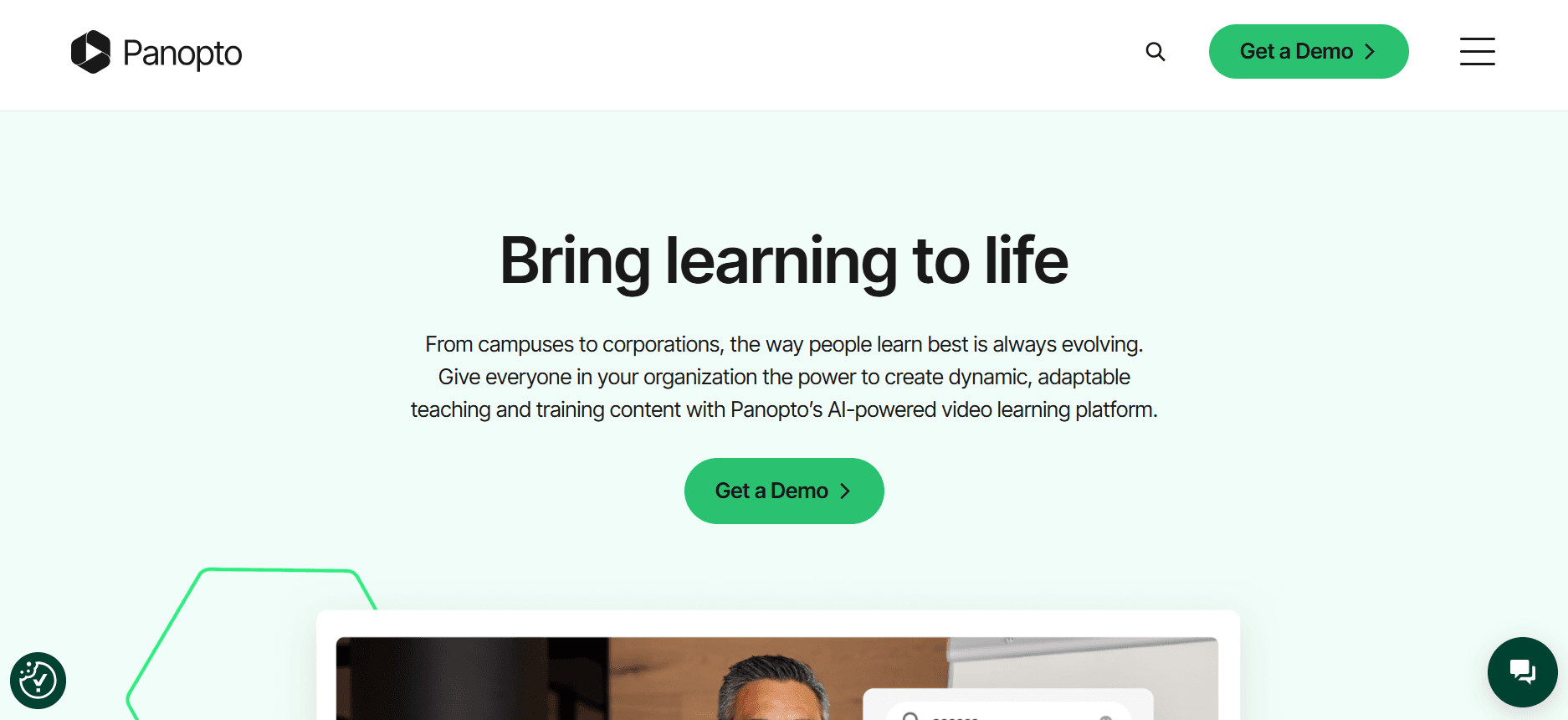
Panopto eignet sich besonders für Bildungseinrichtungen und Unternehmens-Trainingsumgebungen. Es bietet ein umfassendes System zur Verwaltung von Videoinhalten, sodass Sie Schulungsvideos einfach speichern, suchen und teilen können. Mit Panopto erhalten Sie leistungsstarke Suchfunktionen innerhalb von Videos – das spart Zeit und steigert die Effizienz. Besonders bekannt ist Panopto für die nahtlose Integration in Learning-Management-Systeme, wodurch es für Bildungseinrichtungen zur ersten Wahl wird.
Wichtige Funktionen
Leistungsstarke Videosuche
LMS-Integration
Fortgeschrittene Analysen
Möglichkeiten für Live-Streaming
Anpassbare Videoportale
Mobile Zugänglichkeit
Mehrsprachige Unterstützung
Bildschirmaufnahme und -aufzeichnung
Vorteile
Nachteile
Integriert sich nahtlos mit LMS-Plattformen.
Die Benutzeroberfläche kann für neue Nutzer überwältigend sein.
Bietet robuste Suchfunktionen innerhalb von Videos.
Eingeschränkte KI-Funktionen im Vergleich zu Wettbewerbern.
Starke Analysen zur Nachverfolgung der Video-Performance.
Die kostenlose Stufe bietet nur minimale Funktionen.
Preisgestaltung
Panopto bietet eine eingeschränkte kostenlose Stufe mit Basisfunktionen. Bezahlte Tarife beginnen bei 14,99 $ pro Nutzer und Monat.
Loom

Loom ist bei kleinen Unternehmen und Teams beliebt, die schnell und unkompliziert Bildschirmaufzeichnungen erstellen möchten. Seine Einfachheit und leichte Bedienbarkeit heben es hervor und machen es zu einer beliebten Wahl für kurze, informelle Schulungsvideos. Loom ermöglicht es Nutzern, ihren Bildschirm aufzuzeichnen und Videos sofort zu teilen – ideal für schnelles Feedback oder Status-Updates.
Wichtige Funktionen
Sofortiges Teilen von Videos
Bildschirm- und Webcam-Aufzeichnung
Einblicke für Zuschauer
Individuelles Branding
Video-Trimming
Browser-Erweiterung
Basis-Tools zur Bearbeitung
Kostenlose Stufe verfügbar
Vorteile
Nachteile
Extrem benutzerfreundlich mit einer einfachen Oberfläche.
Eingeschränkte fortgeschrittene Funktionen für detaillierte Analysen.
Bietet schnelle Möglichkeiten zum Teilen.
Keine LMS-Integration.
Die kostenlose Stufe ist großzügig bei den Kernfunktionen.
Nicht geeignet für die Erstellung interaktiver Inhalte.
Preisgestaltung
Loom bietet eine kostenlose Stufe mit eingeschränkten Funktionen. Die kostenpflichtigen Tarife beginnen bei 8 $ pro Nutzer und Monat.
Kaltura
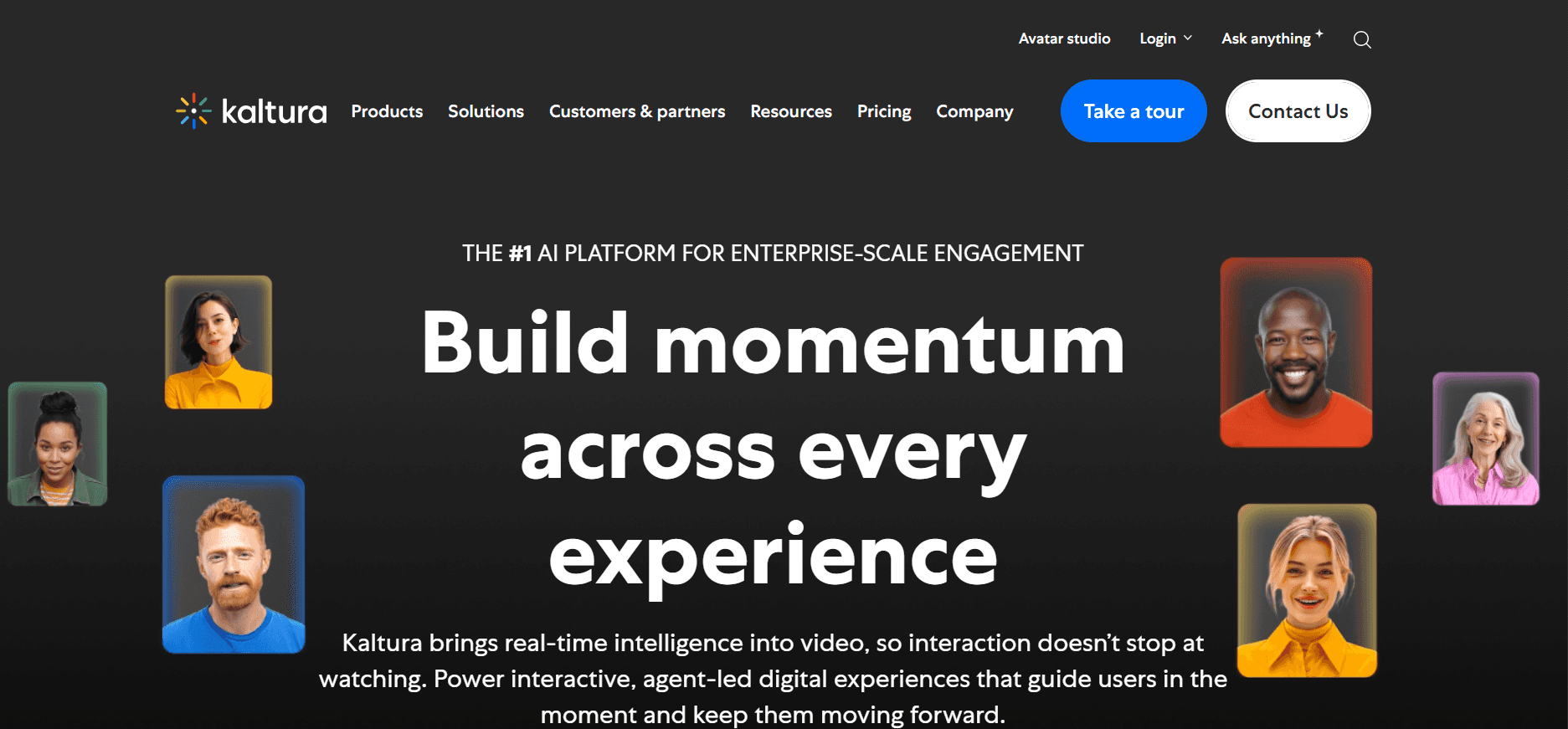
Kaltura stellt eine umfassende Video-Plattform bereit, mit starkem Fokus auf Anpassbarkeit und Erweiterbarkeit. Das ist ideal für Organisationen, die die Plattform an spezifische Anforderungen anpassen müssen – etwa Universitäten und große Unternehmen. Die Open-Source-Natur von Kaltura ermöglicht umfangreiche Anpassungen und macht das Tool besonders flexibel. Es bietet robuste Video-Analysen und interaktive Funktionen, die für detaillierte Kunden-Schulungen entscheidend sind.
Wichtige Funktionen
Flexibilität durch Open Source
Interaktive Video-Quizze
Fortgeschrittene Analysen
Live-Streaming
Anpassbarer Video-Player
LMS-Integration
Mehrsprachige Unterstützung
API-Zugriff für individuelle Integrationen
Vorteile
Nachteile
Sehr anpassbare und flexible Plattform.
Für die Einrichtung ist technisches Know-how erforderlich.
Starke Analysen und interaktive Möglichkeiten.
Höhere Kosten im Vergleich zu anderen Plattformen.
Lässt sich gut in Bildungssysteme integrieren.
Keine kostenlose Stufe verfügbar.
Preisgestaltung
Kaltura bietet keine kostenlose Stufe. Die Preisgestaltung wird an die Anforderungen der Organisation angepasst und beginnt typischerweise bei etwa 1000 $ pro Jahr.
Vidyard

Vidyard ist ideal für Unternehmen, die sich auf Vertrieb und Marketing konzentrieren. Es bietet umfangreiches Video-Hosting und Analysen, sodass Sie die Wirkung Ihrer Inhalte leicht messen können. Das herausragende Merkmal von Vidyard ist die Möglichkeit, Videos in großem Maßstab zu personalisieren – was das Engagement der Kunden deutlich steigern kann. Besonders nützlich ist es für personalisierte Sales-Pitches und Marketing-Content.
Wichtige Funktionen
Personalisierte Videoproduktion
Fortgeschrittene Video-Analysen
Individuelles Branding
Integrationen mit CRM-Tools
Interaktive CTAs
Optimierung für Video-SEO
Mehrsprachige Unterstützung
Kostenlose Stufe verfügbar
Vorteile
Nachteile
Exzellent für personalisierte Videoinhalte.
Komplexe Oberfläche für Erstnutzer.
Robuste Analysen zur Messung des Erfolgs von Inhalten.
Höherer Preis für fortgeschrittene Funktionen.
Lässt sich gut in Marketing-Tools integrieren.
Eingeschränkte interaktive Video-Funktionen.
Preisgestaltung
Vidyard bietet eine kostenlose Stufe mit eingeschränkten Funktionen. Bezahlte Tarife beginnen bei 15 $ pro Monat und Nutzer.
Wistia

Wistia konzentriert sich darauf, Unternehmen mit gebrandeten Videoinhalten und detaillierten Analysen zu unterstützen. Besonders beliebt ist es bei Marketing-Teams und Content-Erstellern, die ihre Markenpräsenz durch Video stärken möchten. Die Plattform von Wistia ist vor allem für ihren Fokus auf Video-SEO und Anpassungen bekannt – und ist damit eine starke Option für Unternehmen, die die Sichtbarkeit ihrer Videoinhalte im Online-Umfeld verbessern wollen.
Wichtige Funktionen
Anpassbarer Video-Player
Detaillierte Video-Analysen
Video-SEO-Tools
Lead-Generierungsformulare
Individuelles Branding
Interaktive Elemente
Mehrsprachige Unterstützung
Integration mit Marketing-Automation-Tools
Vorteile
Nachteile
Starker Fokus auf Branding und Anpassung.
Eingeschränkte interaktive Video-Funktionen im Vergleich zu anderen.
Hervorragende SEO-Tools für Videoinhalte.
Keine kostenlose Stufe verfügbar.
Integration mit Marketing-Plattformen.
Höhere Preise für fortgeschrittene Funktionen.
Preisgestaltung
Die Preisgestaltung von Wistia startet bei 99 $ pro Monat, ohne dass eine kostenlose Stufe verfügbar ist.
Camtasia

Camtasia ist weithin bekannt für seine Funktionen zur Bildschirmaufzeichnung und Videobearbeitung. Es eignet sich ideal für Lehrkräfte und Trainer, die hochwertige Schulungsvideos mit hohem Detailgrad erstellen müssen. Camtasia bietet eine Reihe von Bearbeitungstools, mit denen Nutzer Videos in professioneller Qualität erstellen können, jedoch fehlen einige fortgeschrittene Funktionen wie interaktive Elemente und detaillierte Analysen.
Wichtige Funktionen
Leistungsstarke Tools zur Videobearbeitung
Bildschirmaufzeichnung
Anpassbare Videoeffekte
Audio-Bearbeitung
Annotationen und Einblendungen
Vorinstallierte Vorlagen
Mehrsprachige Unterstützung
Lizenz für einmaligen Kauf
Vorteile
Nachteile
Umfangreiche Möglichkeiten zur Videobearbeitung.
Fehlen fortgeschrittener Analysen und interaktiver Funktionen.
Die Option für einen einmaligen Kauf ist langfristig kosteneffektiv.
Anfängliche Lernkurve für komplexe Funktionen.
Ideal für detaillierte Videoproduktion.
Keine LMS-Integration verfügbar.
Preisgestaltung
Camtasia bietet eine Lizenz für den einmaligen Kauf ab 299,99 $, ohne laufende Abogebühren.
Vimeo OTT
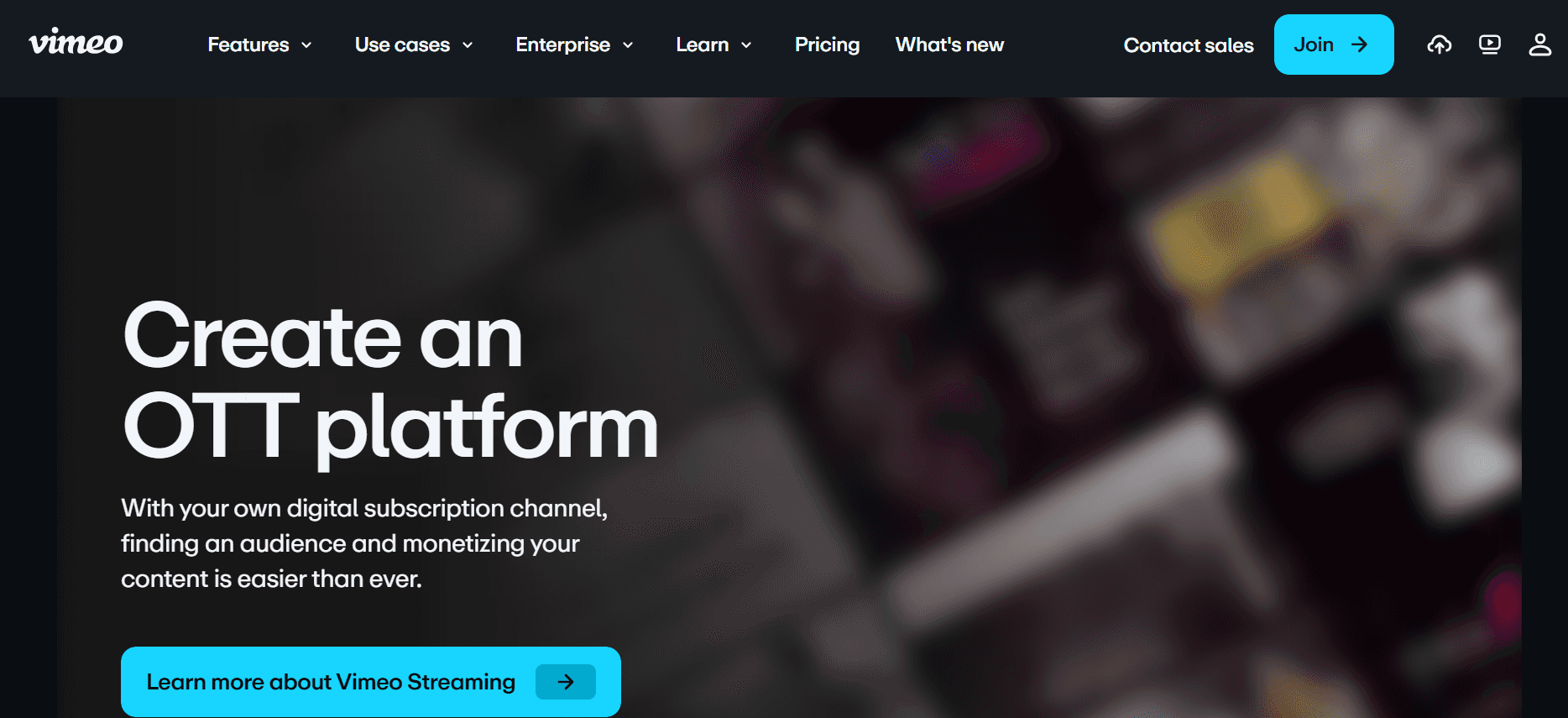
Vimeo OTT ist für Unternehmen und Creator konzipiert, die Videoinhalte monetarisieren möchten. Es bietet eine Plattform, um abonnementbasierte Videokanäle zu erstellen und zu verbreiten – ideal für Creator von Bildungsinhalten und Medienunternehmen. Vimeo OTT bietet eine Reihe von Monetarisierungsoptionen und unterstützt Streaming auf mehreren Geräten.
Wichtige Funktionen
Monetarisierung auf Basis von Abonnements
Streaming auf mehreren Geräten
Anpassbare Videokanäle
Fortgeschrittene Analysen
Live-Streaming
Individuelles Branding
Mehrsprachige Unterstützung
Integration mit Payment Gateways
Vorteile
Nachteile
Sehr gut geeignet, um Videoinhalte zu monetarisieren.
Eher für Video-Operationen im großen Maßstab geeignet.
Unterstützt eine Vielzahl von Geräten und Plattformen.
Höhere Kosten für kleinere Unternehmen.
Umfassende Analysen zur Nachverfolgung der Performance.
Eingeschränkte kostenlose Funktionen verfügbar.
Preisgestaltung
Die Preisgestaltung von Vimeo OTT startet bei 500 $ pro Monat und richtet sich an größere Video-Operationen.
Herausforderungen bei Plattformen für Videos zur Kunden-Schulung: Womit Teams zu kämpfen haben
Keine dedizierten Zugriffssteuerungen für Kunden
Teams verlassen sich oft auf generische Links und vermissen damit Sicherheitsfunktionen für sensible Schulungsinhalte.
Ohne geschützte Portale ist es schwierig sicherzustellen, dass nur autorisierte Kunden auf bestimmte Videos zugreifen können.
Das Anpassen von Zugriffsrechten pro Nutzer oder Kundensegment kann umständlich sein.
Ohne granulare Zugriffssteuerungen steigt das Risiko, dass Inhalte unbefugt geteilt werden.
Keine Transparenz zum Video-Engagement
Das Fehlen detaillierter Analysen erschwert es, einzuschätzen, ob Kunden die Videos ansehen.
Teams können nicht beurteilen, welche Teile des Videos das Publikum wirklich erreichen – oder wo es langweilig wird.
Ohne Engagement-Daten wird die Verbesserung der Schulungsinhalte schnell zu einem Ratespiel.
Verpasste Chancen, Inhalte anhand tatsächlicher Kundeninteraktionen zu verfeinern.
Fehlendes professionelles Branding
Generisch wirkende Videos können die Professionalität Ihrer Marke untergraben.
Ohne individuelles Branding verstärken Videos nicht die Unternehmensidentität.
Kunden könnten ungebrandete Inhalte als weniger vertrauenswürdig oder weniger kompetent wahrnehmen.
Inkonsistentes Branding über verschiedene Plattformen hinweg kann Kunden verwirren.
Keine interaktiven Elemente
Statische Videos schaffen es nicht, Kunden in Szenarien des selbstgesteuerten Lernens zu aktivieren.
Ohne Quizze oder Kapitel ist es schwierig, das Verständnis der Kunden zu überwachen.
Interaktive Elemente können die Behaltensleistung verbessern – was statische Inhalte nicht erreichen können.
Chancen für Feedback und Engagement gehen verloren.
Neuerstellung für jedes Produkt-Update
Das erneute Aufzeichnen von Videos bei jedem Update ist zeitaufwendig und teuer.
Teams haben Schwierigkeiten, Inhalte aktuell zu halten, wenn es keine flexiblen Update-Optionen gibt.
Verzögerungen bei Content-Updates können dazu führen, dass veraltete Informationen geteilt werden.
Häufige Neudrehs können Ressourcen binden und von den Kernaufgaben ablenken.
Herausforderung
Traditioneller Prozess
Auswirkung fürs Business
Zeitaufwand
Keine dedizierten Zugriffssteuerungen für Kunden
Generisches Link-Sharing
Sicherheitsrisiken
Hoch
Keine Transparenz zum Video-Engagement
Manuelle Feedback-Erfassung
Geringe Verbesserung von Inhalten
Mittel
Fehlendes professionelles Branding
Nutzung generischer Vorlagen
Verwässerung der Marke
Gering
Keine interaktiven Elemente
Statische Videoformate
Schlechtes Engagement
Mittel
Neuerstellung für jedes Produkt-Update
Manuelle Neudrehs
Ressourcenbelastung
Hoch
Must-have-Funktionen in Plattformen für Videos zur Kunden-Schulung
Kundenportal mit granularen Zugriffssteuerungen
Ein Kundenportal mit granularen Zugriffssteuerungen ist entscheidend, um zu verwalten, wer bestimmte Schulungsinhalte ansehen darf. Diese Funktion ermöglicht es Unternehmen, den Zugriff anhand von Rollen oder Kundensegmenten anzupassen – damit sensible Informationen geschützt sind. Trupeer ist beispielsweise in diesem Bereich besonders stark: Mit anpassbaren Portalen, die auf die jeweiligen Anforderungen jedes Kunden zugeschnitten werden können, reduziert sich das Risiko unbefugten Zugriffs und die Nutzererfahrung wird verbessert.
Video-Analysen, die Engagement pro Zuschauer zeigen
Zu verstehen, wie Kunden mit Schulungsvideos interagieren, ist entscheidend, um die Wirksamkeit der Inhalte zu verbessern. Plattformen, die detaillierte Video-Analysen anbieten, ermöglichen es Teams zu sehen, welche Abschnitte die Aufmerksamkeit der Zuschauer halten und an welchen Stellen sie aussteigen. Vidyard stellt robuste Analyse-Tools bereit, mit denen Unternehmen Engagement-Level messen und ihre Inhalte auf Basis echter Daten verfeinern können – für effektivere Schulungsprogramme.
Interaktive Elemente wie Quizze und Kapitel
Interaktive Elemente machen passives Zuschauen zu aktivem Lernen. Funktionen wie Quizze, Kapitel und Verzweigungsszenarien binden Kunden ein und testen ihr Verständnis. Kaltura ist besonders für seine interaktiven Video-Quizze bekannt: Sie binden Zuschauer nicht nur, sondern liefern auch wertvolle Einblicke in deren Verständnis – sodass Trainer Folge-Sessions entsprechend anpassen können.
KI-Voiceover und automatische Übersetzung
Globale Teams benötigen Inhalte, die in mehreren Sprachen verfügbar sind. KI-Voiceover und automatische Übersetzungsfunktionen ermöglichen es Unternehmen, ein breiteres Publikum zu erreichen – ohne teure Übersetzungsdienstleistungen. Die KI-Funktionen von Trupeer umfassen Voiceover und Übersetzung, sodass Teams mehrsprachige Inhalte effizient erstellen können und Schulungen auch für Nicht-Muttersprachler zugänglich werden.
Individuelles Branding mit Logo und Farben
Eine konsistente Markenidentität über alle kundenorientierten Inhalte hinweg zu pflegen, ist entscheidend. Mit individuellen Branding-Funktionen können Unternehmen Logos einbinden, Farbschemata anpassen und ein stimmiges Look-and-Feel schaffen. Wistia bietet beispielsweise umfangreiche Branding-Optionen, die es Unternehmen ermöglichen, ihre Marke bei jeder Video-Interaktion zu stärken – und so Vertrauen sowie Professionalität zu erhöhen.
Einfache Content-Updates ohne erneutes Aufzeichnen
Häufige Produkt-Updates erfordern ein flexibles Content-Management. Die Möglichkeit, Videoinhalte zu aktualisieren, ohne sie vollständig neu aufzuzeichnen, spart Zeit und Ressourcen. Die Bearbeitungsfunktionen von Camtasia ermöglichen es Trainern, schnelle Anpassungen an bestehenden Videos vorzunehmen – damit die Inhalte aktuell bleiben, ohne dass komplette Überarbeitungen nötig sind. So bleibt das Schulungsmaterial relevant und auf dem neuesten Stand.
So wählen Sie Plattformen für Videos zur Kunden-Schulung passend zu Ihrem Use Case
Software-Onboarding-Videos für Kunden
Beim Onboarding von Kunden für neue Software können klare und umfassende Video-Tutorials die Anzahl der Support-Anfragen deutlich reduzieren. Eine effektive Plattform sollte detaillierte Analysen und interaktive Elemente bieten, damit Kunden den Onboarding-Prozess wirklich verstehen.
Kunden könnten mit komplexen Funktionen ohne geführte Unterstützung Schwierigkeiten haben.
Es ist entscheidend sicherzustellen, dass Kunden den Onboarding-Prozess abschließen.
Bedarf an Updates, wenn sich die Software weiterentwickelt.
Interaktive Quizze zur Überprüfung des Verständnisses.
Detaillierte Engagement-Analysen zur Nachverfolgung des Fortschritts.
Flexible Content-Updates ohne vollständiges erneutes Aufzeichnen.
Plattform
Interaktive Quizze
Engagement-Analysen
Content-Updates
Trupeer
Ja
Ja
Ja
Kaltura
Ja
Ja
Begrenzt
Vidyard
Begrenzt
Ja
Nein
Laufende Bibliotheken für Produkt-Trainings
Eine Bibliothek mit Schulungsvideos zu pflegen, stellt sicher, dass die Kunden kontinuierlich weitergebildet werden. Die richtige Plattform sollte Branding unterstützen und einfache Updates ermöglichen, damit die Inhalte aktuell bleiben und zu Ihrer Markenidentität passen.
Die Inhalte mit neuen Funktionen aktuell zu halten, ist herausfordernd.
Eine konsistente Markenführung über alle Videos hinweg sicherstellen.
Das Kunden-Engagement mit der Bibliothek überwachen.
Optionen für individuelles Branding zur Stärkung der Identität.
Einfach zu aktualisierende Content-Funktionen.
Analysen, um die Nutzung der Bibliothek und das Engagement nachzuverfolgen.
Plattform
Individuelles Branding
Einfache Updates
Analysen
Wistia
Ja
Begrenzt
Ja
Camtasia
Ja
Ja
Begrenzt
Trupeer
Ja
Ja
Ja
Compliance- und Zertifizierungs-Schulungen für Kunden
Compliance-Schulungen erfordern eine präzise Nachverfolgung des Fortschritts der Kunden und die Ausstellung von Zertifikaten nach Abschluss. Eine Plattform mit detaillierten Tracking- und Zertifizierungsfunktionen ist dafür entscheidend.
Kunden müssen bestimmte Zertifizierungen abschließen.
Es ist entscheidend nachzuverfolgen, wer die Schulung abgeschlossen hat.
Die Ausstellung von Zertifikaten muss automatisiert werden.
Funktionen zur Zertifikatsverwaltung, um Zertifikate auszustellen.
Detailliertes Tracking und Reporting für Compliance.
Erinnerungssysteme für den Abschluss von Kursen.
Plattform
Zertifikatsverwaltung
Tracking & Reporting
Automatisierte Erinnerungen
Panopto
Begrenzt
Ja
Nein
Kaltura
Ja
Ja
Begrenzt
Trupeer
Ja
Ja
Ja
Partner-Enablement-Video-Programme
Partner-Enablement erfordert eine effiziente Bereitstellung von Schulungsressourcen und regelmäßige Updates. Plattformen sollten den einfachen Zugriff und eine nahtlose Integration in bestehende Systeme ermöglichen.
Partner benötigen schnellen Zugriff auf aktualisierte Ressourcen.
Der Content sollte in mehreren Sprachen verfügbar sein.
Die Integration in bestehende Systeme ist entscheidend.
Mehrsprachige Unterstützung für unterschiedliche Partner.
Nahtlose LMS-Integration, um den Zugriff zu vereinfachen.
Robuste Update-Funktionen, damit der Content aktuell bleibt.
Plattform
Mehrsprachige Unterstützung
LMS-Integration
Content-Updates
Vimeo OTT
Begrenzt
Ja
Begrenzt
Panopto
Ja
Ja
Begrenzt
Trupeer
Ja
Ja
Ja
Customer-Education-Academies
Wenn Unternehmen Customer-Education-Academies erstellen, liegt der Schlüssel darin, ansprechenden, umfassenden Bildungs-Content bereitzustellen, auf den Kunden in ihrem eigenen Tempo zugreifen können.
Der Content muss selbstgesteuert und umfassend sein.
Interaktive Elemente verbessern die Lernerfahrung.
Analysen sind notwendig, um Fortschritt und Abschluss nachzuverfolgen.
Interaktive Elemente, um Lernende einzubinden.
Robuste Analysen, um Content zu verfolgen und zu verbessern.
Optionen für selbstgesteuertes Lernen mit einfacher Navigation.
Plattform
Interaktive Elemente
Analysen
Selbstgesteuertes Lernen
Wistia
Ja
Ja
Begrenzt
Loom
Nein
Begrenzt
Ja
Trupeer
Ja
Ja
Ja
Best Practices für Plattformen für Videos zur Kunden-Schulung
Bevor Sie Videos erstellen
Definieren Sie klare Lernziele für jede Video-Serie.
Planen Sie Ihren Video-Content nach Themen, um den Fokus zu halten.
Identifizieren Sie die Pain Points Ihrer Zielgruppe, um sie effektiv anzugehen.
Wählen Sie die richtige Plattform, die genau zu Ihren Anforderungen passt.
Bereiten Sie ein Skript vor, um eine prägnante und klare Vermittlung sicherzustellen.
Während der Videoproduktion
Halten Sie jedes Video unter 5 Minuten, um die Aufmerksamkeit zu sichern.
Nutzen Sie Kapitel, um längere Videos für eine einfache Navigation zu strukturieren.
Binden Sie interaktive Elemente wie Quizze ein, um Zuschauer zu aktivieren.
Stellen Sie sicher, dass Ihr Branding in allen Videos konsistent ist.
Sprechen Sie klar und halten Sie ein gleichmäßiges Tempo ein, um das Verständnis zu erleichtern.
Nach der Veröffentlichung der Videos
Verfolgen Sie regelmäßig Abschlussraten und Engagement-Kennzahlen.
Sammeln Sie Feedback von Kunden, um zukünftigen Content zu verbessern.
Aktualisieren Sie den Content vierteljährlich, um Relevanz und Genauigkeit sicherzustellen.
Analysieren Sie die Nutzungsdaten, um Bereiche für Verbesserungen zu identifizieren.
Aktualisieren Sie Schulungsmaterialien, wenn sich Ihre Produkte oder Services weiterentwickeln.
Häufig gestellte Fragen
Was ist eine Plattform für Videos zur Kunden-Schulung?
Eine Plattform für Videos zur Kunden-Schulung ist ein Tool, das entwickelt wurde, um Bildungsinhalte für Kunden bereitzustellen. Sie umfasst Funktionen wie Content-Management, Analysen und interaktive Elemente – damit Unternehmen ihre Kunden effektiv und effizient schulen können.
Wer sollte Plattformen für Videos zur Kunden-Schulung nutzen?
Diese Plattformen sind ideal für Unternehmen, die externe Kunden schulen müssen – etwa SaaS-Unternehmen, Beratungsunternehmen und Agenturen. Sie helfen, Schulungsprozesse zu optimieren und steigern das Engagement sowie das Verständnis der Kunden.
Kann ich diese Plattformen in mein LMS integrieren?
Viele Plattformen, wie Trupeer und Panopto, bieten eine nahtlose LMS-Integration. So können Sie Video-Schulungen problemlos in Ihre bestehenden Systeme einbinden und verbessern gleichzeitig die Zugänglichkeit sowie die Tracking-Funktionen.
Unterstützen diese Plattformen mehrsprachigen Content?
Ja, Plattformen wie Trupeer und Kaltura unterstützen mehrsprachigen Content. Das erleichtert die globale Reichweite und macht Schulungsmaterialien für unterschiedliche Zielgruppen zugänglich – ohne Sprachbarrieren.
Gibt es kostenlose Stufen?
Plattformen wie Trupeer und Loom bieten kostenlose Stufen mit eingeschränkten Funktionen. Das kann ideal für kleine Teams oder Unternehmen sein, die die Plattform testen möchten, bevor sie sich für einen kostenpflichtigen Tarif entscheiden.
Wie unterscheiden sich die Preis-Modelle zwischen den Plattformen?
Die Preis-Modelle können variieren: Einige Plattformen bieten monatliche Abonnements, wie Vidyard, während andere, wie Camtasia, Lizenzen für den einmaligen Kauf anbieten. So gibt es Optionen, die zu unterschiedlichen Anforderungen und Budgets passen.
Ist es schwierig, eine Plattform für die Kunden-Schulung einzurichten?
Die Komplexität der Einrichtung ist unterschiedlich. Plattformen wie Loom und Trupeer sind auf einfache Bedienung ausgelegt, während andere, wie Kaltura, aufgrund ihrer anpassbaren Natur möglicherweise technisches Know-how erfordern. Support und Dokumentation können dabei helfen, den Einrichtungsprozess zu erleichtern.
Wie kann ich den Erfolg meiner Schulungsvideos messen?
Der Erfolg lässt sich anhand der Analysen messen, die die Plattform bereitstellt – etwa Engagement-Kennzahlen, Abschlussraten und Feedback, das von Kunden gesammelt wird. So können Sie Ihren Content im Laufe der Zeit gezielt verfeinern und verbessern.
Abschluss
Die richtige Plattform für Videos zur Kunden-Schulung ist entscheidend, um Ihren Kunden wirksame Bildungsinhalte bereitzustellen. Ob Sie neue Kunden onboarden, eine Schulungsbibliothek pflegen oder eine Customer-Education-Academy erstellen: Die richtige Plattform kann den Unterschied ausmachen. Berücksichtigen Sie Ihre spezifischen Use Cases und die Funktionen, die Ihre Schulungsziele am besten unterstützen.
Trupeer bietet eine umfassende Lösung, die auf die Kunden-Schulung zugeschnitten ist. Sie umfasst leistungsstarke Funktionen wie interaktive Elemente, detaillierte Analysen und eine nahtlose Integration. Entdecken Sie, wie Trupeer Ihre Bemühungen zur Kunden-Schulung verbessern kann, indem Sie Trupeer besuchen.
Verwandte Blogbeiträge



