Trupeer Blog
Zusammenfassen

Entdecken Sie die besten Plattformen für Client-Trainingsvideos – zugeschnitten auf die Einbindung externer Kunden.
45 Min. Lesezeit · 30. März 2026.
Überblick für Käufer
Für Unternehmen, die externe Kunden schulen, ist die Notwendigkeit spezialisierter Video-Plattformen entscheidend. Allgemeine Tools reichen oft nicht aus, da ihnen Kundenportale und Engagement-Analysen fehlen. Mit steigenden Kundenerwartungen entsteht die Herausforderung, personalisierte, interaktive Trainingserlebnisse bereitzustellen. Eine aktuelle Umfrage ergab, dass 72% der Kunden erwarten, dass Unternehmen Schulungen anbieten, die auf ihre spezifischen Bedürfnisse zugeschnitten sind – und unterstreicht damit die Bedeutung anpassbarer Plattformen.
72% der Kunden erwarten maßgeschneiderte Trainingserlebnisse von Unternehmen.
Quelle: Client Training Report von Business Insights, 2025
Dieser Leitfaden ist für Agenturen, SaaS-Anbieter und Beratungsunternehmen gedacht, die ihr Client-Training auf ein höheres Niveau bringen möchten. Wir stellen Ihnen eine Reihe von Plattformen vor – jede mit eigenen Stärken und Grenzen –, damit Sie eine fundierte Entscheidung treffen können. Egal, ob Sie eine nahtlose Integration oder fortschrittliche Analysen anstreben: Dieser Leitfaden ist Ihre umfassende Ressource.
Beste Plattformen für Client-Trainingsvideos: Direkter Vergleich
Feature | Trupeer | Panopto | Loom | Kaltura | Vidyard | Wistia | Camtasia | Vimeo OTT |
|---|---|---|---|---|---|---|---|---|
Core Features | ||||||||
Client Portal | Ja | Begrenzt | Nein | Ja | Nein | Begrenzt | Nein | Nein |
Zugriffskontrollen | Ja | Ja | Nein | Ja | Begrenzt | Begrenzt | Nein | Begrenzt |
KI-Funktionen | ||||||||
KI-Voiceover | Ja | Nein | Nein | Begrenzt | Begrenzt | Nein | Nein | Nein |
Individuelles Branding | Ja | Begrenzt | Nein | Ja | Ja | Ja | Nein | Ja |
Professionelle Funktionen | ||||||||
Interaktives Video | Ja | Ja | Nein | Ja | Nein | Begrenzt | Nein | Begrenzt |
Engagement-Analytics | Ja | Ja | Begrenzt | Ja | Ja | Ja | Nein | Begrenzt |
Integrationen | ||||||||
Mehrsprachigkeit | Ja | Ja | Nein | Begrenzt | Begrenzt | Ja | Nein | Nein |
LMS-Integration | Ja | Ja | Nein | Ja | Begrenzt | Ja | Nein | Begrenzt |
Free Tier | Begrenzt | Nein | Ja | Nein | Ja | Begrenzt | Nein | Nein |
Trupeer
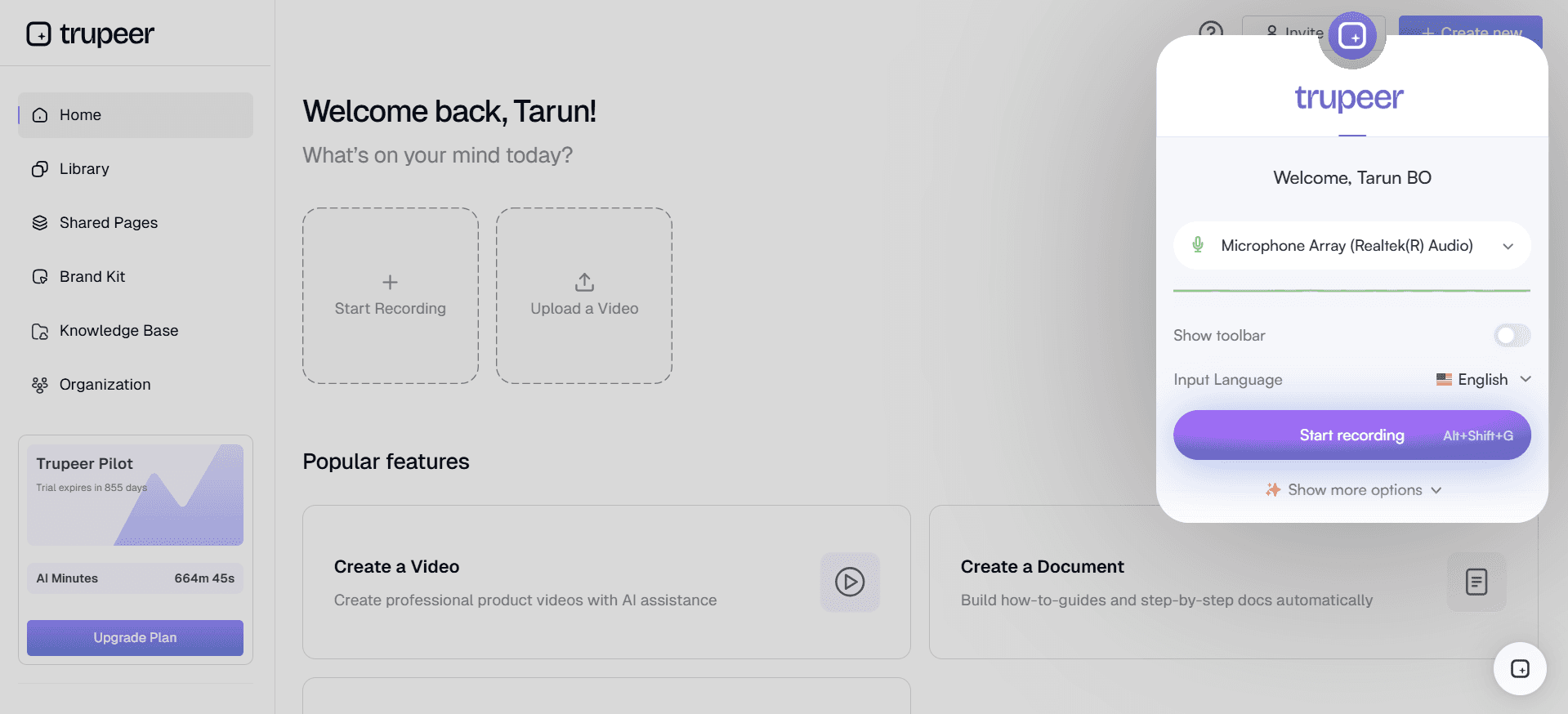
Trupeer bietet eine umfassende Plattform für Client-Trainingsvideos, die für Unternehmen entwickelt wurde, die über starke clientseitige Funktionen verfügen müssen. Sie ist auf Agenturen, SaaS-Anbieter und Beratungsunternehmen zugeschnitten, die dynamische, ansprechende Inhalte bereitstellen möchten. Trupeer sticht durch nahtlose Kundenportale, detaillierte Engagement-Analysen und KI-gestützte Funktionen hervor. Nutzer schätzen besonders die einfache Integration in bestehende LMS-Systeme, wodurch sich Trupeer als vielseitige Wahl für unterschiedliche Trainingsanforderungen eignet.
Wichtige Funktionen
Client-Portal mit granularen Zugriffen
KI-Voiceover und automatische Übersetzung
Interaktive Elemente wie Quizze
Optionen für individuelles Branding
Engagement-Analytics pro Zuschauer
LMS-Integration
Mehrsprachige Unterstützung
Einfache Aktualisierung von Inhalten
„Trupeer hat unseren Trainingsprozess verändert, indem wir Inhalte für jeden einzelnen Kunden personalisieren konnten. Die Analysefunktion ist ein echter Game-Changer.“
Jessica Lee, Training Manager bei Tech Solutions (Quelle: G2)
Pro
Contra
Nahtlose Integration mit LMS-Plattformen.
Begrenzte Optionen für den kostenlosen Tarif.
KI-Voiceover verbessert die Content-Delivery.
Die Einrichtung kann zeitaufwendig sein.
Individuelles Branding für mehr Kundenbindung.
Fortgeschrittene Funktionen können für neue Nutzer überwältigend sein.
Detaillierte Analysen zur Messung des Engagements.
Preisgestaltung
Trupeer bietet einen begrenzten kostenlosen Tarif, mit der Option, auf Premium-Pläne zu upgraden, die ab $49 pro Nutzer und Monat beginnen.
Panopto
Panopto stellt eine vielseitige Video-Plattform bereit, die sowohl von Bildungseinrichtungen als auch von Unternehmen genutzt wird. Besonders bekannt ist Panopto für seine Lecture-Capture-Funktionen, wodurch es sich ideal für akademische Umgebungen und unternehmensweite Schulungen eignet. Mit Funktionen wie durchsuchbarem Videomaterial und der Integration in LMS-Systeme ist Panopto besonders für große Organisationen geeignet, die eine umfangreiche Videobibliothek und eine einfache Zugänglichkeit benötigen.
Wichtige Funktionen
Lecture Capture und Live-Streaming
Durchsuchbarer Videoinhalt
Interaktive Video-Quizze
LMS-Integration
Funktionen zur Bildschirmaufzeichnung
Mehrsprachige Unterstützung
Tools zur Videobearbeitung
Analytics-Dashboard
Pro
Contra
Sehr gut für Bildungs- und Unternehmensschulungen.
Begrenzte Funktionen für Kundenportale.
Starke Integration mit LMS-Systemen.
Keine KI-Voiceover-Funktion.
Robuste Video-Suchfunktion.
Benutzeroberfläche kann komplex sein.
Interaktive Quizze steigern das Engagement.
Preisgestaltung
Panopto bietet keinen kostenlosen Tarif. Die Preise sind auf Anfrage für Enterprise-Pläne verfügbar.
Loom
Loom ist eine beliebte Wahl für schnelle Video-Kommunikation und Bildschirmaufzeichnungen. Es wird häufig von Teams genutzt, um Updates und Tutorials effizient zu teilen. Obwohl Loom nicht speziell für detailliertes Client-Training entwickelt wurde, machen die einfache Bedienung und die Zugänglichkeit es zu einer beliebten Option für schnelle, unkomplizierte Videos. Die Einfachheit ist eine Stärke, allerdings fehlen einige fortgeschrittene Funktionen, die für ein umfassendes Client-Training erforderlich sind.
Wichtige Funktionen
Einfache Bildschirmaufzeichnung
Sofortiges Teilen von Videos
Tools für Feedback von Zuschauern
Basisfunktionen zur Bearbeitung
Integration mit Produktivitäts-Tools
Benutzerfreundliche Oberfläche
Echtzeit-Benachrichtigungen
Basis-Analytics
Pro
Contra
Einfach zu bedienen für die Erstellung schneller Videos.
Begrenzte Optionen zur Anpassung.
Sofortige Sharing-Funktionen.
Keine Kundenportale oder fortgeschrittenen Analysen.
Integration mit beliebten Produktivitäts-Tools.
Nicht geeignet für detailliertes Client-Training.
Benutzerfreundliche Oberfläche.
Begrenzte Bearbeitungsfunktionen.
Preisgestaltung
Loom bietet einen kostenlosen Tarif, wobei Pro-Pläne ab $10 pro Nutzer und Monat starten.
Kaltura
Kaltura ist eine hochgradig anpassbare Video-Plattform, die von Medienunternehmen, Universitäten und Unternehmen genutzt wird. Bekannt für seine Flexibilität unterstützt Kaltura eine Vielzahl von Video-Anwendungen – darunter Live-Streaming, Video-on-Demand und mehr. Besonders stark ist Kaltura in Bildungs- und Unternehmensumgebungen, in denen umfangreiche Integrationsmöglichkeiten entscheidend sind. Obwohl Kaltura leistungsstarke Funktionen bietet, kann die Komplexität für kleinere Teams eine Hürde darstellen.
Wichtige Funktionen
Live-Streaming und VOD
LMS-Integration
Mehrsprachige Unterstützung
Anpassbarer Videoplayer
Fortgeschrittene Analysen
Interaktive Video-Funktionen
Flexible Optionen für die Bereitstellung
Tools für Content-Management
Pro
Contra
Hochgradig anpassbar für unterschiedliche Anforderungen.
Steile Lernkurve für neue Nutzer.
Starke Integration mit LMS-Plattformen.
Kein kostenloser Tarif verfügbar.
Robuste Analysen für Videoinhalte.
Komplexer Einrichtungsprozess.
Unterstützt Live- und On-Demand-Videos.
Preisgestaltung
Kaltura bietet eine individuelle Preisgestaltung basierend auf den spezifischen Anforderungen der Organisation – ohne kostenlosen Tarif.
Vidyard
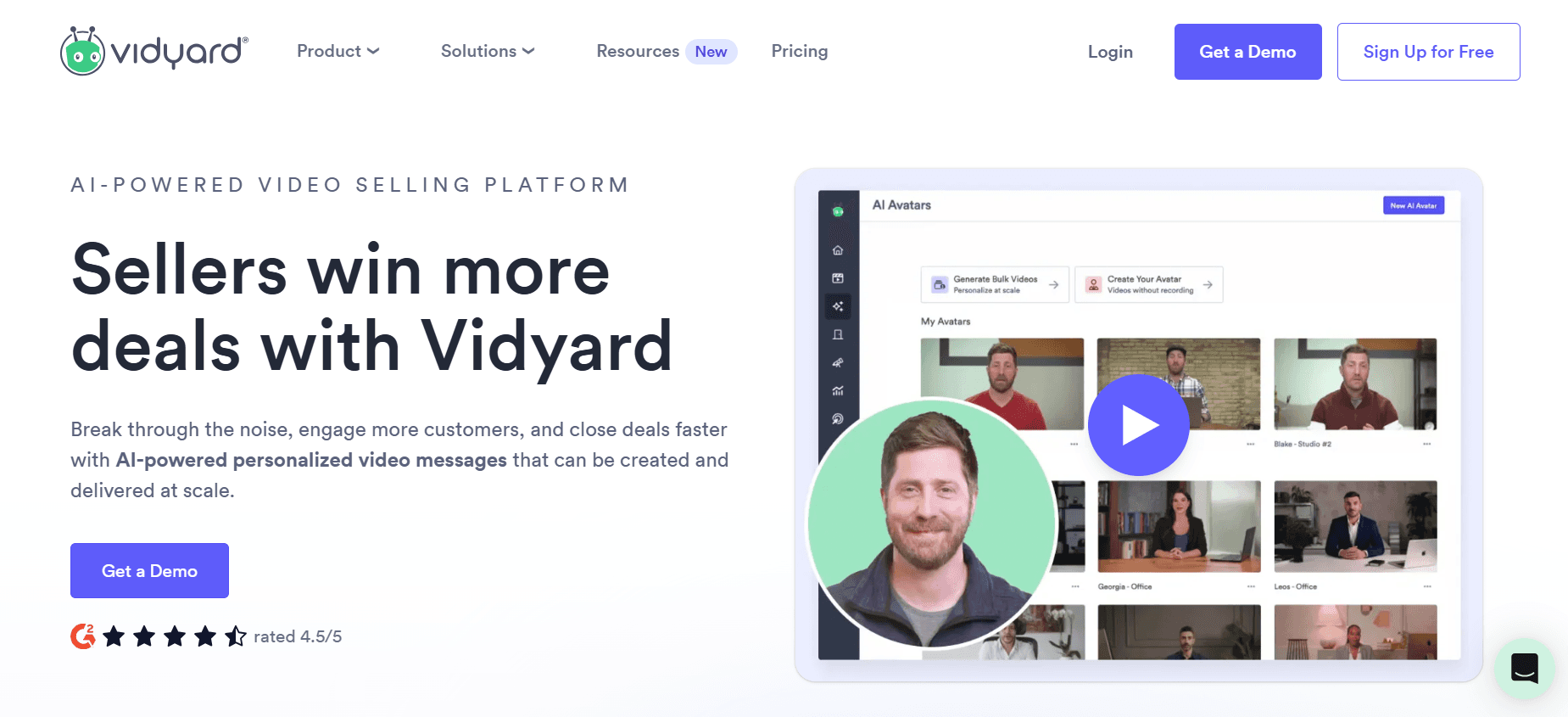
Vidyard ist eine Video-Plattform, die für ihre Marketing- und Sales-Enablement-Funktionen bekannt ist. Sie eignet sich ideal für Unternehmen, die ihr Kundenengagement durch personalisierte Videoinhalte verbessern möchten. Mit Funktionen wie Video-Personalisierung und detaillierten Analytics für Zuschauer ermöglicht Vidyard Teams, wirkungsvolle Video-Kampagnen zu erstellen. Für Organisationen, die sich auf Client-Training konzentrieren, kann Vidyard jedoch einige notwendige Bildungsfunktionen fehlen.
Wichtige Funktionen
Video-Personalisierung
Detaillierte Analytics für Zuschauer
Integration mit CRM-Tools
Individuelles Video-Branding
Interaktive Call-to-Actions
Video-SEO-Optimierung
Analytics-Dashboard
Video-Hosting und -Management
Pro
Contra
Exzellent für Marketing- und Sales-Videos.
Begrenzte Bildungsfunktionen.
Starke Analytics für das Engagement der Zuschauer.
Keine Funktionen für Kundenportale.
Unterstützt Video-Personalisierung.
Komplex für Anwendungsfälle außerhalb des Marketings.
Integriert sich in CRM-Systeme.
Preisgestaltung
Vidyard bietet einen kostenlosen Tarif mit Premium-Plänen ab $15 pro Nutzer und Monat.
Wistia

Wistia ist eine Video-Hosting-Plattform, die für ihre professionellen Branding-Tools und detaillierten Analysen bekannt ist. Sie ist besonders beliebt bei Marketing-Teams und Unternehmen, die hochwertig aufbereitete, gebrandete Videoinhalte präsentieren möchten. Wistia ist vor allem stark in der Bereitstellung von Optionen für individuelles Branding und Engagement-Analytics, unterstützt jedoch möglicherweise nicht alle interaktiven Elemente, die für ein umfassendes Client-Training erforderlich sind.
Wichtige Funktionen
Optionen für individuelles Branding
Engagement-Analytics
Video-SEO-Tools
Einbettungs- und Sharing-Funktionen
Heatmaps für das Engagement der Zuschauer
Integration mit Marketing-Tools
Video-Management-System
Interaktive Video-Elemente
Pro
Contra
Starker Fokus auf Branding und Präsentation.
Begrenzte interaktive Funktionen.
Detaillierte Engagement-Analytics.
Keine Funktionalität für Kundenportale.
Integration mit Marketing-Plattformen.
Weniger geeignet für Bildungsinhalte.
SEO-Tools für Videoinhalte.
Preisgestaltung
Wistia bietet einen begrenzten kostenlosen Tarif, wobei Premium-Pläne ab $99 pro Monat für erweiterte Funktionen starten.
Camtasia
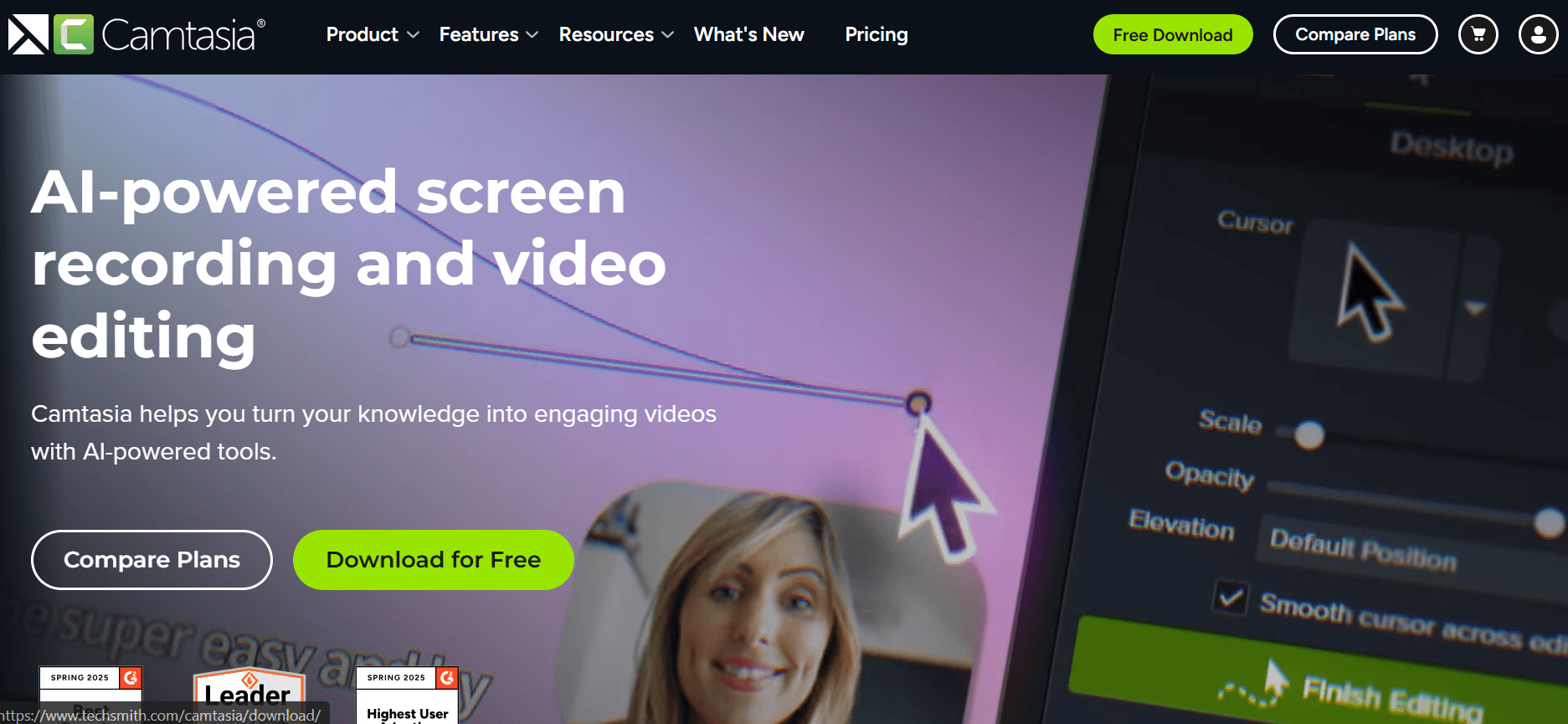
Camtasia ist ein leistungsstarkes Tool für Bildschirmaufzeichnung und Videobearbeitung, das von Pädagogen und Profis genutzt wird, um Tutorials und Präsentationen zu erstellen. Obwohl es keine Video-Hosting-Plattform ist, glänzt Camtasia durch umfassende Bearbeitungswerkzeuge, um professionell aufbereitete Videoinhalte zu erstellen. Am besten geeignet ist es für Nutzer, die detaillierte, hochwertige Videos produzieren möchten, aber möglicherweise zusätzliche Plattformen für Hosting und Sharing benötigen.
Wichtige Funktionen
Fortgeschrittene Tools zur Videobearbeitung
Funktionen zur Bildschirmaufzeichnung
Interaktive Quizze und Callouts
Funktionen zur Audio-Bearbeitung
Anpassbare Animationen
Unterstützung für Multi-Channel-Audio
Integration mit anderer Software
Export von Videos in hoher Auflösung
Pro
Contra
Exzellent für das Erstellen professioneller Tutorials.
Keine Hosting- oder Sharing-Funktionen.
Umfassende Bearbeitungsfunktionen.
Steile Lernkurve für Einsteiger.
Unterstützt interaktive Video-Elemente.
Nicht geeignet für clientseitige Portale.
Hochwertige Videoausgabe.
Preisgestaltung
Camtasia bietet einen einmaligen Kaufpreis von $299.99, ohne kostenlosen Tarif.
Vimeo OTT
Vimeo OTT ist eine Plattform, die für Unternehmen entwickelt wurde, die ihre eigenen Video-Abo-Services starten möchten. Sie eignet sich ideal für Content Creator und Medienunternehmen, die Video-Content über Abonnements monetarisieren wollen. Obwohl Vimeo OTT leistungsstark ist, wenn es um das Management von Abonnements und das Streaming von Inhalten geht, bietet Vimeo OTT möglicherweise nicht die spezifischen Trainingsfunktionen, die für die Wissensvermittlung an Kunden erforderlich sind.
Wichtige Funktionen
Management von Abonnements
Anpassbare Videokanäle
Optionen zur Monetarisierung
Funktionen für Live-Streaming
Analytics- und Reporting-Tools
Funktionen zur Nutzerverwaltung
Unterstützung für mehrere Plattformen
Optionen für individuelles Branding
Pro
Contra
Exzellent für Video-Services auf Abo-Basis.
Begrenzte Funktionen für Client-Training.
Starke Branding- und Monetarisierungs-Tools.
Keine interaktiven Trainingselemente.
Unterstützt mehrere Plattformen und Geräte.
Komplex für Anwendungsfälle außerhalb von Unterhaltung.
Anpassbare Videokanäle.
Preisgestaltung
Vimeo OTT bietet eine individuelle Preisgestaltung basierend auf den spezifischen Anforderungen Ihres Abo-Services – ohne kostenlosen Tarif.
Herausforderungen bei Plattformen für Client-Trainingsvideos: Womit Teams zu kämpfen haben
Keine dedizierten Zugriffskontrollen für Clients
Viele Plattformen setzen auf generische Links zum Teilen von Videos, was die Sicherheit und Privatsphäre beeinträchtigen kann.
Clients können aus Versehen auf nicht autorisierte Inhalte zugreifen, was zu potenziellen Datenschutzverletzungen führen kann.
Ohne geschützte Portale ist es schwierig zu verwalten, wer Zugriff auf bestimmte Trainingsmaterialien hat.
Das Tracking von Client-Zugriffen und Engagement wird ohne geeignete Kontrollen zur Herausforderung.
Keine Transparenz über das Engagement der Clients
Traditionelle Plattformen verfügen oft über keine detaillierten Analysen, wodurch Teams das Verhalten der Clients nicht verstehen können.
Ohne diese Daten ist es schwer, die Wirksamkeit der Trainingsmaterialien zu bewerten.
Teams verpassen Chancen, Inhalte anhand von Engagement-Kennzahlen zu verbessern.
Begrenzte Feedback-Loops können zu repetitiven oder wenig ansprechenden Inhalten führen.
Fehlendes professionelles Branding
Generische Video-Plattformen bieten keine erweiterten Branding-Optionen, was die Wahrnehmung durch Kunden beeinflusst.
Inkonsistentes Branding über die Trainingsmaterialien hinweg kann Kunden verwirren.
Teams haben Schwierigkeiten, das Trainingserlebnis so anzupassen, dass es zur Markenidentität passt.
Ungebrandete Inhalte vermitteln möglicherweise nicht Professionalität und Vertrauen.
Keine interaktiven Elemente für selbstgesteuertes Training
Statische Videos können zu geringerer Interaktion und niedrigeren Bindungsraten bei Kunden führen.
Ohne Quizze oder interaktive Pfade können Clients ihr Wissen nicht effektiv testen.
Interaktive Elemente verbessern das Lernerlebnis, fehlen jedoch häufig in grundlegenden Tools.
Fehlende Interaktion kann dazu führen, dass sich das Training monoton anfühlt und weniger effektiv ist.
Erneute Aufnahmen erforderlich für Produkt-Updates
Häufige Updates erfordern, dass Teams Zeit und Ressourcen für das erneute Aufnehmen von Videos aufwenden.
Dieser Prozess kann die Auslieferung aktualisierter Trainingsmaterialien an Kunden verzögern.
Erneute Aufnahmen erhöhen außerdem das Risiko von Inkonsistenzen im Trainingscontent.
Teams können Schwierigkeiten haben, eine aktuelle und relevante Trainingsbibliothek aufrechtzuerhalten.
Herausforderung
Traditioneller Prozess
Auswirkung auf das Business
Zeitaufwand
Keine dedizierten Zugriffskontrollen für Clients
Generisches Teilen per Link
Sicherheitsrisiken, Datenschutzverletzungen
Hoch
Keine Transparenz über das Engagement der Clients
Mangel an Analysen
Verpasste Chancen zur Verbesserung
Mittel
Fehlendes professionelles Branding
Basis-Branding-Optionen
Inkonsistentes Kundenerlebnis
Mittel
Keine interaktiven Elemente
Statische Videos
Geringeres Engagement und geringere Bindung
Mittel
Erneute Aufnahmen erforderlich
Manuelle Video-Updates
Ressourcenintensiv, Verzögerungen
Hoch
Must-have-Funktionen in Plattformen für Client-Trainingsvideos
Client-Portal mit granularen Zugriffskontrollen
Ein Client-Portal mit granularen Zugriffskontrollen ist entscheidend, um zu steuern, wer Ihre Trainingsinhalte ansehen darf. Durch benutzerspezifische Berechtigungen stellen Sie sicher, dass Clients nur die Materialien sehen, die für sie relevant sind. Das erhöht nicht nur die Sicherheit, sondern verbessert auch das Kundenerlebnis, indem es ein personalisiertes Portal bereitstellt. Trupeer ist in diesem Bereich besonders stark und bietet robuste Zugriffskontrollen, die sich einfach verwalten lassen.
Video-Analytics, die das Engagement pro Zuschauer zeigen
Zu verstehen, wie Clients mit Ihren Trainingsvideos interagieren, ist entscheidend für kontinuierliche Verbesserungen. Detaillierte Analysen können aufdecken, welche Teile des Videos besonders ansprechend sind oder an welchen Stellen Zuschauer aussteigen. Tools wie Vidyard bieten umfassende Analytics-Dashboards, mit denen Sie datenbasierte Entscheidungen treffen können, um Ihren Content zu verfeinern und seine Wirksamkeit zu steigern.
Interaktive Elemente (Quizze, Kapitel, Verzweigungen)
Interaktive Elemente machen passive Zuschauer zu aktiven Lernenden. Funktionen wie Quizze, Kapitel und Verzweigungsszenarien ermöglichen es Clients, sich aktiv mit dem Content auseinanderzusetzen – und stärken so das Gelernte sowie die Bindung. Kaltura bietet robuste interaktive Video-Funktionen und ist damit eine starke Wahl für Teams, die das Engagement der Clients erhöhen möchten.
KI-Voiceover und automatische Übersetzung
KI-gestützte Voiceover- und automatische Übersetzungsfunktionen können die Zeit und die Kosten, die mit der Erstellung mehrsprachiger Trainingsinhalte verbunden sind, deutlich reduzieren. Das ist besonders hilfreich für globale Teams, die Kunden in unterschiedlichen Sprachen betreuen. Die KI-Voiceover-Funktionen von Trupeer sind hier ein echtes Highlight und ermöglichen eine nahtlose Bereitstellung mehrsprachiger Inhalte.
Individuelles Branding mit Logo und Farben
Individuelles Branding ist ein Muss, damit Ihre Trainingsvideos die Identität Ihres Unternehmens widerspiegeln. Mit dieser Funktion können Sie Logos und Markenfarben in Ihre Videos integrieren und so ein konsistentes, professionelles Erscheinungsbild schaffen. Wistia bietet hervorragende Anpassungsoptionen, sodass Unternehmen ihre Videos mühelos branden können.
Einfache Content-Updates ohne erneute Aufnahmen
Häufige Produkt-Updates sollten nicht bedeuten, dass Sie bei Ihren Trainingsvideos bei Null anfangen müssen. Plattformen, die einfache Content-Updates ermöglichen, erlauben es Ihnen, Abschnitte des Videos zu ändern – ohne eine vollständige Neuaufnahme. Diese Funktion spart Zeit und Ressourcen und hält Ihre Trainingsbibliothek aktuell und relevant. Trupeer vereinfacht das mit seinen einfachen Bearbeitungsfunktionen, sodass Ihr Content ohne übermäßigen Aufwand stets auf dem neuesten Stand bleibt.
So wählen Sie Plattformen für Client-Trainingsvideos passend zu Ihrem Use Case
Software-Onboarding-Videos für Clients
Softwareunternehmen müssen neue Kunden oft effizient onboarden. Onboarding-Videos können ein entscheidendes Werkzeug sein, um Clients mit Ihrer Software vertraut zu machen, ihre Funktionen zu erklären und sicherzustellen, dass sie sie effektiv nutzen. Diese Videos sollten ansprechend und leicht zu navigieren sein, damit neue Nutzer nicht überfordert werden.
Wichtige Herausforderungen
Interaktive Schritt-für-Schritt-Durchläufe bereitstellen
Sicherstellen, dass der Content leicht verständlich ist
Fortschritt und Engagement der Clients verfolgen
Benötigte Lösungen
Interaktive Elemente und Quizze
Klarer, prägnanter Videocontent
Detaillierte Analysen zur Nachverfolgung des Fortschritts
Plattform
Interaktive Elemente
Analytics
Benutzerfreundlichkeit
Trupeer
Ja
Ja
Ja
Panopto
Ja
Ja
Begrenzt
Laufende Produkt-Trainingsbibliotheken
Für Unternehmen mit komplexen Produktlinien ist es entscheidend, eine Bibliothek mit Trainingsvideos zu pflegen. Diese Bibliotheken sollten leicht zugänglich und regelmäßig aktualisiert sein, um die neuesten Produktfunktionen und Verbesserungen abzubilden. Konsistenz und Zugänglichkeit sind entscheidend dafür, dass Clients die benötigten Ressourcen finden und nutzen können.
Wichtige Herausforderungen
Content-Management und Organisation
Regelmäßige Updates erforderlich
Sicherstellen, dass der Content aktuell ist
Benötigte Lösungen
Effiziente Systeme für das Content-Management
Einfache Tools zum Bearbeiten und Aktualisieren
Durchsuchbare Videobibliotheken
Plattform
Content-Management
Tools zum Aktualisieren
Suchbarkeit
Kaltura
Ja
Ja
Ja
Camtasia
Nein
Ja
Nein
Compliance- und Zertifizierungs-Trainings für Clients
Compliance-Training ist für Branchen wie Finanzen und Gesundheitswesen entscheidend, in denen strenge Vorschriften gelten. Der Content muss präzise, leicht zu befolgen und überprüfbar sein. Zertifizierungsprozesse sollten integriert werden, damit Clients ihr Verständnis und ihre Compliance mit den Standards der Branche nachweisen können.
Wichtige Herausforderungen
Korrekte und aktuelle Inhalte
Tracking der Zertifizierungen
Sicherstellen, dass Clients den Content verstehen
Benötigte Lösungen
Regelmäßige Content-Audits und Updates
Integrierte Zertifizierungs-Tools
Anspruchsvoller und interaktiver Content
Plattform
Zertifizierungs-Tools
Content-Updates
Interaktivität
Vidyard
Begrenzt
Ja
Nein
Wistia
Nein
Ja
Begrenzt
Partner-Enablement-Video-Programme
Partner-Enablement-Programme setzen auf Videocontent, um sicherzustellen, dass Partner Ihre Produkte verstehen und sie effektiv verkaufen können. Diese Videos sollten klar und ansprechend sein und Partnern die notwendigen Tools bieten, um erfolgreich zu sein. Das Tracking des Fortschritts der Partner ist entscheidend, um Bereiche zu identifizieren, in denen möglicherweise zusätzliche Unterstützung erforderlich ist.
Wichtige Herausforderungen
Sicherstellen, dass Partner sich engagieren
Umfassendes Produktwissen bereitstellen
Fortschritt der Partner verfolgen
Benötigte Lösungen
Anspruchsvoller Videocontent
Umfassende Trainingsmodule
Detaillierte Analytics zum Fortschritt
Plattform
Engagement-Tools
Fortschritts-Tracking
Umfassende Module
Loom
Nein
Begrenzt
Nein
Trupeer
Ja
Ja
Ja
Best Practices für die Erstellung von Client-Trainingsvideos
Bevor Sie das Video erstellen
Definieren Sie klare Lernziele für jedes Video, um den Prozess der Content-Erstellung zu steuern.
Planen Sie eine Reihe von Videos, die nach Themen organisiert sind, um einen strukturierten Lernpfad zu bieten.
Identifizieren Sie die Zielgruppe und passen Sie den Content an ihre spezifischen Bedürfnisse sowie ihr Wissensniveau an.
Sammeln Sie die notwendigen Ressourcen und Materialien, um eine umfassende Präsentation sicherzustellen.
Setzen Sie messbare Ziele, um die Wirksamkeit der Trainingsvideos zu bewerten.
Während der Erstellung des Videos
Halten Sie jedes Video unter fünf Minuten, um das Engagement der Zuschauer und den Fokus zu erhalten.
Nutzen Sie Kapitel, um komplexe Themen in überschaubare Abschnitte zu unterteilen.
Binden Sie interaktive Elemente wie Quizze ein, um Lernen und Engagement zu verstärken.
Sorgen Sie für hochwertige Audio- und Visuallösungen, damit die Präsentation professionell und ausgereift wirkt.
Verwenden Sie klare und prägnante Sprache, um Konzepte effektiv zu vermitteln.
Nach der Veröffentlichung des Videos
Verfolgen Sie Abschlussraten und Engagement-Kennzahlen, um die Performance der Videos zu bewerten.
Sammeln Sie Feedback von Kunden, um Bereiche für Verbesserungen und Optimierungen zu identifizieren.
Aktualisieren Sie den Content vierteljährlich, um Informationen aktuell und relevant zu halten.
Bieten Sie zusätzliche Ressourcen oder Follow-up-Materialien an, um fortlaufendes Lernen zu unterstützen.
Analysieren Sie Daten, um zukünftigen Videocontent und Strategien zu verfeinern.
Häufig gestellte Fragen
Was ist eine Plattform für Client-Trainingsvideos?
Eine Plattform für Client-Trainingsvideos ist ein spezialisiertes Tool, das Videocontent gezielt für das Training externer Kunden hostet, verwaltet und bereitstellt. Diese Plattformen enthalten häufig Funktionen wie Kundenportale, Analytics und Optionen zur Anpassung, um das Trainingserlebnis zu verbessern.
Wer sollte eine Plattform für Client-Trainingsvideos nutzen?
Unternehmen, die externe Kunden schulen müssen – etwa Agenturen, Softwareanbieter und Beratungsunternehmen – finden diese Plattformen besonders wertvoll. Sie ermöglichen eine effiziente Content-Delivery und verbessern das Engagement sowie die Bindung der Kunden.
Kann ich die Plattform mit meinem bestehenden LMS integrieren?
Viele Plattformen für Client-Trainingsvideos, wie Trupeer und Kaltura, bieten Integrationen mit gängigen Learning-Management-Systemen (LMS). So können Sie Ihre Trainingsprozesse straffen und den Content effektiver verwalten.
Wie sicher ist mein Trainingscontent?
Die Sicherheitsfunktionen variieren je nach Plattform, aber die meisten bieten robuste Zugriffskontrollen, um Ihren Content zu schützen. Trupeer stellt beispielsweise granulare Zugriffskontrollen bereit, damit nur autorisierte Nutzer Ihre Trainingsmaterialien ansehen können.
Gibt es kostenlose Optionen?
Einige Plattformen wie Loom und Vidyard bieten begrenzte kostenlose Tarife, die grundlegende Funktionen bereitstellen. Für umfassendere Tools und Funktionen müssen Sie jedoch möglicherweise kostenpflichtige Pläne prüfen.
Wie sind die Preispläne aufgebaut?
Preispläne unterscheiden sich typischerweise nach der Anzahl der Nutzer, den Funktionen und den Optionen zur Anpassung. Plattformen wie Trupeer bieten gestaffelte Preise, um unterschiedliche Unternehmensgrößen und Anforderungen abzudecken.
Wie lange dauert es, eine Plattform für Client-Trainingsvideos einzurichten?
Die Einrichtungszeit hängt von der Plattform und Ihren spezifischen Anforderungen ab. Während Tools wie Trupeer intuitive Oberflächen für eine schnelle Einrichtung bieten, können komplexere Plattformen wie Kaltura länger brauchen, um vollständig konfiguriert zu werden.
Welche Unterstützung ist während der Implementierung verfügbar?
Die meisten Plattformen bieten Onboarding-Support und Kundenservice, um Sie in der Implementierungsphase zu unterstützen. Es empfiehlt sich, eine Plattform mit einem starken Support-Team auszuwählen, um einen reibungslosen Übergang sicherzustellen.
Abschließende Gedanken
Die Wahl der richtigen Plattform für Client-Trainingsvideos ist entscheidend, um das Engagement Ihrer Kunden zu verbessern und effektives Training bereitzustellen. Jede Plattform bietet einzigartige Funktionen, und die beste Wahl hängt von Ihrem konkreten Use Case und Ihren Anforderungen als Unternehmen ab. Ob Sie fortschrittliche Analysen, Anpassungsoptionen oder eine nahtlose Integration benötigen: Es gibt eine Lösung, die auf Sie zugeschnitten ist.
Trupeer sticht als vielseitige Option hervor und bietet ein umfassendes Set an Tools, das auf die unterschiedlichen Bedürfnisse von Unternehmen zugeschnitten ist, die ihre Client-Trainingserlebnisse verbessern möchten. Entdecken Sie die Möglichkeiten von Trupeer weiter unter Trupeer und erfahren Sie, wie Sie Ihre Trainingsprogramme noch heute verändern können.
Verwandte Blogbeiträge



