Trupeer Blog
Opsummer

A product requirements document helps agile teams agree on what to build and why, without slowing down delivery. This guide explains what a PRD is, gives you a free product requirements document template for agile software teams, walks through how to write a PRD step by step, and includes a filled-in PRD example you can adapt.
What Is a PRD?
A PRD, or product requirements document, describes the purpose, users, features and success criteria for a product or feature. A PRD document is usually written by the product manager and used by design, engineering, QA and stakeholders as a shared reference for what will be built.
In agile teams, a PRD is not a long waterfall specification. It is a living document that captures the problem, the goals and the requirements at a high level, while the detail lives in user stories and the backlog. Good agile PRDs are short, link to designs and tickets, and change as the team learns.
What a PRD Template for Agile Teams Should Include
Section | What to write |
|---|---|
Overview | One paragraph on what you are building and why now |
Problem statement | The user or business problem, with evidence such as research, data or support tickets |
Goals and success metrics | What success looks like and how you will measure it |
Target users | Who the feature is for, with personas or segments |
User stories and acceptance criteria | The main stories in “As a… I want… so that…” form, each with clear acceptance criteria |
Scope and out of scope | What is included in this release and what is deliberately excluded |
Design | Links to wireframes, prototypes and flows |
Technical considerations | Constraints, integrations, performance and security notes |
Dependencies and risks | Teams, systems or decisions this depends on, and known risks |
Release plan | Milestones, phases or feature flags |
Open questions | Decisions still to be made, with owners |
Free Agile PRD Template
Copy this PRD template into your doc tool and fill in each section. Keep each section brief and link out for detail.
1. Overview
Feature name, owner, status, last updated date, and a one-paragraph summary.
2. Problem statement
What problem are we solving, for whom, and how do we know it matters?
3. Goals and success metrics
Two or three measurable goals, such as an adoption, activation or retention target.
4. Target users
Primary and secondary users, and the job they are trying to get done.
5. User stories and acceptance criteria
List the main user stories. Under each, add acceptance criteria the QA team can test.
6. Scope
In scope for this release, out of scope, and future considerations.
7. Design and UX
Links to designs, prototypes and user flows, plus any accessibility requirements.
8. Technical considerations
Architecture notes, APIs, data, performance, security and privacy requirements.
9. Dependencies, risks and assumptions
What this relies on, what could go wrong and how you will reduce the risk.
10. Release plan and open questions
Milestones, rollout approach, and open questions with an owner and due date.
Prefer a shorter format? Use the lean PRD template, or present requirements to stakeholders with the PRD presentation template.
How to Write a PRD in 7 Steps
Start with the problem. Collect evidence from research, analytics, sales calls and support tickets before writing any requirements.
Define success. Agree on two or three metrics with stakeholders.
Describe the users. Name the primary users and the job they need to get done.
Write user stories with acceptance criteria. Focus on outcomes, not implementation.
Set the scope. Be explicit about what is out of scope for this release.
Review with design and engineering. Add technical considerations, dependencies and risks together.
Keep it alive. Link the PRD to the backlog and update it as decisions change.
PRD Example: Team Invitations Feature
Here is a short product requirements document example for a SaaS feature.
Overview:
Let workspace admins invite teammates by email, so new accounts reach collaboration faster.Problem:
Support tickets and interviews show admins struggle to add teammates, and single-user workspaces churn more often.Goals:
Increase the share of workspaces with three or more active users within 30 days of sign-up.Users:
Workspace admins at small and mid-size teams.User story:
As an admin, I want to invite teammates by email so that we can collaborate in one workspace. Acceptance criteria: admins can invite up to 20 emails at once; invitees receive an email within one minute; expired invites can be resent.Out of scope:
SSO-based provisioning and bulk CSV import.Dependencies:
Email service and the permissions model.Open questions:
Should non-admins be able to request invites?
PRD vs BRD: What Is the Difference?
A business requirements document (BRD) explains the business need, objectives and high-level requirements from the business’s point of view. A PRD translates that need into what the product must do for users. Many teams write a BRD first for large initiatives, then a PRD for each product or feature. See the business requirements document template.
PRD Best Practices for Agile Teams
Keep it short: a few pages, with links to designs and tickets for detail
Write for outcomes, not solutions
Make acceptance criteria testable
Version it and show what changed
Review it with engineering and design before sprint planning
Trace requirements to tests with a requirements traceability matrix when audits or compliance require it
How Trupeer Helps Product Teams Document Requirements
Requirements are easier to understand when people can see the product. Trupeer helps product teams capture and share that context:
Record walkthroughs of the current product
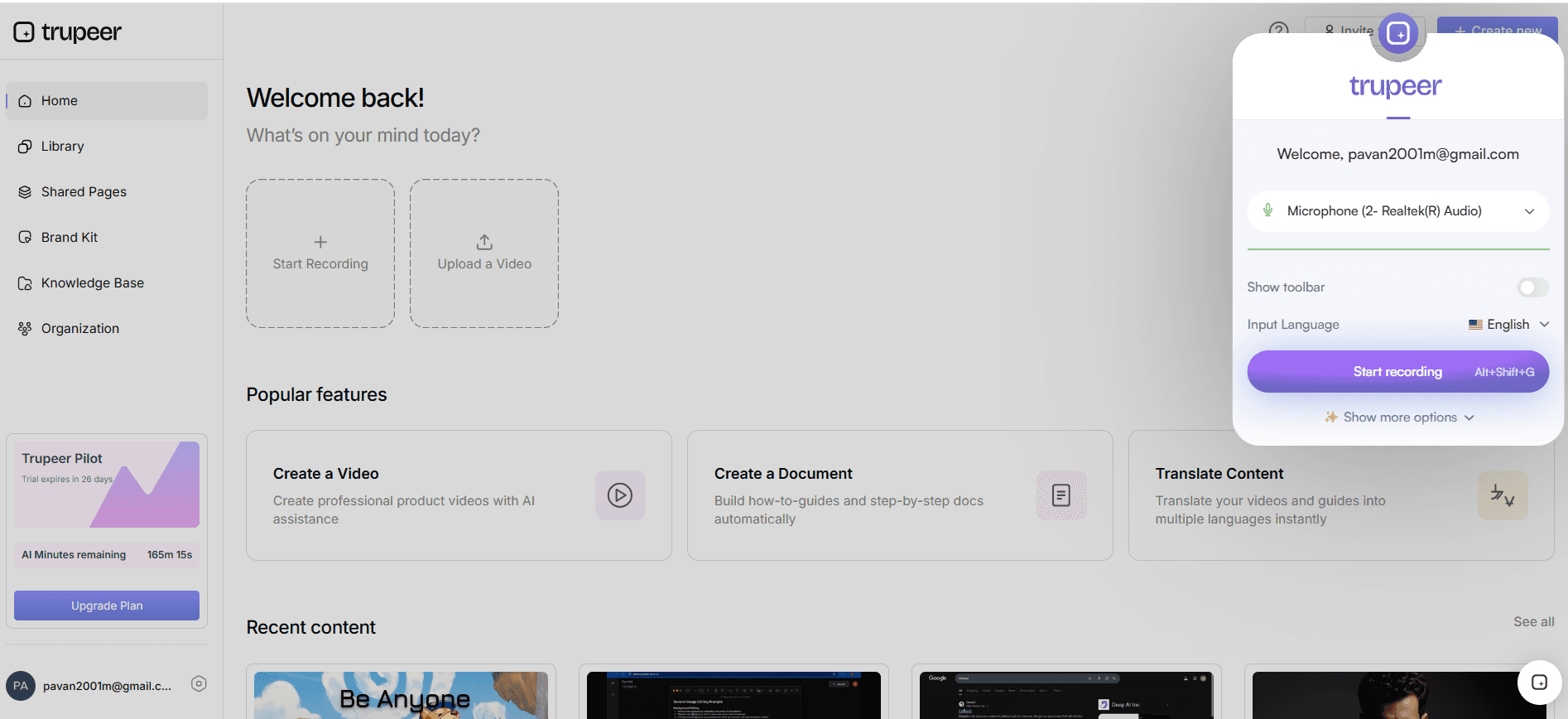
Record a browser tab, a window or your entire screen with the Trupeer Chrome extension to show the current workflow, the problem or a prototype.
Generate step-by-step documentation
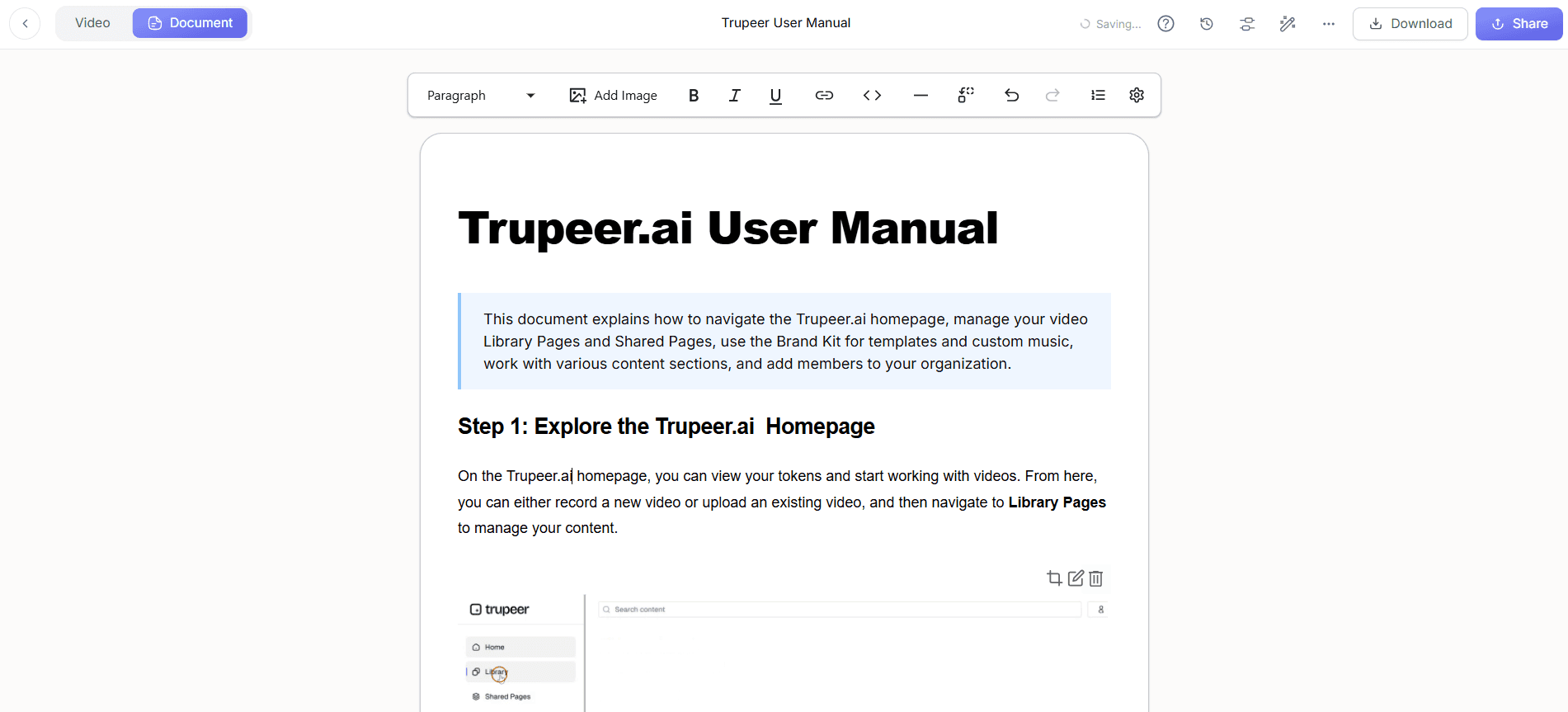
Click Generate AI Content to turn the recording into a step-by-step document with screenshots, plus a polished video. Use Doc Skills to save your PRD or specification structure as a reusable template. With Trupeer Skills, one recording can produce several outputs side by side, such as a step-by-step guide, a PRD draft and an FAQ.
Share polished videos of new features
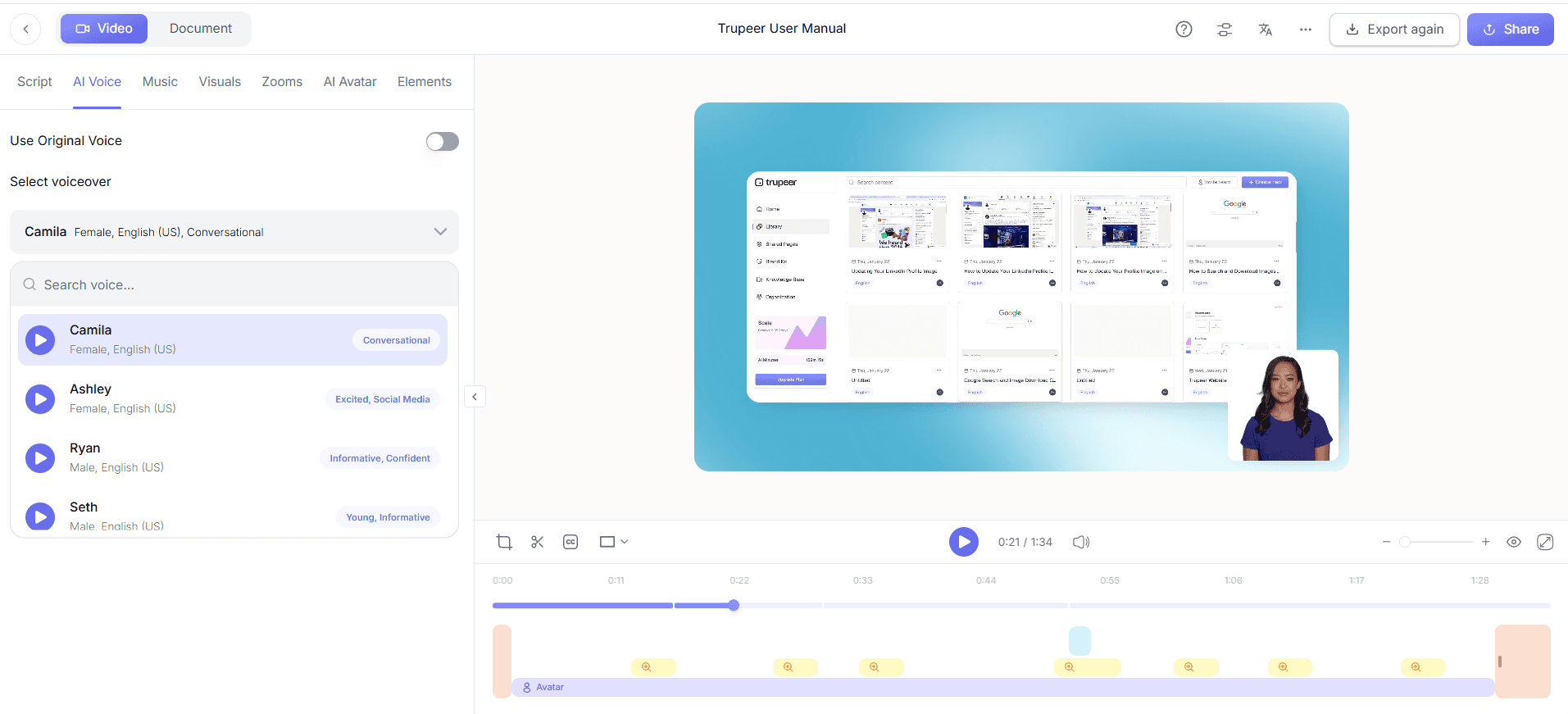
Once a feature ships, the same workflow produces release walkthrough videos for sales, support and customers. Existing specification documents can become videos with document to video.
Translate and publish for every team
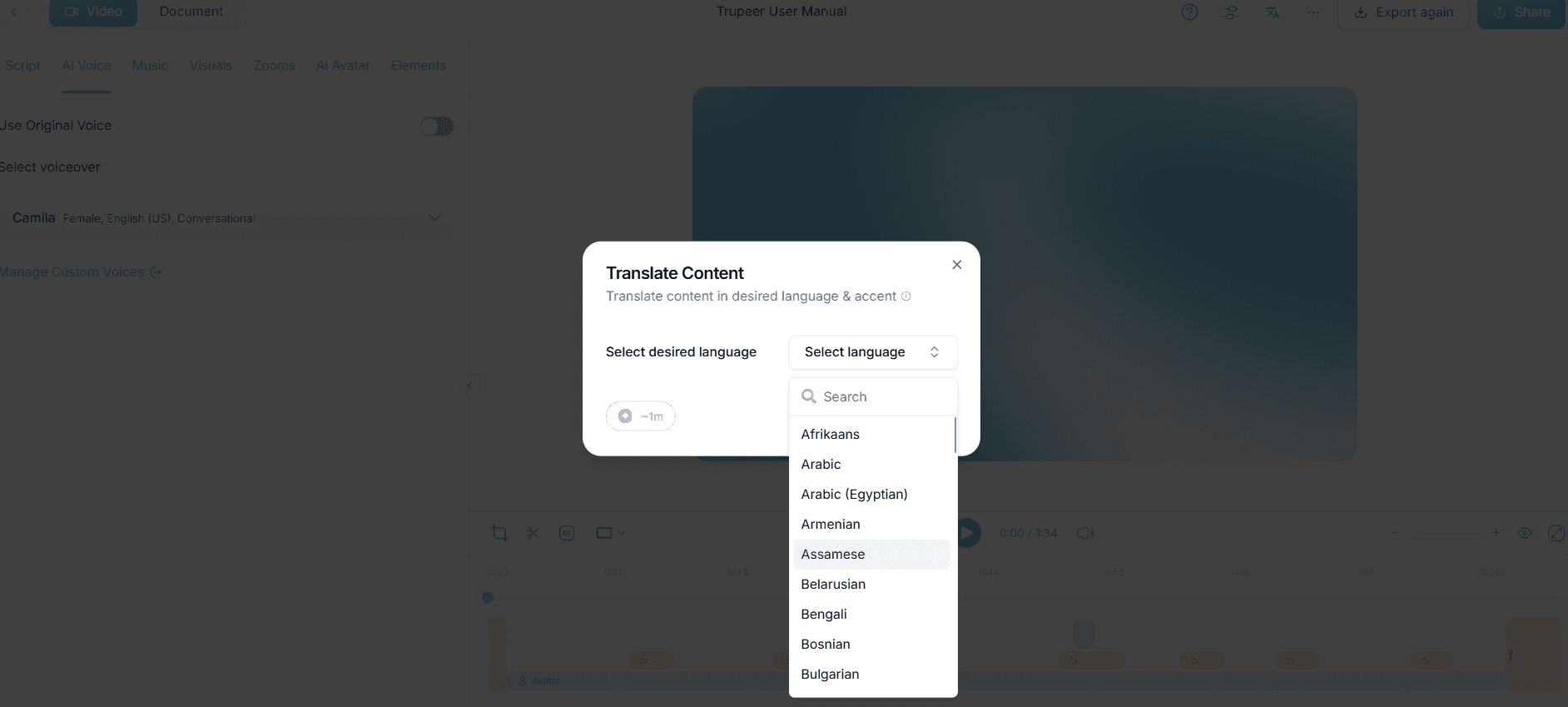
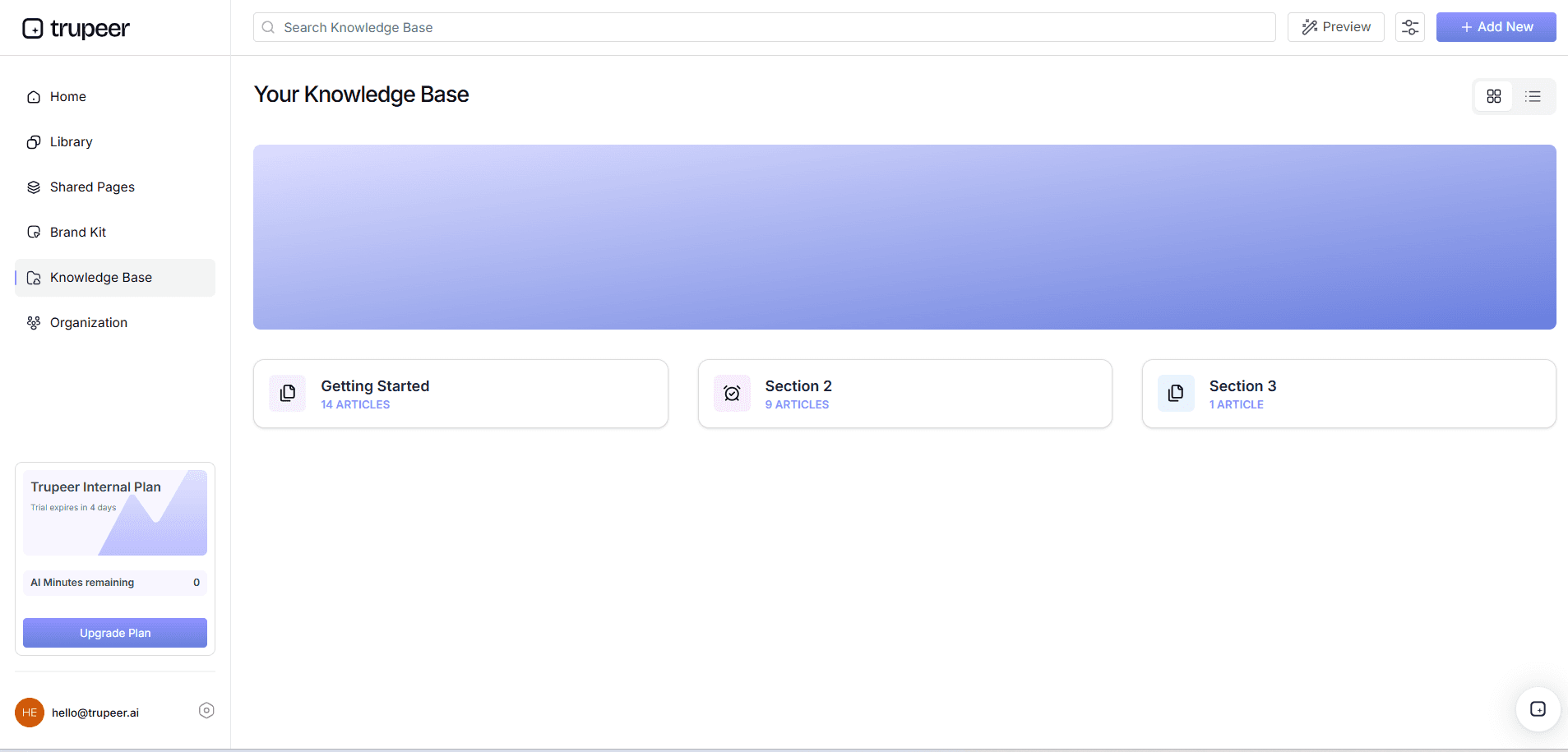
Translate documentation for global teams and publish it in a Trupeer knowledge base with access control, or export it to DOC, PDF or Markdown for your doc tool.
Final Thoughts
A good PRD template keeps agile teams aligned without slowing them down. Start from the problem, define success, write testable user stories, be clear about scope, and keep the document alive as you learn. For enterprise systems, our guide to requirements gathering covers the discovery stage in more depth.
Related reading
Frequently Asked Questions
What is a PRD?
What should a PRD template include?
How do you write a PRD?
Do agile teams need a PRD?
What is the difference between a PRD and a BRD?
How long should a PRD be?
Who writes the PRD?
Can Trupeer help create product documentation?



