Trupeer Blog
Shrnout

Discover the top tools to streamline your client onboarding process and improve time-to-value.
[30] min read. March 26, 2026
Buyer's Overview
In the fast-evolving landscape of client onboarding, customer success teams find themselves bogged down by repetitive tasks. These tasks consume 40-60% of their time, which could otherwise be spent on strategic initiatives. The challenge lies in manual onboarding processes that not only increase time-to-value but also drive early churn. According to a recent report, companies that fail to automate their onboarding processes see a 20% higher churn rate within the first six months.
Companies that fail to automate their onboarding processes see a 20% higher churn rate within the first six months.
Source: Customer Success Trends Report, 2026 by SuccessHub
This guide is designed for customer success leaders, onboarding specialists, and business owners who are looking to enhance their onboarding processes. We cover the most effective client onboarding automation platforms, evaluating their features, strengths, and areas for improvement. Whether you're a small business or a large enterprise, this guide will help you choose the right tools to optimize your onboarding flow.
Best Client Onboarding Automation Tools: Head-to-Head Comparison
Feature | Trupeer | Rocketlane | Dock | GuideCX | UserPilot | Pendo | ChurnZero | Gainsight |
|---|---|---|---|---|---|---|---|---|
Client Portal | Yes | Yes | Yes | Yes | No | Limited | Yes | Yes |
Task Automation | Yes | Yes | Limited | Yes | Yes | Yes | Yes | Yes |
Video Walkthroughs | Yes | Limited | No | Yes | Yes | Yes | No | Yes |
Progress Tracking | Yes | Yes | Yes | Yes | Yes | Limited | Yes | Yes |
In-App Guidance | Yes | Yes | No | Limited | Yes | Yes | No | Yes |
Email Sequences | Yes | Yes | Limited | Yes | No | Yes | Yes | Yes |
CSM Workflow Automation | Yes | Yes | No | Yes | Limited | Yes | Yes | Yes |
CRM Integration | Yes | Yes | Yes | Yes | Yes | Yes | Yes | Yes |
Analytics | Yes | Yes | Limited | Yes | Yes | Yes | Yes | Yes |
Trupeer
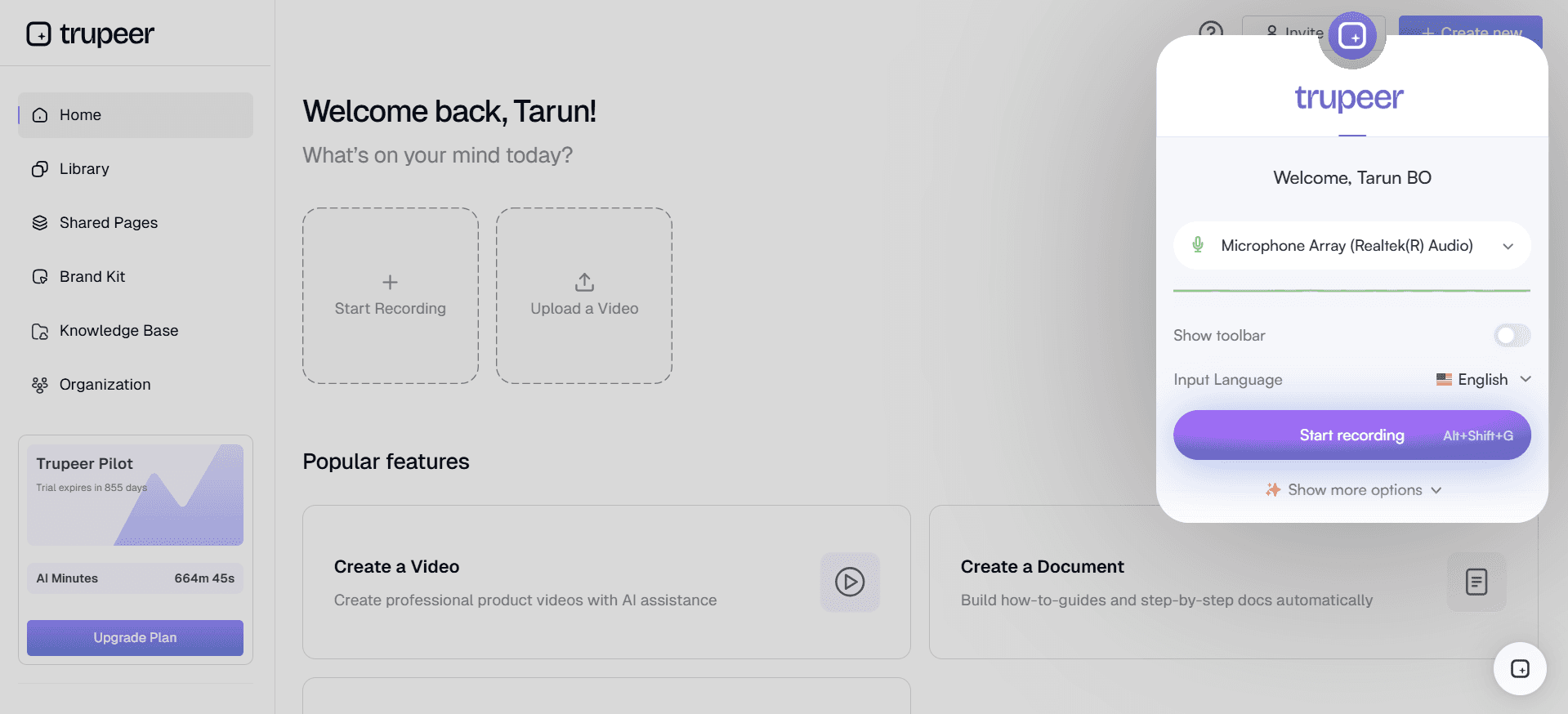
Trupeer is an innovative platform designed to transform client onboarding through automation. It's ideal for companies looking to reduce manual workload and improve client engagement. Trupeer stands out with its robust analytics capabilities and seamless CRM integration, making it a favorite among customer success teams. However, it may not be as effective for companies needing extensive customization options.
Key Features
Automated task assignment
Client portal with progress visibility
In-app guidance and video walkthroughs
Advanced analytics and reporting
CRM and ticketing system integration
Email sequence automation
Customizable onboarding templates
Health score analytics
"Trupeer has significantly reduced our onboarding time, allowing us to focus on customer success rather than repetitive tasks."
John Doe, Customer Success Manager at TechCorp (Source: G2)
Pros
Cons
Powerful analytics and reporting tools.
Limited customization for niche industries.
Seamless integration with existing CRM systems.
Initial setup can be time-consuming.
Comprehensive client portal features.
Requires ongoing training for optimal use.
Pricing
Trupeer offers a free trial with paid plans starting at $49 per month.
Rocketlane
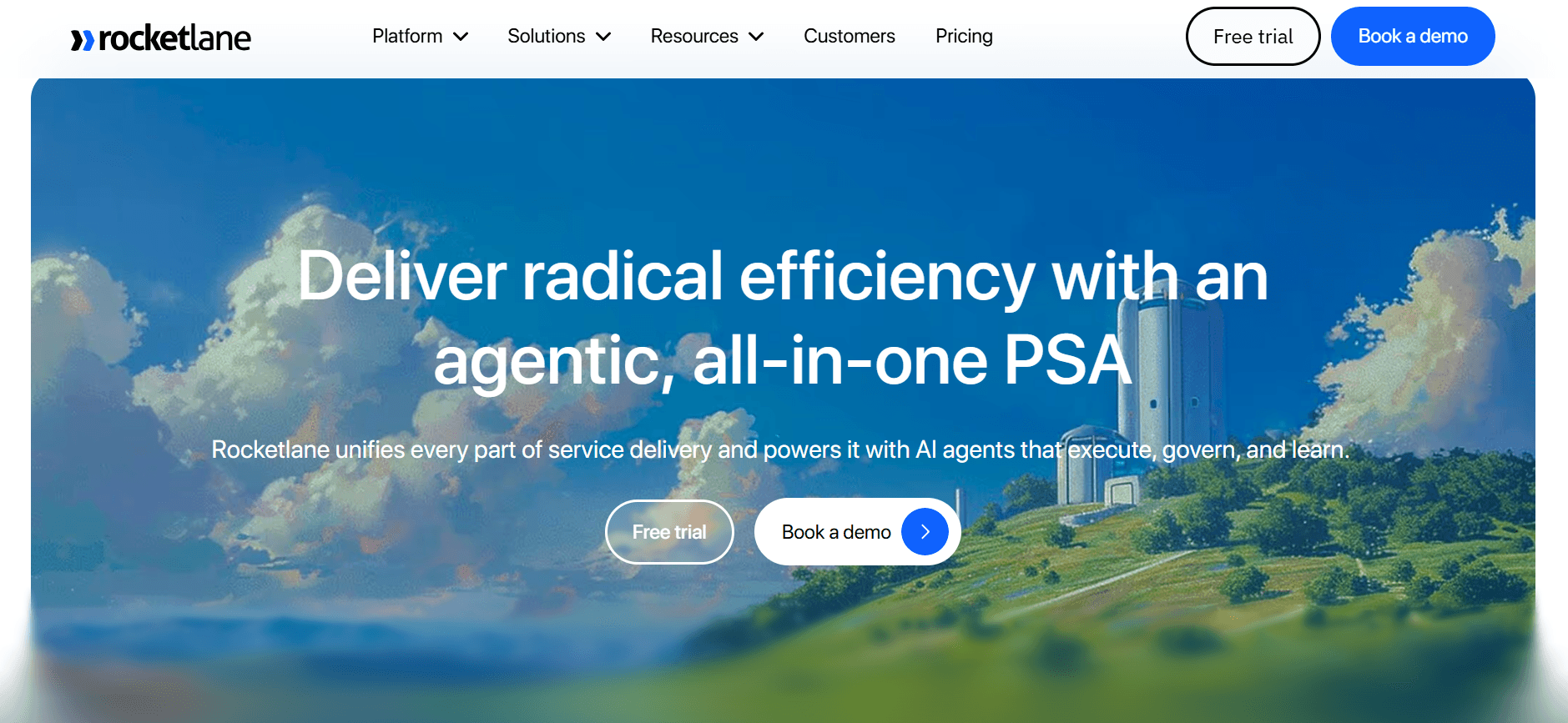
Rocketlane is tailored for teams that prioritize client collaboration and project management in their onboarding process. Known for its interactive client portals and strong task automation, Rocketlane is ideal for enterprises handling complex onboarding scenarios. However, its video walkthrough capabilities are somewhat limited.
Key Features
Interactive client portals
Task automation and alerts
Real-time collaboration tools
Customizable templates
Progress tracking dashboards
Milestone management
Email and notification integration
Comprehensive reporting
Pros
Cons
Excellent for collaborative onboarding projects.
Limited video walkthrough features.
Strong task automation capabilities.
Can be complex for small teams.
Real-time progress tracking.
Higher price point for advanced features.
Pricing
Rocketlane provides a free tier with paid plans starting at $69 per month.
Dock
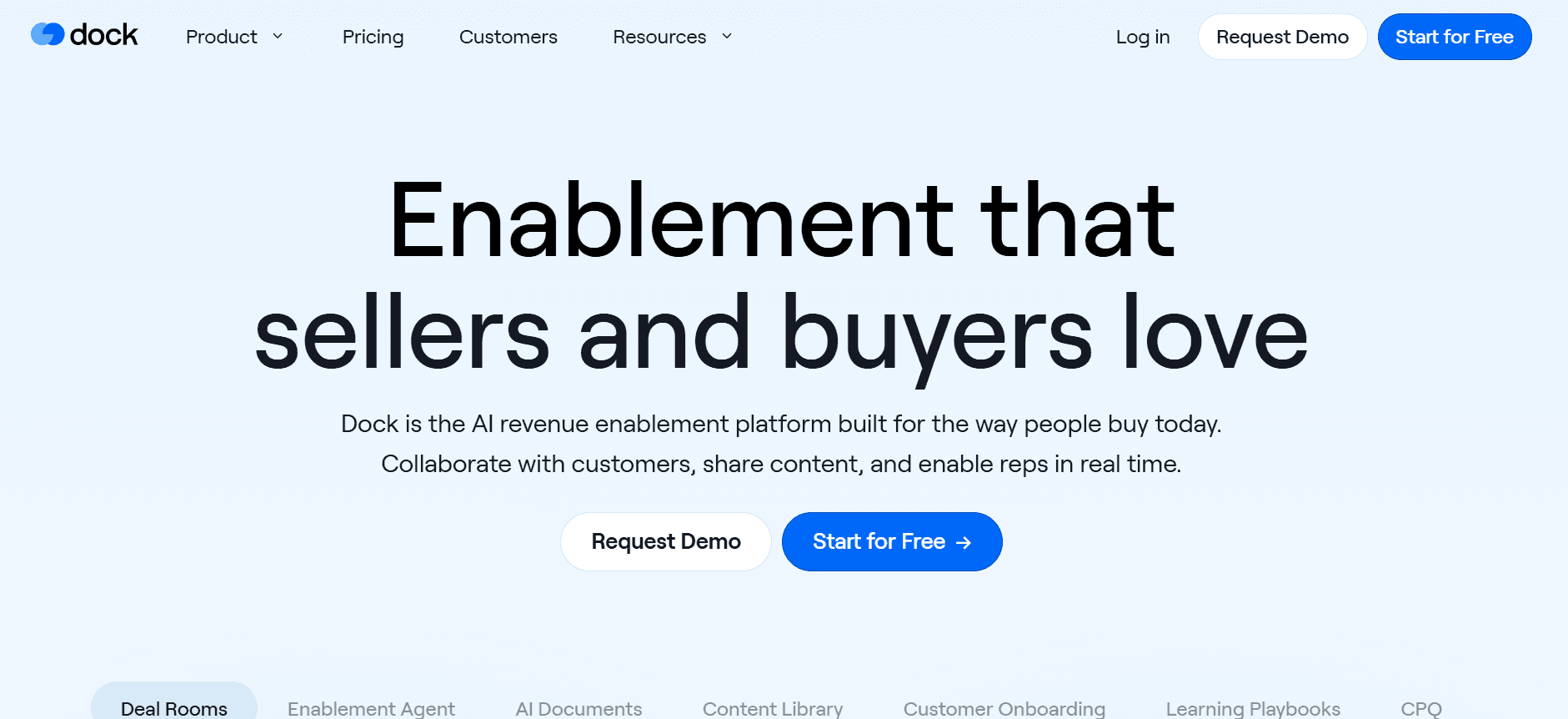
Dock specializes in offering a streamlined client onboarding experience with an emphasis on simplicity and ease of use. It's perfect for smaller teams or startups that need straightforward task management and client communication. However, Dock lacks advanced features like video walkthroughs and in-app guidance.
Key Features
Simple client portals
Basic task management
Email notification system
Client communication tools
Progress tracking
CRM integration
Customizable dashboards
Basic analytics
Pros
Cons
Easy to use with a simple interface.
Lacks video walkthrough capabilities.
Ideal for startups and small teams.
Limited advanced features.
Affordable pricing plans.
Not suited for large enterprises.
Pricing
Dock offers a free version with premium plans starting at $29 per month.
GuideCX
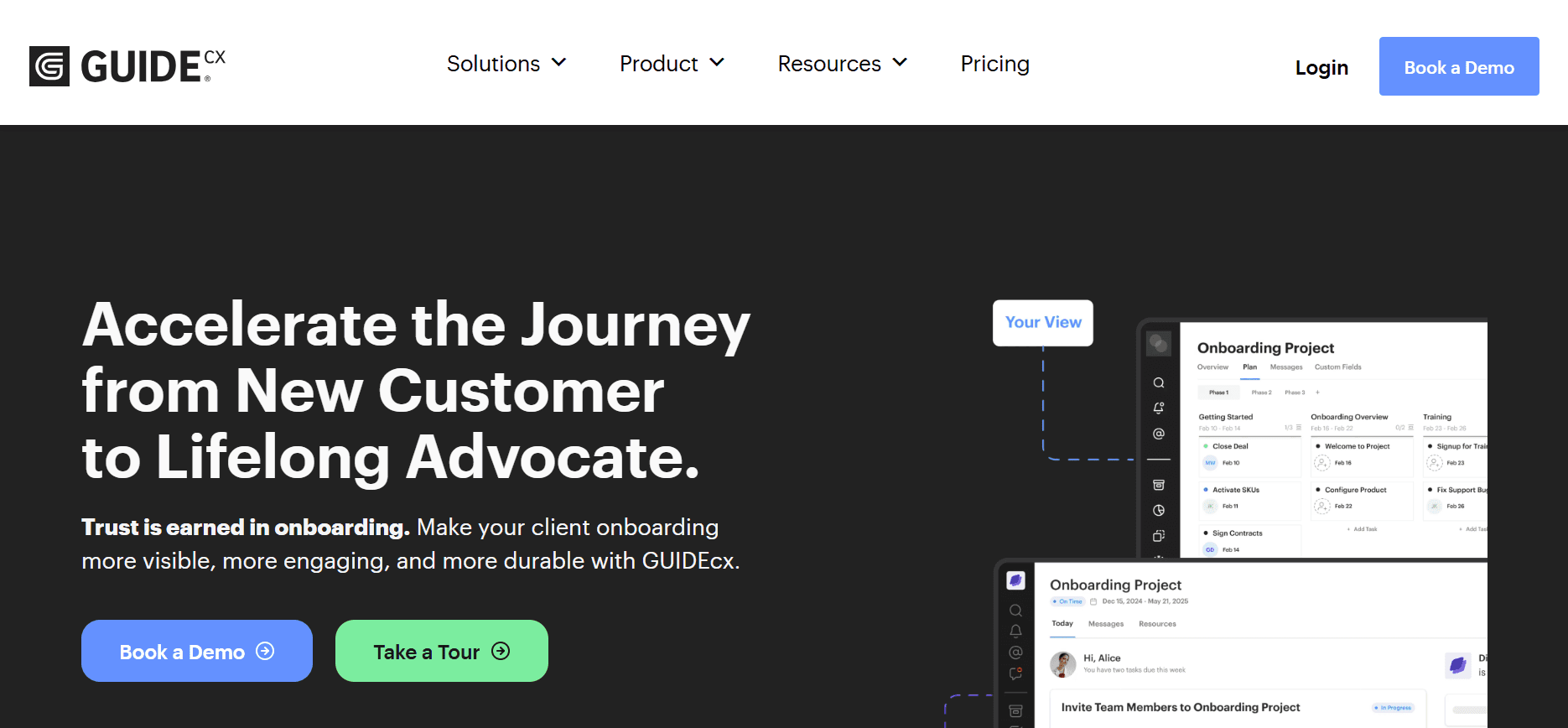
GuideCX is designed to enhance client onboarding through real-time visibility and collaboration. It's particularly suitable for medium to large enterprises that require a comprehensive onboarding solution. GuideCX excels in providing detailed progress tracking and client engagement tools. However, its in-app guidance features are somewhat limited.
Key Features
Client-facing dashboards
Real-time progress tracking
Task and milestone management
Collaborative tools for client engagement
Email and SMS notifications
Integration with popular CRMs
Custom reporting
API access for custom integrations
Pros
Cons
Excellent real-time progress tracking.
In-app guidance can be limited.
Strong collaborative features for client engagement.
Learning curve for new users.
Detailed reporting and analytics.
Higher price for small teams.
Pricing
GuideCX starts with a free trial and paid plans begin at $75 per month.
UserPilot
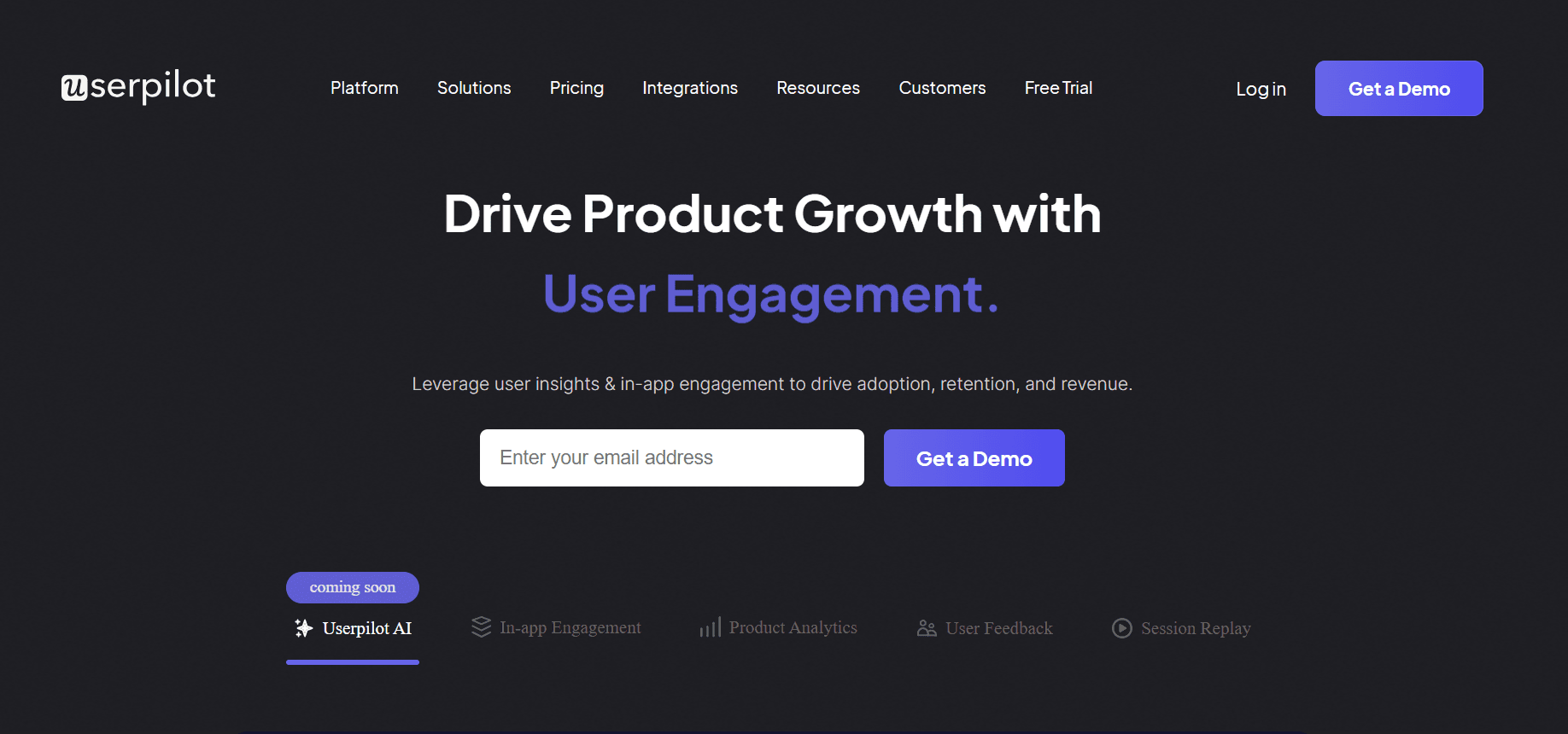
UserPilot offers a unique approach with a focus on providing personalized user experiences during onboarding. It's best suited for SaaS companies that need to guide users through complex features. UserPilot stands out with its strong in-app guidance and user segmentation capabilities but lacks a dedicated client portal feature.
Key Features
In-app guidance
User segmentation and targeting
Onboarding flow customization
Feature adoption analytics
Interactive walkthroughs
Feedback collection tools
Integration with analytics platforms
Custom triggers and events
Pros
Cons
Strong in-app guidance features.
No dedicated client portal.
Excellent for user segmentation and personalization.
Can be complex for new users.
Customizable onboarding flows.
Limited collaboration features.
Pricing
UserPilot offers a free trial with paid plans starting at $89 per month.
Pendo
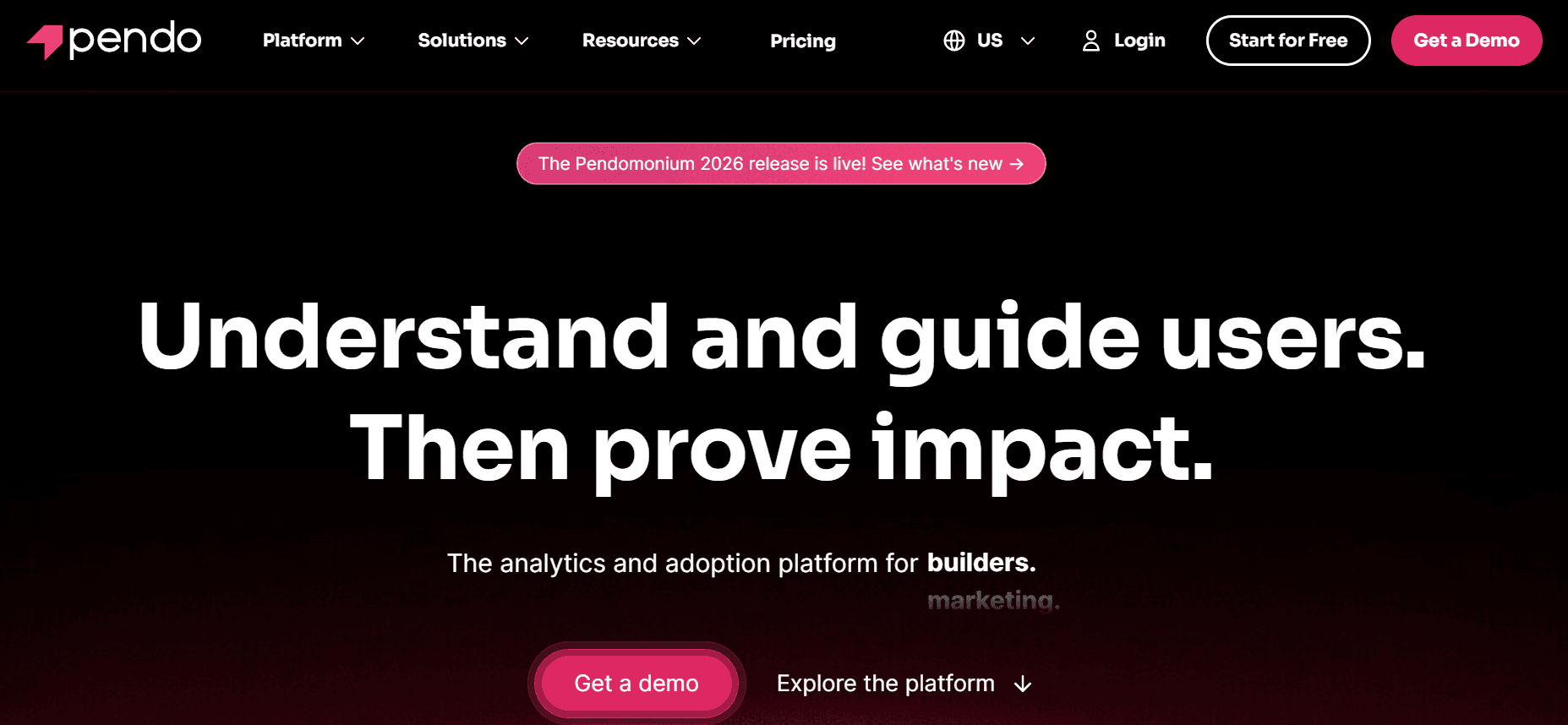
Pendo is designed for product teams that want to enhance user experience and increase feature adoption. It's ideal for companies focusing on in-app guidance and product analytics. Pendo excels in providing detailed user insights but offers limited client portal features, which may be a drawback for some.
Key Features
In-app messaging and guidance
Product usage analytics
Feature adoption insights
User feedback collection
Roadmap visualization
Segmentation and targeting
Behavioral analytics
Integration with CRM and support tools
Pros
Cons
Excellent for in-app guidance and messaging.
Limited client portal capabilities.
Strong product usage analytics.
Can be expensive for smaller teams.
Comprehensive user insights.
Steep learning curve for new users.
Pricing
Pendo offers a free trial with pricing details available upon request, typically starting at around $100 per month.
ChurnZero
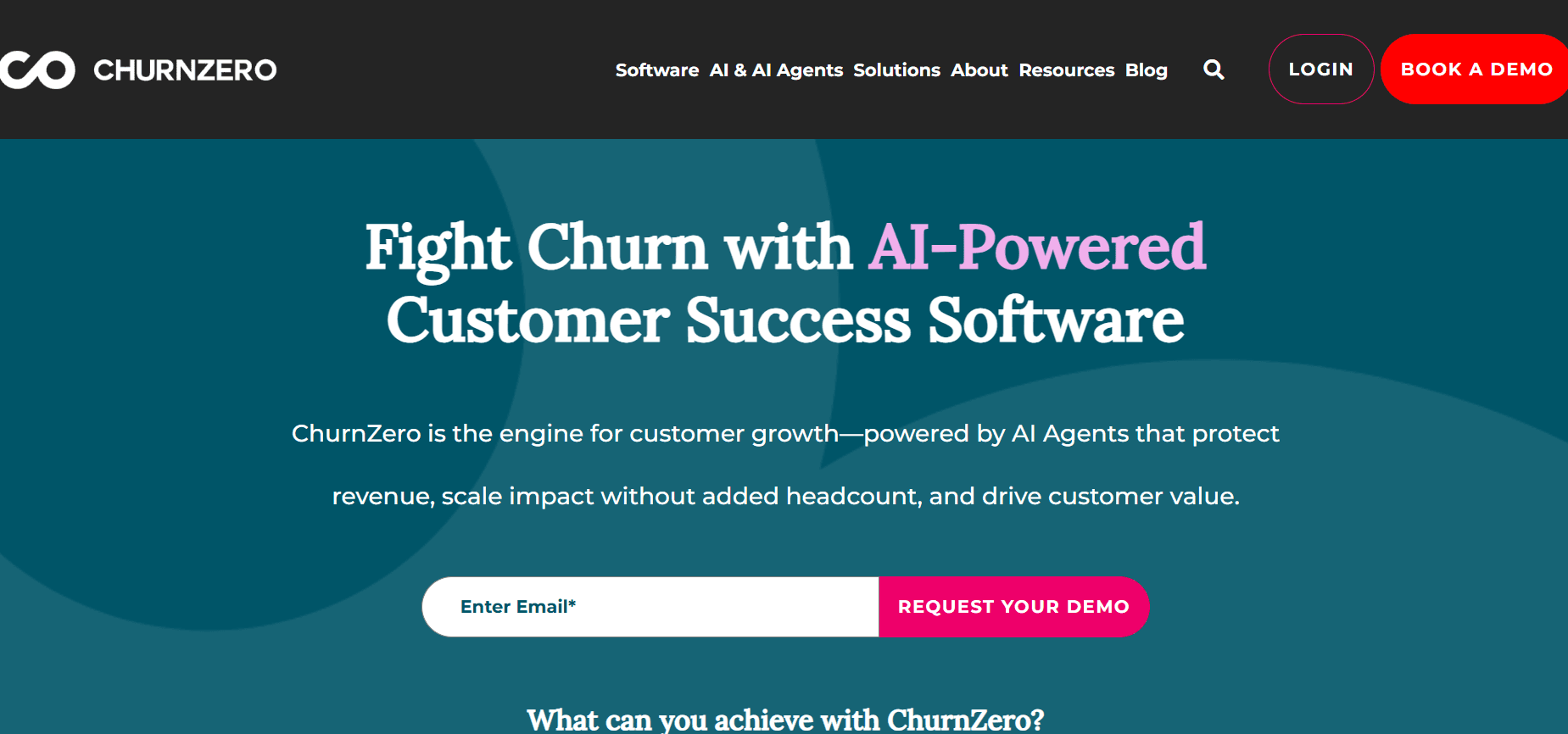
ChurnZero is specifically crafted for businesses aiming to reduce churn and enhance customer retention. With its powerful analytics and customer engagement tools, it's ideal for subscription-based businesses. ChurnZero provides excellent CRM integration, though it may lack the depth in video walkthrough features.
Key Features
Customer health scores
Automated customer journeys
CRM integration
Behavior tracking
Engagement analytics
Customizable alerts and notifications
Customer feedback collection
Success team collaboration tools
Pros
Cons
Strong focus on reducing churn.
Limited video walkthrough capabilities.
Excellent CRM integration.
Complex setup for new users.
Powerful engagement analytics.
Higher pricing tier for advanced features.
Pricing
ChurnZero's plans start at $99 per month, with a free trial available.
Gainsight
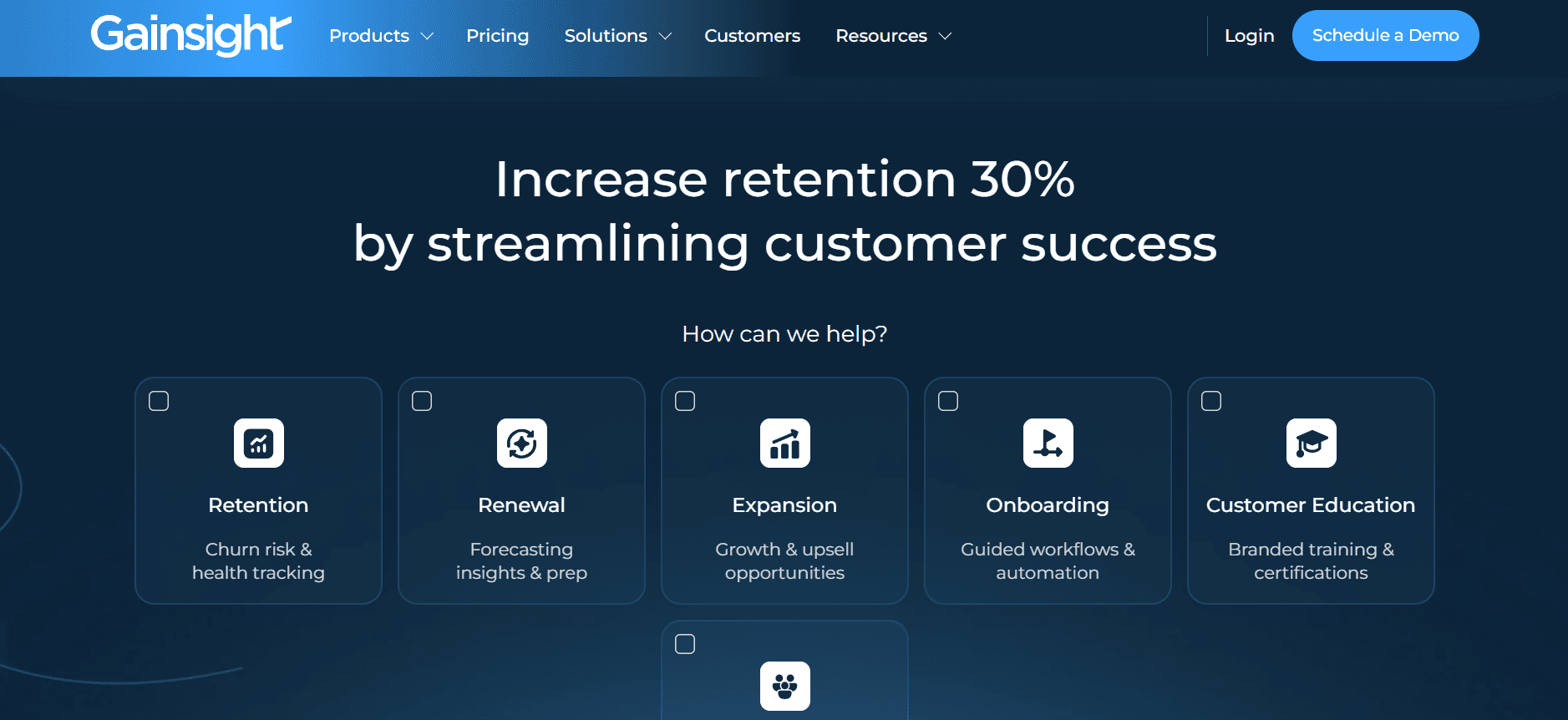
Gainsight is a comprehensive customer success platform designed for large enterprises that need a robust solution for customer engagement and retention. It's known for its extensive analytics and automation capabilities, though it may be overkill for smaller businesses.
Key Features
Advanced customer analytics
Automated engagement workflows
Health score tracking
Customer feedback loops
Integration with major CRM systems
Custom reporting and dashboards
Collaboration tools for success teams
Predictive analytics
Pros
Cons
Comprehensive analytics and reporting tools.
Can be expensive for smaller businesses.
Strong automation features.
Steep learning curve.
Excellent integration capabilities.
May be too complex for simple use cases.
Pricing
Gainsight offers customized pricing based on enterprise needs, generally starting at $200 per month.
Client Onboarding Challenges: What Teams Struggle With
Manual Task Assignment and Follow-Up
Tasks are often assigned and tracked through email, leading to miscommunication.
CSMs spend a significant amount of time ensuring tasks are completed on time.
Lack of automation results in a higher risk of errors and overlooked tasks.
Without centralized systems, tracking task completion becomes cumbersome.
Lack of Real-Time Visibility
Teams cannot easily see client progress or pinpoint where clients are stuck.
Updates often require manual reporting, which is time-consuming.
Clients may not have insight into their own progress, leading to frustration.
Delayed visibility into bottlenecks can prolong time-to-value.
Inconsistent Onboarding Experience
Onboarding quality varies depending on which CSM handles the account.
Lack of standardized processes leads to inconsistencies.
Clients receive different levels of support, affecting satisfaction.
Inconsistency makes it difficult to measure and improve processes.
Long Time-to-Value
Without automation, onboarding can take weeks instead of days.
Clients may lose interest due to prolonged onboarding periods.
Delays in value delivery can lead to higher churn rates.
Extended time-to-value affects overall customer satisfaction.
Scaling Challenges
Teams struggle to scale onboarding without adding more headcount.
Lack of automation limits the number of clients a team can handle.
Scaling issues can lead to overworked staff and burnout.
Growth opportunities are missed due to resource constraints.
Challenge
Traditional Process
Business Impact
Time Cost
Manual Task Assignment
Email and spreadsheets
Higher error rate, task delays
20-30% of CSM time
Lack of Real-Time Visibility
Manual reporting
Delayed problem resolution
10-15% of CSM time
Inconsistent Onboarding
Non-standardized processes
Variable client satisfaction
Unpredictable
Long Time-to-Value
Manual follow-ups
Increased churn risk
Weeks instead of days
Scaling Challenges
Manual onboarding
Limited growth capacity
High resource cost
Must-Have Features in Client Onboarding Tools
Automated Milestone and Task Tracking
Automated task tracking is crucial for ensuring that onboarding processes are smooth and efficient. By automating milestones, teams can easily monitor progress without manual intervention. This feature reduces the risk of tasks falling through the cracks and ensures timely completion. Tools like Rocketlane excel in this area, offering comprehensive task automation to keep everything on track.
Client-Facing Portal with Progress Visibility
A client-facing portal provides transparency and allows clients to see their own progress in real-time. This feature enhances the client experience by keeping them informed and engaged throughout the onboarding process. Platforms like Trupeer and GuideCX offer robust client portals that improve communication and reduce the need for constant updates from the CSM team.
In-App Guidance and Video Walkthroughs
In-app guidance helps clients navigate complex features and processes, reducing the need for direct support. Video walkthroughs provide a visual guide that can simplify understanding and accelerate onboarding. UserPilot shines in providing tailored in-app guidance, ensuring users can independently explore and learn.
CRM and Ticketing System Integration
Seamless integration with CRM and ticketing systems is essential for maintaining a unified view of client interactions. This integration allows teams to manage client data efficiently and ensures no information is lost between systems. ChurnZero excels in CRM integration, allowing teams to have a holistic view of client health and engagement.
Time-to-Value Analytics and Health Scores
Analytics that focus on time-to-value and client health scores provide insights into the effectiveness of onboarding processes. These metrics help teams identify areas of improvement and predict potential churn. Gainsight offers advanced analytics that provide actionable insights to optimize client onboarding and retention strategies.
Customizable Onboarding Templates
Customizable templates enable teams to tailor onboarding processes to specific client needs. This flexibility ensures that each client has a personalized experience, improving satisfaction and engagement. Rocketlane and Trupeer both offer customizable templates, allowing teams to adapt to different industries and client requirements.
How to Choose Client Onboarding Platforms Based on Your Use Case
SaaS Product Onboarding Automation
For SaaS companies, onboarding is crucial to ensure users quickly understand and adopt the product. Efficient onboarding can significantly reduce churn and increase customer satisfaction. However, managing numerous clients simultaneously can be a challenge.
Ensuring consistent onboarding experiences across multiple clients.
Tracking user progress and feature adoption effectively.
Reducing the time-to-value to keep users engaged.
Automated task lists and reminders to streamline onboarding.
In-app guidance to help users navigate complex features.
Analytics to track feature adoption and user engagement.
Tool
Best For
Limitations
Trupeer
Comprehensive metrics and insights
Initial setup complexity
UserPilot
In-app guidance
No client portal
Professional Services Delivery
For professional services firms, onboarding new clients involves setting clear expectations and delivering timely progress updates. Balancing multiple projects and client communications can be overwhelming without the right tools.
Managing multiple projects simultaneously.
Ensuring clients are informed of project progress.
Standardizing onboarding processes across different services.
Client portals for real-time updates and communication.
Customizable onboarding templates for different services.
Automated alerts and notifications to keep clients informed.
Tool
Best For
Limitations
GuideCX
Real-time progress tracking
Higher learning curve
Rocketlane
Collaborative onboarding projects
Limited video features
Enterprise Implementation Projects
Enterprises face unique challenges in onboarding, with complex implementation projects requiring detailed planning and execution. Ensuring cross-departmental collaboration and meeting diverse client needs is key.
Coordinating large, cross-functional teams.
Maintaining consistent communication with stakeholders.
Managing intricate project timelines and deliverables.
Advanced project management and collaboration features.
Integrated CRM and ticketing for streamlined communication.
Detailed reporting and analytics for decision-making.
Tool
Best For
Limitations
Gainsight
Comprehensive analytics
Complexity for smaller teams
ChurnZero
Customer engagement
Setup complexity
Partner Onboarding Programs
Organizations focused on partner relationships need effective onboarding to ensure partners are well-equipped to promote and sell their products. Managing partner education and communication can be resource-intensive.
Providing consistent training and resources to partners.
Tracking partner progress and engagement.
Ensuring partners have the necessary tools to succeed.
Training modules and resource libraries.
Progress tracking to monitor partner engagement.
Integration with partner management systems.
Tool
Best For
Limitations
Dock
Simplicity and ease of use
Limited advanced features
Pendo
In-depth user insights
Limited client portal features
Best Practices for Client Onboarding Automation
Before Onboarding
Map your ideal onboarding journey to identify key touchpoints.
Define clear milestone criteria to measure progress.
Set realistic timelines and resource allocations for each phase.
Develop standardized onboarding templates for consistency.
Ensure all team members are trained on the onboarding tools.
During Onboarding
Automate reminders and follow-ups to ensure timely task completion.
Use video walkthroughs for complex steps to enhance understanding.
Provide clients with regular updates through a client portal.
Monitor progress and adjust plans as necessary to address bottlenecks.
Engage clients with personalized communication to keep them motivated.
After Onboarding
Review health scores and analytics to assess onboarding effectiveness.
Run retrospectives on accounts that faced challenges to improve future processes.
Solicit feedback from clients to identify areas for improvement.
Update onboarding templates based on lessons learned.
Celebrate onboarding successes with your team to boost morale.
Frequently Asked Questions
What is client onboarding automation?
Client onboarding automation involves using software tools to streamline the process of welcoming and integrating new clients into your business. It reduces manual tasks, enhances communication, and improves the client experience by automating repetitive tasks.
Who benefits from onboarding automation?
Customer success teams, account managers, and clients themselves benefit from onboarding automation. Teams save time and minimize errors, while clients enjoy a more seamless and engaging onboarding experience.
How does CRM integration work?
CRM integration connects your onboarding platform with your customer relationship management system. This ensures that client data is synced across both platforms, allowing for a unified view of client interactions and progress.
Can onboarding platforms handle large datasets?
Most modern onboarding platforms are equipped to handle large datasets. They are designed to scale with your business, providing the necessary infrastructure to manage extensive client information without performance issues.
Are there free versions available?
Many onboarding platforms offer free trials or freemium versions with basic features. This allows businesses to test the platform before committing to a paid plan that offers more advanced features and capabilities.
What factors influence pricing?
Pricing is influenced by factors like the number of users, feature set, level of customization, and support options. More comprehensive tools with advanced analytics and integrations usually come at a higher cost.
How long does it take to implement an onboarding tool?
Implementation time varies based on the complexity of your onboarding process and the specific tool you choose. Generally, it can take anywhere from a few days to several weeks to fully set up and customize a platform to meet your needs.
What support is available during implementation?
Most platforms offer onboarding support, including guided setups, training materials, and customer support teams. Some also provide dedicated implementation specialists to help you configure the platform effectively.
Closing
Choosing the right client onboarding automation platform can transform how your company engages with new clients. By leveraging these tools, you can reduce manual workloads, improve client satisfaction, and drive better business outcomes. Whether you're a small business or a large enterprise, the right platform will align with your specific needs and goals.
To explore how Trupeer can enhance your onboarding processes and deliver exceptional client experiences, visit Trupeer. Discover innovative features designed to streamline onboarding and boost client engagement today.
Související blogy


