Buyer's Overview
Customer onboarding has become a critical focus for businesses aiming to reduce churn and increase customer satisfaction. The right onboarding platform can streamline this process, ensuring new clients quickly understand and derive value from your products or services. However, choosing the wrong platform can result in inconsistent experiences, leading to early churn and overburdened customer success teams. According to the Rocketlane State of Customer Onboarding 2024, 60% of companies are now investing in dedicated onboarding functions to combat these challenges.
60% of companies are now investing in dedicated customer onboarding functions.
This guide is designed to help business leaders, customer success managers, and product teams select the most effective onboarding tools for their needs. We will explore the top platforms available in 2026, evaluate their features, and provide insights into their suitability for different business scenarios.
Best Customer & Client Onboarding Platforms: Head-to-Head Comparison
Feature | Trupeer | Pendo | UserPilot | Appcues | Rocketlane | Dock | GuideCX | Intercom |
|---|---|---|---|---|---|---|---|---|
In-App Guidance | Yes | Yes | Yes | Yes | No | No | Limited | Yes |
Client Portal | Yes | No | No | Limited | Yes | Yes | Yes | No |
Video Content | Yes | Limited | No | Yes | Yes | No | Limited | Yes |
Task Automation | Yes | Yes | Yes | No | Yes | Limited | Yes | Yes |
Progress Analytics | Yes | Yes | Limited | Yes | Yes | No | Yes | Limited |
Email Sequences | Yes | No | Limited | Yes | Yes | No | Yes | Yes |
CRM Integration | Yes | Yes | Yes | Limited | Yes | Yes | Yes | Yes |
White-label | Yes | No | No | Yes | Limited | Yes | No | No |
Self-serve Onboarding | Yes | Yes | Yes | Yes | No | Limited | Yes | Yes |
Trupeer

Trupeer is a versatile onboarding platform tailored for businesses seeking a comprehensive solution for customer engagement. It offers a robust suite of features that cater to both self-serve and CSM-led onboarding models. Trupeer stands out with its rich in-app guidance and client portal capabilities, making it a strong choice for companies that need a flexible and integrated onboarding solution. However, its extensive features can be overwhelming for smaller teams without dedicated onboarding staff.
Key Features
In-App Guidance
Client Portal
Video Walkthroughs
Task Automation
Progress Analytics
Email Sequences
CRM Integration
White-label Options
"Trupeer transformed our onboarding process by providing a seamless experience for our clients."
Pros | Cons |
|---|---|
Comprehensive feature set covers all onboarding needs. | Overwhelming for small teams without onboarding experience. |
Excellent integration with CRM systems. | Pricing can be high for startups. |
Allows customization with white-label options. | Requires time to learn all features effectively. |
Pricing
Trupeer offers a free tier with limited features; paid plans start at $49/month for additional capabilities and support.
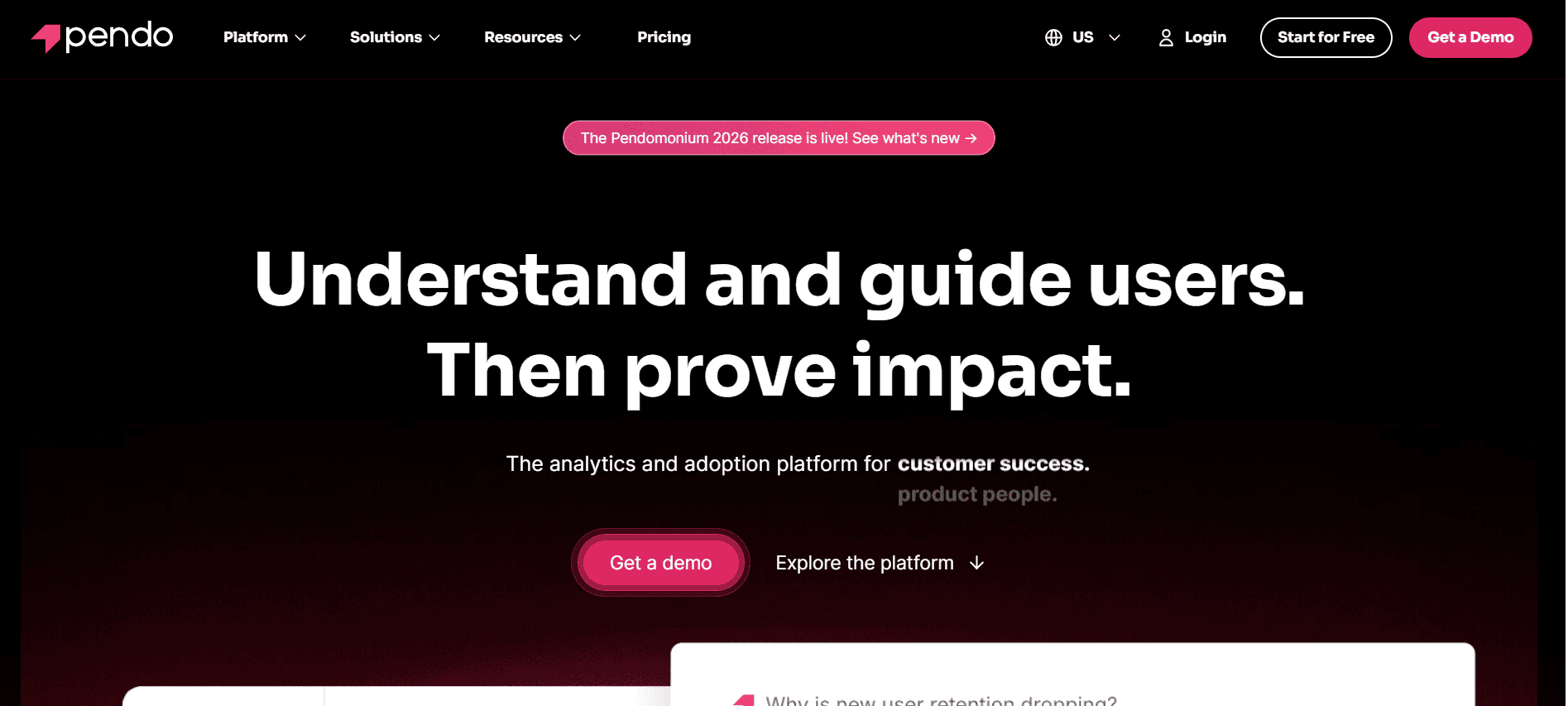
Pendo

Pendo is a popular choice for product teams looking to enhance user experience through in-app guidance and analytics. It's especially valuable for SaaS companies that need in-depth insights into user behavior. Pendo’s strength lies in its analytics capabilities, allowing businesses to tailor experiences based on user data. However, it lacks a dedicated client portal, which may be a drawback for teams needing robust client-facing features.
Key Features
In-App Messaging
User Analytics
Guided Tours
Feedback Collection
Segmentation
Mobile Support
Product Roadmapping
Targeted Notifications
Pros | Cons |
|---|---|
Strong analytics and data visualization tools. | No dedicated client portal. |
Effective in-app guidance for user retention. | Can be complex to set up for non-technical users. |
Supports mobile platforms seamlessly. | Pricing is on the higher side for small businesses. |
Pricing
Pendo does not offer a free tier; pricing starts at $200/month based on feature requirements and usage.
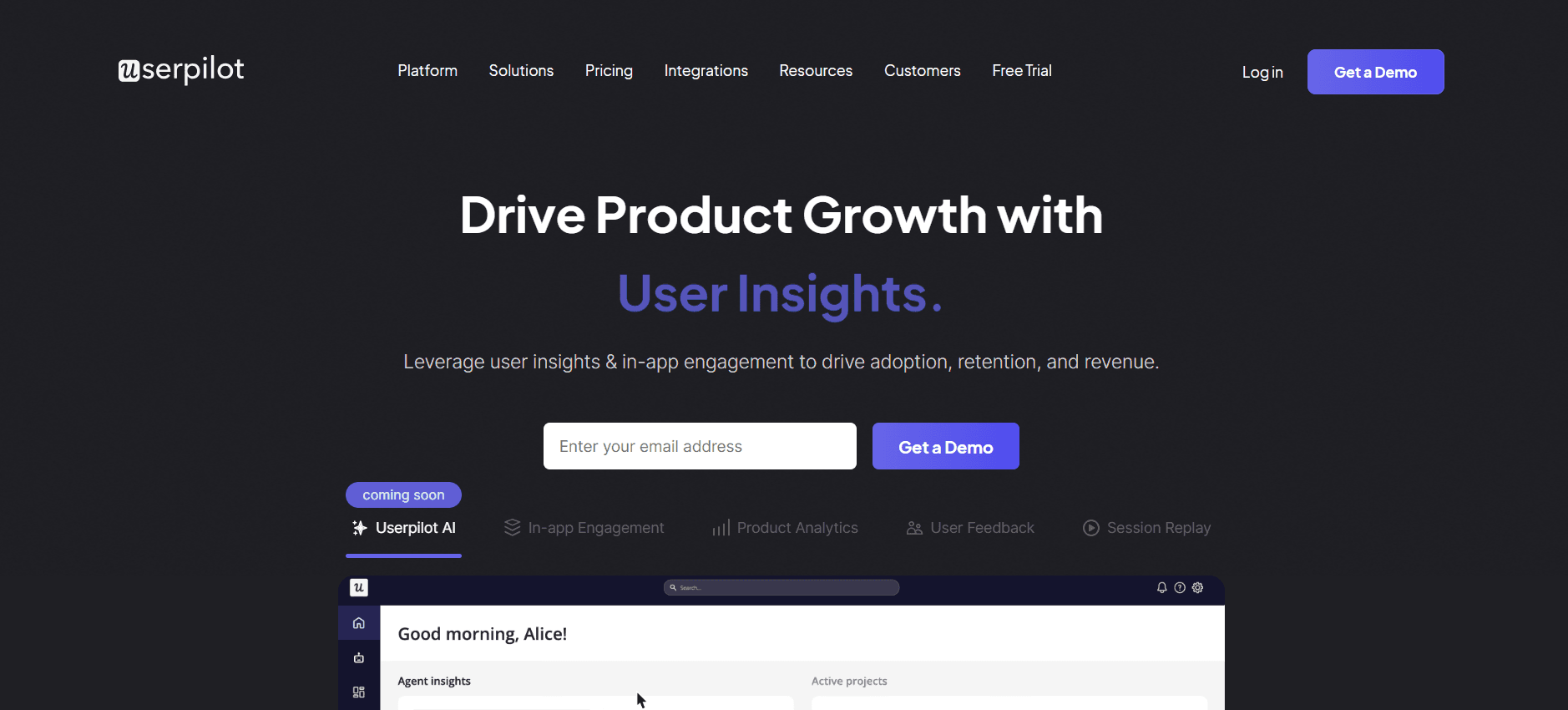
UserPilot

UserPilot is designed for product teams that prioritize user engagement through personalized journeys. It focuses on delivering the right message at the right time, enhancing user adoption and retention. The platform excels in providing tailored experiences but lacks advanced CRM integrations, which may limit its appeal for teams needing seamless data flow between systems.
Key Features
Personalized User Flows
Behavioral Targeting
Onboarding Checklists
In-App Surveys
Goal Tracking
Multi-Language Support
Feature Adoption Analytics
Tooltips and Guidance
Pros | Cons |
|---|---|
Offers highly personalized onboarding experiences. | Lacks comprehensive CRM integration. |
Easy to set up with minimal technical skills. | Limited in-app video content features. |
Supports multiple languages for global reach. | Can be expensive as the user base grows. |
Pricing
UserPilot offers a limited free trial; paid plans start at $249/month, depending on the number of active users.
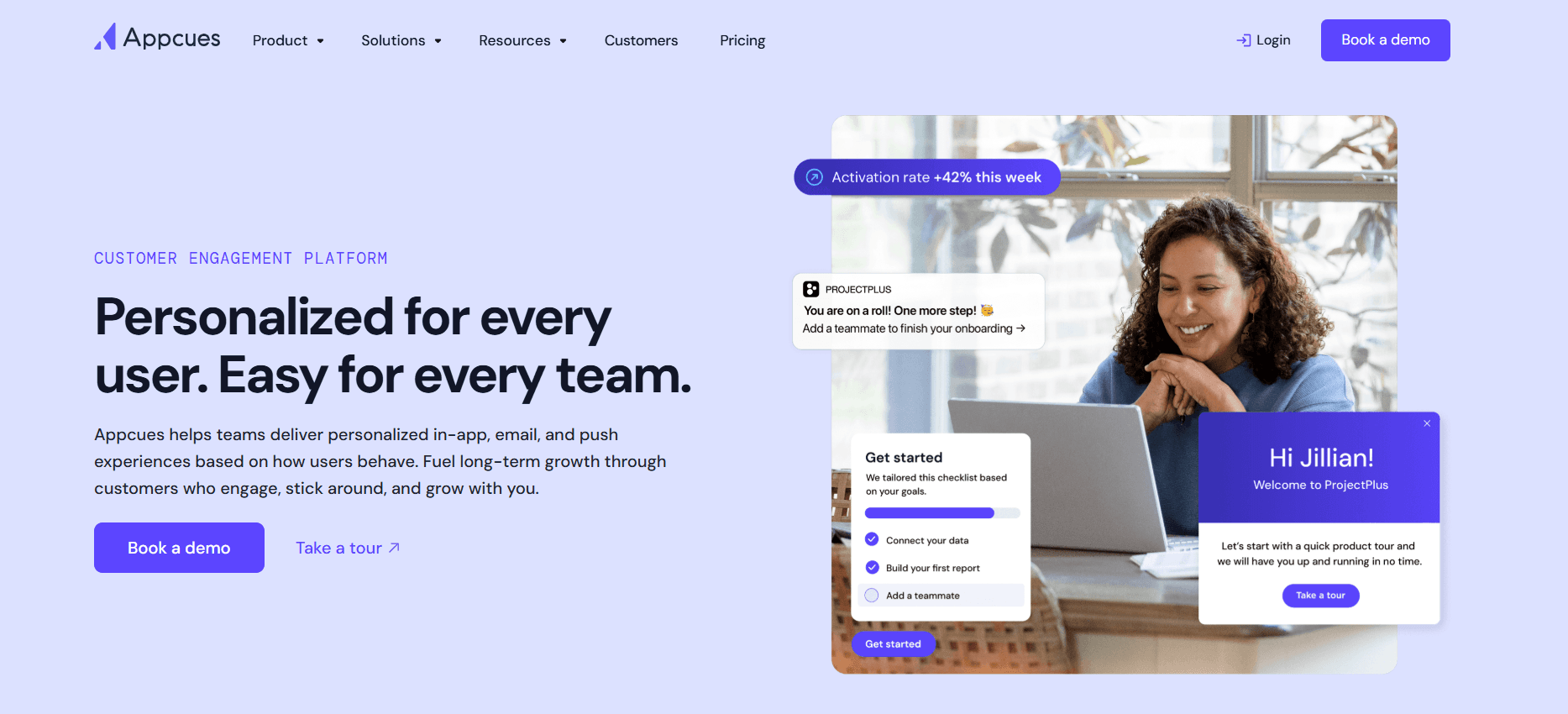
Appcues

Appcues is a user onboarding platform that empowers teams to create personalized and engaging onboarding experiences without requiring coding skills. It's ideal for companies that want to quickly iterate on onboarding flows and gather user feedback. While Appcues provides excellent in-app guidance, it lacks a robust task automation feature, which can be a limitation for teams needing procedural task management.
Key Features
Drag-and-Drop Builder
Step-by-Step Guides
Surveys and Polls
Segmentation
Feedback Collection
Analytics Dashboard
Integrations with Popular Tools
Custom Themes
Pros | Cons |
|---|---|
No coding required for setup and customization. | Limited task automation capabilities. |
Strong focus on user engagement and retention. | Higher pricing tiers can get expensive. |
Provides insights with detailed analytics. | May not suit complex enterprise needs. |
Pricing
Appcues offers a free plan with basic features; paid plans start at $249/month for enhanced functionality.
Rocketlane

Rocketlane is built for teams that need a dedicated client portal to enhance collaboration and transparency during onboarding. It’s tailored for customer success teams looking to manage client-facing projects efficiently. Rocketlane excels in providing a structured client portal but lacks in-app guidance features, making it less suitable for teams focused on self-serve onboarding models.
Key Features
Dedicated Client Portal
Collaborative Project Management
Customizable Templates
Document Sharing
Task Tracking
Milestone Management
Client Feedback
Integrated Communication Tools
Pros | Cons |
|---|---|
Facilitates client collaboration and transparency. | Lacks in-app guidance capabilities. |
Provides strong project management features. | Not ideal for self-serve onboarding needs. |
Customizable to fit various client projects. | May require a steep learning curve for new users. |
Pricing
Rocketlane offers a free plan with limited features; premium plans start at $99/month for expanded usage and support.
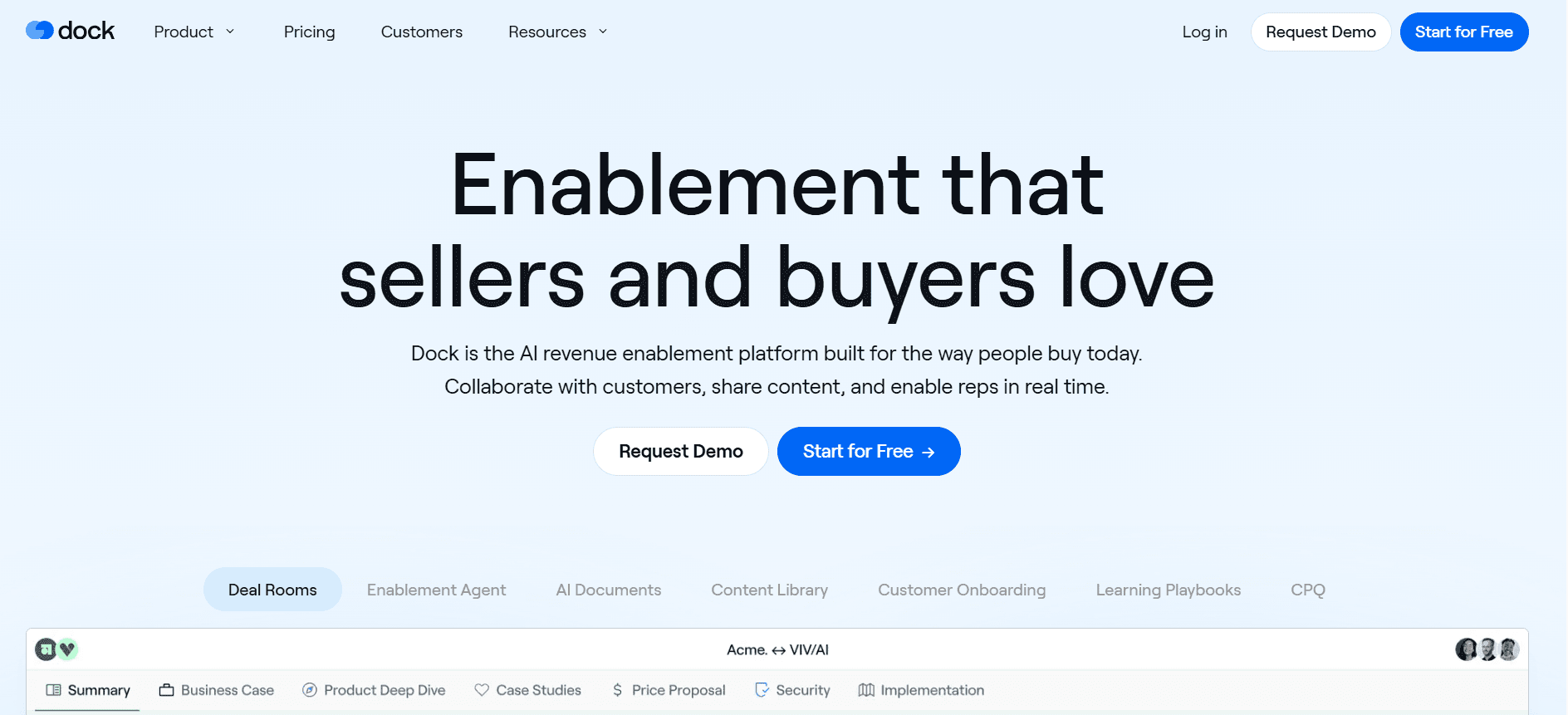
Dock

Dock is known for its focus on providing a client portal to facilitate seamless communication and project management. It’s particularly beneficial for agencies and service providers who need to manage multiple client projects simultaneously. While Dock offers strong collaboration features, it lacks in-depth analytics and in-app guidance, which might be a drawback for data-driven teams.
Key Features
Client Portal
Project Management Dashboard
Document Collaboration
Task Assignment
Real-Time Messaging
Customizable Workflows
Client Feedback Tools
Role-Based Access
Pros | Cons |
|---|---|
Excellent for managing multiple client projects. | Lacks comprehensive analytics tools. |
Facilitates real-time client communication. | No in-app guidance or user onboarding. |
Highly customizable workflows. | Can be too complex for small teams. |
Pricing
Dock's basic plan is free; paid plans start at $75/month, which includes more advanced features and increased storage.
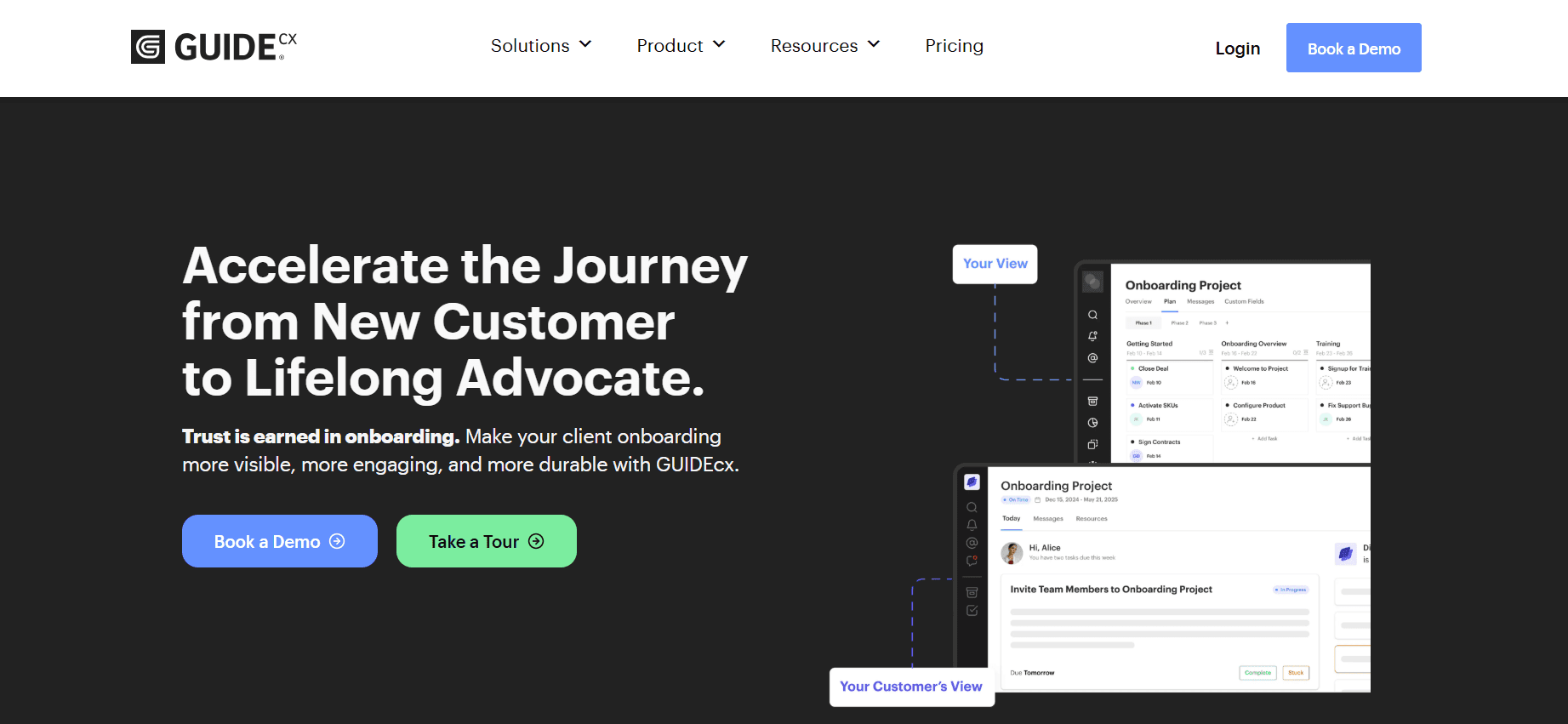
GuideCX

GuideCX focuses on providing a collaborative onboarding experience through its client-facing portal. It's designed for customer success teams that need to align internal and external stakeholders in the onboarding process. While it offers robust project management tools, it doesn't provide in-app guidance or detailed analytics, which might be necessary for teams that rely on data-driven decision-making.
Key Features
Client Portal
Onboarding Project Management
Task Automation
Milestone Tracking
Client Feedback
Internal Collaboration Tools
Custom Branding
Automated Notifications
Pros | Cons |
|---|---|
Facilitates alignment with external stakeholders. | No in-app guidance available. |
Strong project management and tracking features. | Limited analytics capabilities. |
Allows for custom branding and notifications. | May be too complex for simpler onboarding needs. |
Pricing
GuideCX offers a free trial; pricing for full access starts at $300/month, which includes comprehensive project management features.
Intercom

Intercom stands out as a multi-faceted tool that combines customer messaging with onboarding capabilities. It’s particularly strong in leveraging automated messaging to guide users through the onboarding process. This makes it an excellent choice for teams that want to integrate customer support with user onboarding. However, its focus on messaging means it lacks a comprehensive client portal, which might be necessary for project-driven onboarding processes.
Key Features
Automated Messaging
User Segmentation
In-App Chat
Behavioral Triggers
Customer Support Integration
Custom Bot Workflows
Audience Insights
Help Center Articles
Pros | Cons |
|---|---|
Integrates support and onboarding seamlessly. | No dedicated client portal. |
Effective use of automated messaging. | Can be expensive for large user bases. |
Powerful segmentation and targeting features. | Requires technical setup for advanced features. |
Pricing
Intercom offers a basic plan starting at $59/month, with advanced features available at higher tiers.
Customer Onboarding Challenges: What Teams Struggle With
Inconsistent Onboarding Experience Across Different CS Reps
Different reps may deliver varying levels of service, leading to client dissatisfaction.
Lack of standardized processes can cause confusion and inefficiencies.
Training new CS reps becomes more difficult without uniform procedures.
Inconsistent messaging can damage brand reputation and trust.
Clients Don't Complete Onboarding Steps Without Proactive Nudges
Lack of automated reminders can lead to incomplete onboarding processes.
Clients may lose interest or feel unsupported, increasing churn risk.
Manual follow-ups are time-consuming and prone to human error.
Delayed onboarding completion affects the client's time to value.
CS Team Has No Visibility Into Where Specific Clients Are Stuck
Without real-time analytics, it's challenging to identify bottlenecks.
CS teams may waste time solving issues that aren't critical.
Clients may become frustrated if their issues aren't addressed promptly.
Inability to prioritize support can lead to inefficiencies in resource allocation.
CS Team Cannot Scale Their Capacity Without Adding Headcount
Manual processes limit the number of clients a team can handle efficiently.
Hiring more staff increases operational costs significantly.
Existing team members may experience burnout due to workloads.
Scaling operations without automation can lead to inconsistent service quality.
Poor Integration with Existing CRM and Support Ticketing
Lack of integration leads to data silos, affecting customer insights.
Manual data entry increases the risk of errors and inconsistencies.
Delayed access to client information can hinder proactive support.
Integrating disparate systems requires additional IT resources and time.
Challenge | Traditional Process | Business Impact | Time Cost |
|---|---|---|---|
Inconsistent Onboarding | Manual training and diverse practices | Reduced client satisfaction | High |
Incomplete Onboarding | Manual follow-ups | Increased churn | Medium |
No Visibility | Periodic check-ins | Delayed issue resolution | High |
Scaling Issues | Hiring more staff | Increased costs | Very High |
Poor Integration | Manual data entry | Data silos | Medium |
Must-Have Features in Customer Onboarding Tools
In-App Guidance and Product Tours
In-app guidance is essential for providing users with real-time assistance as they navigate a product. These interactive tours help users understand key features and functionalities without needing external resources. Effective in-app guidance reduces the learning curve, leading to faster product adoption. Tools like Pendo and UserPilot excel in offering dynamic, customizable product tours that cater to user needs.
By integrating in-app guidance, companies can ensure a consistent onboarding experience across all users. This feature is particularly beneficial for SaaS platforms, where understanding the software's features is crucial for user engagement and retention. The ability to customize these tours allows businesses to tailor the experience according to user segments.
Client-Facing Onboarding Portal
A client-facing onboarding portal provides a centralized location for all onboarding activities, documents, and communication. This portal enhances transparency and accountability by allowing clients to track progress and access resources at their convenience. Rocketlane and Dock are examples of tools that offer robust client-facing portals, making them ideal for agencies and enterprise teams that manage complex client projects.
Such a portal reduces the need for constant back-and-forth communication, as clients can self-serve most of their onboarding needs. It also allows customer success teams to manage multiple clients simultaneously, improving efficiency and client satisfaction.
Video Walkthroughs Embedded in the Platform
Video walkthroughs offer visual learners an effective way to understand complex concepts and processes. Embedding these videos directly into the onboarding platform ensures that users have access to helpful resources exactly when they need them. Appcues and Trupeer provide strong support for video content, allowing teams to create engaging and informative onboarding materials.
Videos can demonstrate product features, provide step-by-step instructions, and offer solutions to common user problems. This feature is particularly valuable for products with intricate functionalities or those that require a deeper understanding to use effectively.
Automated Task and Milestone Tracking
Automation in task and milestone tracking streamlines the onboarding process by ensuring that no step is overlooked. This feature allows teams to set up automated reminders and notifications, keeping both the company and the client on track. Tools like GuideCX and Rocketlane excel in providing detailed task management capabilities that help teams stay organized and efficient.
Automated tracking reduces the burden on customer success teams, allowing them to focus on more strategic tasks rather than manual follow-ups. It also provides clients with a clear roadmap of their onboarding journey, which can enhance their engagement and satisfaction.
Engagement and Health Score Analytics
Analytics that measure user engagement and health scores are critical for understanding how clients interact with a product during onboarding. These insights allow teams to identify at-risk clients early and take proactive measures to address their concerns. Pendo and Intercom offer advanced analytics features that help businesses monitor user behavior and engagement levels.
By leveraging these analytics, companies can tailor their onboarding strategies to meet the specific needs of different user segments. This data-driven approach ensures a higher success rate in onboarding, leading to improved customer satisfaction and retention.
CRM Integration
Seamless integration with CRM systems ensures that customer data is consistent and up-to-date across all platforms. This feature enables customer success teams to access client information quickly and respond to queries with relevant context. Trupeer and GuideCX are known for their strong integration capabilities, which help bridge the gap between onboarding and ongoing customer relationship management.
CRM integration eliminates the need for manual data entry, reducing the risk of errors and saving time. It also allows for better tracking of customer interactions and history, which is crucial for personalized and effective customer support.
How to Choose Customer Onboarding Tools Based on Your Use Case
SaaS Self-Serve Product Onboarding
For SaaS companies offering self-serve product onboarding, the primary goal is to guide users through the product without direct human assistance. These businesses need tools that provide in-app guidance and product tours to educate users on the platform's features.
Key Challenges:
Ensuring users understand product features without direct support.
Reducing churn by enhancing user experience and engagement.
Providing timely resources that users can access independently.
Solutions Needed:
In-app guidance and interactive product tours.
Video walkthroughs for complex features.
Automated reminders and notifications to drive user engagement.
Tool | In-App Guidance | Video Walkthroughs | Automated Reminders |
|---|---|---|---|
Pendo | Yes | Limited | Yes |
UserPilot | Yes | No | Yes |
Appcues | Yes | Yes | No |
Enterprise CSM-Led Onboarding
Large enterprises often require CSM-led onboarding to manage complex client needs and ensure smooth adoption. These organizations need tools that offer robust project management and client portal capabilities to support their onboarding processes.
Key Challenges:
Coordinating efforts across multiple stakeholders.
Tracking progress and ensuring accountability.
Providing personalized onboarding experiences for each client.
Solutions Needed:
Client-facing portals for transparency and collaboration.
Task and milestone tracking for efficient project management.
CRM integration to streamline client communication.
Tool | Client Portal | Task Tracking | CRM Integration |
|---|---|---|---|
Rocketlane | Yes | Yes | Yes |
GuideCX | Yes | Yes | Yes |
Trupeer | Yes | Yes | Yes |
Agency Client Onboarding
Agencies managing multiple client projects simultaneously need tools that facilitate communication and streamline project workflows. A centralized onboarding portal and robust collaboration tools are crucial for their success.
Key Challenges:
Managing numerous client projects effectively.
Ensuring timely delivery and client satisfaction.
Coordinating communication across different teams.
Solutions Needed:
Centralized client portal for all projects.
Real-time messaging and collaboration features.
Customizable workflows to fit varied client needs.
Tool | Client Portal | Collaboration Features | Custom Workflows |
|---|---|---|---|
Dock | Yes | Yes | Yes |
Rocketlane | Yes | Yes | Limited |
GuideCX | Yes | Yes | No |
Partner and Reseller Enablement
Companies using partners and resellers need to ensure that these teams are well-equipped to sell and support their products. Onboarding tools that offer training and resources to partners are essential.
Key Challenges:
Ensuring partners understand product features and benefits.
Training partners to handle customer inquiries effectively.
Maintaining brand consistency across partner channels.
Solutions Needed:
Training modules and certifications.
Resource portals with up-to-date product information.
Branding and customization options for partner materials.
Tool | Training Modules | Resource Portal | Branding Options |
|---|---|---|---|
Trupeer | Yes | Yes | Yes |
Appcues | Yes | Limited | Yes |
Intercom | No | Yes | Limited |
Best Practices for Customer Onboarding
Before Onboarding
Define clear onboarding goals and success metrics.
Map out the entire customer journey to identify key touchpoints.
Ensure your team is trained on the onboarding processes and tools.
Customize your onboarding content to cater to different customer segments.
Set expectations with clients about the onboarding timeline and outcomes.
During Onboarding
Engage clients with personalized communication and support.
Utilize analytics to monitor progress and identify potential bottlenecks.
Provide clients with easy access to resources and support channels.
Encourage feedback to continuously improve the onboarding process.
Celebrate small wins with clients to keep them motivated and engaged.
After Onboarding
Conduct a review session with clients to assess onboarding success.
Gather client feedback to refine and enhance your onboarding approach.
Set up regular check-ins to ensure ongoing client satisfaction and product use.
Offer advanced training sessions for continued client education.
Use client insights to inform future onboarding improvements and strategies.
Frequently Asked Questions
What is customer onboarding? Customer onboarding is the process of introducing new customers to your product or service, helping them understand its features, and ensuring they derive value from it quickly. Effective onboarding reduces churn and increases customer satisfaction.
Why is onboarding important? Onboarding is crucial because it sets the tone for the customer relationship. A smooth onboarding experience can lead to higher customer retention and satisfaction, while a poor experience can increase churn and negatively impact your brand.
Can onboarding tools integrate with our existing CRM? Most modern onboarding tools offer CRM integration, allowing seamless data exchange between systems. This ensures that customer information remains consistent and up-to-date across all platforms.
How secure is the data in onboarding platforms? Reputable onboarding platforms implement strong security measures to protect client data. It’s important to choose a platform that complies with industry standards and offers data encryption and access controls.
Are there free onboarding tools available? Yes, several onboarding platforms offer free plans with limited features. These can be suitable for small businesses or startups looking to test the platform's capabilities before committing to a paid plan.
What factors influence the cost of onboarding tools? Pricing often depends on features offered, the number of users or clients supported, and the level of customer support. Additional costs may arise from advanced integrations, customizations, or training services.
How long does it take to implement an onboarding tool? Implementation time varies depending on the complexity of your requirements and the tool chosen. Simple setups can take a few days, while more complex implementations might require weeks.
Can onboarding tools be customized to fit our branding? Many onboarding tools allow for customization, enabling you to align the platform with your brand's look and feel. This helps maintain brand consistency and enhances the user experience.
Closing
Choosing the right customer onboarding platform is critical for ensuring new clients receive a seamless and engaging experience with your product or service. By understanding your specific use cases and challenges, you can select tools that align with your business goals and client needs. Remember, the effectiveness of your onboarding process directly impacts customer satisfaction and retention.
If you're searching for a comprehensive onboarding solution that combines robust features with flexibility, consider Trupeer. Visit Trupeer to learn more about how it can transform your customer onboarding strategy and drive business success.