2026年3月30日

Best Platforms for Client Onboarding Videos: The Complete 2026 Guide

Best Platforms for Client Onboarding Videos: The Complete 2026 Guide

Best Platforms for Client Onboarding Videos: The Complete 2026 Guide

Best Platforms for Client Onboarding Videos: The Complete 2026 Guide

Discover the best platforms for client onboarding videos in 2026. Create scalable tutorials, demos, and training content faster with AI-powered tools like Trupeer.

Discover the best platforms for client onboarding videos in 2026. Create scalable tutorials, demos, and training content faster with AI-powered tools like Trupeer.

内容目录

Trupeer AI enables you to create instant AI product Videos & Docs from Rough Screen Recordings

即时 AI 产品视频和文档,从粗略的屏幕录制中生成

Get started for free

免费开始

Explore the top video platforms for seamless client onboarding in 2026

[45] min read. March 30, 2026.

Buyer's Overview

In the competitive landscape of 2026, businesses that provide training to external clients, such as agencies and SaaS vendors, need specialized platforms for creating client onboarding videos. These platforms must offer more than just basic screen recording. They should include features like client portals, detailed analytics, and interactive elements that generic tools often lack. According to a report by the Training Industry Association, companies that invest in specialized onboarding tools see a 50% increase in client satisfaction and retention.

Businesses using advanced onboarding platforms experience a 50% boost in client satisfaction.

Source: Training Industry Association Report, 2026

This guide is designed for businesses aiming to enhance their client training experiences with effective video platforms. We cover the best tools available, detailing their features, strengths, and weaknesses, to help you make an informed decision.

Best Client Training Video Platforms: Head-to-Head Comparison

Feature

Trupeer

Panopto

Loom

Kaltura

Vidyard

Wistia

Camtasia

Client Portal

Yes

Limited

No

Yes

Limited

Yes

No

Access Controls

Yes

Yes

No

Yes

Limited

Yes

No

Interactive Video

Yes

Yes

Limited

Yes

Yes

Limited

No

Engagement Analytics

Yes

Yes

Limited

Yes

Yes

Yes

Limited

AI Voiceover

Yes

Limited

No

Limited

No

Yes

No

Custom Branding

Yes

Yes

Limited

Yes

Yes

Yes

Limited

Multi-language

Yes

Yes

No

Yes

Limited

Yes

No

LMS Integration

Yes

Yes

No

Yes

Limited

Limited

No

Free Tier

Yes

No

Yes

No

Yes

No

Limited

  1. Trupeer

    Trupeer

Trupeer stands out as a versatile platform designed specifically for client onboarding and training. It offers a comprehensive suite of tools that cater to businesses requiring detailed client interaction and feedback. With robust access controls and customizable client portals, Trupeer is ideal for agencies and SaaS companies that need to deliver personalized training experiences. Its strengths lie in its seamless integration with existing LMS systems and its advanced analytics that track viewer engagement down to the individual level.

Key Features

  • Customizable client portals

  • Advanced engagement analytics

  • AI-powered voiceover and translation

  • Seamless LMS integration

  • Interactive video features like quizzes

  • Custom branding options

  • Multi-language support

  • Content update automation

"Trupeer transformed our client onboarding process, making it more efficient and engaging."

Emily Johnson, Customer Success Manager at Tech Innovations (Source: G2)

Pros

Cons

Comprehensive client portal features.

Higher learning curve for new users.

Extensive analytics for engagement tracking.

Limited integration with niche tools.

AI-powered voiceover enhances accessibility.

Premium pricing for advanced features.

Pricing

Trupeer offers a free tier with limited features. Paid plans start at $49 per user per month, offering more comprehensive features.

  1. Panopto

    Panopto

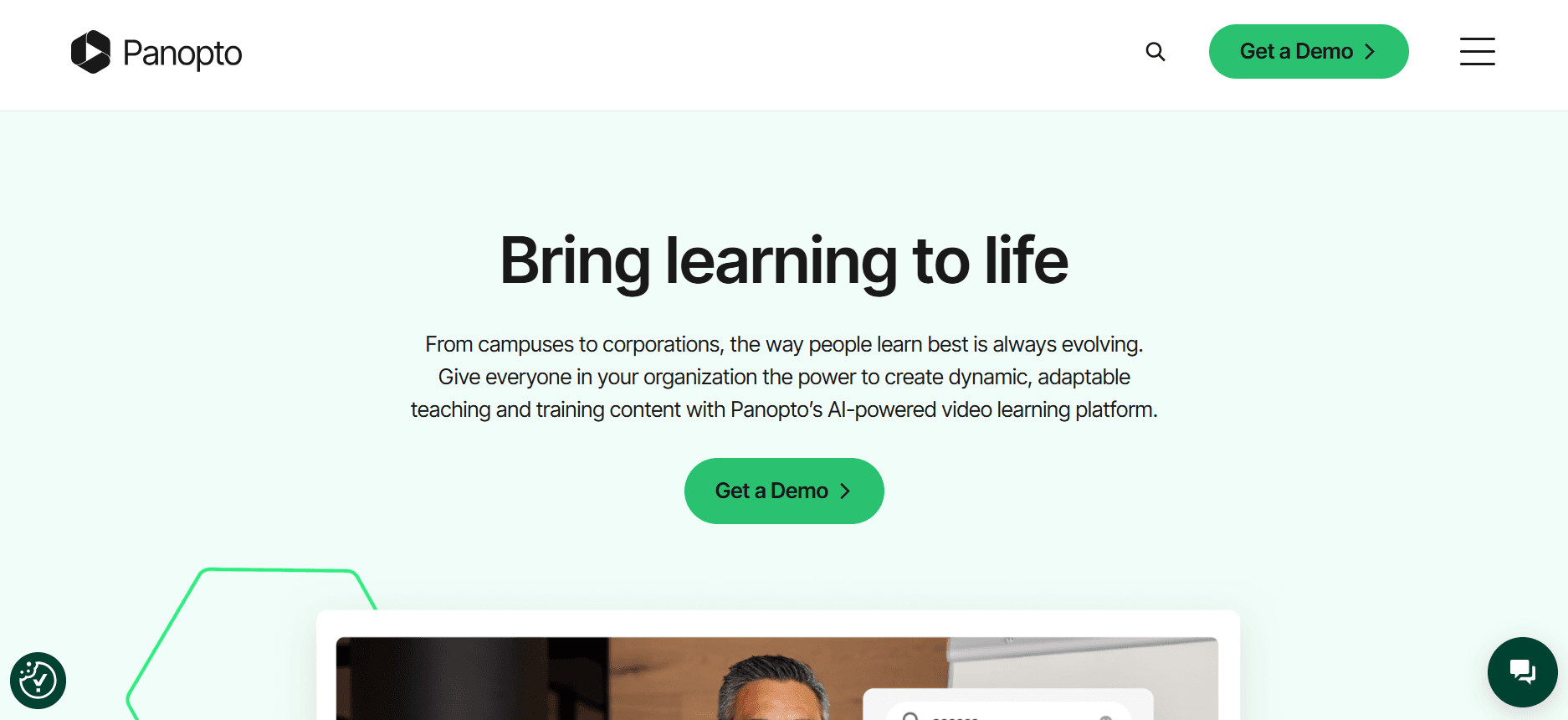
Panopto is a powerful video platform aimed at educational institutions and large enterprises. Known for its strong video management capabilities, it's ideal for organizations that need to manage extensive video libraries and provide detailed analytics. Panopto excels in lecture capture and video streaming, making it a go-to for universities and corporate training programs. Its intuitive interface and robust search capabilities make it easy to find and organize content.

Key Features

  • Lecture capture capabilities

  • Advanced video search

  • Video content management system

  • Detailed viewer analytics

  • Live streaming support

  • Seamless integration with LMS

  • Multi-language transcription services

  • Secure video hosting

Pros

Cons

Excellent for educational content management.

Limited interactive video features.

Strong search and organization tools.

No free tier offered.

Robust analytics for enterprise use.

High cost for premium features.

Pricing

Panopto does not offer a free tier. Pricing is quote-based, starting from approximately $14,000 annually for enterprise plans.

  1. Loom

    Loom

Loom is a popular choice for quick video communication and screen recording. It's well-suited for teams needing to share ideas and updates quickly through video. With a focus on ease of use, Loom allows users to create and share videos instantly. However, it lacks some advanced features necessary for comprehensive client training, such as interactive elements or detailed analytics.

Key Features

  • Instant video recording and sharing

  • Screen and webcam recording

  • Simple video editing tools

  • Viewer engagement insights

  • Customizable video thumbnails

  • Team collaboration features

  • Video comments and reactions

  • Quick sharing with links

Pros

Cons

Easy to use with quick video creation.

Limited analytics capabilities.

Great for team communication.

Lacks interactive video features.

Affordable pricing with a free tier.

No dedicated client portals.

Pricing

Loom offers a free version with limited features. Paid plans start at $8 per user per month, providing additional features and capabilities.

  1. Kaltura

    Kaltura

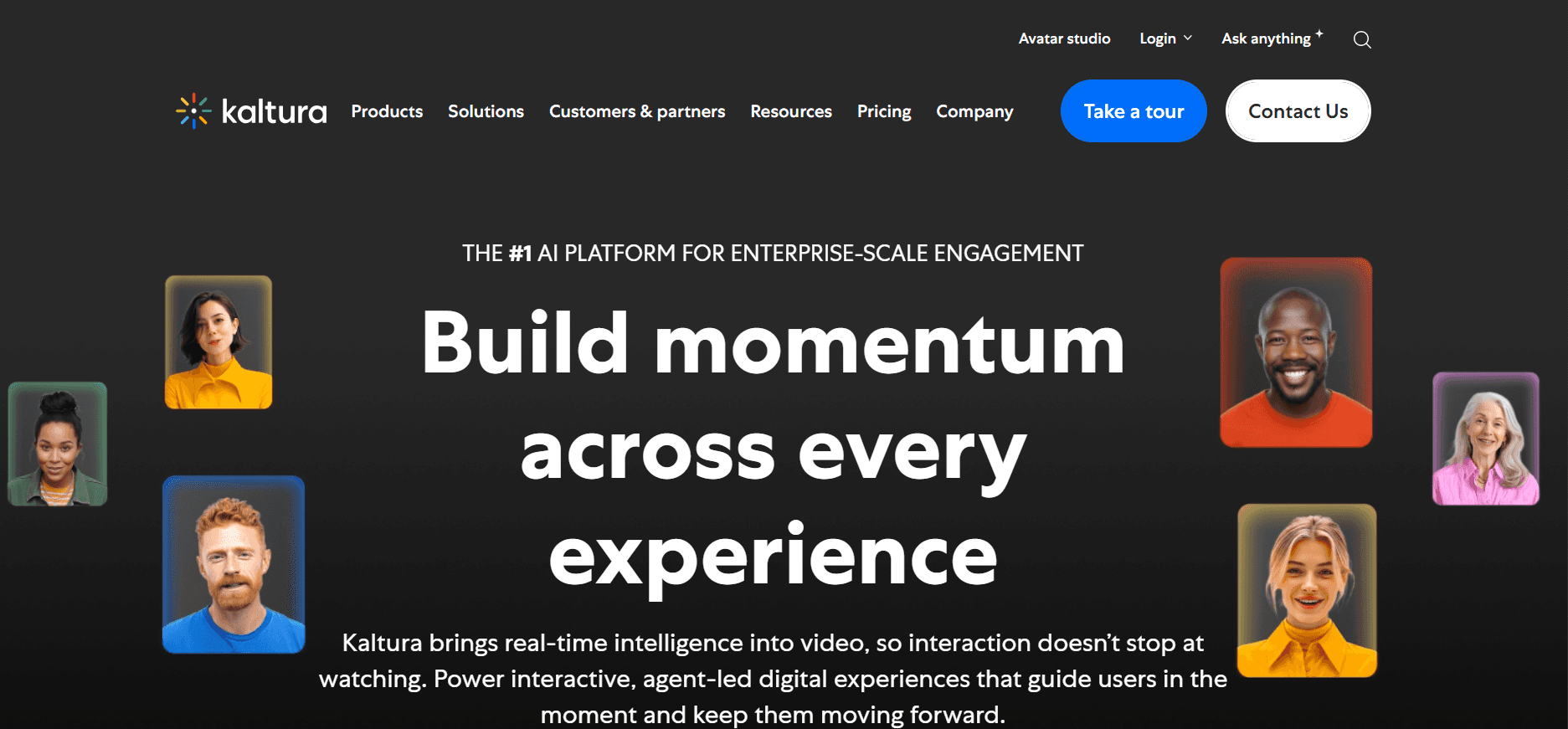
Kaltura offers a versatile video platform suitable for a range of industries, from education to corporate training. It provides a comprehensive suite of tools for creating, managing, and delivering video content. What sets Kaltura apart is its open-source nature, allowing for extensive customization and integration possibilities. However, this flexibility can come with a steeper learning curve.

Key Features

  • Open-source platform

  • Customizable video player

  • Extensive API support

  • Interactive video tools

  • Multi-device playback

  • Advanced analytics

  • Live streaming and VOD

  • Integration with LMS platforms

Pros

Cons

Highly customizable for different needs.

Complex setup for non-developers.

Rich interactive features.

Costly for small businesses.

Strong integration capabilities.

No free tier available.

Pricing

Kaltura’s pricing is based on usage and customization needs, generally requiring a quote. It does not offer a free tier.

  1. Vidyard

    Vidyard

Vidyard is designed for businesses focused on video marketing and sales enablement. It excels in providing tools for video personalization and analytics. Vidyard is perfect for organizations that want to track video performance and viewer engagement to refine their marketing strategies. While it offers robust features for marketing, it may lack some educational tools needed for client training.

Key Features

  • Video personalization tools

  • Comprehensive viewer analytics

  • Integration with CRM platforms

  • Video SEO optimization

  • Custom branded video players

  • Interactive video elements

  • Video email campaigns

  • Real-time engagement alerts

Pros

Cons

Excellent for video marketing.

Limited educational features.

Detailed analytics and reporting.

Higher cost for premium features.

Strong CRM integrations.

No dedicated client portals.

Pricing

Vidyard offers a free tier with limited functionality. Paid plans start at $15 per user per month, offering more advanced features.

  1. Wistia

    Wistia

Wistia is a favorite among small to mid-sized businesses looking for professional video hosting and marketing solutions. Known for its user-friendly interface and branding options, Wistia allows businesses to create a polished look for their videos. It provides detailed analytics and integrates seamlessly with marketing tools, though it might not offer the depth needed for extensive client training programs.

Key Features

  • Custom branding and player options

  • Advanced video analytics

  • SEO-friendly video hosting

  • Lead generation tools

  • Integration with marketing platforms

  • Video heatmaps for engagement tracking

  • Easy-to-use interface

  • Interactive video elements

Pros

Cons

Excellent branding and customization.

Limited educational features.

Strong marketing integration.

No free tier available.

Detailed analytics for small businesses.

Higher cost for additional features.

Pricing

Wistia does not offer a free tier. Pricing starts at $99 per month for a base plan, with additional costs for extra features.

  1. Camtasia

    Camtasia

Camtasia is a powerful tool for creating instructional videos and tutorials. It's particularly popular among educators and trainers who need to produce high-quality video content. Camtasia offers a range of editing tools and effects to help create engaging and professional videos. However, it lacks some of the advanced features like client portals and detailed analytics that other platforms provide.

Key Features

  • Comprehensive video editing tools

  • Screen recording capabilities

  • Built-in video effects and transitions

  • Interactive quizzes and elements

  • Multi-track timeline editing

  • Audio and voiceover editing

  • Annotations and callouts

  • Compatible with multiple formats

Pros

Cons

Rich video editing capabilities.

No client portals.

Great for educational content creation.

Lacks detailed analytics features.

Interactive elements enhance learning.

Limited integration options.

Pricing

Camtasia offers a single purchase license starting at $299.99, with discounts for educational institutions.

Client Training Video Platforms Challenges: What Teams Struggle With

  1. No Dedicated Client Access Controls

  • Many platforms provide generic links for video access, lacking secure client-specific portals.

  • This absence of control can lead to unauthorized access and data breaches.

  • Without dedicated access, clients might share links indiscriminately, leading to a loss of content exclusivity.

  • Businesses need to ensure that each client experiences a personalized and secure interaction.

  1. No Visibility Into Video Engagement

  • Tracking whether clients actually watch the videos is crucial for assessing training effectiveness.

  • Traditional methods rely on self-reporting, which is often inaccurate.

  • Lack of engagement metrics can lead to misunderstandings regarding client preparedness.

  • Businesses need detailed analytics to refine their training strategies and content.

  1. Lack of Professional Branding

  • Generic video platforms often don't support custom branding, affecting brand perception.

  • Clients might perceive the training as less professional if it's not aligned with the company's brand.

  • Branding inconsistencies can dilute brand identity and client trust.

  • Ensuring consistent branding across all client-facing materials enhances professionalism.

  1. No Interactive Elements for Self-Paced Training

  • Static video content fails to engage clients who prefer interactive learning.

  • Interactive elements like quizzes and chapters can significantly boost retention and understanding.

  • Without these features, content might not cater to diverse learning styles.

  • Interactive videos encourage active participation, leading to more effective learning experiences.

  1. Re-recording Required for Every Product Update

  • Frequent product updates necessitate re-recording, which is time-consuming and costly.

  • Static video content becomes obsolete quickly without easy update capabilities.

  • This challenge can delay the delivery of up-to-date information to clients.

  • Teams need tools that allow for quick updates without re-recording entire videos.

Challenge

Traditional Process

Business Impact

Time Cost

No Dedicated Client Access Controls

Generic link sharing

Security risks and data breaches

High

No Visibility Into Video Engagement

Self-reporting methods

Inaccurate training assessments

Moderate

Lack of Professional Branding

Use of unbranded platforms

Decreased client trust

Low

No Interactive Elements

Static video content

Poor engagement and retention

Moderate

Re-recording for Updates

Manual re-recording

Delayed information delivery

Very High

Must-Have Features in Client Training Video Platforms

  1. Client Portal with Granular Access Controls

A client portal with granular access controls is essential for maintaining security and exclusivity in client interactions. These portals allow businesses to assign specific users to specific content, ensuring only authorized clients access the material. By customizing permissions, companies can cater content to individual clients' needs, enhancing the personalized learning experience.

Platforms like Trupeer excel in this area, providing robust client portal systems that allow for detailed user management. This feature is crucial for industries handling sensitive information, where unauthorized access could have significant repercussions.

  1. Video Analytics Showing Per-Viewer Engagement

Understanding how clients interact with video content is pivotal for refining training strategies. Analytics tools that offer insights into viewer engagement, such as watch time, completion rates, and interaction points, enable companies to gauge the effectiveness of their training materials. These analytics help identify which areas need improvement and which content resonates most with clients.

Vidyard and Wistia offer comprehensive analytics features that track viewer behavior, allowing businesses to make data-driven decisions to enhance their training programs.

  1. Interactive Elements (Quizzes, Chapters, Branching)

Interactive elements transform passive viewing into active learning, making training more effective. Features like quizzes, chapters, and branching paths encourage clients to engage with the content, test their knowledge, and explore topics at their own pace. This interactivity caters to various learning styles, ensuring broader comprehension and retention.

Kaltura provides robust interactive tools, enabling businesses to create dynamic video experiences that foster deeper client engagement and understanding.

  1. AI Voiceover and Auto-Translation

AI voiceover and auto-translation features break down language barriers, making content accessible to a global audience. These tools not only save time but also ensure consistency in delivery, as AI-generated voiceovers maintain a uniform tone and pace. Auto-translation capabilities expand the reach of training materials, accommodating clients from different linguistic backgrounds.

Trupeer's integration of AI voiceover and translation tools makes it a standout choice for companies with diverse international client bases.

  1. Custom Branding with Logo and Colors

Custom branding capabilities allow businesses to align training materials with their corporate identity, reinforcing brand recognition and professionalism. By customizing video players with logos and corporate colors, companies create a cohesive brand experience that extends to all client interactions.

Wistia offers excellent branding options, giving businesses the tools to ensure their training content reflects their brand values and aesthetics.

  1. Easy Content Updates Without Re-recording

Keeping training materials up-to-date is crucial in fast-paced industries. Tools that allow for easy content updates, such as replacing sections of a video without full re-recording, save time and resources. This feature ensures that clients always have access to the latest information without delay.

Platforms like Camtasia provide editing tools that allow for quick updates and modifications, making them ideal for companies that need to frequently update their training content.

How to Choose Client Training Video Platforms Based on Your Use Case

  1. Software Onboarding Videos for Clients

For SaaS companies, delivering effective software onboarding videos is crucial to ensure clients quickly understand and begin using the product. The right video platform can streamline this process, making it efficient and engaging.

  • Key Challenges:

    • Complex software features

    • Limited client time for training

    • Need for tailored training paths

  • Solutions Needed:

    • Interactive videos with chapters

    • Customizable client portals

    • Detailed viewer analytics

Platform

Interactive Elements

Client Portal

Analytics

Trupeer

Yes

Yes

Yes

Loom

Limited

No

Limited

  1. Ongoing Product Training Libraries

For companies that frequently update their products, maintaining an up-to-date training library is essential. This ensures that clients always have access to the latest features and functionalities.

  • Key Challenges:

    • Frequent product updates

    • Maintaining content relevance

    • Resource constraints for content production

  • Solutions Needed:

    • Easy video editing and updates

    • AI voiceover for quick content creation

    • Automated content distribution

Platform

Edit and Update

AI Voiceover

Distribution

Camtasia

Yes

No

Limited

Trupeer

Yes

Yes

Yes

  1. Compliance and Certification Training for Clients

Industries with regulatory requirements often need to provide compliance training. Ensuring that clients complete necessary certifications is crucial for both legal and operational reasons.

  • Key Challenges:

    • Ensuring compliance with regulations

    • Tracking certification completion

    • Providing proof of training

  • Solutions Needed:

    • Certification tracking and reporting

    • Interactive quizzes and assessments

    • Secure client access

Platform

Certification Tracking

Quizzes

Secure Access

Panopto

Yes

Yes

Yes

Vidyard

Limited

Yes

Limited

  1. Partner Enablement Video Programs

Empowering partners with the right information and training is key to successful partnerships. Video programs can be an effective way to educate partners about products and selling strategies.

  • Key Challenges:

    • Consistency in training materials

    • Engaging diverse partner audiences

    • Customizing content for different partners

  • Solutions Needed:

    • Custom branding

    • Multi-language support

    • Interactive video content

Platform

Branding

Multi-language

Interactive Content

Wistia

Yes

Limited

Yes

Kaltura

Yes

Yes

Yes

Best Practices for Creating Client Onboarding Videos

  1. Before Creating the Video

  • Define clear learning outcomes for each video.

  • Plan the video series by breaking down content into manageable topics.

  • Conduct a needs assessment to tailor content to client needs.

  • Gather input from stakeholders to ensure comprehensive coverage.

  1. During Video Creation

  • Keep each video under 5 minutes to maintain engagement.

  • Use chapters to organize content logically and allow easy navigation.

  • Incorporate interactive elements to engage viewers actively.

  • Utilize high-quality visuals and audio to enhance professionalism.

  1. After Video Completion

  • Track completion rates and analyze viewer engagement metrics.

  • Gather feedback from clients to identify areas for improvement.

  • Refresh content quarterly to keep it relevant and up-to-date.

  • Update and distribute videos efficiently using automated tools.

Frequently Asked Questions

  1. What is client onboarding video software?
    Client onboarding video software helps businesses create, manage, and distribute video content specifically designed to train and onboard clients. These platforms often include features like client portals, interactive content, and analytics tools.

  2. Why is video an effective tool for client training?
    Videos can visually demonstrate complex concepts, making them easier to understand. They engage viewers through multimedia elements, which can improve retention and allow for more interactive learning experiences compared to traditional text-based methods.

  3. Can I integrate these platforms with my existing CRM?
    Most client training video platforms offer integrations with popular CRM systems, allowing you to seamlessly incorporate video data into your customer management processes. It’s important to check each platform’s specific integration capabilities.

  4. How do I ensure my videos are secure?
    To ensure video security, choose platforms that provide client portals with granular access controls and encryption. These features help protect your content and ensure that only authorized clients can access your videos.

  5. Are there free versions of these platforms?
    Some platforms offer free tiers with limited features, which can be suitable for small businesses or those just starting with video content. However, for more advanced capabilities, a paid plan is often necessary.

  6. What factors affect the cost of video platforms?
    Pricing is typically influenced by the number of users, storage space, and additional features like AI tools or advanced analytics. Customization and integration options can also impact overall costs.

  7. How do I get started with a client training video platform?
    Begin by identifying your training objectives and evaluating platforms based on your specific needs. Most platforms offer demos or trials, which can help you understand their features and usability before committing.

  8. What resources are needed to implement video training?
    Implementation requires an investment in the right software, as well as time to create and manage content. You may need a dedicated team to handle video production and platform management, especially for larger training programs.

Closing

Choosing the right platform for client onboarding videos can transform how you engage and train your clients. With the right tools, you can create effective, engaging, and professional content that not only meets compliance requirements but also strengthens client relationships. Consider your unique needs and challenges to select a platform that aligns with your business goals.

Trupeer offers a comprehensive solution with customizable options, advanced analytics, and seamless integration capabilities. Explore how Trupeer can enhance your client training programs by visiting Trupeer today.

开始免费使用我们的AI视频+文档生成器制作视频

开始免费使用我们的AI视频+文档生成器制作视频

Experience the new & faster way of creating product videos.

Instant AI Product Videos and Docs from Rough Screen Recordings.

Get started for free

免费开始

Experience the new & faster way of creating product videos.

Instant AI Product Videos and Docs from Rough Screen Recordings.

Get started for free

免费开始

Experience the new & faster way of creating product videos.

Instant AI Product Videos and Docs from Rough Screen Recordings.

Get started for free

免费开始