Trupeer Blog
Обобщение

The moment after someone finishes watching your webinar is critical. They're engaged and interested, making it the perfect time to guide them further down the sales funnel. But how do you capitalize on this high-intent moment? Sending a tailored video sequence can be the key. Recent studies show that
80% of marketers reported an increase in webinar success with a strategic video follow-up sequence
. This is where a well-thought-out plan comes into play. By using tools like Trupeer.ai and focusing on precision, you can create a series of follow-up videos that not only nurture leads but also drive conversions. If you're looking to refine your approach and maximize the potential of your webinars, this strategy is for you. Whether you're a marketing professional aiming to optimize lead engagement or a business owner who wants to see tangible results from your webinar efforts, understanding how to effectively deploy follow-up videos is crucial. It's more than just sending a thank you email; it's about crafting a narrative that continues to engage and inform your audience. Teams weighing tools often start with a Loom alternatives comparison before standardizing on a workflow.
Why does a webinar follow-up video strategy matter?
Webinars are a powerful tool for engaging audiences, but their true potential often goes unrealized without a solid follow-up strategy. After a webinar ends, attendees are at a peak engagement level, and you have a unique opportunity to further captivate their interest. However, many businesses struggle to maintain this momentum, leaving potential leads untapped. This is where a well-executed follow-up video strategy can make all the difference. By providing additional value through tailored video content, you can keep the conversation going and guide your audience further down the funnel.
The stakes are high, especially when you consider that customer education workflows can significantly enhance retention and satisfaction. A follow-up video strategy helps solidify the message delivered during the webinar and provides the audience with actionable insights, reinforcing the original content. This approach not only enhances understanding but also positions your brand as a thought leader. By continuously engaging with your audience through follow-up videos, you build trust and credibility, making it more likely that they'll choose your products or services when they're ready to make a purchase decision.
What are the benefits of a webinar follow-up video strategy?
Implementing a follow-up video strategy after your webinar can yield numerous benefits, enhancing both engagement and conversion rates.
Enhanced Engagement. Follow-up videos keep your audience engaged by providing additional content that complements the original webinar. This sustained interaction increases the likelihood of conversion.
Building Trust. By offering valuable insights and actionable advice in your follow-up videos, you establish your brand as an authority, building trust with your audience.
Increased Conversion Rates. A well-crafted video sequence can guide potential leads through the sales funnel more effectively, resulting in a notable increase in conversion rates.
Targeted Communication. Tailored video content allows you to address specific pain points of different audience segments, making your message more relevant and impactful.
Scalable Strategy. With tools like an AI video platform, you can easily scale your follow-up video strategy, reaching a larger audience without significant additional effort.
Improved Brand Recall. Consistent video communication helps reinforce your brand message, leading to better recall and recognition among your audience.
Teams ship this workflow end-to-end using Trupeer's AI video platform, which turns raw recordings into polished output without an editor.
Which Trupeer features help you create a webinar follow-up video strategy?
Trupeer offers several powerful features that can simplify the creation of an effective follow-up video strategy, ensuring that your content is engaging and impactful.
AI screen recording with auto-zoom and click detection
This feature allows you to create dynamic and engaging follow-up videos by automatically capturing screen activity with smart zoom and click detection. The auto-zoom ensures that viewers can clearly see the relevant information, making the content more accessible and engaging. By focusing on key actions, this feature helps in creating concise and impactful follow-up videos that effectively reinforce your webinar content.
Automatic filler-word removal ("um", "ah", long pauses)
With Trupeer's ability to automatically remove filler words and long pauses, your follow-up videos will be more polished and professional. This feature is particularly useful for maintaining viewer engagement, as it results in a smoother, more smooth viewing experience. By eliminating unnecessary distractions, you can ensure that your audience remains focused on the core message of your follow-up content.
AI voiceover in 65+ natural voices, adjustable pace and tone
Trupeer's AI voiceover feature allows you to create consistent and professional follow-up videos with ease. With over 65+ natural voices to choose from, you can select the one that best matches your brand's tone. also, the adjustable pace and tone mean you can fine-tune the delivery to suit your message. This feature is invaluable for creating engaging and versatile follow-up content that resonates with your audience.
Automatic SOP generation from any recording (edit-ready, exportable)
With the capability to generate automatic SOPs from any recording, Trupeer makes it easy to create comprehensive documentation that complements your follow-up videos. This feature is especially useful for providing detailed instructions or additional resources related to your webinar content. The edit-ready and exportable format ensures that you can quickly and easily share this documentation with your audience, enhancing their understanding and engagement.
AI-searchable knowledge base with timestamp deep-links
Trupeer's AI-searchable knowledge base is a big shift for organizing and accessing your follow-up video content. With timestamp-level deep links, viewers can quickly find the exact information they need, enhancing their experience and engagement. This feature not only improves accessibility but also ensures that your follow-up videos are an effective resource for your audience, reinforcing the key messages from your webinar.
How do you create a webinar follow-up video strategy step by step with Trupeer?
Step 1: Capture Your Webinar
Begin by using Trupeer's AI screen recording with auto-zoom and click detection to capture your webinar. Didn't record the session? You can still send a follow-up by turning the slides into a narrated video with our presentation to video tool. This feature ensures that all critical parts of the presentation are highlighted, maintaining viewer focus. Once you start the screen capture through the browser-based recorder, Trupeer's AI automatically adjusts the zoom to focus on important actions, such as cursor movements or slide transitions. This process requires minimal intervention, allowing you to focus on delivering your content. After recording, the video is saved in the dashboard, ready for editing or immediate distribution.
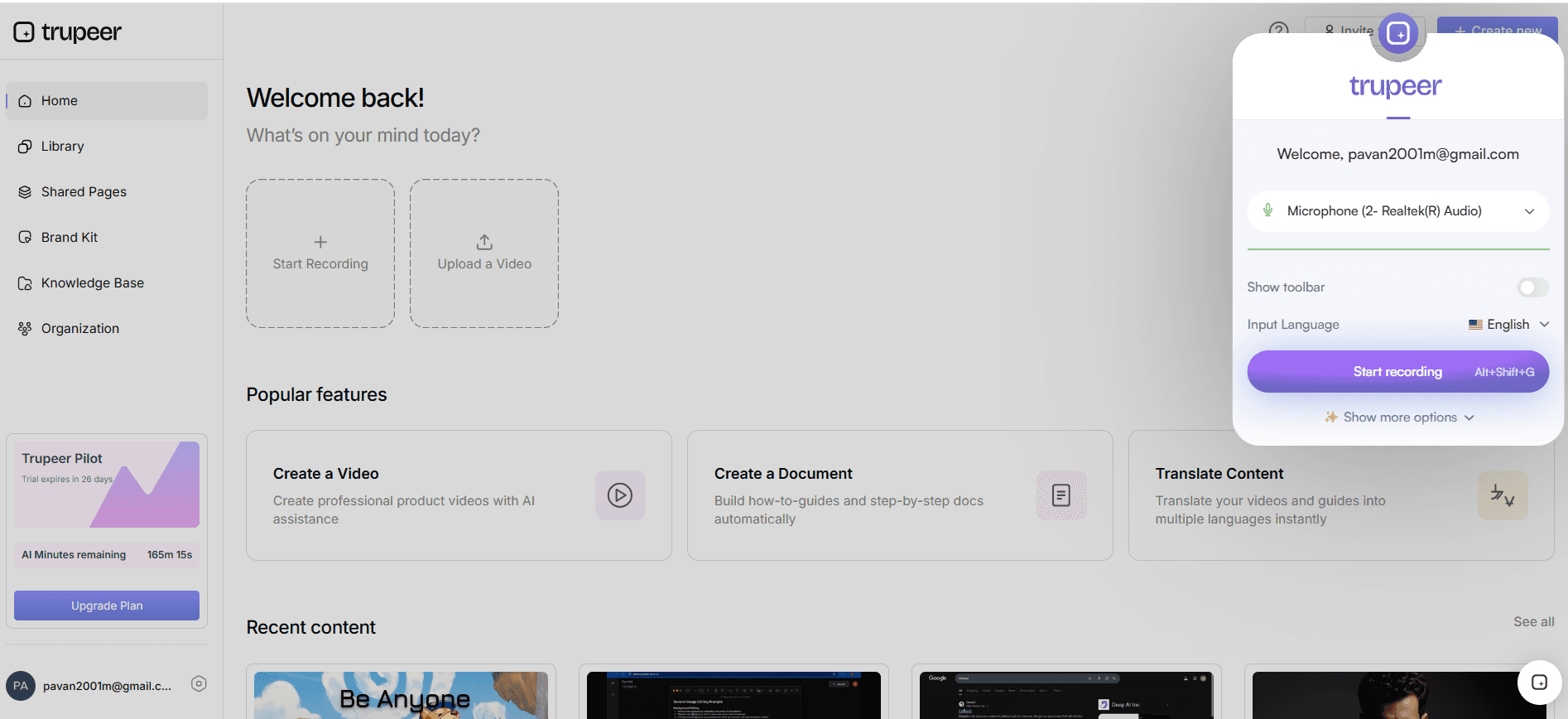
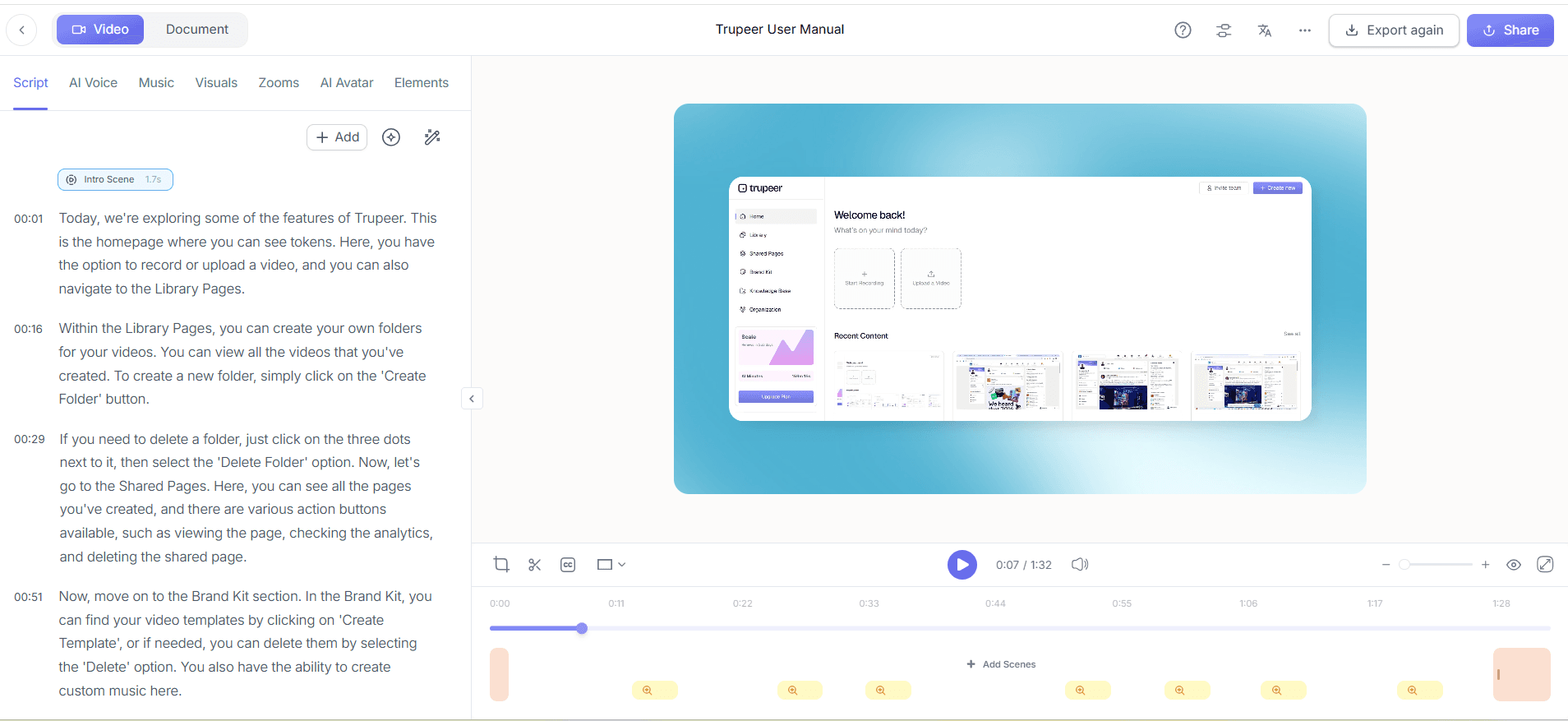
Step 2: Edit Your Video
After capturing the webinar, refine your video using Trupeer's automatic filler-word removal. Access the video in your Trupeer dashboard, where the AI editing tools will automatically eliminate unnecessary filler words and long pauses, enhancing the video's flow and professionalism. This feature operates in the background, requiring only a few clicks to apply. Within minutes, your video will transform into a polished piece, ready to engage your audience without the distractions of verbal tics.
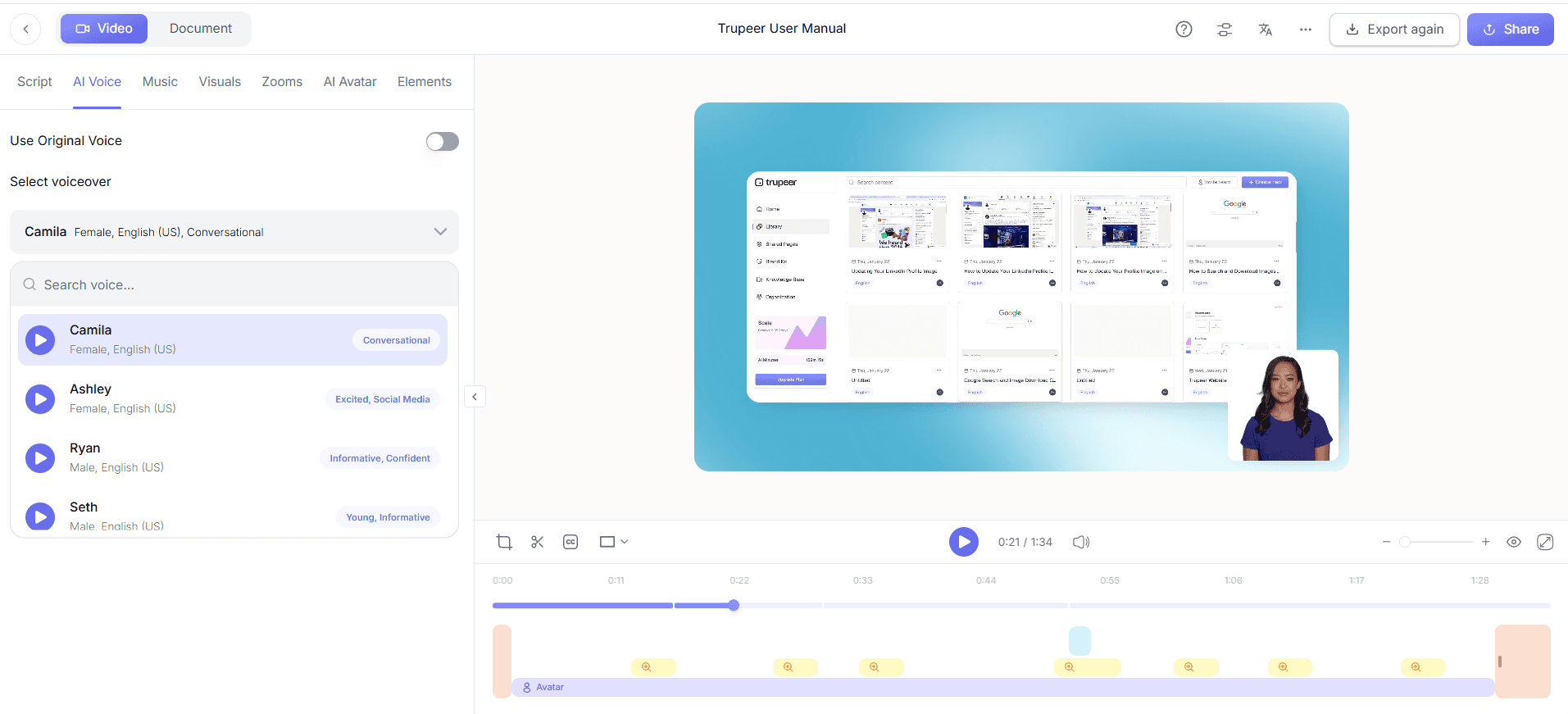
Step 3: Add An AI Voiceover
Next, enhance your video with Trupeer's AI voiceover capability. In the editing interface, select from over 65+ natural voices to match the tone and pace of your content. This feature is particularly useful for segments of your webinar that might require reiteration or additional emphasis. Adjust the pace and tone to ensure clarity and engagement, and in just a few minutes, Trupeer's AI will smoothly integrate the voiceover into your video, providing a professional touch that enhances viewer understanding.
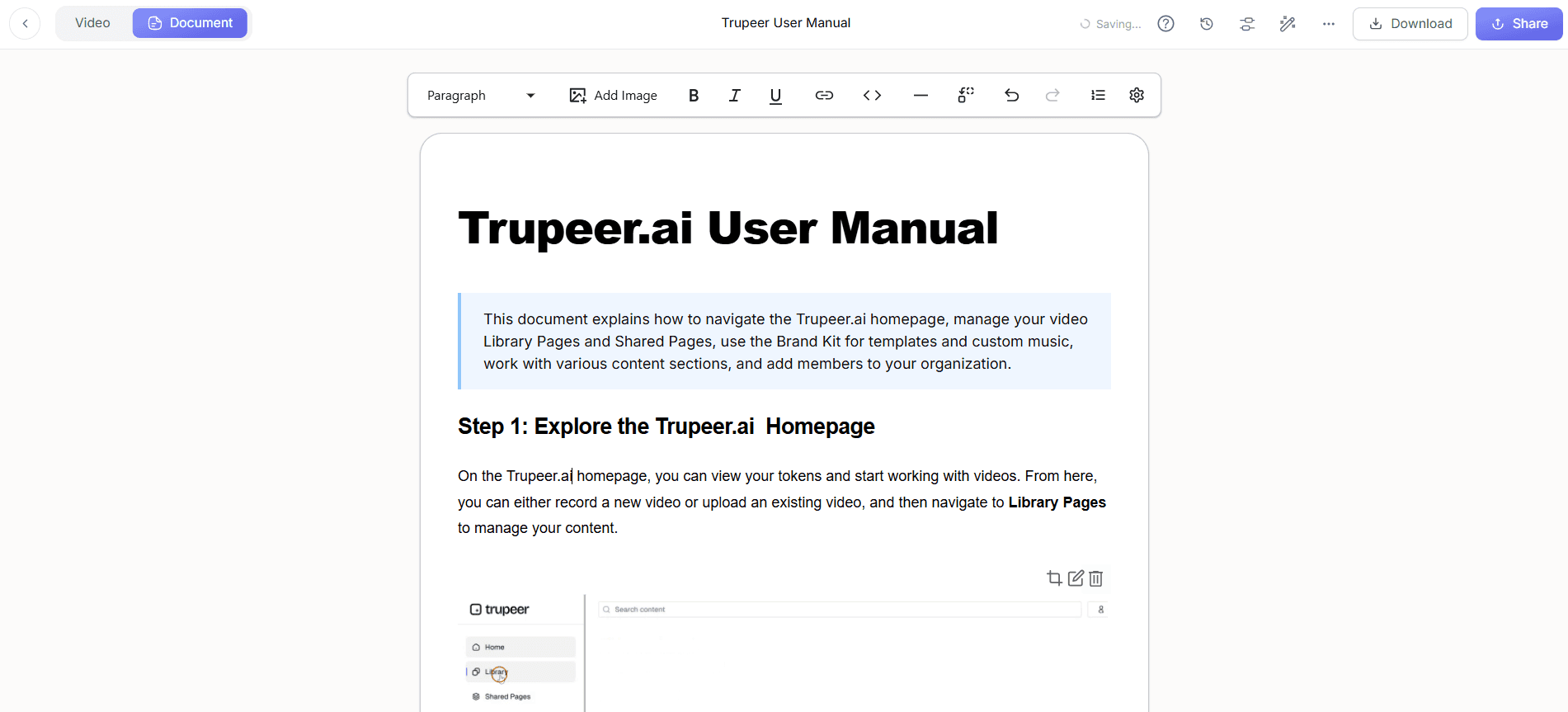
Step 4: Create Supporting Documentation
Generate automatic SOPs and documentation from your video to accompany the follow-up content. Trupeer's documentation generator allows you to export your video into multiple formats such as HTML and PDF. Simply select the video, and the AI will produce a comprehensive, edit-ready document that aligns with your follow-up objectives. This step is crucial for audiences who benefit from detailed written guides, and it ensures your message is consistently conveyed across different formats. For a deeper look, our guide on ai video editing covers the adjacent playbook.
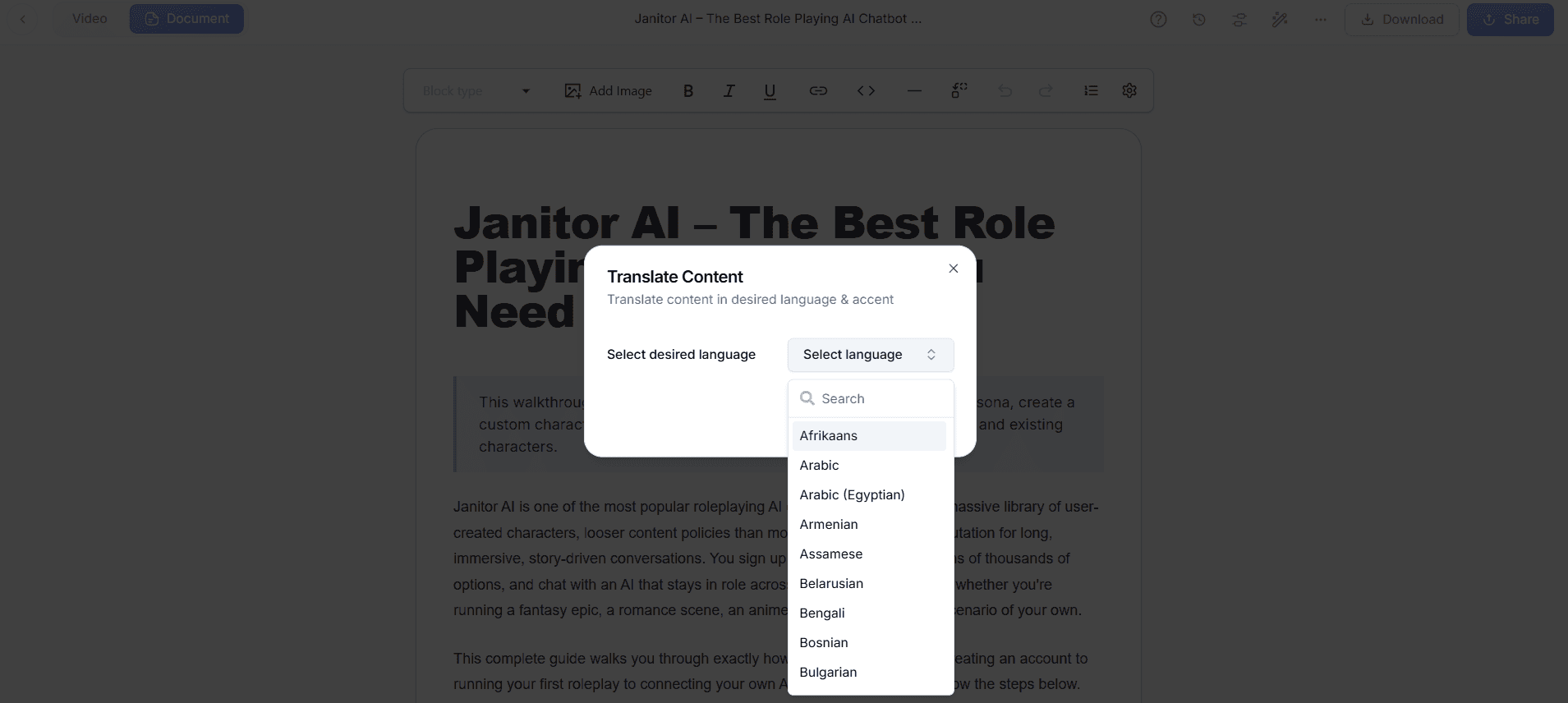
Step 5: Localize Your Content
Trupeer's AI translation into 40+ languages ensures your follow-up content reaches a global audience. In the localization settings, choose the languages you need, and the AI will handle the translation and lip-syncing. This feature not only expands your reach but also personalizes the experience for non-English speaking viewers. Within a short time, you'll have multiple language versions of your video, ensuring that language barriers don't impede your message's effectiveness.
Step 6: Distribute and Analyze
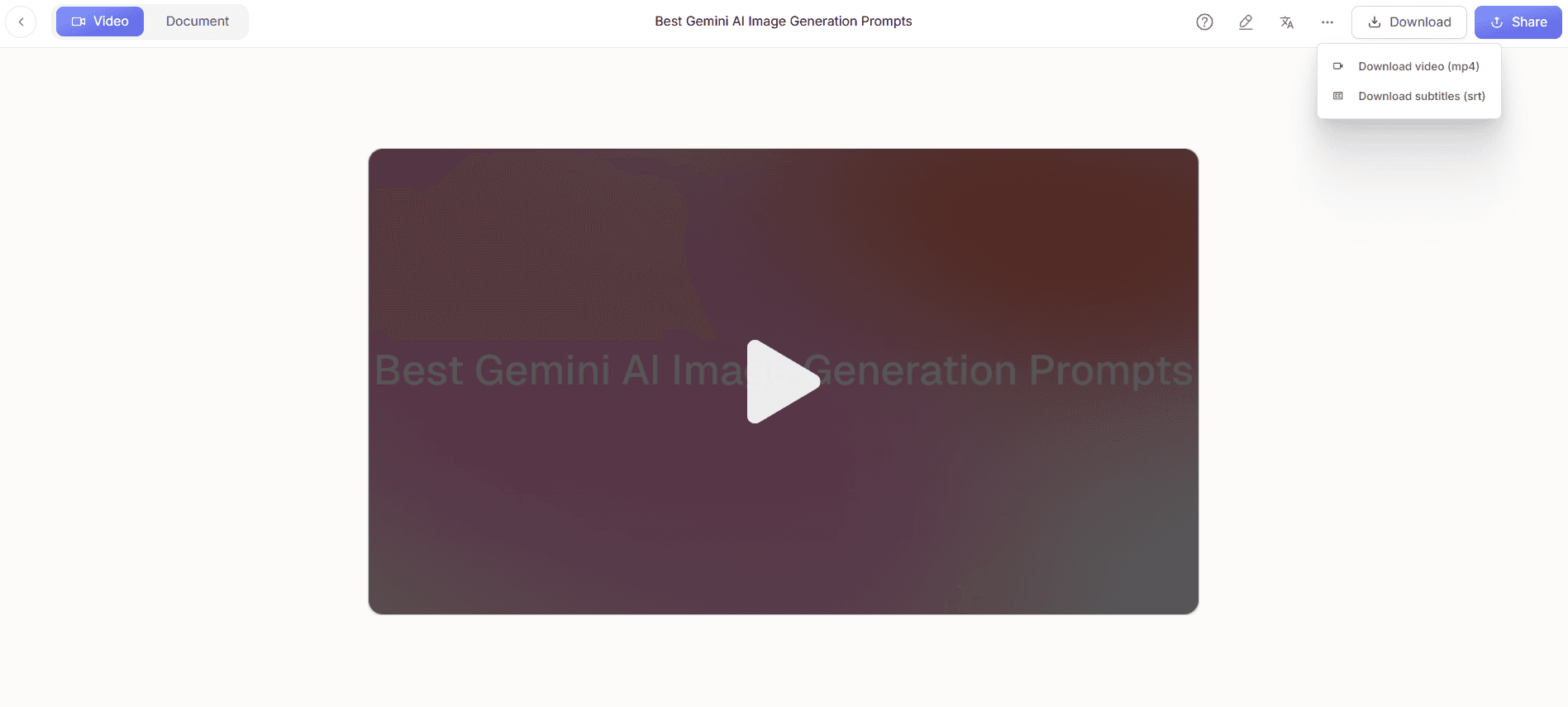
Finally, distribute your video using Trupeer's AI-searchable knowledge base and custom-domain hosting. Embed the video in your emails or client portals, and use the viewer engagement analytics to track performance. Trupeer provides detailed insights into viewer behavior, including drop-off rates and heatmaps, allowing you to refine future content strategies. This data-driven approach ensures your follow-up strategy is not only effective but continually improving based on real audience feedback.
What tips help you create an effective webinar follow-up video strategy?
Creating a successful follow-up video strategy requires attention to detail and a focus on audience needs. Here are some practical tips to enhance your approach:
Prioritize Clarity. Ensure your videos are concise and clear. Use a auto video editor to trim unnecessary content, keeping your audience engaged.
Use Consistent Branding. Apply brand kits and templates in Trupeer for a professional look that reinforces brand identity across all videos.
Segment Your Audience. Tailor content to different segments for maximum relevance. Use viewer analytics to understand preferences and adjust your messaging.
use Data. use Trupeer's analytics to monitor which videos perform best and refine your strategy accordingly, focusing on high-engagement content.
Integrate Across Channels. Distribute videos through multiple channels like email, social media, and your website to maximize reach and engagement.
Keep It Dynamic. Incorporate AI avatars or talking-head videos to add a personal touch that resonates with viewers and keeps content lively.
Standardize Processes. use the Scribe vs Trupeer comparison to simplify SOPs, ensuring consistency and efficiency in your video production process.
Frequently Asked Questions
How can I ensure my follow-up videos stay relevant to my audience?
What are the best practices for using AI avatars in follow-up videos?
Why is localization important for webinar follow-up videos?
Can I automate the follow-up process using Trupeer?
Does Trupeer support integration with other platforms for smooth distribution?
Свързани блогове



