Trupeer Blog
تلخيص

Creating a user guide from scratch can be an overwhelming task. Often, teams invest between 8 to 12 hours to draft a single manual, only to find it outdated after the next product update. A study found that 67% of businesses report their documentation quickly becomes obsolete following product changes. It's the same idea behind the user manual guide capture the documentation once and reuse it instead of redoing the work.
The rapid pace of product updates means documentation teams are always playing catch-up.
Source: Documentation Trends Report by TechInsights, 2025
This guide is tailored for product managers, technical writers, and team leads who need to produce high-quality user guides efficiently. We compare leading tools that automate guide creation, saving time and ensuring content accuracy. Whether you're managing internal SOPs, customer-facing knowledge bases, or developer documentation, find out which tool fits your needs best.
Best User Guide & Manual Creation Tools: Head-to-Head Comparison
Feature | Trupeer | Scribe | Document360 | Tango | Notion | Confluence | GitBook | Archbee |
|---|---|---|---|---|---|---|---|---|
Core Features | ||||||||
Auto-Capture Steps | Yes | Yes | No | Yes | No | No | Limited | Yes |
Video Support | Yes | Limited | No | Yes | No | Yes | Limited | Yes |
AI Capabilities | ||||||||
AI Writing | Yes | Yes | No | Limited | No | No | Limited | Yes |
Professional Features | ||||||||
PDF Export | Yes | Yes | Yes | Limited | No | Yes | Yes | Yes |
Version Control | Yes | Limited | Yes | No | Yes | Yes | Limited | Yes |
Integrations | ||||||||
Team Collaboration | Yes | Limited | Yes | No | Yes | Yes | Yes | Limited |
Search | Yes | Yes | Yes | Limited | Yes | Yes | Yes | Yes |
Templates | Yes | Yes | Yes | No | Limited | Yes | Yes | Yes |
Free Tier | Yes | Yes | No | Yes | Yes | No | Yes | Limited |
Trupeer

Trupeer is a comprehensive tool designed for companies looking to streamline their user guide creation process. Tailored for product teams and technical writers, its standout feature is the ability to auto-capture steps directly from screen activity. This means you can generate detailed guides quickly. Trupeer's AI-driven writing capabilities also ensure that your documentation is both accurate and engaging. While it excels in speed and accuracy, some users find its integration options limited compared to other tools.
Key Features
Auto-capture steps from screen activity
AI-written step instructions
Video embedding alongside text
Multi-format export (PDF, web, HTML)
Version control and quick update workflows
Advanced search functionality
Team collaboration tools
Extensive template library
"Trupeer has transformed the way we produce user documentation, saving us countless hours each month."
Pros
Cons
Intuitive interface makes it easy to use.
Limited third-party integrations.
AI-driven content ensures accuracy.
Higher learning curve for advanced features.
Quick setup and deployment.
Some users report occasional bugs in the software.
Pricing
Free tier available, with paid plans starting at $49 per user per month.
Scribe
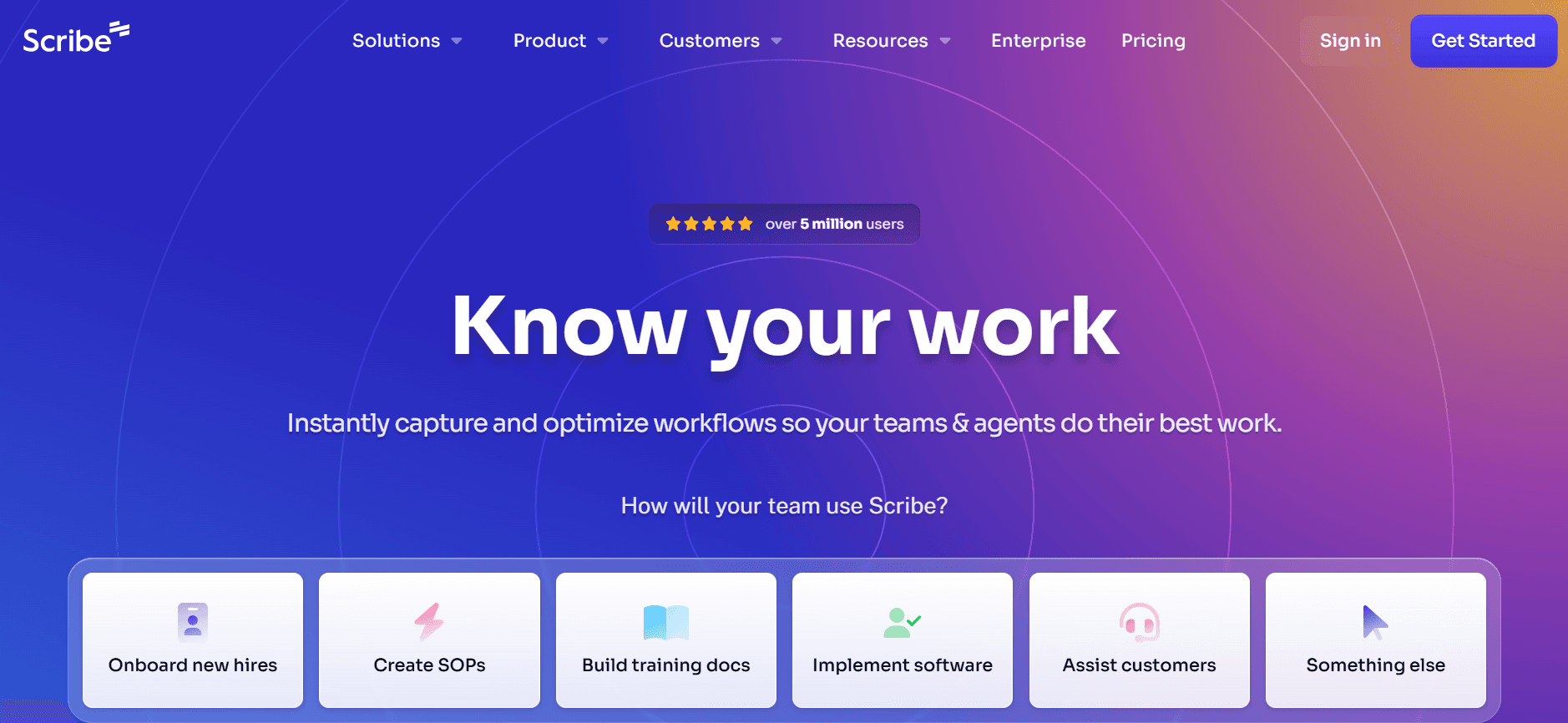
Scribe is a user guide creation tool that focuses on simplicity and ease of use. It's perfect for teams looking for a straightforward solution without sacrificing essential features. Scribe offers a clean interface with intuitive navigation, making it accessible even for non-technical users. However, it lacks some advanced features, such as extensive video support and AI-driven writing, that other tools offer.
Key Features
Simple user interface
Basic auto-capture functionality
PDF and web export options
Real-time collaboration
Customizable templates
Basic search features
Version control
Limited AI assistance
Pros
Cons
Easy to learn and use for beginners.
Limited video support.
Affordable pricing plans.
Lacks advanced AI writing capabilities.
Good for small to medium-sized teams.
Basic search functionality could be improved.
Pricing
Free tier available, with paid plans starting at $15 per user per month.
Document360
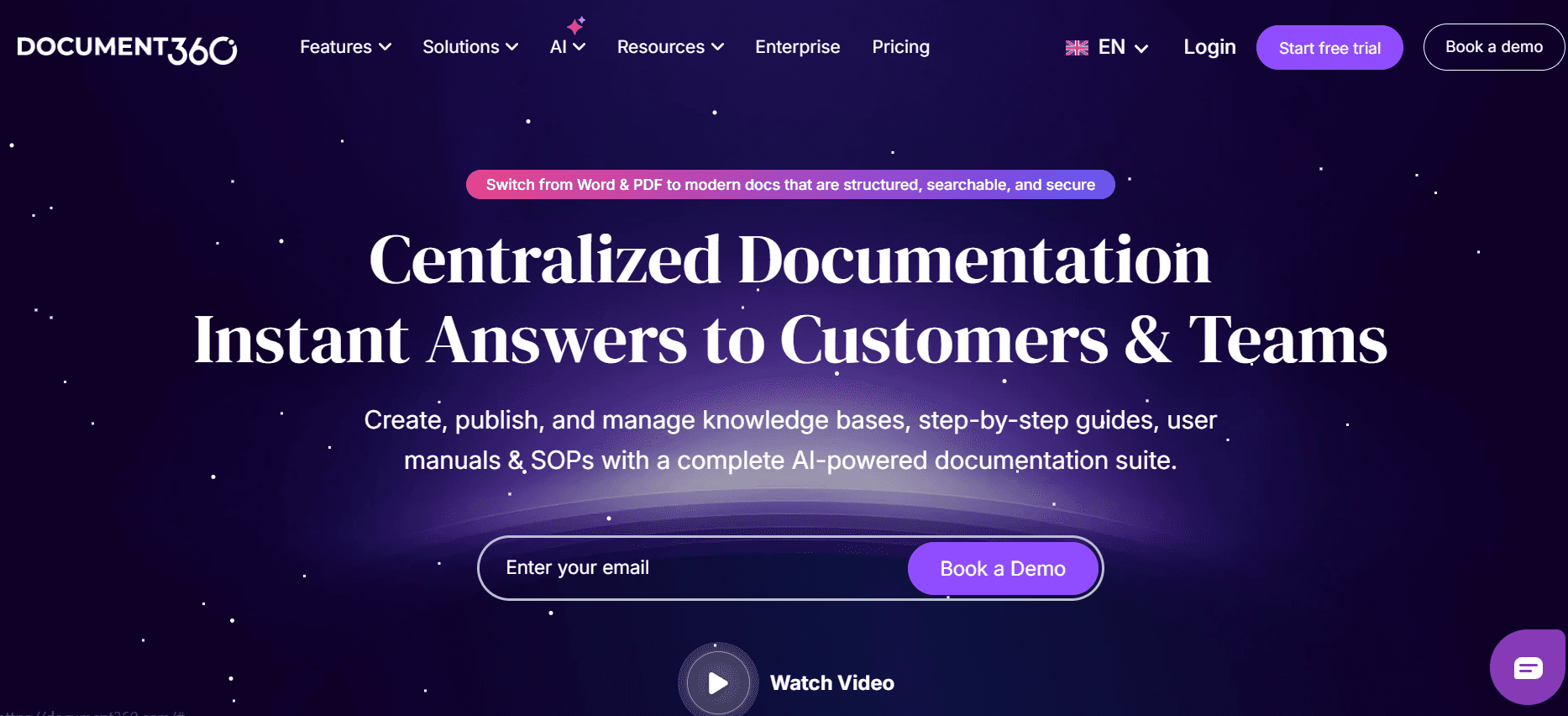
Document360 is a robust platform ideal for companies that require extensive documentation and knowledge management. It offers a wide range of features, including a powerful search engine and version control, making it suitable for large enterprises. However, it doesn't support auto-capture steps or AI-driven writing, which might be a drawback for teams looking to automate their processes.
Key Features
Extensive knowledge base capabilities
Powerful search engine
Version control and history tracking
Custom domains and branding
Advanced analytics and reporting
User roles and permissions
Integration with popular tools
Multi-format export options
Pros
Cons
Excellent for large-scale documentation needs.
No auto-capture or AI writing features.
Strong search and organizational tools.
Can be overwhelming for small teams.
Flexible with custom branding options.
Higher price point compared to similar tools.
Pricing
No free tier, with plans starting at $99 per user per month.
Tango
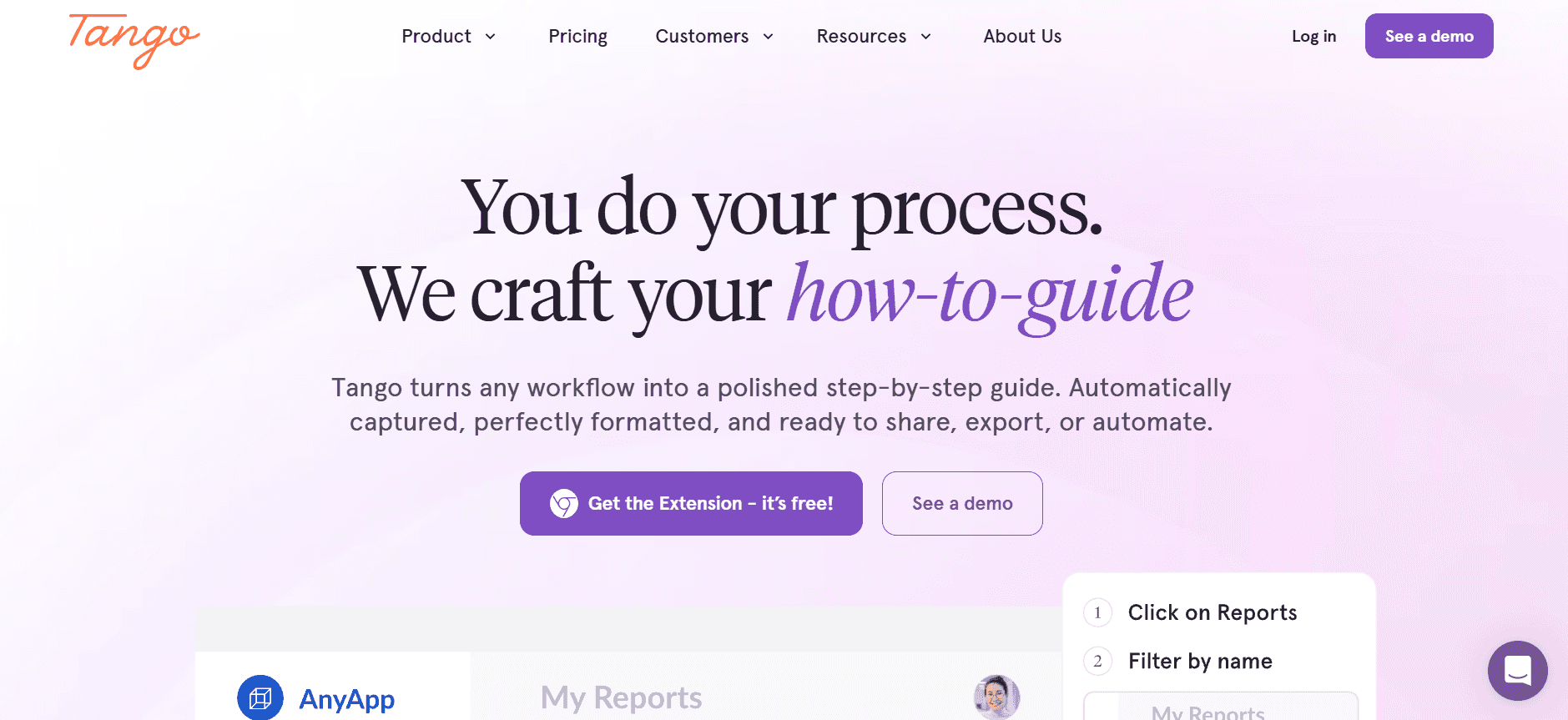
Tango is a visually-driven tool that brings a unique approach to user guide creation. It's perfect for teams that rely heavily on video and visual content. Tango allows users to embed videos directly alongside text, enhancing the instructional experience. While it excels in visual content, it lacks some of the robust AI and auto-capture features provided by other tools.
Key Features
Video embedding capabilities
Drag-and-drop interface
Real-time collaboration
Customizable templates
Basic analytics
Limited auto-capture functionality
Mobile-friendly design
Basic search functionality
Pros
Cons
Great for video-driven documentation.
Limited auto-capture features.
Visually appealing guides.
Less support for text-heavy documentation.
User-friendly interface.
Lacks advanced AI capabilities.
Pricing
Free tier available, with paid plans starting at $12 per user per month.
Notion
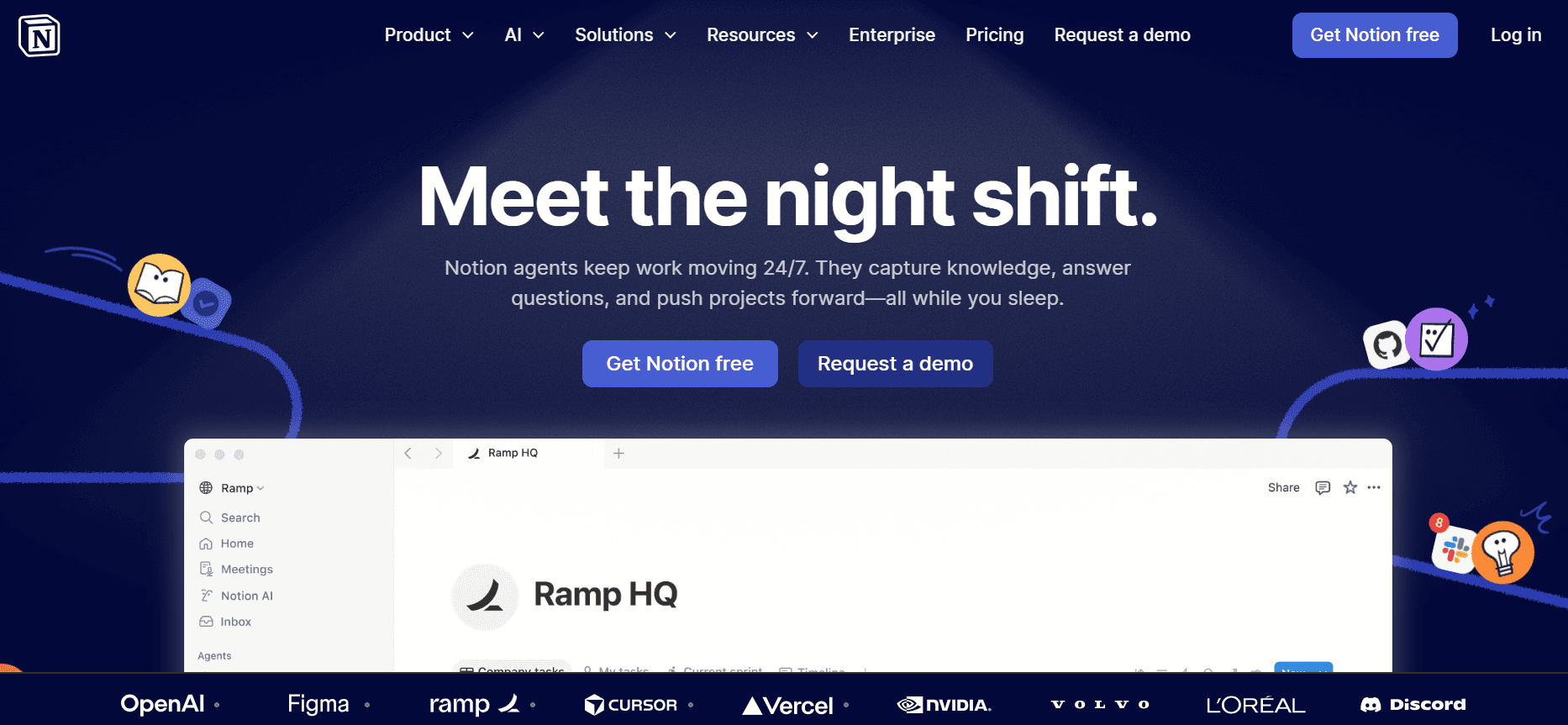
Notion is a versatile tool that offers much more than just user guide creation. It's an all-in-one workspace ideal for teams that need to manage documents, tasks, and projects in one place. While Notion has strong collaboration features, it lacks the specialized user guide capabilities, such as auto-capture and AI writing, found in other dedicated tools.
Key Features
All-in-one workspace capabilities
Real-time collaboration
Customizable templates
Task and project management
Basic search functionality
Version history
Integration with popular tools
Web and mobile access
Pros
Cons
Versatile with many use cases.
Not specialized for user guides.
Strong collaboration and sharing features.
No auto-capture or AI writing features.
Good for team management.
Limited export options for guides.
Pricing
Free tier available, with paid plans starting at $10 per user per month. It's the same idea behind the ai study guide maker capture the process once and reuse it instead of redoing the work.
Confluence
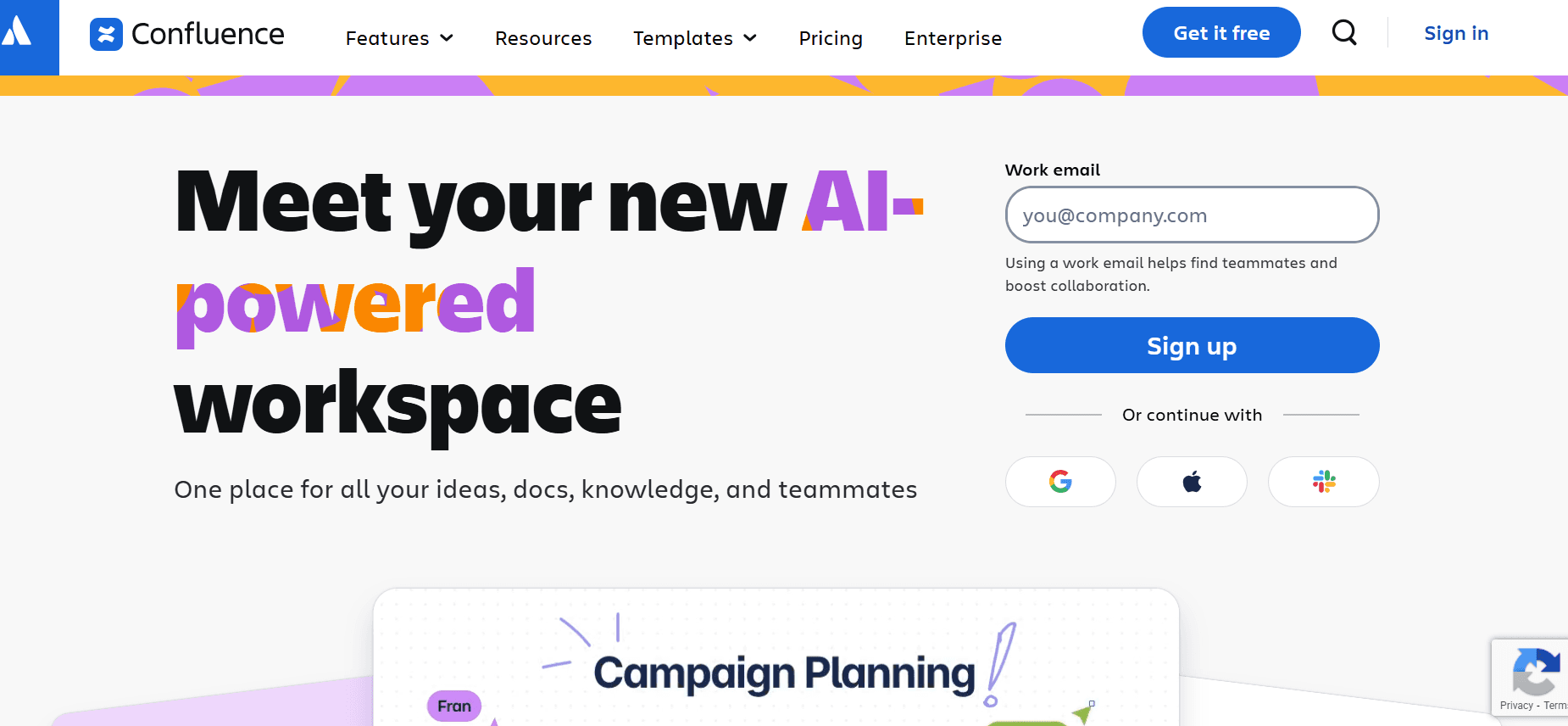
Confluence is a well-known tool in the realm of team collaboration and documentation. It's an excellent choice for teams already using the Atlassian suite. Confluence offers robust integration capabilities but doesn't provide some unique features like auto-capture steps or AI-driven writing. It's more suited for teams that need a reliable platform for document management and collaboration rather than a specialized user guide creator.
Key Features
Seamless integration with Atlassian tools
Real-time collaboration and editing
Customizable templates
Comprehensive search functionality
Page versioning and history
User roles and permissions
Comments and feedback tools
Mobile app support
Pros
Cons
Great for teams using Atlassian tools.
No specialized user guide features.
Strong collaboration features.
Steeper learning curve for new users.
Reliable and stable platform.
Limited auto-capture capabilities.
Pricing
No free tier, with plans starting at $5 per user per month.
GitBook
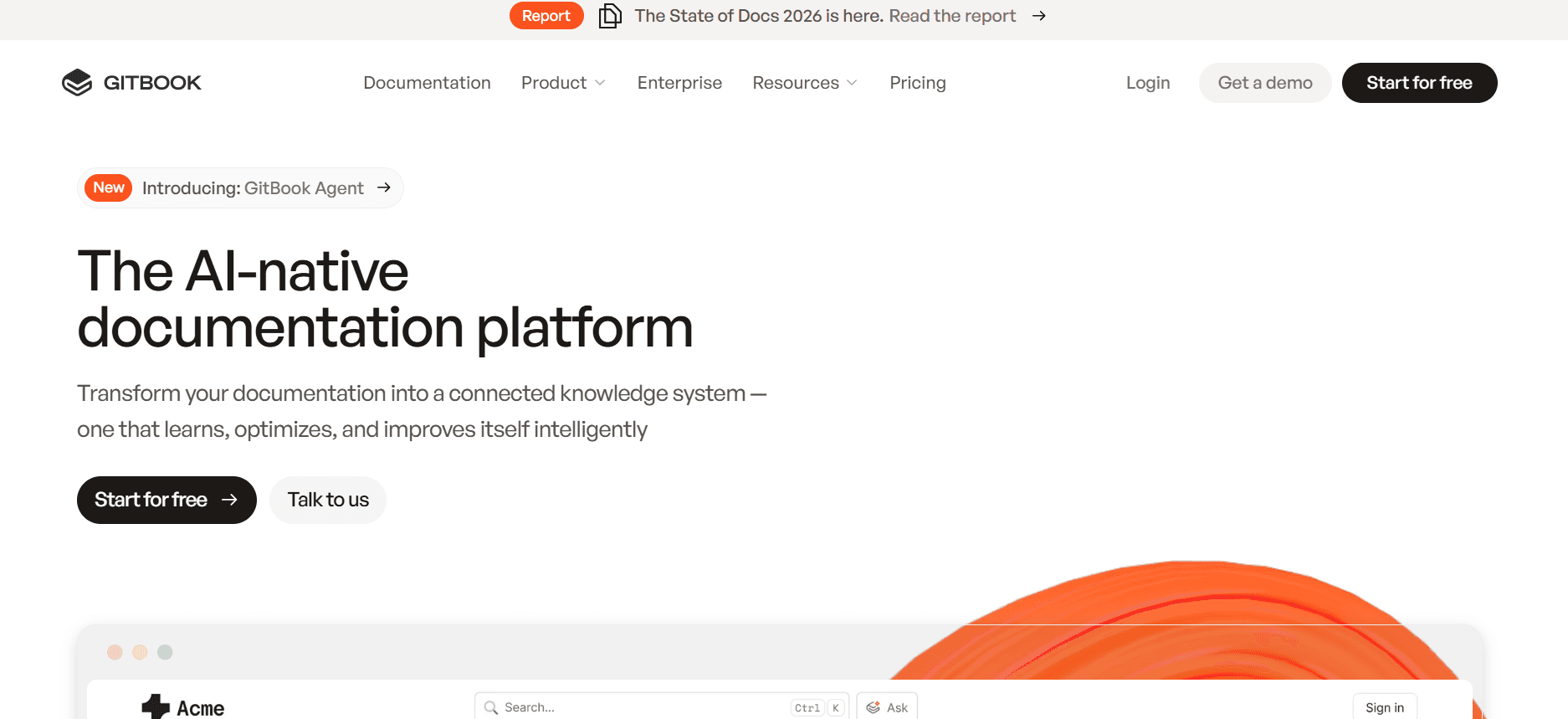
GitBook is targeted toward developers and technical teams who need to document APIs and technical processes. It offers a clean interface and integrates well with Git, making it suitable for teams that require version control and collaboration on technical documents. However, it lacks some of the more user-friendly features found in other user guide tools, such as AI writing and auto-capture steps.
Key Features
Git integration for version control
Markdown support
Real-time collaboration
Customizable themes and branding
API documentation support
Advanced search capabilities
Multi-format export options
Public and private documentation options
Pros
Cons
Ideal for technical documentation.
No auto-capture or AI writing features.
Strong version control with Git support.
Not as user-friendly for non-technical users.
Good for developer teams.
Limited template customization.
Pricing
Free tier available, with paid plans starting at $8 per user per month.
Archbee
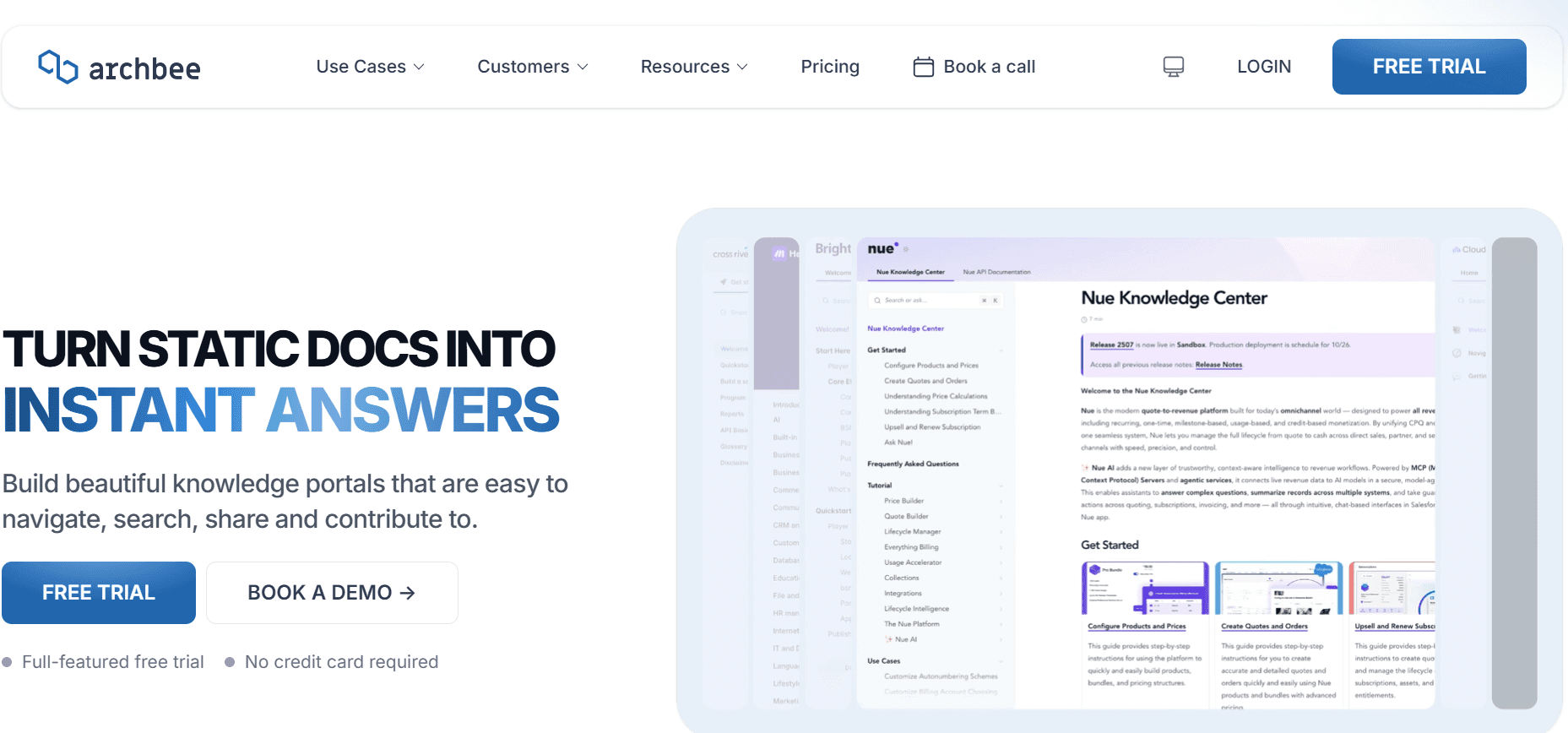
Archbee is designed for fast-growing teams needing a reliable platform for documentation. It combines knowledge management with real-time collaboration, making it a strong contender in the user guide space. While it offers a range of features, including a responsive editor and powerful integrations, it doesn't fully support auto-capture steps or AI-driven content generation.
Key Features
Real-time collaboration
Customizable templates
Responsive editor
Integration with popular tools
Advanced search capabilities
User roles and permissions
Markdown support
Version history and tracking
Pros
Cons
Great for collaboration and knowledge sharing.
Limited support for auto-capture features.
Responsive and easy-to-use editor.
No AI-driven writing capabilities.
Strong integration options.
Can be complex for smaller teams.
Pricing
Limited free tier available, with paid plans starting at $20 per user per month.
User Guide & Manual Creation Challenges: What Teams Struggle With
Manual Documentation Processes
Teams often rely on screenshots and manually written instructions, which is time-consuming.
Formatting and proofreading are labor-intensive, reducing efficiency.
Inconsistencies arise due to different writing styles among team members.
Manual updates are required for each product change, leading to significant delays.
Outdated Content
Documentation becomes obsolete after every product release, requiring constant revisions.
Users often encounter outdated information, causing confusion and support tickets.
Lack of real-time updates leads to increased maintenance workload.
Teams struggle to keep pace with the rapid release cycles of modern products.That also covers how to guide template: because the steps are captured as you go, you don't have to write them up afterwards.
Poor Searchability
End users find it difficult to locate information, leading to frustration.
Search functions in traditional documents are often limited and ineffective.
Teams spend excessive time answering repetitive queries that could be self-served.
Documentation is often siloed in various formats, complicating information retrieval.
Lack of Consistency
Inconsistent formatting and style make documents hard to follow.
Different tools like Notion, Word, or Google Docs lack uniformity.
Team members struggle to maintain a cohesive look and feel across all documents.
Variability in document quality affects the brand's credibility and user experience.
Documentation Siloes
Information is scattered across various platforms, creating inefficiencies.
Teams have difficulty collaborating on documents stored in different tools.
Tracking versions and changes across multiple platforms is challenging.
Consolidating data from different sources is time-consuming and error-prone.
Challenge
Traditional Process
Business Impact
Time Cost
Manual Documentation
Screenshots, manual writing, formatting
Increased error rates, lower productivity
8-12 hours per guide
Outdated Content
Post-release updates
User frustration, increased support tickets
2-5 hours per update
Poor Searchability
Limited search functions
Reduced user satisfaction, inefficiencies
1-3 hours per query
Lack of Consistency
Varied document formats
Brand perception issues, user confusion
Ongoing
Documentation Siloes
Disparate platforms
Collaboration challenges, data loss risks
Variable
Must-Have Features in User Guide & Manual Creation Tools
Auto Step Capture from Screen Activity
This feature allows tools to automatically capture steps as users interact with software, eliminating the need for manual screenshots and text descriptions. By auto-capturing steps, teams can produce accurate and detailed guides rapidly. Trupeer and Scribe excel in this area, offering intuitive interfaces that enhance the user experience by saving time and ensuring precision in documentation.
AI-Written Step Instructions
AI-driven writing capabilities transform how teams create and update user guides. These tools use machine learning to generate clear and coherent step descriptions, reducing the burden on technical writers. Trupeer and GitBook offer robust AI writing features that improve text quality and maintain consistency across documents, making updates straightforward and less time-consuming.
Video Embedding Alongside Text
Embedding video content within user guides enhances understanding by providing visual context. Tools like Tango focus on integrating video tutorials directly into the documentation, which is particularly beneficial for complex processes that require more than just written instructions. This feature is invaluable for training and onboarding, offering a richer, more interactive learning experience.
Multi-Format Export (PDF, Web, HTML)
Versatility in export formats ensures teams can distribute documentation across various platforms, catering to different user preferences. Tools like Document360 and Archbee provide comprehensive export options, allowing documents to be easily shared as PDFs, web pages, or HTML files. This flexibility supports diverse distribution needs, from internal sharing to public web hosting.
Version Control and Quick Update Workflows
Maintaining document accuracy and consistency is crucial, especially in fast-paced environments. Version control allows teams to track changes, revert to previous versions, and collaborate without conflict. Confluence and Notion offer strong version control features, ensuring that all team members work from the most current documents. This capability simplifies updates and reduces the risk of errors creeping into user guides.
Search and Findability
Effective search functions are essential for user satisfaction, enabling quick access to information. GitBook and Document360 excel in providing advanced search capabilities that allow users to find relevant content swiftly. Enhanced search functions reduce support requests and empower users to resolve issues independently, improving overall user experience.
How to Choose User Guide Tools Based on Your Use Case
Product User Manuals and Help Center Articles
Product user manuals and help center articles are essential for providing customers with the information they need to use your products effectively. These guides should be comprehensive yet easy to understand.
Key Challenges: Keeping content up-to-date, ensuring clarity, managing a large volume of information.
Solutions Needed: Auto-capture features, AI writing capabilities, robust search functions.
Tool
Auto-Capture
AI Writing
Search
Trupeer
Yes
Yes
Yes
Document360
No
No
Yes
Internal SOP Documentation
Standard Operating Procedures (SOPs) are vital for maintaining consistency and efficiency across internal processes. These documents must be clear, concise, and easily accessible to all team members.
Key Challenges: Ensuring consistency, managing access permissions, frequent updates.
Solutions Needed: Version control, collaboration features, security settings.
Tool
Version Control
Collaboration
Security
Confluence
Yes
Yes
Yes
Notion
Yes
Yes
Limited
IT System and Admin Guides
IT system and admin guides require detailed technical documentation that is both accurate and secure. These guides are critical for IT teams managing complex systems and processes.
Key Challenges: Handling technical complexity, ensuring information security, managing frequent updates.
Solutions Needed: Advanced search capabilities, secure access controls, multi-format export.
Tool
Search
Security
Export
GitBook
Yes
Yes
Yes
Archbee
Yes
Yes
Yes
Customer-Facing Knowledge Base
A customer-facing knowledge base is a key resource for customer support, providing users with the information they need to resolve issues independently.
Key Challenges: Ensuring content accessibility, maintaining relevance, supporting multiple formats.
Solutions Needed: Web knowledge base features, AI writing, video support.
Tool
Web Base
AI Writing
Video
Tango
Yes
Limited
Yes
Scribe
Yes
Yes
Limited
Developer and API Documentation
Developer and API documentation needs to be detailed and technical, providing developers with all necessary information to integrate with your systems.
Key Challenges: Managing technical details, supporting multiple formats, ensuring clarity.
Solutions Needed: Markdown support, version control, customizable templates.
Tool
Markdown
Version Control
Templates
GitBook
Yes
Yes
Yes
Archbee
Yes
Yes
Yes
Best Practices for Creating User Guides
Before You Start
Identify your audience and their needs to tailor content appropriately.
Gather all necessary resources, including software, tools, and assets.
Plan the structure of your guide to ensure logical flow and organization.
Set clear goals for what the user guide should achieve.
During Creation
Keep language simple and clear to make instructions easy to follow.
Use consistent formatting to maintain a professional look.
Incorporate visuals like screenshots and videos to enhance understanding.
Test instructions to ensure accuracy and completeness.
After Publishing
Gather feedback from users to identify areas for improvement.
Update content regularly to keep information current.
Monitor analytics to understand how users interact with the guide.
Provide support channels for users needing further assistance.
Frequently Asked Questions
What is a user guide?
A user guide is a document that provides instructions on how to use a product or service. It helps users understand features and troubleshoot issues independently.Who writes user guides?
User guides are typically written by technical writers, product managers, or team members familiar with the product. They ensure the guides are clear and comprehensive.Can I include videos in user guides?
Yes, many tools support video embedding alongside text, providing a richer instructional experience. Tools like Tango specialize in this feature.How often should user guides be updated?
User guides should be updated after significant product changes or feedback from users indicating the need for clarification or additional information.Are there free tools for creating user guides?
Yes, several tools offer free plans with basic features. Trupeer, Scribe, and GitBook provide free tiers suitable for small projects or teams.What factors affect the cost of a user guide tool?
Costs are influenced by features such as AI capabilities, collaboration tools, and export options. Higher-tier plans offer more advanced functionality and support.How do I choose the right tool for my team?
Consider your specific needs, such as the complexity of documentation, team size, and budget. Use comparison tables to evaluate key features and benefits.Is training required to use these tools?
Most tools are user-friendly, but some may require initial training to maximize their capabilities, especially for teams new to documentation software.
Conclusion
Navigating the world of user guide creation tools can seem daunting, but understanding your team's specific needs helps you make informed decisions. Whether you require advanced AI features, robust search capabilities, or extensive export options, there's a tool that fits your requirements.
Trupeer stands out with its comprehensive features, making it an excellent choice for teams looking to streamline their documentation process. Explore Trupeer further at Trupeer.ai to see how it can transform your user guide creation.
المدونات ذات الصلة


