Trupeer Blog
تلخيص

نظرة عامة على المشتري
يُعد اختيار أفضل نظام إدارة التعلّم (LMS) مهمةً قد تبدو شاقةً على المؤسسات. غالبًا ما تجد الشركات المتوسطة نفسها تقضي 3-5 أسابيع فقط في مرحلة مراجعة البرامج. المخاطر مرتفعة: فقد يؤدي اختيار نظام إدارة التعلّم غير المناسب إلى تعثر عملية التبني، وإحباط المتعلمين، وإرهاق فرق الدعم. ووفقًا لدراسة حديثة أجرتها eLearning Industry، تقول 64% من المؤسسات إن أكبر تحدٍ لديها هو العثور على نظام إدارة التعلّم الذي يلبي جميع احتياجاتها.
المصدر: eLearning Industry
تم تصميم هذا الدليل لمساعدة صناع القرار على اجتياز مشهد أنظمة إدارة التعلّم المعقد من خلال مقارنة أبرز المنصات مثل Docebo وSkilljar وغيرها. سواء كنت شركة صغيرة تسعى لتحسين كفاءة التدريب أو مؤسسة كبيرة تحتاج إلى تحليلات قوية، فهذا الدليل مناسب لك.
أفضل أدوات أنظمة إدارة التعلّم: مقارنة مباشرة
الميزة | Docebo | Skilljar | iSpring Learn | Absorb LMS | NetExam | Thought Industries | Cornerstone OnDemand | Trupeer |
|---|---|---|---|---|---|---|---|---|
توليد المحتوى بالذكاء الاصطناعي | محدود | محدود | ❌ | ✅ | ❌ | ✅ | ✅ | ✅ |
محرك الشهادات | ✅ | ✅ | ✅ | ✅ | ❌ | ✅ | ✅ | ✅ |
تحليلات متقدمة | ✅ | محدود | محدود | ✅ | محدود | ✅ | ✅ | ✅ |
SCORM/xAPI | ✅ | ✅ | ❌ | ✅ | ✅ | ✅ | ✅ | محدود |
واجهة تجربة مستخدم قابلة للعلامة البيضاء | ✅ | ✅ | ❌ | ✅ | ❌ | ✅ | ✅ | ✅ |
واجهة جاهزة للجوال | ✅ | ✅ | ✅ | ✅ | ✅ | ✅ | ✅ | ✅ |
تكامل Salesforce/HubSpot | ✅ | ✅ | ❌ | ✅ | ✅ | ❌ | ✅ | ✅ |
1. Trupeer

Trupeer ليس نظام إدارة تعلّم (LMS) بحد ذاته، بل هو أداة قوية لإنشاء المحتوى مصممة لتكامل منصات LMS. وهو مثالي للمؤسسات التي تحتاج إلى إنتاج مواد تدريب عالية الجودة، مثل مقاطع الفيديو والوثائق، والتي يمكن بعد ذلك دمجها في أي نظام إدارة تعلّم. يُعد Trupeer مفيدًا بشكل خاص للفرق التي تتطلب إنشاء محتوى بسرعة دون التضحية بالجودة.
تتمثل قوته في واجهته سهلة الاستخدام وميزاته المتقدمة مثل توليد المحتوى بمساعدة الذكاء الاصطناعي. وعلى الرغم من أنه ليس نظام إدارة تعلّم مستقلًا، فإنه يعزز منصات LMS من خلال توفير محتوى مُحكم وجذاب للمتعلمين بشكل فعّال.
الميزات الأساسية
توليد محتوى مدعوم بالذكاء الاصطناعي
تحرير وإنشاء مقاطع فيديو بسهولة
إنشاء الوثائق ومواد التدريب
تكامل سلس مع منصات LMS الرئيسية
قوالب قابلة للتخصيص
أدوات تعاونية لمشاريع الفريق
خيارات تصدير متعددة الصيغ
واجهة سحب وإفلات بديهية
"لقد حسّن Trupeer بشكل كبير جودة محتوى تدريبنا وخفّض وقت الإنتاج إلى النصف." - Alex J.، مدير التعلم
التسعير
يقدم Trupeer نسخة مجانية بميزات محدودة، بينما تبدأ الخطط المميزة من 49 دولارًا لكل مستخدم شهريًا. تتوفر تسعيرات المؤسسات المخصصة للفرق الأكبر.
Docebo
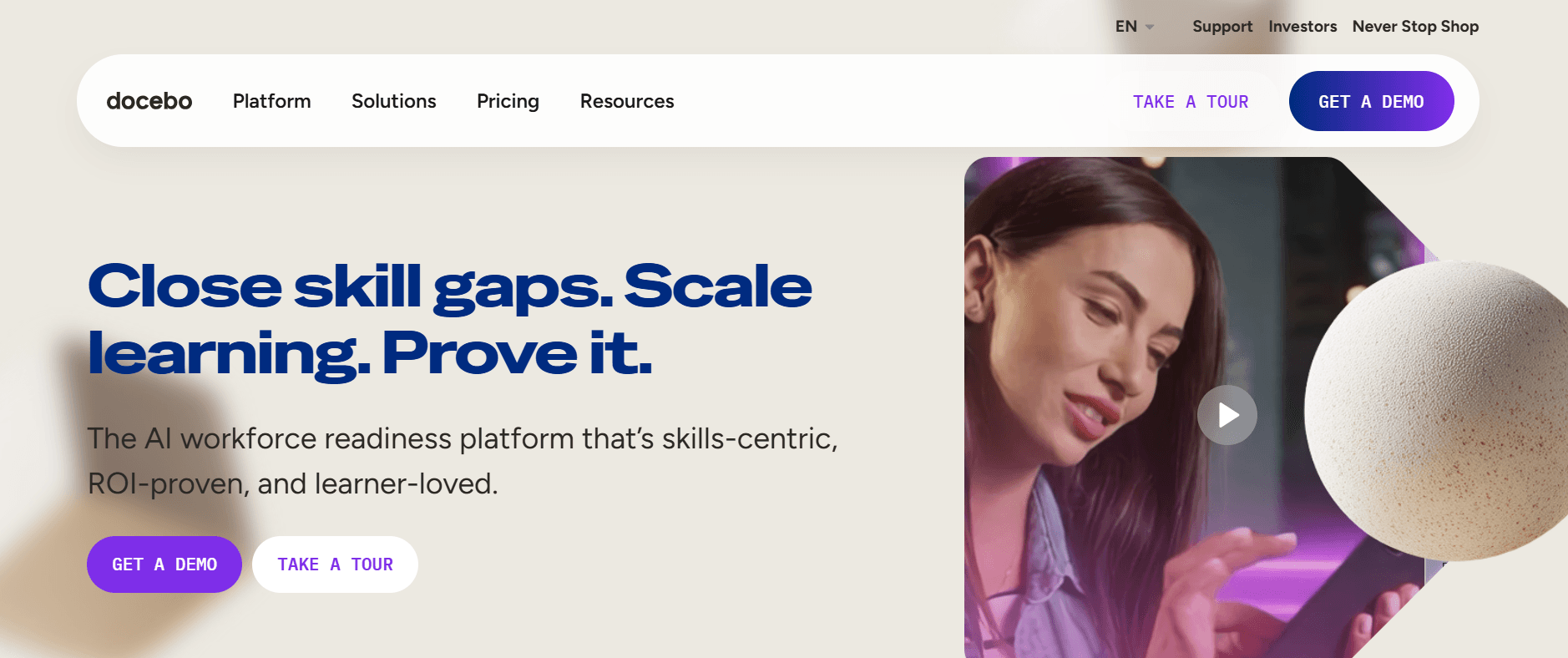
يُعد Docebo نظام إدارة تعلّم متعدد الاستخدامات مصمم ليتوسع مع المؤسسات بجميع أحجامها. ويتميز بشكل خاص بمسارات تعلم مدفوعة بالذكاء الاصطناعي، ما يساعد على تخصيص تجربة التعلم. تخدم المنصة التدريب المؤسسي والسيناريوهات الممتدة للمؤسسات بشكل جيد، مما يجعلها مناسبة للمؤسسات التي تدرب الموظفين والشركاء الخارجيين. كما أن واجهته البديهية تجعل استخدامه سهلًا للمستخدمين دون منحنى تعلم حاد.
ما يميز Docebo هو قدراته بالذكاء الاصطناعي التي تعزز توصيات المحتوى وتحسن التفاعل. لكن قد يكون مكلفًا قليلًا بالنسبة للفرق الصغيرة. تتفوق المنصة في تدريب الامتثال بفضل ميزات التقارير والتحليلات القوية.
الميزات الأساسية
مسارات تعلم مدعومة بالذكاء الاصطناعي
دعم متعدد اللغات
وحدات تعلم اجتماعي
خيارات علامة تجارية قابلة للتخصيص
أدوات تقارير متقدمة
ميزات التلعيب
امتثال SCORM/xAPI
تكامل Salesforce
المزايا
العيوب
يدعم أكثر من 35 لغة، وهو مثالي للفرق العالمية.
قد تكون التكلفة الأعلى عائقًا للشركات الصغيرة.
توصيات محتوى ممتازة مدفوعة بالذكاء الاصطناعي.
قد يكون الإعداد معقدًا للمستخدمين غير التقنيين.
ميزات تحليلات وتقارير قوية.
قابلية تخصيص محدودة في الخطط الأقل.
التسعير
يقدم Docebo تجربة مجانية، مع خطط مدفوعة تبدأ من 1,600 دولار سنويًا للفرق الصغيرة. تتوفر تسعيرات مخصصة للمؤسسات الأكبر.
Skilljar
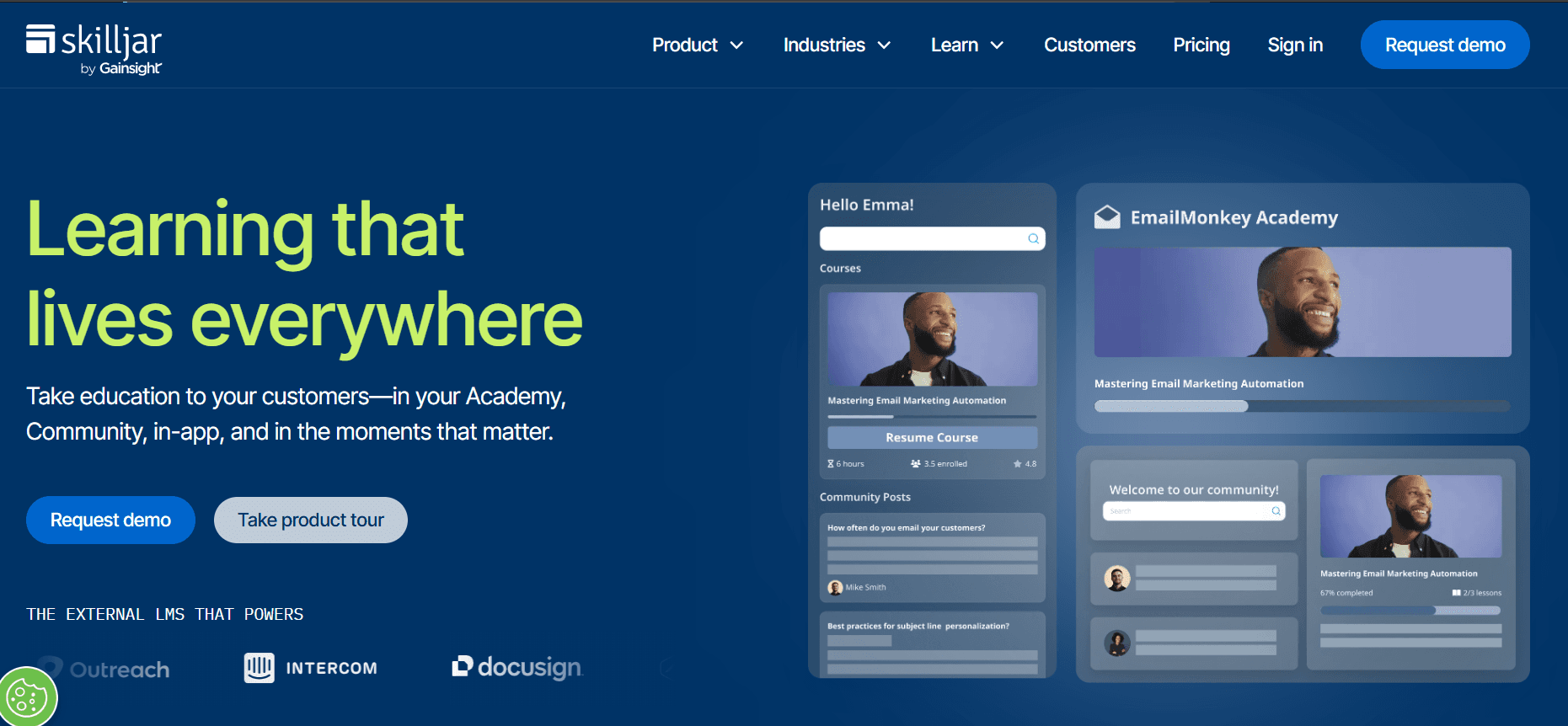
يمتاز Skilljar كمنصة لتدريب العملاء والشركاء، ما يجعله خيارًا ممتازًا للمؤسسات التي تهدف إلى تثقيف جمهور خارجي. ويشتهر بسهولة تكامله مع أدوات إدارة علاقات العملاء مثل Salesforce، ما يساعد على تبسيط سير عمل التدريب. تضمن واجهته سهلة الاستخدام أن يتمكن المتعلمون من التنقل داخل النظام دون أي تعقيد، مما يعزز تجربة المستخدم.
تتفوق المنصة في تقديم برامج الشهادات، وتتمتع بقدرات قوية لإدارة وتتبع تقدم المتعلمين. ومع ذلك، فإن تركيزها على التدريب الخارجي يعني أنها قد لا تكون الأنسب لبرامج تدريب الموظفين الداخلية فقط.
الميزات الأساسية
تكاملات CRM مع Salesforce وHubSpot
تتبع الشهادات والامتثال
بوابات تعلم قابلة للتخصيص
تقارير وتحليلات واسعة النطاق
تصميم متجاوب مع الجوال
دعم متعدد اللغات
دعم SCORM/xAPI
وصول API للتطوير المخصص
المزايا
العيوب
تكاملات CRM سلسة تعزز سير عمل التدريب.
ميزات محدودة لتدريب الموظفين داخليًا.
دعم قوي للشهادات والامتثال.
تكلفة أعلى للعمليات واسعة النطاق.
واجهة سهلة الاستخدام مع بوابات قابلة للتخصيص.
قد تكون خيارات التخصيص مربكة للمستخدمين الجدد.
التسعير
يقدم Skilljar تسعيرًا مخصصًا بناءً على عدد المتعلمين والميزات المحددة المطلوبة. تتوفر نسخة تجريبية مجانية عند الطلب.
iSpring Learn
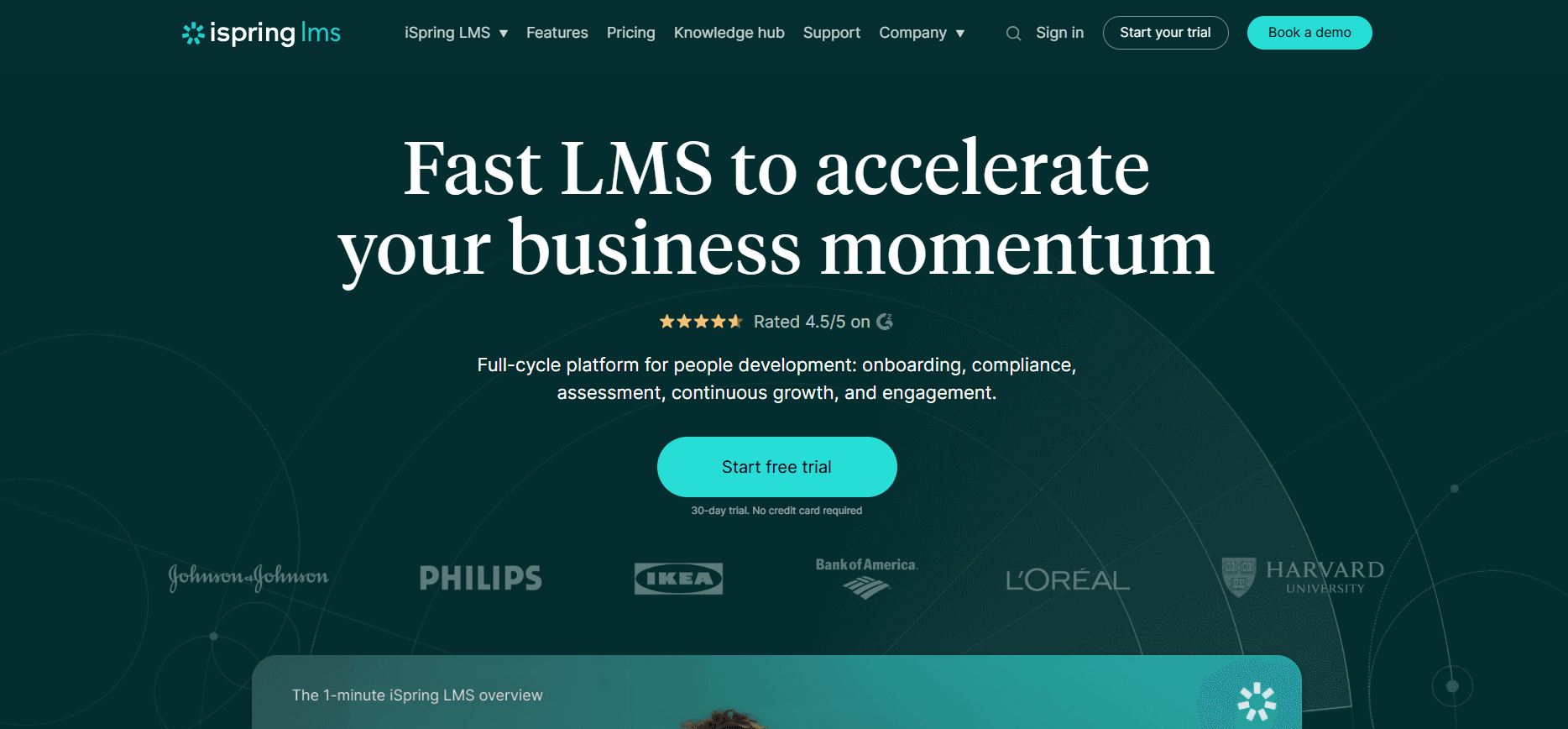
يُعد iSpring Learn نظام إدارة تعلّم بسيطًا ومناسبًا تمامًا للشركات الصغيرة إلى المتوسطة التي تبحث عن منصة سهلة الاستخدام. يبرز في قدرته على نشر الدورات بسرعة وتتبع تقدم المتعلمين دون تعقيد غير ضروري. وتتميز المنصة بشكل خاص بإنشاء تجارب تعلم تفاعلية، وذلك بفضل تكاملها مع iSpring Suite الذي يتيح إنشاء محتوى جذاب.
على الرغم من أن iSpring Learn مثالي للشركات التي تبدأ للتو في التدريب عبر الإنترنت، فقد لا يوفر التحليلات المتقدمة والتكاملات التي قد تحتاجها المؤسسات الأكبر. وهو الأنسب لاحتياجات التدريب المباشرة.
الميزات الأساسية
التكامل مع iSpring Suite لإنشاء المحتوى
تطبيق جوال للتعلم أثناء التنقل
أدوات بسيطة لإدارة الدورات
مسارات تعلم قابلة للتخصيص
تتبع التقدم والتقارير
ندوات عبر الإنترنت وجلسات تدريب مباشرة
امتثال SCORM/xAPI
إشعارات بريد إلكتروني آلية
المزايا
العيوب
سهل الاستخدام ومناسب للشركات الصغيرة إلى المتوسطة.
يفتقر إلى تحليلات متقدمة للمؤسسات الأكبر.
تكامل قوي مع iSpring Suite لإنشاء المحتوى.
تكاملات محدودة من جهات خارجية.
تسعير مناسب يجعله في متناول الجميع.
ميزات التخصيص محدودة إلى حد ما.
التسعير
يقدم iSpring Learn تجربة مجانية، مع خطط مدفوعة تبدأ من 2.99 دولار لكل مستخدم شهريًا. تتوفر خصومات للفوترة السنوية.
Absorb LMS
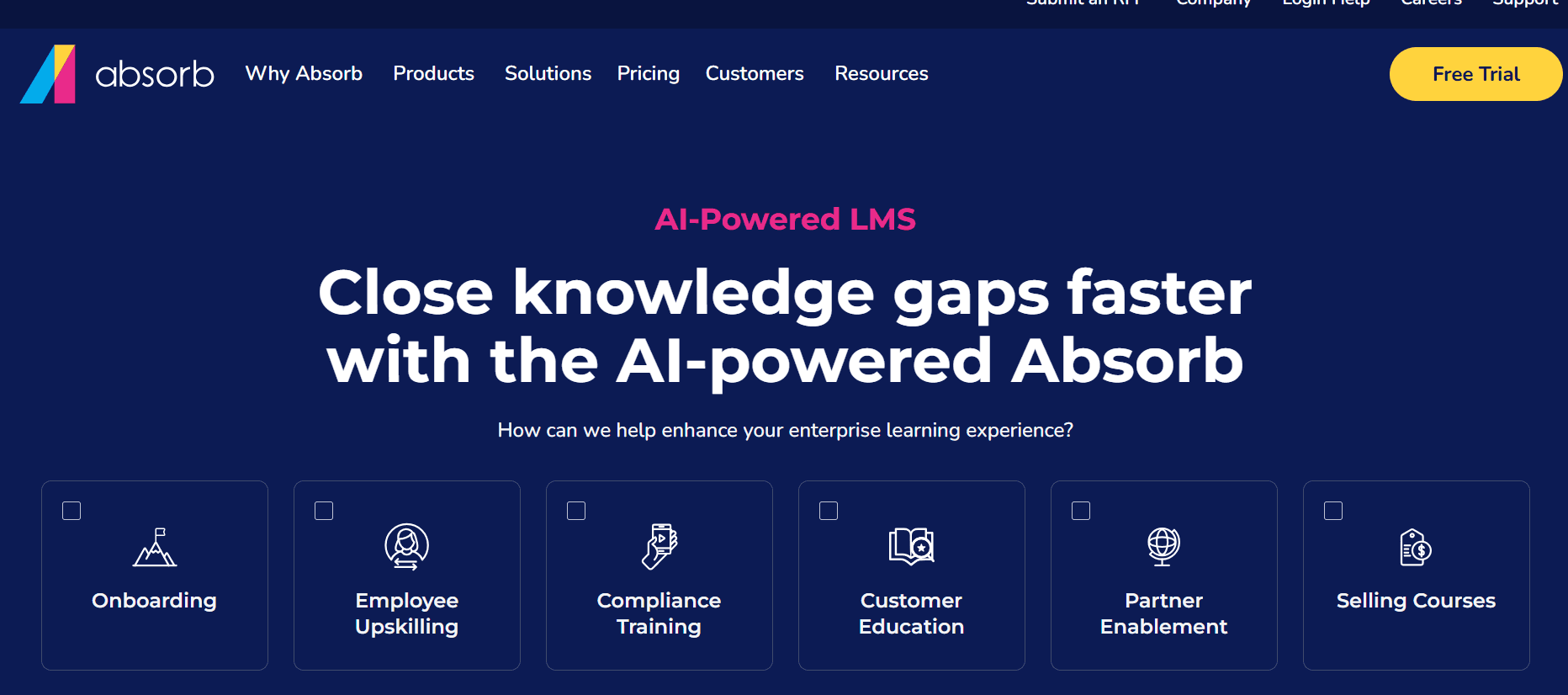
يُعد Absorb LMS منصة قوية مصممة للشركات التي تحتاج إلى حل تدريب شامل. يوفر مجموعة واسعة من الميزات، بما في ذلك قدرات التجارة الإلكترونية، ما يجعله مناسبًا للمؤسسات التي تبيع الدورات. كما أن واجهته البديهية وأدواته التحليلية القوية تجعله خيارًا مفضلًا لدى الشركات التي تحتاج إلى إدارة برامج تدريب واسعة النطاق بفعالية.
تدعم المنصة درجة عالية من التخصيص وخيارات التكامل، وهو ما يناسب المؤسسات التي لديها احتياجات تدريب معقدة. ومع ذلك، قد تكون مجموعة ميزاته الواسعة مرهقة للفرق الأصغر التي تبدأ رحلتها مع نظام إدارة التعلّم (LMS).
الميزات الأساسية
تحليلات وتقارير متقدمة
تكامل التجارة الإلكترونية لبيع الدورات
واجهة مستخدم قابلة للتخصيص
التلعيب لتعزيز التفاعل
دعم متعدد اللغات
امتثال SCORM/xAPI وTin Can API
إتاحة عبر الجوال
تكامل مع أنظمة CRM وHR
المزايا
العيوب
قابل للتخصيص بدرجة عالية، ومناسب تمامًا للمؤسسات الكبيرة.
عملية إعداد معقدة للمستخدمين الجدد.
قدرات قوية في التجارة الإلكترونية لبيع الدورات.
قد يردع السعر المرتفع الشركات الصغيرة.
تحليلات شاملة لنتائج أعمق.
قد تكون الواجهة الغنية بالميزات مرهقة.
التسعير
يقدم Absorb LMS تسعيرًا مخصصًا بناءً على حجم المؤسسة واحتياجاتها المحددة. تتوفر نسخة تجريبية مجانية للأطراف المهتمة.
NetExam
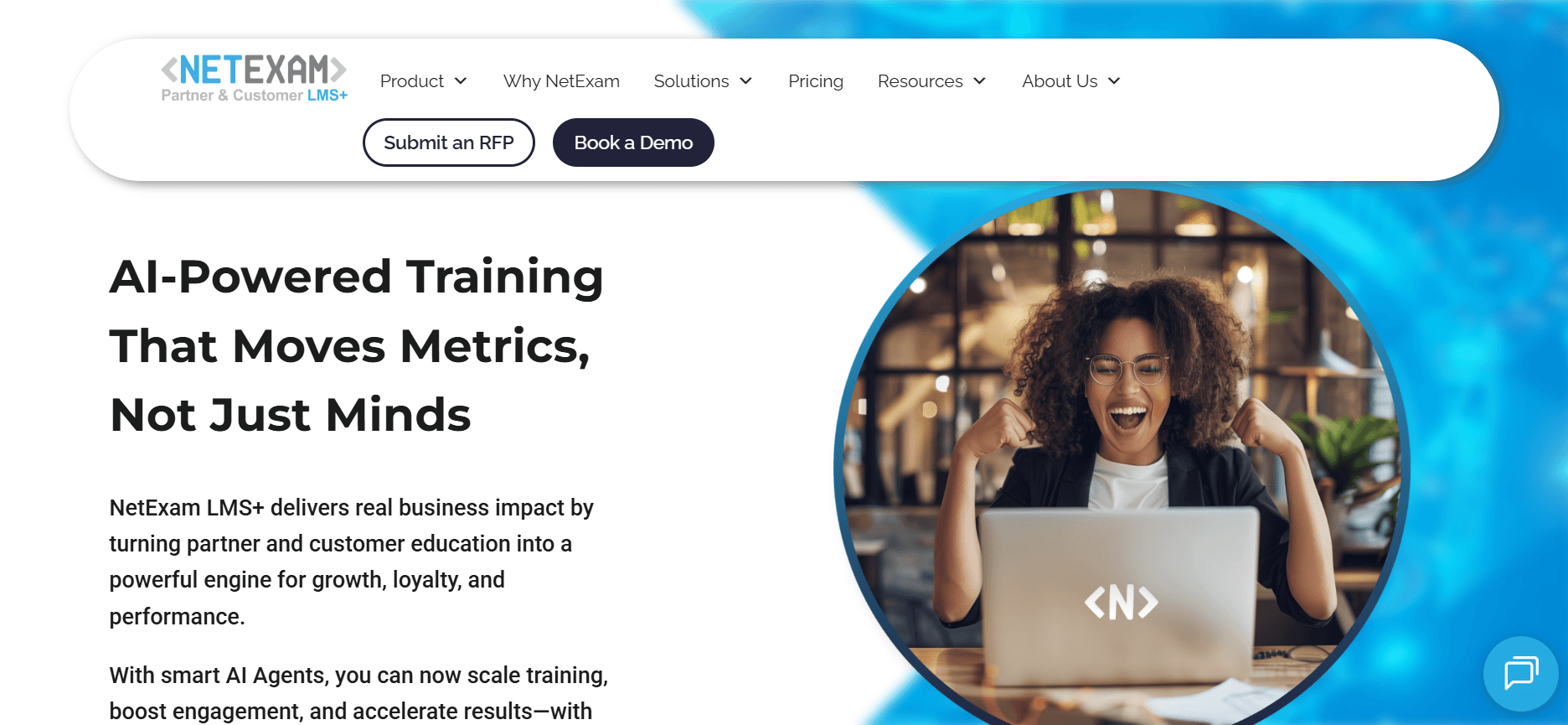
يتخصص NetExam في تدريب شركاء القنوات، ما يجعله خيارًا ممتازًا للمؤسسات التي تحتاج إلى تثقيف واعتماد شبكة مؤسساتها الممتدة. وتشتهر المنصة بمحرك شهادات قوي وسهولة الاستخدام، ما يبسط إدارة برامج تدريب الشركاء. كما أن قدرات التكامل مع أنظمة CRM مثل Salesforce تعزز فائدته لتدريب شركاء القنوات.
ومع ذلك، فإن تركيز NetExam على تدريب الشركاء يعني أنه قد لا يكون مناسبًا بنفس القدر لاحتياجات تدريب الموظفين داخليًا. وهو الأنسب للمؤسسات التي لديها شبكات شركاء راسخة وتسعى إلى تحسين عمليات التدريب لديها.
الميزات الأساسية
محرك شهادات لبرامج الشركاء
تكامل CRM، بما في ذلك Salesforce
دعم متعدد اللغات للوصول العالمي
تقارير وتحليلات شاملة
تصميم مناسب للجوال
خيارات علامة تجارية مخصصة
امتثال SCORM/xAPI
إشعارات وتذكيرات آلية
المزايا
العيوب
مثالي لاعتماد وتدريب شركاء القنوات.
ميزات محدودة للتدريب الداخلي.
تكامل قوي مع CRM يعزز إدارة التدريب.
غير مثالي للشركات الصغيرة التي لديها شركاء قليلون.
محرك شهادات قوي يدعم احتياجات الامتثال.
قد يردع تعقيد هيكل التسعير بعض المستخدمين.
التسعير
يقدم NetExam تسعيرًا مخصصًا بناءً على عدد المستخدمين والميزات المحددة. يمكن طلب نسخة تجريبية عبر موقعهم الإلكتروني.
Thought Industries
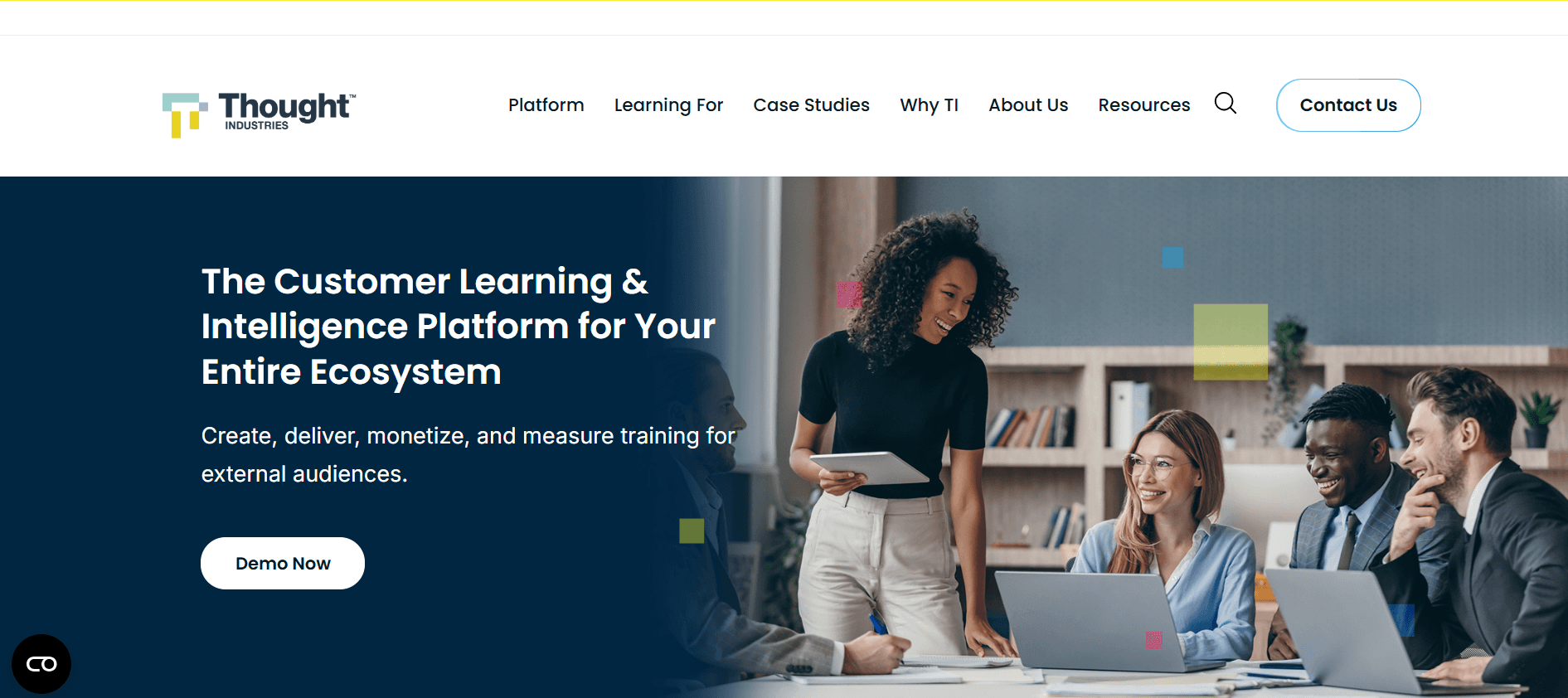
تستهدف Thought Industries المؤسسات التي تسعى لتقديم برامج تدريب العملاء على نطاق واسع. وهي منصة شاملة مصممة للتعامل مع سيناريوهات تدريب معقدة بسهولة. وتكمن قوتها في قدرتها على تقديم محتوى جذاب وتتبع تفاعل المتعلمين عبر تحليلات متقدمة.
ومع ذلك، قد تكون Thought Industries مبالغًا فيها قليلًا بالنسبة للمؤسسات الأصغر التي لا تحتاج إلى تخصيص واسع أو تحليلات متقدمة. وهي الأنسب للشركات التي تركز بقوة على التدريب الخارجي وتثقيف العملاء.
الميزات الأساسية
بوابات تدريب العملاء
تقارير وتحليلات متقدمة
أدوات إنشاء المحتوى
تجربة مستخدم قابلة للتخصيص
دعم متعدد اللغات
تصميم جاهز للجوال
امتثال SCORM/xAPI
تكامل مع أنظمة CRM
المزايا
العيوب
ممتازة لتدريب العملاء وتعزيز التفاعل.
قد تكون معقدة جدًا للفرق الأصغر.
تحليلات قوية لتتبع تفاعل المتعلمين.
قد يكون التكلفة المرتفعة عائقًا للشركات الصغيرة.
قدرات شاملة لإنشاء المحتوى.
قد يكون منحنى التعلم حادًا في البداية.
التسعير
تقدم Thought Industries خطط تسعير مخصصة. يمكن للمستخدمين المهتمين طلب نسخة تجريبية لاستكشاف قدرات المنصة.
Cornerstone OnDemand
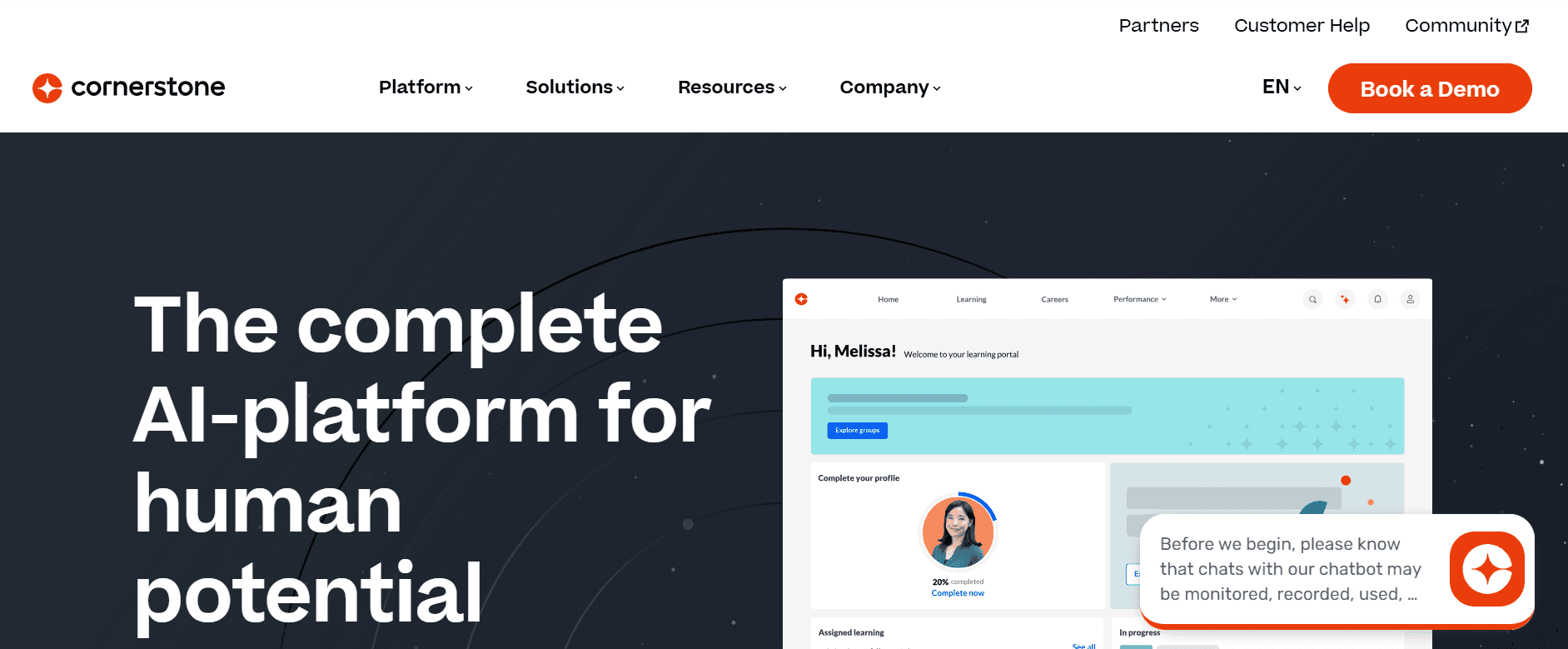
يُعد Cornerstone OnDemand منصة متعددة الاستخدامات مناسبة جيدًا للمؤسسات الكبيرة التي تبحث عن حل شامل لإدارة المواهب. فهو ليس مجرد نظام إدارة تعلّم؛ بل يدمج التعلم مع أدوات الأداء والتعاقب والتوظيف، ما يجعله خيارًا قويًا للمؤسسات التي تهدف إلى مواءمة التعلم مع استراتيجيات إدارة المواهب الشاملة.
تقدم المنصة درجة عالية من التخصيص ومجموعة واسعة من الميزات، وهو ما قد يكون قوتها ونقطة ضعفها في الوقت نفسه، إذ قد يجدها. المؤسسات الأصغر معقدة بشكل زائد لاحتياجاتها.
الميزات الأساسية
حلول متكاملة لإدارة المواهب
مكتبات تعلم شاملة
مسارات تعلم قابلة للتخصيص
تقارير وتحليلات متقدمة
تصميم جاهز للجوال
دعم متعدد اللغات
امتثال SCORM/xAPI
تكامل مع أنظمة الموارد البشرية
المزايا
العيوب
تكامل شامل لإدارة المواهب.
معقد بالنسبة للشركات الصغيرة لتنفيذه.
قدرات قوية في التحليلات والتقارير.
مكلف، خصوصًا للفرق الصغيرة.
قابل للتخصيص بدرجة عالية وقابل للتوسع.
منحنى تعلم حاد للمستخدمين الجدد.
التسعير
يقدم Cornerstone OnDemand خطط تسعير مصممة خصيصًا بناءً على حجم المؤسسة ومتطلباتها. تتوفر نسخة تجريبية مجانية للأطراف المهتمة.
تحديات إدارة التعلّم: ما الذي تواجهه الفرق؟
جداول التنفيذ
تقلل العديد من المؤسسات من تقدير الوقت المطلوب لتنفيذ نظام إدارة التعلّم (LMS)، وغالبًا ما يستغرق 2-6 أشهر.
قد يؤدي عدم وجود خطة مشروع واضحة إلى تأخيرات وزيادة التكاليف.
غالبًا ما يؤدي التنسيق بين أقسام تقنية المعلومات والموارد البشرية والتدريب إلى تعقيد الجداول الزمنية.
قد تؤدي احتياجات التخصيص إلى إطالة مدة التنفيذ بشكل كبير.
كابوس نقل المحتوى
قد يكون نقل مواد التدريب الحالية إلى نظام إدارة تعلّم جديد أمرًا مرهقًا للغاية.
غالبًا ما تظهر مشكلات التوافق مع معايير SCORM أو xAPI.
قد يؤثر فقدان دقة البيانات أثناء عملية النقل على جودة التدريب.
تستغرق عمليات النقل اليدوي وقتًا طويلًا وتكون عرضة للأخطاء.
ضعف تفاعل المتعلمين
غالبًا ما يجد المتعلمون واجهات نظام إدارة التعلّم غير ملهمة وصعبة التنقل.
قد يؤدي المحتوى غير التفاعلي أو غير الجذاب إلى انخفاض معدلات إكمال الدورات.
يؤدي نقص ميزات التلعيب أو التعلم الاجتماعي إلى تقليل دافعية المتعلمين.
قد يؤدي ضعف إتاحة المحتوى عبر الجوال إلى تثبيط المتعلمين العصريين الذين يفضلون التعلم أثناء التنقل.
إرهاق التقارير
قد تُربك أدوات التقارير المعقدة المسؤولين بكمية كبيرة من البيانات.
غالبًا ما تكون عملية تخصيص التقارير لتلبية احتياجات الأعمال مرهقة.
قد يؤدي عدم اتساق البيانات بين الأنظمة إلى رؤى غير موثوقة.
يعد تحليل البيانات يدويًا عملية مكثفة من حيث الموارد وعرضة للأخطاء.
محتوى منعزل مقابل قابلية البحث
يؤدي تخزين المحتوى في عزلة إلى صعوبة العثور على المواد المناسبة للمتعلمين.
يعيق نقص أدوات البحث الفعّالة اكتشاف المحتوى.
قد يؤدي تكرار المحتوى عبر الأنظمة إلى مشكلات في التحكم بالإصدارات.
قد يؤدي عدم القدرة على وسم المحتوى أو تصنيفه إلى تقييد مسارات التعلم المخصصة.
التحدي
العملية التقليدية
الأثر على الأعمال
تكلفة الوقت
جداول التنفيذ
تخطيط تسلسلي
إطلاق متأخر وزيادة التكاليف
2-6 أشهر
كابوس نقل المحتوى
نقل بيانات يدوي
فقدان البيانات وتدريب غير متسق
أسابيع إلى أشهر
ضعف تفاعل المتعلمين
تقديم محتوى ثابت
انخفاض معدلات إكمال الدورات
مستمر
إرهاق التقارير
تخصيص التقارير يدويًا
رؤى غير دقيقة وإهدار موارد
مستمر
محتوى منعزل مقابل قابلية البحث
تخزين محتوى لامركزي
صعوبة الوصول إلى الموارد
مستمر
تُبرز التحديات المذكورة أعلاه الطبيعة المعقدة لإدارة نظام إدارة التعلّم (LMS) بفعالية. ومع سعي المؤسسات إلى تحسين برامجها التدريبية، يصبح التعامل مع نقاط الألم هذه أمرًا بالغ الأهمية. وهنا يأتي دور فهم الميزات الضرورية في أدوات أنظمة إدارة التعلّم الحديثة، إذ يمكن أن يحدث ذلك فرقًا كبيرًا.
الميزات الضرورية في أنظمة إدارة التعلّم الحديثة
منشئ الدورات
يُعد منشئ الدورات القوي ضروريًا لأي نظام إدارة تعلّم (LMS)، إذ يتيح للمسؤولين إنشاء دورات جذابة وتفاعلية. توفر أدوات مثل Thought Industries وDocebo واجهات سحب وإفلات تُبسّط عملية إنشاء الدورات. يجب أن تدعم هذه الميزة المحتوى متعدد الوسائط والاختبارات والتقييمات لتلبية أنماط التعلم المختلفة. لا يعزز منشئ الدورات الجيد تقديم المحتوى فحسب، بل يقلل أيضًا الوقت والجهد المطلوبين لتطوير برامج تدريب شاملة.
التقييمات والاختبارات
تُعد التقييمات ضرورية لقياس فهم المتعلمين والاحتفاظ بالمعلومات. تتفوق المنصات مثل Absorb LMS في تقديم اختبارات وأسئلة قابلة للتخصيص يمكن تكييفها لتلبية أهداف تعلم محددة. يجب أن تتضمن هذه الميزة آليات تصحيح وتغذية راجعة آلية لتبسيط عملية التقييم. تضمن التقييمات الفعّالة أن المتعلمين يحققون الكفاءات المطلوبة، كما تتيح للمدربين تحديد المجالات التي تحتاج إلى تحسين.
تتبع الشهادات والامتثال
بالنسبة للعديد من المؤسسات، يعد تتبع الشهادات وضمان الامتثال أولوية قصوى. توفر أدوات مثل Skilljar وNetExam محركات شهادات شاملة تُؤتمت إدارة هذه العمليات. يجب أن تدعم هذه الميزة التجديدات والتذكيرات والتقارير الآلية لتخفيف الأعباء الإدارية. لا يضمن الامتثال مواءمة المؤسسات مع المعايير الصناعية فحسب، بل يحميها أيضًا من المسؤوليات المحتملة.
تقارير وتحليلات متقدمة
في عالم اليوم المعتمد على البيانات، لا يمكن التنازل عن قدرات التقارير المتقدمة. توفر منصات مثل Cornerstone OnDemand وAbsorb LMS أدوات تحليل قوية تقدم رؤى حول أداء المتعلمين وفعالية الدورات. يجب أن تتضمن هذه الميزة لوحات تحكم قابلة للتخصيص وإمكانية مراقبة مؤشرات الأداء الرئيسية (KPIs). يتيح الوصول إلى تحليلات تفصيلية للمؤسسات اتخاذ قرارات مستنيرة وتحسين استراتيجيات التدريب لديها.
إتاحة التعلم عبر الجوال
مع تزايد استخدام الأجهزة المحمولة، يصبح من الضروري توفر نظام إدارة تعلّم (LMS) يقدم إتاحة عبر الجوال. يتميز iSpring Learn وDocebo بتصميمات جاهزة للجوال تتيح للمتعلمين الوصول إلى الدورات في أي وقت ومن أي مكان. تضمن هذه الميزة أن التعلم مرن وقابل للتكيف مع احتياجات المتعلمين العصريين الذين يفضلون التدريب أثناء التنقل. كما تعزز إتاحة التعلم عبر الجوال التفاعل عبر توفير تجربة تعلم سلسة عبر الأجهزة.
قدرات التكامل
يعد التكامل مع أنظمة برمجية أخرى أمرًا حيويًا لإنشاء بيئة تعلم متكاملة. توفر منصات مثل Skilljar وAbsorb LMS خيارات تكامل واسعة مع CRM وHR وغيرها من أنظمة المؤسسات. يجب أن تتيح هذه الميزة تبادل البيانات بسلاسة وأتمتة العمليات، مما يقلل الجهود اليدوية ويحسن الكفاءة التشغيلية. تضمن التكاملات الفعّالة أن يصبح نظام إدارة التعلّم (LMS) مركزًا رئيسيًا لجميع أنشطة التعلم، ما يسهل إدارة سير العمل بسلاسة.
يساعد فهم هذه الميزات الضرورية المؤسسات على اختيار نظام إدارة تعلّم (LMS) لا يلبي احتياجاتها الحالية فحسب، بل يدعم أيضًا النمو والابتكار في المستقبل. عند تقييم خياراتك، ضع في اعتبارك مدى توافق هذه الميزات مع أهداف التدريب لديك وأهداف مؤسستك.
كيفية اختيار أنظمة إدارة التعلّم وفقًا لحالة الاستخدام الخاصة بك
تثقيف العملاء
تعتمد الشركات غالبًا على منصات نظام إدارة التعلّم (LMS) لتثقيف عملائها حول المنتجات والخدمات. لا يؤدي هذا النهج إلى تحسين رضا العملاء فحسب، بل يقلل أيضًا تكاليف الدعم عبر تمكين المستخدمين من حل المشكلات بأنفسهم. يتطلب تثقيف العملاء منصة تدعم أنواعًا متعددة من المحتوى وتوفر تحليلات تفصيلية لتتبع التفاعل.
التحديات الرئيسية:
إنشاء محتوى جذاب يحافظ على اهتمام العميل.
ضمان إمكانية الوصول إلى المحتوى عبر الأجهزة المختلفة.
تتبع تفاعل العملاء وفهم مدى فعالية المحتوى.
الحلول المطلوبة:
توفر أدوات مثل Skilljar تكاملات قوية مع CRM لتفاعل سلس مع العملاء.
تساعد المنصات ذات التحليلات القوية، مثل Thought Industries، على تتبع التفاعل.
تضمن التصاميم الجاهزة للجوال في منصات مثل Docebo إمكانية الوصول.
الأداة
Skilljar
Thought Industries
Docebo
NetExam
تكامل CRM
✅
❌
✅
✅
التحليلات
محدود
✅
✅
محدود
إتاحة التعلم عبر الجوال
✅
✅
✅
✅
"لقد عزز اختيار نظام إدارة التعلّم المناسب لتثقيف العملاء بشكل كبير معدلات تبني منتجاتنا." - Jamie L.، مدير نجاح العملاءتهيئة الموظفين الجدد
تُعد عملية التهيئة (Onboarding) إجراءً حاسمًا يحدد نبرة العمل للموظفين الجدد. يمكن لنظام إدارة تعلّم (LMS) فعّال تبسيط هذه العملية عبر أتمتة المهام الإدارية وتقديم محتوى تدريب ثابت. يتمثل الهدف في دمج الموظفين الجدد بسرعة في ثقافة الشركة مع ضمان اكتسابهم المهارات والمعرفة اللازمة.
التحديات الرئيسية:
تقديم تدريب موحد عبر مواقع جغرافية متنوعة.
الحفاظ على تفاعل الموظفين الجدد طوال عملية التهيئة.
تتبع التقدم ومعدلات الإكمال بكفاءة.
الحلول المطلوبة:
يقدم Absorb LMS مسارات تهيئة قابلة للتخصيص لتناسب مختلف الأدوار.
تعزز ميزات التلعيب في Docebo التفاعل.
تساعد أدوات التقارير المتقدمة في Cornerstone OnDemand على تتبع التقدم بفعالية.
الأداة
Absorb LMS
Docebo
Cornerstone OnDemand
iSpring Learn
تهيئة قابلة للتخصيص
✅
✅
✅
محدود
ميزات التفاعل
محدود
✅
محدود
✅
تتبع التقدم
✅
محدود
✅
محدود
تمكين فرق المبيعات
يعد تزويد فرق المبيعات بالأدوات والمعرفة المناسبة أمرًا محوريًا لدفع نمو الإيرادات. يجب أن يوفر نظام إدارة تعلّم (LMS) مخصص لتمكين المبيعات محتوى يسهل الوصول إليه ومحدثًا دائمًا. ومن الضروري تزويد ممثلي المبيعات بالمعلومات التي يحتاجونها في متناول أيديهم لإغلاق الصفقات بكفاءة.
التحديات الرئيسية:
الحفاظ على تحديث مواد التدريب مع تحديثات المنتجات.
توفير وصول سهل إلى موارد التدريب أثناء التنقل.
ضمان تدريب متسق عبر جميع فرق المبيعات.
الحلول المطلوبة:
يعزز Trupeer إنشاء المحتوى لتدريب مبيعات ديناميكي.
توفر منصات جاهزة للجوال مثل iSpring Learn مرونة.
يضمن تكامل Skilljar مع CRM مواءمة عمليات المبيعات.
الأداة
Trupeer
iSpring Learn
Skilljar
NetExam
إنشاء المحتوى
✅
❌
محدود
❌
إتاحة التعلم عبر الجوال
✅
✅
✅
✅
تكامل CRM
✅
❌
✅
✅
"بفضل قدرات إنشاء المحتوى في Trupeer، أصبحت مواد تدريب المبيعات لدينا دائمًا جديدة وجذابة." - Ryan T.، مدير المبيعاتتدريب الامتثال والشهادات
بالنسبة للقطاعات التي تتطلب الامتثال والشهادات، يجب أن يدير نظام إدارة التعلّم (LMS) الشهادات ويتتبعها بفعالية. وهذا أمر بالغ الأهمية ليس فقط للوفاء بالمتطلبات التنظيمية، بل أيضًا للحفاظ على الثقة والمصداقية لدى العملاء وأصحاب المصلحة.
التحديات الرئيسية:
ضمان إكمال جميع الموظفين لتدريب الامتثال الإلزامي.
إدارة انتهاء صلاحية الشهادات وتجديدها.
تقديم دليل الامتثال للجهات التنظيمية.
الحلول المطلوبة:
يؤتمت محرك الشهادات القوي في NetExam تتبع الامتثال.
توفر Cornerstone OnDemand أدوات تقارير شاملة لعمليات التدقيق.
يؤتمت Skilljar تجديدات الشهادات والتذكيرات.
الأداة
NetExam
Cornerstone OnDemand
Skilljar
Absorb LMS
إدارة الشهادات
✅
✅
✅
محدود
تجديدات آلية
❌
محدود
✅
❌
أدوات التقارير
محدود
✅
محدود
✅
تدريب الشركاء والقنوات
تحتاج المؤسسات التي تعتمد على الشركاء والقنوات للتوزيع إلى برنامج تدريب قوي لضمان الاتساق والجودة في جميع الجوانب. يجب أن يسهّل نظام إدارة التعلّم (LMS) تقديم المحتوى بما يتوافق مع المعايير المؤسسية مع كونه قابلًا للتكيف مع احتياجات الشركاء المختلفة.
التحديات الرئيسية:
تقديم تدريب متسق عبر شبكات شركاء متنوعة.
تتبع تقدم الشركاء وتفاعلهم.
مواءمة تدريب الشركاء مع الأهداف الاستراتيجية.
الحلول المطلوبة:
تم تصميم NetExam خصيصًا لتدريب شركاء القنوات.
تقدم Thought Industries بوابات قابلة للتخصيص لتعزيز تفاعل الشركاء.
يوفر Absorb LMS تحليلات شاملة لتتبع أداء الشركاء.
الأداة
NetExam
Thought Industries
Absorb LMS
Cornerstone OnDemand
تدريب مخصص للشركاء
✅
✅
محدود
❌
تتبع التفاعل
محدود
✅
✅
محدود
بوابات قابلة للتخصيص
❌
✅
محدود
✅
توضح كل حالة استخدام من هذه الحالات المرونة المطلوبة في نظام إدارة التعلّم. ومن خلال فهم التحديات والحلول المحددة المطلوبة، يمكن للمؤسسات تخصيص اختيار نظام إدارة التعلّم (LMS) بما يلبي بشكل أفضل أهدافها الاستراتيجية ومتطلباتها التشغيلية.
أفضل الممارسات لتنفيذ نظام إدارة التعلّم
قبل الإطلاق
حدّد أهداف تعلم واضحة ومتوافقة مع أهداف الأعمال لضمان الملاءمة والأثر.
اشرك أصحاب المصلحة من أقسام تقنية المعلومات والموارد البشرية والتدريب مبكرًا لجمع المتطلبات وضمان القبول.
أجرِ تحليلًا دقيقًا للاحتياجات لتحديد الميزات والقدرات اللازمة لتحقيق النجاح.
خطط لعملية نقل المحتوى وامنحها الأولوية لضمان انتقال سلس وتعطيل أقل.
اختبر المنصة على نطاق واسع مع مجموعة تجريبية لتحديد المشكلات قبل التنفيذ الكامل.
أثناء الطرح
تواصل بانتظام مع المتعلمين وأصحاب المصلحة حول الميزات الجديدة وجداول التدريب.
قدّم جلسات تدريب وموارد لمساعدة المستخدمين على التعرف على واجهة نظام إدارة التعلّم (LMS) وقدراته.
اجمع ملاحظات من المستخدمين لإجراء التعديلات اللازمة وتحسين تجربة التعلم.
راقب تفاعل المستخدمين ومعدلات الإكمال لتحديد المجالات التي تحتاج إلى تحسين.
استخدم ميزات التلعيب والتعلم الاجتماعي لتعزيز التفاعل والدافعية.
بعد الإطلاق
راجع التحليلات والتقارير بانتظام لتقييم فعالية برامج التدريب.
حدّث المحتوى وحدثه دوريًا للحفاظ على ملاءمته وجاذبيته.
شجّع ثقافة التعلم المستمر عبر الترويج لفرص تدريب مستمرة.
اطلب الملاحظات للتحسين المستمر وتكييف الاستراتيجيات لتلبية الاحتياجات المتغيرة.
ادمج التقنيات والميزات الجديدة عند توفرها لتعزيز نظام إدارة التعلّم (LMS).
الأسئلة الشائعة
ما هو نظام إدارة التعلّم (LMS)؟
يُعد نظام إدارة التعلّم (LMS)، أو Learning Management System، منصة برمجية تُستخدم لإنشاء الدورات التعليمية وتقديمها وإدارتها، سواء كانت برامج تدريب أو برامج تعلم وتطوير. يتيح للمؤسسات تتبع تقدم المتعلمين وإدارة محتوى الدورات وتسهيل تجارب تعلم تفاعلية.
من يستخدم منصات نظام إدارة التعلّم (LMS)؟
تستخدم منصات نظام إدارة التعلّم (LMS) المؤسسات التعليمية والشركات والمنظمات غير الربحية والجهات الحكومية لتوفير التدريب والتطوير للطلاب والموظفين والشركاء. وهي قيمة لأي مؤسسة تحتاج إلى تقديم برامج تعلم منظمة بكفاءة.
هل تدعم جميع منصات نظام إدارة التعلّم (LMS) SCORM وxAPI؟
لا تدعم جميع منصات نظام إدارة التعلّم (LMS) معايير SCORM وxAPI، لكن العديد منها يدعمها، مثل Absorb LMS وDocebo. تضمن هذه المعايير قابلية التشغيل البيني بين منتجات التعلم الإلكتروني المختلفة، ما يسهل دمج المحتوى وترحيله عبر الأنظمة.
هل يمكنني دمج نظام إدارة التعلّم (LMS) مع برامج أخرى؟
نعم، توفر معظم منصات نظام إدارة التعلّم (LMS) قدرات تكامل مع أنظمة برمجية أخرى مثل برامج CRM أو الموارد البشرية. يسهّل هذا التكامل تدفق البيانات ويعزز الوظائف. وتقدم بعض المنصات، مثل Skilljar، تكاملات سلسة مع Salesforce وHubSpot.
ما العوامل التي تؤثر على تسعير نظام إدارة التعلّم (LMS)؟
قد يتأثر تسعير نظام إدارة التعلّم (LMS) بعدة عوامل، بما في ذلك عدد المستخدمين، والميزات المتضمنة، وخيارات الاستضافة (سحابية أو ذاتية الاستضافة)، ومستوى التخصيص المطلوب. قد تشمل التكاليف الإضافية رسوم الإعداد والدعم الفني.
هل توجد منصات نظام إدارة تعلّم (LMS) مجانية؟
نعم، توجد منصات نظام إدارة تعلّم (LMS) مجانية، رغم أنها غالبًا ما تأتي مع قيود على الميزات وسعة المستخدمين. توفر منصات مفتوحة المصدر مثل Moodle وصولًا مجانيًا، لكنها قد تتطلب خبرة تقنية أكبر للإعداد والتخصيص.
كم يستغرق تنفيذ نظام إدارة التعلّم (LMS)؟
قد يختلف الوقت المطلوب لتنفيذ نظام إدارة التعلّم (LMS) بشكل كبير اعتمادًا على تعقيد المنصة واحتياجات المؤسسة المحددة. وبشكل عام، قد يستغرق إكمال التنفيذ من شهرين إلى ستة أشهر، بما في ذلك مراحل التخطيط والإعداد والاختبار.
ما التحديات الشائعة أثناء تنفيذ نظام إدارة التعلّم (LMS)؟
تشمل التحديات الشائعة أثناء تنفيذ نظام إدارة التعلّم (LMS) مشكلات نقل البيانات، ومواءمة المنصة مع أهداف المؤسسة، وضمان تبني المستخدمين، والتكامل مع الأنظمة الحالية. يمكن أن تقلل خطط التنفيذ الفعّالة وإشراك أصحاب المصلحة من هذه التحديات.
هل يمكنني تخصيص نظام إدارة التعلّم (LMS)؟
توفر العديد من منصات نظام إدارة التعلّم (LMS) خيارات تخصيص لتكييف واجهة المستخدم والعلامة التجارية ومسارات الدورات بما يتناسب مع متطلبات المؤسسة الفريدة. ومع ذلك، قد تختلف درجة التخصيص اعتمادًا على المنصة ومستوى التسعير.
كيف أضمن تفاعل المستخدمين مع نظام إدارة التعلّم (LMS)؟
يمكن تعزيز تفاعل المستخدمين باستخدام ميزات مثل التلعيب والتعلم الاجتماعي وإتاحة التعلم عبر الجوال. كما يساعد تحديث المحتوى بانتظام وتقديم مواد تعلم تفاعلية وملائمة على الحفاظ على اهتمام المستخدمين وتفاعلهم.
الخاتمة
يُعد اختيار نظام إدارة التعلّم (LMS) المناسب قرارًا استراتيجيًا يمكن أن يغيّر طريقة تعامل مؤسستك مع التعلم والتطوير. سواء كنت تركز على تثقيف العملاء، تهيئة الموظفين، أو تدريب الامتثال، فهناك منصة تناسب احتياجاتك المحددة. تقدم توصياتنا الأبرز، بما في ذلك Docebo وSkilljar وThought Industries، مجموعة من الميزات لدعم بيئات تعلم متنوعة.
بالنسبة للمؤسسات التي تسعى إلى إنشاء محتوى تدريب عالي الجودة يتكامل بسلاسة مع نظام إدارة التعلّم (LMS)، فكّر في استخدام Trupeer. يعزز هذا الأداة استراتيجية التعلم لديك عبر توفير قدرات قوية لإنشاء المحتوى، ما يضمن أن تكون مواد التدريب لديك جذابة بقدر ما هي فعّالة. استكشف كيف يمكن لـ Trupeer أن يكمل نظام إدارة التعلّم (LMS) لديك اليوم.
المدونات ذات الصلة
لا توجد عناصر

