Trupeer Blog
Summarise

Go-live is three weeks away. The project team can train a few hundred people, but the business has three thousand users across eight sites, and after hypercare the consultants will be gone. Who will answer the questions on day two, day twenty and day two hundred? In most successful rollouts, the answer is the same: a well-run super user network.
A super user training program prepares a group of experienced, respected users to become the experts, trainers and first line of support for a new system in their teams. Done well, it multiplies the project's reach, speeds up adoption and keeps knowledge in the business long after go-live. This guide explains how to run a super user training program step by step, from choosing super users to building recorded content they can reuse, and how to keep the network active once the project ends.
What is a super user training program?
A super user training program is a structured plan to select, train and support super users: business users who get deeper training on a new or changed system so they can help colleagues, deliver training, triage issues and feed back improvements. Super users are sometimes called key users, champions or power users.
A super user training program is common in ERP, CRM and HR system rollouts, such as SAP, Oracle, Workday and Salesforce, but works for any system with many users across teams and sites.
Why do you need a super user training program?
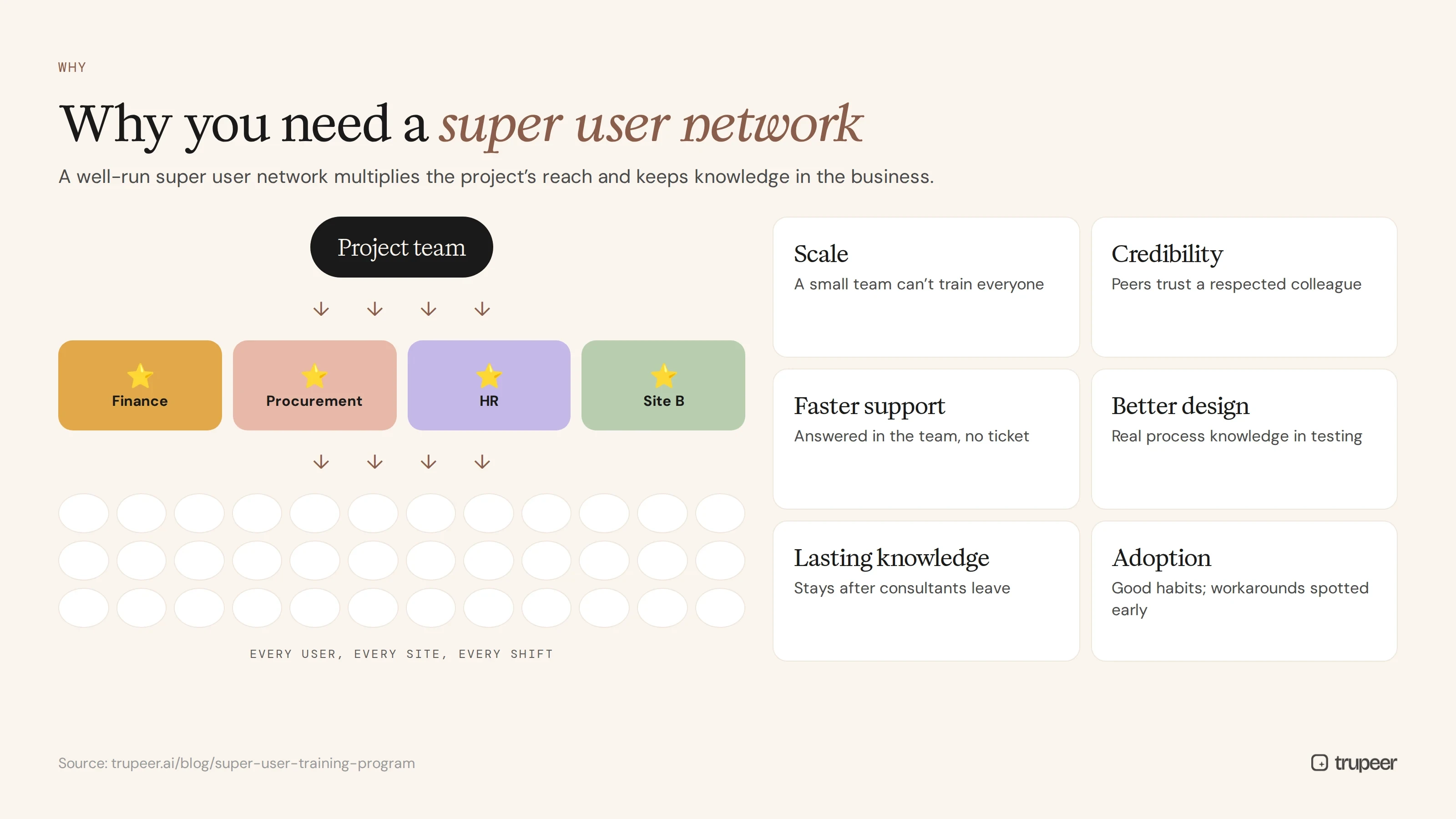
Scale: a small project team can't train and support every user personally.
Credibility: colleagues trust a respected peer more than an outside consultant.
Faster support: most questions are answered in the team, without a ticket.
Better design: super users bring real process knowledge into testing and design decisions.
Lasting knowledge: when the project team and partners leave, the expertise stays.
Adoption: super users model good habits and spot workarounds early.
How do you choose super users?
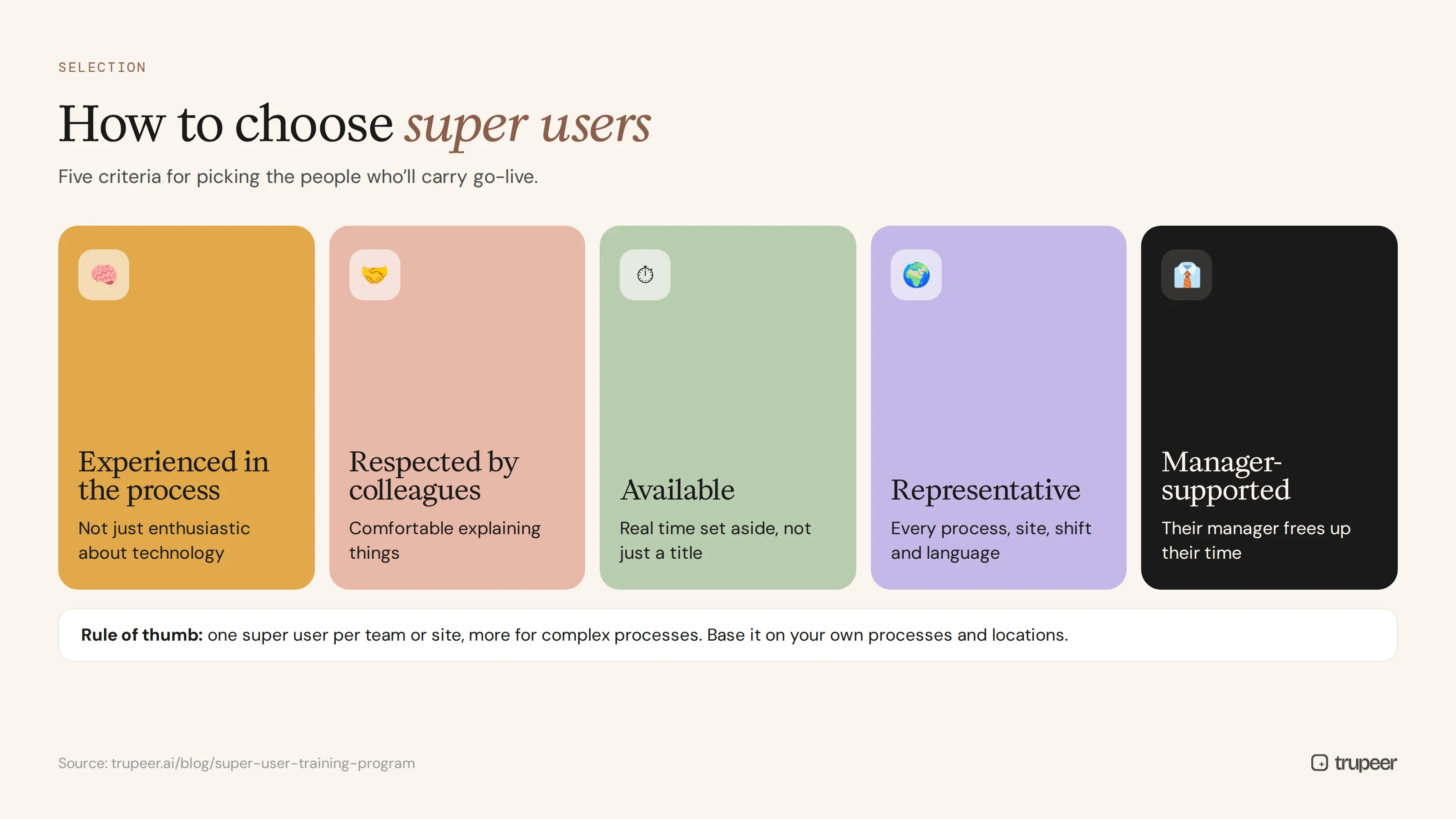
Choose people who are:
Experienced in the process, not just enthusiastic about technology.
Respected by colleagues and comfortable explaining things.
Available: with real time set aside, not just a title added to a full job.
Representative, covering every key process, site, shift and language.
Supported by their manager, who agrees to free up their time.
A common rule of thumb is one super user for every team or site, with more for complex processes. Base the number on your own processes, locations and user count rather than a fixed ratio.
What do super users do?
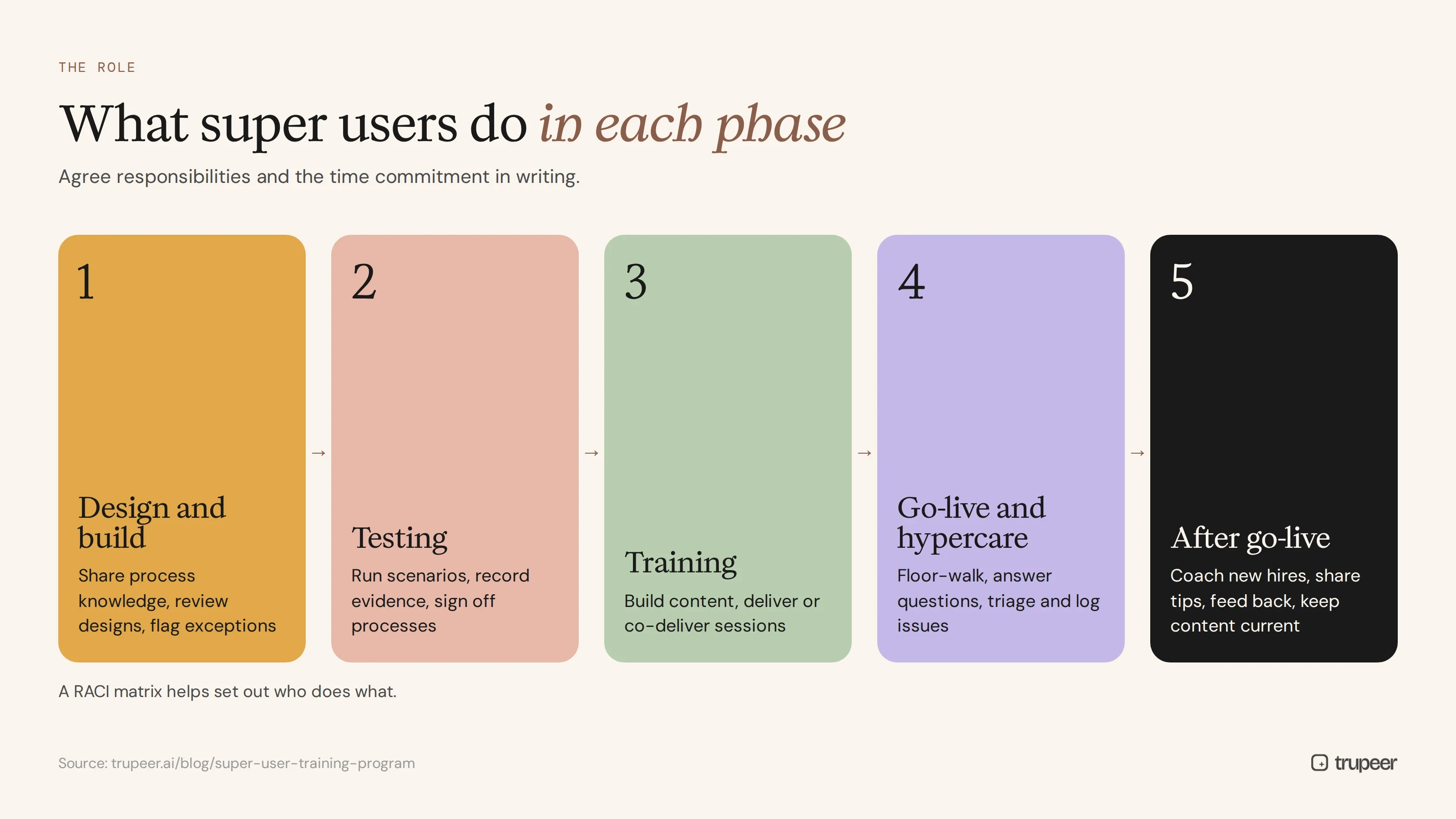
Phase | Super user responsibilities |
|---|---|
Design and build | Share process knowledge, review designs, flag exceptions |
Testing | Run test scenarios, record evidence, sign off on processes |
Training | Help build training content, deliver or co-deliver end user sessions |
Go-live and hypercare | Floor-walk, answer questions, triage and log issues |
After go-live | Coach new hires, share tips, feed back improvements, keep content current |
Agree these responsibilities in writing, with the time commitment, so super users and their managers know what's expected. A RACI matrix template helps set out who does what.
What should a super user training curriculum cover?
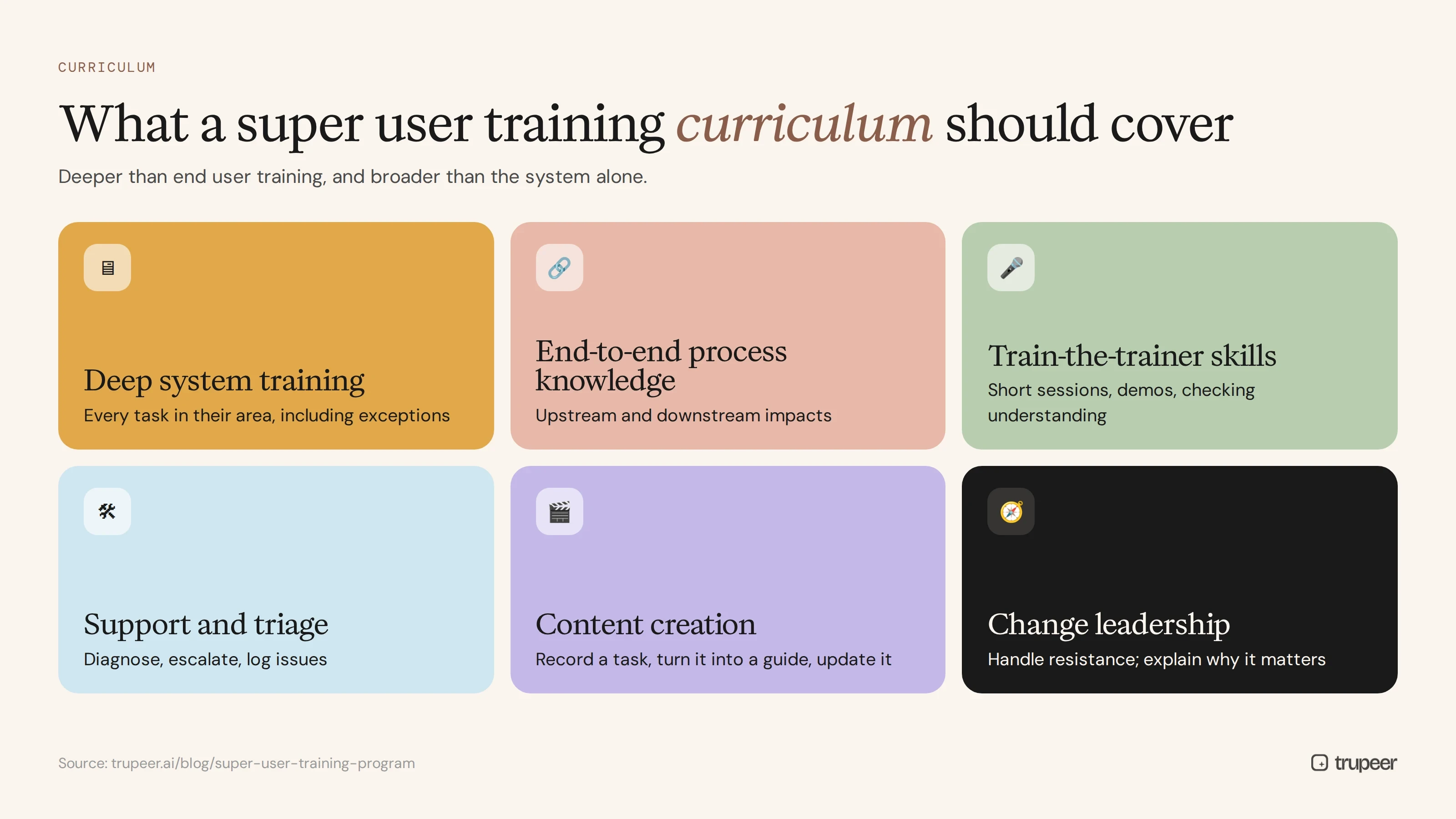
Deep system training: every task for their process area, including exceptions and less common transactions.
End-to-end process knowledge: how their process connects to others, so they can explain upstream and downstream impacts.
Train-the-trainer skills: how to run short sessions, demonstrate tasks and check understanding.
Support and triage: how to diagnose common problems, when to escalate and how to log issues.
Content creation: how to record a task, turn it into a guide or video and update it later.
Change leadership: how to handle resistance and explain why the change matters.
How do you run a super user training program step by step?
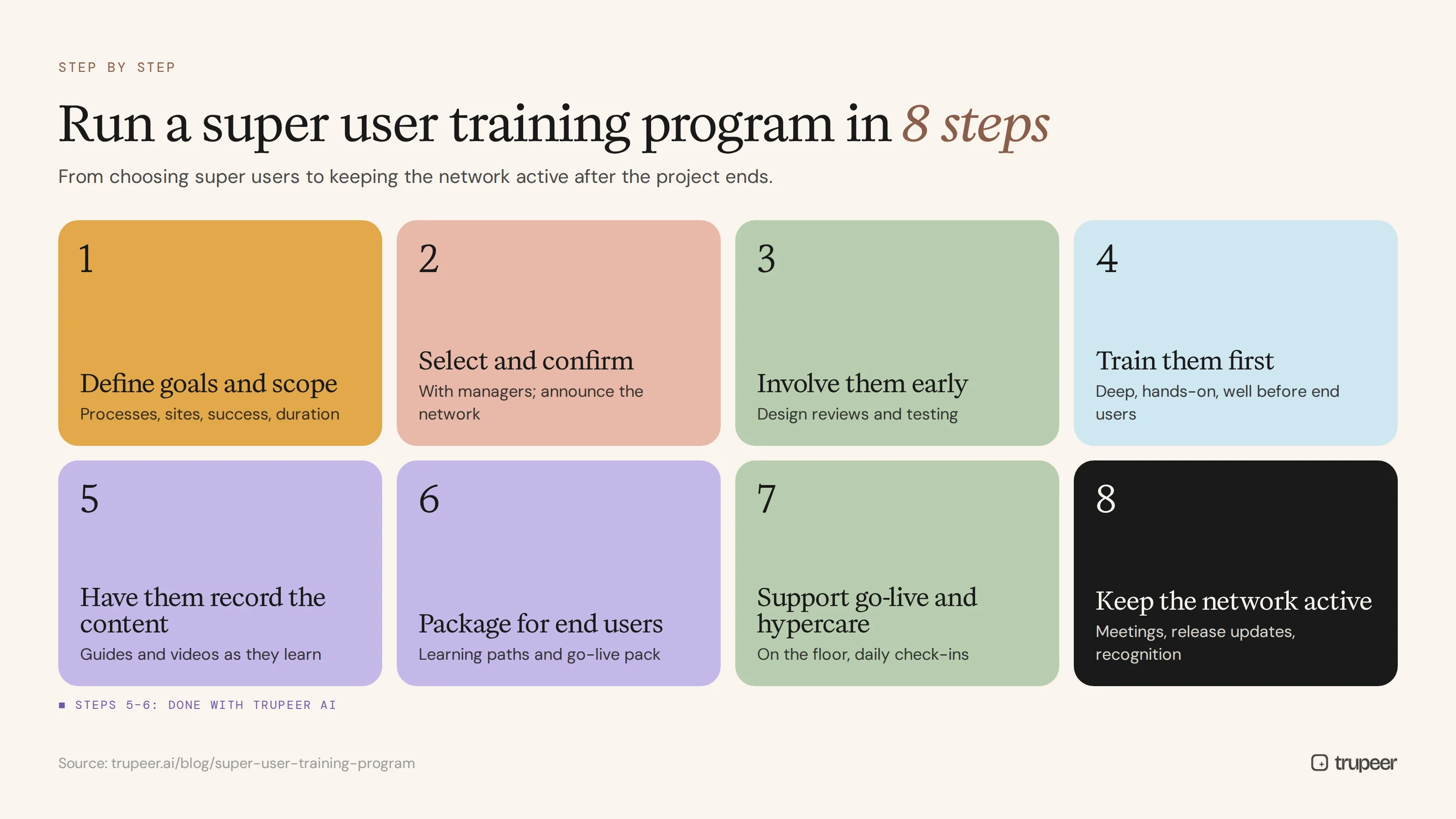
Step 1: Define goals and scope
Decide which processes, sites and user groups the super user network will cover, what success looks like and how long the program runs after go-live.
Step 2: Select and confirm super users
Nominate super users with their managers, confirm the time commitment and announce the network so colleagues know who to ask.
Step 3: Involve super users early
Bring super users into design reviews and testing. They learn the system as it's built, and the design benefits from their process knowledge.
Step 4: Train super users before anyone else
Give super users deep, hands-on training in a training environment well before end user training starts, using a structured training plan template.
Step 5: Have super users record the content
Ask each super user to record the tasks in their area with Trupeer's AI screen recorder, explaining each step in their own words. Trupeer turns each recording into a step-by-step guide and a narrated video, so super users build the training library while they learn.

Step 6: Package training for end users
Combine super user recordings into role-based learning paths, quick reference guides and a go-live training pack. See how to build a post-implementation training pack of videos and guides for new system users.

Step 7: Support go-live and hypercare
Put super users on the floor or on call during go-live, give them a simple way to log issues and hold short daily check-ins to share problems and fixes. The post-go-live support video strategy shows how short videos reduce hypercare tickets.
Step 8: Keep the network active
After hypercare, keep meeting regularly, share updates before every release, recognise super users' contribution and replace super users who move on.
Why recorded content makes super user programs work better
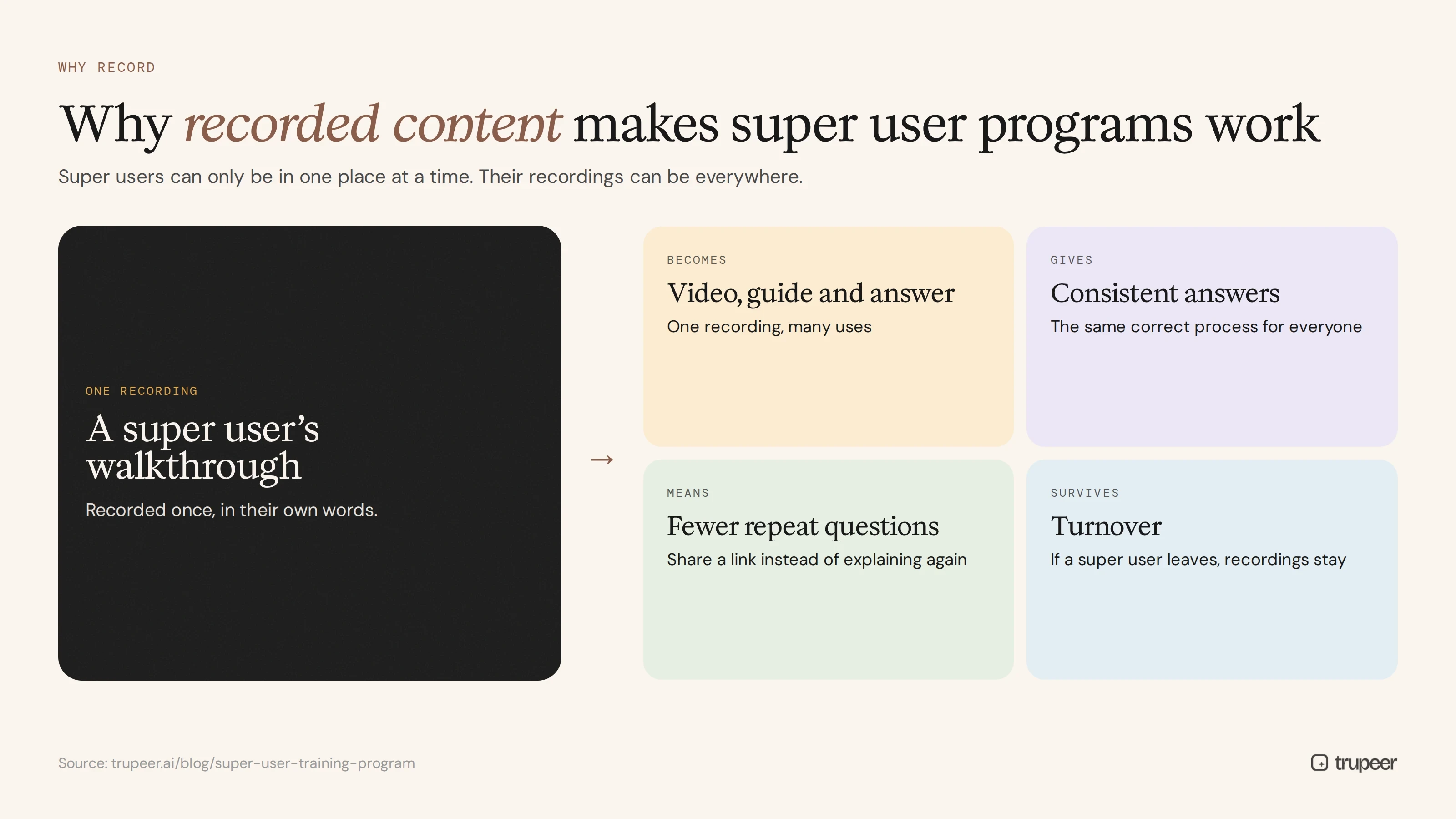
Super users can only be in one place at a time. Recorded content lets their expertise reach every user, on every shift, at the moment it's needed:
One recording, many uses: the same recording becomes a training video, a step-by-step guide and a support answer.
Consistent answers: every user sees the same correct process, not a different explanation from each super user.
Fewer repeat questions: super users share a link instead of explaining the same task again.
Easy updates: when a screen or rule changes, edit the script rather than re-recording; see how to update a training video without re-recording.
Knowledge that survives turnover: if a super user leaves, their recordings stay.
Super user programs for SAP, Salesforce and HR systems
The same super user training program works across systems, with a different emphasis for each:
ERP rollouts such as SAP S/4HANA: super users are usually organised by process, such as procure to pay or record to report, and need strong end-to-end process knowledge as well as Fiori and transaction skills.
CRM rollouts such as Salesforce: super users are often sales or service team leads who model daily habits, such as updating opportunities before pipeline reviews.
HR system rollouts such as Workday: super users often sit in HR operations and support managers with self-service tasks and approvals.
For the materials ERP super users help build, see SAP Fiori end user training materials.
Super user training program timeline
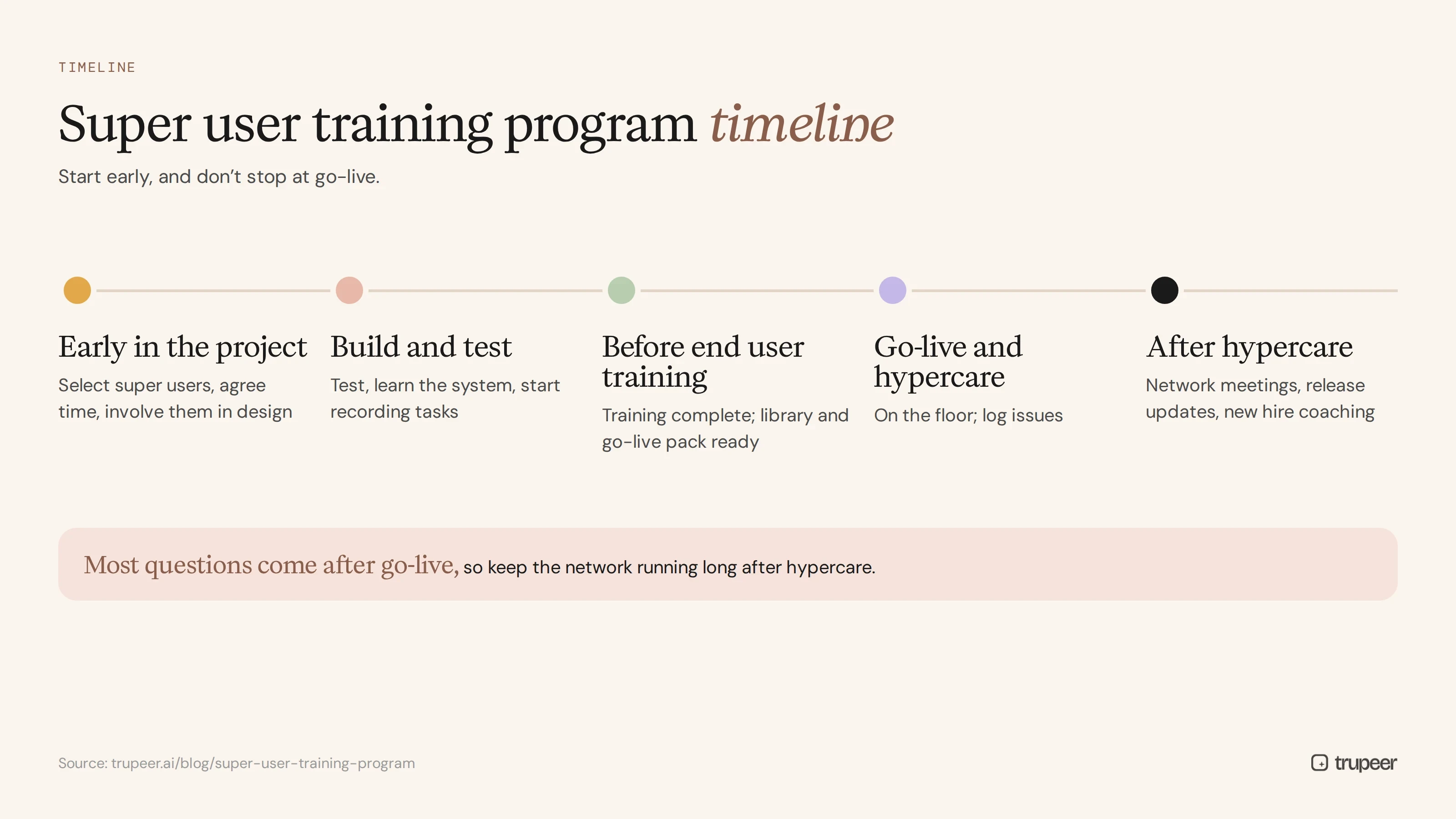
When | What happens |
|---|---|
Early in the project | Select super users, agree time commitment, involve them in design |
During build and test | Super users test, learn the system and start recording tasks |
Before end user training | Super user training complete; training library and go-live pack ready |
Go-live and hypercare | Super users support users on the floor and log issues |
After hypercare | Regular network meetings, release updates, new hire coaching |
For what needs to be ready before go-live, see the ERP go-live readiness checklist.
How do you measure a super user training program?
Coverage: every process, site and shift has a trained super user.
Content created: guides and videos recorded by super users.
Questions answered locally versus tickets raised with central support.
End user proficiency and adoption in teams with active super users.
Hypercare ticket trends after go-live.
Super user retention and satisfaction with the role.
Common super user training program mistakes
Choosing super users for enthusiasm alone, without process knowledge.
No protected time, so the role becomes an unpaid extra job.
Training super users too late, at the same time as everyone else.
Letting each super user teach differently, without shared, recorded content.
Ending the program at go-live, when most questions are still to come.
No recognition, so super users quietly stop helping.
Run your super user training program with Trupeer

Trupeer helps super users turn what they know into step-by-step guides and training videos, so their expertise reaches every user and stays current long after go-live. Start free with Trupeer.
Frequently asked questions
What is a super user training program?
It's a structured plan to select, train and support super users: experienced business users who get deeper training on a system so they can help colleagues, deliver training, triage issues and feed back improvements.
What is the role of a super user?
Super users share process knowledge in design, test the system, help build and deliver training, support users at go-live and coach colleagues afterwards.
How many super users do you need?
It depends on your processes, sites and number of users. Most programs aim for at least one super user per team or site, with more for complex processes.
When should super users be trained?
Before end user training, ideally while the system is being built and tested, so they're confident experts by the time colleagues start learning.
What should super user training include?
Deep system and process training, train-the-trainer skills, support and triage, content creation and change leadership.
How do super users create training content?
They record the tasks in their area with a tool like Trupeer, which turns each recording into a step-by-step guide and video that can be shared and updated.
How do you keep super users engaged?
Protect their time, involve them early, recognise their contribution, give them a regular forum and keep them informed before every release.
What's the difference between a super user and a trainer?
A trainer delivers formal training. A super user is a business user who combines deep system knowledge with daily support for colleagues in their own team.
Related Blogs



