Trupeer Blog
Podsumuj

Imagine you're part of an international company rolling out a new software tool. Your team needs to train 500 employees across five continents, each speaking a different language. You have two main options to bridge the language barrier in your training videos: subtitles and dubbing. This decision isn't just a matter of language translation; it can impact the effectiveness of training and the speed at which employees adopt new tools. A recent study found that 67% of learners prefer training materials in their native language, underscoring the importance of choosing the right format.
For global enterprises, the stakes are high. Misunderstandings can lead to costly errors, especially when training on complex systems. But which method is more effective for training videos, and how does each affect learning outcomes? This article explores the pros and cons of subtitles versus dubbing, helping you decide the best approach for your organization's needs. Whether your focus is on cost, speed, or engagement, understanding these options will enable you to make informed decisions. As we look into this comparison, consider your team's unique requirements and the specific outcomes you aim to achieve.
Why does choosing between subtitles and dubbing for training videos matter?
In large enterprises, training videos are a crucial tool for ensuring consistency and efficiency across teams. The choice between subtitles and dubbing isn't just about language preference; it's about maximizing comprehension and engagement. Subtitles can be a quick and cost-effective way to reach a multilingual audience but may not always provide the clarity needed for detailed instructions. On the other hand, dubbing offers a more smooth experience, potentially leading to better retention of information. Many teams pair this with a documentation platform that generates written guides from the same recording, so the pitch and the how-to stay in sync.
The decision impacts not only the learners but also the training developers and budget holders. For instance, subtitles can be more affordable and faster to implement, making them ideal for tight deadlines. However, if a significant portion of your workforce struggles with reading comprehension, dubbing might be necessary to ensure all employees are on the same page. Understanding the specific needs of your training videos use case helps in choosing the right method, ultimately affecting training effectiveness and ROI.
What are the benefits of choosing the right language option for training videos?
Selecting the appropriate language option for your training videos can significantly impact your training program's success.
Enhanced Engagement. When employees can follow along in their native language, either through subtitles or dubbing, they’re more likely to stay engaged. This can lead to a 30% increase in information retention.
Cost Efficiency. Opting for subtitles can be more budget-friendly, reducing translation costs by up to 50% compared to dubbing. This is especially beneficial during training video production when resources are limited.
Faster Deployment. Subtitles can be added quickly, allowing for faster rollout of training materials. This speed is crucial when training needs to be deployed quickly across multiple regions.
Accessibility. Subtitles ensure accessibility for hearing-impaired employees, expanding the reach of your training videos without additional costs.
smooth Experience. Dubbing provides a more immersive experience, making complex information feel more accessible, which can be particularly useful for detailed technical training.
Consistent Branding. Using a video generation platform that supports both options allows you to maintain consistent branding across all training materials, ensuring that your company’s voice remains cohesive.
Which Trupeer features help you decide between subtitles and dubbing for enterprise training videos?
Trupeer offers a suite of features designed to enhance and simplify the process of creating effective training videos, whether you choose subtitles or dubbing.
AI Translation into 40+ Languages with Lip-Sync
Trupeer's AI translation feature allows you to translate your training videos into over 40 languages, complete with lip-sync technology. This ensures that dubbed videos appear natural and engaging, which is crucial in maintaining viewer attention and comprehension. The AI handles complex linguistic nuances, making it a reliable choice for enterprises with a diverse workforce. By using Trupeer's translation capabilities, you can effectively localize your content without extensive manual intervention, saving time and reducing errors.
AI Dubbing for Non-English Audiences
With Trupeer's AI dubbing feature, you can provide a smooth auditory experience for non-English speaking employees. The AI dubbing feature uses advanced machine learning to create realistic voiceovers in multiple languages. This can be especially beneficial for technical training, where understanding spoken instructions is crucial. The dubbing process is automated, allowing for swift deployment and scalable solutions across large organizations. The quality of AI voiceovers ensures that the content remains engaging and easy to follow. Trupeer also ships a enterprise training video software that handles this step without extra setup.
AI Voiceover in 65+ Natural Voices, Adjustable Pace and Tone
For organizations opting for dubbing, Trupeer offers over 50 natural-sounding voices, allowing you to adjust pace and tone to suit your training video's content. This flexibility ensures that the dubbed versions maintain the desired emotional and instructional tone, enhancing understanding and retention. This feature is particularly useful for subtle topics where the delivery style impacts comprehension. Whether you're conducting safety training or onboarding, Trupeer's voiceover capabilities can be tailored to meet your content needs.
AI Avatars / Talking-Head Video
Trupeer provides a library of AI avatars and talking-head videos, enhancing the human element in training videos. This can be particularly effective when paired with either subtitles or dubbing, offering visual cues that support learning. Avatars can be customized to reflect company branding, ensuring consistency across training materials. This feature helps in creating relatable content, which is especially useful in scenarios where instructor presence adds value, such as leadership training or company culture videos.
AI-Searchable Knowledge Base
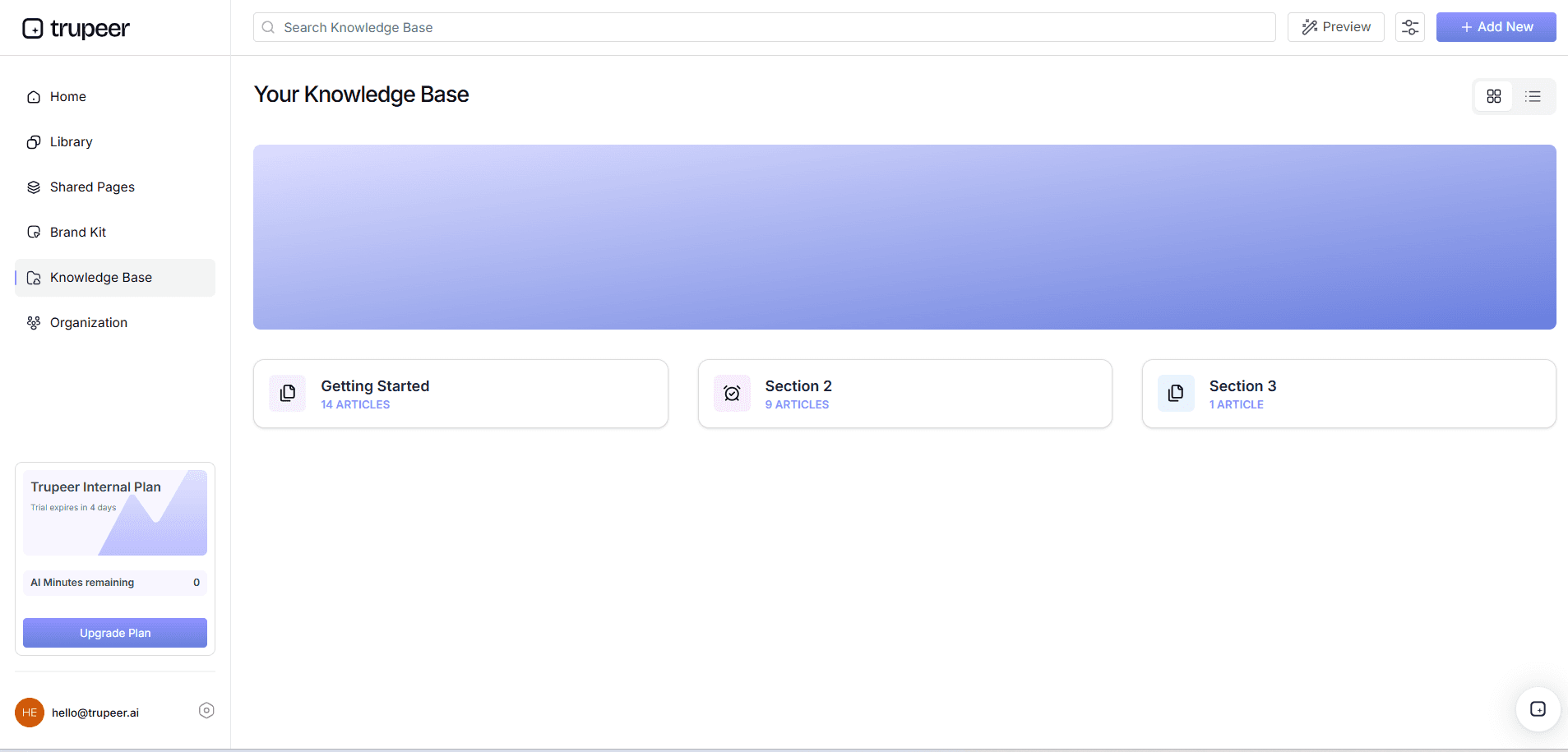
Integrating your training videos into Trupeer's AI-searchable knowledge base allows employees to access specific content quickly. This tool indexes every recording with timestamp-level deep links, making it easy for learners to find and revisit relevant sections. Whether your training videos are subtitled or dubbed, this feature enhances accessibility and supports continuous learning. It also facilitates knowledge sharing across teams, enabling employees to efficiently find answers to their questions.
How do you choose between subtitles and dubbing for training videos step by step with Trupeer?
Step 1: Capture Your Training Video
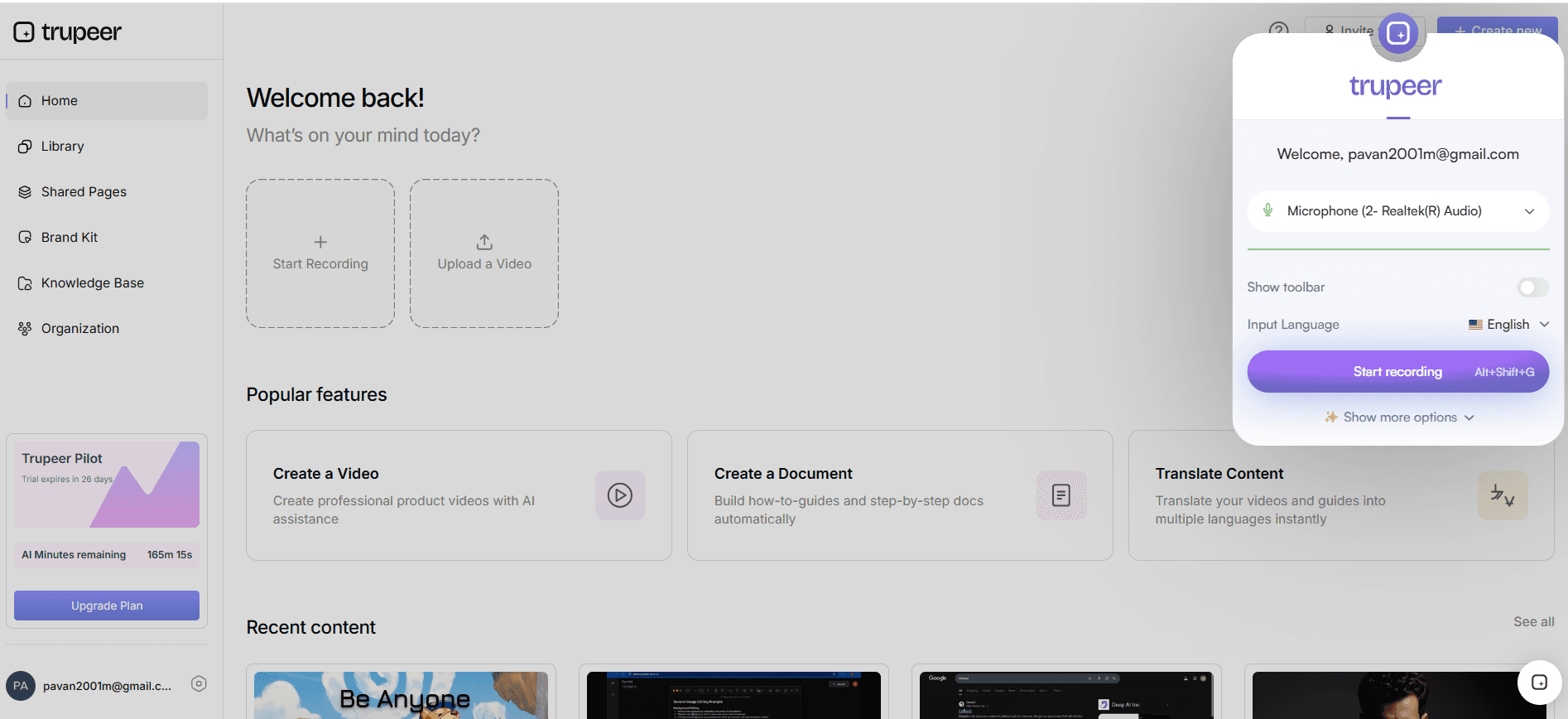
Start by using Trupeer's AI screen recording with auto-zoom and click detection to capture your training video. This feature automatically highlights important actions on the screen, ensuring clarity for viewers. Simply open the Trupeer recorder from your browser or desktop app and capture the process you want to train on. This step typically takes as long as the process you’re recording, plus a few minutes for setup. The auto-zoom ensures that viewers focus on key areas, reducing the need for post-editing. This is particularly useful for software training where precision matters.
Step 2: Edit and Enhance Your Recording
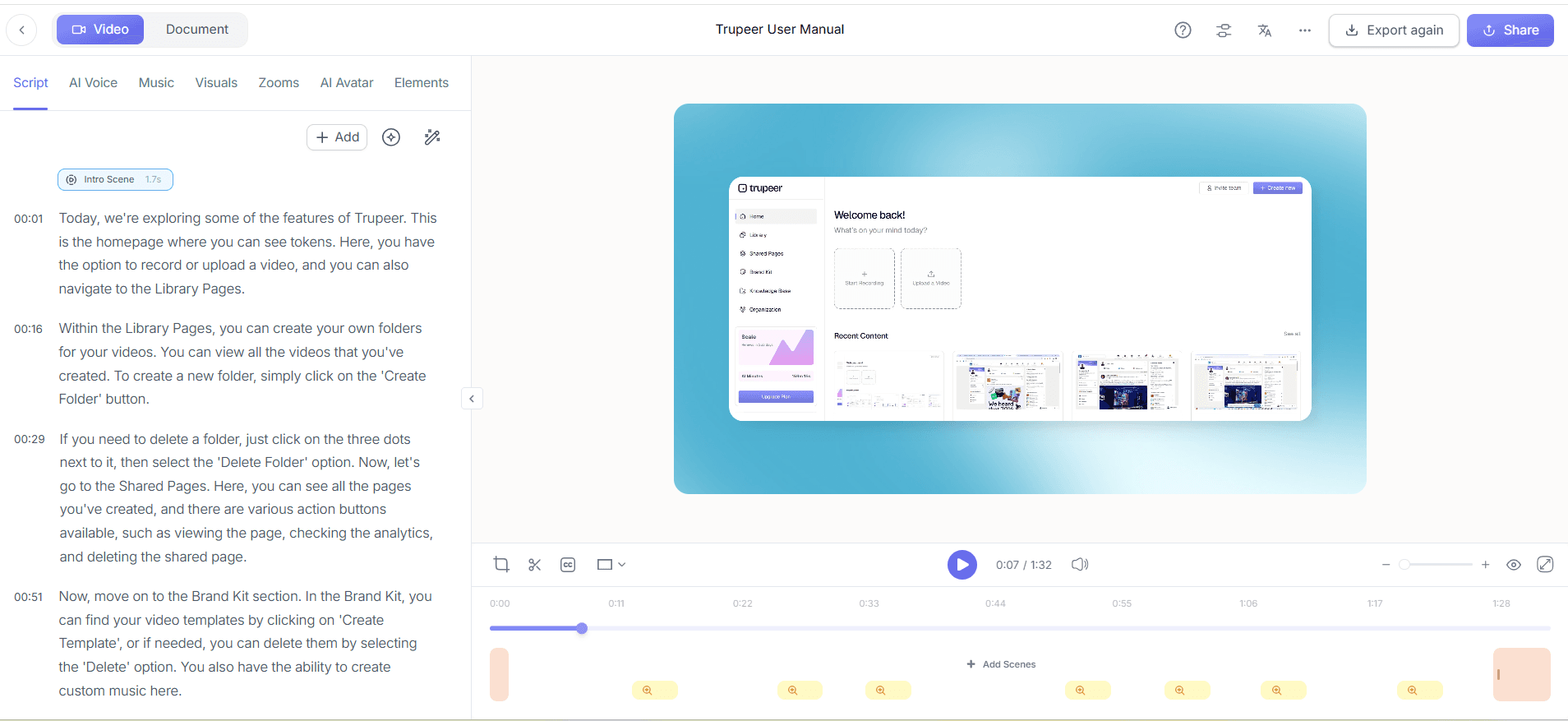
Once your video is captured, move to the editing phase using Trupeer's automatic filler-word removal. This tool removes unnecessary "uhs" and "ums," creating a more polished final product without manual editing. Go to the editing dashboard, select your recording, and enable the filler-word removal feature. This process is quick, often taking just a few seconds to scan and clean the entire video. also, you can use brand kits and branded templates to maintain consistency across your training materials, ensuring they align with your company’s visual identity.
Step 3: Choose Subtitles or Dubbing
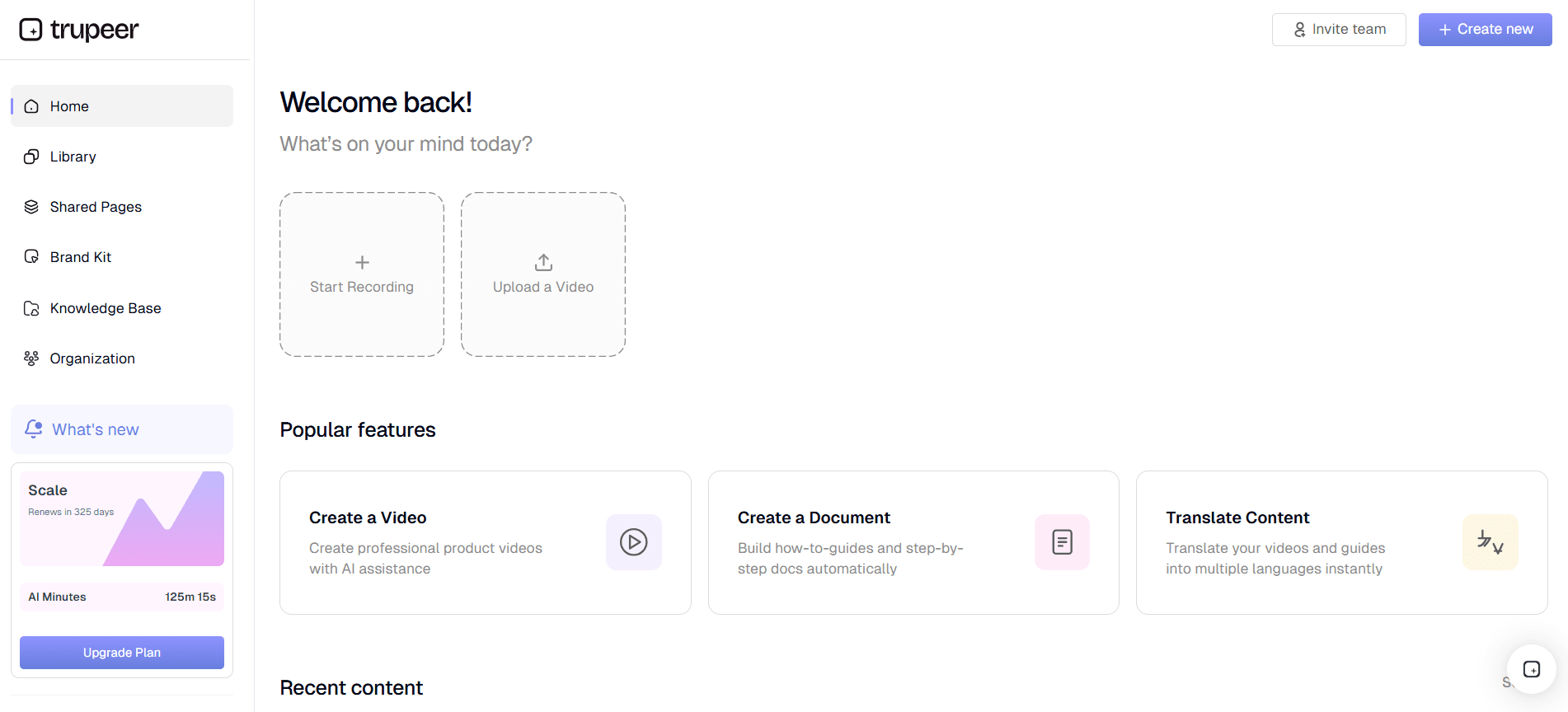
Decide whether subtitles or dubbing best suit your audience. If you opt for subtitles, use Trupeer's AI translation into 40+ languages. Access this feature from the localization menu, select your target languages, and apply. This process is generally fast, taking a few minutes depending on the video length. For dubbing, select AI dubbing, choose the preferred language and voice, and apply. Dubbing may take a bit longer as it synchronizes voice with on-screen actions, ensuring lip-sync accuracy. This choice depends on whether your audience benefits more from reading or listening.
Step 4: Implement AI Voiceover
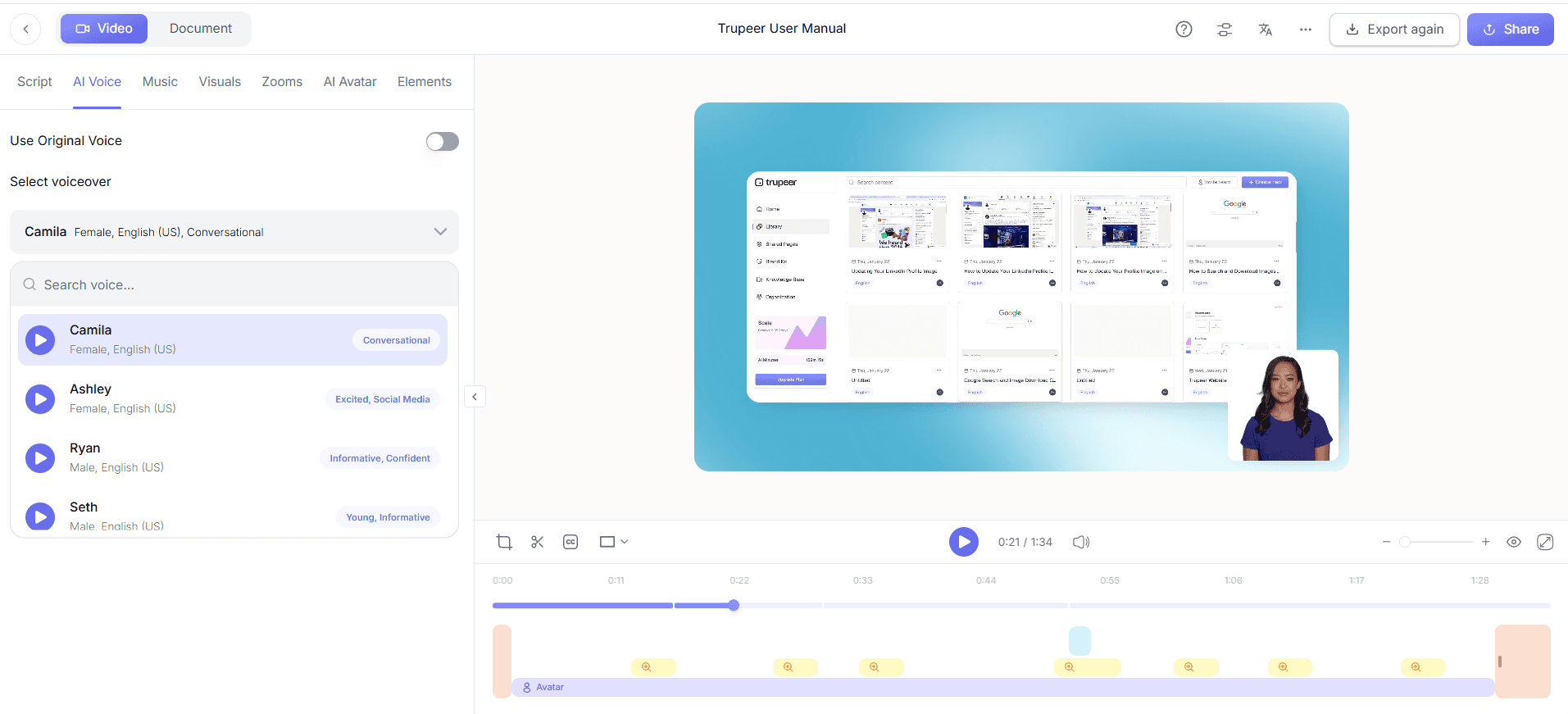
For dubbed videos, enhance your content with Trupeer’s AI voiceover in 65+ natural voices. After selecting the dubbing option, choose a voice that matches the tone and pace of your training material. Adjust the speed and tone to fit the style of your training. This step is crucial for maintaining engagement, especially in lengthy or complex materials. Trupeer's AI voiceover ensures that the narration matches the intended instructional tone, which is vital for technical or safety training videos where precision is essential.
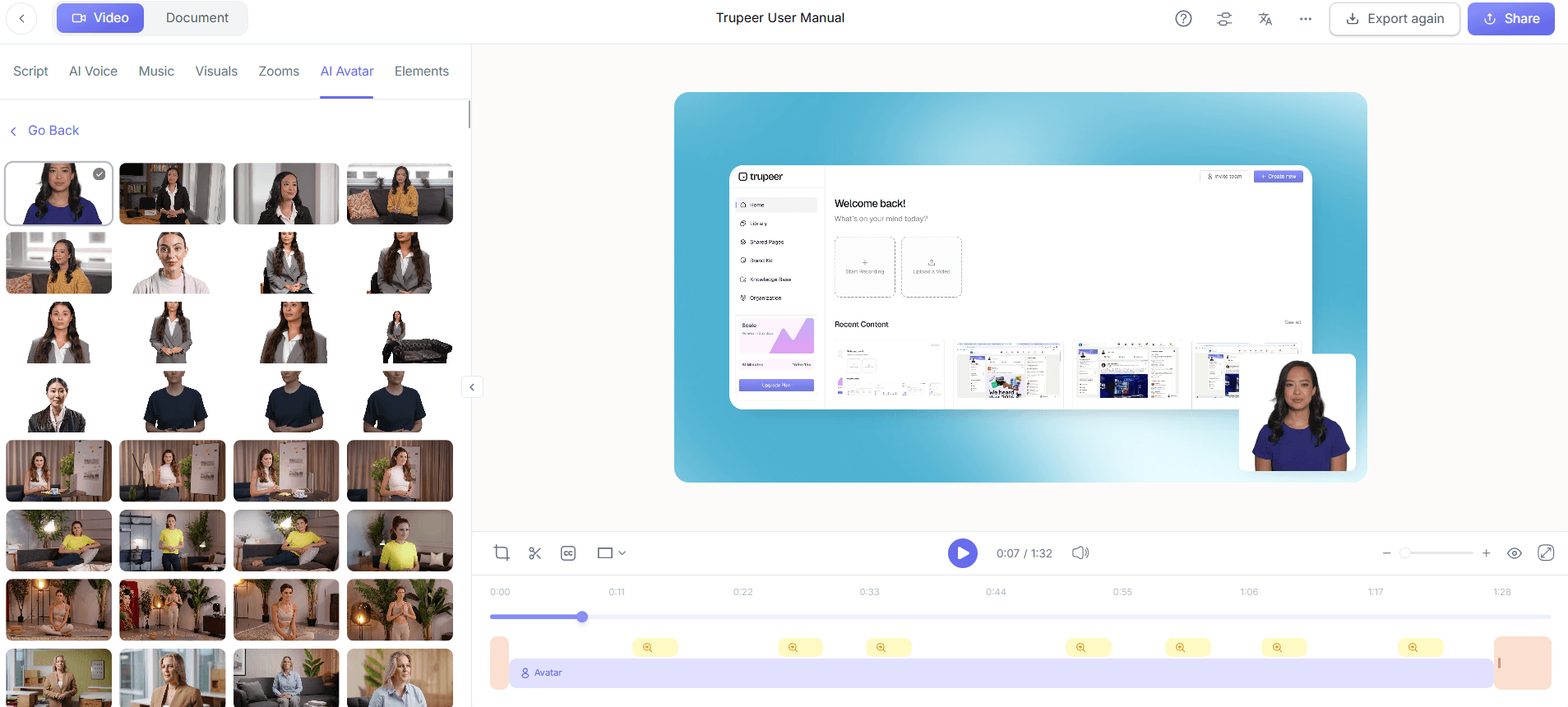
Step 5: Add AI Avatars for Visual Engagement
Enhance your dubbed or subtitled video by adding AI avatars from Trupeer’s library. Navigate to the AI Avatars section, select an avatar that aligns with your brand’s image, and integrate it into the video. This addition can make your training more relatable and engaging, especially when training involves complex concepts or customer-facing roles. Custom avatars can be created in collaboration with HeyGen, offering further personalization. This step can be completed quickly, typically taking about 10 minutes to integrate and align with your video content. When SOPs come into the same conversation, a Scribe alternatives comparison helps clarify the scope.
Step 6: Distribute via AI-Searchable Knowledge Base
Once your video is finalized, use Trupeer’s enterprise training video platform to distribute the content. Upload your video to the AI-searchable knowledge base, where it becomes easily accessible with timestamp deep-links. This feature allows users to jump directly to the sections they need, enhancing learning efficiency. Sharing through custom-domain hosting with SSO ensures secure access for your team. This step ensures your training materials are not only accessible but also organized, allowing for easy updates and continuous learning.
What tips help you choose between subtitles and dubbing for training videos?
Choosing between subtitles and dubbing for your training videos involves careful consideration of your audience, content, and resources. Here are some tips to help you make the right choice:
Know Your Audience. Understand whether your audience prefers reading or listening. Conduct surveys to gather this information.
Evaluate Content Complexity. Use subtitles for straightforward content and dubbing for complex or technical materials requiring more engagement.
Consider Budget Constraints. Subtitles are usually more budget-friendly. Consider them if you're working with limited resources.
Assess Deployment Speed. Subtitles can be implemented faster than dubbing, ideal for urgent training rollouts.
Use AI Tools Effectively. use easy video editing software for training videos to simplify the process of adding subtitles or dubbing.
Test Both Options. Run pilot tests with both subtitles and dubbing to see which option resonates better with your audience.
Focus on Accessibility. Ensure your choice supports accessibility for all employees, including those with hearing impairments.
Teams weighing tools often start with a Loom alternatives comparison before standardizing on a workflow.
Related reading
Frequently Asked Questions
How do subtitles and dubbing affect training video engagement?
What are the cost differences between subtitles and dubbing?
Why might an enterprise choose dubbing over subtitles?
Can Trupeer handle both subtitles and dubbing for training videos?
Is there a recommended format for technical training videos?
Powiązane blogi



