Trupeer Blog
Samenvatten

Kopersoverzicht
Nieuwe medewerkers worden vaak in hun eerste week overspoeld met informatie, wat leidt tot verwarring en minder betrokkenheid. Traditionele onboardingmethoden zoals het uitdelen van PDF's of het geven van lange presentaties zijn niet langer voldoende. Organisaties met een effectief onboardingproces verbeteren de retentie van nieuwe medewerkers met 82%, volgens de Brandon Hall Group. Video-gebaseerde onboarding is een gamechanger en verkort de inwerktijd tot wel 50% vergeleken met programma's die vooral op documenten leunen. Toch vertrouwen veel bedrijven nog steeds op verouderde methoden, in de hoop dat het goed uitpakt.
Organisaties met sterke onboardingprocessen verbeteren de retentie van nieuwe medewerkers met 82%.
Deze gids onderzoekt de meest effectieve videoleerplatforms voor onboarding van medewerkers. De gids is op maat gemaakt voor HR-professionals, trainingsmanagers en teamleiders die hun onboardingstrategieën willen versterken. We bespreken de sterke en zwakke punten van elk hulpmiddel, zodat het makkelijker wordt om de juiste oplossing voor uw organisatie te kiezen.
Beste video-gebaseerde onboardingtools voor medewerkers: vergelijking van kop tot teen
Functie | Trupeer | Synthesia | Loom | Camtasia | iSpring Suite | Whatfix | Tango | Vyond |
|---|---|---|---|---|---|---|---|---|
Kernfuncties | ||||||||
Schermopname | Ja | Nee | Ja | Ja | Ja | Nee | Nee | Nee |
AI-avatar/voice-over | Ja | Ja | Nee | Nee | Nee | Nee | Nee | Ja |
Professionele functies | ||||||||
SCORM-export | Ja | Ja | Nee | Ja | Ja | Ja | Nee | Nee |
LMS-integratie | Ja | Beperkt | Nee | Ja | Ja | Ja | Nee | Ja |
Interactieve training | ||||||||
Interactieve training | Ja | Nee | Nee | Ja | Ja | Ja | Beperkt | Ja |
Voortgangsregistratie | Ja | Nee | Nee | Beperkt | Ja | Ja | Beperkt | Nee |
Aanpassing | ||||||||
Custom branding | Ja | Ja | Ja | Ja | Ja | Ja | Nee | Ja |
Meertaligheid | Ja | Ja | Nee | Beperkt | Ja | Beperkt | Nee | Ja |
Gratis abonnement | Ja | Nee | Ja | Nee | Nee | Nee | Ja | Nee |
Trupeer

Trupeer is een geavanceerd videoleerplatform dat is ontworpen om onboarding van medewerkers te stroomlijnen met interactieve trainingsmodules en robuuste analyses. Het is met name geschikt voor organisaties die gedetailleerde voortgangsregistratie en opties voor custom branding nodig hebben. Trupeer valt op door de mogelijkheid om content naar SCORM te exporteren, waardoor het compatibel is met toonaangevende LMS-platforms. Het biedt echter beperkte mogelijkheden voor AI-avatar en voice-over, wat een nadeel kan zijn voor bedrijven die op zoek zijn naar geavanceerde AI-gestuurde functies.
Belangrijkste functies
Schermopname- en bewerkingstools
SCORM- en xAPI-exportopties
Interactieve quizzen en kennischecks
Gedetailleerde voortgangsregistratie en rapportage
Custom branding en personalisatie
Ondersteuning voor meerdere talen
LMS-integraties
Gratis abonnement beschikbaar
"Trupeer heeft ons onboardingproces getransformeerd en de tijd die nieuwe medewerkers nodig hebben om volledig productief te worden met 40% verkort."
Jane Doe, HR Director bij TechCorp (Bron: G2)
Voordelen
Nadelen
Uitgebreide analyses voor het volgen van de voortgang.
Beperkte opties voor AI-avatar.
Aanpasbare brandingopties.
Complex instelproces voor beginners.
Ondersteunt SCORM- en xAPI-exports.
Vereist een internetverbinding voor volledige functionaliteit.
Prijs
Trupeer biedt een gratis abonnement met basisfuncties. Betaalde abonnementen starten bij $49 per gebruiker per maand.
Synthesia
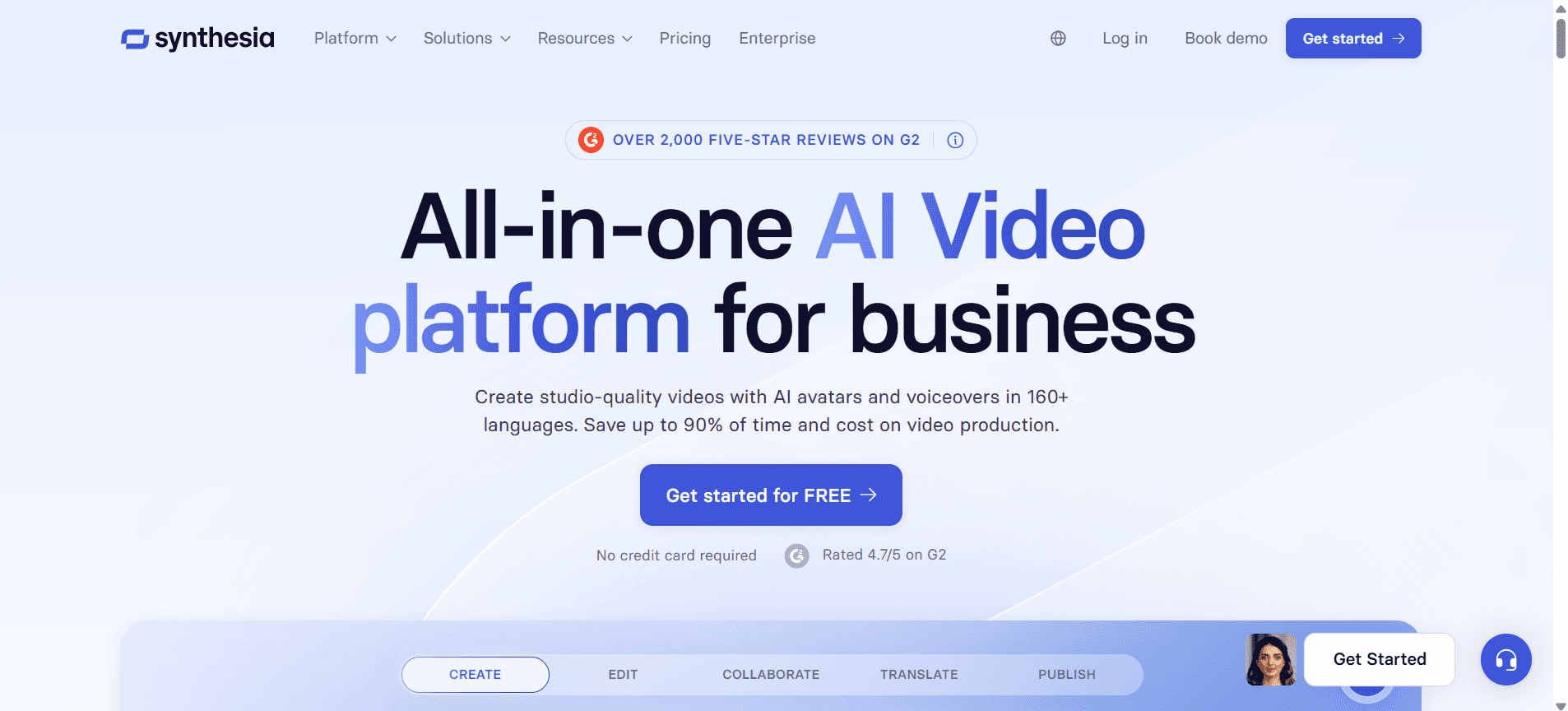
Synthesia staat bekend om zijn AI-gestuurde mogelijkheden voor videomaken, waarmee gebruikers video's kunnen maken met AI-avatar en voice-overs in meerdere talen. Het is perfect voor bedrijven die professionele video's willen maken zonder uitgebreide vaardigheden voor videoproductie. Het grootste nadeel is het ontbreken van schermopname en interactieve elementen, wat de bruikbaarheid voor uitgebreide trainingsprogramma's kan beperken.
Belangrijkste functies
AI-avatar- en voice-overtechnologie
Videocreatie in meerdere talen
Gebruiksvriendelijke videobewerker
Opties voor custom branding
Exportmogelijkheid voor SCORM
Beperkte LMS-integratie
Videotemplates voor snelle creatie
Geen functie voor schermopname
Voordelen
Nadelen
Indrukwekkende AI-gestuurde videocreation.
Geen opties voor schermopname.
Ondersteunt meerdere talen.
Beperkte interactieve functies.
SCORM-export beschikbaar.
Hogere kosten vergeleken met vergelijkbare tools.
Prijs
Synthesia biedt geen gratis abonnement. De prijs start bij $30 per video.
Loom
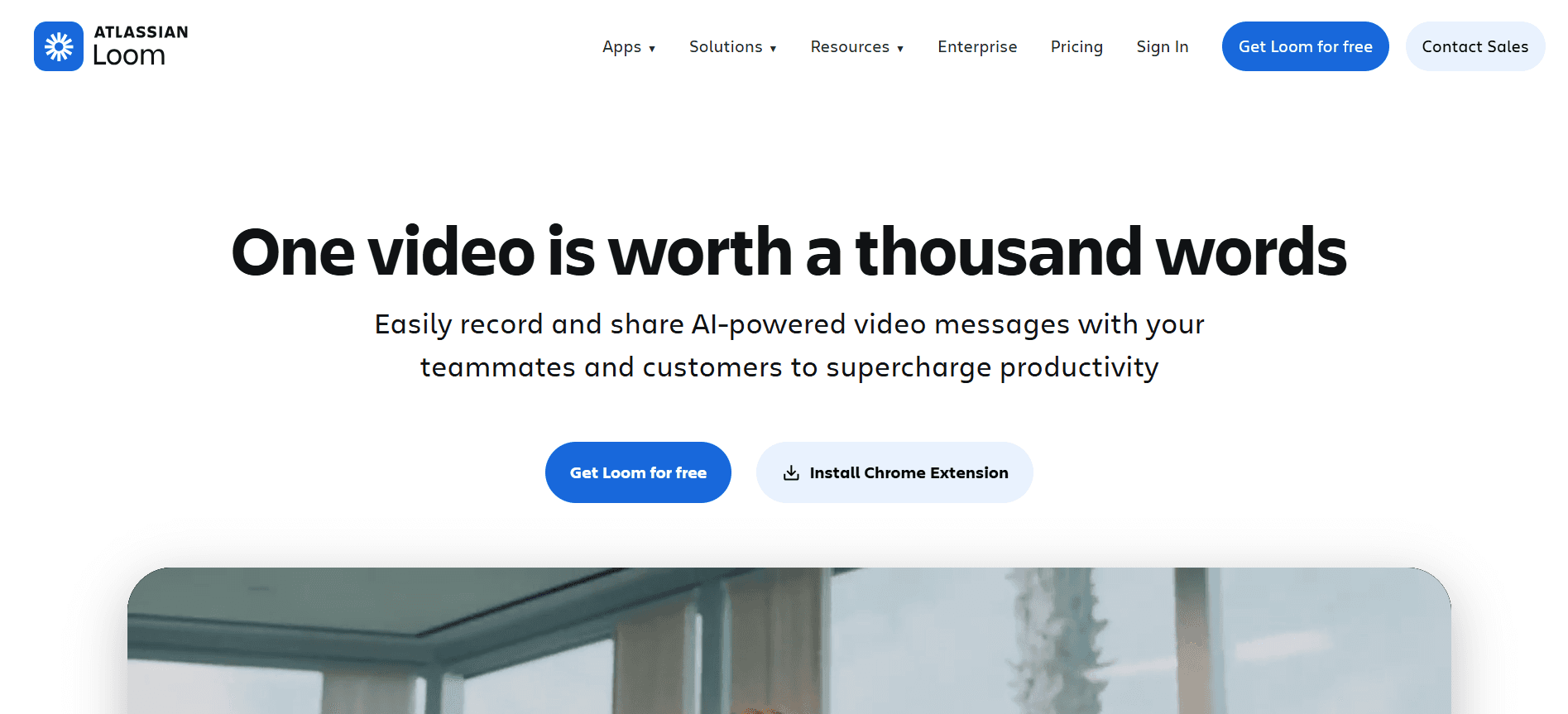
Loom is een gebruiksvriendelijke tool voor het maken van snelle videoberichten, waardoor het ideaal is voor teams die informatie snel moeten delen. Het wordt breed gebruikt vanwege het gebruiksgemak en de effectieve mogelijkheden voor schermopname. Het mist echter geavanceerde trainingsfuncties zoals SCORM-export of uitgebreide voortgangsregistratie, waardoor het minder geschikt is voor uitgebreide onboardingprogramma's.
Belangrijkste functies
Direct video opnemen en delen
Scherm- en webcamopname
Video-commentaar in realtime
Opties voor custom branding
Basis videobewerkingstools
Gratis abonnement met beperkte functies
Eenvoudige gebruikersinterface
Cloudopslag voor video's
Voordelen
Nadelen
Eenvoudig te gebruiken met een simpele interface.
Geen ondersteuning voor SCORM-export.
Geweldig voor snelle video-communicatie.
Beperkte mogelijkheden voor voortgangsregistratie.
Biedt een gratis abonnement.
Niet geschikt voor gedetailleerde trainingsprogramma's.
Prijs
Loom biedt een gratis abonnement met beperkte functies. Betaalde abonnementen starten bij $10 per gebruiker per maand.
Camtasia
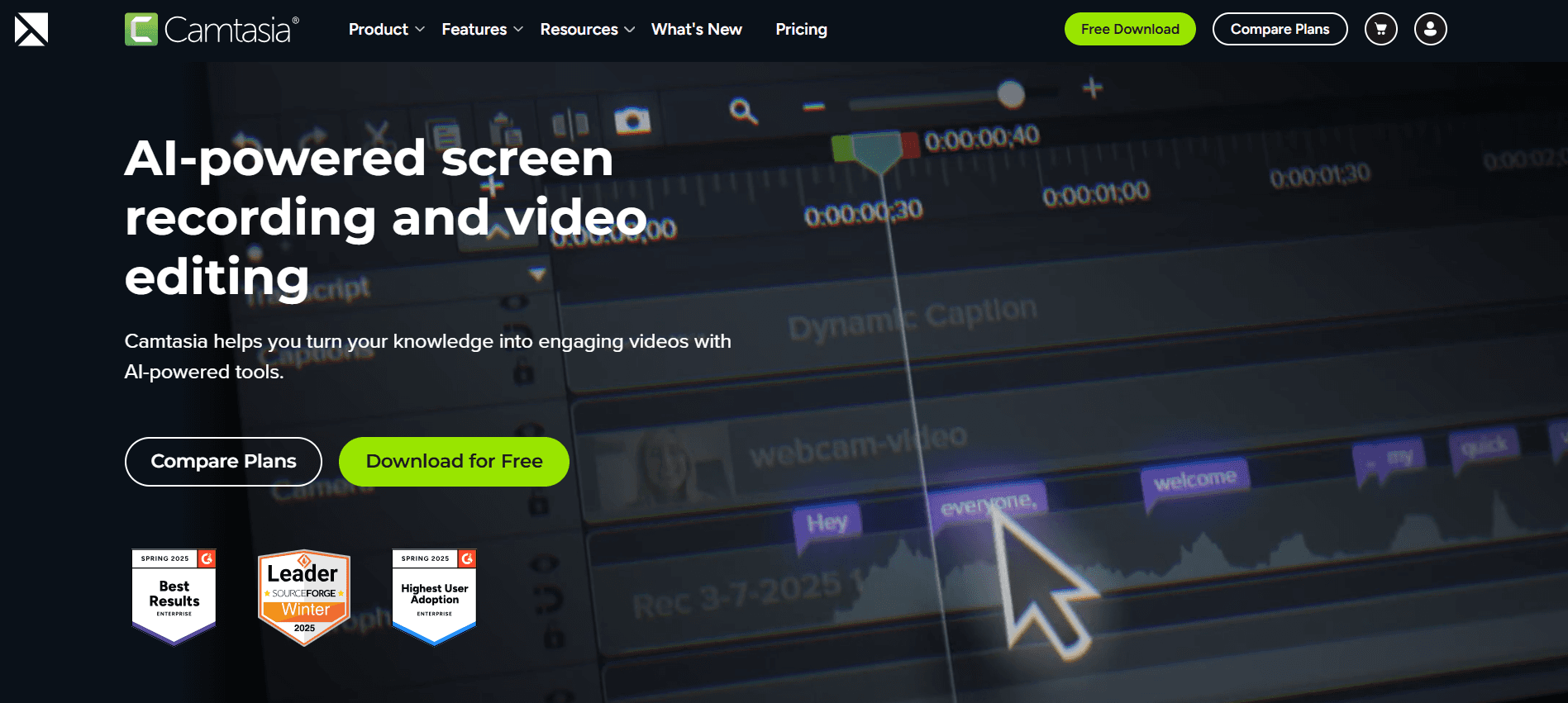
Camtasia is krachtige videobewerkingssoftware die uitblinkt in het maken van professionele trainingsvideo's. Het is perfect voor organisaties die hoogwaardige videocommunicatie moeten produceren met gedetailleerde bewerkingsmogelijkheden. Hoewel het sterk is in videobewerking, kan het overweldigend zijn voor beginners en mist het AI-gestuurde functies zoals avatars en voice-overs.
Belangrijkste functies
Geavanceerde videobewerkingstools
Schermopname en webcamopname
Interactieve quizzen en beoordelingen
Aanpasbare videotemplates
Exportmogelijkheden voor SCORM
Uitgebreide bibliotheek met assets en effecten
LMS-integratie
Ondersteuning voor meerdere talen (beperkt)
Voordelen
Nadelen
Uitgebreide videobewerkingstools.
Steile leercurve voor beginners.
Ondersteunt interactieve elementen.
Geen AI-gestuurde functies.
SCORM-export is beschikbaar.
Hogere prijsklasse.
Prijs
Camtasia biedt geen gratis abonnement. De prijs start bij $249,99 als eenmalige aankoop per gebruiker.
iSpring Suite
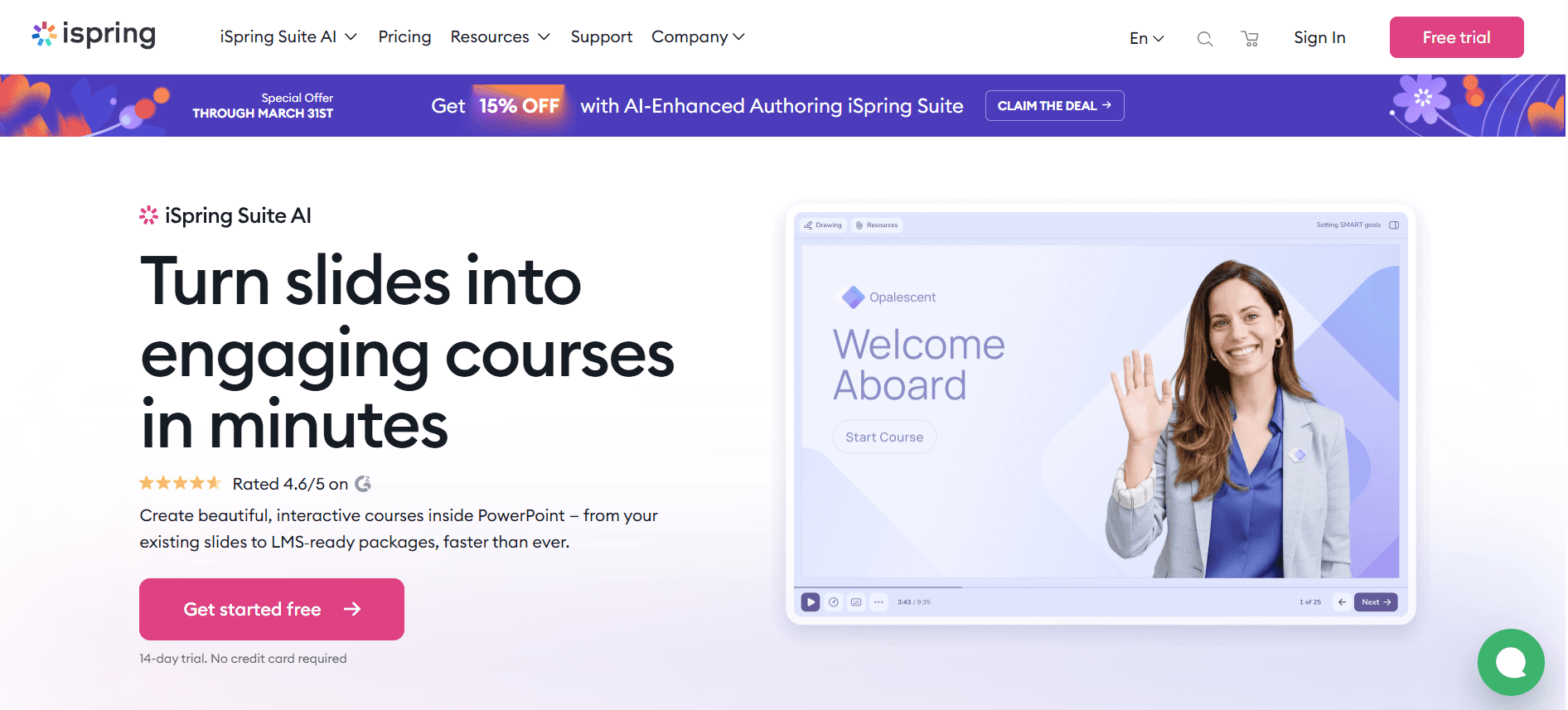
iSpring Suite is een alles-in-één eLearning-toolkit die geschikt is voor het maken van interactieve cursussen en quizzen. Het is ideaal voor organisaties die uitgebreide trainingsprogramma's willen ontwikkelen met LMS-compatibiliteit. Het mist echter AI-gestuurde functies en kan kostbaar zijn voor kleinere teams.
Belangrijkste functies
Tools voor het maken van cursussen en quizzen
Schermopname en videobewerking
Ondersteuning voor SCORM en xAPI
Interactieve elementen en beoordelingen
LMS-integratie
Custom branding
Ondersteuning voor meerdere talen
Uitgebreide bibliotheek met assets
Voordelen
Nadelen
Uitgebreide eLearning-toolkit.
Kan duur zijn voor kleine teams.
Ondersteunt SCORM- en xAPI-exports.
Geen opties voor AI-avatar of voice-over.
Uitgebreide bibliotheek met interactieve elementen.
Vereist een leercurve voor nieuwe gebruikers.
Prijs
iSpring Suite biedt geen gratis abonnement. De prijs start bij $770 per gebruiker per jaar.
Whatfix
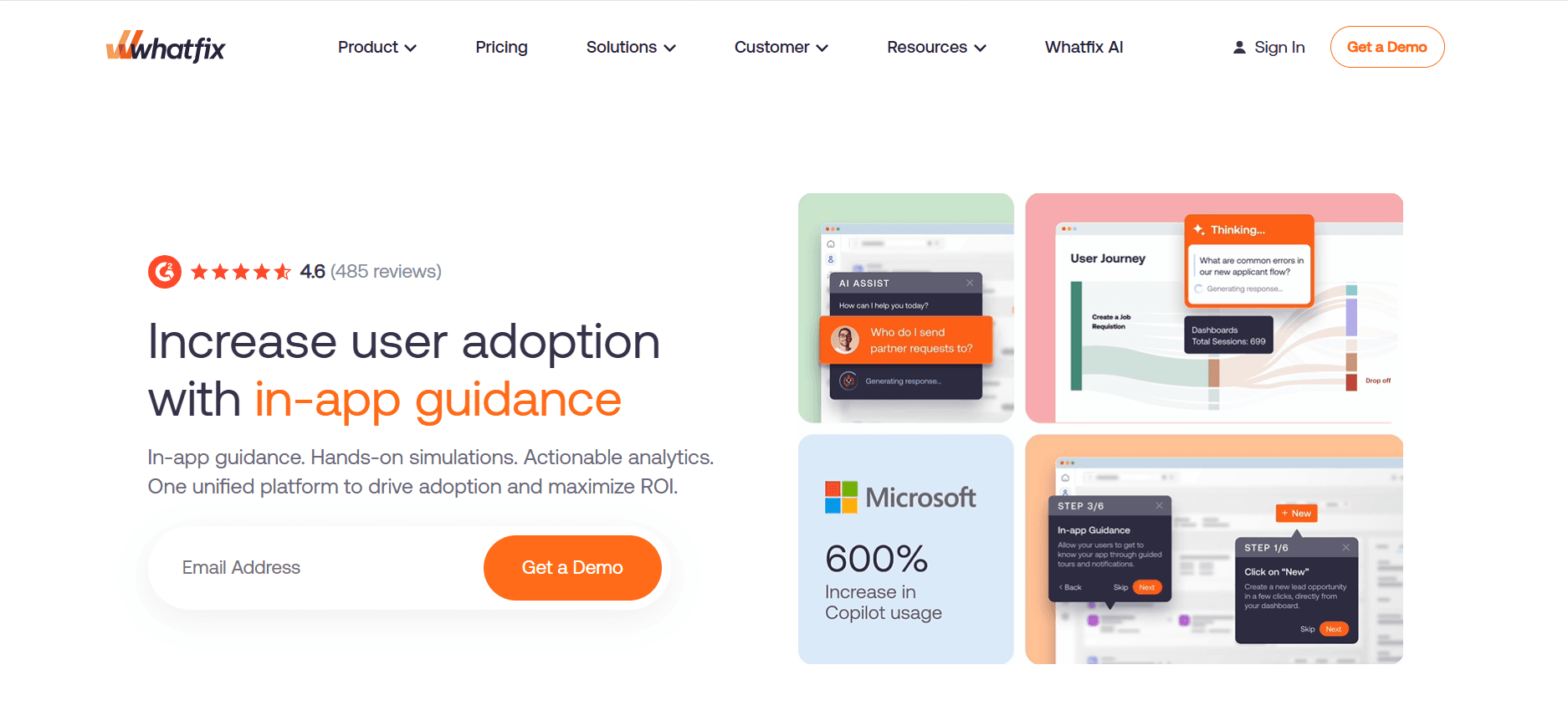
Whatfix is een digital adoption platform dat organisaties helpt om in-app begeleiding en trainingscontent te maken. Het is perfect voor bedrijven die medewerkers willen onboarden met interactieve walkthroughs en tips in realtime. Hoewel het uitblinkt in het bieden van dynamische trainingservaringen, mist het traditionele tools voor videomaken.
Belangrijkste functies
In-app begeleiding en walkthroughs
Interactieve trainingscontent
Custom workflows en branding
SCORM- en LMS-integratie
Analytics- en gebruikersfeedbacktools
Ondersteuning voor meerdere talen (beperkt)
Geen traditionele mogelijkheden voor videobewerking
Hulp en tips in realtime
Voordelen
Nadelen
Uitstekend voor interactieve training.
Mist traditionele tools voor videomaken.
Biedt begeleiding voor gebruikers in realtime.
Beperkte ondersteuning voor meerdere talen.
Integreert goed met bestaande LMS-platforms.
Hogere kosten vergeleken met standalone videotools.
Prijs
Whatfix biedt geen gratis abonnement. De prijs is beschikbaar op aanvraag en start doorgaans bij $1.200 per jaar.
Tango
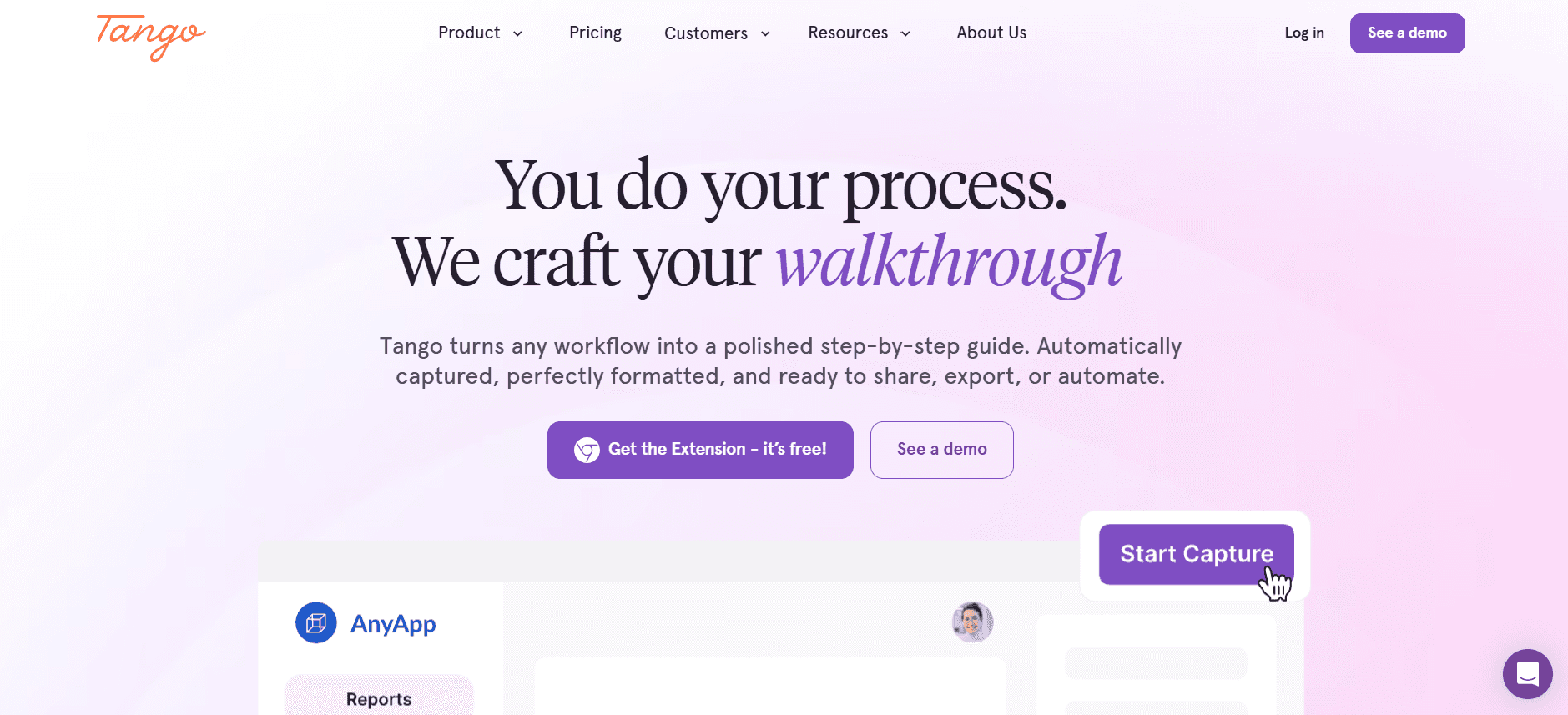
Tango is ontworpen voor het maken van stapsgewijze handleidingen en tutorials, waardoor het ideaal is voor softwaretraining en procedurele documentatie. Het is geschikt voor teams die processen snel willen vastleggen, maar mist geavanceerde mogelijkheden voor videobewerking en interactieve functies.
Belangrijkste functies
Stapsgewijze handleidingen maken
Workflows documenteren
Opties voor custom branding
Cloudopslag en delen
Beperkte interactieve elementen
Geen schermopname of videobewerking
Eenvoudige gebruikersinterface
Gratis abonnement beschikbaar
Voordelen
Nadelen
Ideaal voor stapsgewijze handleidingen.
Geen mogelijkheden voor videobewerking.
Eenvoudig en makkelijk te gebruiken.
Mist interactieve functies.
Gratis abonnement is beschikbaar.
Niet geschikt voor uitgebreide trainingsprogramma's.
Prijs
Tango biedt een gratis abonnement. Betaalde abonnementen starten bij $10 per gebruiker per maand.
Vyond
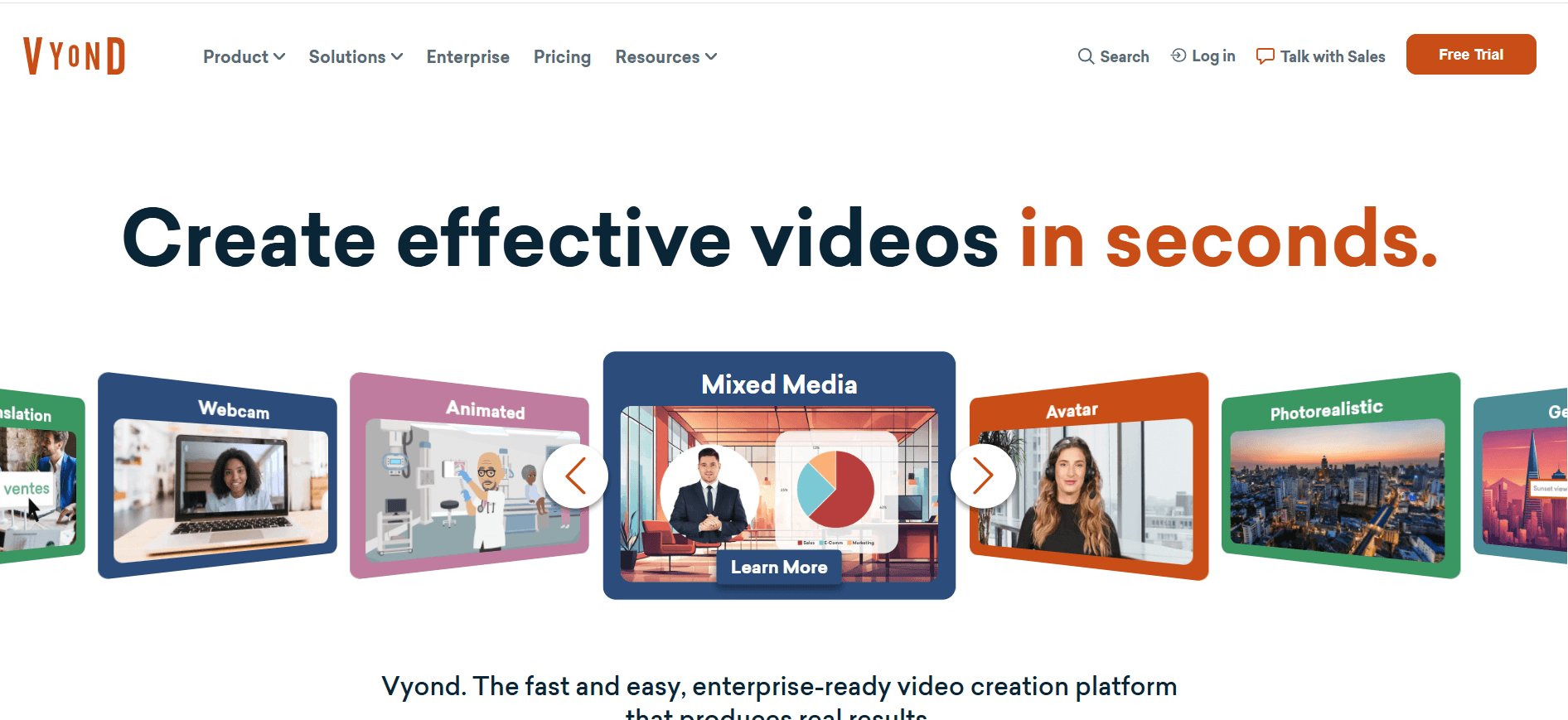
Vyond is gespecialiseerd in het maken van geanimeerde video's, waardoor het perfect is voor organisaties die een creatieve touch willen toevoegen aan hun trainingsmateriaal. Het is uitstekend voor boeiend storytelling, maar mist enkele professionele functies zoals SCORM-export en gedetailleerde analyses.
Belangrijkste functies
Geanimeerde video maken
Aanpasbare personages en scènes
Opties voor AI-voice-over
Ondersteuning voor video's in meerdere talen
Templatebibliotheek voor snelle creatie
Custom branding
Geen SCORM-export
Beperkte diepgaande analyses
Voordelen
Nadelen
Geweldig voor geanimeerde storytelling.
Geen SCORM-exportfunctie.
Ondersteunt video's in meerdere talen.
Beperkte analyses vergeleken met andere tools.
AI-voice-over beschikbaar.
Hogere kosten voor premium functies.
Prijs
Vyond biedt geen gratis abonnement. De prijs start bij $299 per gebruiker per jaar.
Uitdagingen bij video-gebaseerde onboarding van medewerkers: waar teams mee worstelen
1. Informatie-overload
Nieuwe medewerkers krijgen in één keer te veel informatie te verwerken, wat leidt tot verwarring en minder betrokkenheid.
Traditionele onboarding bestaat vaak uit lange sessies en dichte documenten die lastig te verwerken zijn.
Dit kan medewerkers overweldigen, waardoor ze minder goed in staat zijn om cruciale details over hun rol en het bedrijf te onthouden.
Effectieve videoleerplatforms kunnen informatie opsplitsen in behapbare, boeiende onderdelen.
2. Inconsistente onboardingervaringen
Onboarding kan sterk verschillen tussen locaties en afdelingen, wat leidt tot inconsistente ervaringen.
Traditionele methoden leunen op individuele managers of trainers, waardoor de inhoudslevering varieert.
Deze inconsistentie kan resulteren in ongelijke kennisniveaus bij medewerkers, wat de prestaties van het team beïnvloedt.
Gestandaardiseerde videoinhoud zorgt voor een uniforme onboardingervaring voor alle nieuwe medewerkers.
3. Hoge productiekosten
Het maken van trainingsvideo's van professionele kwaliteit kan duur en tijdrovend zijn.
Veel bedrijven missen de middelen of expertise om boeiende videoinhoud in-house te produceren.
Dit kan het onboardingproces vertragen en de kosten aanzienlijk verhogen.
Platforms zoals Synthesia bieden kosteneffectieve oplossingen met AI-gestuurde videomaking-tools.
4. Verouderde content
Statische trainingsmaterialen worden snel verouderd door wijzigingen in interne processen.
Het bijwerken van traditionele documenten en presentaties is een handmatig en tijdintensief proces.
Dit kan ertoe leiden dat nieuwe medewerkers verouderde informatie krijgen, wat hun effectiviteit belemmert.
Videoplatforms met eenvoudige update-workflows, zoals Trupeer, zorgen ervoor dat content actueel en relevant blijft.
5. Gebrek aan verificatie en tests van begrip
Traditionele onboardingmethoden hebben moeite om voltooiing en begrip op schaal te verifiëren.
Daardoor is het lastig om te beoordelen of nieuwe medewerkers de essentiële informatie hebben begrepen en onthouden.
Het ontbreken van interactieve elementen betekent dat kansen voor kennischecks worden gemist.
Interactieve videotools zoals iSpring Suite bevatten quizzen en beoordelingen om begrip te waarborgen.
Uitdaging | Traditioneel proces | Impact op de business | Tijdskosten |
|---|---|---|---|
Informatie-overload | Lange presentaties | Minder retentie | Hoog |
Inconsistente ervaringen | Afwisselende levering door trainers | Ongelijke kennisniveaus | Middelmatig |
Hoge productiekosten | Professionele videoproductie | Onboarding vertraagd | Hoog |
Verouderde content | Handmatige updates | Verouderde training | Hoog |
Geen verificatie | Geen tests | Onbekend begrip | Middelmatig |
Must-have functies in video-gebaseerde onboardingtools voor medewerkers
Schermopname met AI-voice-over
Schermopname is essentieel om softwaretools en processen te demonstreren. Wanneer dit wordt gecombineerd met AI-voice-over, verbetert het begrip doordat er duidelijke, gesproken instructies worden gegeven. Deze functie is vooral waardevol voor remote training, waar face-to-face interactie beperkt is. Tools zoals Trupeer en Camtasia bieden robuuste mogelijkheden voor schermopname, waardoor het voor trainers makkelijker wordt om effectieve tutorials te maken.
AI-voice-overtechnologie, zoals te zien in Synthesia, maakt snelle contentcreatie mogelijk zonder de noodzaak van professionele voice-actors. Dit bespaart niet alleen tijd, maar zorgt ook voor consistentie in trainingsmaterialen, wat cruciaal is voor het behouden van een gestandaardiseerd onboardingproces.
SCORM/xAPI-export voor LMS-compatibiliteit
Compatibiliteit met Learning Management Systems (LMS) via SCORM- of xAPI-export is cruciaal voor het bijhouden en beheren van trainingscontent. Deze functie maakt naadloze integratie met bestaande trainingsinfrastructuur mogelijk, zodat onboardingmaterialen eenvoudig toegankelijk zijn voor nieuwe medewerkers. iSpring Suite en Trupeer bieden uitstekende LMS-compatibiliteit, waardoor distributie en tracking van trainingsmodules efficiënt verlopen.
Door content te exporteren in SCORM- of xAPI-formaten kunnen organisaties voltooiingspercentages volgen en individuele voortgang registreren, wat waardevolle inzichten oplevert in de effectiviteit van hun onboardingprogramma's.
Interactieve elementen (quizzen, kennischecks)
Interactieve elementen zoals quizzen en kennischecks zijn van vitaal belang om begrip en betrokkenheid te verifiëren. Ze geven directe feedback aan lerenden en helpen belangrijke concepten te versterken. Tools zoals iSpring Suite en Whatfix blinken uit in het aanbieden van interactieve functies, waardoor passief leren verandert in een actieve ervaring.
Door deze elementen toe te voegen, kunnen nieuwe medewerkers toepassen wat ze hebben geleerd, waardoor de kans op kennishiaten kleiner wordt en de algehele retentie toeneemt. Deze interactieve aanpak is vooral effectief om de interesse en motivatie van lerenden gedurende het onboardingproces te behouden.
Voortgangsregistratie en rapportage van voltooiing
Voortgangsregistratie en rapportage van voltooiing zijn essentieel om de effectiviteit van onboardingprogramma's te beoordelen. Met deze functies kunnen organisaties individuele en groepsvoortgang volgen en gebieden identificeren waar mogelijk extra ondersteuning nodig is. Trupeer en Whatfix bieden uitgebreide analysetools en rapportage, waarmee waardevolle inzichten worden gegeven in de prestaties van lerenden.
Door voortgang te volgen, kunnen bedrijven ervoor zorgen dat alle medewerkers de benodigde training krijgen, waardoor het risico op niet-naleving wordt verkleind en de algehele productiviteit toeneemt. Gedetailleerde rapportage stelt HR-teams ook in staat om onboardingstrategieën in de loop van de tijd te verfijnen en te verbeteren.
Eenvoudige workflows voor het bijwerken van content
Regelmatige updates van onboardingmaterialen zijn nodig om wijzigingen in processen en nieuwe informatie te weerspiegelen. Eenvoudige workflows voor het bijwerken van content, zoals aangeboden door platforms als Trupeer, stroomlijnen dit proces en maken snelle en efficiënte aanpassingen mogelijk. Zo blijft trainingsmateriaal actueel en relevant, en wordt de kans verkleind dat verouderde informatie nieuwe medewerkers bereikt.
Tools met gebruiksvriendelijke updatefuncties verlagen de administratieve last voor HR-teams, zodat zij zich kunnen richten op het leveren van hoogwaardige trainingservaringen. Deze flexibiliteit is cruciaal in snel veranderende bedrijfsomgevingen waar verandering constant is.
Custom branding en personalisatie
Custom branding en personalisatie zijn belangrijk om een consistente bedrijfsidentiteit te behouden en om een gevoel van erbij horen te stimuleren bij nieuwe medewerkers. Platforms zoals Vyond en Trupeer bieden uitgebreide aanpassingsmogelijkheden, zodat organisaties trainingscontent kunnen afstemmen op hun merkidentiteit.
Gepersonaliseerde trainingservaringen kunnen betrokkenheid en motivatie vergroten, waardoor nieuwe medewerkers zich meer verbonden voelen met de bedrijfscultuur. Deze functie verbetert niet alleen de onboardingervaring, maar versterkt ook merkwaarden en boodschappen.
Hoe kiest u videoleerplatforms op basis van uw use case
Day-1-orientatie- en cultuurvideo's
Nieuwe medewerkers onboarden met day-1-orientatievideo's is cruciaal om bedrijfscultuur en waarden te introduceren. Deze video's bepalen de toon voor de reis van de medewerker en benadrukken wat de organisatie uniek maakt. Het vastleggen van de essentie van een werkcultuur in een video kan echter uitdagend zijn.
Zorgen voor afstemming met bedrijfswaarden.
Boekende storytelling om interesse te wekken.
Consistentie behouden op alle locaties.
Opties voor custom branding.
Tools voor het maken van boeiende, geanimeerde verhalen.
Ondersteuning voor meerdere talen voor wereldwijde teams.
Tool | Aanpassing | Betrokkenheid | Wereldwijd bereik |
|---|---|---|---|
Trupeer | Ja | Ja | Ja |
Vyond | Ja | Ja | Ja |
Training in systemen en softwaretools
Medewerkers trainen op nieuwe systemen en software is vaak complex en vereist gedetailleerde instructies en demonstraties. Videoleerplatforms kunnen dit vereenvoudigen door duidelijke, stapsgewijze handleidingen te bieden waar medewerkers op elk moment naar kunnen teruggrijpen.
Complexiteit van technische content.
Zorgen dat alle gebruikers het gewenste niveau bereiken.
Trainingsmateriaal bijwerken wanneer systemen zich ontwikkelen.
Mogelijkheden voor schermopname.
Interactieve quizzen om kennis te testen.
Eenvoudige workflows voor het bijwerken van content.
Tool | Schermopname | Interactiviteit | Gemak bij updates |
|---|---|---|---|
Camtasia | Ja | Ja | Beperkt |
iSpring Suite | Ja | Ja | Ja |
Compliance- en beleidstraining
Zorgen dat medewerkers bedrijfsbeleid en regelgeving in de branche begrijpen en naleven, is een essentieel onderdeel van onboarding. Videoleertraining kan compliance-training boeiender maken en minder intimiderend voor medewerkers.
Content boeiend en toegankelijk houden.
Zorgen voor volledige naleving van regelgeving.
Voltooiing en begrip bijhouden.
Interactieve elementen om betrokkenheid te behouden.
Gedetailleerde voortgangsregistratie en rapportage.
SCORM/xAPI-export voor LMS-integratie.
Tool | Betrokkenheid | Tracking | Compliance |
|---|---|---|---|
Whatfix | Ja | Ja | Ja |
Trupeer | Ja | Ja | Ja |
Training in vaardigheden per rol
Het ontwikkelen van vaardigheden die specifiek zijn voor een rol via gerichte training is essentieel voor het succes van medewerkers. Videoleerplatforms bieden een flexibele manier om maatwerktraining te leveren die aansluit op de unieke behoeften van verschillende rollen binnen de organisatie.
Content aanpassen voor verschillende rollen.
Zorgen dat vaardigheden toepasbaar en relevant zijn.
Medewerkers de mogelijkheid geven om in hun eigen tempo te leren.
Aanpasbare trainingsmodules.
Opties voor leren in eigen tempo.
Voortgangsregistratie om de ontwikkeling van vaardigheden te volgen.
Tool | Aanpassing | Leren in eigen tempo | Tracking |
|---|---|---|---|
Trupeer | Ja | Ja | Ja |
Loom | Beperkt | Ja | Nee |
Leiderschap en ontwikkeling van management
Het ontwikkelen van leiderschapsvaardigheden is cruciaal voor groei van de organisatie. Video's kunnen impactvolle training leveren die leiders voorziet van de benodigde vaardigheden, en zo een cultuur van voortdurende ontwikkeling en verbetering bevordert.
Complexe leiderschapsconcepten overbrengen.
Senior medewerkers betrekken bij doorlopend leren.
De impact van leiderschapstraining meten.
Geavanceerde tools voor contentcreatie.
Interactieve elementen om realistische scenario's te simuleren.
Analytics om de impact van training te beoordelen.
Tool | Geavanceerde content | Interactiviteit | Analytics |
|---|---|---|---|
Synthesia | Ja | Nee | Beperkt |
iSpring Suite | Ja | Ja | Ja |
Beste praktijken voor video-gebaseerde onboarding van medewerkers
Voor onboarding
Bepaal de belangrijkste doelstellingen voor uw onboardingprogramma om afstemming met de bedrijfsdoelen te waarborgen.
Kies het juiste videoleerplatform op basis van uw specifieke use cases en budget.
Bereid boeiende en relevante content voor die aansluit op uw bedrijfscultuur en waarden.
Zorg dat alle technische vereisten zijn afgedekt, zoals LMS-compatibiliteit en toegankelijkheid van internet.
Tijdens onboarding
Begin met een boeiende oriëntatievideo om nieuwe medewerkers kennis te laten maken met de bedrijfscultuur.
Voeg interactieve elementen toe om betrokkenheid te behouden en begrip te verifiëren.
Geef duidelijke instructies en ondersteuning voor het openen en navigeren door de videcontent.
Moedig feedback van nieuwe medewerkers aan om verbeterpunten te identificeren.
Na onboarding
Volg op met enquêtes om feedback op de onboardingervaring te verzamelen en verbeterpunten te identificeren.
Gebruik analytics en rapportage om de effectiviteit van het onboardingprogramma te beoordelen.
Werk content regelmatig bij om wijzigingen in bedrijfsbeleid en -procedures te weerspiegelen.
Bied doorlopende trainingsmogelijkheden aan om voortdurend leren en ontwikkeling te ondersteunen.
Veelgestelde vragen
Wat zijn videoleerplatforms?
Videoleerplatforms zijn digitale tools die het mogelijk maken om videogebaseerde trainingscontent te maken, beheren en aanbieden. Deze platforms zijn ontworpen om leerervaringen te verbeteren door interactieve en boeiende trainingsmodules te bieden die op elk moment, waar dan ook, toegankelijk zijn.
Waarom video gebruiken voor onboarding?
Video-gebaseerde onboarding biedt een dynamische en boeiende manier om trainingscontent te leveren, waardoor informatie beter blijft hangen en de betrokkenheid toeneemt. Het stelt nieuwe medewerkers in staat om in hun eigen tempo te leren en materialen zo vaak als nodig opnieuw te bekijken, wat zorgt voor flexibiliteit en gepersonaliseerde leerervaringen.
Integreren deze platforms met bestaande LMS?
Veel videoleerplatforms, zoals Trupeer en iSpring Suite, bieden SCORM- of xAPI-exportmogelijkheden, waardoor naadloze integratie met bestaande Learning Management Systems (LMS) mogelijk is. Dankzij deze integratie kunnen trainingscontent efficiënt worden gevolgd en beheerd.
Kan ik trainingsmaterialen eenvoudig bijwerken?
Ja, platforms zoals Trupeer bieden eenvoudige workflows voor het bijwerken van content, zodat u trainingsmaterialen snel kunt aanpassen en bijwerken om wijzigingen in bedrijfsbeleid of -procedures te weerspiegelen. Zo is uw content altijd actueel en relevant.
Zijn er gratis opties beschikbaar?
Ja, sommige platforms zoals Loom en Tango bieden gratis abonnementen met beperkte functies, zodat u hun mogelijkheden kunt verkennen zonder een initiële financiële verplichting. Geavanceerde functies vereisen doorgaans wel een betaald abonnement.
Hoe werken prijsmodellen doorgaans?
Prijsmodellen voor videoleerplatforms verschillen, maar omvatten vaak kosten per gebruiker of per video. Sommige platforms bieden jaarlijkse abonnementen, terwijl andere kosten berekenen op basis van gebruik of specifieke functies. Het is belangrijk om een model te kiezen dat aansluit op het budget en de trainingsbehoeften van uw organisatie.
Hoe lang duurt het om een videoleerplatform te implementeren?
De implementatietijdlijn verschilt afhankelijk van het platform en de complexiteit van uw trainingsprogramma. Het opzetten van het platform en het maken van initiële content kan variëren van een paar dagen tot enkele weken. Veel platforms bieden echter ondersteuning en resources om het proces te stroomlijnen.
Kunnen deze platforms remote training ondersteunen?
Ja, videoleerplatforms zijn vooral effectief voor remote training en bieden flexibele toegang tot trainingscontent vanaf elke locatie. Dankzij deze toegankelijkheid ontvangen alle medewerkers, ongeacht hun locatie, consistente en uitgebreide training.
Conclusie
Videoleerplatforms veranderen hoe organisaties omgaan met onboarding van medewerkers en bieden een dynamisch en boeiend alternatief voor traditionele methoden. Door gebruik te maken van deze tools kunnen bedrijven gepersonaliseerde en consistente onboardingervaringen creëren die retentie en productiviteit verbeteren. Of u nu day-1-orientatie wilt versterken of specifieke vaardigheden wilt ontwikkelen, er is een platform dat aansluit op uw behoeften.
Wilt u ontdekken hoe Trupeer uw onboardingproces kan versterken met zijn uitgebreide functies en integratiemogelijkheden? Bezoek Trupeer vandaag. Geef uw medewerkers de tools die ze nodig hebben om vanaf dag één succesvol te zijn.
Gerelateerde blogs


