vs

Buat Video Demo & Dokumen Profesional dalam Hitungan Menit
Mulai
Pesan Demo
Lihat Mengapa Trupeer adalah Pilihan Terpintar Mengungguli Loom


Jelajahi Trupeer
Apa yang Bisa Dilakukan Trupeer untuk Anda
" transform="translate(2 2)" width="59.5px"/></svg>)
Video
Video berkualitas studio dari rekaman layar apa pun

Recording screen

Terjemahan
Video dan dokumen dalam 65+ bahasa, otomatis

Product Demo
How to Install Claude Code
This quickstart guide shows you how to set up and deploy your documentation site in minutes. After completing this guide, you will have a live documentation site ready to customize and expand.
Select

Russian
German

Estonian

Japanese

Chinese

Hindi

Dokumentasi
Buat manual, SOP, dan dokumen secara otomatis dalam sekejap

Documents
Navigating the HubSpot Ecosystem
Heading 1
B
/
Navigating the HubSpot Ecosystem
Role ->
Marketing Coordinator
Module ->
Initial System Setup & Orientation
Time to Complete ->
45 minutes
Introduction to the Portal
Welcome to the team! Our HubSpot portal is the "Single Source of Truth" for all customer interactions. This guide will help you set up your workspace to match the team's standards.

Pangkalan Pengetahuan
Pangkalan pengetahuan yang dapat dicari untuk seluruh tim Anda

Webflow
Get started
Introduction
Quick start
Library
Notes
Configuration
Global settings
Pages
Navigation
Themes
Search Knowledge Base
Introduction
Welcome to Webflow Knowledge Base
This quickstart guide shows you how to set up and deploy your documentation site in minutes. After completing this guide, you will have a live documentation site ready to customize and expand.

Satu alat.
Lebih banyak skenario penggunaan daripada yang kami perkirakan.
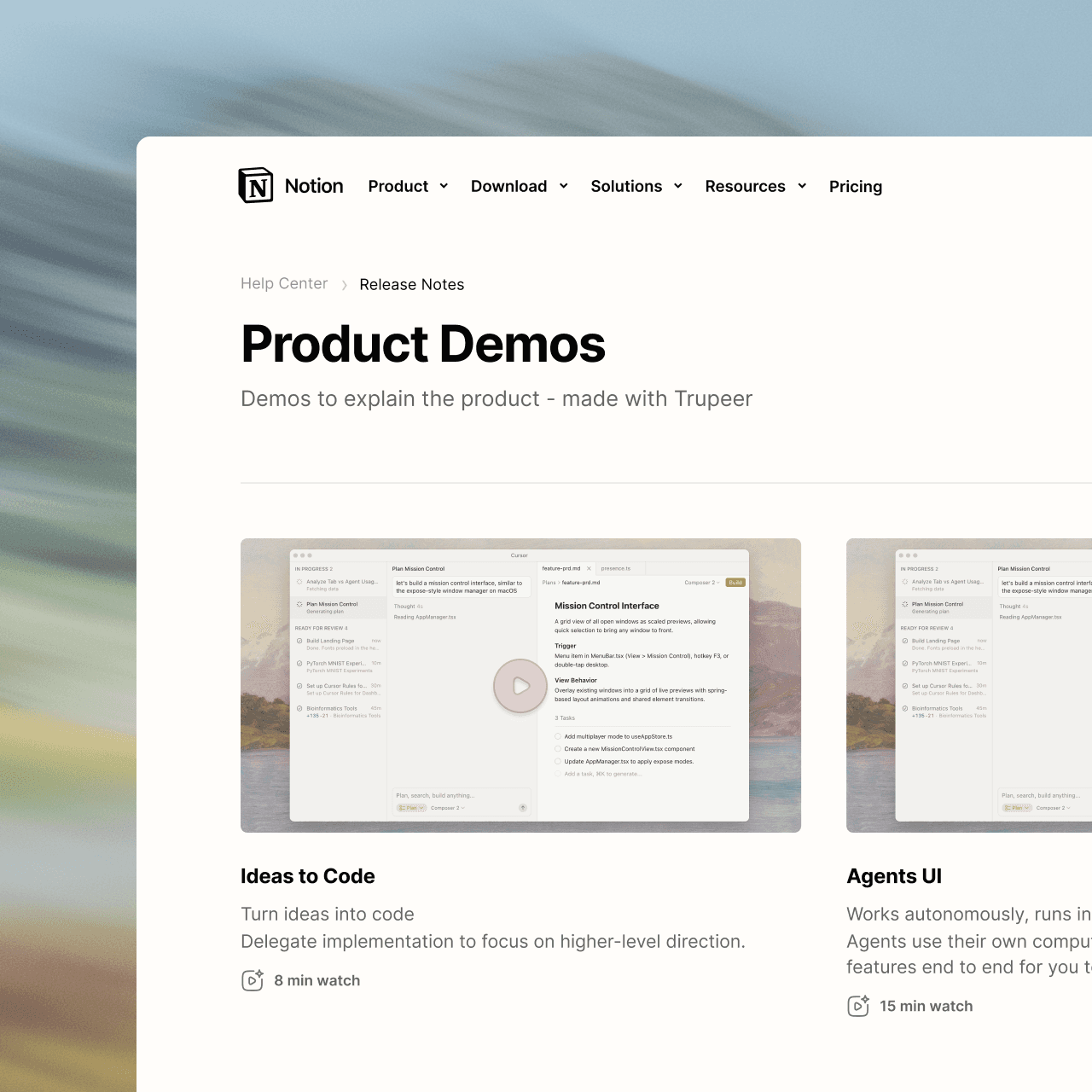
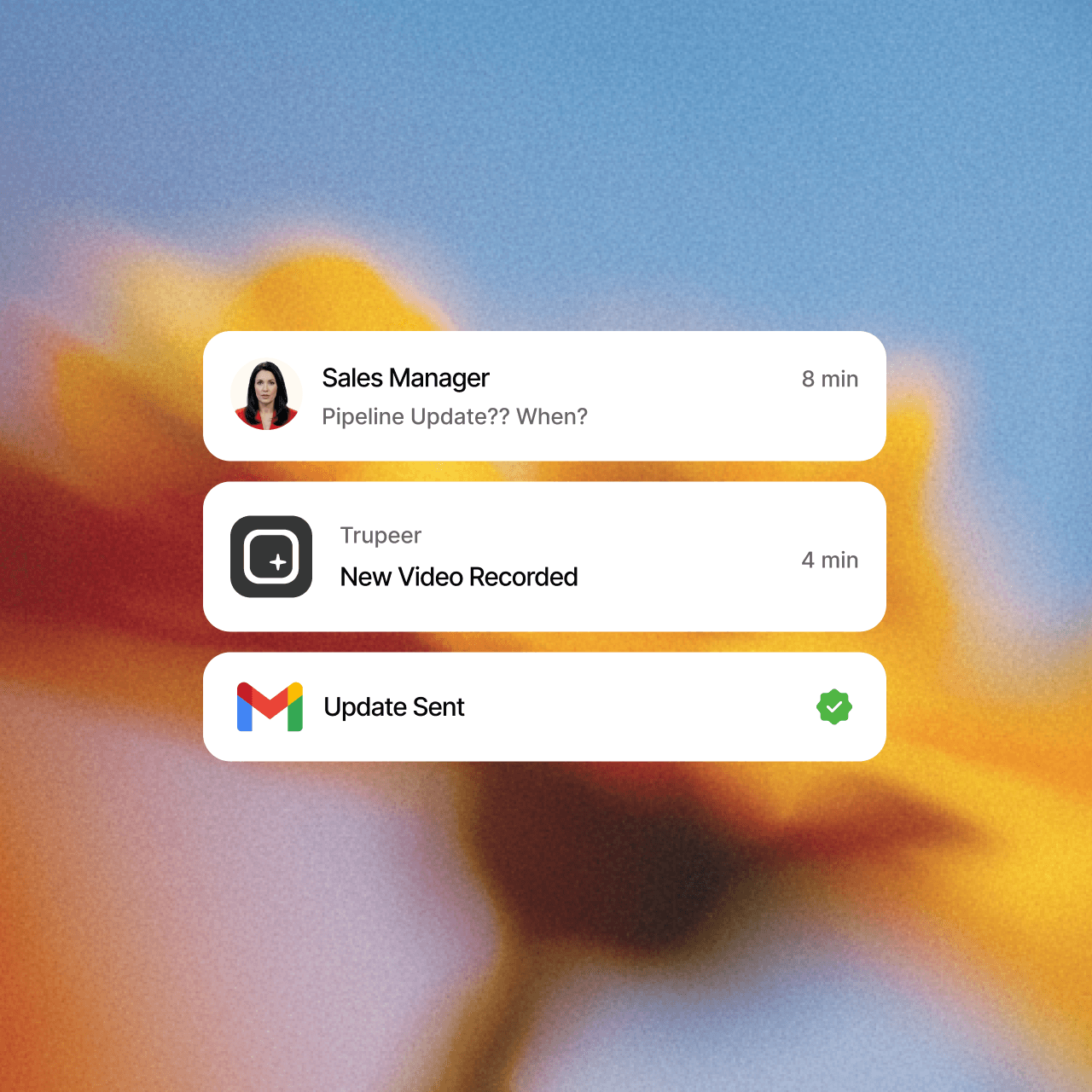
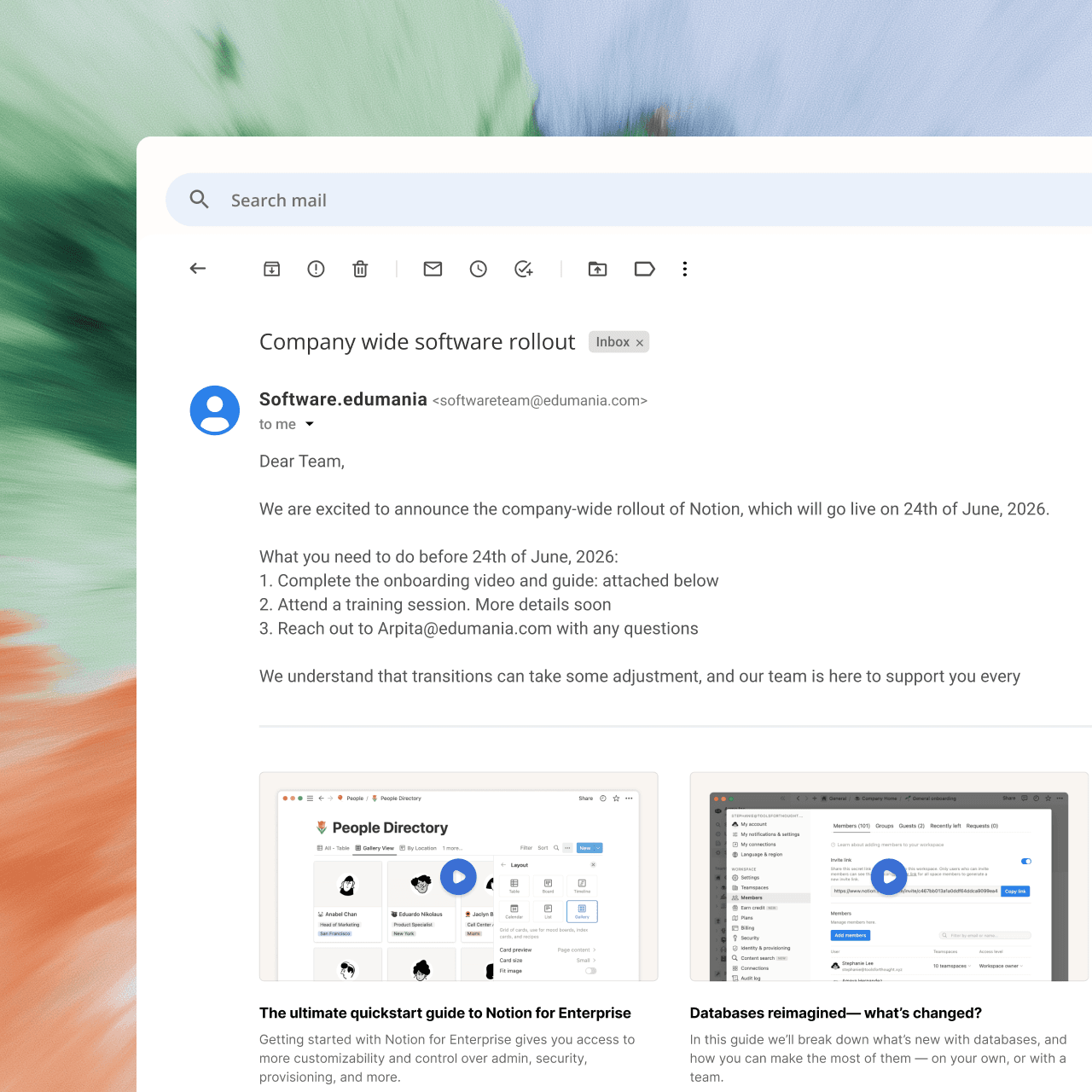
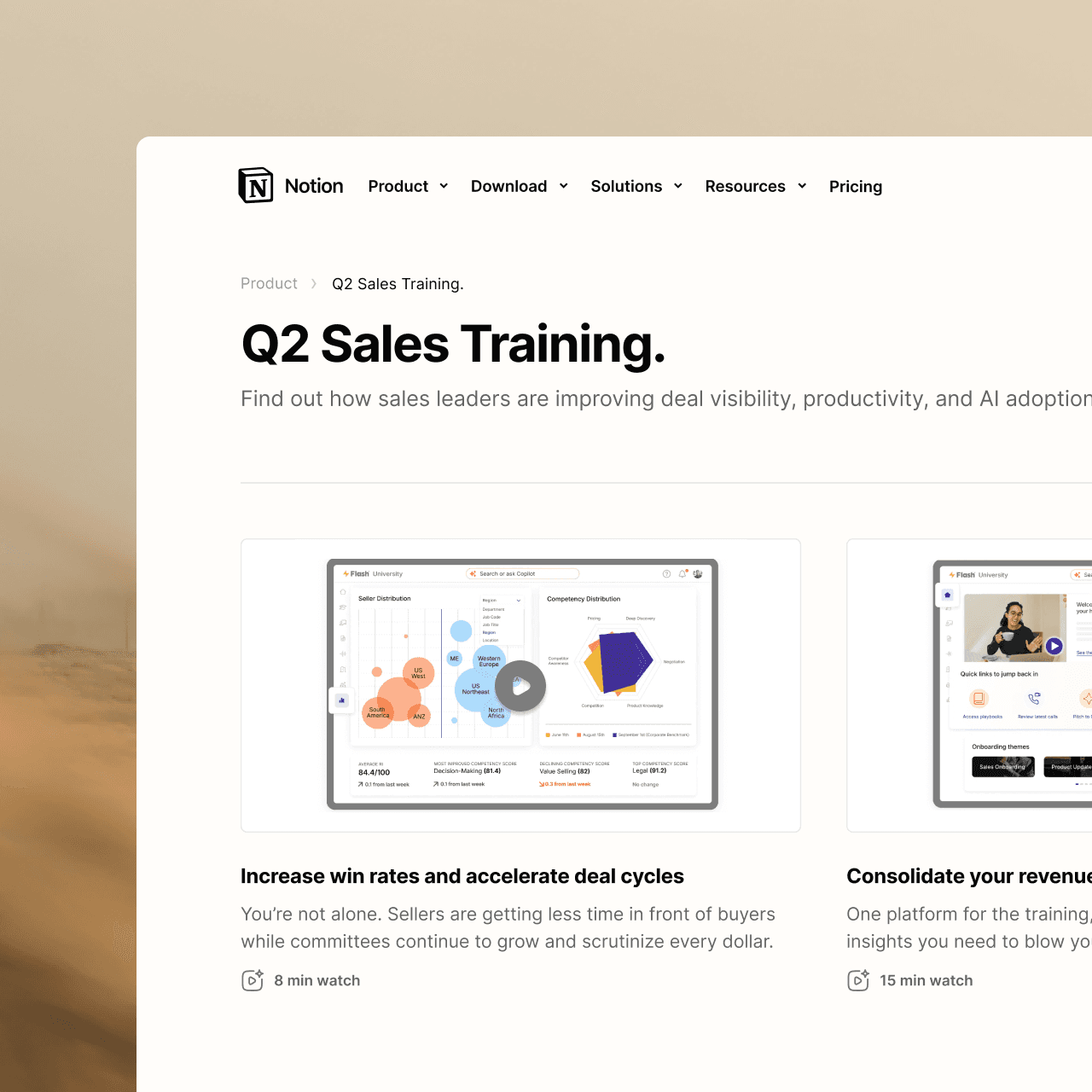
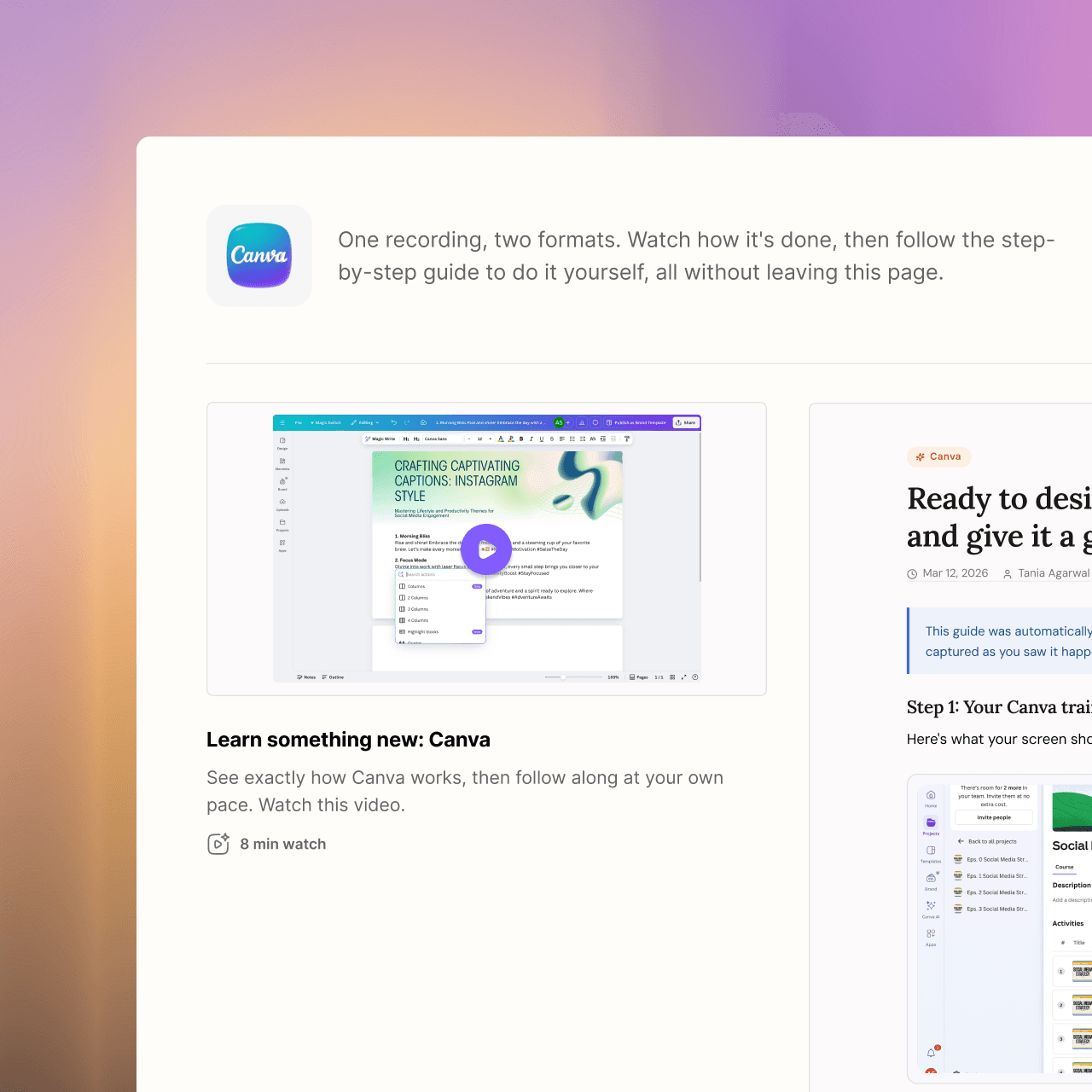
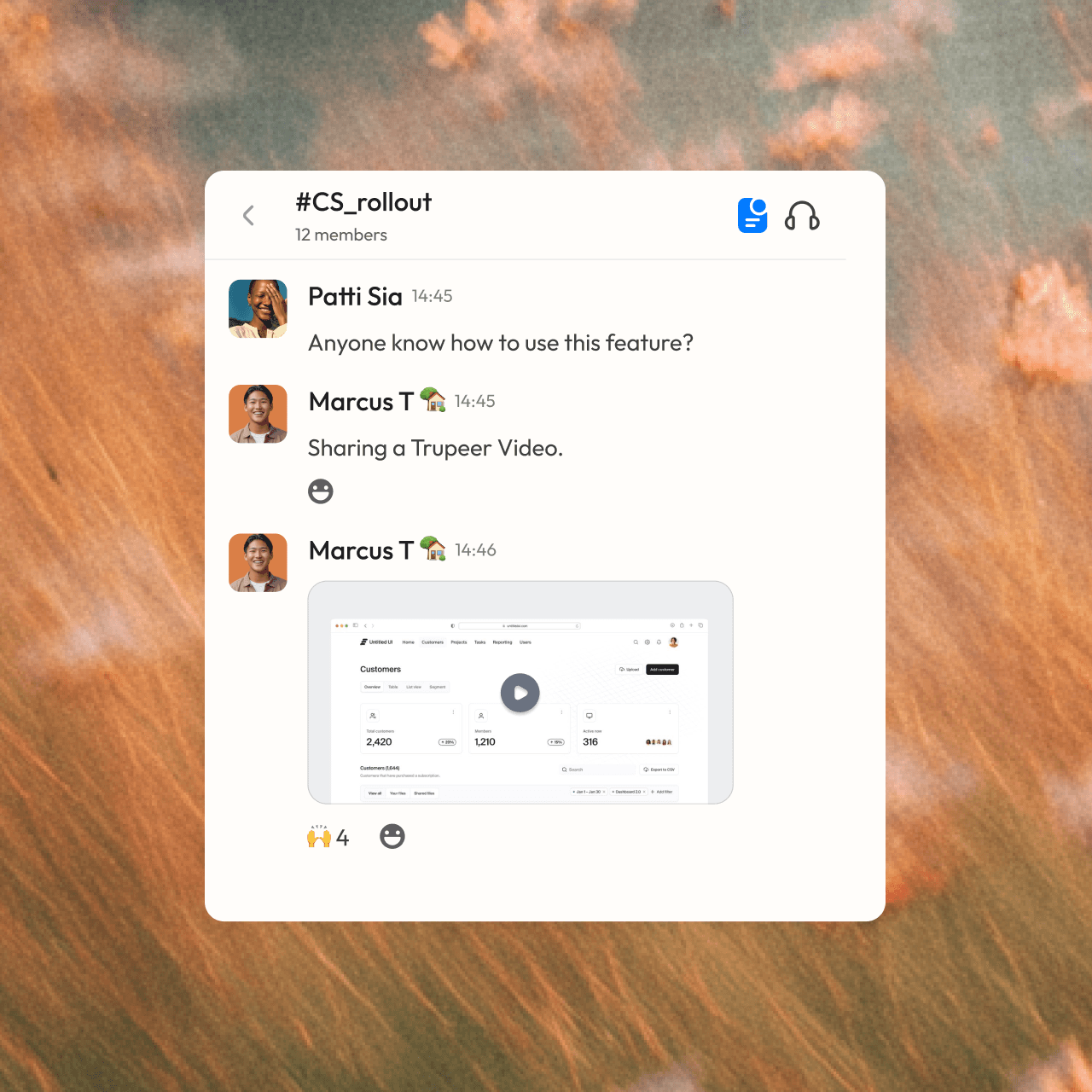

menjadi profesional
Bukan orang konten? Tidak masalah. Tinggal tekan rekam.



Pertanyaan yang Sering Diajukan
1. What's the difference between Synthesia and Trupeer?
Synthesia is built for avatar-led videos: you write a script and an AI presenter delivers it. Trupeer is built for showing how a product or process works: you record your screen, and Trupeer turns it into a polished video with an AI voiceover plus a step-by-step written guide. You can still add an AI avatar in Trupeer if you want a presenter.
2. Which is better for software tutorials and product demos?
Trupeer is designed for this. It works from a real recording of your product, adds auto zooms on every click, writes and narrates the script, and builds a written guide with screenshots at the same time. Synthesia's videos center on the avatar presenter, which suits training talks and announcements more than click-by-click walkthroughs.
3. Can Synthesia create step-by-step documentation?
No. Synthesia produces videos only. Trupeer creates both a video and a step-by-step guide with screenshots from one recording, and keeps them in sync, so when you edit the script, the visuals and guide update too. You can export the guide, embed it, or publish it to your knowledge base.
4. Does Trupeer offer AI avatars like Synthesia?
Yes. You can add a lifelike AI avatar as an on-screen presenter to any Trupeer video, with no camera or filming needed. The avatar works alongside your screen recording, so viewers see both the presenter and the product in action.
5. Can Trupeer translate both videos and written guides?
Yes. Trupeer translates the video, its voiceover and the written guide into 65+ languages. You share one link, and each viewer follows along in their own language, so global teams don't need separate videos and documents for each region.
Alat lain menangkap layar Anda.
Trupeer menangkap pengetahuan Anda.