Trupeer Blog
Zusammenfassen

Überblick für Käufer
Dokumentationsteams stehen vor einer großen Herausforderung: Sie verbringen erstaunliche 60–70% ihrer Zeit mit dem Formatieren statt mit dem Verfassen echter Inhalte. Diese Ineffizienz beeinträchtigt ihre Fähigkeit, sich auf die Verbesserung von Genauigkeit und Klarheit der Inhalte zu konzentrieren. KI-gestützte Dokumentationstools sind als revolutionäre Lösung entstanden: Sie automatisieren wiederkehrende Aufgaben und ermöglichen es Teams, sich auf das zu konzentrieren, was wirklich zählt – die Erstellung hochwertiger Dokumentation.
Laut einer aktuellen Studie geben 68% der Dokumentationsprofis an, dass sie den Großteil ihrer Zeit für nicht schreibbezogene Aufgaben aufwenden.
Quelle: Documentation Efficiency Report von TechInsights, 2025
Dieser Leitfaden ist auf Dokumentationsmanager, technische Redakteure und Teamleiter zugeschnitten, die ihre Abläufe optimieren möchten. Er deckt eine Reihe von KI-Dokumentationstools ab und untersucht deren einzigartige Funktionen, Vor- und Nachteile sowie Preis-Modelle. Egal, ob Sie Teil eines SaaS-Unternehmens, eines Engineering-Teams oder einer HR-Abteilung sind: Dieser Leitfaden hilft Ihnen, das richtige Tool für Ihre Anforderungen auszuwählen.
Die besten KI-gestützten Dokumentationstools: Direkter Vergleich
Funktion | Trupeer | Scribe | Tango | Document360 | Notion AI | Confluence AI | GitBook AI | Archbee |
|---|---|---|---|---|---|---|---|---|
Kernfunktionen | ||||||||
KI-gestütztes Schreiben | Ja | Ja | Eingeschränkt | Nein | Ja | Ja | Ja | Ja |
Automatische Schritt-Erfassung | Ja | Ja | Ja | Nein | Nein | Eingeschränkt | Eingeschränkt | Nein |
Screenshot-Beschriftung | Ja | Ja | Ja | Eingeschränkt | Nein | Ja | Ja | Eingeschränkt |
KI-Fähigkeiten | ||||||||
KI-Sprachkommentar | Ja | Nein | Eingeschränkt | Nein | Nein | Eingeschränkt | Nein | Nein |
Videogenerierung | Ja | Nein | Nein | Nein | Eingeschränkt | Nein | Eingeschränkt | Nein |
Professionelle Funktionen | ||||||||
Smart Templates | Ja | Ja | Eingeschränkt | Ja | Ja | Ja | Ja | Ja |
Mehrsprachigkeit | Ja | Eingeschränkt | Nein | Ja | Ja | Eingeschränkt | Nein | Eingeschränkt |
Integrationen | ||||||||
API-Integration | Ja | Ja | Nein | Ja | Ja | Ja | Ja | Ja |
Free Tier | Ja | Eingeschränkt | Ja | Nein | Ja | Eingeschränkt | Eingeschränkt | Nein |
Trupeer

Trupeer ist ein leistungsstarkes KI-gestütztes Dokumentationstool, das für Teams entwickelt wurde, die Effizienz und Präzision priorisieren. Es richtet sich an Unternehmen, die detaillierte, genaue Dokumentation schnell erstellen müssen. Das herausragende Merkmal von Trupeer ist die KI-Sprachkommentar-Funktion: Sie liefert eine auditive Anleitung, die den geschriebenen Inhalt ergänzt. Das macht es besonders nützlich für Schulungs- und Bildungsmaterialien.
Wichtige Funktionen
KI-gestütztes Schreiben
Automatisierte Schritt-Erfassung
Screenshot-Beschriftung
KI-Sprachkommentar
Videogenerierung
Smart Templates
Mehrsprachige Unterstützung
API-Integration
„Trupeer hat unseren Dokumentationsprozess verändert und unsere Arbeitsbelastung um die Hälfte reduziert.“
Vorteile
Nachteile
Umfangreiches Funktionsset, ideal für vielfältige Dokumentationsanforderungen.
Möglicherweise Lernaufwand für neue Nutzer.
Hervorragende mehrsprachige Unterstützung mit präzisen Übersetzungen.
Erfordert eine hohe anfängliche Einrichtungszeit.
Starke API-Integrationen für einen reibungslosen Workflow.
Der Free-Tier hat nur eingeschränkte Funktionen.
Preisgestaltung
Bietet einen kostenlosen Tarif mit Basisfunktionen; kostenpflichtige Pläne beginnen bei $49 pro Monat und Nutzer.
Scribe
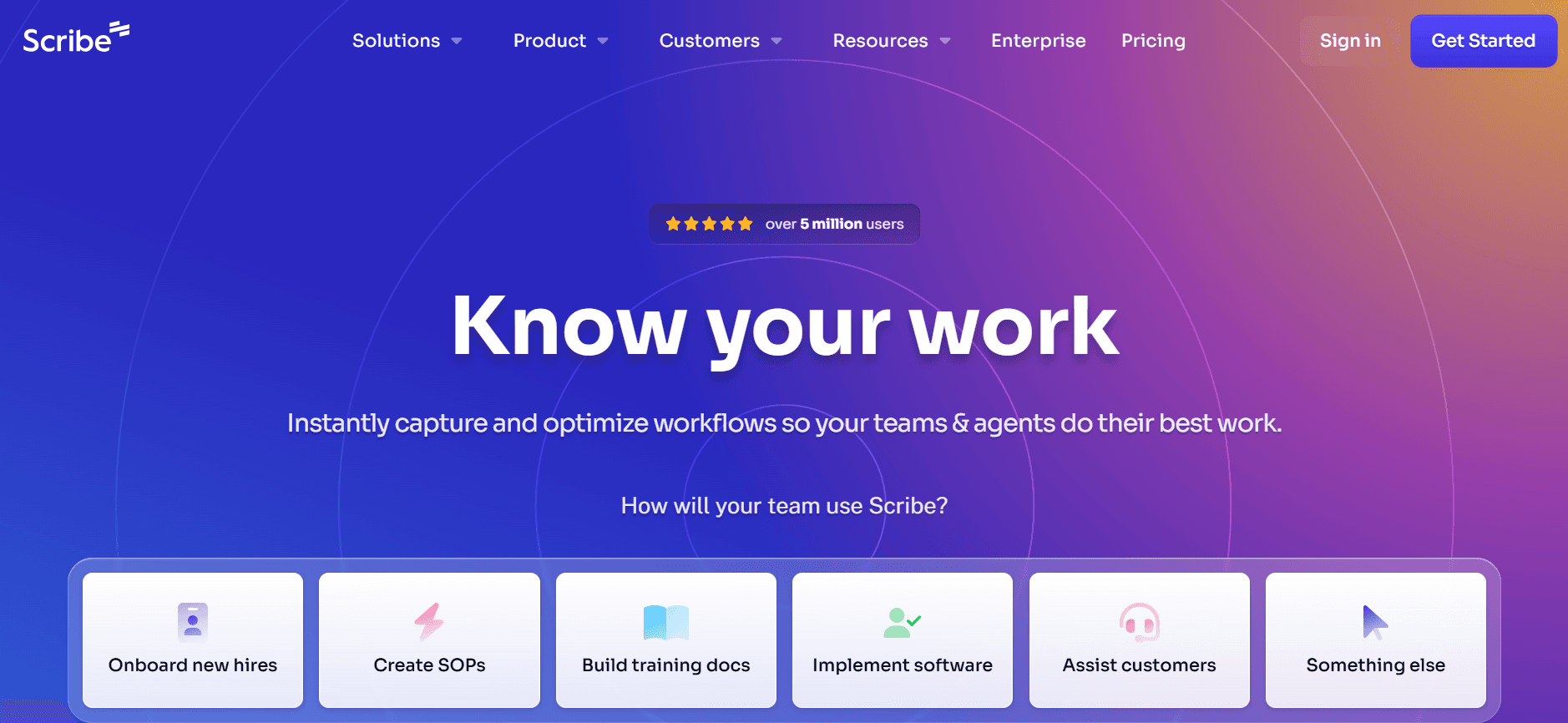
Scribe bietet einen schlanken Ansatz für die Dokumentation und konzentriert sich darauf, Prozesse effizient zu erfassen. Das ist ideal für Teams, die Workflows und Verfahren mit minimalem Aufwand dokumentieren möchten. Obwohl die KI-Funktionen im Vergleich zu einigen Wettbewerbern eingeschränkt sind, machen die einfache Bedienung und die übersichtliche Oberfläche Scribe zu einer beliebten Wahl für kleine bis mittelgroße Unternehmen.
Wichtige Funktionen
Prozessdokumentation
Schritt-für-Schritt-Anleitungen
Screenshot-Beschriftung
Smart Templates
Basis-Unterstützung beim KI-Schreiben
API-Integration
Eingeschränkte mehrsprachige Unterstützung
Free Tier verfügbar
Vorteile
Nachteile
Intuitive Oberfläche, die sich leicht erlernen lässt.
Eingeschränkte fortgeschrittene KI-Funktionen.
Effiziente Schritt-Erfassung und Dokumentationstools.
Mehrsprachige Unterstützung ist eingeschränkt.
Bietet einen flexiblen Free-Tier für kleine Teams.
KI-Sprachkommentar und Videogenerierung sind nicht verfügbar.
Preisgestaltung
Bietet einen eingeschränkten kostenlosen Tarif. Kostenpflichtige Pläne beginnen bei $10 pro Nutzer monatlich.
Tango
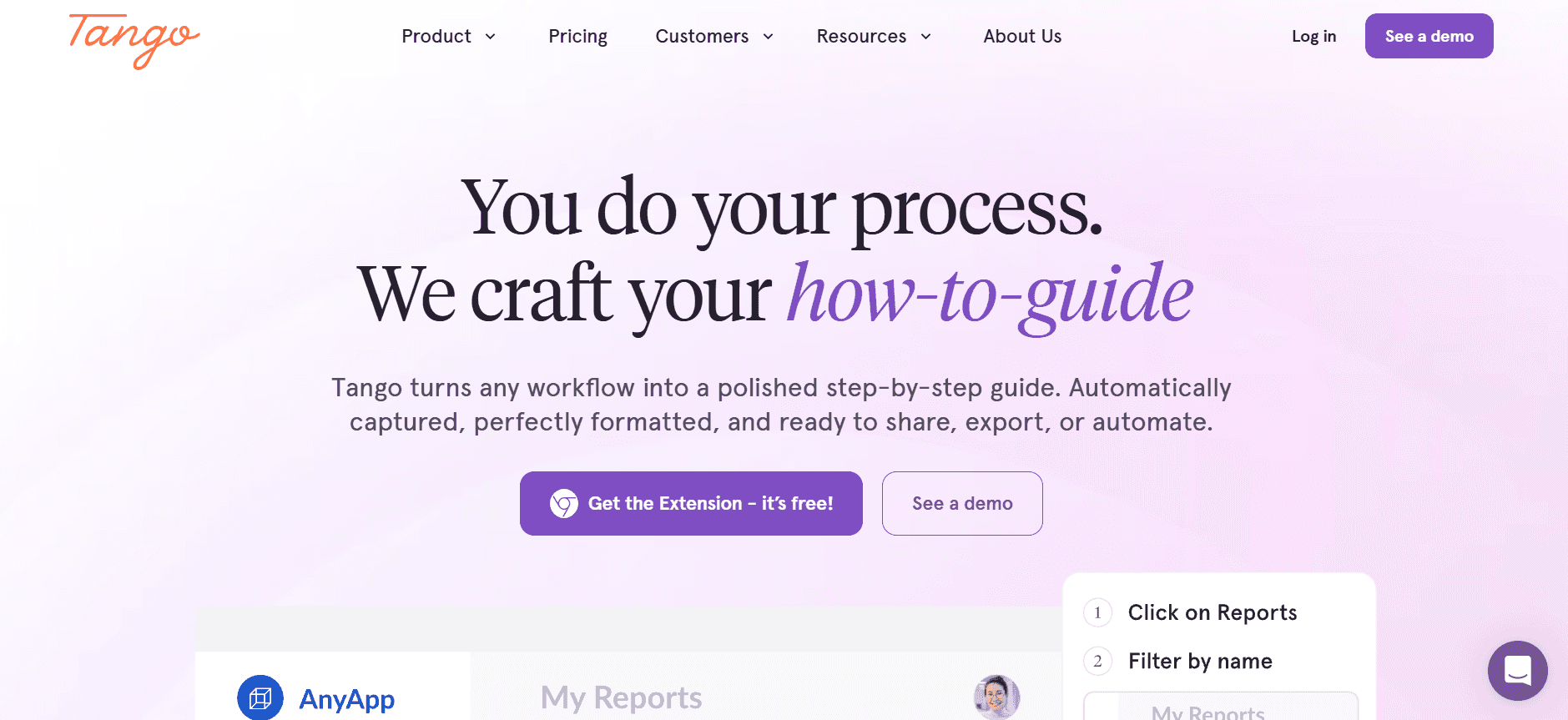
Tango ist auf visuell ansprechende Tutorials und Dokumentation spezialisiert. Es eignet sich besonders für Teams, die ihre Prozesse auf eine visuell überzeugende Weise präsentieren möchten. Auch wenn es keine umfassenden KI-Tools zum Schreiben bietet, ist Tango stark in der Schritt-Erfassung und der Screenshot-Beschriftung – ideal für Benutzerhandbücher und Tutorials.
Wichtige Funktionen
Visuelle Dokumentation
Schritt-Erfassung
Screenshot-Beschriftung
Eingeschränkte KI-Schreibfunktionen
Smart Templates
Free Tier verfügbar
Basis-API-Integration
Vorteile
Nachteile
Außergewöhnliche Tools für visuelle Dokumentation.
KI-Fähigkeiten sind grundlegend und eingeschränkt.
Ideal, um Tutorials mit beschrifteten Screenshots zu erstellen.
Unterstützt keine mehrsprachige Dokumentation.
Bietet einen Free-Tier mit wesentlichen Funktionen.
Keine Videogenerierung möglich.
Preisgestaltung
Es gibt einen Free-Tier; kostenpflichtige Pläne beginnen bei $12 pro Monat und Nutzer.
Document360
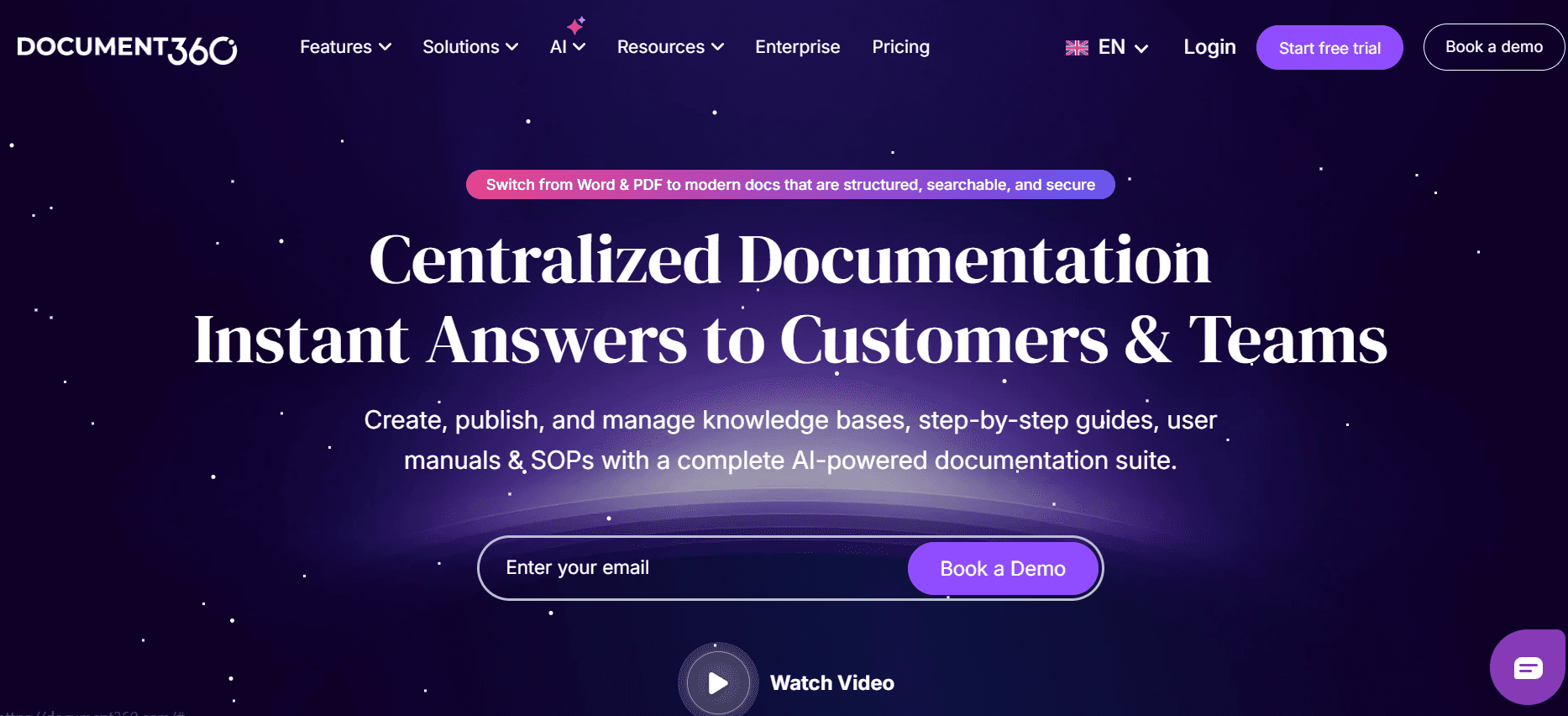
Document360 ist eine Software für Wissensdatenbanken, die für Unternehmen entwickelt wurde, die einen zentralen Speicherort für ihre gesamte Dokumentation benötigen. Besonders beliebt ist sie bei Unternehmen, die umfangreiche API-Dokumentation und den Austausch von internem Wissen benötigen. Auch wenn es an KI-gestützten Funktionen mangelt, liegt die Stärke in den robusten Möglichkeiten zur Verwaltung von Inhalten.
Wichtige Funktionen
Umfassende Wissensdatenbank
Content-Management-System
Unterstützung für API-Dokumentation
Smart Templates
Mehrsprachige Unterstützung
Erweiterte Suchfunktionen
Eingeschränkte Screenshot-Beschriftung
Vorteile
Nachteile
Starke Funktionen für Content-Management und Organisation.
Eingeschränkte KI-Funktionen im Vergleich zu anderen.
Sehr gut für API- und interne Dokumentation.
Keine Schritt-Erfassung oder Videogenerierung.
Mehrsprachige Unterstützung für globale Teams.
Keine Option für einen Free-Tier.
Preisgestaltung
Kein Free-Tier; Pläne beginnen bei $99 pro Projekt und Monat.
Notion AI
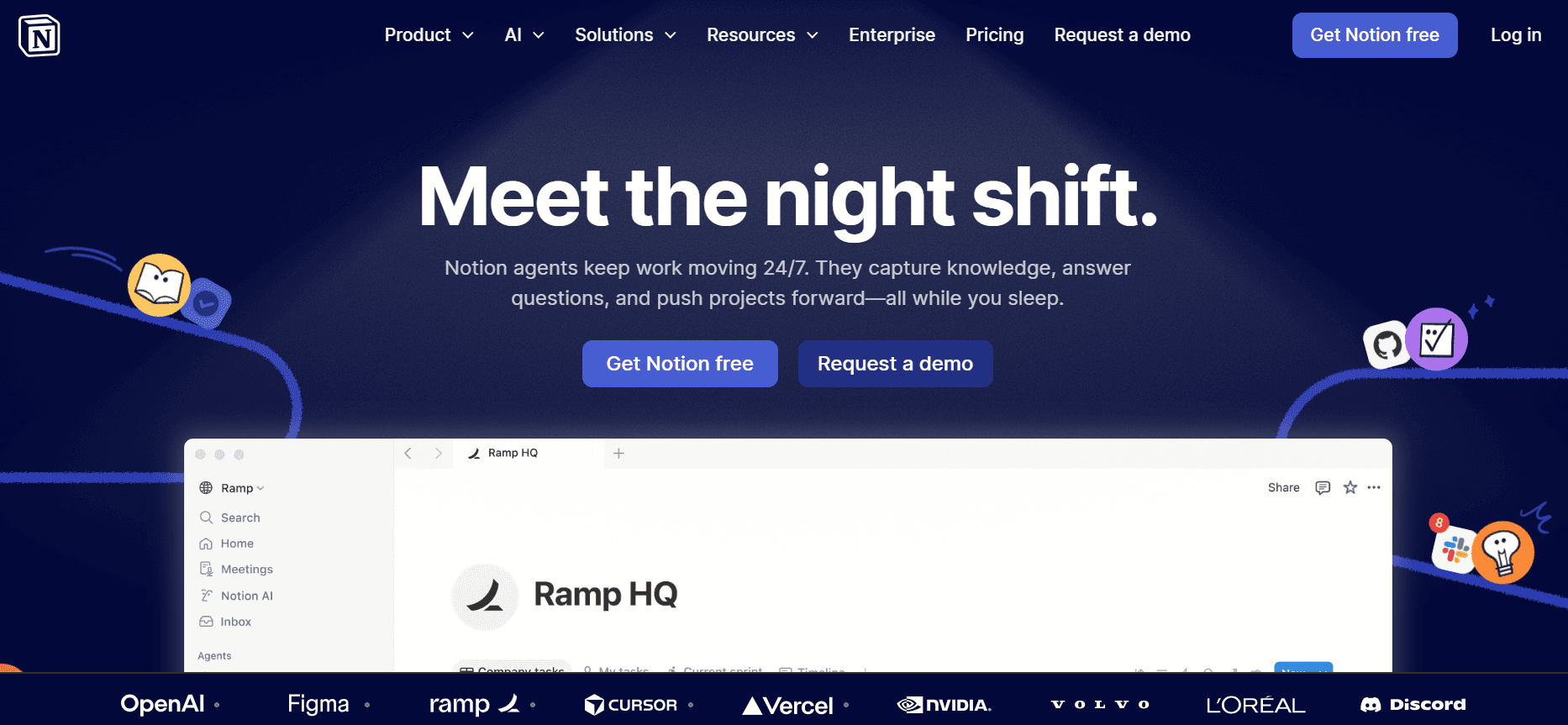
Notion AI erweitert den beliebten Notion-Workspace um KI-Funktionen und macht ihn zu einem vielseitigen Tool für Dokumentation und Projektmanagement. Es eignet sich besonders für Teams, die eine All-in-one-Lösung für Notizen, Projektmanagement und Dokumentation benötigen. Während es beim KI-gestützten Schreiben besonders stark ist, fehlen spezialisierte Dokumentationsfunktionen.
Wichtige Funktionen
KI-gestützte Schreibunterstützung
Tools für Projektmanagement
Funktionen für Notizen
Smart Templates
Mehrsprachige Unterstützung
Basis-API-Integration
Vorteile
Nachteile
Kombiniert Projektmanagement mit Dokumentation.
Eingeschränkt bei spezialisierten Dokumentationsfunktionen.
Starke KI-Schreibfähigkeiten.
Keine automatische Schritt-Erfassung oder Videogenerierung.
Unterstützt mehrere Sprachen für vielfältige Teams.
Der Free-Tier hat nur eingeschränkte KI-Funktionen.
Preisgestaltung
Bietet einen Free-Tier mit eingeschränkter KI; kostenpflichtige Pläne beginnen bei $8 pro Nutzer und Monat.
Confluence AI
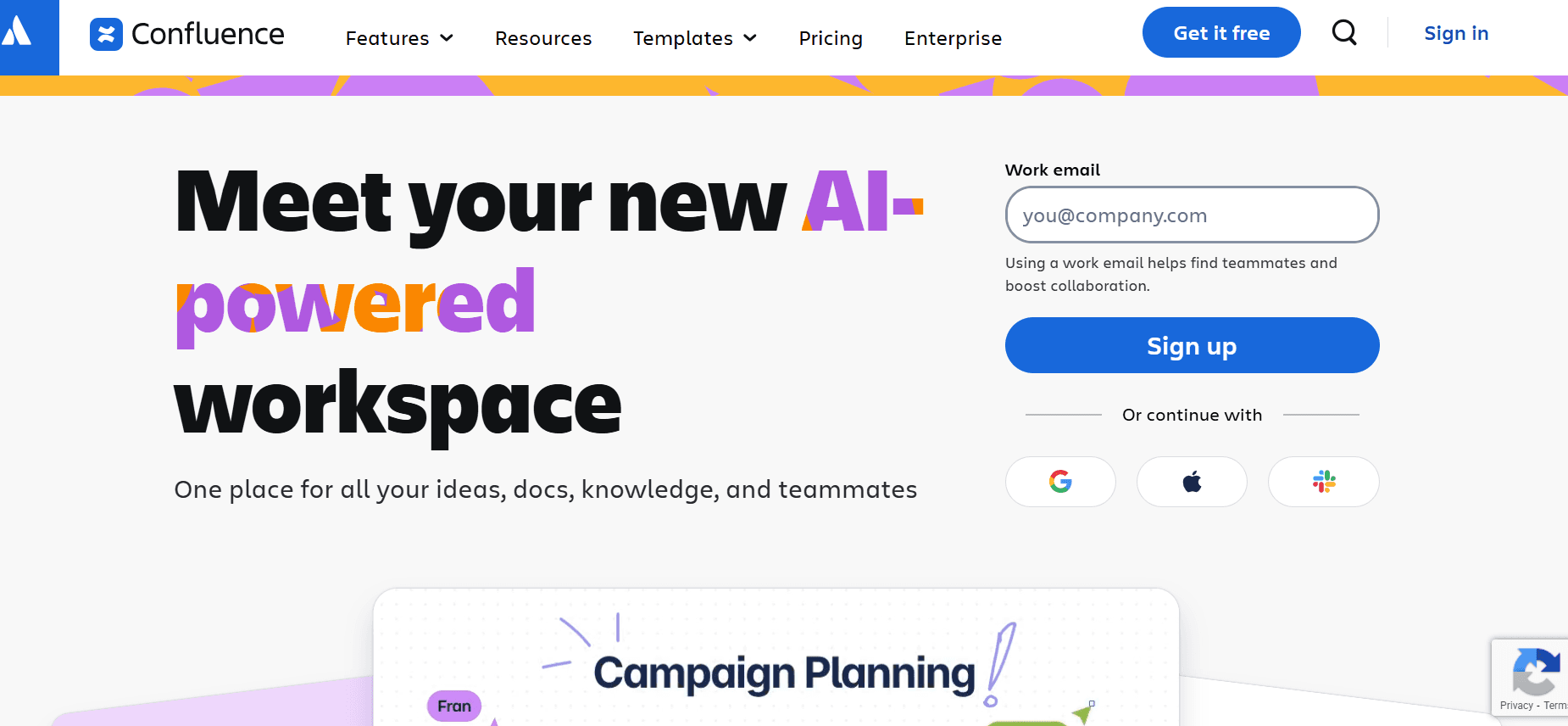
Confluence AI integriert KI-Funktionen in die bekannte Confluence-Plattform und ist damit eine solide Wahl für Teams, die bereits Jira und andere Atlassian-Produkte nutzen. Es ist ideal für Unternehmen, die ihre kollaborativen Dokumentationsbemühungen mit KI-gestützten Erkenntnissen verbessern möchten. Allerdings sind die KI-Funktionen nicht so weit entwickelt wie bei spezialisierten KI-Dokumentationstools.
Wichtige Funktionen
Integrierte KI-Erkenntnisse
Kollaborative Dokumentation
Smart Templates
Basis-Unterstützung beim KI-Schreiben
Eingeschränkte mehrsprachige Unterstützung
API-Integration
Vorteile
Nachteile
Reibungslose Integration mit Atlassian-Tools.
KI-Funktionen sind in ihrem Umfang begrenzt.
Gut für kollaborative Dokumentationsbemühungen.
Keine Funktionen für Video- oder Sprachkommentar-Generierung.
Bietet Smart Templates zur Standardisierung.
Mehrsprachige Unterstützung ist eingeschränkt.
Preisgestaltung
Eingeschränkter Free-Tier verfügbar; kostenpflichtige Pläne beginnen bei $5 pro Nutzer und Monat.
GitBook AI
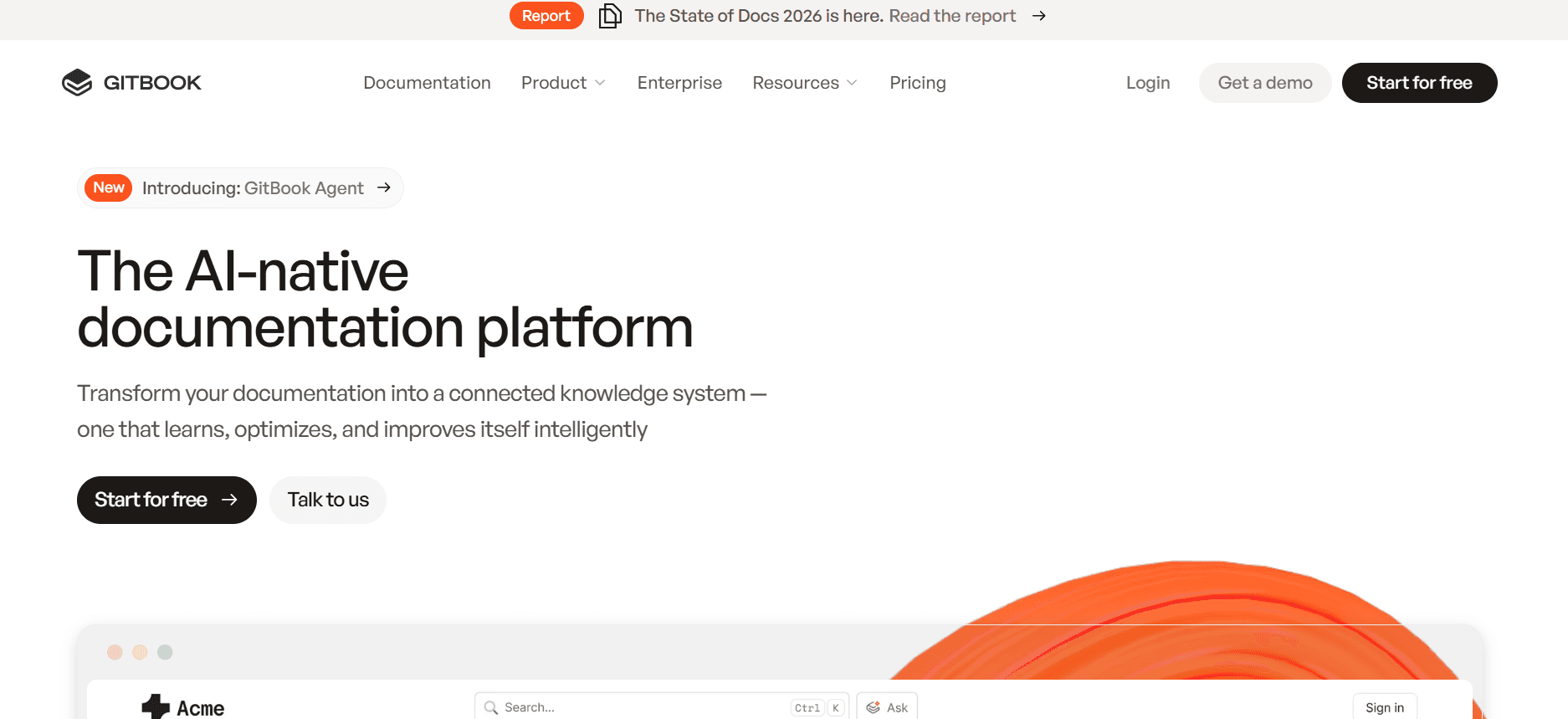
GitBook AI kombiniert die beliebte Dokumentationsplattform mit KI-Verbesserungen und ist damit perfekt für Entwicklungsteams, die technische Dokumentation pflegen müssen. Seine Stärken liegen in der Unterstützung für API-Dokumentation und kollaborativen Funktionen, allerdings fehlen fortgeschrittene Multimedia-Fähigkeiten.
Wichtige Funktionen
Technische Dokumentation
Kollaboratives Bearbeiten
API-Dokumentation
Basis-Unterstützung beim KI-Schreiben
Smart Templates
Eingeschränkte KI-Verbesserungen
Vorteile
Nachteile
Exzellent für Entwicklung und API-Dokumentation.
Fehlen fortgeschrittene KI- und Multimedia-Funktionen.
Erleichtert kollaboratives Bearbeiten und Feedback.
Keine Sprachkommentar- oder Video-Funktionen.
Starke Integration in Entwicklungs-Workflows.
Eingeschränkte Unterstützung beim KI-Schreiben.
Preisgestaltung
Eingeschränkter Free-Tier verfügbar; kostenpflichtige Pläne beginnen bei $6.50 pro Nutzer und Monat.
Archbee
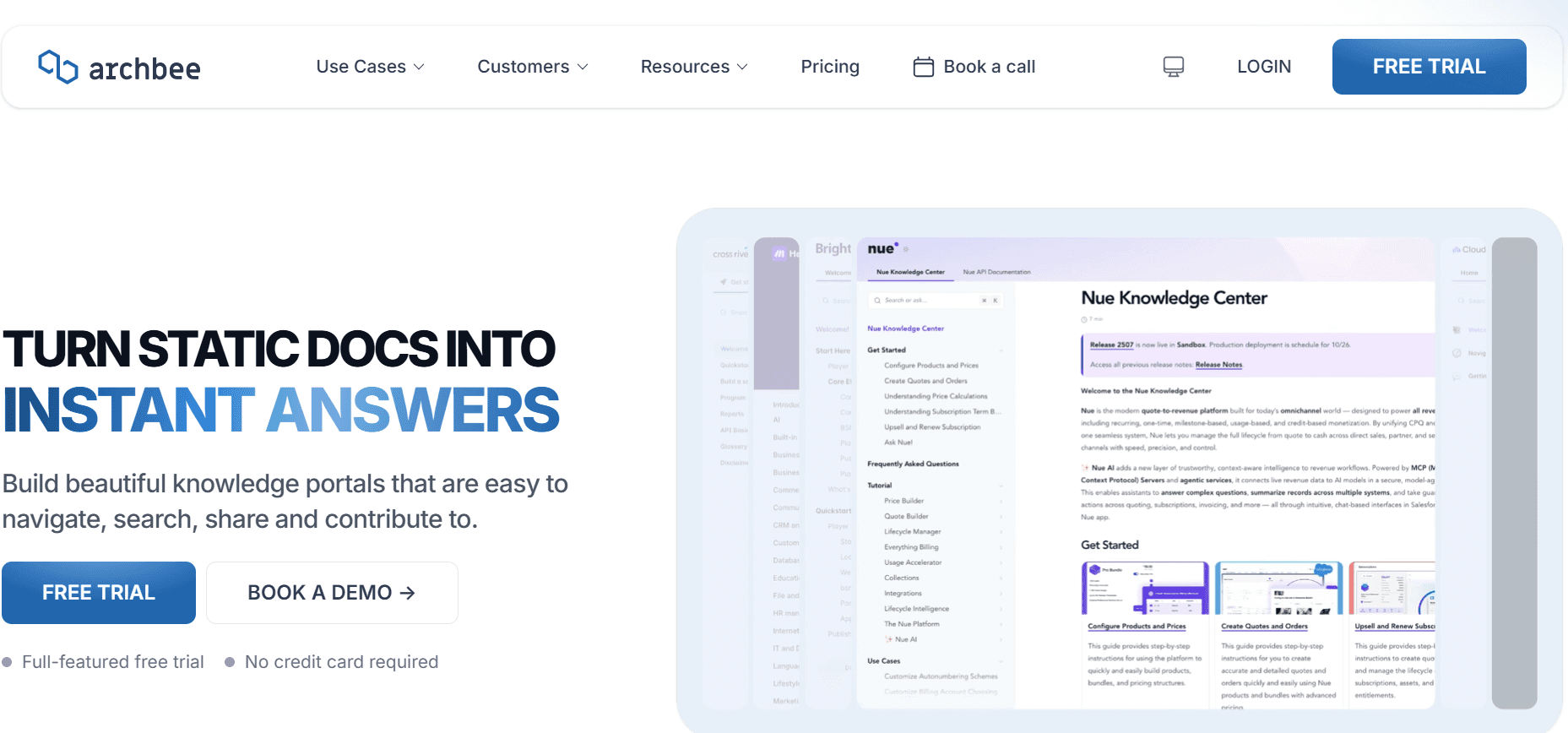
Archbee ist für Teams konzipiert, die eine schnelle, intuitive Dokumentationsplattform benötigen – insbesondere für solche in der Tech- und Produktentwicklung. Obwohl es eine starke API-Integration und kollaborative Tools bietet, fehlen einige der fortgeschrittenen KI-Funktionen, die in anderen Tools zu finden sind.
Wichtige Funktionen
Schnelle Erstellung von Dokumentation
Kollaborative Tools
API-Integration
Smart Templates
Basisfunktionen für KI-Schreiben
Eingeschränkte Screenshot-Beschriftung
Vorteile
Nachteile
Sehr intuitiv und leicht zu übernehmen.
Fehlen fortgeschrittene KI-Funktionen.
Ideal für schnelllebige Tech-Teams.
Eingeschränkte Multimedia-Fähigkeiten.
Starke API-Unterstützung für Integrationen.
Keine Video- oder Sprachkommentar-Funktionen.
Preisgestaltung
Kein Free-Tier; Pläne beginnen bei $8 pro Nutzer und Monat.
KI-gestützte Dokumentations-Herausforderungen: Womit Teams zu kämpfen haben
Erste Entwürfe effizient erstellen
Auch erfahrene Autor:innen empfinden die Zeit für das erste Entwerfen oft als aufwendig.
Ohne KI-Unterstützung dauern Brainstorming und Gliederung länger.
Manuelle Prozesse führen häufig zu Schreibblockaden und bremsen die Produktivität.
Unstimmige Entwürfe erfordern mehr Überarbeitungen und Feedback-Zyklen.
Aktuelle Dokumentation pflegen
Häufige Produktupdates machen fortlaufende Anpassungen der Dokumentation erforderlich.
Das Fehlen automatisierter Tools macht das Nachverfolgen von Änderungen umständlich.
Manuelles Aktualisieren der Dokumentation erhöht das Risiko für Fehler.
Teams haben Schwierigkeiten, die Dokumentation mit Sprints und Releases abzustimmen.
Konsistente Formatierung sicherstellen
Verschiedene Teammitglieder wenden oft unterschiedliche Formatierungsstile an.
Manuelle Formatierungsanpassungen sind anfällig für menschliche Fehler.
Ohne standardisierte Templates fehlt den Dokumenten die Einheitlichkeit.
Unstimmige Formatierung sorgt bei Leser:innen und Nutzer:innen für Verwirrung.
Screenshots und Schritte automatisch erfassen
Manuelles Erfassen von Screenshots und Schritten ist mühsam und fehleranfällig.
Ohne Automatisierung dauert das Dokumentieren detaillierter Prozesse länger.
Teams übersehen häufig Schritte oder erfassen falsche Screenshots.
Das manuelle Prüfen und Bearbeiten der erfassten Bilder verursacht zusätzlichen Aufwand.
Übersetzungs- und Lokalisierungs-Engpässe überwinden
Inhalte manuell zu übersetzen ist zeitaufwendig und teuer.
Lokalisierte Dokumentation hinkt oft den Produkt-Releases hinterher.
Eine gleichbleibend hohe Qualität über alle Sprachen hinweg sicherzustellen, ist schwierig.
Ohne KI ist die Verwaltung mehrerer Sprachversionen komplex.
Herausforderung
Traditioneller Prozess
Auswirkungen fürs Business
Zeitaufwand
Erste Entwürfe erstellen
Manuelles Brainstorming und Strukturieren
Verzögerungen bei der Auslieferung von Inhalten, geringere Qualität
2–3 zusätzliche Stunden pro Dokument
Aktuelle Dokumentation pflegen
Manuelle Updates und Überarbeitungen
Veraltete Informationen, höhere Fehlerquoten
3–4 zusätzliche Stunden pro Aktualisierungszyklus
Konsistente Formatierung sicherstellen
Manuelle Formatierungsanpassungen
Mangelnde Einheitlichkeit, Nutzerverwirrung
1–2 zusätzliche Stunden pro Dokument
Screenshots und Schritte erfassen
Manuelles Erfassen von Screenshots
Mehr Fehler, unvollständige Dokumentation
1–3 zusätzliche Stunden pro Prozess
Übersetzung und Lokalisierung
Manuelle Übersetzung und Lokalisierung
Verzögerte Produktstarts, uneinheitliche Qualität
5–10 zusätzliche Stunden pro Dokument
Unverzichtbare Funktionen in KI-gestützten Dokumentationstools
KI-Schreiben und automatische Vervollständigung
KI-Tools zum Schreiben und Funktionen zur automatischen Vervollständigung helfen, den Prozess des ersten Entwurfs zu optimieren. Diese Tools machen Vorschläge, vervollständigen Sätze und können sogar ganze Absätze basierend auf Eingaben generieren – und reduzieren so deutlich die Zeit, die für das Erstellen erster Entwürfe aufgewendet wird. So ist Trupeer besonders stark beim KI-Schreiben: Es liefert kontextbezogene Vorschläge, die die Qualität und Kohärenz der Inhalte verbessern.
Automatische Schritt-Erfassung aus der Bildschirmaktivität
Das automatische Erfassen von Schritten und Bildschirmaktivitäten ist ein echter Gamechanger für die Erstellung von Prozessdokumentationen. Tools wie Tango und Scribe bieten diese Funktion und ermöglichen es Nutzer:innen, ihre Aktionen auf dem Bildschirm mühelos aufzuzeichnen. Diese Fähigkeit stellt sicher, dass kein Schritt übersehen wird und alle notwendigen Screenshots korrekt erfasst werden – spart Stunden manueller Arbeit und reduziert Fehler.
Intelligente Screenshot-Beschriftung
Das Beschriften von Screenshots ist entscheidend für Klarheit und Verständnis. Mit intelligenten Beschriftungstools können Nutzer:innen Notizen hinzufügen, Bereiche hervorheben und gezielt auf bestimmte Teile eines Screenshots aufmerksam machen. Diese Funktion ist besonders nützlich in Tools wie Trupeer und Document360, in denen visuelle Dokumentation entscheidend ist. Sie verbessert die Fähigkeit der Nutzer:innen, komplexe Informationen einfach und effektiv zu vermitteln.
KI-Sprachkommentar-Generierung für Videodokumentation
Für eine überzeugende Videodokumentation braucht es mehr als nur visuelle Inhalte. Die KI-Sprachkommentar-Generierung verleiht dem Material einen professionellen Touch, indem sie klare, prägnante Audio-Erklärungen liefert. Trupeer sticht durch hochwertigen Support für Sprachkommentare hervor – essenziell für Schulungsmaterialien und Tutorials. So können Teams polierte Videoinhalte erstellen, ohne professionelle Sprecher:innen zu benötigen.
One-Click-Export in mehreren Formaten
Flexibilität beim Export von Dokumenten ist entscheidend, um unterschiedliche Zielgruppen zu erreichen. Mit One-Click-Exportfunktionen können Nutzer:innen Dokumente in verschiedene Formate umwandeln, z. B. PDF, HTML und Markdown. Tools wie Notion AI und Confluence AI bieten robuste Exportmöglichkeiten, sodass Inhalte problemlos über verschiedene Plattformen und Geräte hinweg geteilt und abgerufen werden können.
Mehrsprachige Unterstützung und Übersetzung
Auf dem heutigen globalen Markt ist es unerlässlich, Dokumentation in mehreren Sprachen bereitzustellen. KI-gestützte Übersetzungsfunktionen ermöglichen eine schnelle und präzise Lokalisierung von Inhalten – damit sie einem breiteren Publikum zugänglich sind. Trupeer und Document360 bieten starke mehrsprachige Unterstützung und helfen Teams, Übersetzungs-Engpässe zu überwinden sowie die Konsistenz über alle Sprachversionen hinweg zu wahren.
So wählen Sie KI-gestützte Dokumentationstools passend zu Ihrem Use Case
Use Case 1: Produktdokumentation für SaaS-Unternehmen
SaaS-Unternehmen müssen häufig detaillierte Dokumentation erstellen, um Nutzer:innen durch ihre Produkte zu führen. Dazu gehört, stets aktuelle Informationen bereitzustellen, die zu häufigen Software-Updates und Feature-Releases passen.
Wichtige Herausforderungen
Dokumentation mit schnellen Produktänderungen in Einklang halten.
Konsistenz über mehrere Produktlinien hinweg sicherstellen.
Häufige Updates effizient verwalten.
Benötigte Lösungen
Automatisierte Dokumentations-Updates.
KI-gestützte Konsistenzprüfungen.
Erweiterte Versionskontrolle.
Tool | Beste Funktion | KI-Schreiben |
|---|---|---|
Trupeer | KI-Sprachkommentar | Ja |
Document360 | Content Management | Nein |
Use Case 2: Technische Redakteure und Content Operations
Technische Redakteure benötigen präzise und effiziente Tools, um komplexe Dokumentationsprojekte zu verwalten. Sie müssen Genauigkeit und Standardisierung über verschiedene Dokumente hinweg sicherstellen.
Wichtige Herausforderungen
Große Mengen an Content effizient verwalten.
Hohe Genauigkeit der Inhalte sicherstellen.
Konsistente Formatierung beibehalten.
Benötigte Lösungen
KI-gestützte Content-Vorschläge.
Automatisierte Formatierungstools.
Integrierte Review-Workflows.
Tool | Beste Funktion | Automatische Schritt-Erfassung |
|---|---|---|
Scribe | Schritt-für-Schritt-Anleitungen | Ja |
GitBook AI | Kollaboratives Bearbeiten | Eingeschränkt |
Use Case 3: Engineering und API-Dokumentation
Dokumentation für Engineering-Teams umfasst detaillierte technische Inhalte, die Entwicklungs- und Integrationsbemühungen unterstützen. Klarheit und Genauigkeit sicherzustellen, ist entscheidend.
Wichtige Herausforderungen
Detaillierte und präzise technische Dokumente erstellen.
Dokumentation an Code-Änderungen ausrichten.
Zusammenarbeit zwischen Entwickler:innen und Autor:innen erleichtern.
Benötigte Lösungen
Integrierte Tools für API-Dokumentation.
Funktionen für kollaboratives Schreiben.
Integration in die Versionskontrolle.
Tool | Beste Funktion | API-Integration |
|---|---|---|
Archbee | Schnelle Erstellung von Dokumentation | Ja |
Confluence AI | Kollaborative Dokumentation | Ja |
Use Case 4: HR- und Compliance-Dokumentation
HR-Teams müssen Dokumentation erstellen und pflegen, die gesetzlichen und unternehmensinternen Standards entspricht. Diese Dokumente müssen klar, zugänglich und stets aktuell sein.
Wichtige Herausforderungen
Compliance mit gesetzlichen Standards sicherstellen.
Aktuelle HR-Richtlinien pflegen.
Dokumente effizient an Mitarbeitende verteilen.
Benötigte Lösungen
Automatisierte Compliance-Prüfungen.
Zentraler Dokumentenbestand.
Optionen für die Verteilung in mehreren Formaten.
Tool | Beste Funktion | Mehrsprachig |
|---|---|---|
Notion AI | Tools für Projektmanagement | Ja |
Trupeer | Smart Templates | Ja |
Best Practices für KI-gestützte Dokumentation
Vor der Implementierung
Identifizieren Sie die spezifischen Dokumentationsherausforderungen, mit denen Ihr Team zu kämpfen hat.
Bewerten Sie die aktuell verwendeten Tools und identifizieren Sie Lücken.
Definieren Sie klare Ziele, die das neue Tool erreichen soll.
Recherchieren und vergleichen Sie die Funktionen und Preise potenzieller Tools.
Binden Sie Stakeholder frühzeitig ein, um Input zu sammeln und Zustimmung zu gewinnen.
Während der Implementierung
Stellen Sie umfassendes Training bereit, damit alle Teammitglieder das neue Tool verstehen.
Nutzen Sie Pilotprojekte, um Funktionen zu testen und erstes Feedback einzuholen.
Richten Sie klare Richtlinien für die Nutzung von KI-Funktionen ein, um Konsistenz zu gewährleisten.
Beobachten Sie die Auswirkungen des Tools auf die Produktivität und passen Sie die Nutzung bei Bedarf an.
Fördern Sie einen offenen Austausch über Herausforderungen und Erfolge.
Nach der Implementierung
Überprüfen Sie regelmäßig die Nutzung des Tools und deren Einfluss auf die Qualität der Dokumentation.
Aktualisieren Sie Trainingsmaterialien, sobald neue Funktionen eingeführt werden.
Holen Sie fortlaufend Feedback ein und passen Sie Prozesse an, um bessere Ergebnisse zu erzielen.
Würdigen und feiern Sie die Erfolge des Teams bei der Optimierung der Dokumentation.
Bleiben Sie über Updates und Innovationen in KI-Dokumentationstools informiert.
Häufig gestellte Fragen
Was ist ein KI-gestütztes Dokumentationstool?
KI-gestützte Dokumentationstools nutzen künstliche Intelligenz, um den Prozess des Erstellens, Verwalten und Aktualisierens von Dokumentation zu automatisieren und zu verbessern. Sie bieten Funktionen wie KI-Schreiben, automatische Schritt-Erfassung und die Generierung von Sprachkommentaren, um Effizienz und Genauigkeit zu steigern.Wer kann von der Nutzung dieser Tools profitieren?
Diese Tools sind für Dokumentationsteams, technische Redakteure, Produktmanager und alle Fachleute hilfreich, die an der Erstellung und Pflege von Geschäftsdokumenten beteiligt sind. Sie sind besonders nützlich in schnelllebigen Branchen wie Technologie und SaaS.Wie funktioniert KI-Schreiben in diesen Tools?
KI-Schreiben nutzt Machine-Learning-Algorithmen, um Text basierend auf Eingaben und Kontext zu generieren. Es kann beim Entwurf von Inhalten helfen, Vorschläge liefern und die Konsistenz sowie Genauigkeit über Dokumente hinweg sicherstellen.Können diese Tools mit anderer Software integriert werden?
Ja, viele KI-gestützte Dokumentationstools bieten API-Integrationen, mit denen sie sich mit anderen Softwareplattformen wie Jira, Slack und Tools für Projektmanagement verbinden lassen – für optimierte Workflows.Gibt es kostenlose Versionen?
Die meisten KI-gestützten Dokumentationstools bieten einen Free-Tier mit grundlegenden Funktionen. Fortgeschrittene Funktionen erfordern jedoch in der Regel ein kostenpflichtiges Abonnement; die Preise variieren je nach Nutzeranzahl und spezifischen Anforderungen.Wie sind Preispläne typischerweise aufgebaut?
Preispläne sind üblicherweise auf Basis von Nutzer pro Monat strukturiert. Einige Tools bieten Rabatte für Jahresabonnements oder staffeln die Preise nach Anzahl der Funktionen oder Nutzer.Wie lange dauert die Einrichtung dieser Tools typischerweise?
Die Einrichtungszeit variiert je nach Komplexität des Tools und der vorhandenen Infrastruktur. In der Regel können Teams davon ausgehen, dass die anfängliche Einrichtung und das Training einige Tage bis zu ein paar Wochen dauern.Wie kann ich einen reibungslosen Übergang zu einem neuen Tool sicherstellen?
Für einen reibungslosen Übergang sollten Sie Stakeholder frühzeitig einbinden, umfassendes Training bereitstellen und mit Pilotprojekten starten, um die Wirksamkeit des Tools zu testen, bevor Sie vollständig ausrollen.
9. Können KI-gestützte Dokumentationstools Demo-Videos und geschriebene Dokumente generieren, die sich in die Dokumentation einbetten lassen?
Ja – und das ist eine der wertvollsten Funktionen für Engineering- und Product-Ops-Teams im Jahr 2026. Tools wie Trupeer ermöglichen es Ihnen, eine einzelne Bildschirmdurchführung aufzuzeichnen und daraus automatisch sowohl ein professionelles Demo-Video als auch ein passendes schriftliches Dokument zu generieren. Beide Ergebnisse können direkt in Ihre Dokumentationsseiten eingebettet werden, sodass Nutzer:innen die Wahl haben, zu schauen oder zu lesen – ohne dass Ihr Team zwei separate Assets erstellen muss. Das ist eine erhebliche Zeitersparnis, wenn Sie vollständige Dokumentation parallel zu jedem Produkt-Release ausliefern müssen.
10. Wie helfen KI-gestützte Dokumentationstools dabei, feature-getriebene Inhalte zu erstellen, wenn neue Features gelauncht werden?
Feature-getriebene Dokumentation, Videos und Guides, die speziell um ein neues Feature herum gebaut sind, sind nur dann realistisch, wenn Ihre Tools die Erstellung von Inhalten schnell genug machen, um mit Ihrem Release-Zyklus Schritt zu halten. KI-gestützte Dokumentationstools reduzieren das, was früher ein mehrtägiger manueller Prozess war, auf Minuten. Wenn ein Feature bereit ist, zeichnen Teams eine Durchsicht auf, und die KI generiert gleichzeitig den schriftlichen Guide und das Demo-Video. Das bedeutet: Jeder Feature-Launch wird von vollständiger, veröffentlichungsreifer Dokumentation begleitet – statt von einem Rückstau an noch nicht geschriebenen Inhalten.
11. Wie unterstützen KI-gestützte Dokumentationstools die Release-Dokumentation für Produkt- und Engineering-Teams?
Release-Dokumentation ist eine der zeitkritischsten Deliverables in jedem Product-Ops-Workflow – sie muss live sein, sobald ein Feature gelauncht wird. KI-gestützte Dokumentationstools adressieren das direkt, indem sie die Erstellung von Inhalten schnell genug machen, um Teil des Release-Prozesses selbst zu sein. Anstatt Dokumentation als nachträglichen Gedanken zu behandeln, können Teams das neue Feature aufzeichnen, die KI das Release-Dokument mit strukturierten Schritten und Screenshots generieren lassen und es noch am selben Tag veröffentlichen. Tools wie Trupeer sind genau dafür entwickelt: Sie kombinieren automatisierte Schritt-Erfassung, KI-Schreiben und Videogenerierung in einem einzigen Workflow.
12. Welche KI-gestützten Dokumentationstools eignen sich am besten, um Developer Walkthroughs zu erstellen?
Für Developer Walkthroughs sind die stärksten Optionen Trupeer, GitBook AI und Archbee. Trupeer ist das umfassendste Tool: Es erfasst automatisch Bildschirm-Schritte, erstellt beschriftete Screenshots, produziert einen schriftlichen Walkthrough und erstellt ein passendes Demo-Video – alles aus einer einzigen Aufzeichnung, die sich anschließend in Ihr Developer-Portal einbetten lässt. GitBook AI ist besonders stark für developer-zentrierte Teams, die bereits Git-basierte Workflows nutzen: Es liefert saubere Markdown-Ausgaben und bietet direkte GitHub-Integration. Archbee rundet die Top Drei mit starker Echtzeit-Zusammenarbeit und Support für API-Dokumentation ab – ideal für Engineering-Teams, die komplexe technische Walkthroughs gemeinsam erstellen.
Warum ist die automatische Annotation in Dokumentationstools unterschätzt?
Auto-Annotation entfernt die mühsamsten manuellen Bearbeitungen und macht Guides klarer. Trupeers MCP-Integration hält die Dokumentation strukturiert und aktuell, sodass die KI verlässliche Inhalte hat, auf die sie sich stützen kann.
Verbessern Sie Ihre Dokumentation mit KI
KI-gestützte Dokumentationstools stellen einen bedeutenden Fortschritt darin dar, wie Teams ihre Dokumente erstellen und verwalten. Durch die Automatisierung wiederkehrender Aufgaben und die Verbesserung der Content-Erstellung ermöglichen diese Tools es Teams, sich auf die Erstellung hochwertiger, genauer Dokumentation zu konzentrieren, die die Ziele des Unternehmens unterstützt. Ob Sie Produkt-Handbücher aktualisieren oder Compliance-Dokumente entwerfen: KI kann Ihren Prozess vereinfachen und die Ergebnisse verbessern.
Für Teams, die nach einer umfassenden Lösung suchen, bietet Trupeer eine Reihe von Funktionen, die darauf ausgelegt sind, unterschiedliche Dokumentationsanforderungen abzudecken. Entdecken Sie, wie Trupeer Ihren Dokumentationsprozess verändern kann, indem Sie noch heute die Website von Trupeer besuchen.
Verwandte Blogbeiträge



