Trupeer Blog
Opsummer

Standard operating procedure template / SOP templates aren't exciting on their own. But neither is fixing the same mistakes every week because no one's following the same process. A good template locks down the exact steps for a task, so it's done the right way every time, no matter who's handling it. In this guide, you'll find 18 SOP templates and formats, plus a quick tip on how to record your screen for free, so you can document your workflows without needing expensive tools. This is exactly where a well-built standard operating procedure becomes useful and following SOP best practices is the kind of SOP document Trupeer can generate directly from a simple screen recording
This is exactly where agentic operating procedure becomes useful and it's the kind of content Trupeer can generate directly from a simple screen recording.
What are SOP Templates and Formats?
SOP templates and formats are ready-to-use documents that help you write clear step-by-step instructions for a task or process. Templates make the SOP easy to write; making it stick across the team is a change management process.They make it easier to record how work should be done so everyone follows the same method. You can find them in different formats like Word, Google Docs, spreadsheets, checklists, or flowcharts. This is why it pairs well with the business plans templates the process and the documentation come from the same source.
No matter the format, the goal is the same: create a user guide that's easy to follow and keeps your processes consistent. Using free SOP templates also saves time because you can start documenting right away instead of building from scratch.
Fact Alert: In aviation, SOPs are non-negotiable. Pilots won't move an aircraft until they've gone through their checklists, a practice that turned air travel into one of the safest forms of transportation in the world.
Benefits of Creating an SOP for Your Business
An SOP can transform the way your business operates by making processes easier to follow, scale, and improve over time. Other benefits include:
Gives teams a reliable reference to handle unexpected situations without delays
Makes delegation easier while maintaining quality and accuracy
Reduces the learning curve when introducing new AI tools or systems
Helps track process performance and highlight opportunities for improvement
Creates a baseline for measuring efficiency and productivity
Minimizes the risk of miscommunication between departments
Provides clarity during high-pressure or time-sensitive projects
Preserves operational knowledge when experienced employees leave
Supports scaling by making processes easier to replicate across locations or teams
How to Choose the Right SOP Format
The right format makes your SOP templates easier to follow and more likely to be used regularly. Consider how complex your process is, what your team is comfortable with, and which tools you already work with.
Here's a breakdown of the main types of SOP formats so you can pick the one that fits best.
1. Step-by-step SOP guide
This format walks through every step of a process in order, making it perfect for tasks that must be completed exactly the same way each time.
It works well for onboarding new employees, setting up equipment, or following safety procedures. Each step is clearly numbered, so there's no confusion about what comes next.
If you're working with SOP templates in Word or Google Docs, this format is easy to create and update.
2. Checklist SOP format
A checklist keeps things simple and actionable. You can tick off each item as it's completed, which makes it ideal for recurring tasks where consistency is key.
Think of daily restaurant openings, vehicle maintenance checks, or weekly content publishing schedules. Downloadable SOP templates with checklist layouts are great for teams that prefer quick, visual confirmation that nothing's been missed.
3.Hierarchical SOP format
This format organizes processes from the top down, starting with the main task and breaking it into detailed sub-steps.
It's useful for linear processes that have multiple layers, such as manufacturing workflows or multi-stage approvals in HR or finance. The hierarchical SOP format provides a clear structure, making it easier to navigate complex procedures without losing sight of the bigger picture.
4.Flowchart SOP format
Flowcharts map out processes visually, showing different paths depending on specific decisions or conditions. They're ideal for situations where one choice changes what happens next, like IT troubleshooting, customer support escalations, or emergency response protocols.
Visual SOP templates work best here, especially if your team prefers diagrams over long text. Many process documentation templates come with built-in flowchart tools that make updates easy.
🚨 Fact Alert: The medical field has its own SOP breakthrough. In 2008, the WHO introduced surgical safety checklists that quickly became global standards, dramatically reducing complications during operations.
Try Trupeer's Free SOP Generator Today.
18 SOP Templates and Formats
Let's look at 18 solid SOP templates that work across different industries so you don't have to reinvent the wheel. 🛞
1. IT SOP Template

This IT SOP Template's genius lies in its hierarchical structure. Complex procedures get broken down into digestible chunks that even your newest team member can follow.
You'll find dedicated sections for screenshots (because nothing beats visual proof), code snippets, and those crucial ‘what to do when everything goes wrong' escalation procedures.
2. Sales SOP Template

Sales reps are notorious for doing their own thing and sometimes that's exactly the problem. When your top performer leaves, their knowledge walks out the door with them. This Sales SOP Template in Google Docs captures that before it disappears. Built around the sales funnel, it covers everything from lead qualification to closing techniques. It also includes tracking elements so you can measure which processes are working.
3. HR SOP Template

This HR SOP Template helps you document moving parts across your department. The real value here is in the compliance safeguards. Every procedure includes built-in checkpoints and legal considerations, which is crucial when you're dealing with employee rights, benefits, and workplace regulations.
Users find the approval workflows and escalation procedures helpful; you'll always know who needs to sign off on what, and when to kick things upstairs.
4. Notion's AI-Powered SOP Generator

Next, Notion's AI-Powered SOP Generator Template interviews you about your process and builds you a custom SOP template.
AI asks targeted questions about your workflow, then automatically structures everything into the most appropriate format. It also flags missing steps or suggests improvements you might not have considered. Perfect for teams who want consistency without the tedious formatting work.
💡 Pro Tip: Layer your detail. Start with a high-level ‘quick SOP' that someone can skim in under a minute, then link to the full, detailed version for those who need step-by-step guidance. This way, both experts and beginners can use the same doc.
5. Notion's All-in-One Documentation Template

Most SOP templates live in isolation, like lonely islands of information. Notion's All-in-One Documentation Template creates an entire documentation continent. It connects your standard operating procedures with knowledge bases, project docs, and team guidelines in one unified system.
The multiple view options are amazing for different learning styles. Some team members prefer step-by-step lists, others want flowcharts. This template serves up information the way each person processes it best, making adoption much smoother.
6. Notion's Client Dashboard Template

Client work gets messy fast: internal procedures clash with client expectations, communication falls through, and suddenly everyone's confused about who's supposed to do what. The Client Dashboard Template by Notion solves that by creating transparency for both sides.
Your team gets clear internal procedures while clients see exactly how their projects flow through your system. The dual perspective ensures clients feel involved without getting buried in operational details they don't need.
7. Canva's Business Development Partnership Procedure Template


Most SOPs look about as exciting as tax forms. People avoid reading them, which defeats the entire purpose. Canva's Business Development Partnership Procedure Template changes that script with visually engaging SOPS.
The template transforms dry process documentation into infographic-style guides using smart color coding, icons, and visual flow indicators. Complex procedures suddenly become intuitive when you can see the workflow instead of just reading about it.
8. Canva's Standard Operating Procedure Template

This second Canva SOP Template takes a completely different approach—think clean, Scandinavian minimalism vs. the first previous template's infographic style. The emphasis here is on breathing room and crystal-clear section breaks that guide readers naturally through complex procedures.
It starts with a quick reference section for the basics, while the main table breaks things down into clear sections for the objective, responsible department, needed resources, how often the task should be done, and the procedural steps.
9. ClickUp's Standard SOP Template

The ClickUp SOP Template creates actionable tasks and assignments right from your procedures. Document a process once, then set up recurring checklists that ensure it gets followed consistently.
You also get a good level of format flexibility within a single document. Quick daily tasks get simple checklist treatment, while complex procedures get the full step-by-step breakdown.
🚨 Fact Alert: Consistency in fast food owes a lot to SOPs, too. McDonald's scaled worldwide by documenting every step of how a burger should be made, ensuring it tastes the same in Tokyo as it does in New York.
10. ClickUp's Marketing SOP Template

ClickUp's Marketing SOP Template systematizes the recurring work so you can focus on the creative side. It covers the complete marketing spectrum: content creation workflows, campaign launch sequences, brand guideline enforcement, and those critical approval processes that can make or break launch dates.
The collaboration features are built for how marketing teams work; lots of moving pieces, lots of different people weighing in.
💡 Pro Tip: Treat SOPs like products. Launch them with a clear version number, changelog, and feedback loop. This builds trust and makes updates transparent, so no one wonders if they're looking at the latest process.
11. ClickUp's Standard Operation Procedures Template

ClickUp's Standard Operation Procedures Template adapts to virtually any type of procedure across departments. The standardized structure ensures consistency, but there's enough flexibility that your HR onboarding process won't look identical to your IT troubleshooting guide.
The built-in review and approval workflows are where this SOP template stands out. It keeps your procedures current with automated review cycles and clear update responsibilities.
12. ClickUp's Non-Profit SOP Template

ClickUp's Non-Profit SOP Template addresses the specific pain points that keep non-profit leaders up at night.
The volunteer management procedures are particularly thoughtful. This template recognizes that volunteers often have varying levels of commitment and experience. Procedures are written in accessible language with built-in flexibility for different skill levels and availability.
Plus, it includes structured sections for meeting funder requirements and maintaining the detailed records that auditors love to see.
💡 Pro Tip: Track task duration inside your SOP. Add a note on how long each step should typically take. This helps managers spot inefficiencies and gives employees a benchmark when they're unsure if they're too slow.
13. ClickUp's Company Processes Document Template

ClickUp's Company Processes Document Template creates a single source of truth for how your business operates.
The interconnected approach is what makes this template special. You get a web of connected processes that reference each other logically. This means your onboarding SOP can link to IT setup procedures, which connect to security protocols, creating a seamless employee experience.
Emergency protocols, policy updates, multi-department workflows everything fits into the same organized structure without becoming overwhelming.
14. SmartSheet's Help Desk Standard Operating Procedure Template

The SmartSheet Help Desk SOP Template is built for support teams who need to resolve issues quickly while maintaining consistent quality across different agents and skill levels.
The systematic troubleshooting approach is the real value here. The template provides decision trees that methodically guide agents to solutions. Its quality assurance elements are particularly smart. Built-in checkpoints ensure customer satisfaction stays high even during busy periods when it's tempting to rush through tickets.
Fact Alert: The military is one of the biggest reasons SOPs became formalized. Armies needed consistent procedures so soldiers could act the same way under pressure, no matter who was leading them.
15. SmartSheet's Restaurant Standard Operating Procedure Template

This Restaurant Standard Operating Procedure Template by SmartSheet offers a role-specific approach to SOPs. Servers get different procedures than kitchen staff, who get different ones than managers. Everyone knows exactly what their part is without getting bogged down in responsibilities that aren't theirs.
The procedures are designed for quick reference during service when there's no time for lengthy manuals. Food safety and health department compliance are woven throughout, not tacked on as afterthoughts.
💡 Pro Tip: Write SOPs with branching paths. If a process has two or three variations depending on context (like tool version, client type, or department), show those forks clearly in the same doc rather than creating multiple separate SOPs. It prevents confusion and duplication.
16. Customer Service SOP Template
Use this for ticket handling, escalation and refund procedures, where the cost of inconsistency is that answers vary by agent. Sections worth including: trigger, required access, the decision point where a supervisor must approve, the escalation path, and the wording to use with the customer. Most support SOPs fail because they document the happy path and leave the exceptions to judgement, so give the exceptions their own section rather than a footnote.
17. BPO and Outsourced Operations SOP Template
Built for client-specific procedures run by a workforce with regular turnover. Add three fields a standard template does not have: the client or account the procedure belongs to, the language versions that exist, and the review owner on your side rather than the client's. Keep the steps short and literal, because this is the template most likely to be read by someone in their second language. SOP software for large teams and BPOs covers the wider setup.
18. Operations SOP Template
For recurring workflows, shift and site handovers, and exception handling. The section that matters most here and is usually missing is the handover: what state the process must be left in, and what the next person needs to know. Add a "known issues" block too, since operations procedures accumulate workarounds that live only in people's heads.
How to Use These Templates
Each template above can be copied into Google Docs or Word and edited directly. A few notes that save rework:
Fill the scope field first:
vague scope is the most common reason a procedure gets written and then not used, because a reader cannot tell whether it applies to themName an owner before publishing:
unowned procedures are the ones that go staleAdd the screenshots last:
they are the slowest part by hand, so get the steps right before you start capturing. If the process is screen-based, converting a screen recording to an SOP produces them automaticallyKeep one template per procedure type:
a single template that half fits everything produces procedures nobody trusts
If you want a single blank structure rather than a set, there is a free SOP template to start from.
Create SOPs From a Process Recording With Trupeer
Templates are useful when you already know what the procedure should look like. When the process lives mainly in someone's head, or is already being performed on screen, starting from a blank template still leaves all the work ahead of you.
Trupeer takes the other route: record the process once and turn the recording into a structured SOP with screenshots, plus a narrated video from the same capture. That gives you two workflows rather than one. Start from a template when the procedure is already defined; start from a recording when capturing it is easier than writing it.
Best for:
Software walkthroughs and internal tooling
Onboarding and systems training
Support and escalation procedures
Internal operations and handovers
Knowledge transfer before someone leaves
BPO workflows needing more than one language
Convert a screen recording to an SOP, or start with the SOP generator.
How to Create an SOP With Trupeer
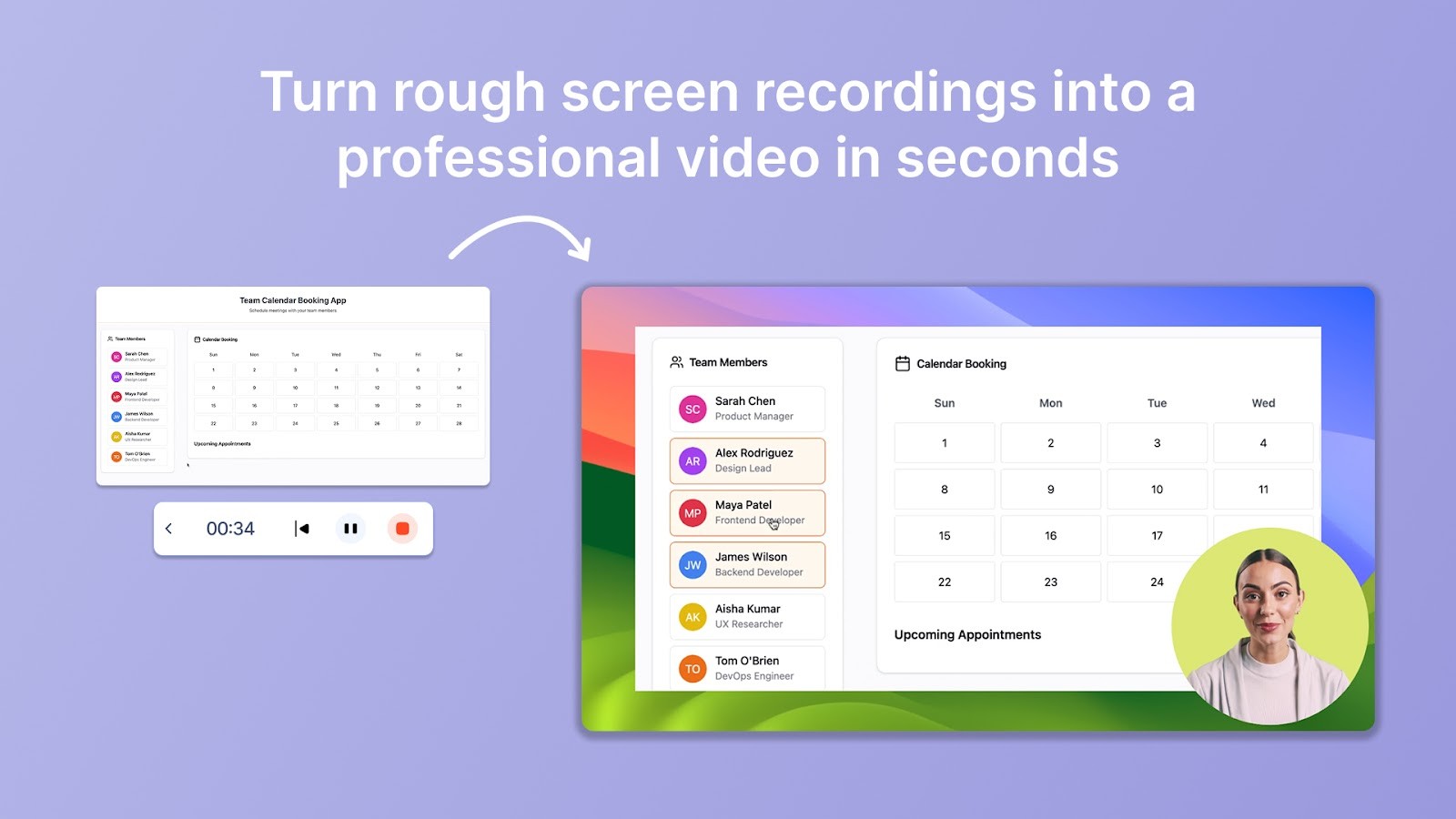
1. Record the process
Capture the workflow as you perform it, or upload a recording you already have.
2. Generate the SOP
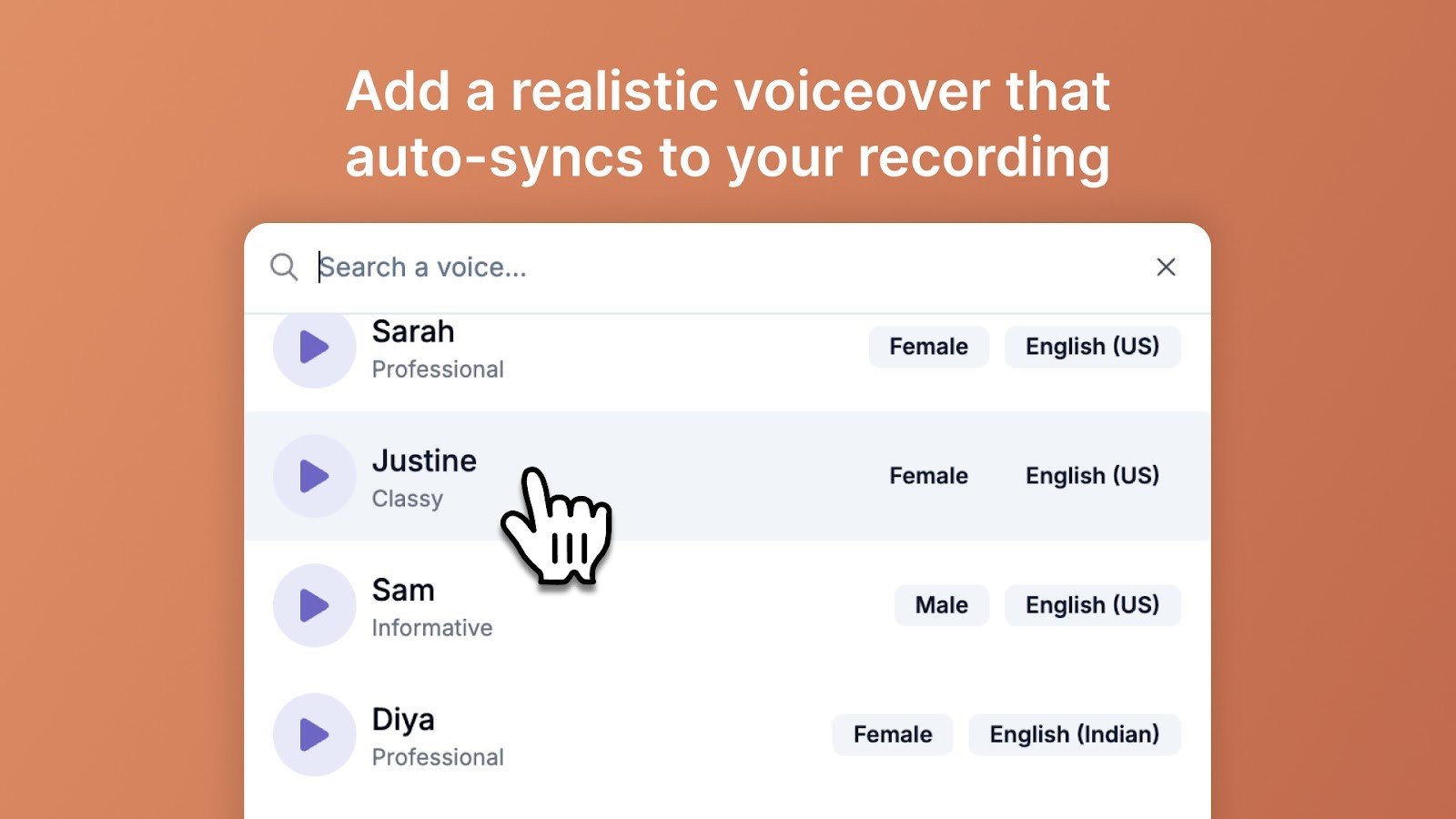
The recording becomes structured written steps with a screenshot for each, and a narrated video from the same capture.
3. Review and publish
Add the context and exceptions the recording could not show, then share by link or publish to a knowledge base.
FAQs
1. What's the difference between an SOP and a policy document?
An SOP (Standard Operating Procedure) is a step-by-step guide that explains how to complete a task. A policy document, on the other hand, sets the rules or principles behind those tasks.
For example, a company's HR policy might say employees must complete compliance training, while an SOP template in Word or Google Docs would show the exact process for enrolling in and completing that training. Both are important, but SOP examples and templates make the execution practical.
2. What are the best practices for creating an SOP?
The best SOPs are clear, actionable, and easy to follow. Use a format that matches the task, such as step-by-step, checklist, flowchart, or hierarchical structures. Starting with free SOP templates can save time and help with consistency across teams.
When writing, use simple language, keep steps in order, and add visuals where needed. Reviewing SOP examples + templates before creating your own can help you choose the right structure.
3. How often should SOPs be reviewed or updated?
Standard operating procedure templates should be reviewed at least once a year or whenever there's a major change in processes, tools, or regulations. Outdated procedures can cause errors and compliance risks, so regular updates are key.
Many companies keep downloadable SOP templates organized in Word or Google Docs so edits can be made quickly and shared instantly.
4. Can AI tools like Trupeer help create SOPs?
Yes. AI onboarding and documentation tools like Trupeer can turn complex workflows into step-by-step instructional content in minutes. You can capture a process once, and the AI creates both SOP templates and training resources from it. This makes it easier to scale SOP creation across different teams, saving time while keeping consistency.
5. How do you make sure employees actually follow SOPs?
Even the best SOP templates only work if people use them. Keep documents short and practical, choose the right types of SOP formats (like checklists for quick tasks or flowcharts for decision-heavy processes), and make them easily accessible.
Using downloadable SOP templates stored in a shared drive or intranet helps. Regular training and product walkthroughs also reinforce usage, especially for new employees.
6. Are there legal requirements for SOPs in certain industries?
Yes. Highly regulated industries often require documented procedures for specific activities, controls, or compliance processes. For example, a restaurant may rely on SOP templates for food safety, while a pharmaceutical company must document processes to comply with FDA standards.
In these cases, using the best SOP templates 2026 designed for your industry saves time and ensures compliance.
7. How do SOP templates support SOP management at scale?
SOP templates are the foundation of effective SOP management. When every department uses a consistent template structure, it becomes far easier to organize, search, update, and govern your entire library of procedures. Good SOP management means knowing where every SOP lives, who owns it, when it was last updated, and who has reviewed it and starting with the right template makes all of that scalable. Tools like Trupeer let you build and maintain these templates in a way that keeps your SOP management system clean and audit-ready.
8. Are there SOP templates specifically designed for invoice processing SOPs?
Yes. Invoice processing SOPs are among the most commonly templated procedures in finance and operations teams. A good invoice processing SOP template typically covers steps like receiving an invoice, verifying vendor details, matching purchase orders, approval workflows, and payment scheduling. Using a pre-built template for this ensures nothing is missed and that your finance team follows a consistent, compliant process every time especially useful during audits or when onboarding new AP staff.
9. Can SOP templates be used to create manufacturing work instructions from process videos?
Absolutely. One of the most powerful uses of SOP templates today is converting process videos recorded on the manufacturing floor into structured work instructions. Rather than asking engineers or operators to write instructions from scratch, you can record the process in action, and use tools like Trupeer to auto-generate a step-by-step SOP with screenshots. The template then gives that content a consistent structure making it easy to distribute, version-control, and update as processes evolve.
10.How are SOPs changing, and how do you keep them from going stale?
SOPs are shifting from static documents to living, video-based guides that are quick to update. Trupeer AI supports that shift re-record a changed step and regenerate the SOP in minutes so your procedures stay current instead of drifting out of date the moment a process changes.
11.Why do SOPs really fail, if not because teams are lazy?
SOPs fail because creating and maintaining them costs more time than teams have, not because people are lazy. Trupeer's AI SOP creator turns a screen recording into a documented SOP and keeps it current with version history.



