vs
Twórz dema gotowe do uruchomienia, które sprawiają, że ludzie mówią: „Potrzebuję tego”
Zacznij
Umów demo
Zobacz, dlaczego Trupeer to najrozsądniejszy wybór zamiast Loom

Poznaj Trupeer
Co Trupeer może dla Ciebie zrobić
" transform="translate(2 2)" width="59.5px"/></svg>)
Wideo
Wideo jakości studyjnej z dowolnego nagrania ekranu

Nagrywanie ekranu

Tłumaczenie
Wideo i dokumenty w 65+ językach, automatycznie


Prezentacja produktu
Jak zainstalować Claude Code
Ten krótki przewodnik pokaże Ci, jak w kilka minut skonfigurować i wdrożyć witrynę dokumentacji. Po ukończeniu tego przewodnika będziesz mieć działającą witrynę dokumentacji, gotową do dostosowania i rozbudowy.
Wybierz

Rosyjski
Niemiecki

Estoński

Japoński

Chiński

Hindi

Dokumentacja
Natychmiast automatycznie generuj podręczniki, SOP-y i dokumenty

Dokumenty
Poruszanie się po ekosystemie HubSpot
Nagłówek 1
B
/
Poruszanie się po ekosystemie HubSpot
Rola ->
Koordynator ds. marketingu
Moduł ->
Wstępna konfiguracja systemu i orientacja
Czas ukończenia ->
45 minut
Wprowadzenie do portalu
Witamy w zespole! Twój portal HubSpot to „Single Source of Truth” dla wszystkich interakcji z klientami. Ten przewodnik pomoże Ci skonfigurować przestrzeń roboczą zgodnie ze standardami zespołu.

Baza wiedzy
Wyszukiwalna baza wiedzy dla całego Twojego zespołu

Webflow
Zacznij
Wprowadzenie
Szybki start
Biblioteka
Notatki
Konfiguracja
Ustawienia globalne
Strony
Nawigacja
Motywy
Szukaj w bazie wiedzy
Wprowadzenie
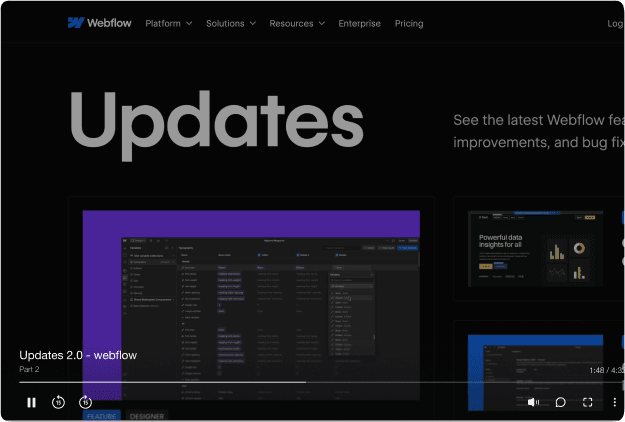
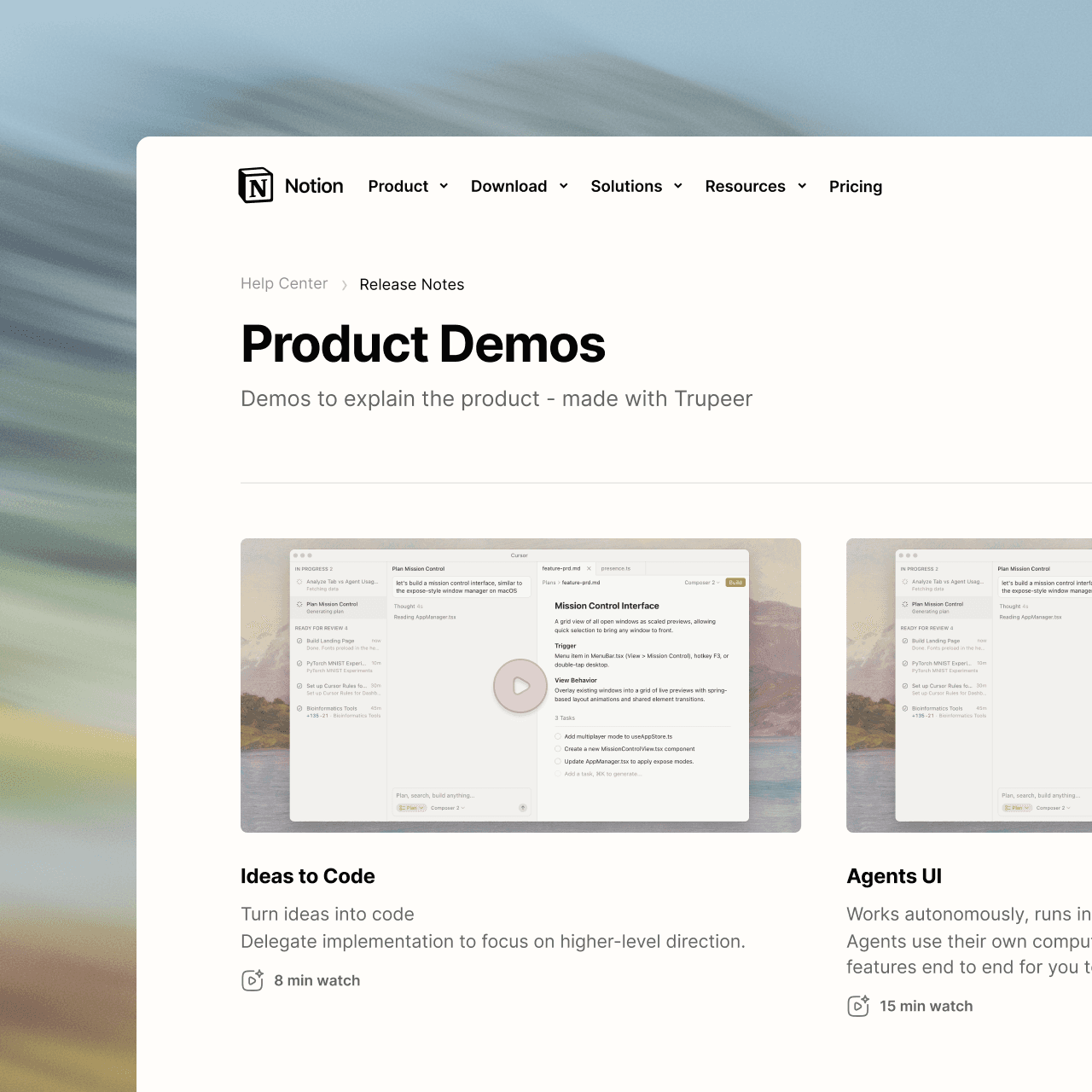
Witamy w bazie wiedzy Webflow
Ten przewodnik szybkiego startu pokazuje, jak w kilka minut skonfigurować i wdrożyć swoją witrynę dokumentacji. Po ukończeniu tego przewodnika będziesz mieć działającą witrynę dokumentacji gotową do dostosowania i rozbudowy.

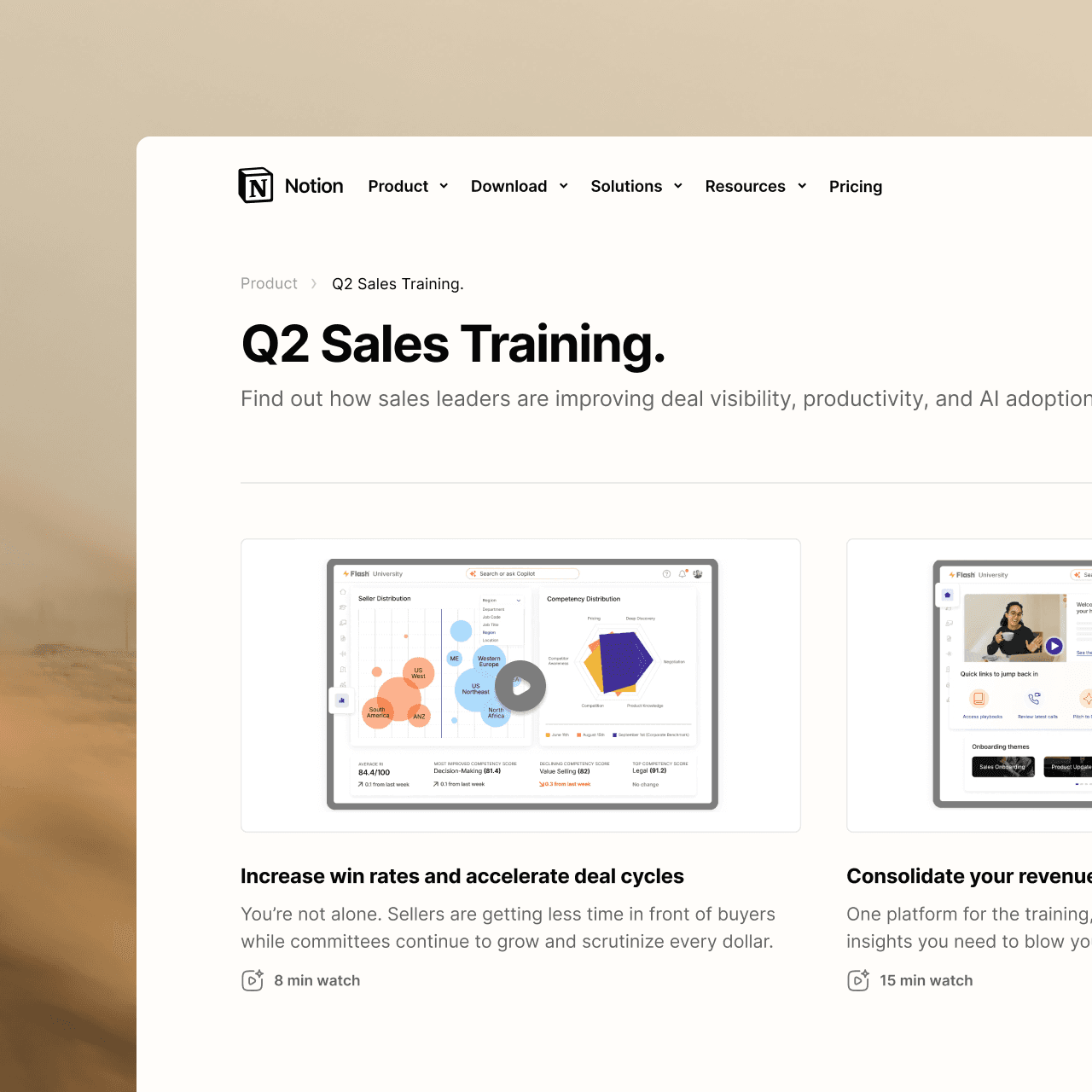
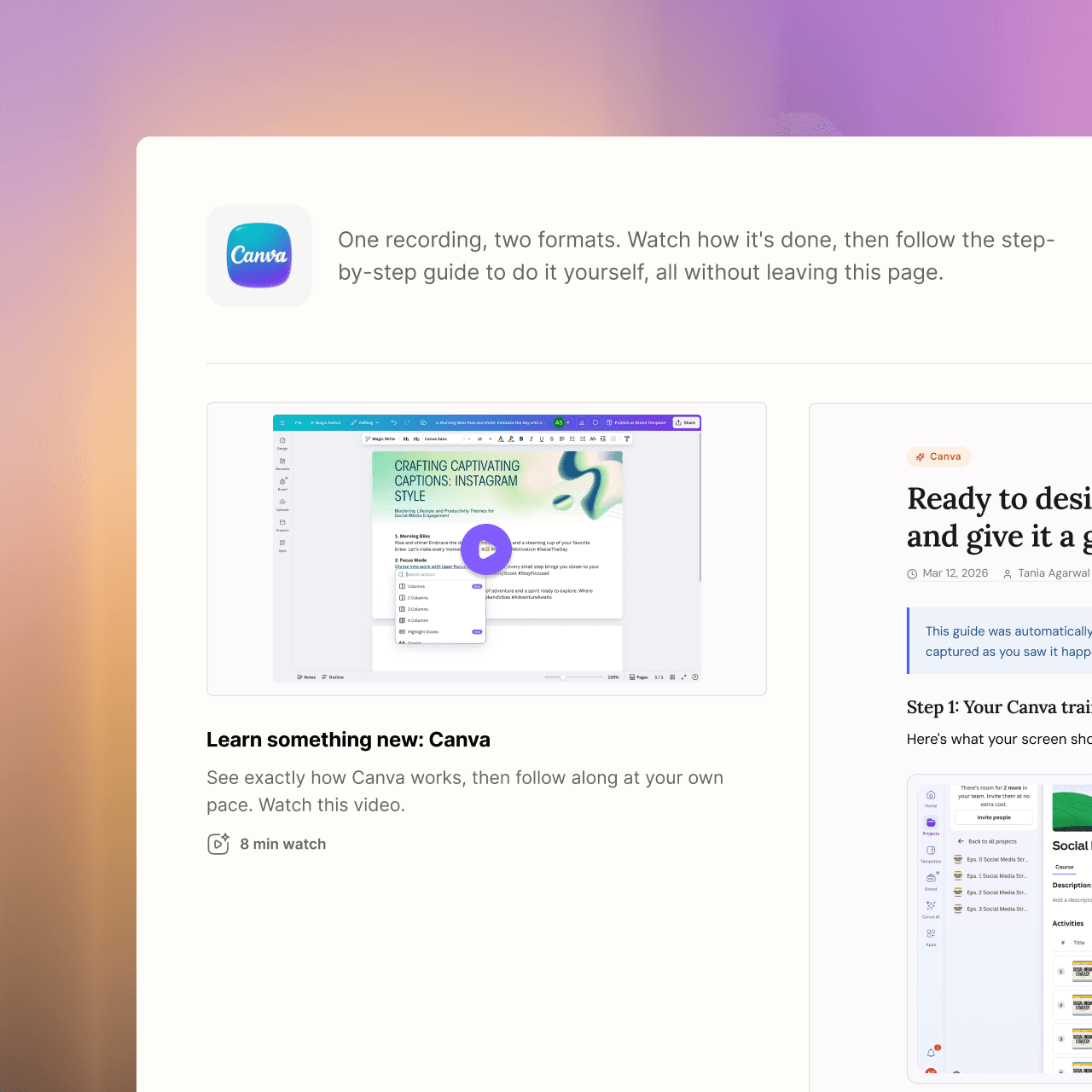
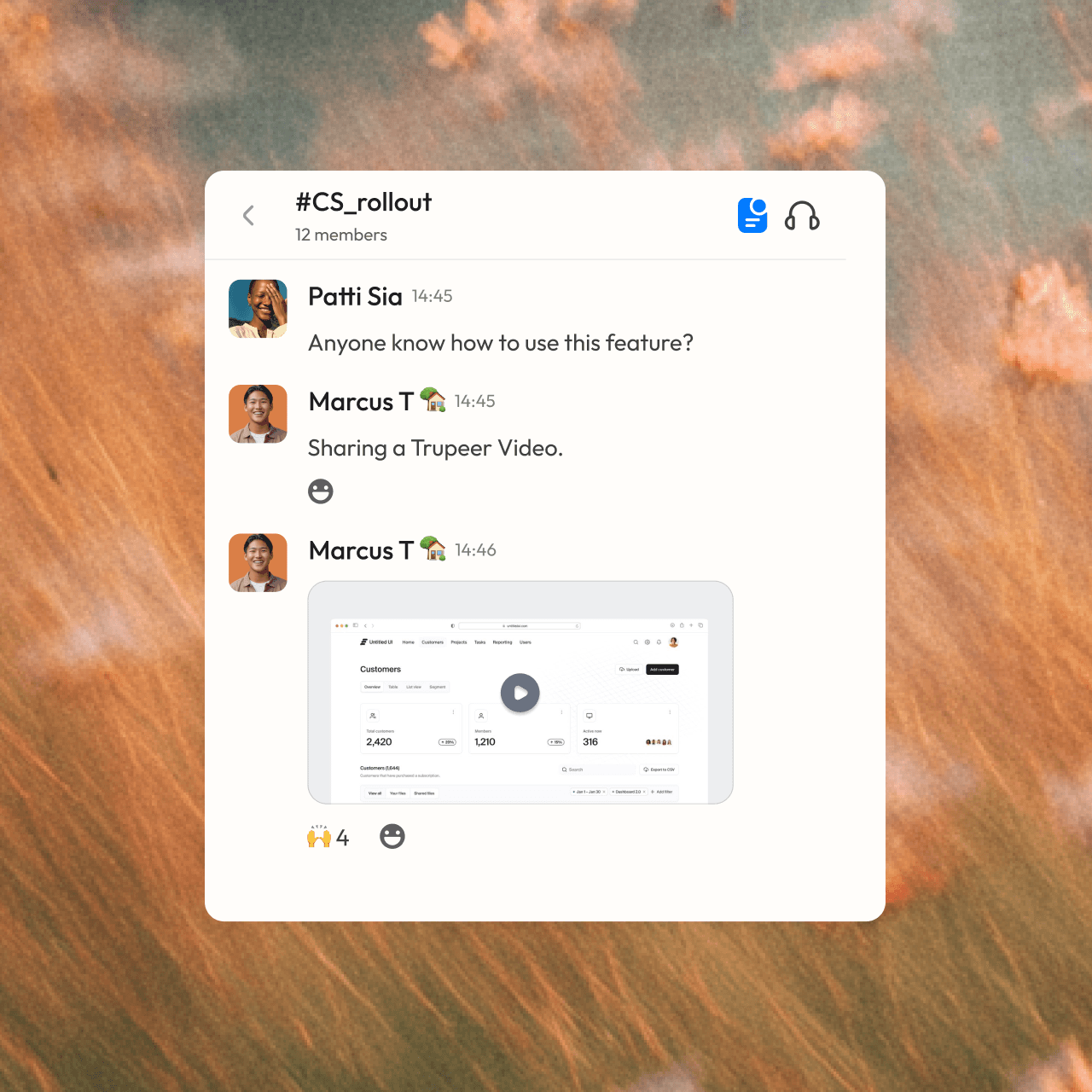

zostań profesjonalistą
Nie jesteś osobą od tworzenia treści? Nie ma problemu. Po prostu kliknij nagrywaj.








Najczęściej zadawane pytania
1. What's the difference between Storylane and Trupeer?
Storylane builds interactive demos that let prospects click through your product, mainly for sales and marketing. Trupeer turns a screen recording into a narrated video and a step-by-step written guide, mainly for training, onboarding, support and product education. Many teams use an interactive demo tool to sell and Trupeer to teach.
2. Can Storylane create step-by-step documentation?
Storylane can export an interactive demo as a PDF, Word or Markdown file. Trupeer builds a full step-by-step guide with screenshots from every recording, in a document editor with version history, and keeps it in sync with the video so both update when you edit the script.
3. Which is better for customer onboarding and training?
Trupeer is built for this. Learners get a polished video with an AI voiceover and a written guide they can follow at their own pace, all organized in a searchable knowledge base on your own domain. Ask Trupeer answers their questions with links to the exact moment in a video.
4. Does Trupeer work with AI assistants like Claude and ChatGPT?
Yes. Trupeer MCP connects your Trupeer knowledge base to Claude, ChatGPT and any MCP-compatible tool. Your team can ask questions about your product or processes from inside their AI assistant and get answers drawn from your own videos and guides.
5. Can Trupeer turn existing documents into videos?
Yes. With Doc to Video, you upload a PPT, PPTX, DOC, DOCX or PDF, and Trupeer writes a script for each slide, narrates it, and builds the video. You can then brand it, translate it or add an avatar in the same editor. Doc to Video is available on Enterprise plans.