vs

Twórz profesjonalne filmy demo i dokumentację w kilka minut
Rozpocznij
Umów demo
Zobacz, dlaczego Trupeer to najrozsądniejszy wybór zamiast Loom

Poznaj Trupeer
Co Trupeer może dla Ciebie zrobić
" transform="translate(2 2)" width="59.5px"/></svg>)
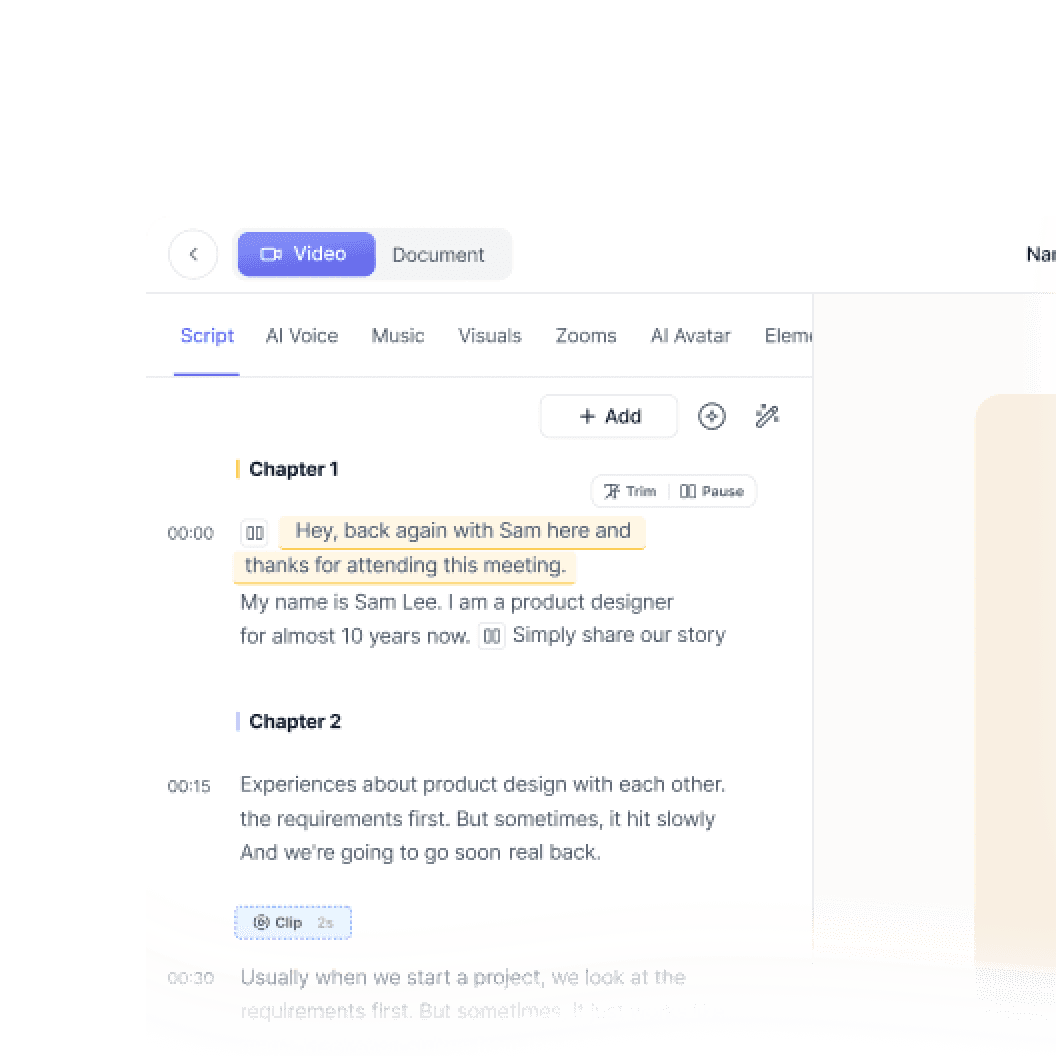
Wideo
Filmy jakości studyjnej z dowolnego nagrania ekranu

Nagrywanie ekranu

Tłumaczenie
Wideo i dokumenty w 65+ językach, automatycznie


Prezentacja produktu
Jak zainstalować Claude Code
Ten krótki przewodnik pokaże Ci, jak w kilka minut skonfigurować i wdrożyć witrynę dokumentacji. Po ukończeniu tego przewodnika będziesz mieć działającą witrynę dokumentacji, gotową do dostosowania i rozbudowy.
Wybierz

Rosyjski
Niemiecki

Estoński

Japoński

Chiński

Hindi

Dokumentacja
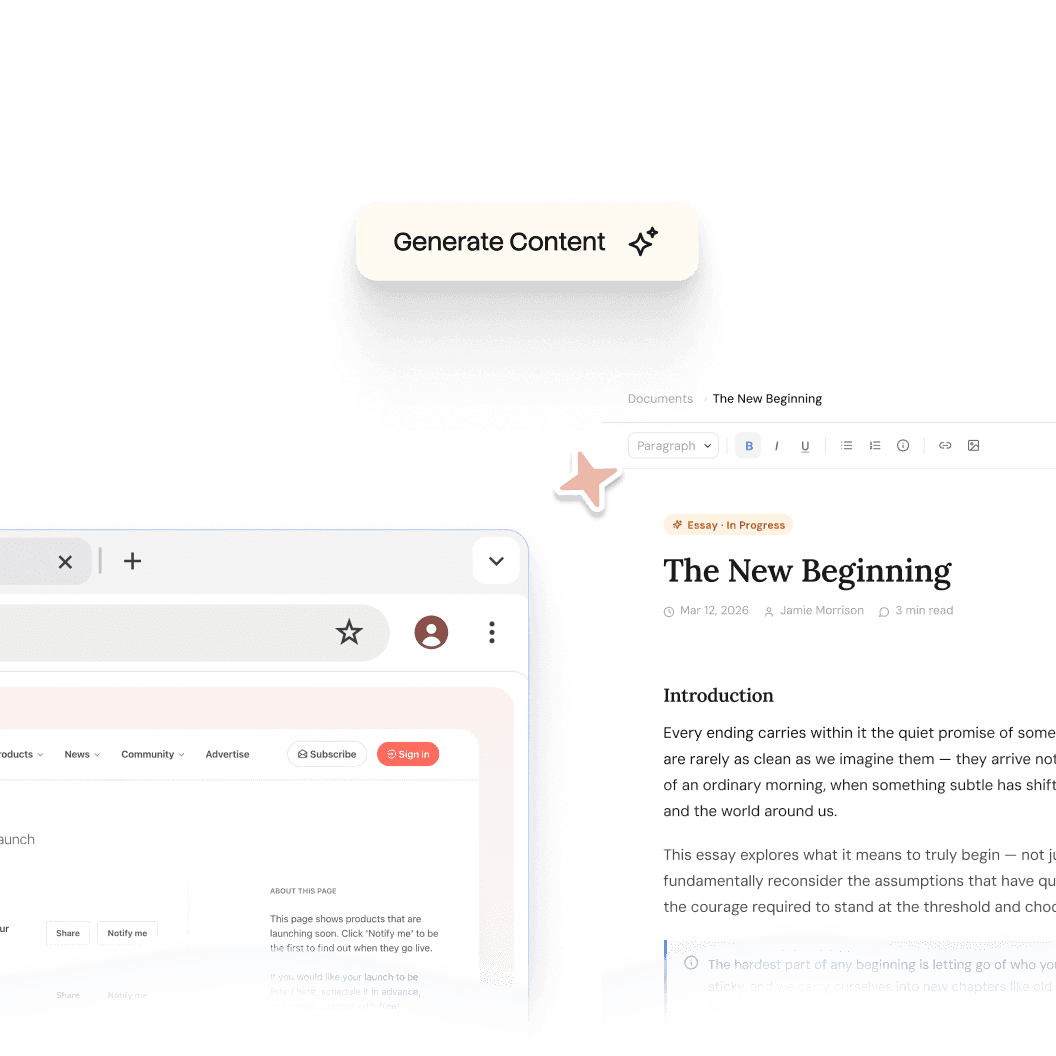
Automatycznie generuj instrukcje, SOP-y i dokumentację w mgnieniu oka

Dokumenty
Poruszanie się po ekosystemie HubSpot
Nagłówek 1
B
/
Poruszanie się po ekosystemie HubSpot
Rola ->
Koordynator ds. marketingu
Moduł ->
Wstępna konfiguracja systemu i orientacja
Czas ukończenia ->
45 minut
Wprowadzenie do portalu
Witamy w zespole! Twój portal HubSpot to „Single Source of Truth” dla wszystkich interakcji z klientami. Ten przewodnik pomoże Ci skonfigurować przestrzeń roboczą zgodnie ze standardami zespołu.

Baza wiedzy
Wyszukiwalna baza wiedzy dla całego Twojego zespołu

Webflow
Zacznij
Wprowadzenie
Szybki start
Biblioteka
Notatki
Konfiguracja
Ustawienia globalne
Strony
Nawigacja
Motywy
Szukaj w bazie wiedzy
Wprowadzenie
Witamy w bazie wiedzy Webflow
Ten przewodnik szybkiego startu pokazuje, jak w kilka minut skonfigurować i wdrożyć swoją witrynę dokumentacji. Po ukończeniu tego przewodnika będziesz mieć działającą witrynę dokumentacji gotową do dostosowania i rozbudowy.
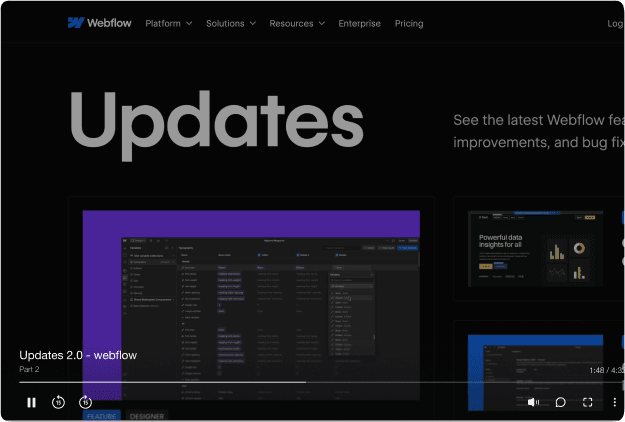

Jedno narzędzie.
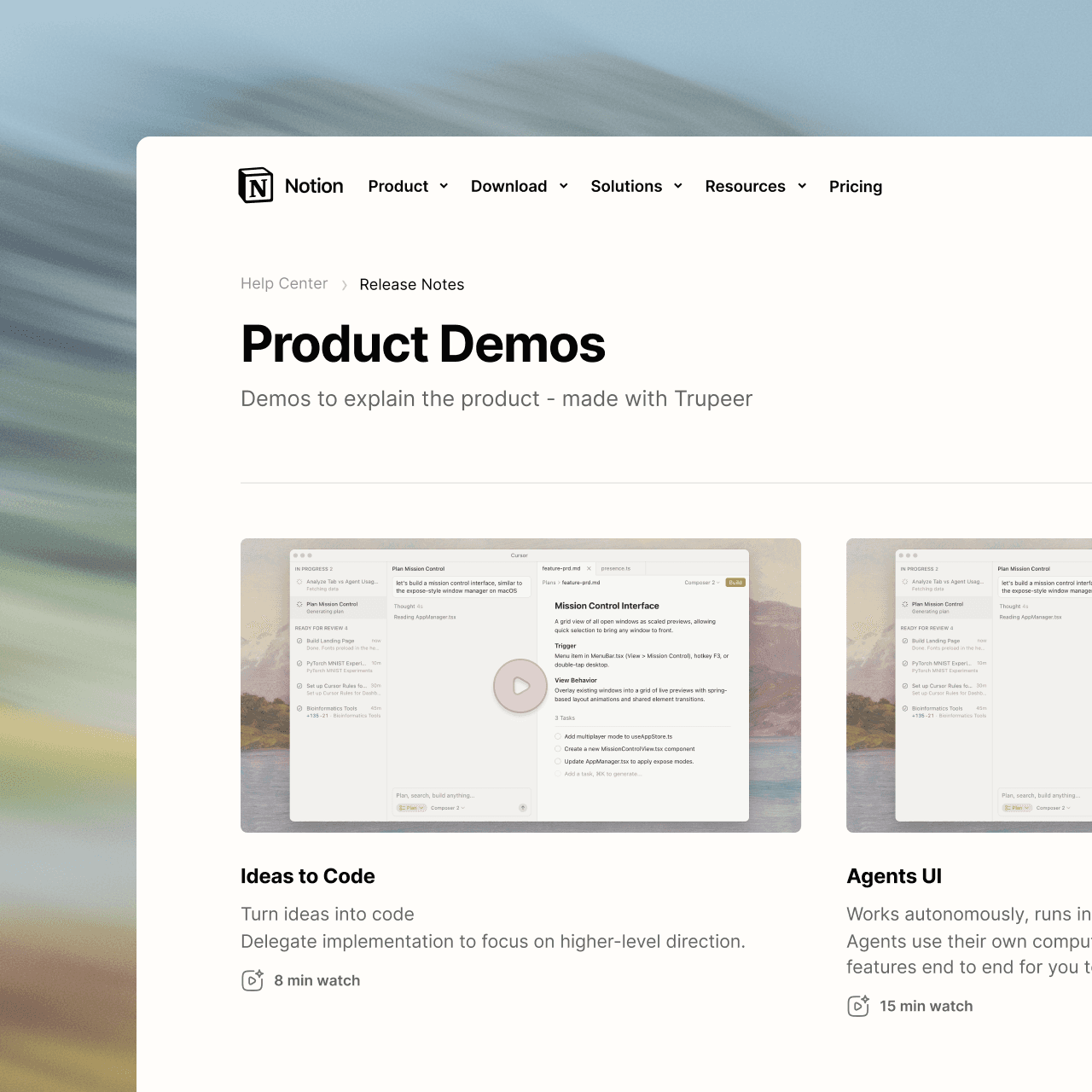
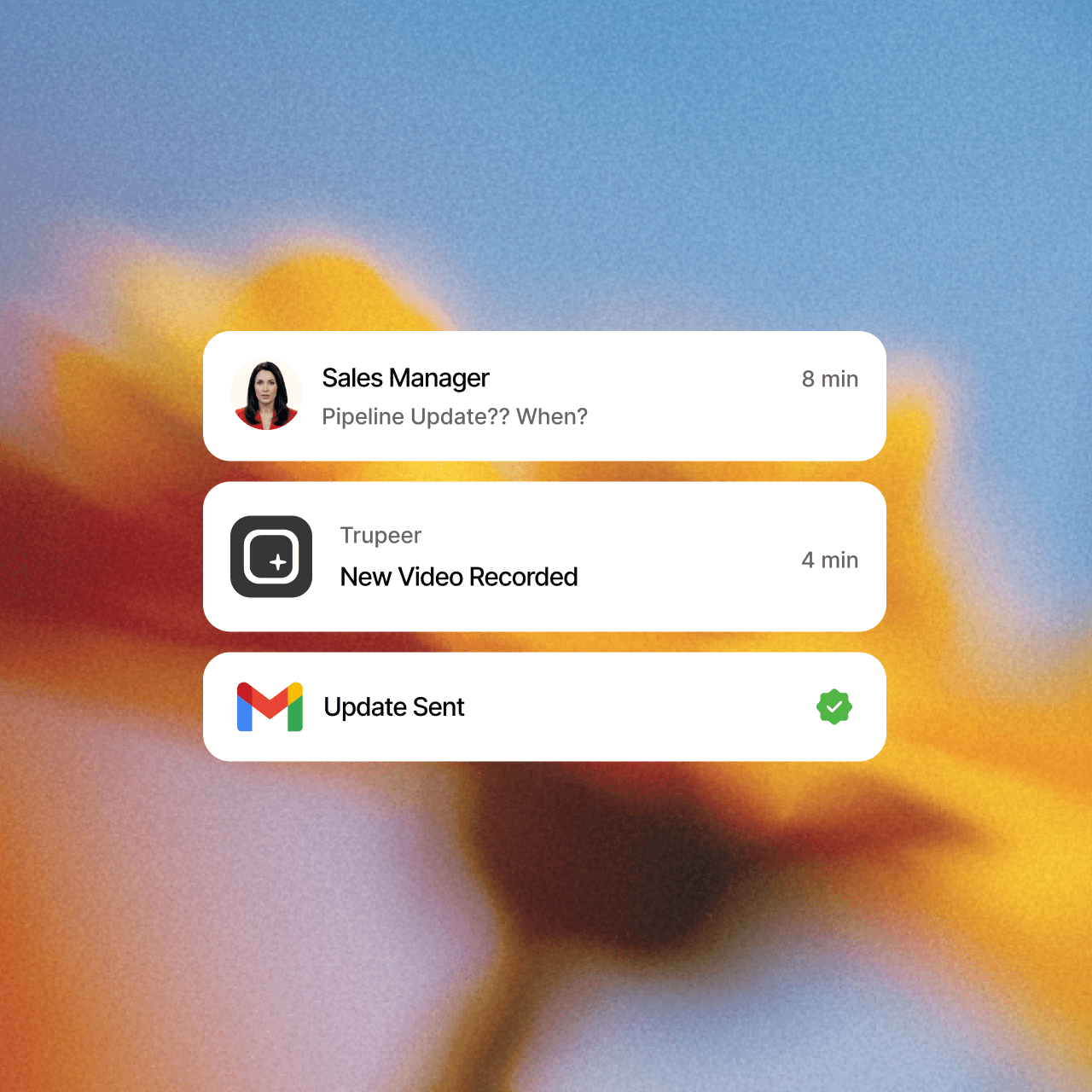
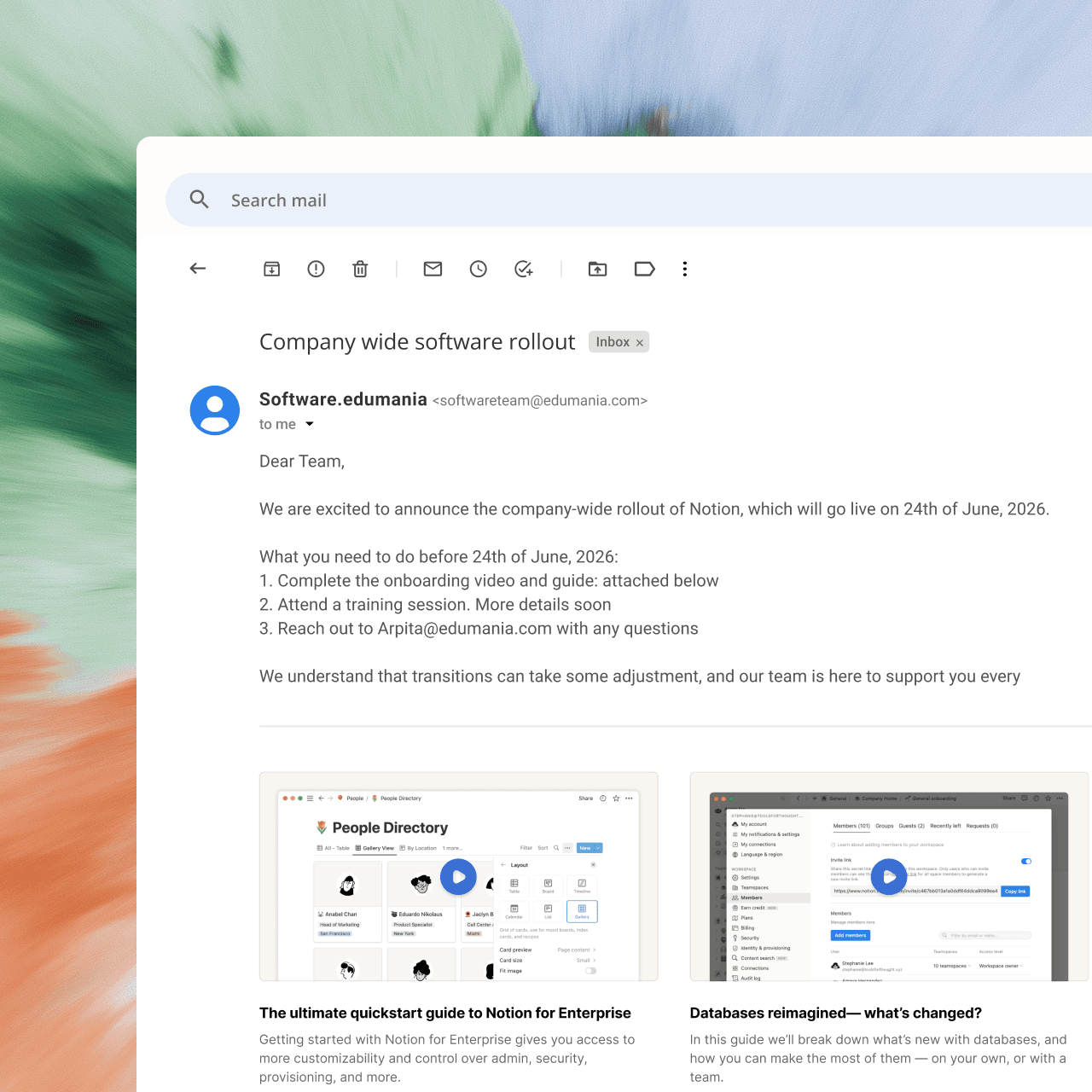
Więcej zastosowań, niż się spodziewaliśmy.
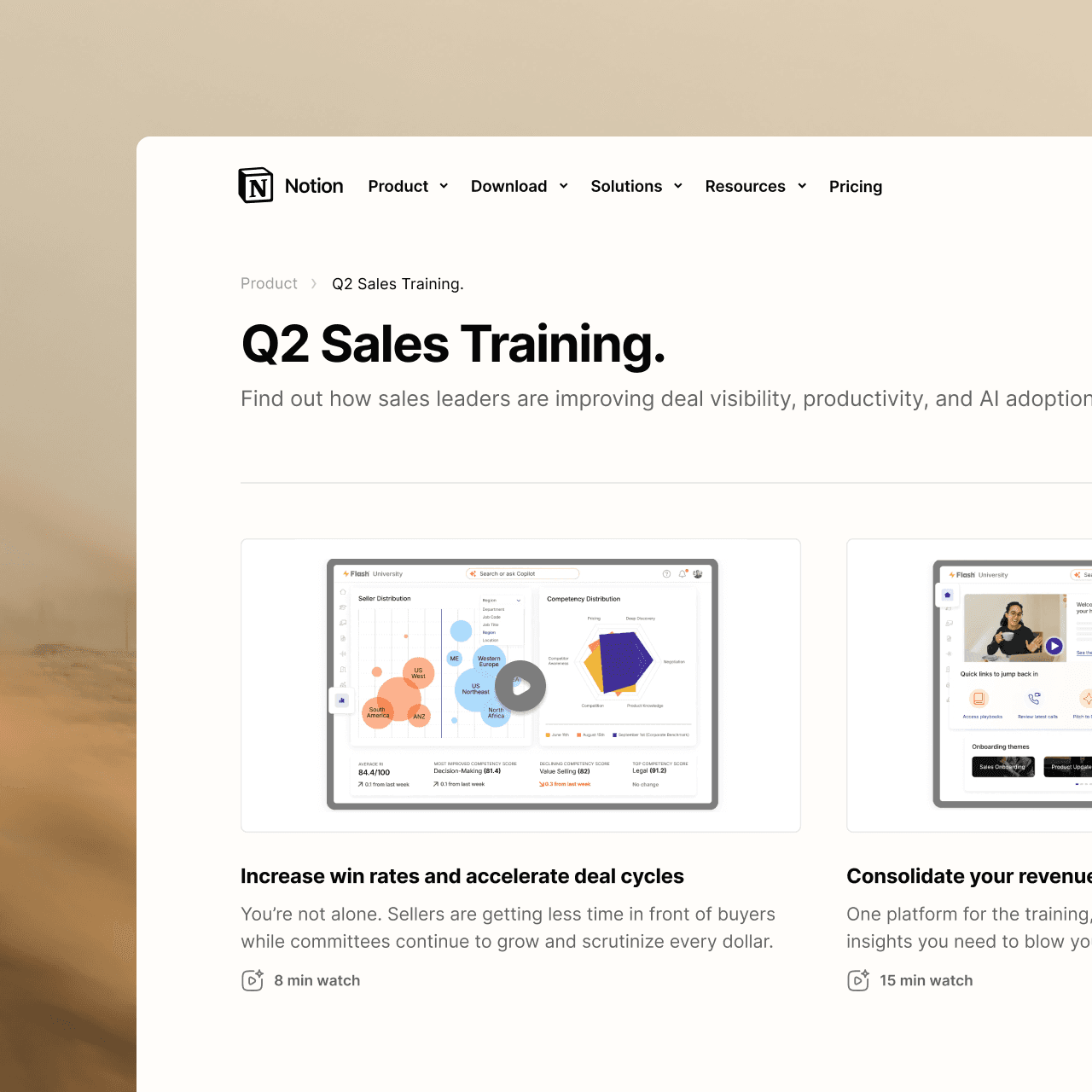
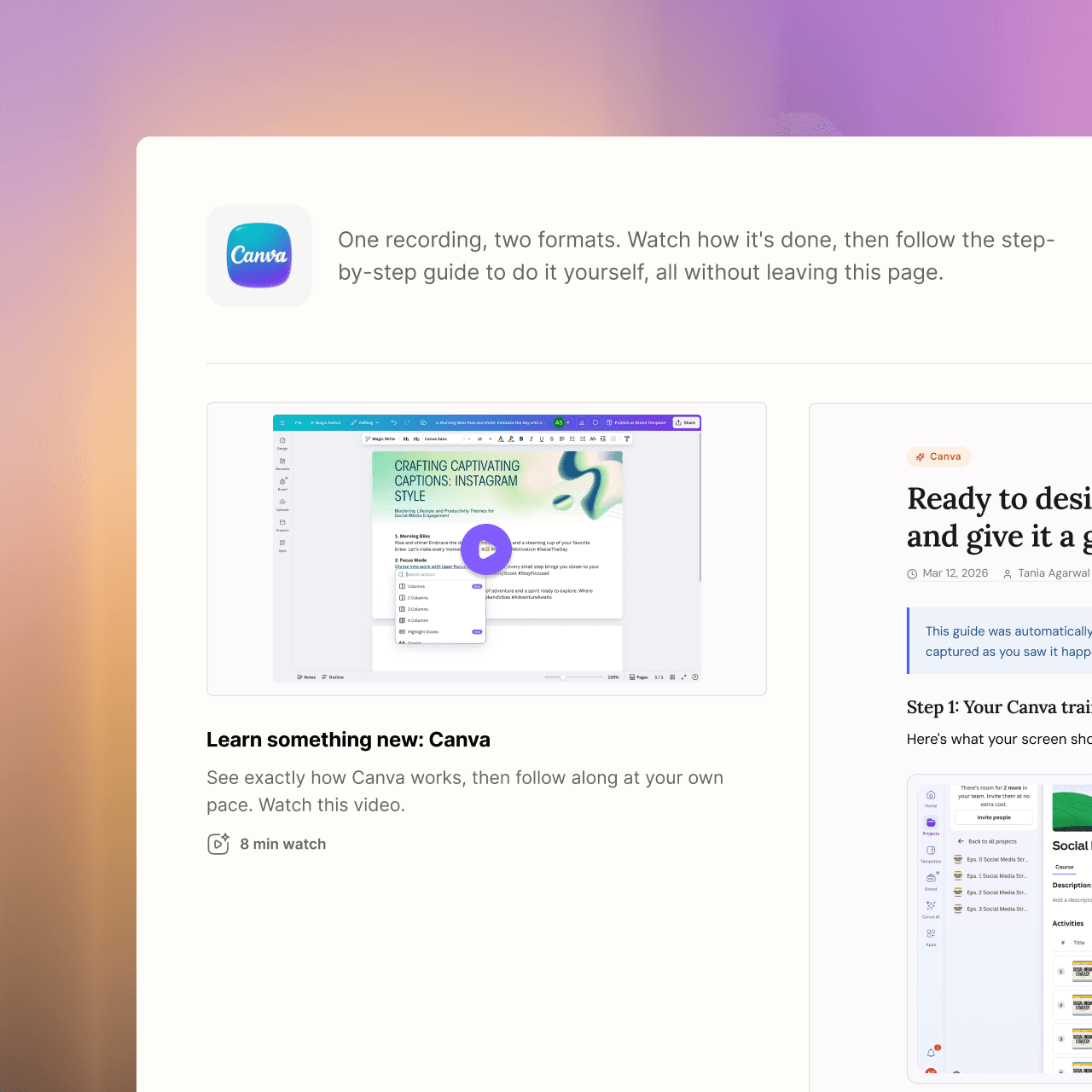
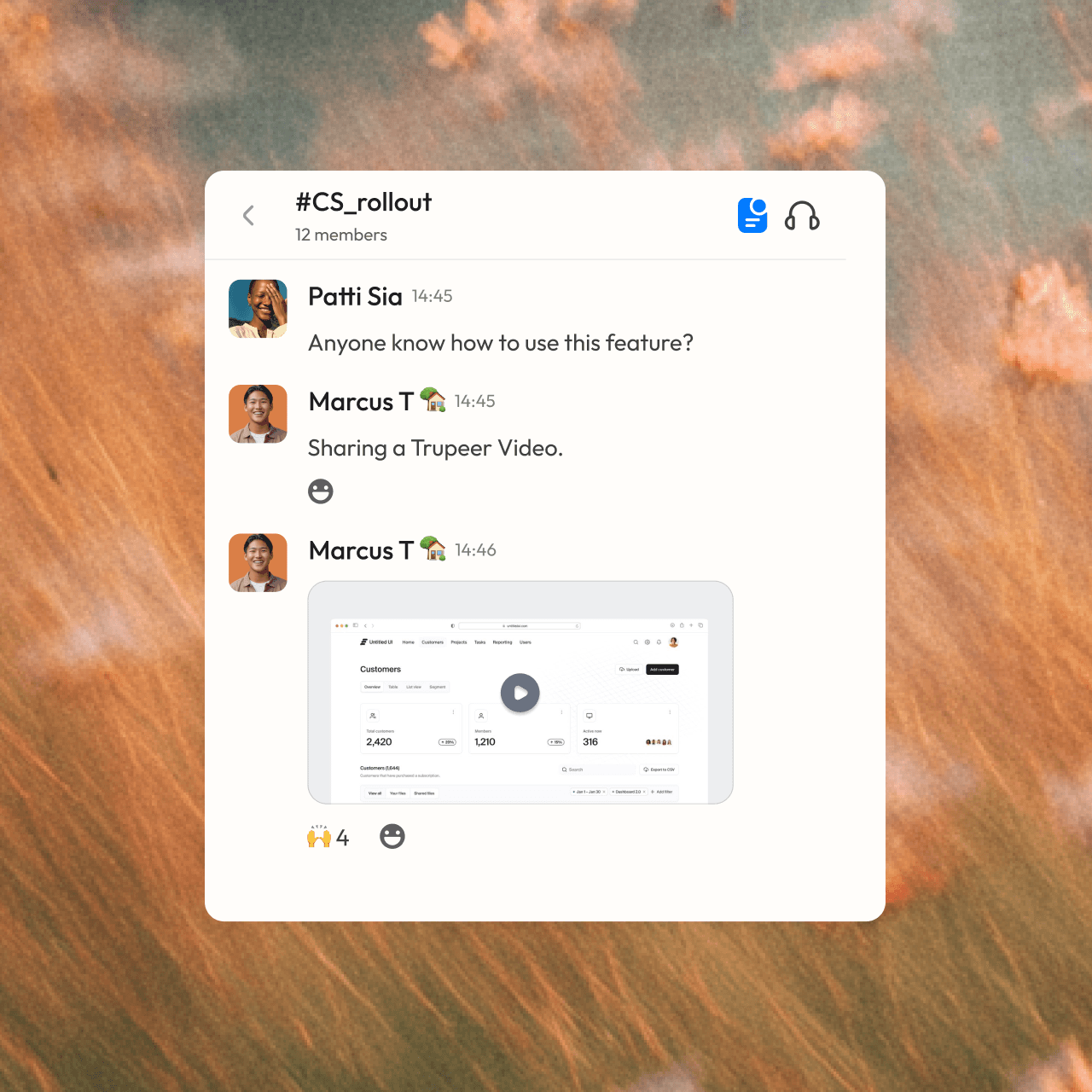

zostań profesjonalistą
Nie jesteś osobą od tworzenia treści? Nie ma problemu. Po prostu naciśnij nagrywanie.







Najczęściej zadawane pytania
1. Is Trupeer a good alternative to Scribe?
Yes, especially if your team needs video as well as written guides. Scribe turns a workflow into a screenshot-based guide. Trupeer turns one screen recording into both a narrated, studio-quality video and a step-by-step document, then lets you translate, brand and share them from one place.
2. Can Scribe create narrated videos?
Scribe is built around screenshot guides and doesn't add AI voiceover or avatars. Trupeer generates a script from your recording, adds a studio-quality voiceover, and can place an AI avatar in the video. You can then edit the video by editing its script.
3. Can I turn an existing PDF, Word doc or slide deck into a video?
Yes, with Trupeer's Doc to Video. Upload a PPT, PPTX, DOC, DOCX or PDF, and Trupeer writes a script for each slide, narrates it, and builds the video. You can then brand it, translate it or add an avatar like any other Trupeer video. Doc to Video is available on Enterprise plans.
4. Does Trupeer hide sensitive information in recordings?
Yes. Smart Blur automatically redacts personal details such as names, email addresses, IP addresses and dates of birth as Trupeer processes your video or document. You can choose what gets hidden, with separate controls for video and docs. Smart Blur is available on Enterprise plans.
5. Can I translate my guides and videos into other languages?
Yes. Trupeer translates both the video, including its voiceover, and the written guide into 65+ languages. You share one link, and each viewer follows along in their own language. That means global teams don't need separate recordings or separate documents for each language.