tegen

Maak professionele demo-video's en documentatie in enkele minuten
Aan de slag
Boek een demo
Ontdek waarom Trupeer de slimste keuze is ten opzichte van Loom


Ontdek Trupeer
Wat Trupeer voor je kan doen
" transform="translate(2 2)" width="59.5px"/></svg>)
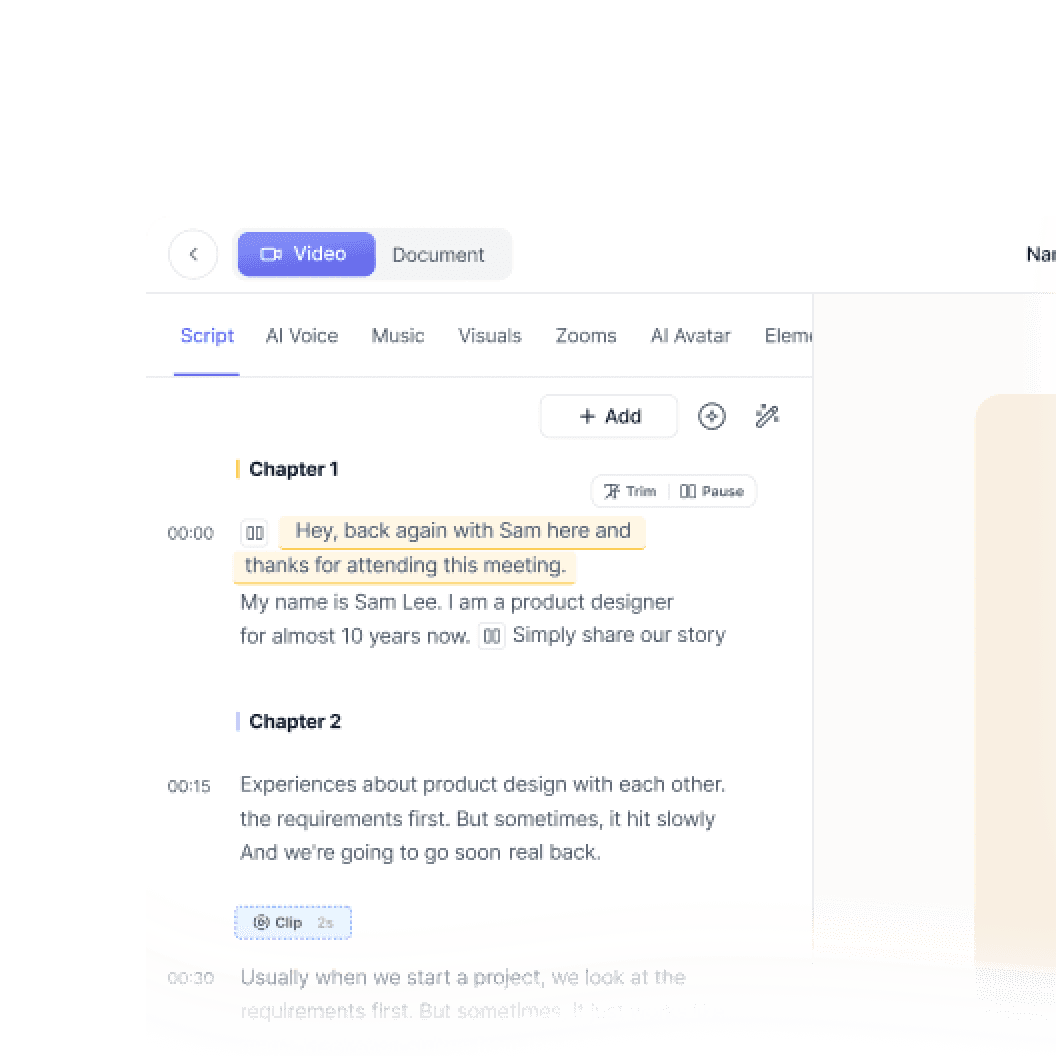
Video
Studiokwaliteitsvideo's van elke schermopname

Scherm opnemen

Vertaling
Video's en documenten in 65+ talen, automatisch


Productdemo
Hoe Claude Code te installeren
Deze snelstartgids laat je zien hoe je je documentatiesite in enkele minuten kunt instellen en publiceren. Na het voltooien van deze gids heb je een live documentatiesite die klaar is om aan te passen en uit te breiden.
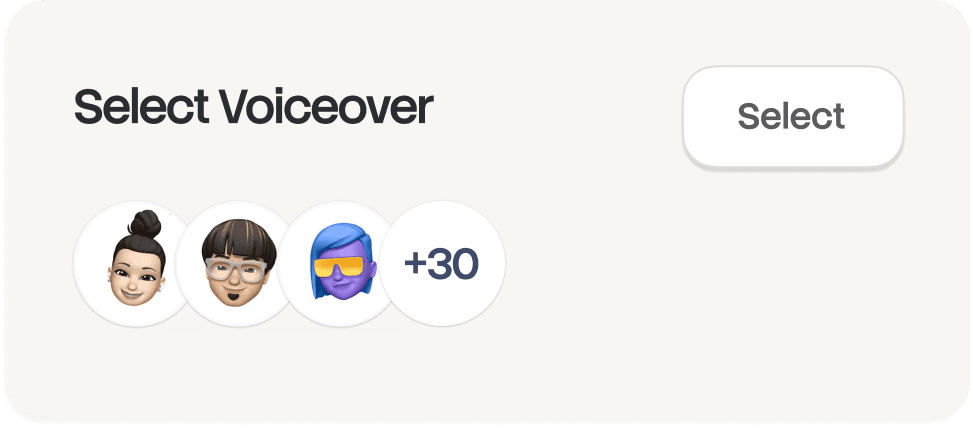
Selecteer

Russisch
Duits

Ests

Japans

Chinees

Hindi

Documentatie
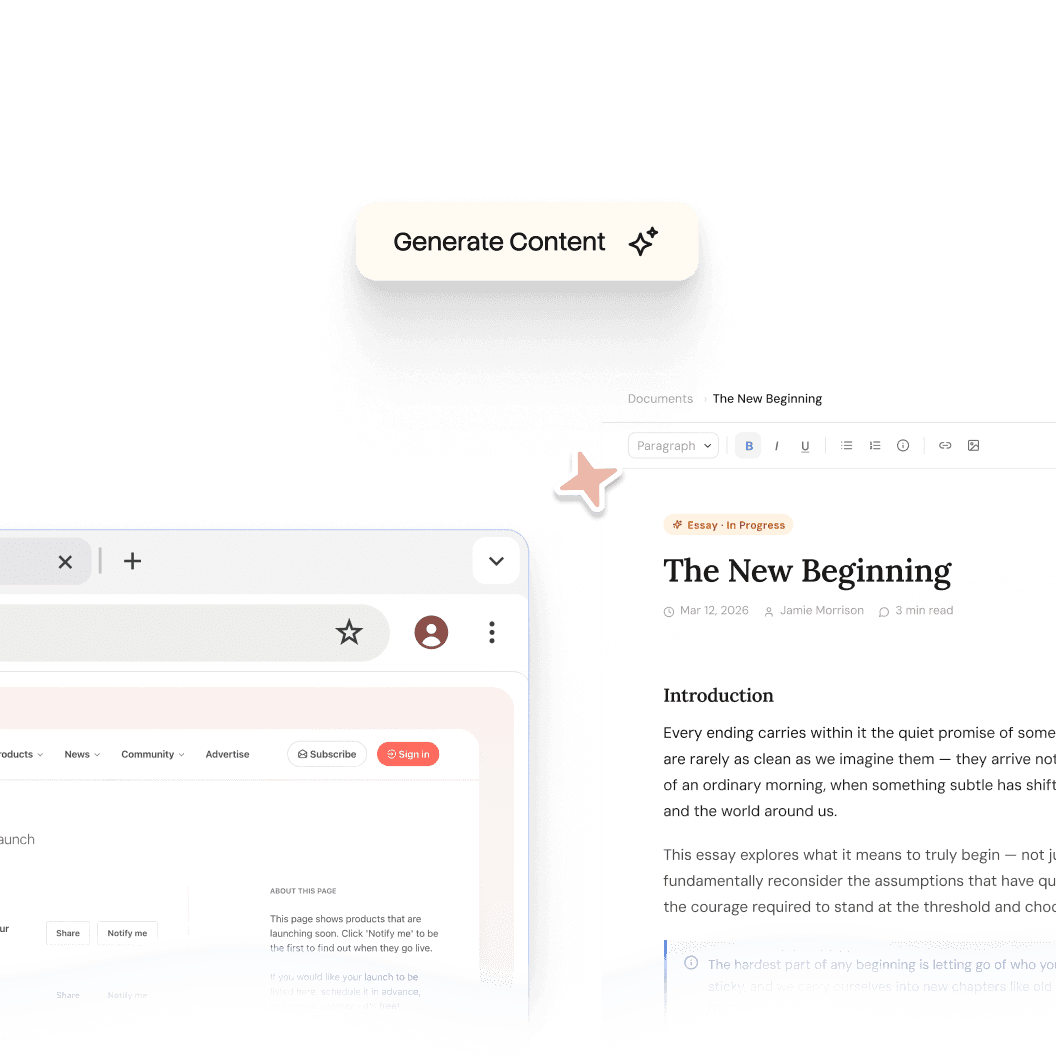
Genereer handleidingen, SOP's en documentatie direct automatisch

Documenten
Navigeren door het HubSpot-ecosysteem
Kop 1
B
/
Navigeren door het HubSpot-ecosysteem
Rol ->
Marketingcoördinator
Module ->
Eerste systeemconfiguratie en oriëntatie
Tijd om te voltooien ->
45 minuten
Introductie tot het portaal
Welkom bij het team! Ons HubSpot-portaal is de "Single Source of Truth" voor alle klantinteracties. Deze gids helpt je je werkruimte in te richten volgens de standaarden van het team.

Kennisbank
Een doorzoekbare kennisbank voor je hele team

Webflow
Aan de slag
Inleiding
Snel aan de slag
Bibliotheek
Notities
Configuratie
Algemene instellingen
Pagina's
Navigatie
Thema's
Zoek in de kennisbank
Inleiding
Welkom bij de Webflow-kennisbank
Deze snelstartgids laat je zien hoe je je documentatiesite in enkele minuten kunt instellen en publiceren. Na het voltooien van deze gids heb je een live documentatiesite die klaar is om aan te passen en uit te breiden.
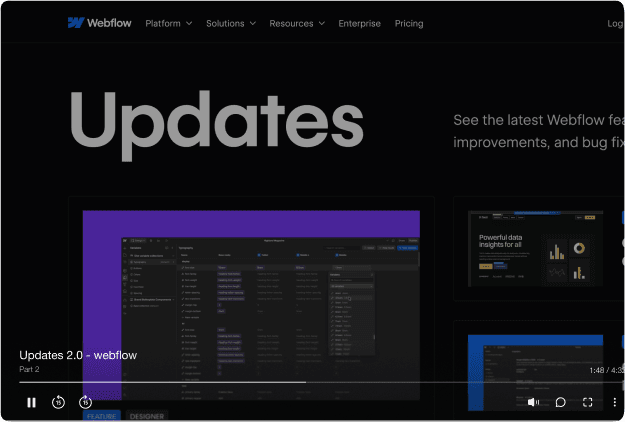

Één tool.
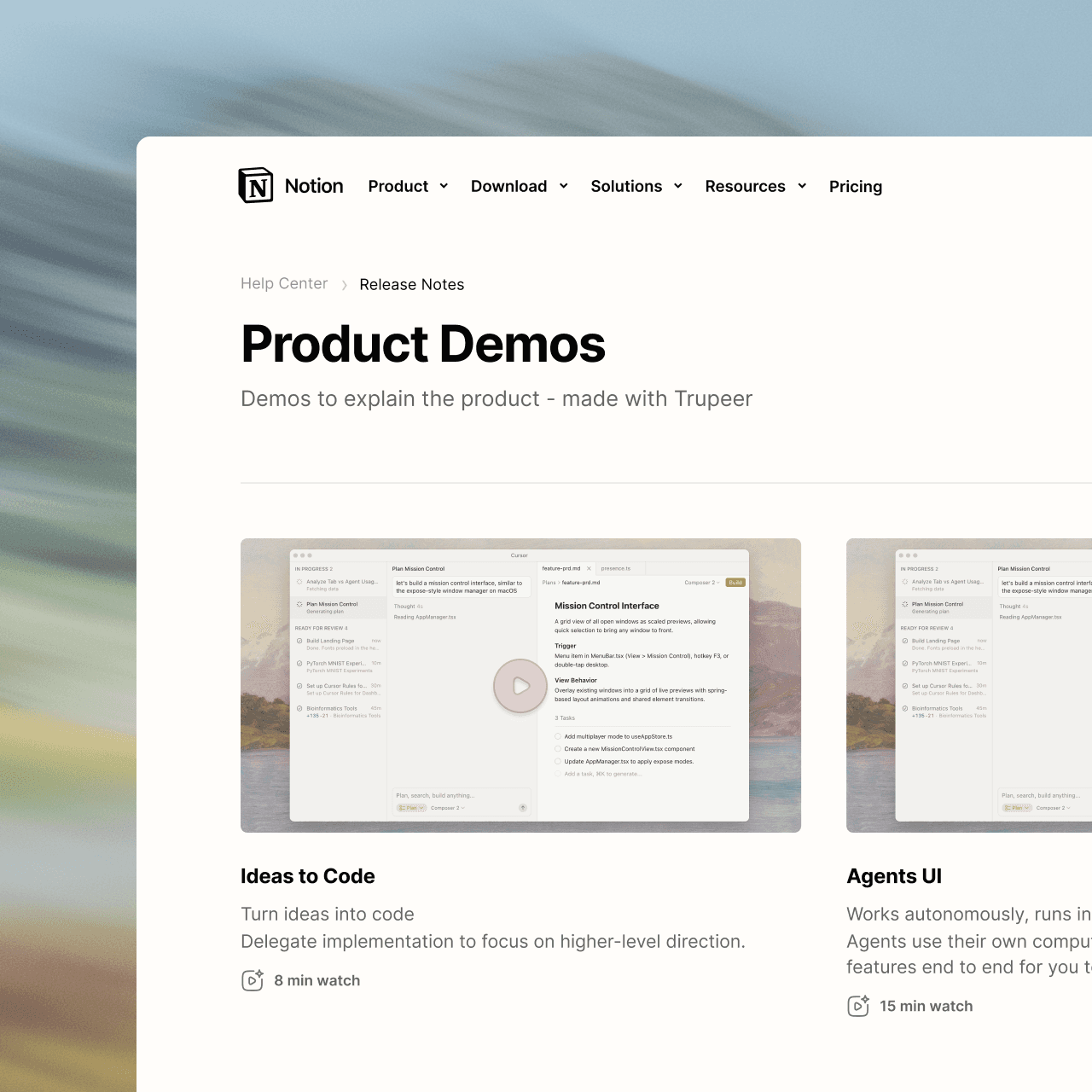
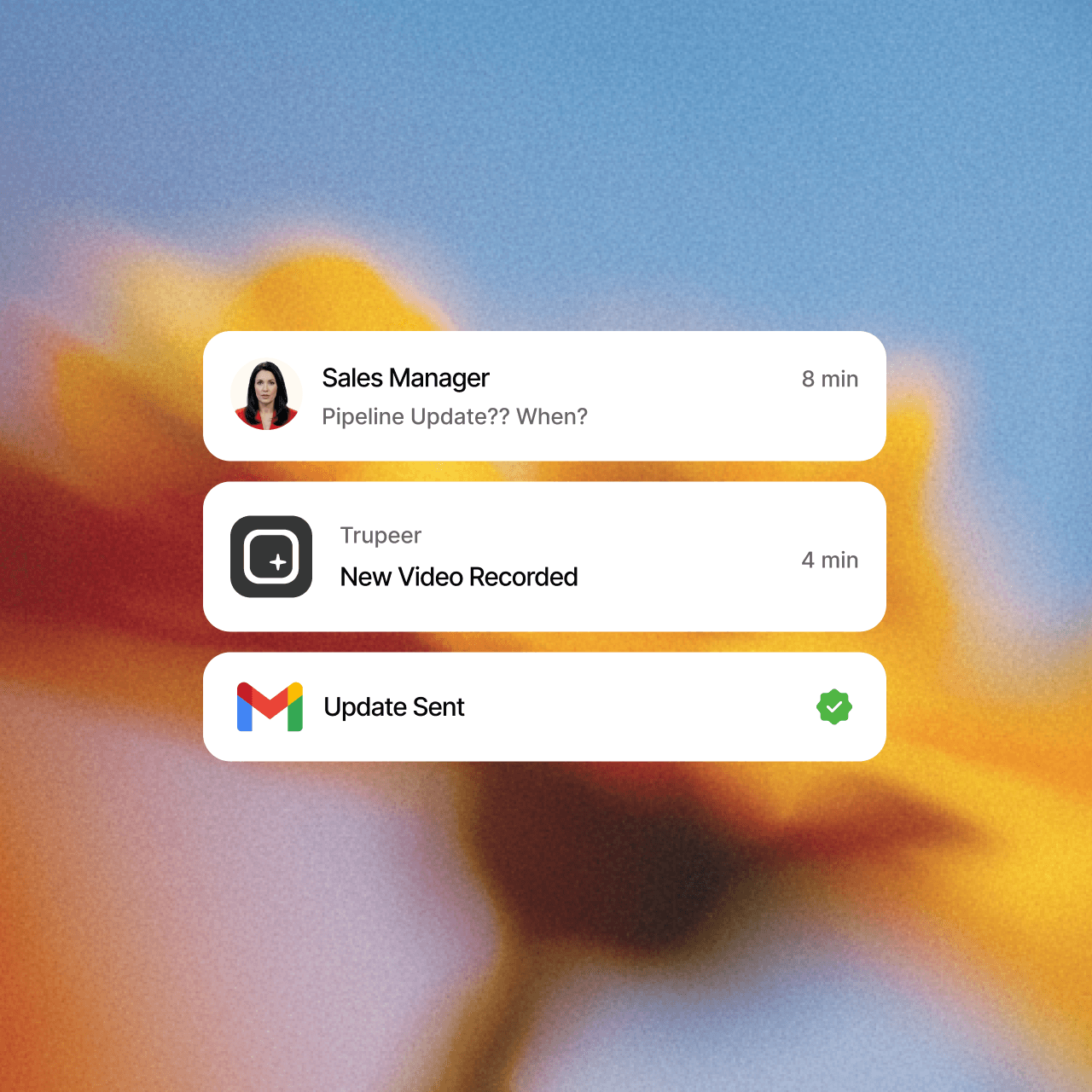
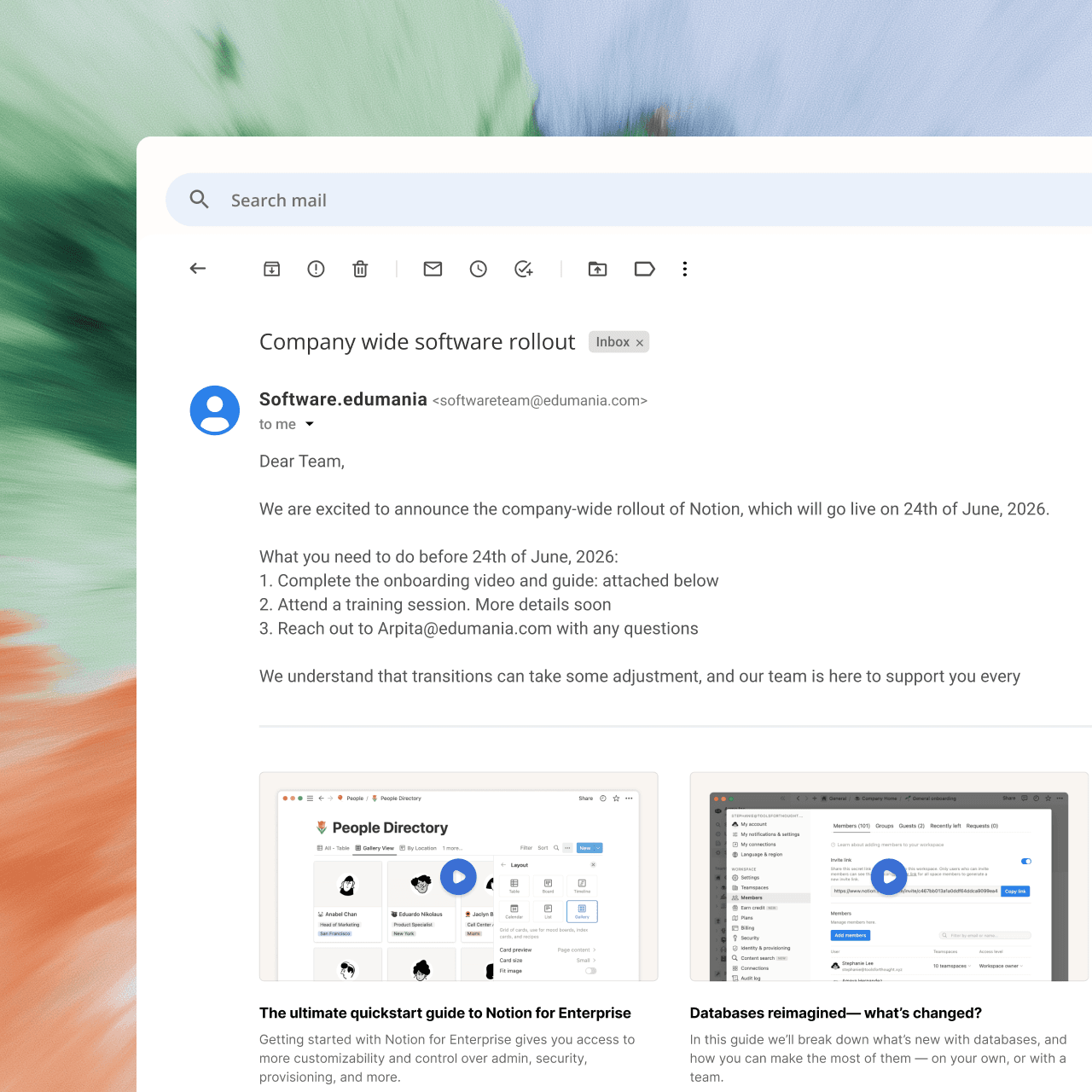
Meer gebruiksscenario's dan we hadden verwacht.
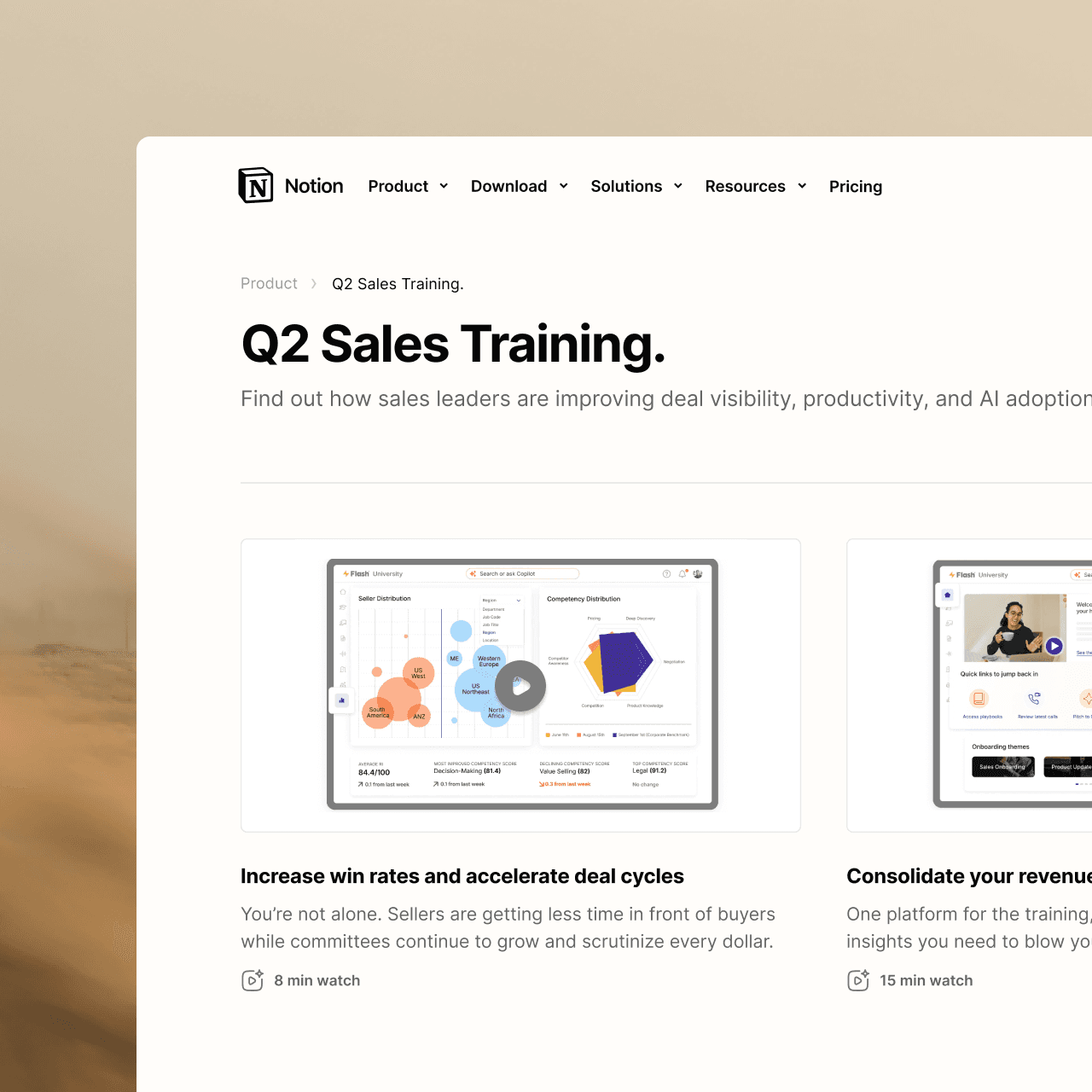
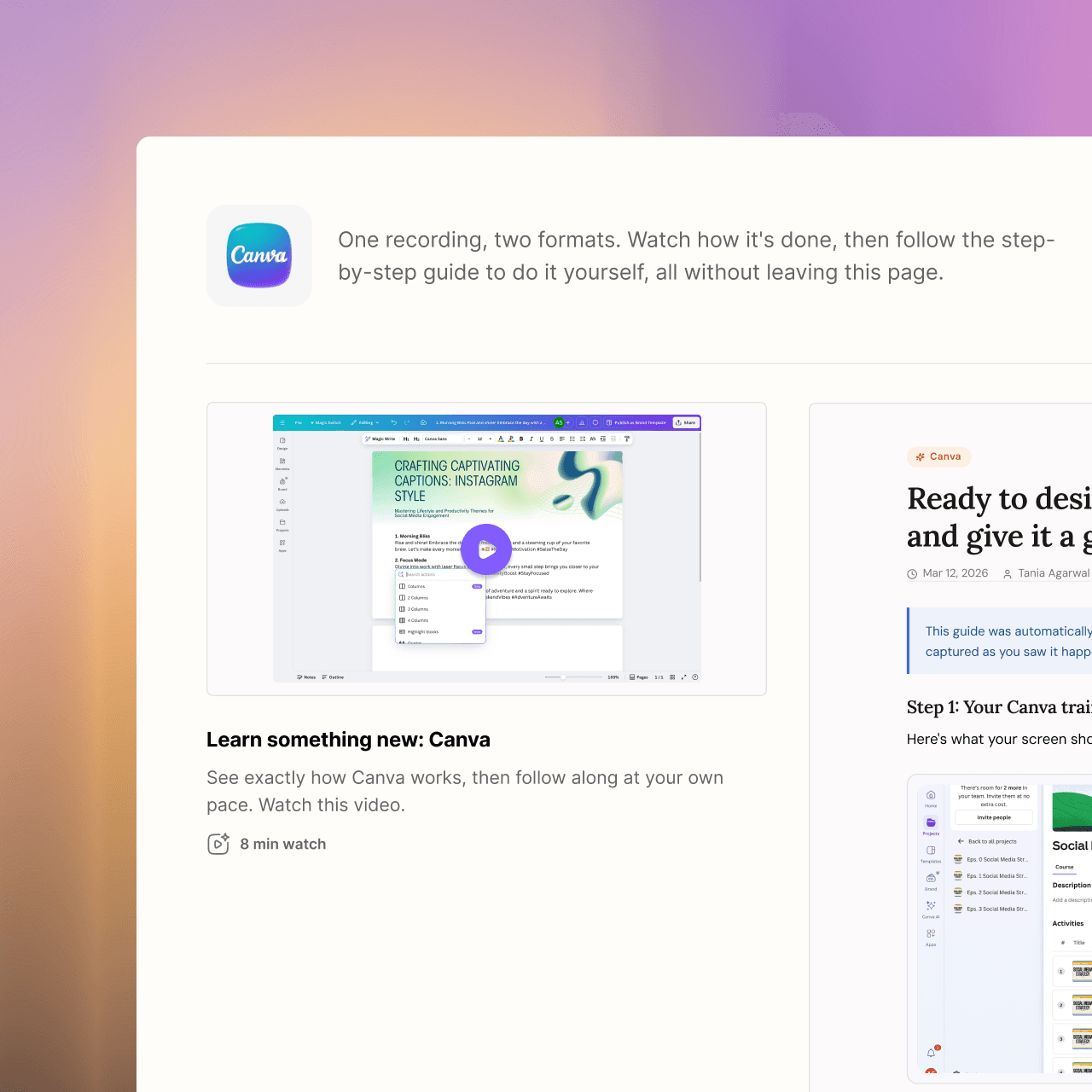
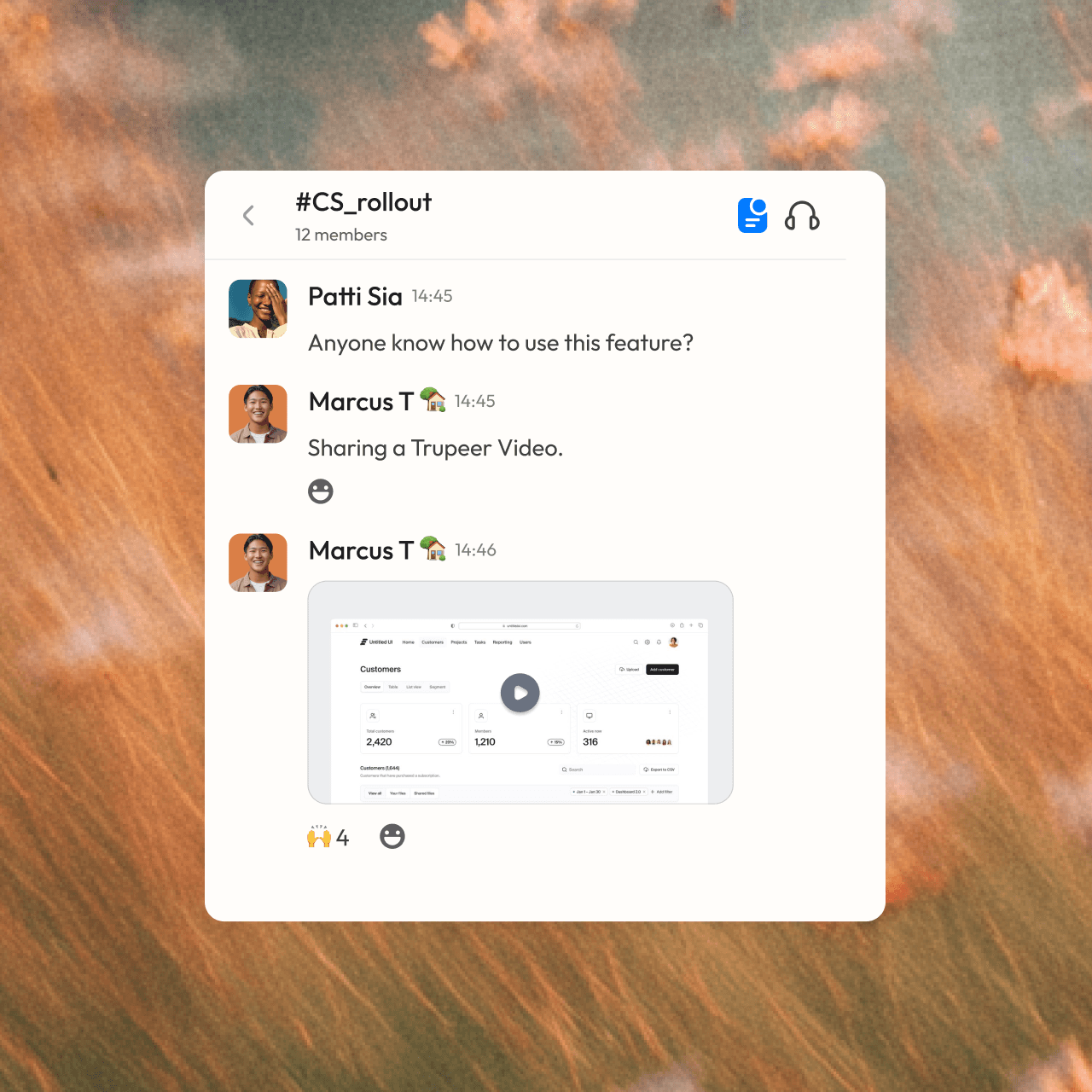

Word een pro
Geen contentmaker? Geen probleem. Druk gewoon op opnemen.




Veelgestelde vragen
1. What's the difference between Synthesia and Trupeer?
Synthesia is built for avatar-led videos: you write a script and an AI presenter delivers it. Trupeer is built for showing how a product or process works: you record your screen, and Trupeer turns it into a polished video with an AI voiceover plus a step-by-step written guide. You can still add an AI avatar in Trupeer if you want a presenter.
2. Which is better for software tutorials and product demos?
Trupeer is designed for this. It works from a real recording of your product, adds auto zooms on every click, writes and narrates the script, and builds a written guide with screenshots at the same time. Synthesia's videos center on the avatar presenter, which suits training talks and announcements more than click-by-click walkthroughs.
3. Can Synthesia create step-by-step documentation?
No. Synthesia produces videos only. Trupeer creates both a video and a step-by-step guide with screenshots from one recording, and keeps them in sync, so when you edit the script, the visuals and guide update too. You can export the guide, embed it, or publish it to your knowledge base.
4. Does Trupeer offer AI avatars like Synthesia?
Yes. You can add a lifelike AI avatar as an on-screen presenter to any Trupeer video, with no camera or filming needed. The avatar works alongside your screen recording, so viewers see both the presenter and the product in action.
5. Can Trupeer translate both videos and written guides?
Yes. Trupeer translates the video, its voiceover and the written guide into 65+ languages. You share one link, and each viewer follows along in their own language, so global teams don't need separate videos and documents for each region.
Andere tools leggen je scherm vast.
Trupeer legt je kennis vast.





Understand how work happens.
Carry it into your next transition.
Start Free Trial
Book a Demo
concurrenten

