Trupeer Blog
Summarise

The most accurate manufacturing work instructions are written from observation, not memory. Filming the task as an experienced operator performs it captures the real sequence, the small checks experts do without thinking, and the details that get lost when someone writes instructions at a desk. This guide explains how to write work instructions from process videos, what every manufacturing work instruction should include, and shows a full example.
What Are Manufacturing Work Instructions?
Manufacturing work instructions are step-by-step documents that tell an operator exactly how to perform one task at one workstation, such as assembling a sub-component, setting up a machine or running a quality inspection. They break a task into numbered actions, usually with a photo or image for each step, and include the tools, materials, safety requirements and quality checks for that task.

Work instructions are more detailed than an SOP. An SOP describes a whole process and who is responsible; a work instruction explains how to perform one task within it. See work instructions vs SOPs for the full comparison. When a work instruction becomes the approved, controlled version that everyone follows, it is often called a standard work instruction.
What Every Manufacturing Work Instruction Should Include
Section | What to include |
|---|---|
Header | Title, document number, version, effective date, owner and approval |
Scope | The task, workstation, product or part numbers it covers |
Tools and materials | Equipment, fixtures, parts and consumables needed before starting |
Safety | PPE, hazards and lockout requirements, placed before the step they apply to |
Steps | Numbered actions, one action per step, each with a photo or screenshot |
Quality checks | Inspection points, tolerances, torque values and acceptance criteria |
Troubleshooting | Common problems and what to do |
Revision history | What changed, when and who approved it |
For a ready-made layout, use the manufacturing work instructions template or, for regulated environments, follow our guide to the ISO-compliant work instruction format.
Why Create Work Instructions From Process Videos?
Accuracy:
The video shows what really happens, including steps experts skip when writing from memory.Speed:
Filming a task takes minutes; writing it from scratch takes hours.Expert knowledge:
Asking the operator to narrate captures why each step matters, not just what to do.Better visuals:
Each step gets an image taken from the real task.Two formats:
Operators can follow the written steps at the station or watch the video work instructions when learning a task for the first time.
How to Write Work Instructions From a Process Video: 7 Steps
Step 1: Choose the task and the right expert
Pick one task, not a whole process, and film the operator who does it best and most consistently. Agree the start and end point of the task before recording.
Step 2: Film the process

Film from the operator’s point of view so viewers see what the operator sees. Keep the camera steady, film close enough to see hands, controls and labels, and ask the operator to say what they are doing and why. Follow site safety rules for filming on the floor. For tasks on screens, such as MES or ERP transactions, use a screen recording instead.
Step 3: Break the video into steps
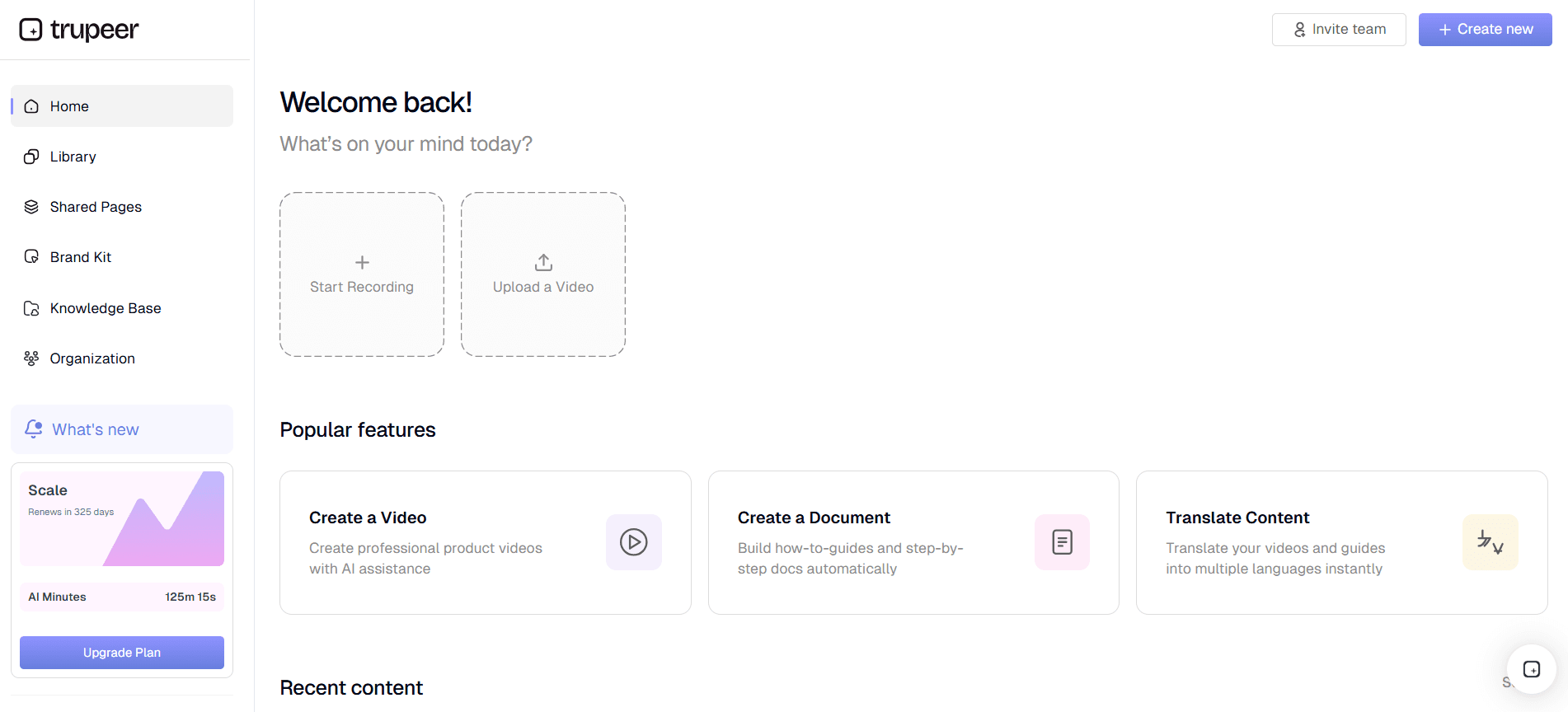
Divide the video into individual actions. Each step should have one action, start with a verb, and have a clear image from the video. With Trupeer, upload the video or record your screen, then click Generate AI Content to get a step-by-step guide with a screenshot for each step and a polished video.
Step 4: Add what the video does not show

Add the tools and materials list, safety requirements, torque values, tolerances, inspection criteria and part numbers. Annotate images with arrows and labels, and blur anything sensitive.
Step 5: Review with the operator and process owner
Have a different operator follow the draft at the workstation while the expert watches. Fix anything unclear, then get sign-off from the process owner and quality.
Step 6: Translate for multilingual teams

Translate the instruction and the video for operators who work in other languages. Learn more about translation.
Step 7: Publish at the point of use and keep it current

Publish the instruction where operators can reach it at the workstation, such as a tablet, terminal or a searchable knowledge base. Export to PDF or Word for your document control system if needed. Review it after every change to the product, equipment or process, and record each change in the revision history.
Manufacturing Work Instructions Example: Bracket Assembly
Here is a short assembly work instruction example created from a process video.

Title:
WI-112 Bracket assembly to base plate, version 3Scope:
Assembly station 4, part numbers BP-200 and BR-45Tools and materials:
Torque driver set to 8 Nm, four M6 bolts, alignment fixtureSafety:
Safety glasses and cut-resistant gloves required
Place base plate BP-200 in the alignment fixture with the label facing up.
Position bracket BR-45 over the four holes so the slot faces the front edge.
Insert four M6 bolts by hand, starting with the two front bolts.
Tighten bolts in a cross pattern to 8 Nm using the torque driver.
Check the bracket is flush with the plate; there should be no visible gap.
Apply the green inspection mark and move the assembly to the outbound rack.
Quality check: If the bracket is not flush after torquing, loosen all bolts, re-seat the bracket in the fixture and repeat steps 3 and 4. For a fill-in version, use the assembly work instructions template.
Best Practices for Manufacturing Work Instructions
One task per instruction, and one action per step
Start each step with a verb, such as place, insert, tighten or check
Put safety warnings before the step they apply to, not at the end
Use the exact names and part numbers on the parts and equipment
Show, do not just tell: a clear image or short clip for every step
Keep instructions at the workstation, not in a binder in the office
Use visual work instructions for operators who work in different languages
Common Mistakes to Avoid
Writing from memory instead of watching the task
Combining several tasks into one long instruction
Leaving out torque values, tolerances or acceptance criteria
Publishing without testing the instruction with another operator
Not updating instructions after equipment or product changes
How Zetwerk transformed sales and ops onboarding across 20+ countries
Zetwerk, a manufacturing company with distributed teams across geographies, has to train every new employee on many internal tools, including ERPs. One-to-one demo calls and one-off questions didn’t scale across operations, HR and finance.
With Trupeer AI, every team creates onboarding videos and guides for its own tools, and those videos replace repeated calls. Zetwerk also uses Trupeer AI for new feature intros and customer support, with automatic translation for clients who speak Spanish, German and other languages.
Zetwerk cut video production costs by 90%, improved time to onboarding by 50% and now produces content in 5+ languages, generating 10x more content in the same time.
“Knowledge transfer across hundreds of tools is a hassle. Trupeer helps us fix that at scale - with rich videos and guides that live forever.”
— Shubham Sadavat, GM - Product Strategy & Operations, Zetwerk
Final Thoughts
Creating manufacturing work instructions from process videos gives you instructions that match how the work is really done. Film one task with your best operator, turn it into clear steps with images, add safety and quality details, test it on the floor, and publish it where operators work. For more on digitizing documentation, see how to digitize manufacturing SOPs.
Frequently Asked Questions
What are manufacturing work instructions?
Step-by-step documents that tell an operator exactly how to perform one task at one workstation, with numbered actions, images, tools, safety requirements and quality checks.
How do you write work instructions?
Observe or film the task, break it into one action per step, add an image for each step, include tools, safety and quality checks, test it with another operator and get sign-off.
What should a work instruction include?
A header with version and approval, scope, tools and materials, safety requirements, numbered steps with images, quality checks, troubleshooting and revision history.
What is the difference between a work instruction and an SOP?
An SOP describes a whole process and who is responsible. A work instruction explains exactly how to perform one task within that process.
What are standard work instructions?
The approved, controlled version of a work instruction that every operator follows, used to reduce variation and keep quality consistent.
Can you create work instructions from a video?
Yes. Film the task, break the video into steps with an image for each, and add the safety and quality details the video does not show. Tools like Trupeer generate a step-by-step guide from a recording.
How do you film a process for work instructions?
Film from the operator’s point of view, close enough to see hands and controls, with the operator explaining each step, and follow site safety rules.
How often should work instructions be updated?
Whenever the product, equipment, materials or process changes, and at a scheduled review, such as once a year.