Trupeer Blog
Opsummer

The Salesforce rollout went live on time and on budget. Six months later, the pipeline report still doesn't match what sales managers hear in their one-to-ones, half the team logs activities on Friday afternoons from memory, and the forecast lives in a spreadsheet again. The system works. People just aren't using it the way it was designed.
That's a user adoption problem, and it's the most common reason Salesforce investments underdeliver. A Salesforce user adoption strategy treats adoption as its own workstream, with clear goals, manager involvement, role-based training, in-the-flow help and measurement. This guide explains why Salesforce user adoption fails, a nine-step Salesforce user adoption strategy, the training formats that change behaviour and how to measure progress.
What is a Salesforce user adoption strategy?
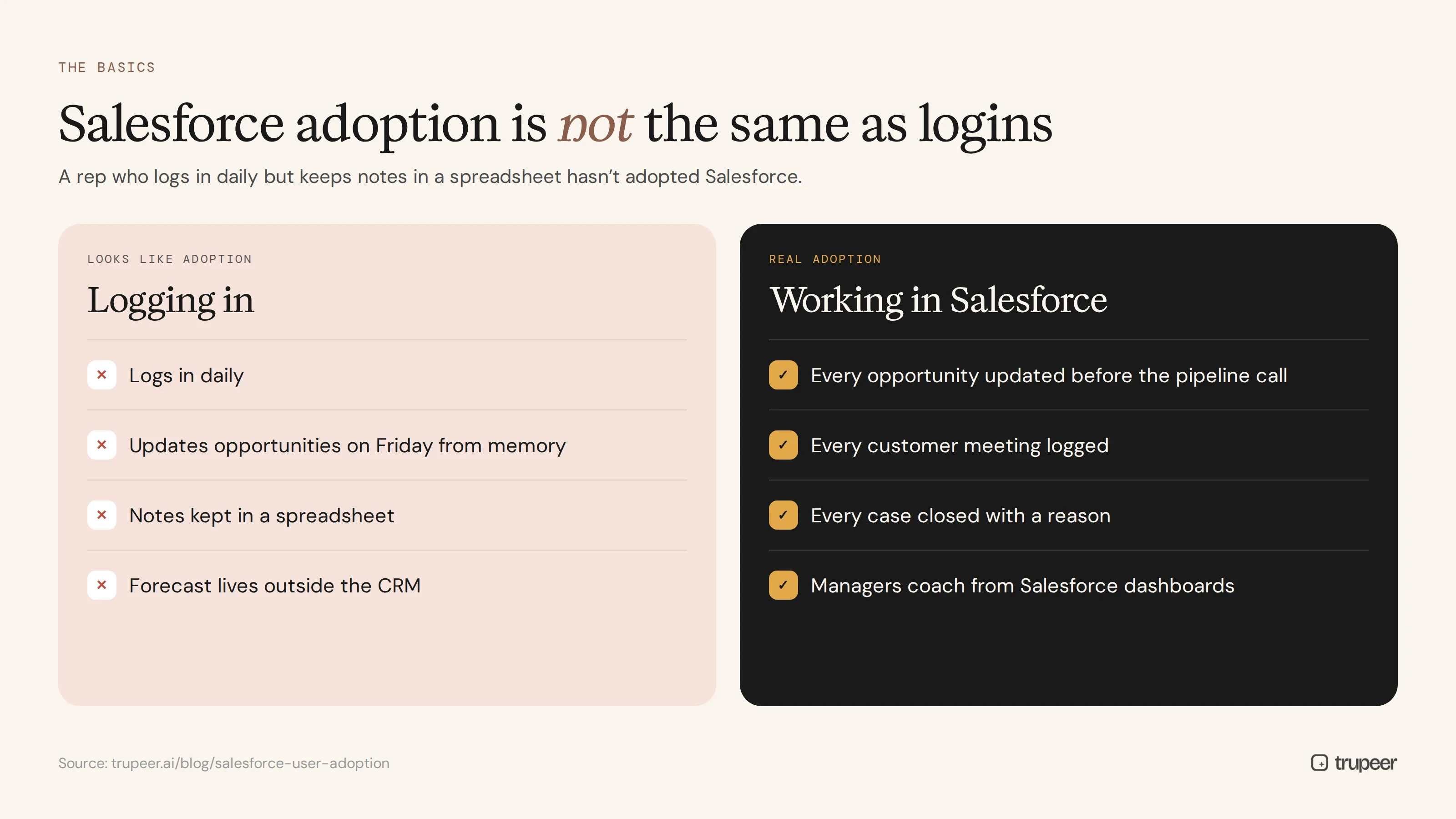
A Salesforce user adoption strategy is a plan to make sure the people who are meant to use Salesforce actually use it, consistently and correctly, as part of their daily work. It covers what good usage looks like, how users are trained and supported, how managers reinforce the right habits and how adoption is measured and improved over time.
Adoption isn't the same as logins. A rep who logs in daily but keeps notes in a spreadsheet hasn't adopted Salesforce. For the broader principles that apply to any system, see our software adoption strategy guide.
Why does Salesforce user adoption fail?
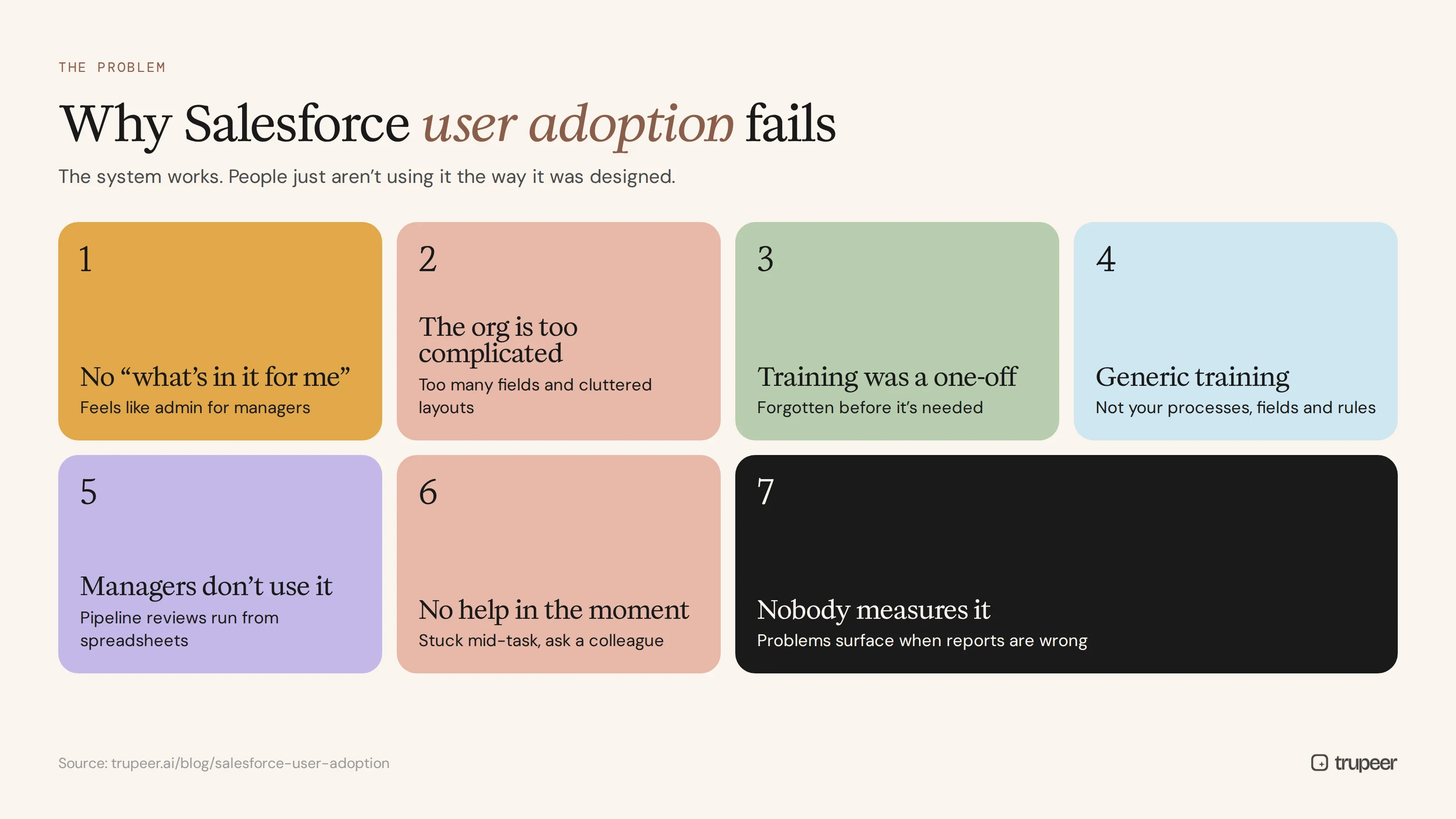
Users don't see what's in it for them. If Salesforce feels like admin for managers, reps work around it.
The org is too complicated. Too many fields, required data with no obvious purpose and cluttered page layouts slow people down.
Training was a one-off. A session before go-live is forgotten by the time people need to do something unusual.
Generic training. Trailhead modules and vendor demos don't show your own processes, fields and rules.
Managers don't use it. If pipeline reviews run from spreadsheets, reps learn that Salesforce data doesn't matter.
No help in the moment. When people get stuck mid-task, there's nothing to turn to except a colleague.
Nobody measures it, so problems surface only when reports are wrong.
Salesforce user adoption strategy: 9 steps
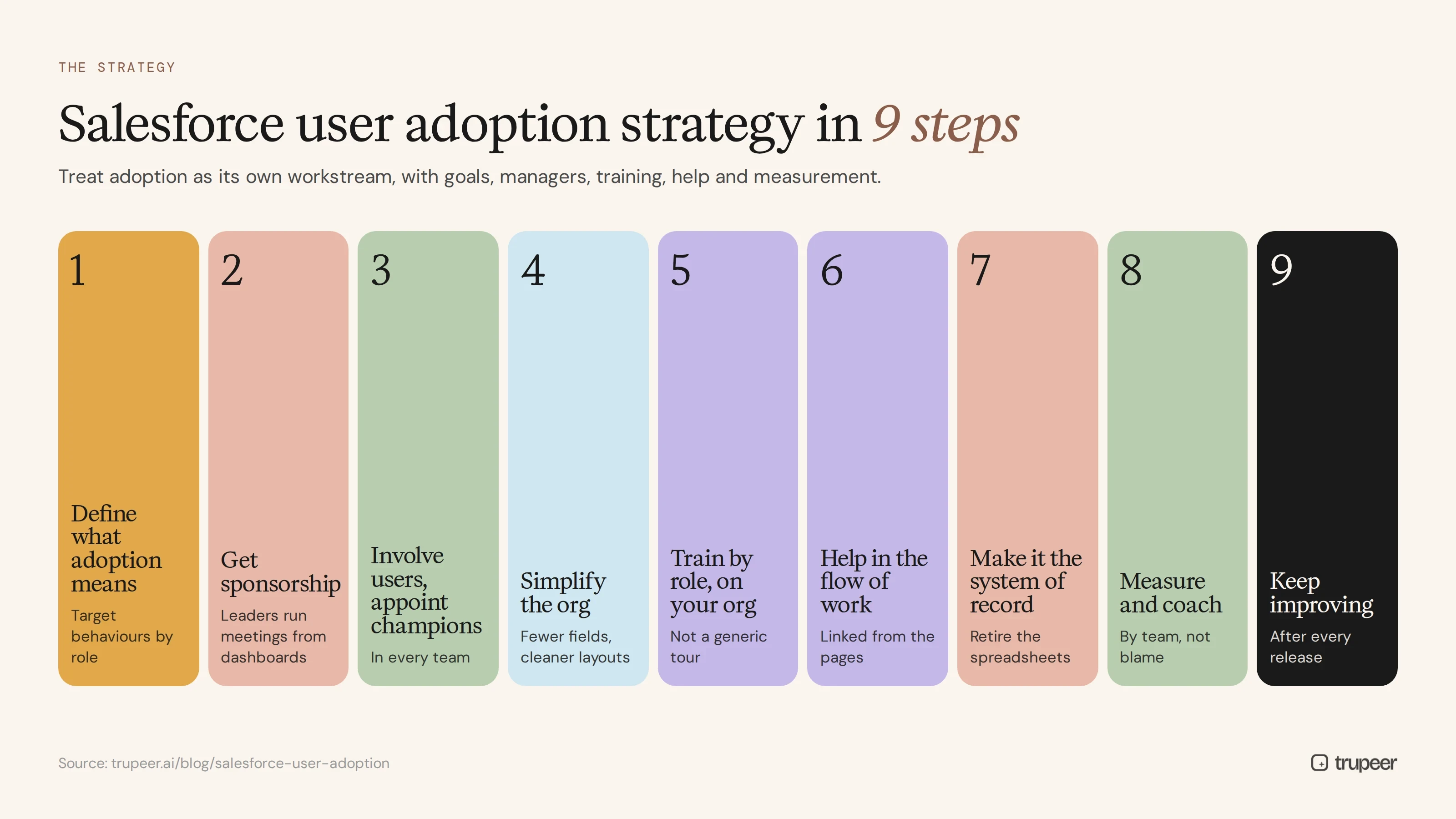
1. Define what adoption means
Agree the behaviours you need, by role: for example, every opportunity updated before the weekly pipeline call, every customer meeting logged, every case closed with a reason. Clear behaviours make adoption measurable.
2. Get executive and manager sponsorship
Leaders should run their meetings from Salesforce dashboards and reports. When managers coach from Salesforce data, reps update it.
3. Involve users and appoint champions
Bring reps, service agents and managers into design decisions, and appoint champions in each team who test changes, answer questions and feed back what isn't working.
4. Simplify the org
Remove unused fields, trim page layouts, make only truly necessary fields required and automate data entry where you can. Every click you remove makes adoption easier.
5. Train by role, on your own org
Build role-based training that shows exactly how each role does its daily tasks in your Salesforce, not a generic tour. See Salesforce training beyond Trailhead for how to go further than standard modules.

6. Put help inside the flow of work
Give people help at the moment they need it: short videos, step-by-step guides and in-app prompts linked from the pages where tasks happen. See how to use Salesforce in-app guidance.

7. Make Salesforce the system of record
Retire the spreadsheets and side trackers it replaces. If forecasting, commissions and reviews come from Salesforce, using it stops being optional.
8. Measure adoption and coach
Track usage and data quality by team and role, and use the gaps to target coaching rather than blame.
9. Keep improving after go-live
Collect feedback, fix friction points, update training when the org or a Salesforce release changes something, and celebrate teams that adopt well.
How should a Salesforce user adoption strategy differ by role?
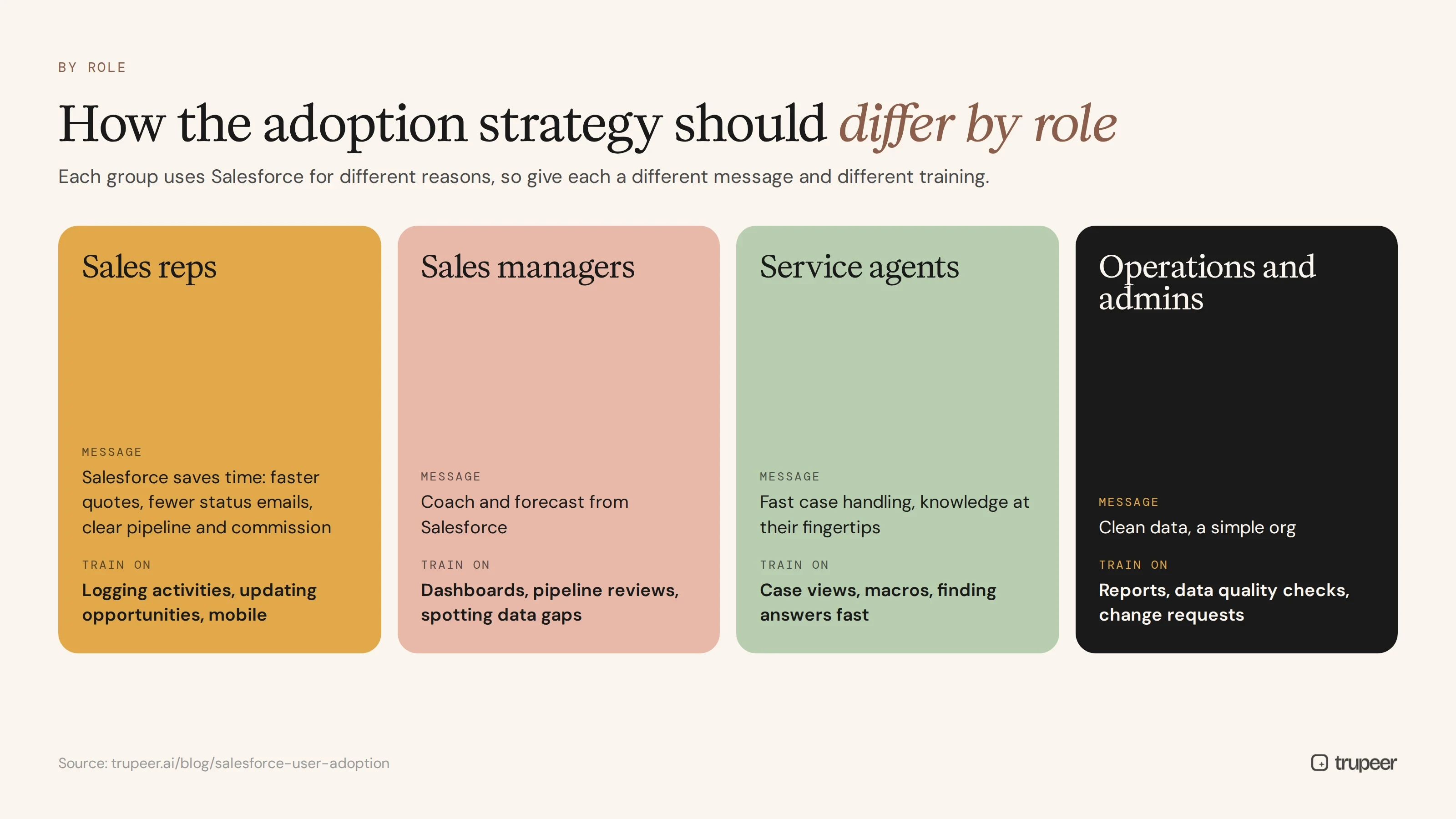
Each group uses Salesforce for different reasons, so your Salesforce user adoption strategy should give each one a different message and different training:
Sales reps need to see that Salesforce saves them time: faster quotes, fewer status emails and a clear view of their pipeline and commission. Focus training on logging activities, updating opportunities and using mobile.
Sales managers need to coach and forecast from Salesforce. Train them on dashboards, pipeline reviews and spotting data gaps early.
Service agents need fast case handling and knowledge at their fingertips. Train them on case views, macros and finding answers quickly.
Operations and admins need to keep data clean and the org simple. Give them guides for reports, data quality checks and change requests.
A sales training guide template helps structure role-based training for sales teams.
What training drives Salesforce user adoption?
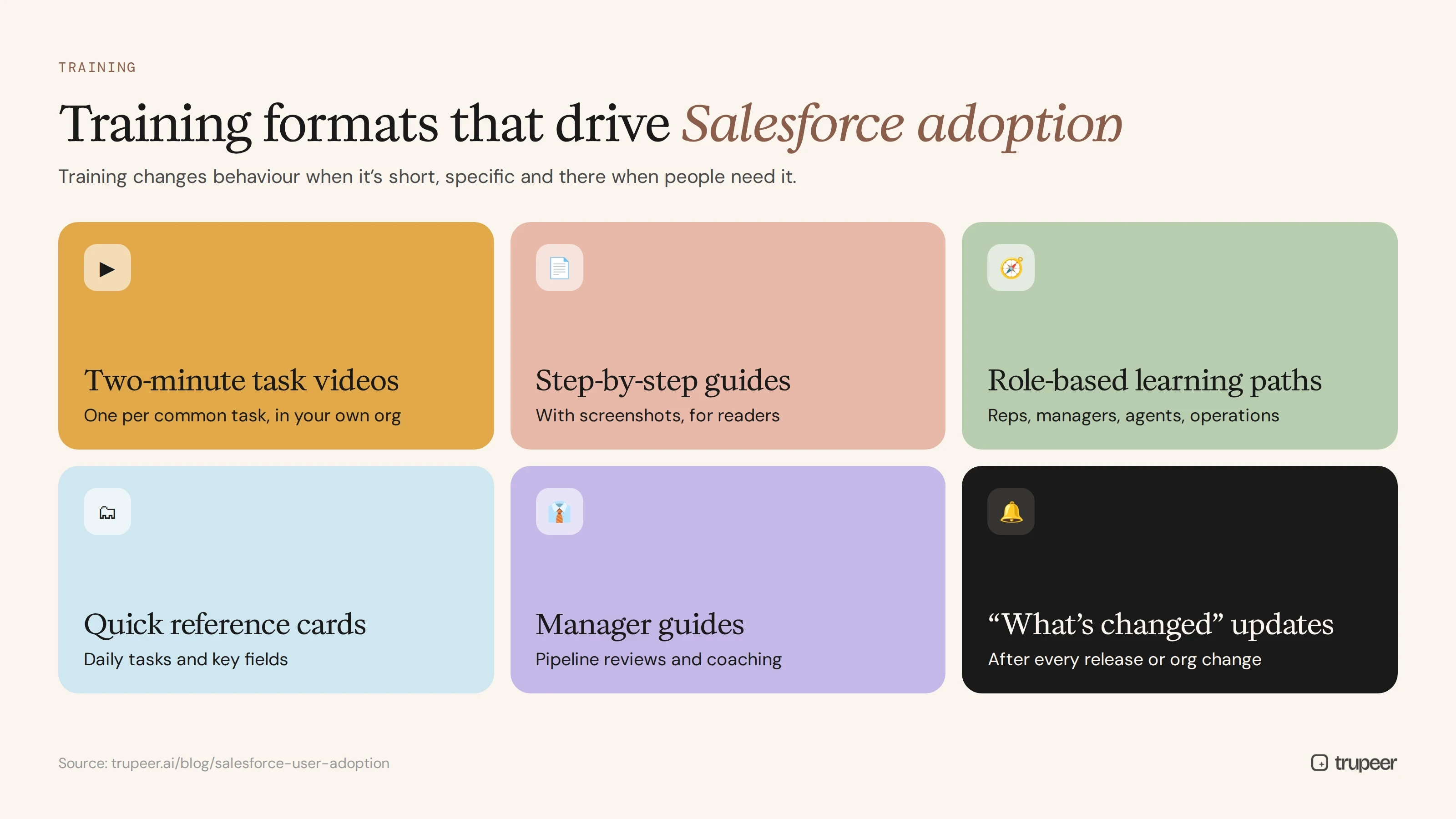
Training changes behaviour when it's short, specific and available when people need it:
Two-minute task videos for each common task, recorded in your own org.
Step-by-step guides with screenshots for people who prefer to read.
Role-based learning paths for reps, managers, service agents and operations.
Quick reference cards for daily tasks and key fields.
Manager guides on running pipeline reviews and coaching from Salesforce.
"What's changed" updates after every release or org change.
Video works especially well for sales teams who won't read long manuals; see the CRM adoption video strategy.
How do you create Salesforce adoption training quickly?
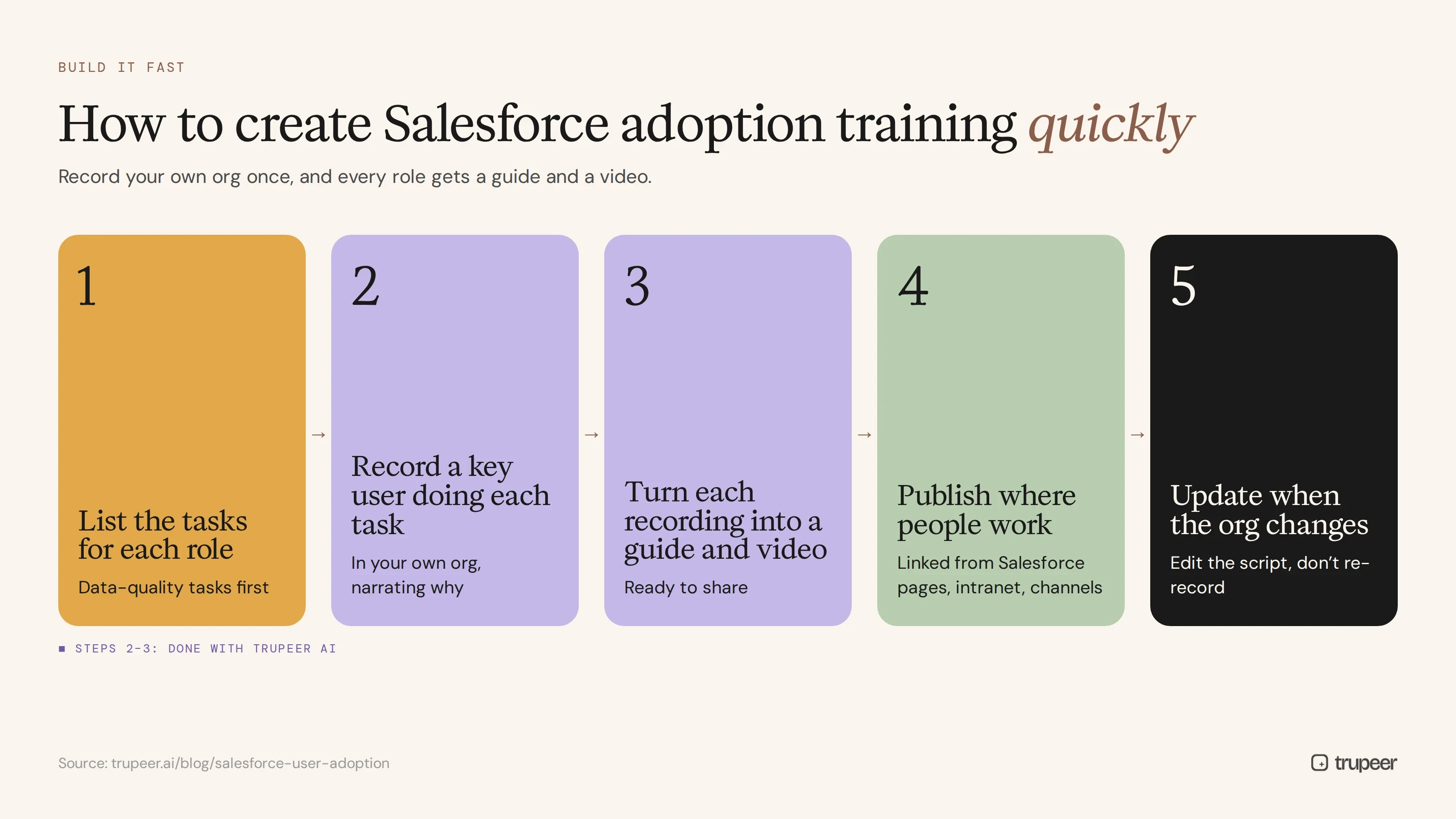
List the tasks for each role, starting with the ones that matter most for data quality.
Record a key user doing each task in your org with Trupeer's AI screen recorder, narrating why each step matters.
Turn each recording into a guide and video with Trupeer, ready to share.
Publish where people work, linked from Salesforce pages, your intranet and team channels.
Update quickly when the org changes, by editing the script rather than re-recording; see how to update a training video without re-recording.
Good adoption training starts from good documentation of how the org is meant to work; see Salesforce implementation documentation.
How do you measure Salesforce user adoption?
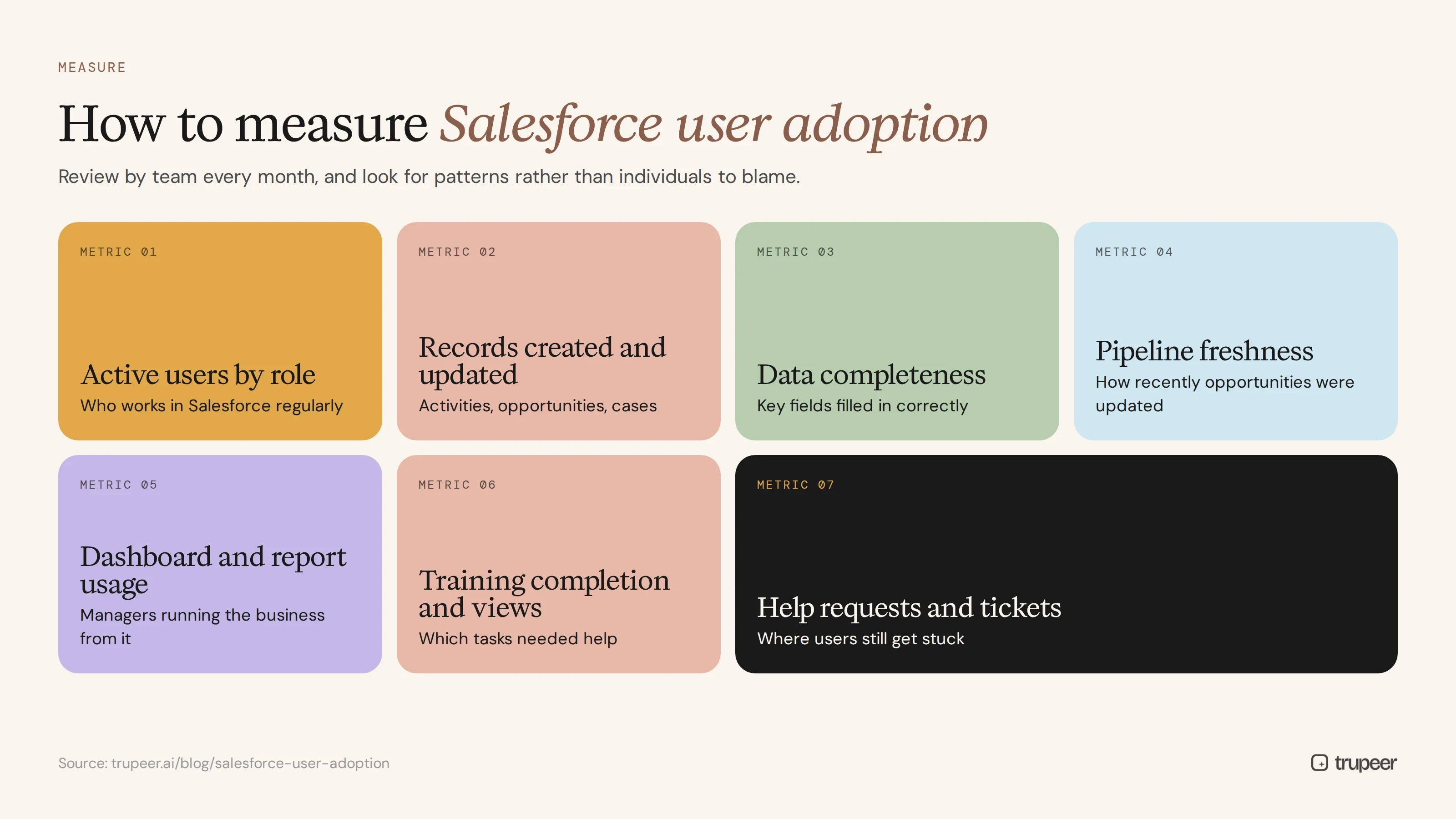
Metric | What it shows |
|---|---|
Active users by role | Who is logging in and working in Salesforce regularly |
Records created and updated | Whether activities, opportunities and cases are being recorded |
Data completeness | Whether key fields are filled in correctly |
Pipeline freshness | How recently opportunities were updated |
Dashboard and report usage | Whether managers run the business from Salesforce |
Training completion and views | Which tasks people needed help with |
Help requests and tickets | Where users still get stuck |
Review these by team every month, and look for patterns rather than individuals to blame.
Change management for Salesforce adoption
Salesforce adoption is a change management challenge as much as a training one. Explain why the change matters, show early wins, involve managers as coaches and support people through the dip in productivity that comes with any new system. Models such as ADKAR help structure this; see the change management process guide.
Salesforce user adoption strategy checklist
Target behaviours are defined for each role.
Leaders and managers run meetings from Salesforce.
Champions are named in every team.
The org has been simplified, with only necessary required fields.
Role-based training is built on your own org.
Help is linked from the Salesforce pages where tasks happen.
Spreadsheets and side trackers have been retired.
Adoption and data quality are measured monthly by team.
Training is updated after every release and org change.
Common Salesforce user adoption mistakes
Treating go-live as the finish line.
Measuring logins instead of the behaviours that matter.
Overbuilding the org with fields and rules nobody needs.
Relying only on generic training.
Letting managers stay in spreadsheets.
Ignoring feedback from the people who use Salesforce every day.
Improve Salesforce user adoption with Trupeer

Trupeer supports every stage of your Salesforce user adoption strategy. It turns recordings of your own Salesforce org into short training videos and step-by-step guides for every role, so help is always one click away and stays current as your org changes. See Trupeer's product adoption software or start free with Trupeer.
Frequently asked questions
What is a Salesforce user adoption strategy?
It's a plan to make sure people use Salesforce consistently and correctly in their daily work, covering goals, sponsorship, training, in-the-flow help, measurement and continuous improvement.
Why do users resist Salesforce?
Usually because it feels like extra admin, the org is too complex, training was generic or one-off, managers don't use it and there's no help when people get stuck.
How do you increase Salesforce adoption?
Define the behaviours you need, get managers to run their meetings from Salesforce, simplify the org, train by role on your own org, put help inside the flow of work, retire spreadsheets and measure usage.
How do you measure Salesforce user adoption?
Track active users by role, records created and updated, data completeness, pipeline freshness, dashboard usage, training views and help requests.
What role do managers play in Salesforce adoption?
A big one. When managers coach and run reviews from Salesforce data, reps keep it up to date; when managers use spreadsheets, adoption drops.
Is Trailhead enough for Salesforce user training?
Trailhead is useful for general Salesforce skills, but users also need training on your own org, processes and fields, which generic modules can't provide.
How do you keep users engaged after go-live?
Keep training current, share quick tips after each release, use champions, act on feedback and recognise teams that use Salesforce well.
How long does Salesforce adoption take?
It depends on the scope of change, but plan for adoption support well beyond go-live, with regular measurement and refresher training through the first year.
Related Blogs



