vs

Vytvořte profesionální demo video & dokumentaci během minut
Začít
Objednat demo
Podívejte se, proč je Trupeer tou nejchytřejší volbou oproti Loom

Objevte Trupeer
Co pro vás může Trupeer udělat
" transform="translate(2 2)" width="59.5px"/></svg>)
Video
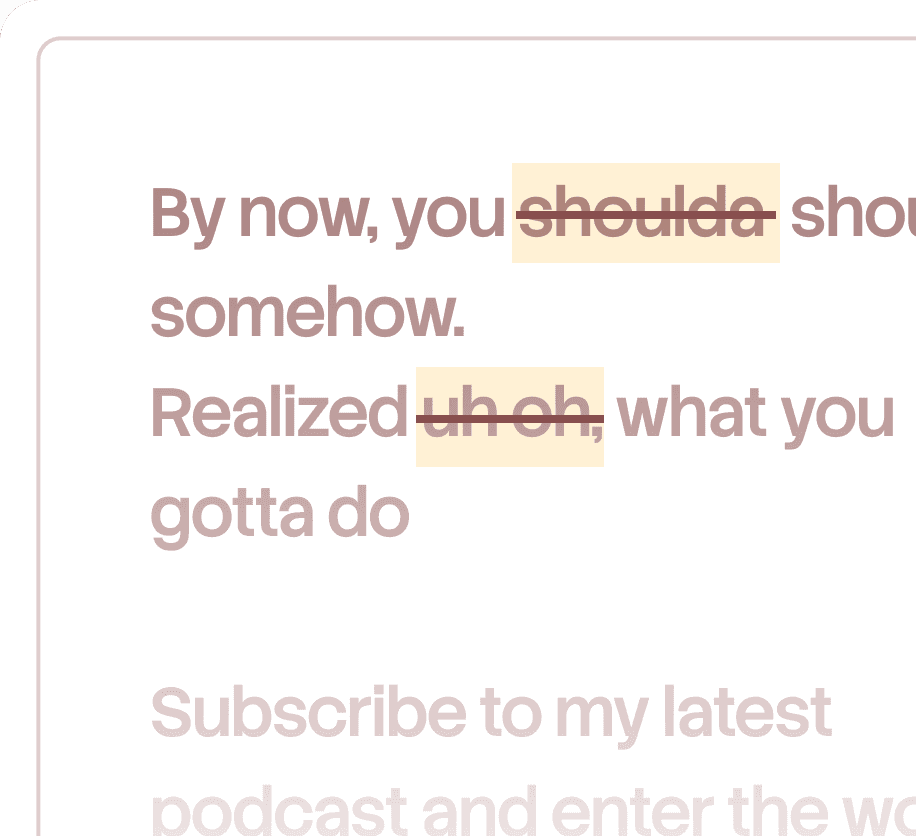
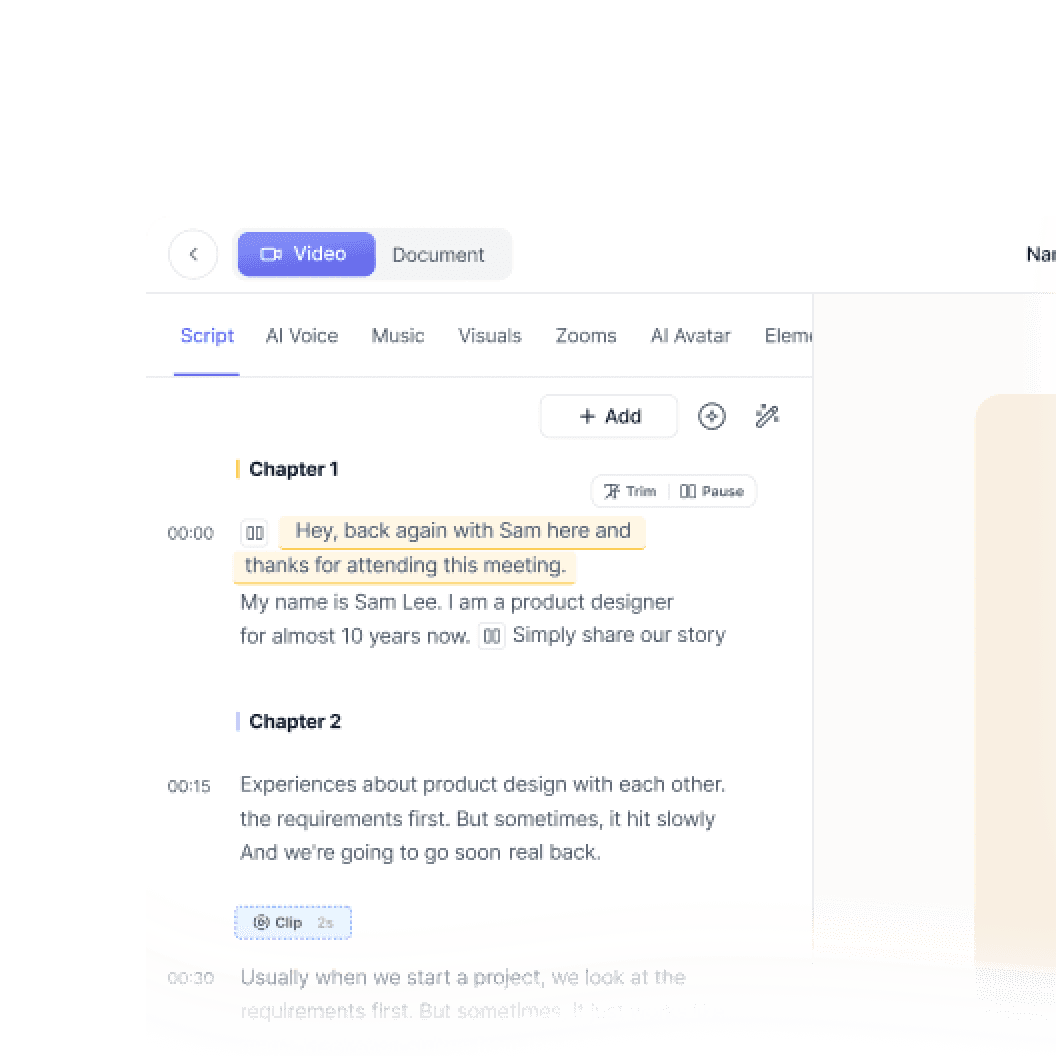
Videa v kvalitě studia z jakéhokoli záznamu obrazovky

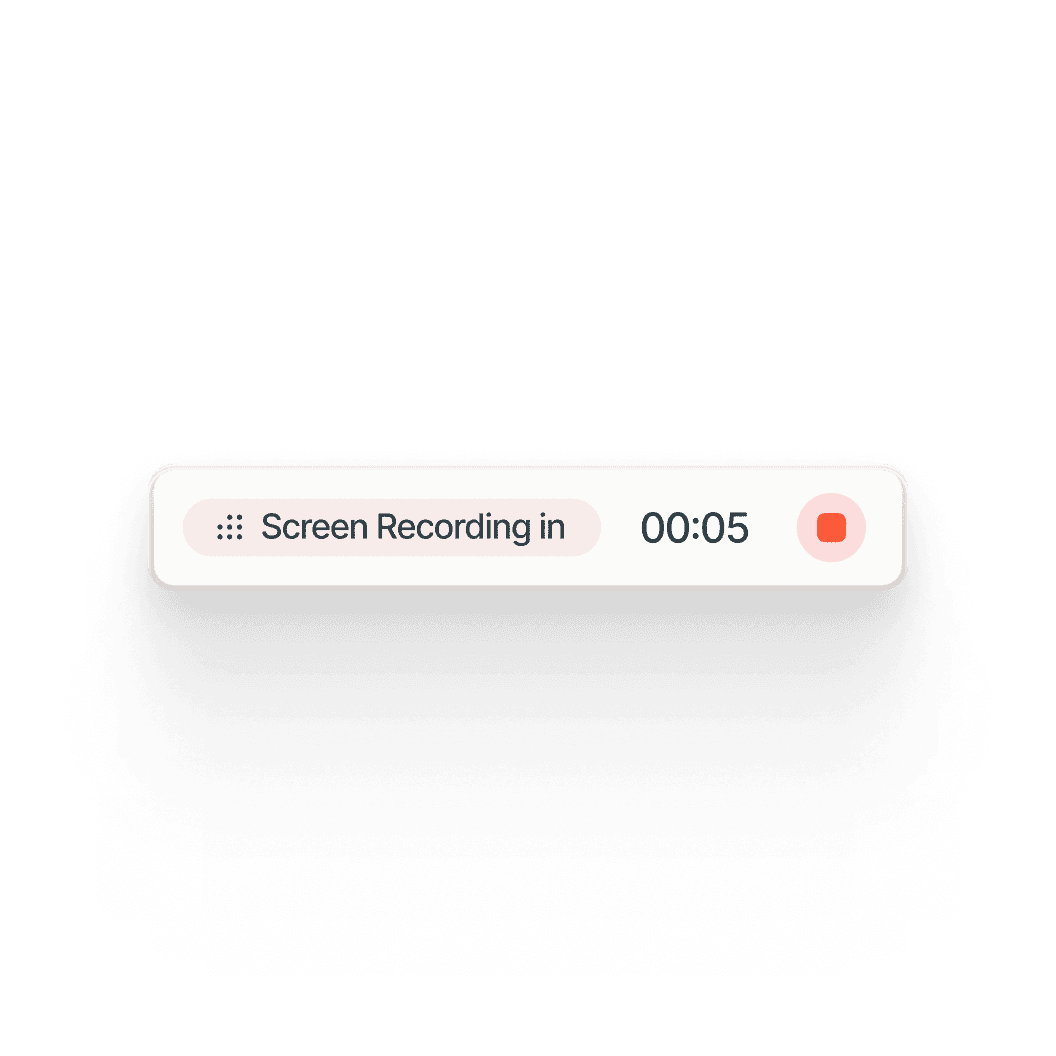
Recording screen

Překlad
Videa a dokumenty ve 65+ jazycích, automaticky


Product Demo
How to Install Claude Code
This quickstart guide shows you how to set up and deploy your documentation site in minutes. After completing this guide, you will have a live documentation site ready to customize and expand.
Select

Russian
German

Estonian

Japanese

Chinese

Hindi

Dokumentace
Okamžitě automaticky vygenerujte manuály, SOP a dokumentaci

Documents
Navigating the HubSpot Ecosystem
Heading 1
B
/
Navigating the HubSpot Ecosystem
Role ->
Marketing Coordinator
Module ->
Initial System Setup & Orientation
Time to Complete ->
45 minutes
Introduction to the Portal
Welcome to the team! Our HubSpot portal is the "Single Source of Truth" for all customer interactions. This guide will help you set up your workspace to match the team's standards.

Databáze znalostí
Vyhledávatelná databáze znalostí pro celý váš tým

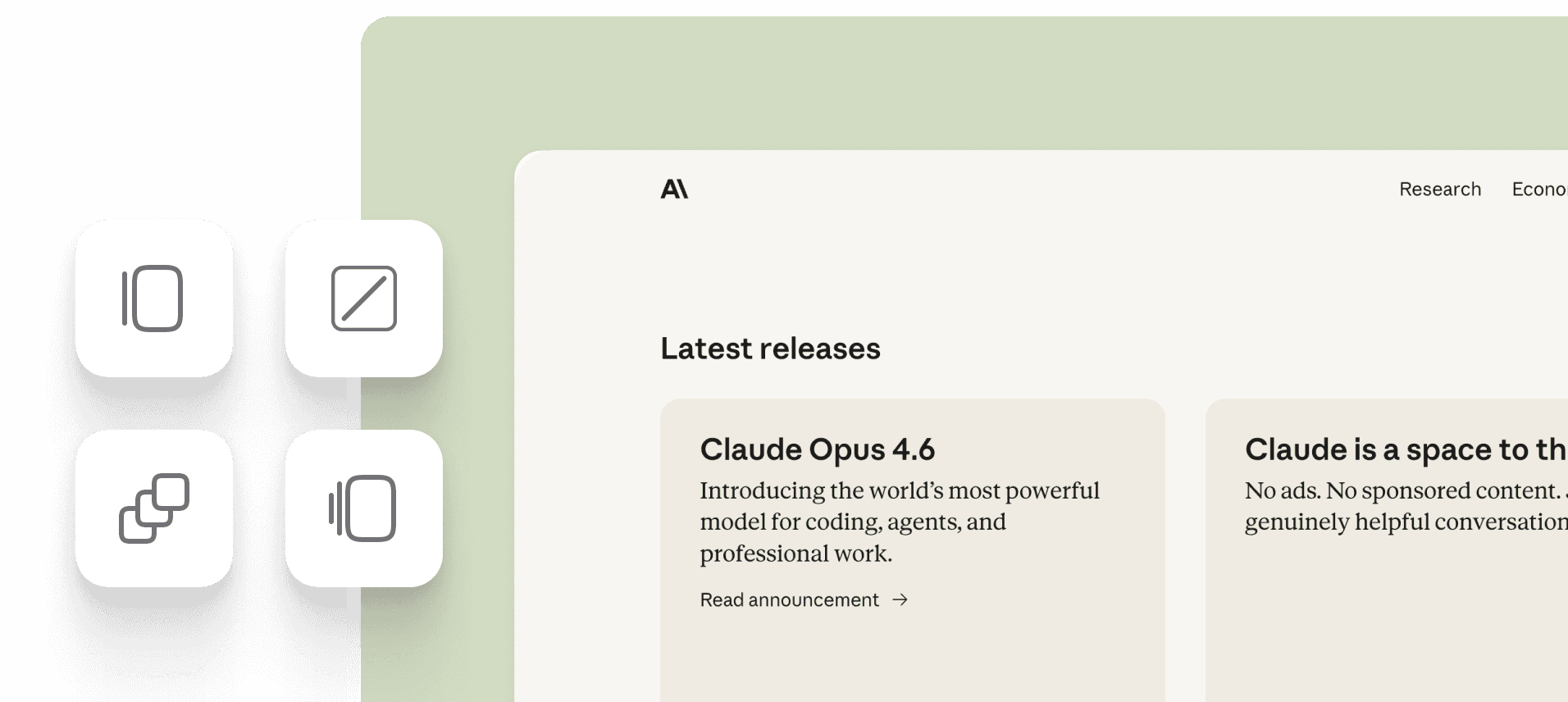
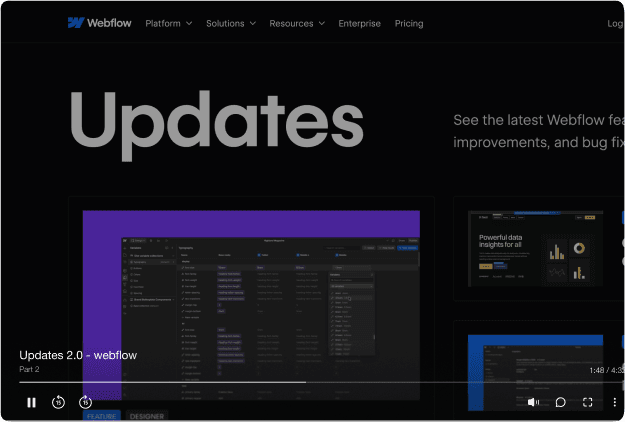
Webflow
Get started
Introduction
Quick start
Library
Notes
Configuration
Global settings
Pages
Navigation
Themes
Search Knowledge Base
Introduction
Welcome to Webflow Knowledge Base
This quickstart guide shows you how to set up and deploy your documentation site in minutes. After completing this guide, you will have a live documentation site ready to customize and expand.

Jeden nástroj.
Více scénářů použití, než jsme čekali.
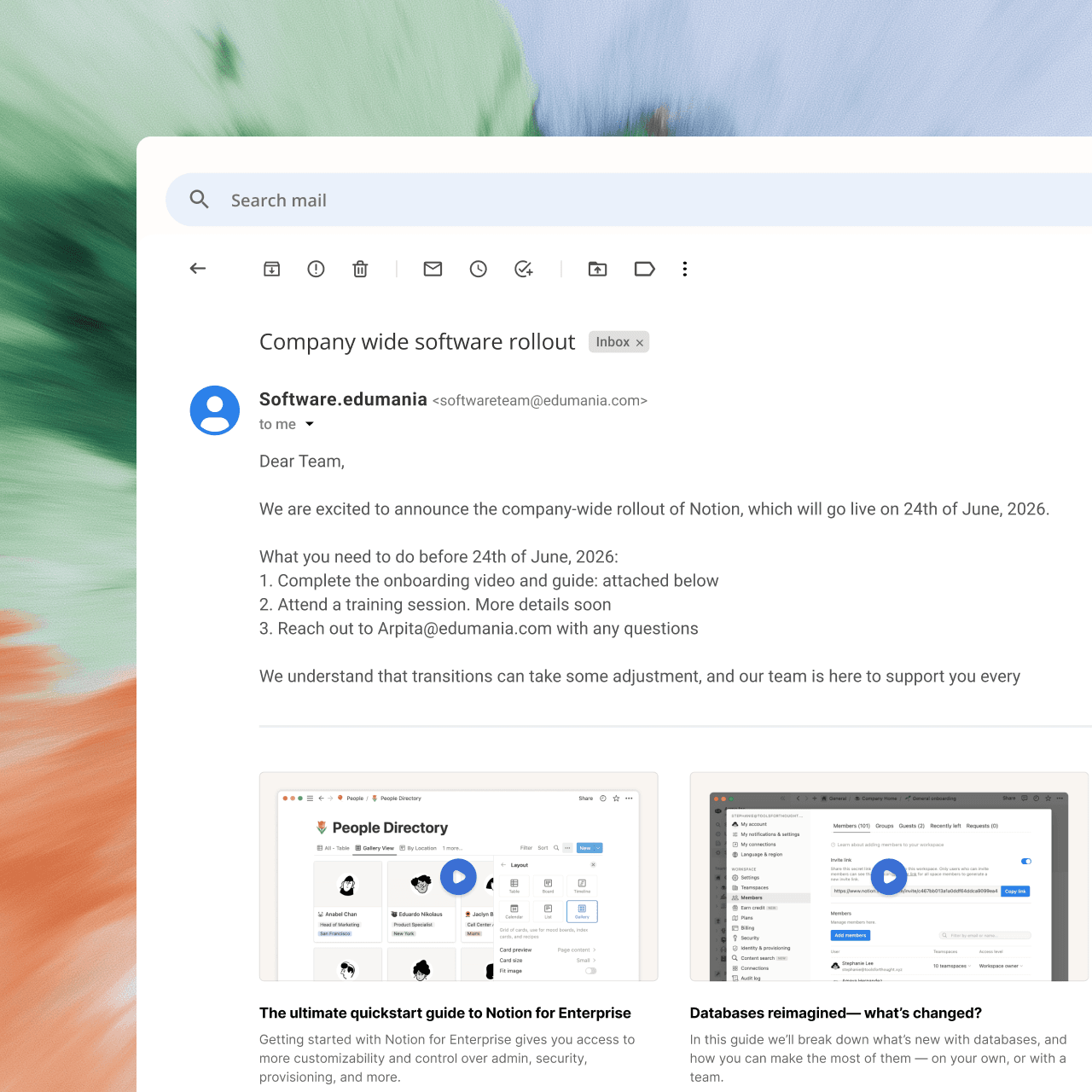
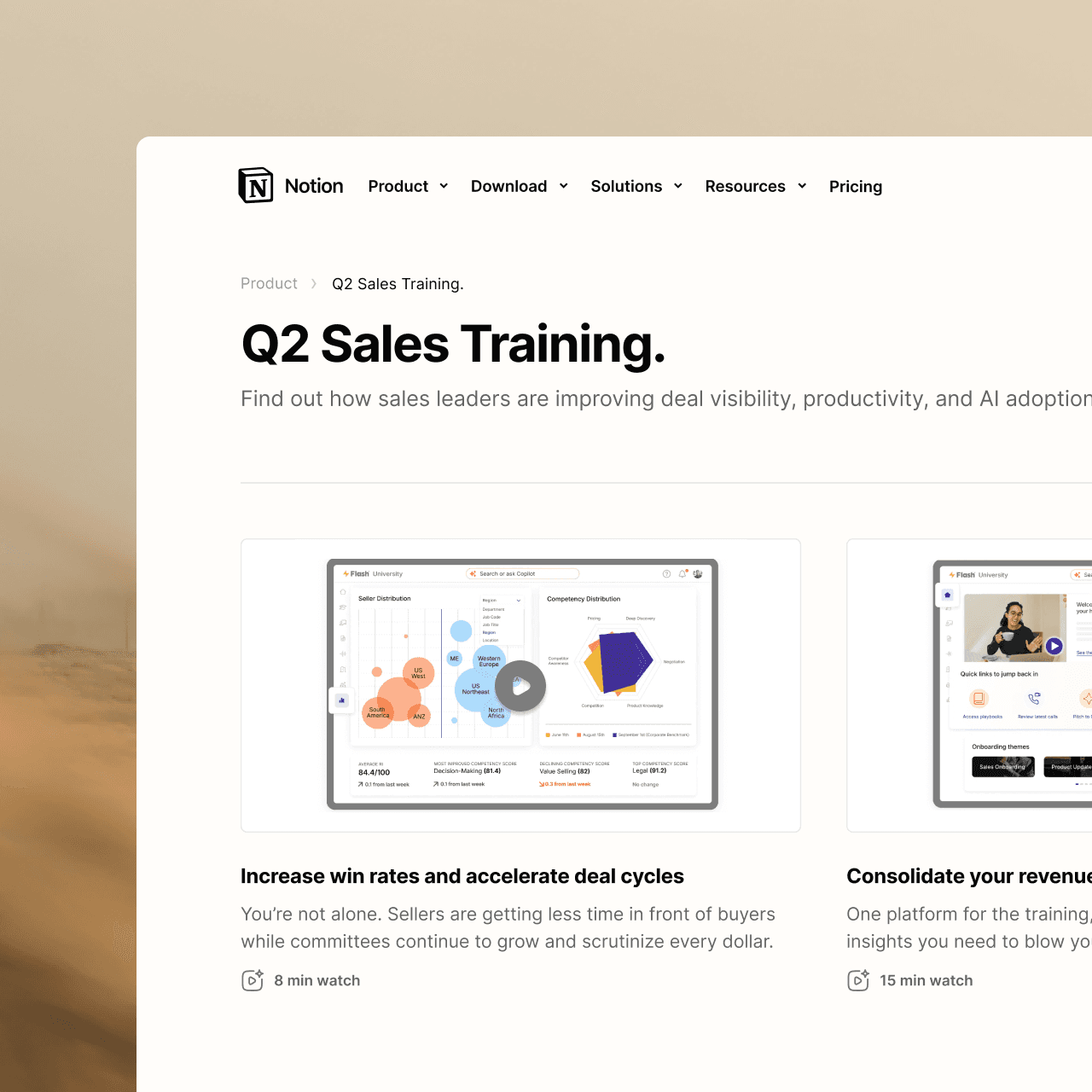
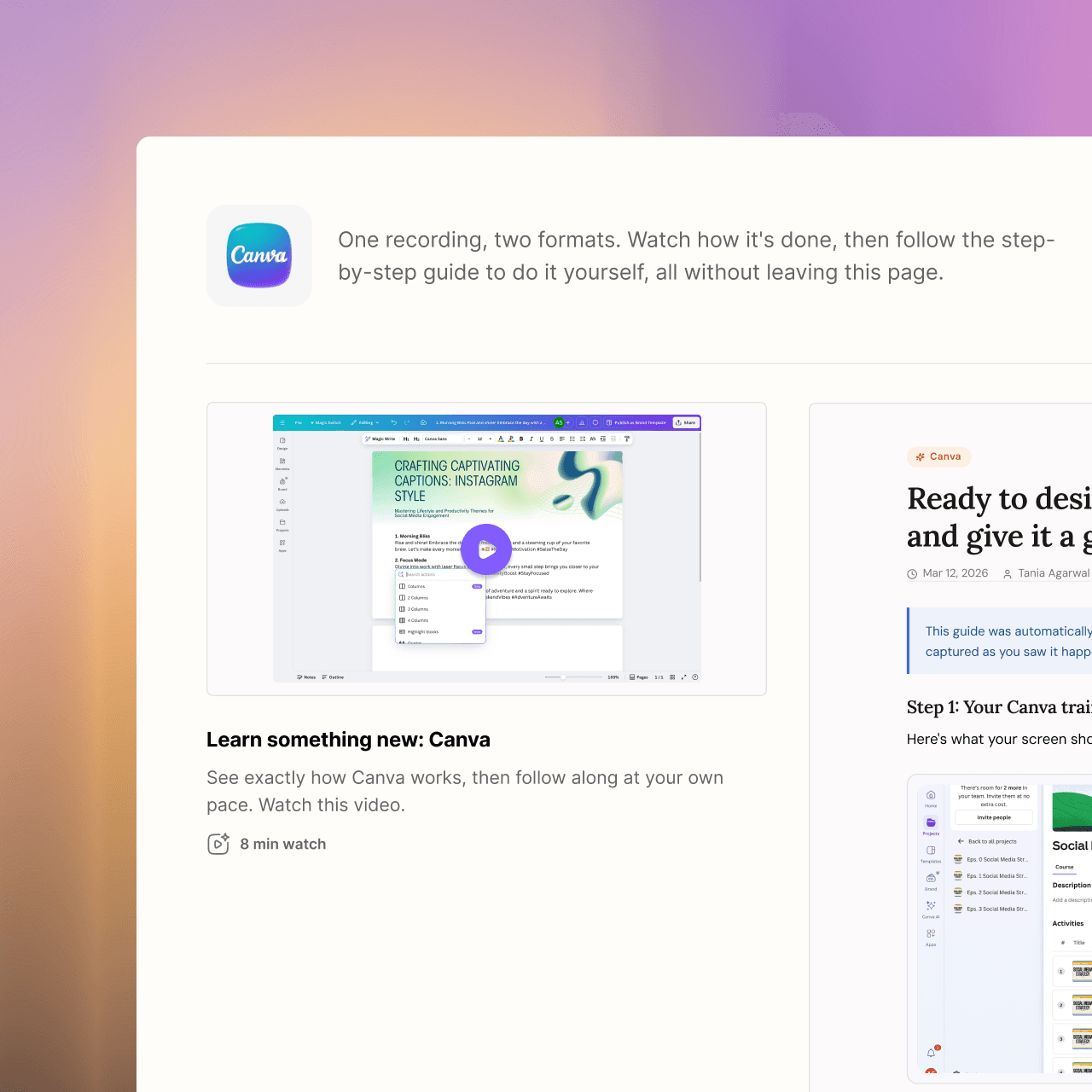
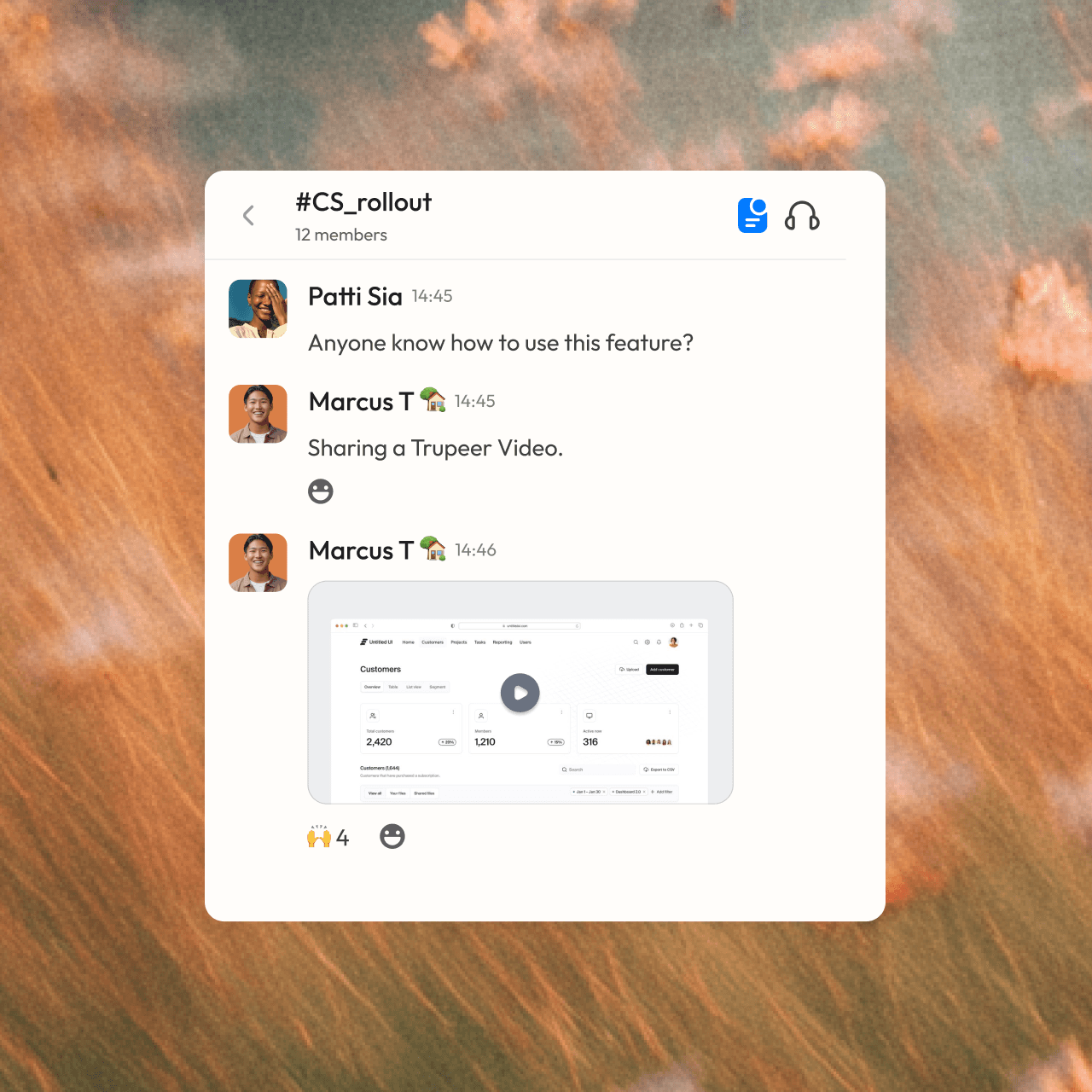

staňte se profíkem
Nejste člověk na obsah? Žádný problém. Stačí stisknout záznam.




Často kladené dotazy
1. What's the main difference between Guidde and Trupeer?
Guidde captures your clicks as individual steps and builds a guide and video from them. Trupeer keeps your full screen recording, adds auto zooms and an AI voiceover, and lets you edit the video by editing its script. You get a studio-quality video and a step-by-step guide from the same recording.
2. Can Trupeer turn a PDF or slide deck into a video?
Yes. With Doc to Video, you upload a PPT, PPTX, DOC, DOCX or PDF, and Trupeer writes a script for each slide, narrates it, and builds the video. You can then brand it, translate it or add an avatar in the same editor you use for screen recordings. Doc to Video is available on Enterprise plans.
3. How many languages does Trupeer support compared to Guidde?
Trupeer translates videos, voiceovers and written guides into 65+ languages. Guidde supports AI voiceovers in 50+ languages, with automatic translation on its Enterprise plan. With Trupeer, you share one link and each viewer follows along in their own language.
4. Can I bring my existing Loom or Zoom recordings into Trupeer?
Yes. You can import Loom and Zoom recordings into your Trupeer Knowledge Base, where AI indexes every word so they become searchable. You can also merge several recordings into a single walkthrough, and swap out just one part later when a step changes.
5. Does Trupeer include a searchable knowledge base?
Yes. Trupeer collects your videos and guides into a branded knowledge base that can live on your own domain, such as docs.yourcompany.com. Ask Trupeer answers questions directly from your content, with links to the exact moment in a video, and built-in analytics show what people search for and read.