

<-

<-

所有版本

所有版本

/

/

功能更新

功能更新

Import External Videos

Import External Videos

Import External Videos

发布日期

发布日期

产品

产品

视频

视频

更新分类

更新分类

功能更新

功能更新

技术详情

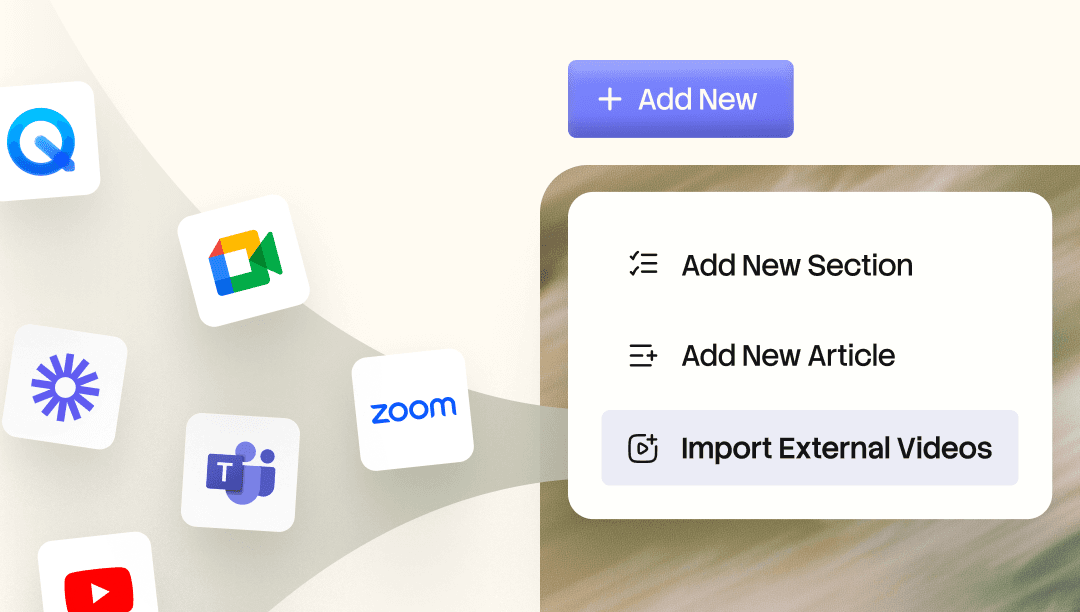
Use the recordings you already have. Bring your existing Zoom or other meeting videos into the Trupeer Knowledge Base, where AI indexes every word so you can search and jump to the exact moment. Add a video on its own, or have Trupeer generate a step-by-step doc to go with it.

Most teams already have useful recordings sitting unused. The Zoom kickoff where someone walked through a product workflow. The bug review where the full root cause got talked through out loud. The procedure an ops lead recorded so the team could refer to it later. Import External Videos brings those into the Knowledge Base so they stop sitting in a folder no one opens and start working as searchable, reusable content.

  • Import from the Knowledge Base: Open Add New inside the Knowledge Base and choose Import External Videos to start the workflow.

  • Place it where it belongs: Pick the section the video should live in, such as Getting Started, before you import.

  • Documentation is optional: Choose Generate Documentation to create a step-by-step article alongside the video, or skip it to add the video on its own.

  • Search every word: Imported videos are indexed for AI search, so you can type what you are looking for and land on the exact moment instead of scrubbing through a long call.

需要视频剪辑师、翻译和编剧吗?

免费试用 Trupeer

预约演示

需要视频剪辑师、翻译和编剧吗?

免费试用 Trupeer

预约演示

需要视频剪辑师、翻译和编剧吗?

免费试用 Trupeer

预约演示
