对

在几分钟内创建专业演示视频和文档
开始使用
预约演示
了解为什么 Trupeer 是比 Loom 更明智的选择

探索 Trupeer
Trupeer 可以为您做什么
" transform="translate(2 2)" width="59.5px"/></svg>)
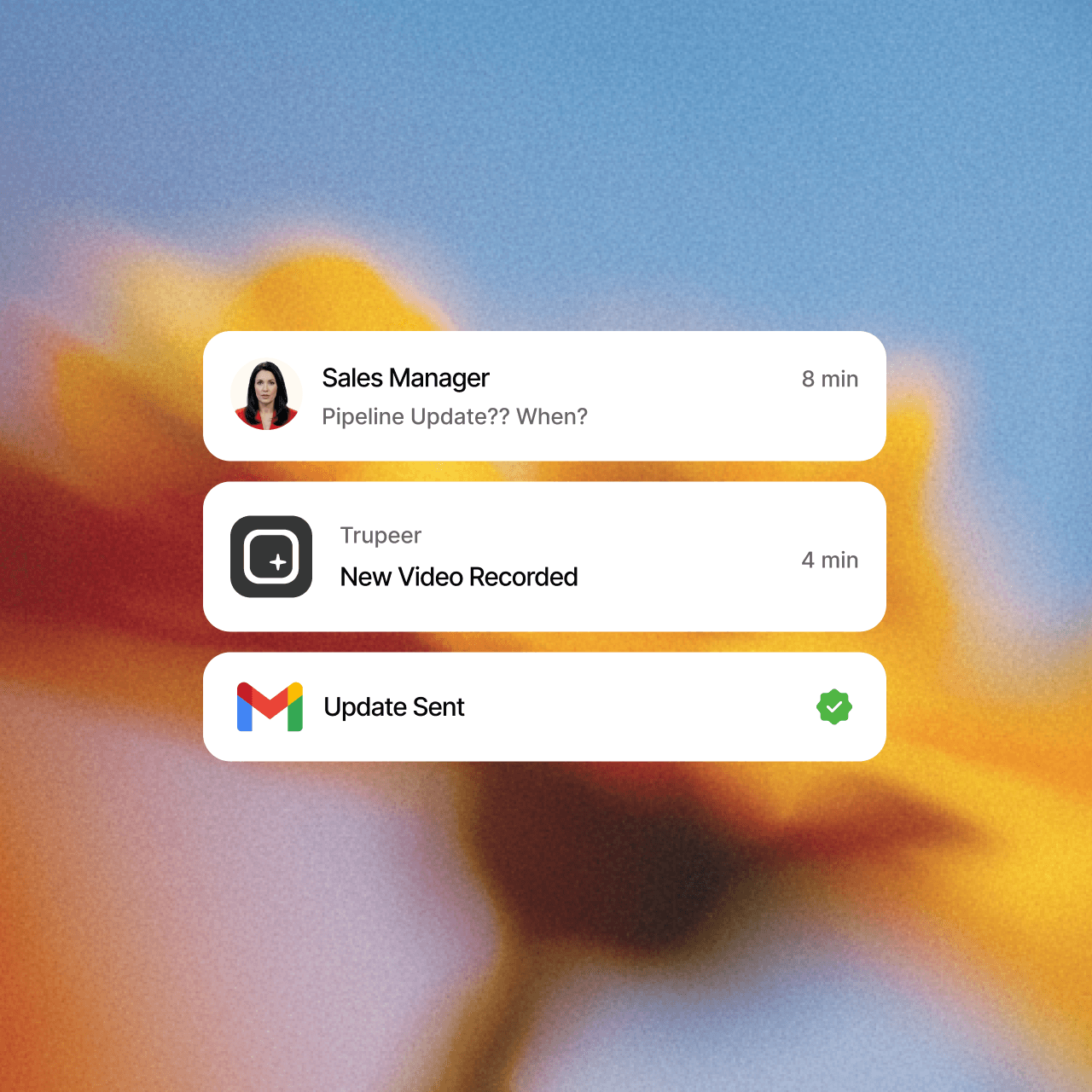
视频
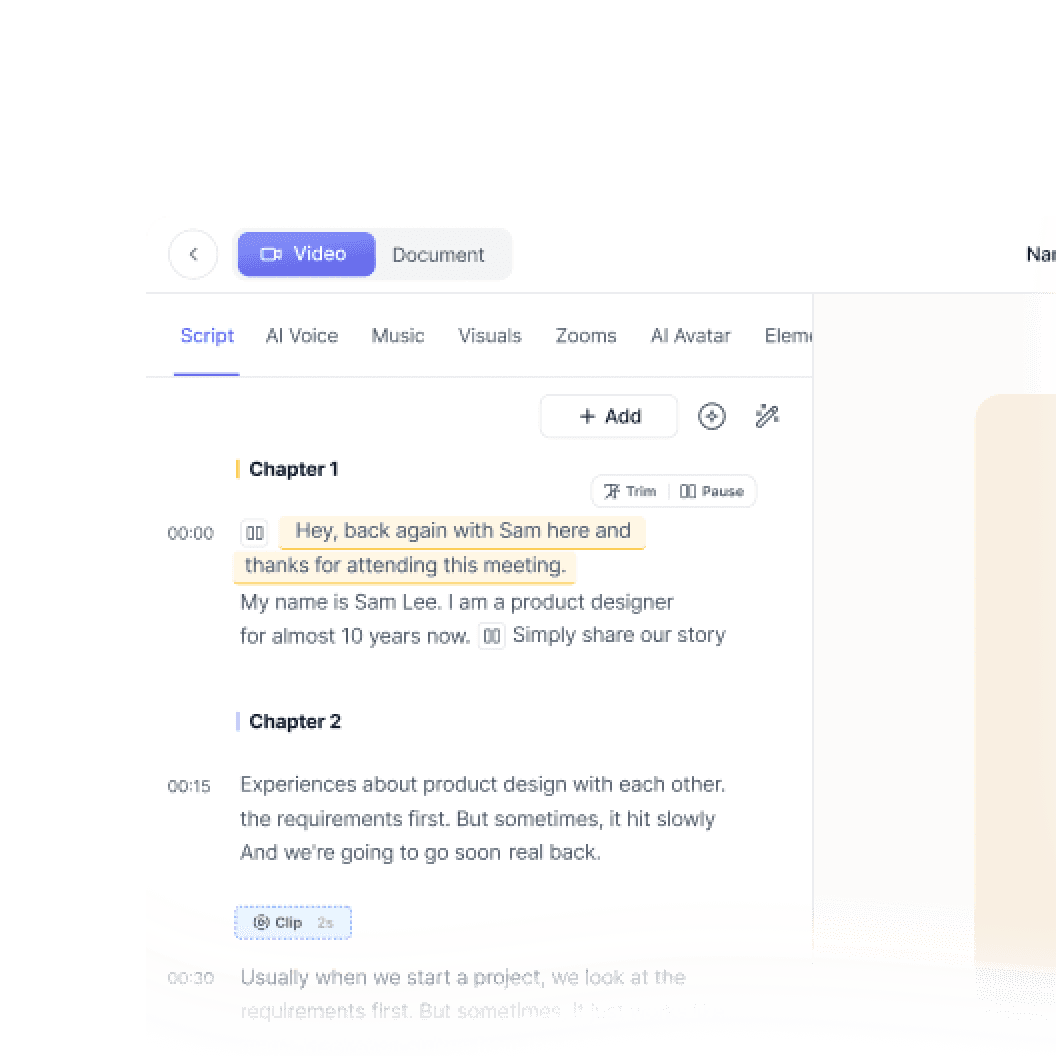
来自任何屏幕录制的工作室级视频

屏幕录制

翻译
自动提供 65 种以上语言的视频和文档


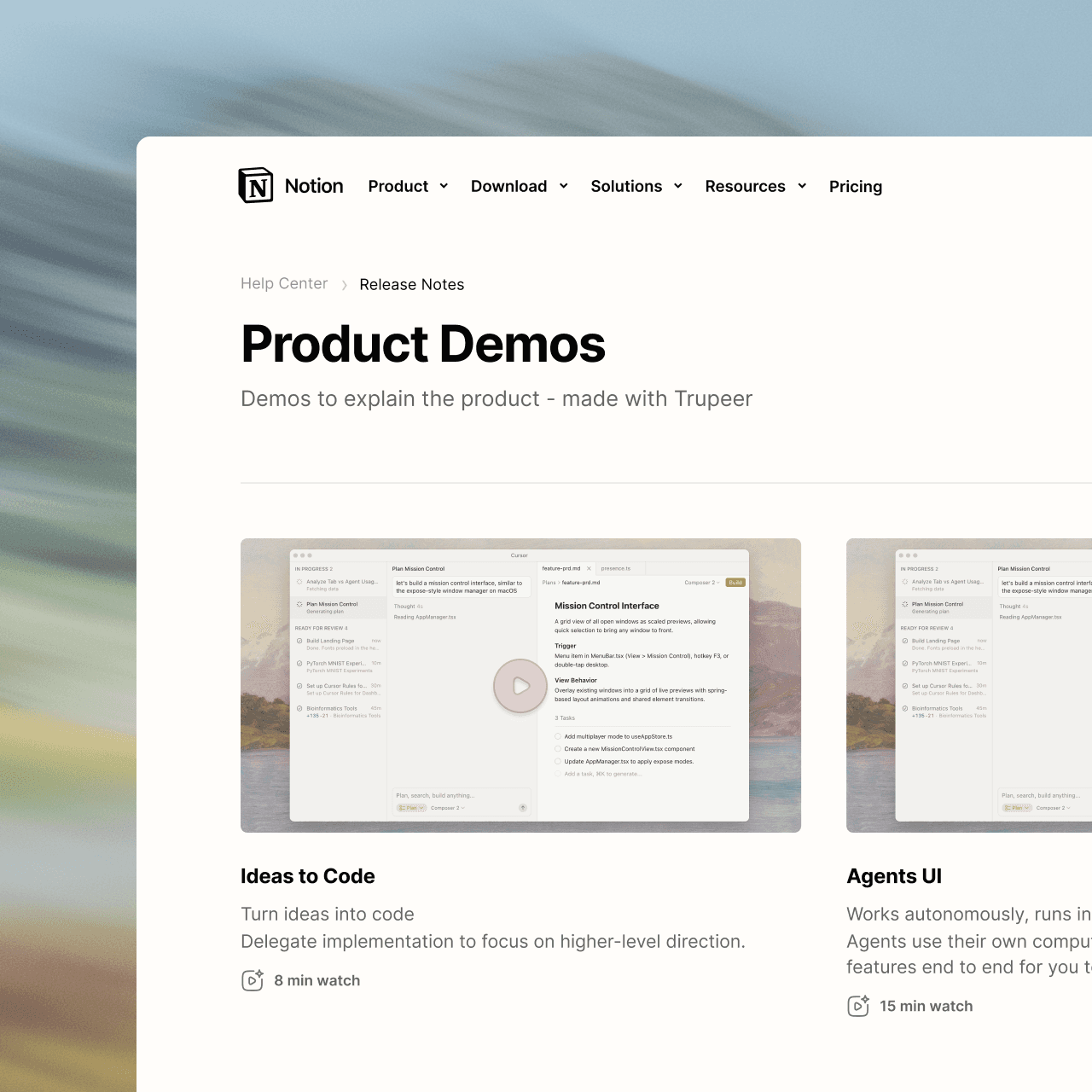
产品演示
如何安装 Claude Code
本快速入门指南将向您展示如何在几分钟内设置并部署您的文档网站。完成本指南后,您将拥有一个可在线访问的文档网站,并可随时进行自定义和扩展。
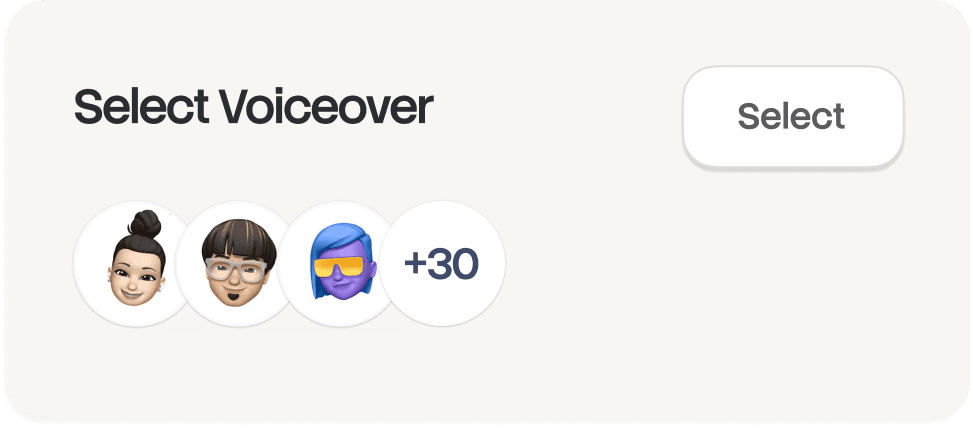
选择

俄语
德语

爱沙尼亚语

日语

中文

印地语

文档
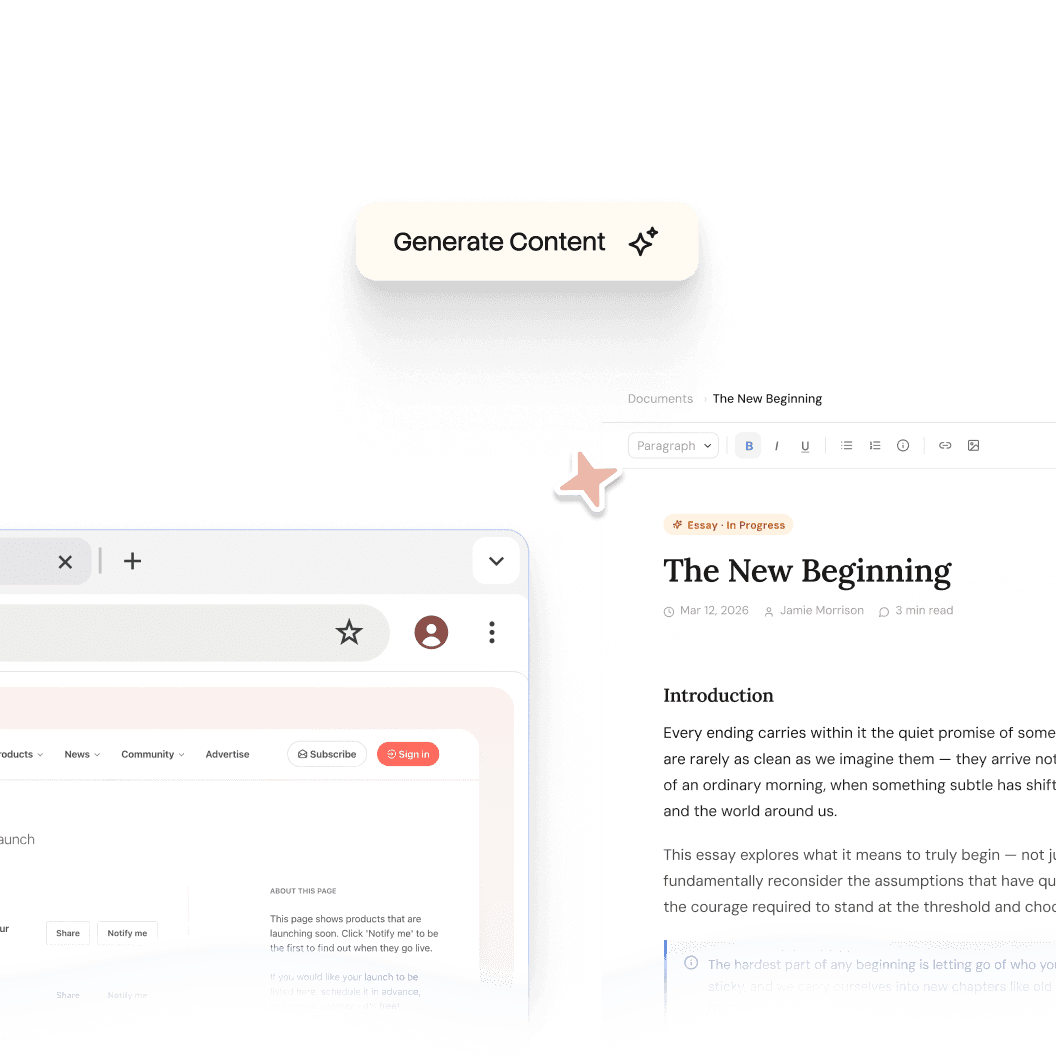
自动即时生成手册、SOP 和文档

文档
探索 HubSpot 生态系统
标题 1
B
/
探索 HubSpot 生态系统
角色 ->
市场协调员
模块 ->
初始系统设置与入门
完成所需时间 ->
45分钟
门户简介
欢迎加入团队!我们的 HubSpot 门户是所有客户互动的“唯一真实来源”。本指南将帮助您设置工作区,使其符合团队标准。

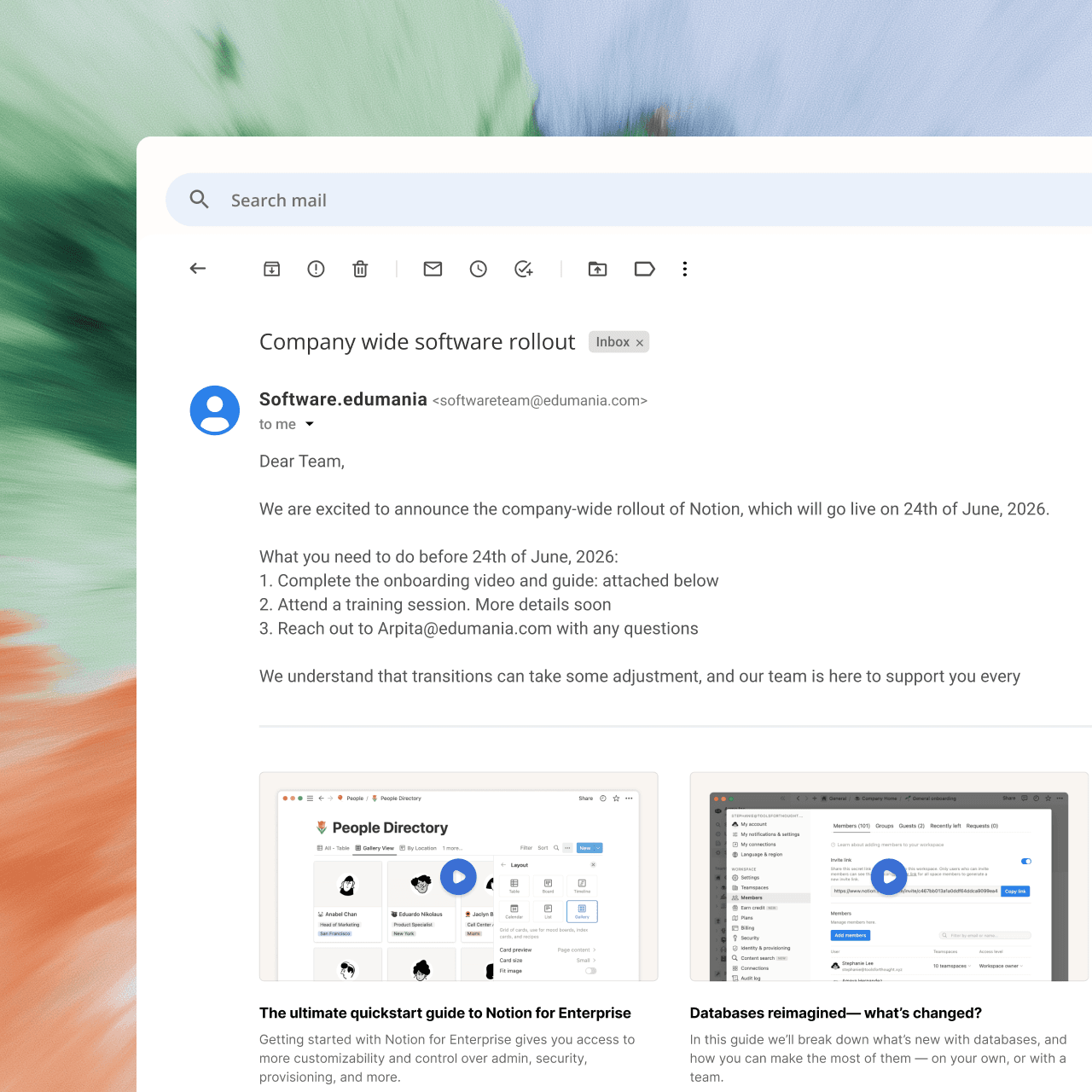
知识库
供整个团队使用的可搜索知识库

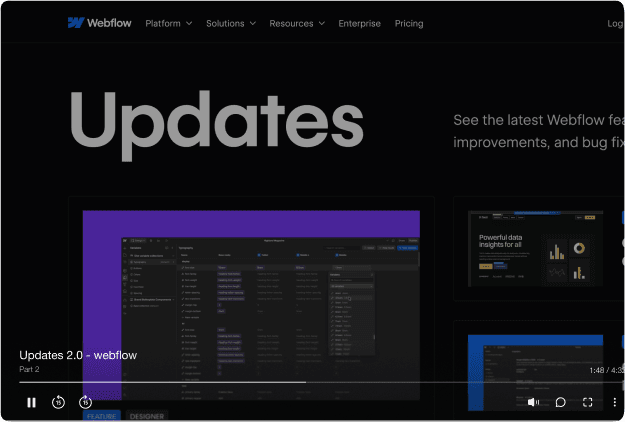
Webflow
开始使用
介绍
快速开始
图书馆
备注
配置
全局设置
页面
导航
主题
搜索知识库
介绍
欢迎来到 Webflow 知识库
本快速入门指南将向您展示如何在几分钟内设置并部署您的文档网站。完成本指南后,您将拥有一个可在线访问的文档网站,并可随时进行自定义和扩展。


成为专家
不擅长做内容?没问题。直接按下录制即可。


其他工具捕捉你的屏幕。
Trupeer 捕捉你的知识。






常见问题
1. Is Trupeer a good alternative to Camtasia?
Yes, if you'd rather not edit videos by hand. Camtasia gives you a full timeline editor for frame-by-frame control. Trupeer turns a screen recording into a finished video automatically, with zooms, an AI voiceover and a clean script, and creates a step-by-step guide from the same recording.
2. Do I need video editing skills to use Trupeer?
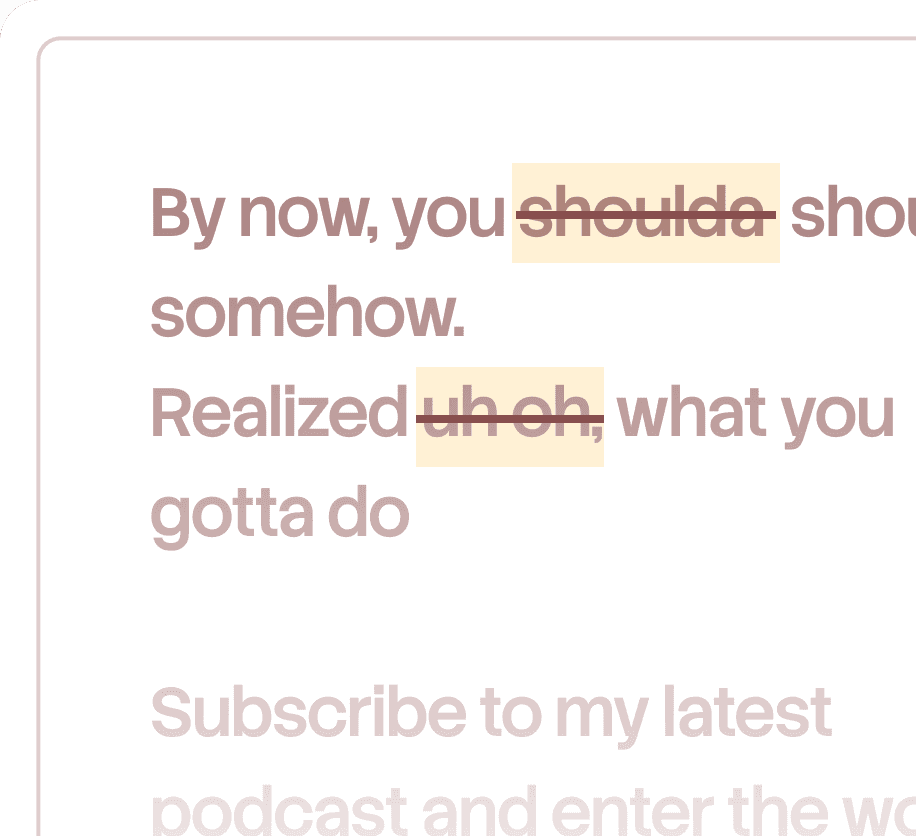
No. Trupeer edits the video for you. To make changes, you edit the script like a document, and the video updates to match. You can trim with a waveform view or use the advanced editor when you want finer control, but most videos are ready without any timeline work.
3. Can Camtasia create step-by-step documentation?
Camtasia is a video editor, and step-by-step guides come from Snagit, a separate app in the same suite. Trupeer creates the video and the written guide from one recording and keeps them in sync, so when you edit the script, the guide updates too.
4. Can Trupeer translate videos and guides?
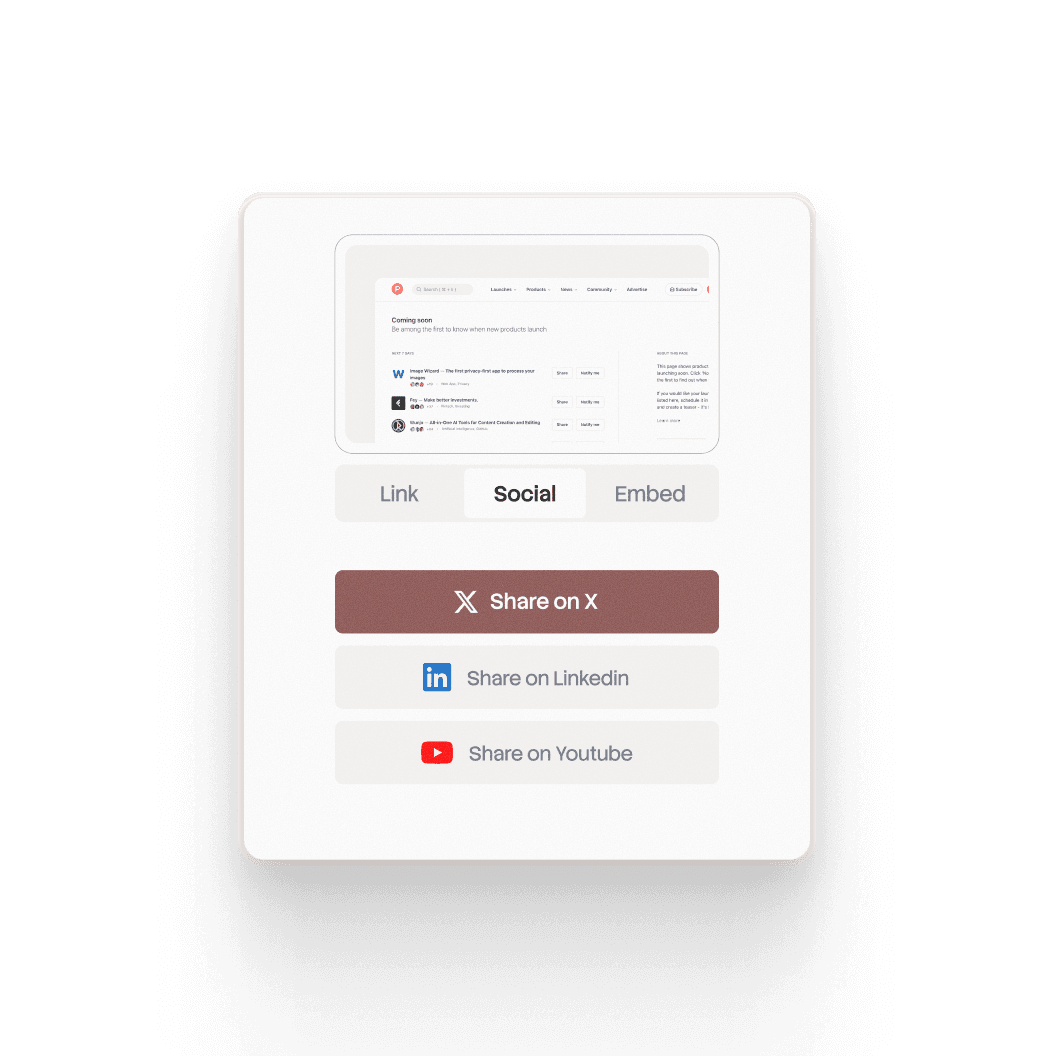
Yes. Trupeer translates the video, its voiceover and the written guide into 65+ languages, and you share everything through one link where each viewer picks their language. Camtasia's translation and dubbing are only available on its Pro plan and cover the video only.
5. How do I update a video when my product changes?
In Trupeer, you edit the script and the video and guide update automatically, with no re-recording or re-editing. If one step of a process changes, you can re-record just that part and swap it into a merged video, keeping the rest as it is.


