

Besonderheiten
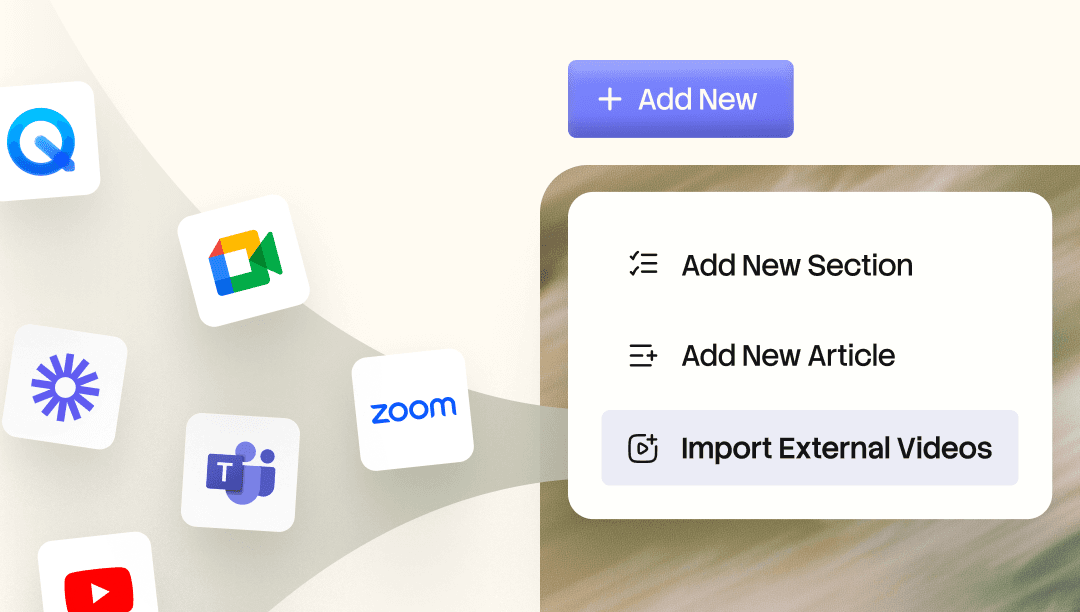
Nutzen Sie die Aufnahmen, die Sie bereits haben. Bringen Sie Ihre vorhandenen Zoom- oder andere Meeting-Videos in die Trupeer Knowledge Base, wo KI jedes Wort indexiert, sodass Sie nach dem exakten Moment suchen und direkt dorthin springen können. Fügen Sie ein Video für sich hinzu oder lassen Sie Trupeer ein Schritt-für-Schritt-Dokument generieren, das dazu passt.
Die meisten Teams haben bereits hilfreiche Aufnahmen, die ungenutzt herumliegen. Das Zoom-Kickoff, bei dem jemand einen Produkt-Workflow durchgegangen ist. Das Bug-Review, bei dem die vollständige Ursache laut besprochen wurde. Das Verfahren, das ein Ops Lead aufgenommen hat, damit das Team später darauf zurückgreifen kann. Mit „Import External Videos“ bringen Sie diese Inhalte in die Knowledge Base, damit sie nicht länger in einem Ordner liegen, den niemand öffnet, sondern als durchsuchbarer, wiederverwendbarer Content anfangen zu arbeiten.
Aus der Knowledge Base importieren: Öffnen Sie „Add New“ in der Knowledge Base und wählen Sie „Import External Videos“, um den Workflow zu starten.
Platzieren Sie es dort, wo es hingehört: Wählen Sie den Abschnitt aus, in dem das Video leben soll, z. B. „Getting Started“, bevor Sie importieren.
Dokumentation ist optional: Wählen Sie „Generate Documentation“, um einen Schritt-für-Schritt-Artikel neben dem Video zu erstellen, oder überspringen Sie ihn, um das Video allein hinzuzufügen.
Jedes Wort durchsuchen: Importierte Videos werden für die KI-Suche indexiert, sodass Sie eingeben können, wonach Sie suchen, und direkt beim exakten Moment landen – statt durch ein langes Call hin- und herzusuchen.

