Trupeer Blog
Opsummer

Localizing one video is easy. Localizing a library of 100 training, product or onboarding videos into several languages is a project, and most of the problems come from the process, not the translation: inconsistent terms, no review plan, and no way to keep translations current when the original changes. This guide explains what video localization is and lays out a practical AI workflow for a 100-video project, from planning and glossaries to batch review, publishing and maintenance.
What Is Video Localization?
Video localization is the process of adapting a video for people who speak another language or live in another market. It includes translating the narration, captions and on-screen text, and adjusting anything that does not carry over, such as examples, units, date formats or references that only make sense in the original market. For a full introduction, see our guide to video localization; this post focuses on running a large localization project.
Video translation vs video localization
Translation converts the words. Localization makes the whole video work for the new audience: the right terminology, natural phrasing, local formats and visuals that match what viewers see in their own version of the software. For training and product videos, that last point matters most: if the interface is in German, the narration should name the German menu labels.
Why localize video content?
People learn faster and make fewer mistakes in their own language
Global rollouts stay on schedule when every region gets training at the same time
Customers adopt products more easily with help content in their language
Compliance and safety training is clearer when no one has to translate in their head
Subtitles, Voiceover or Dubbing: Choosing a Method
Method | What it is | Best for |
|---|---|---|
Subtitles | Translated captions over the original audio | Short videos, mixed-language audiences, low budgets |
AI voiceover | Narration replaced with a translated AI voice | Screen-based training and product videos |
Dubbing with lip-sync | Translated voice matched to a speaker’s mouth movements | Presenter-led and talking-head videos |
Hybrid | Voiceover plus subtitles | Training where some viewers watch without sound |
For screen-recorded training and product videos, AI voiceover with captions is usually the right balance of quality, speed and cost, because there is no on-screen speaker to lip-sync.
Handling On-Screen Text and Software Interfaces
Training and product videos often show an interface, and that is where localization gets tricky. There are three common approaches:
Approach | When it works | Watch out for |
|---|---|---|
Re-record in the localized interface | The software is available in the target language and users see it that way | More recording effort; best for Tier 1 videos |
Keep the original interface, translate narration and captions | Users work in the English interface, common in many global companies | Narration should name English labels, with the translation in brackets where helpful |
Add translated callouts on screen | A few key labels or messages need explaining | Callouts must not cover the part of the screen being explained |
Decide the approach per product before the pilot, and record it in the style guide so every translator and reviewer follows the same rule.
The 100-Video Localization Workflow
Step 1: Audit and prioritize the library
List every video with its topic, audience, length and how often it changes. Not all 100 videos need every language. Prioritize by audience and risk: onboarding, safety, compliance and top customer help content usually come first.
Priority | Example videos | Languages |
|---|---|---|
Tier 1 | Onboarding, safety, compliance, top 10 help topics | All target languages |
Tier 2 | Core product and process training | Languages with the largest audiences |
Tier 3 | Niche or rarely viewed videos | Subtitles only, or on request |
Step 2: Clean up the source videos
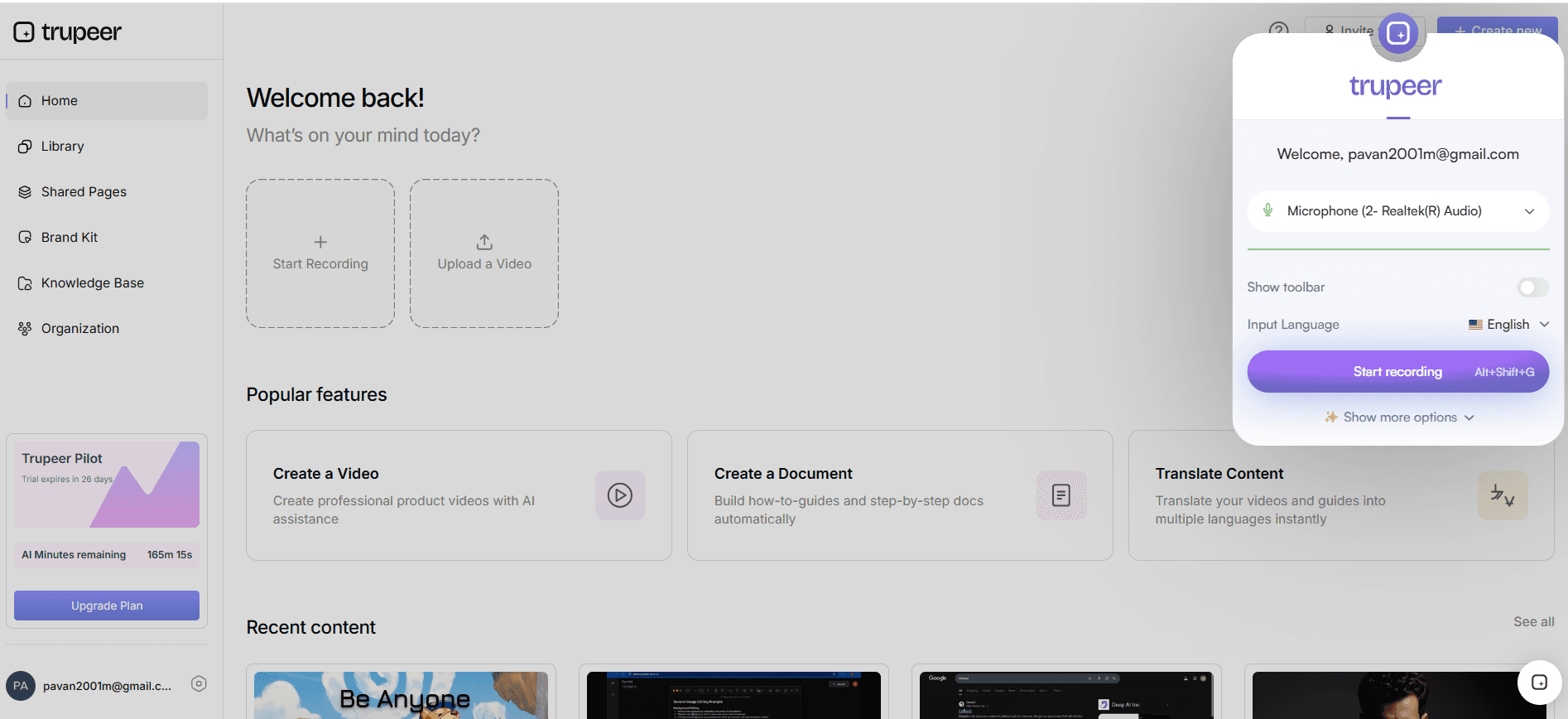
Fix errors, outdated screens and unclear wording in the source first. Every problem in the original is multiplied by the number of languages. Re-record anything that shows an old interface.
Step 3: Build the glossary and style guide
List product names, feature names, internal terms and brand phrases, and decide which stay in English and how the rest are translated in each language. Add tone and formality rules, such as formal or informal “you”. A glossary prevents the same term being translated three different ways across 100 videos.
Step 4: Run a pilot
Translate about five representative videos into each language and have native-speaking reviewers check terminology, tone, timing and on-screen alignment. Update the glossary and style guide from their feedback before translating the rest.
Step 5: Translate in batches
Work in batches of 10 to 20 videos per language. Batching keeps review manageable, lets you catch recurring issues early, and makes progress easy to track.
Step 6: Review a sample of each batch
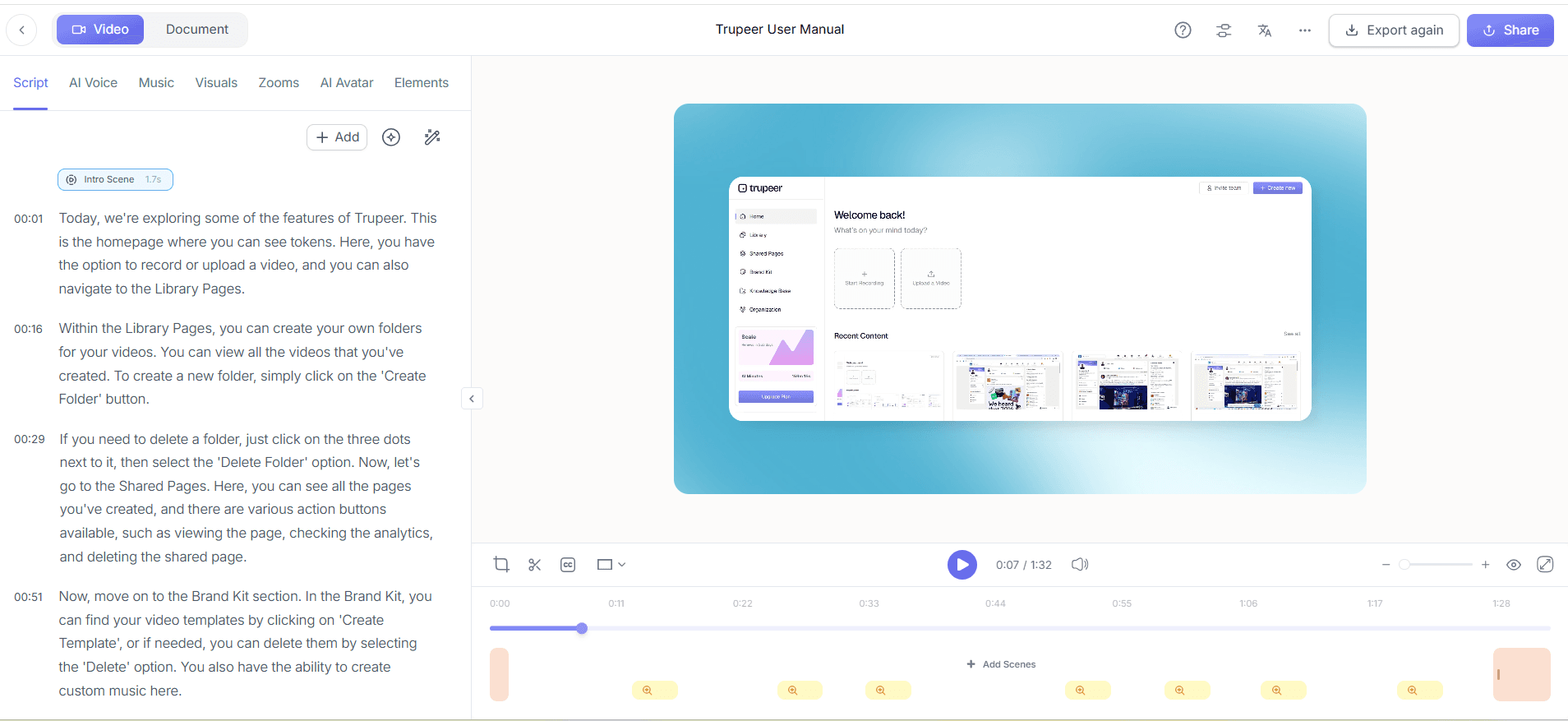
Native reviewers do not need to watch every second of every video. Have them fully review Tier 1 videos and spot-check a sample of each Tier 2 batch, focusing on terminology, numbers, safety instructions and anything that must be exact.
Step 7: Publish language versions together
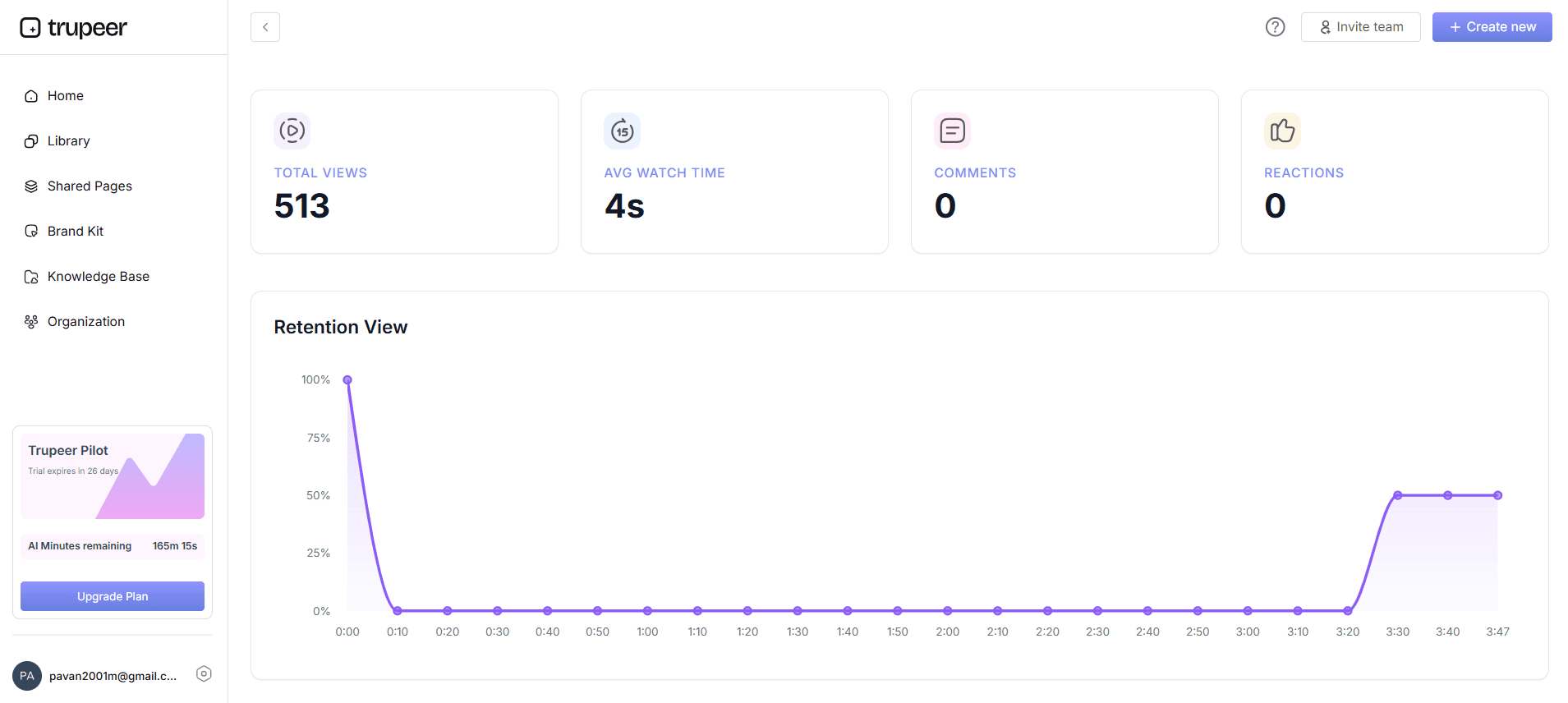
Publish each language version alongside the original so viewers can switch languages, and translate the written guides at the same time so documentation matches the video.
Step 8: Keep translations in sync
Agree what happens when a source video changes: who updates it, how quickly translations follow, and how outdated versions are flagged. Without this, language versions drift out of date within a few releases.
How Josys built a 150+ video catalog without adding headcount
Josys, a SaaS management platform for IT teams, operates mainly in Japan, where fewer than 10% of its audience is fluent in English. Layering a Japanese voiceover on an English interface didn’t work, because what viewers heard no longer matched what they saw. The team needed a full Japanese video catalog without adding headcount.
With Trupeer AI, the team re-records screen captures in the Japanese interface and uses Trupeer AI’s translated scripts as the basis for each voiceover. Translation quality was strong from the start, so a marketing team member in Japan now owns the catalog end to end.
Josys now has 150+ videos on Trupeer AI, including a complete Japanese catalog run by a single person, and is extending Trupeer AI into its documentation workflow.
“The translated scripts come back clean enough that one person on our Japan team now owns the whole catalog. When I flag something, Trupeer ships. The templates have been extremely reliable.”
— Tim Silva, Product Design Manager, Josys
Example: Planning 100 Videos in Three Languages
Say you have 100 training videos and need Spanish, German and Japanese:
Scope: 30 Tier 1 videos in all three languages (90 versions), 50 Tier 2 videos in Spanish and German (100 versions), 20 Tier 3 videos with subtitles only on request
Pilot: 5 videos in each language, reviewed and used to update the glossary
Batches: about 13 batches of 15 versions, so each reviewer handles a manageable amount at a time
Review: full review of all 90 Tier 1 versions; spot checks on a sample of each Tier 2 batch
Launch: publish by priority, so onboarding and safety content goes live in every language first
Writing the plan down this way shows exactly how much review time each language needs, which is usually the real constraint on the timeline.
Who Does What in a Localization Project
Role | Responsibility |
|---|---|
Project owner | Scope, priorities, schedule and tracking |
Source content owner | Accurate, up-to-date source videos |
Native reviewer per language | Checks terminology, tone and clarity |
Subject matter expert | Confirms technical and safety content |
Regional stakeholder | Signs off that content works for the local audience |
Tracking a 100-Video Project
A simple tracker with one row per video and one column per language is enough. Track the status of each version (not started, translated, in review, approved, published) and the source version it was translated from, so you know which translations need updating after a change.
Localize the Written Guides Too
If each video has a written step-by-step guide or help article, translate it in the same pass. Viewers often switch between watching and reading, and a translated video with an English-only guide feels unfinished. Keeping both in one workflow also means terminology stays consistent across formats.
Quality Checklist for Localized Videos
Glossary terms used consistently
Product names and UI labels match the localized interface
Numbers, dates, currencies and units are correct for the region
Voice speed and timing match on-screen actions
Captions are accurate and readable
Safety and compliance wording approved by a qualified reviewer
Written guide translated and consistent with the video
How Trupeer Supports a Localization Project
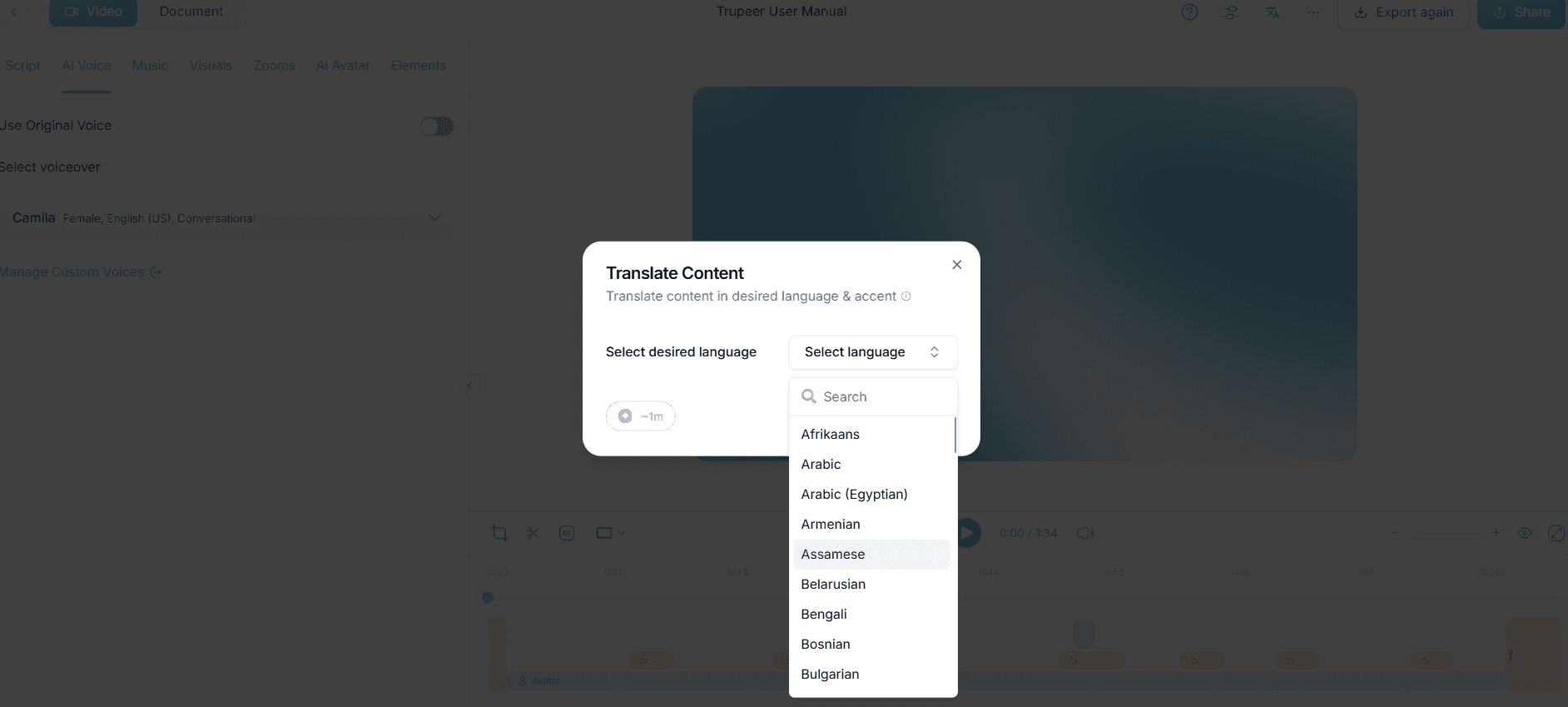
In Trupeer, open Translate from the video edit page, select the target languages, and choose whether to include the video, the documentation or both. Trupeer creates each language version, which you can open and switch between. Use the brand kit glossary to keep product and brand names exactly as entered in AI-generated content. Translation is included on the Scale plan with multi-language share pages, and Enterprise adds bulk translation into 100+ languages. See video and document translation.
Common Localization Mistakes
For broader guidance, see our localization best practices.
Translating before fixing problems in the source videos
No glossary, so key terms change from video to video
Skipping native review on safety and compliance content
Leaving on-screen text and written guides in the original language
No plan for updating translations after the source changes
For more on multilingual training, see how to create multilingual training videos for global teams.
Final Thoughts
A 100-video localization project succeeds on planning, not just translation quality. Prioritize the library, fix the source, lock a glossary, pilot with native reviewers, translate in batches and plan for updates. AI makes the translation, voice and captions fast; a clear workflow makes the result consistent and trustworthy.
Frequently Asked Questions
What is video localization?
Video localization is adapting a video for another language or market by translating the narration, captions and on-screen text and adjusting anything that does not carry over, such as examples, formats or terminology.
Why localize video content?
Localized videos help people learn faster, reduce mistakes, keep global rollouts on schedule and make products easier to adopt for customers in other markets.
What is the difference between video translation and localization?
Translation converts the words. Localization adapts the whole video, including terminology, formats, visuals and tone, so it feels native to the audience.
How do you localize a video for a global audience?
Prioritize languages, clean up the source, build a glossary, translate with AI, have native speakers review, and publish the language versions alongside the original.
How do you localize a video into ten languages?
Lock the glossary first, pilot a few videos in every language, then translate in batches and use native reviewers to check a sample in each language.
Should I use subtitles, voiceover or dubbing?
Use subtitles for short or low-budget videos, AI voiceover for screen-based training and product videos, and lip-synced dubbing for presenter-led videos.
What is the best AI video localization tool?
It depends on the content. Tools built for screen-recorded training and product videos, such as Trupeer, suit software training, while dubbing tools suit presenter-led video.
How does Trupeer translate videos?
Open Translate from the video edit page, choose the target languages and whether to include the video, documentation or both, and Trupeer creates each language version. A brand kit glossary keeps key terms consistent.
Related Blogs



