vs

Scribe vs Trupeer Step-by-Step Guides, or Video and Docs from One Recording?
Get Started
Book a Demo
See Why Trupeer Is the Smarter Choice Over Scribe

Explore Trupeer
What Trupeer Can Do For You
" transform="translate(2 2)" width="59.5px"/></svg>)
Video
Studio-quality videos from any screen recording

Recording screen

Translation
Videos and docs in 65+ languages, automatically


Product Demo
How to Install Claude Code
This quickstart guide shows you how to set up and deploy your documentation site in minutes. After completing this guide, you will have a live documentation site ready to customize and expand.
Select

Russian
German

Estonian

Japanese

Chinese

Hindi

Documentation
Auto-generate manuals, SOPs, and docs instantly

Documents
Navigating the HubSpot Ecosystem
Heading 1
B
/
Navigating the HubSpot Ecosystem
Role ->
Marketing Coordinator
Module ->
Initial System Setup & Orientation
Time to Complete ->
45 minutes
Introduction to the Portal
Welcome to the team! Our HubSpot portal is the "Single Source of Truth" for all customer interactions. This guide will help you set up your workspace to match the team's standards.

Knowledge Base
A searchable knowledge base for your whole team

Webflow
Get started
Introduction
Quick start
Library
Notes
Configuration
Global settings
Pages
Navigation
Themes
Search Knowledge Base
Introduction
Welcome to Webflow Knowledge Base
This quickstart guide shows you how to set up and deploy your documentation site in minutes. After completing this guide, you will have a live documentation site ready to customize and expand.
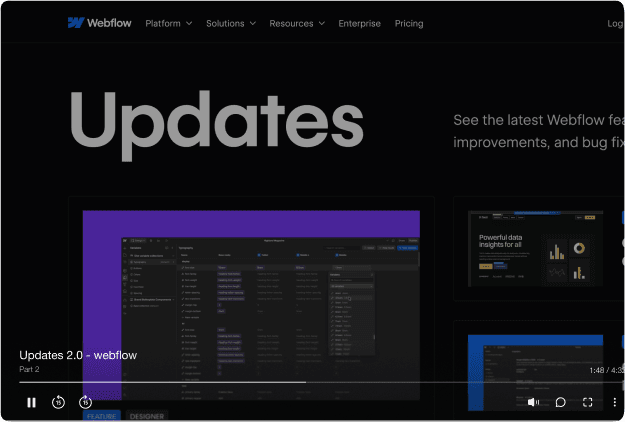

One tool.
More use cases than we expected.
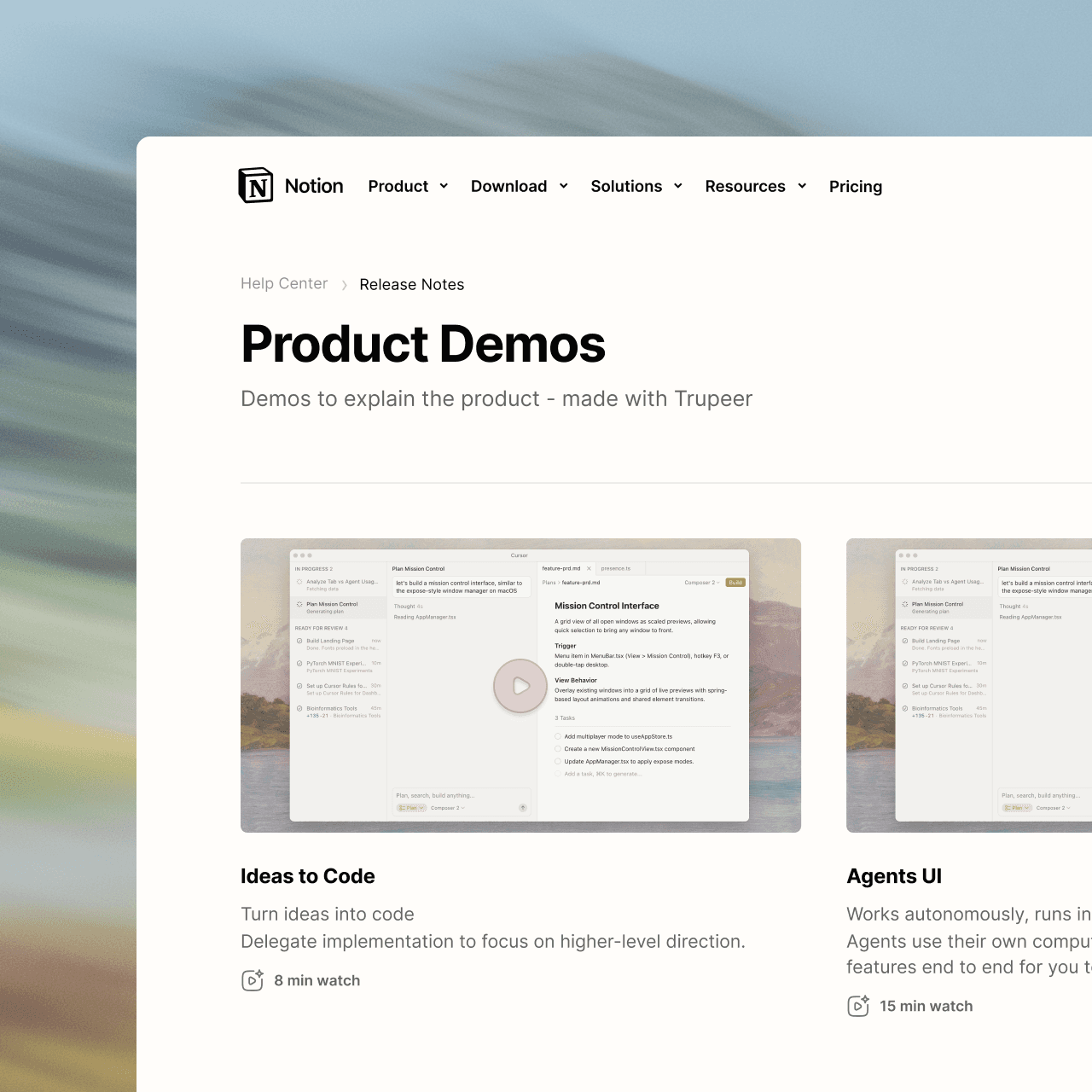
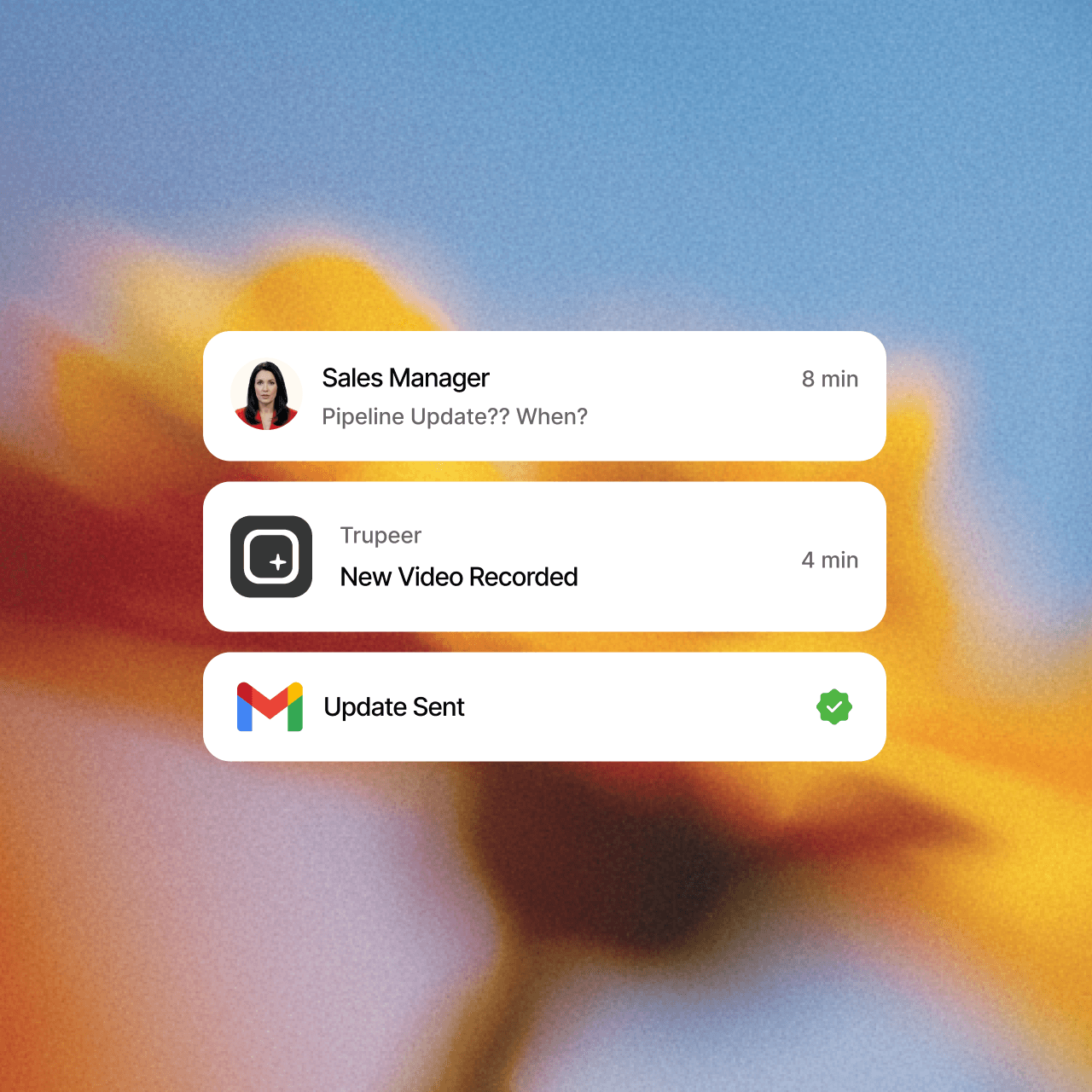
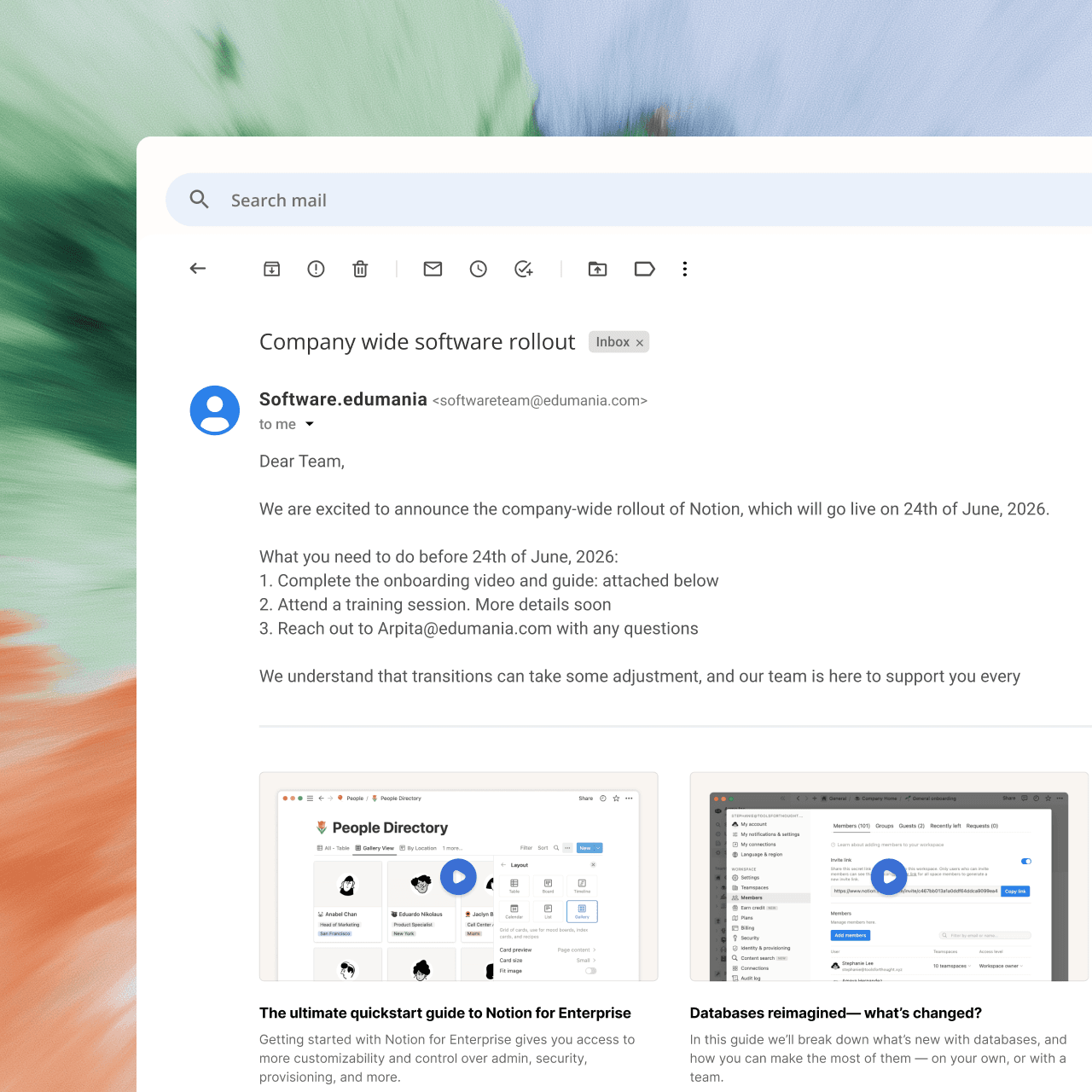

become a pro
Not a content person? No problem. Just hit record.








Frequently Asked Questions
1. Is Trupeer a good alternative to Scribe?
Yes, especially if your team needs video as well as written guides. Scribe turns a workflow into a screenshot-based guide. Trupeer turns one screen recording into both a narrated, studio-quality video and a step-by-step document, then lets you translate, brand and share them from one place.
2. Can Scribe create narrated videos?
Scribe is built around screenshot guides and doesn't add AI voiceover or avatars. Trupeer generates a script from your recording, adds a studio-quality voiceover, and can place an AI avatar in the video. You can then edit the video by editing its script.
3. Can I turn an existing PDF, Word doc or slide deck into a video?
Yes, with Trupeer's Doc to Video. Upload a PPT, PPTX, DOC, DOCX or PDF, and Trupeer writes a script for each slide, narrates it, and builds the video. You can then brand it, translate it or add an avatar like any other Trupeer video. Doc to Video is available on Enterprise plans.
4. Does Trupeer hide sensitive information in recordings?
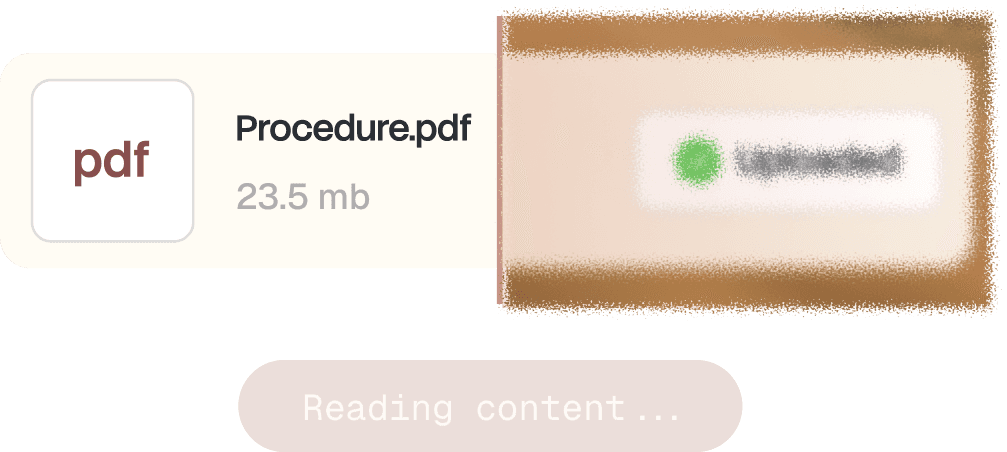
Yes. Smart Blur automatically redacts personal details such as names, email addresses, IP addresses and dates of birth as Trupeer processes your video or document. You can choose what gets hidden, with separate controls for video and docs. Smart Blur is available on Enterprise plans.
5. Can I translate my guides and videos into other languages?
Yes. Trupeer translates both the video, including its voiceover, and the written guide into 65+ languages. You share one link, and each viewer follows along in their own language. That means global teams don't need separate recordings or separate documents for each language.