vs

Twórz profesjonalne wideo demo i dokumentację w kilka minut
Zacznij
Zarezerwuj demo
Zobacz, dlaczego Trupeer to najrozsądniejszy wybór zamiast Loom


Poznaj Trupeer
Co Trupeer może dla Ciebie zrobić
" transform="translate(2 2)" width="59.5px"/></svg>)
Wideo
Wideo w jakości studyjnej z dowolnego nagrania ekranu

Recording screen

Tłumaczenie
Wideo i dokumenty w 65+ językach, automatycznie


Product Demo
How to Install Claude Code
This quickstart guide shows you how to set up and deploy your documentation site in minutes. After completing this guide, you will have a live documentation site ready to customize and expand.
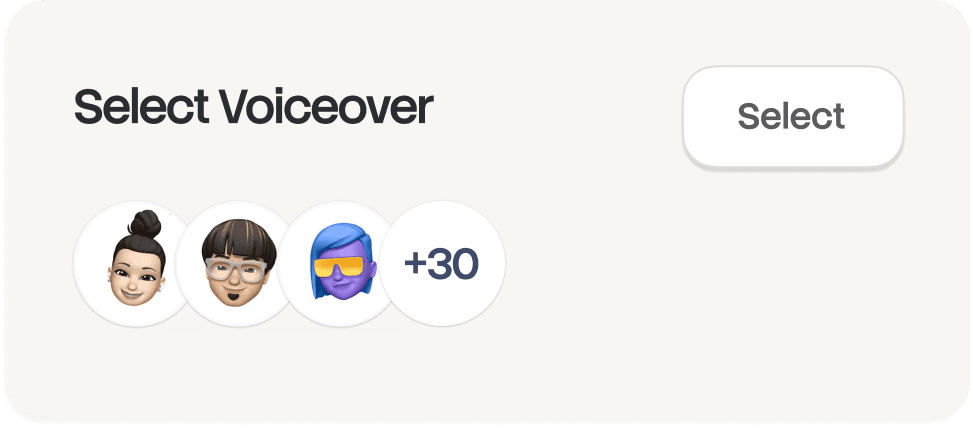
Select

Russian
German

Estonian

Japanese

Chinese

Hindi

Dokumentacja
Natychmiast generuj podręczniki, SOP-y i dokumenty

Documents
Navigating the HubSpot Ecosystem
Heading 1
B
/
Navigating the HubSpot Ecosystem
Role ->
Marketing Coordinator
Module ->
Initial System Setup & Orientation
Time to Complete ->
45 minutes
Introduction to the Portal
Welcome to the team! Our HubSpot portal is the "Single Source of Truth" for all customer interactions. This guide will help you set up your workspace to match the team's standards.

Baza wiedzy
Wyszukiwalna baza wiedzy dla całego Twojego zespołu

Webflow
Get started
Introduction
Quick start
Library
Notes
Configuration
Global settings
Pages
Navigation
Themes
Search Knowledge Base
Introduction
Welcome to Webflow Knowledge Base
This quickstart guide shows you how to set up and deploy your documentation site in minutes. After completing this guide, you will have a live documentation site ready to customize and expand.
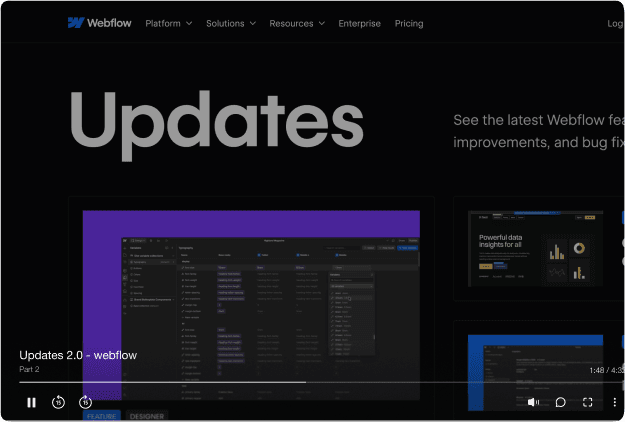

Jedno narzędzie.
Więcej zastosowań, niż się spodziewaliśmy.
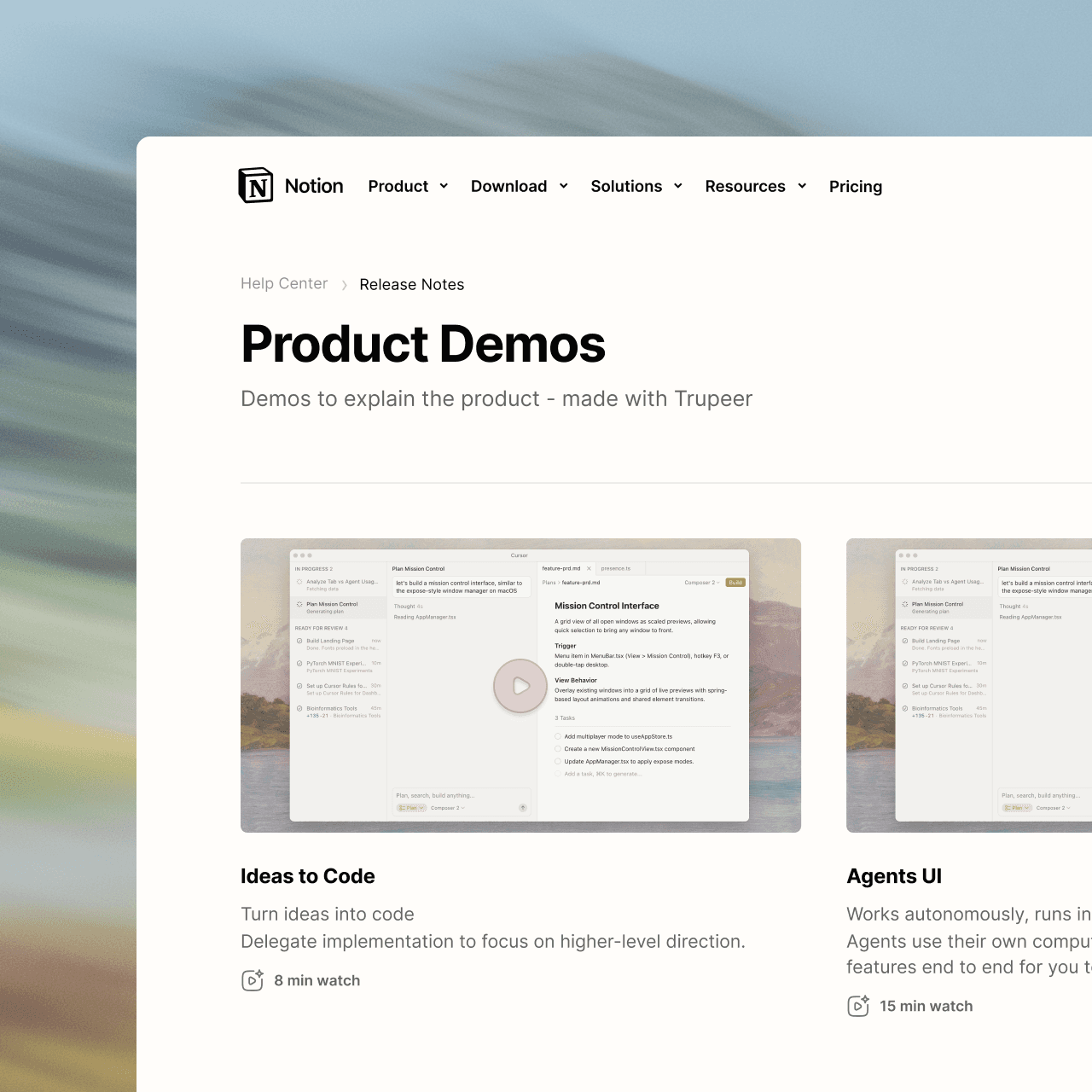
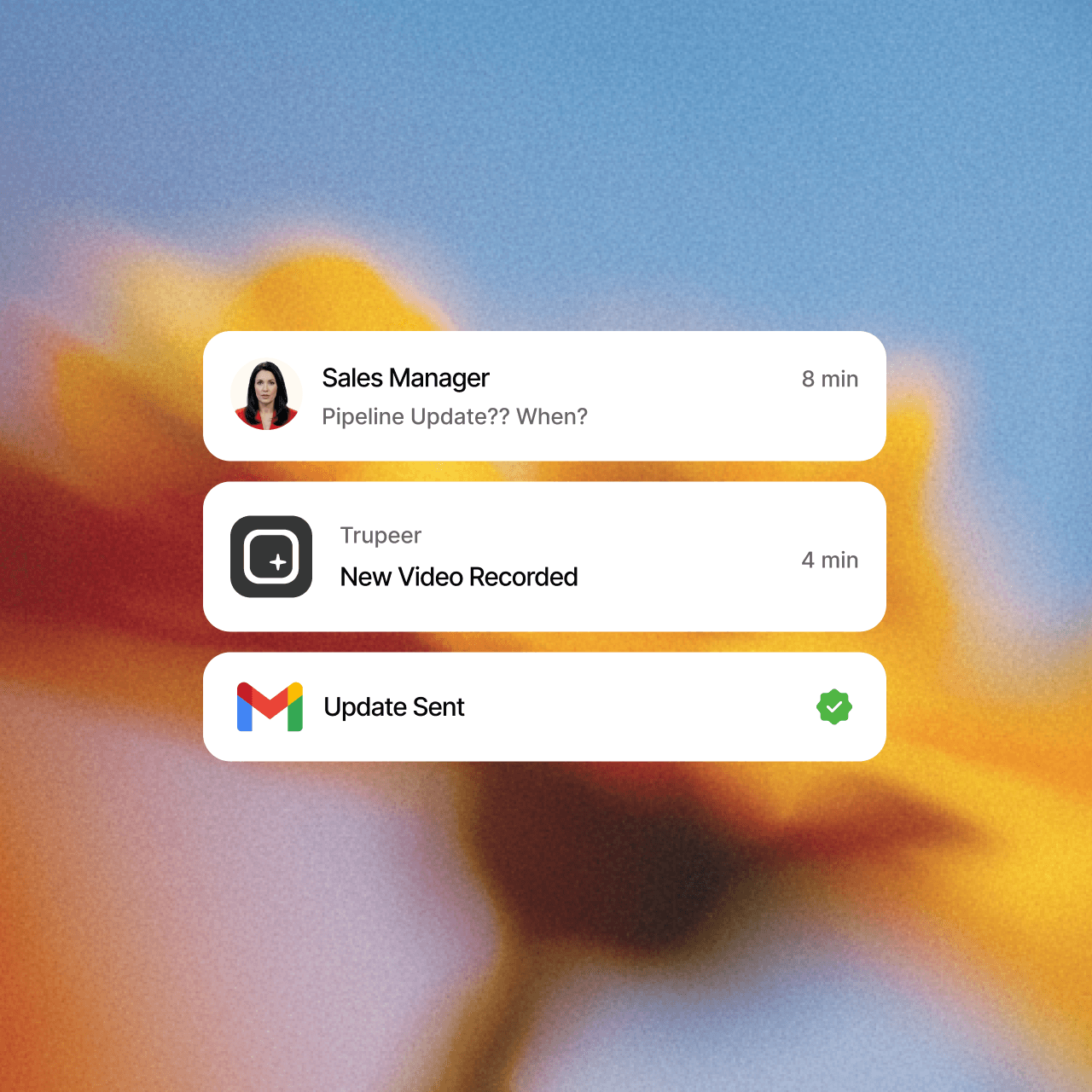
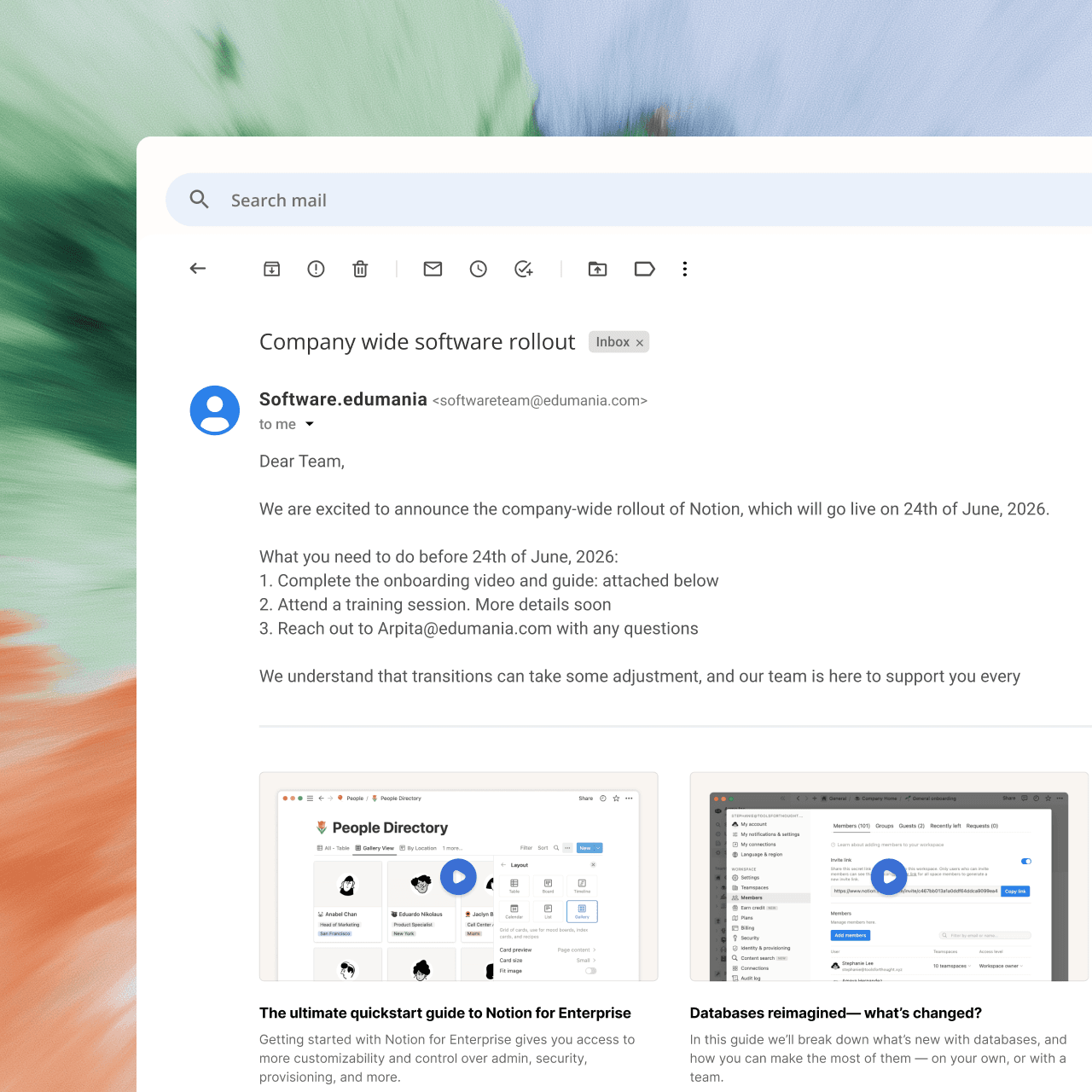
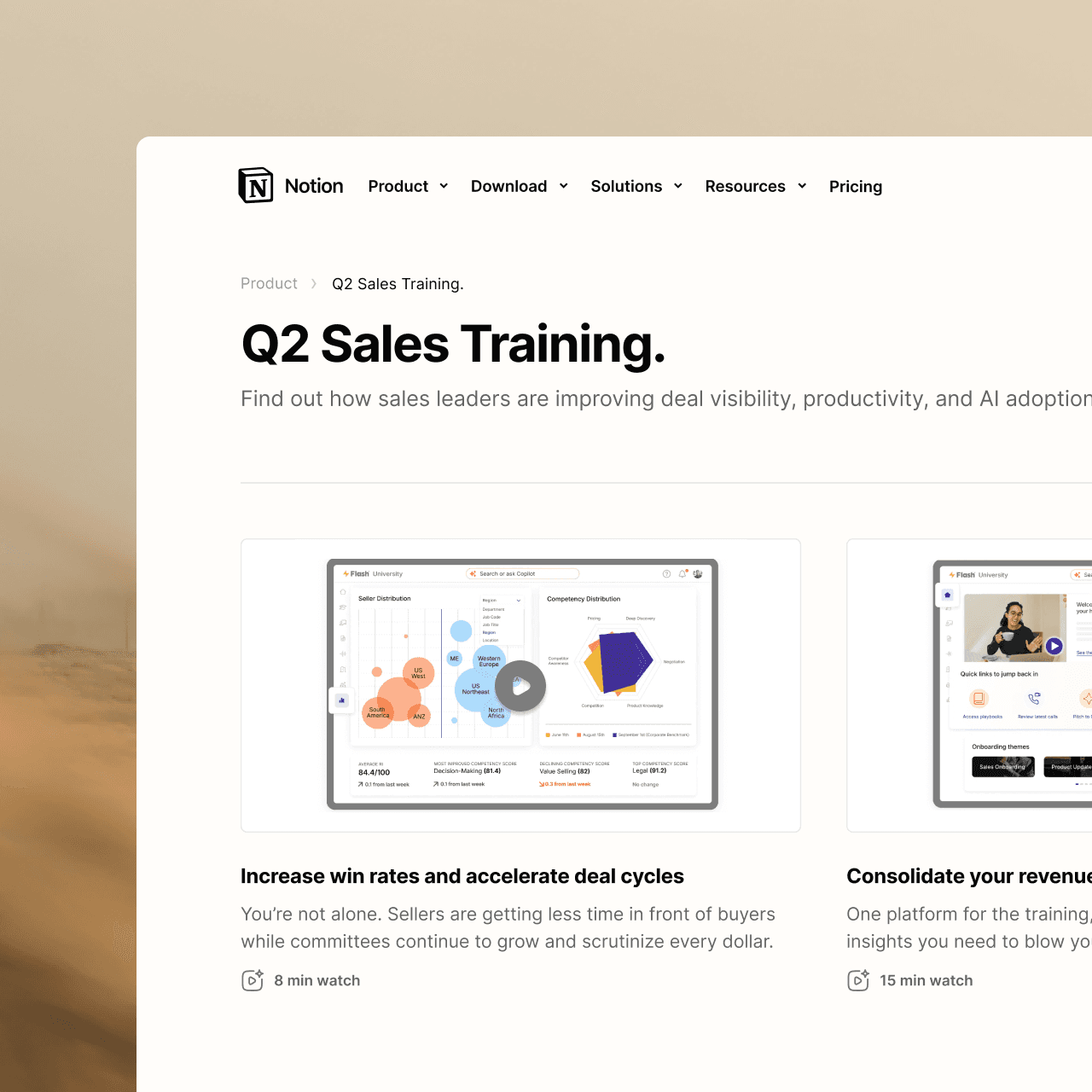
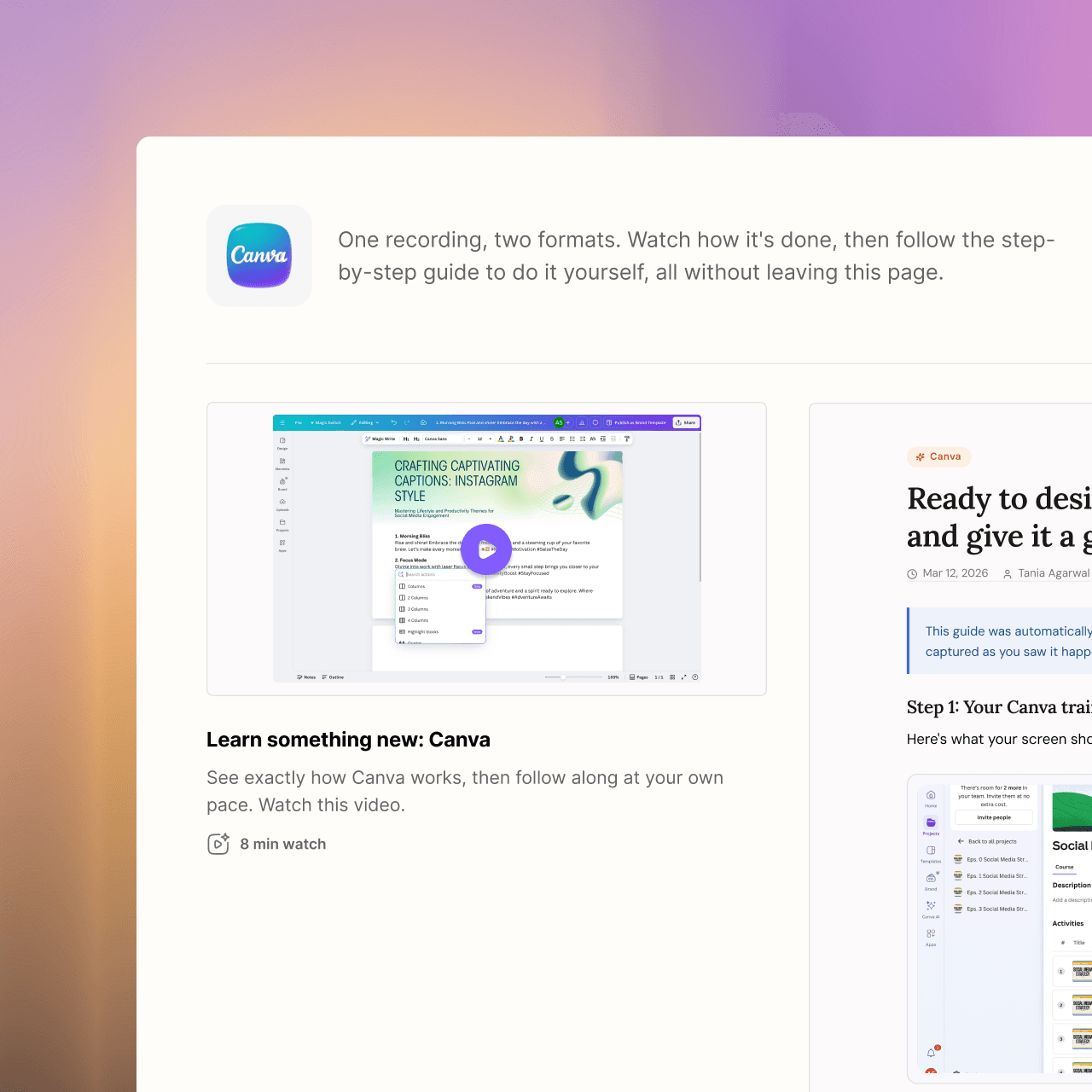
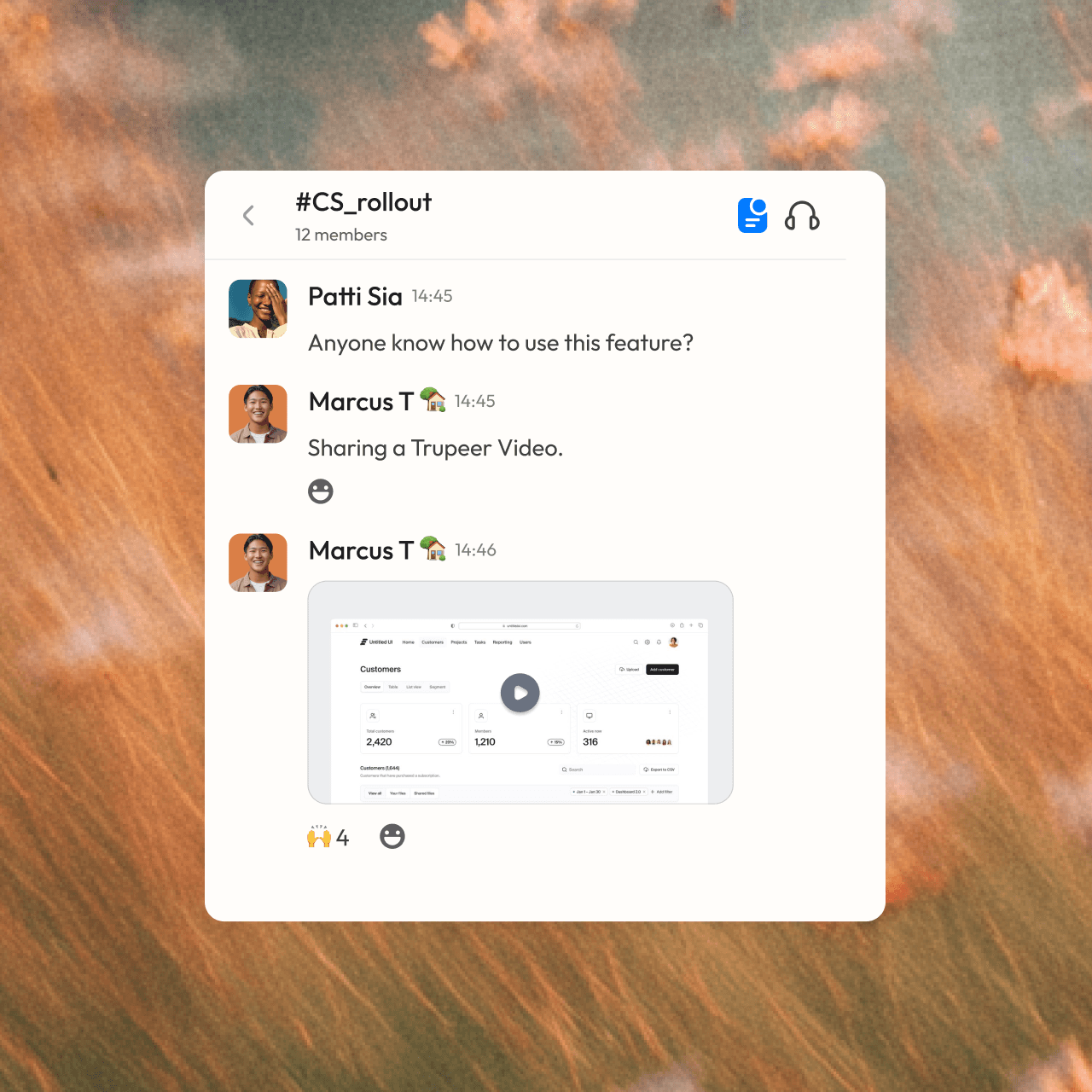

zostań profesjonalistą
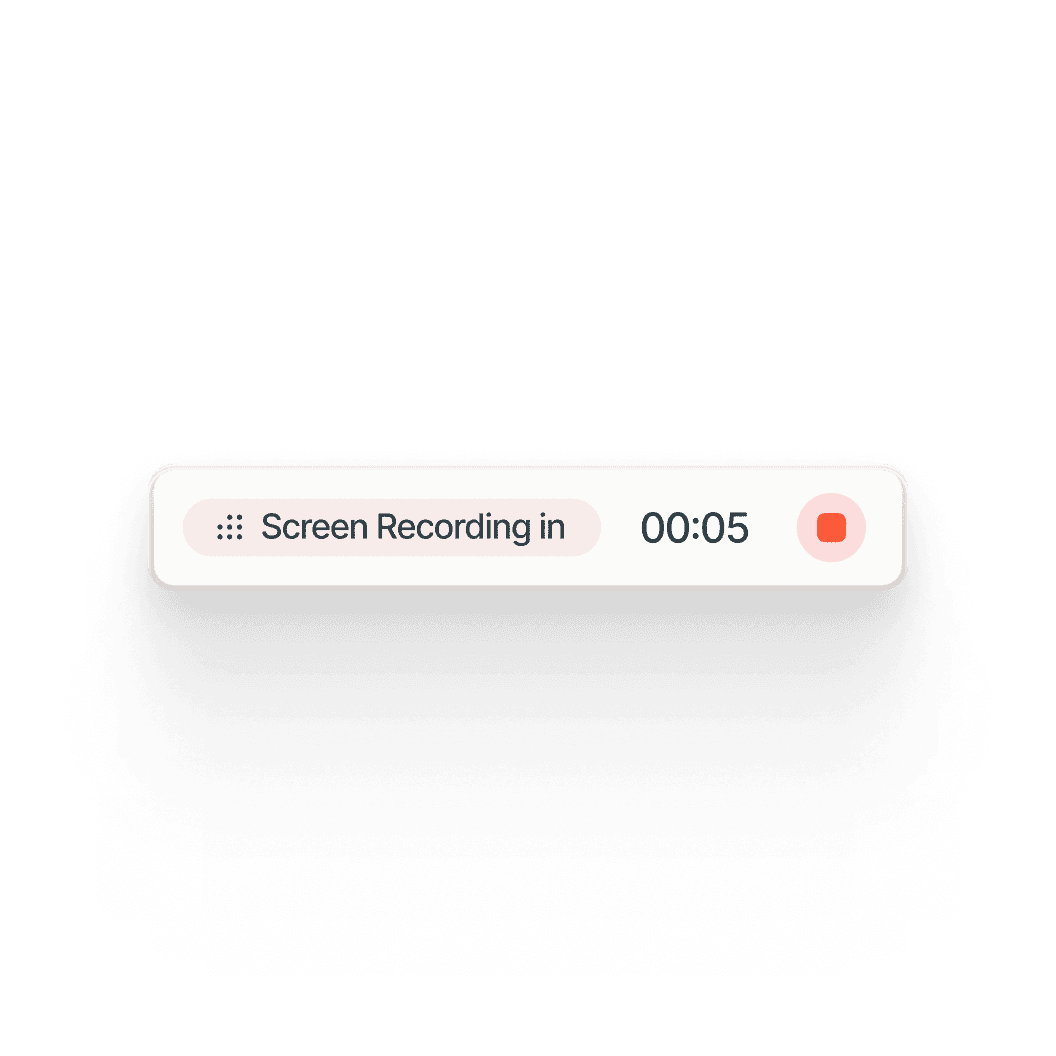
Nie jesteś osobą od treści? Nie ma problemu. Po prostu kliknij nagrywanie.




Najczęściej zadawane pytania
1. What's the difference between Synthesia and Trupeer?
Synthesia is built for avatar-led videos: you write a script and an AI presenter delivers it. Trupeer is built for showing how a product or process works: you record your screen, and Trupeer turns it into a polished video with an AI voiceover plus a step-by-step written guide. You can still add an AI avatar in Trupeer if you want a presenter.
2. Which is better for software tutorials and product demos?
Trupeer is designed for this. It works from a real recording of your product, adds auto zooms on every click, writes and narrates the script, and builds a written guide with screenshots at the same time. Synthesia's videos center on the avatar presenter, which suits training talks and announcements more than click-by-click walkthroughs.
3. Can Synthesia create step-by-step documentation?
No. Synthesia produces videos only. Trupeer creates both a video and a step-by-step guide with screenshots from one recording, and keeps them in sync, so when you edit the script, the visuals and guide update too. You can export the guide, embed it, or publish it to your knowledge base.
4. Does Trupeer offer AI avatars like Synthesia?
Yes. You can add a lifelike AI avatar as an on-screen presenter to any Trupeer video, with no camera or filming needed. The avatar works alongside your screen recording, so viewers see both the presenter and the product in action.
5. Can Trupeer translate both videos and written guides?
Yes. Trupeer translates the video, its voiceover and the written guide into 65+ languages. You share one link, and each viewer follows along in their own language, so global teams don't need separate videos and documents for each region.
Inne narzędzia przechwytują Twój ekran.
Trupeer przechwytuje Twoją wiedzę.





Understand how work happens.
Carry it into your next transition.
Start Free Trial
Book a Demo
Przypadki użycia
konkurenci

