Trupeer Blog
Summarise

Buyer's Overview
Businesses that train external clients, such as agencies, SaaS vendors, and consultancies, often face significant challenges with traditional video platforms that aren't tailored for client-facing interactions. Basic screen recording tools fall short, lacking essential features like client portals, per-user access controls, and in-depth engagement analytics. A recent study shows that 73% of companies reported increased client satisfaction when using dedicated video training platforms.
73% of companies reported increased client satisfaction when using dedicated video training platforms.
Source: Client Video Training Report by TechInsights, 2026
This guide covers the best video training platforms available in 2026, examining their features, pros, cons, and pricing. It's designed for decision-makers seeking efficient tools to enhance client training experiences.
Best Video Training Platforms: Head-to-Head Comparison
Feature | Trupeer | Panopto | Loom | Kaltura | Vidyard | Wistia | Camtasia | Vimeo OTT |
|---|---|---|---|---|---|---|---|---|
Client Portal | Yes | No | No | Yes | Limited | No | No | Yes |
Access Controls | Yes | Yes | Limited | Yes | Yes | Limited | No | Yes |
Interactive Video | Yes | Limited | No | Yes | Yes | Limited | No | Yes |
Engagement Analytics | Yes | Yes | Limited | Yes | Yes | Yes | No | Yes |
AI Voiceover | Yes | No | No | Yes | Limited | No | No | No |
Custom Branding | Yes | Yes | Limited | Yes | Yes | Yes | No | Yes |
Multi-language | Yes | Limited | No | Yes | Limited | No | No | Limited |
LMS Integration | Yes | Yes | No | Yes | Yes | Limited | No | Yes |
Free Tier | Yes | No | Yes | No | Yes | No | No | No |
Trupeer
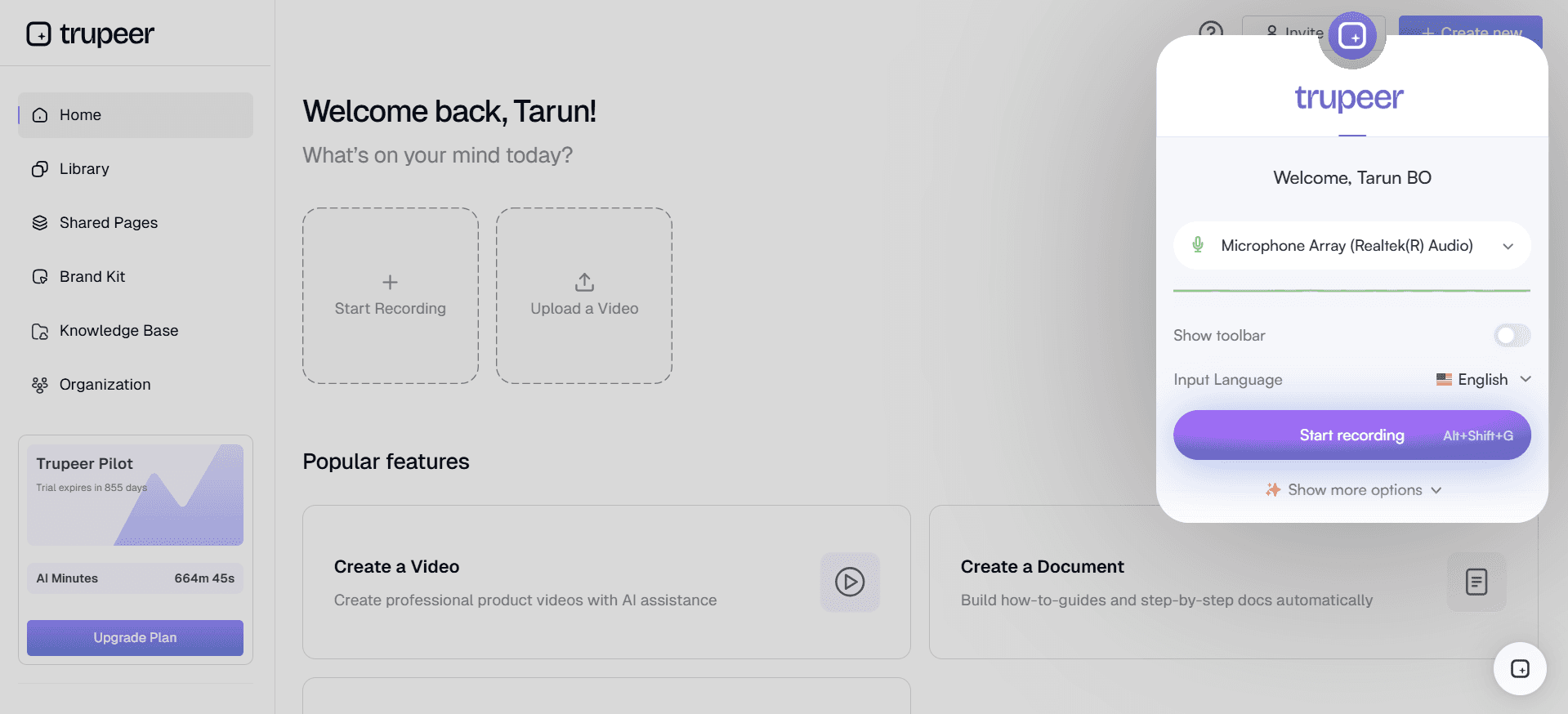
Trupeer is specifically designed for businesses that need robust client training solutions. It enables the creation of engaging training videos with interactive elements, client portals, and comprehensive analytics. Companies that require personalized training experiences find Trupeer particularly effective. However, its advanced features can require a learning curve.
Key Features
Client Portals
Interactive Video Elements
Comprehensive Engagement Analytics
Custom Branding Options
Multi-language Support
LMS Integration
Easy Content Updates
"Trupeer has transformed how we deliver training to our clients, making it more engaging and efficient."
Pros
Cons
Comprehensive client portals enhance user experience.
Advanced features can be initially complex to navigate.
AI-driven insights improve training effectiveness.
Limited offline capabilities.
Highly customizable branding options.
Higher price point for premium features.
Pricing
Free tier available; paid plans start at $49 per user/month.
Panopto
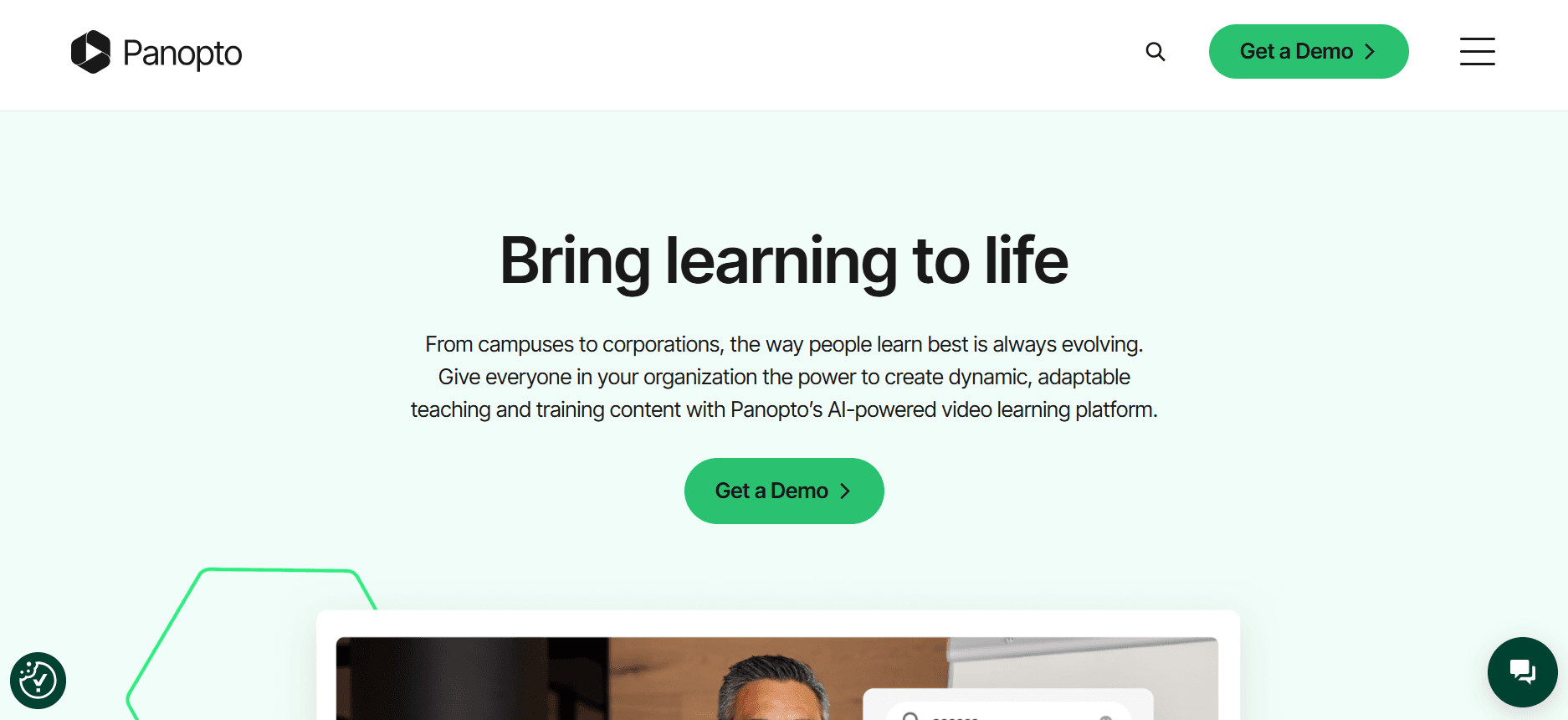
Panopto offers a versatile video platform suitable for educational institutions and large enterprises. Known for its robust video management capabilities, it supports extensive integrations and detailed analytics. However, it lacks some interactive and AI features available in other platforms.
Key Features
Advanced Video Management
Detailed Analytics
Extensive Integrations
Custom Branding
Live Streaming
Support for Multi-language Subtitles
Searchable Video Content
LMS Integration
Pros
Cons
Strong video management capabilities.
Lacks advanced interactive features.
Extensive integration options.
No AI voiceover functionality.
Detailed analytics support data-driven decisions.
Higher cost for full feature access.
Pricing
No free tier; pricing starts at $100 per user/month.
Loom
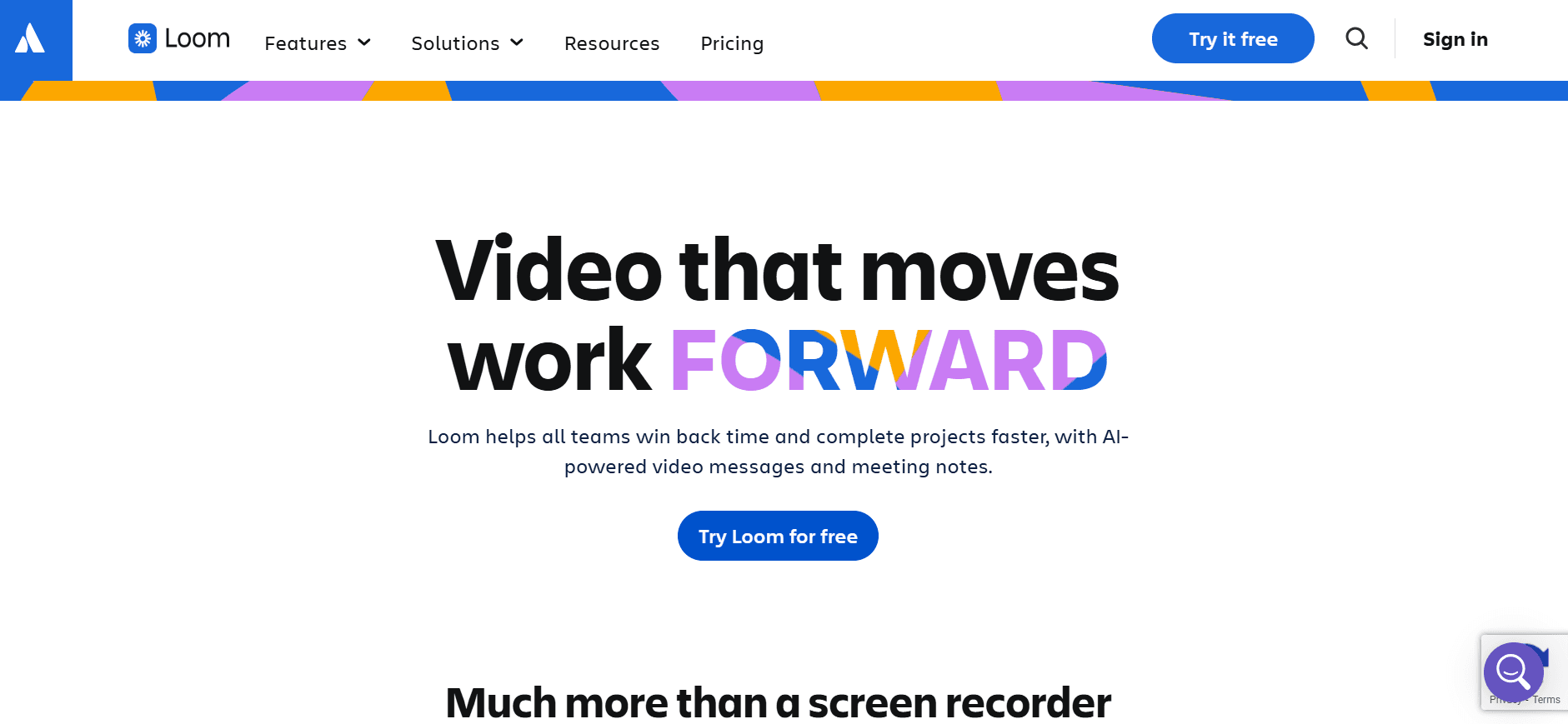
Loom is widely used for quick video messaging and screen recording. It's ideal for teams needing straightforward communication tools without the need for extensive training features. While it excels in simplicity, Loom lacks advanced client training capabilities such as client portals and interactive elements.
Key Features
Quick Video Messaging
Screen Recording
Instant Sharing
Viewer Insights
Basic Editing Tools
Integrations with Slack and JIRA
Custom Recording Layouts
Simple User Interface
Pros
Cons
Simple and user-friendly interface.
Lacks client portal capabilities.
Quick setup and use.
Limited interactive features.
Effective for internal team communication.
Not suitable for comprehensive client training.
Pricing
Free tier available; paid plans start at $8 per user/month.
Kaltura
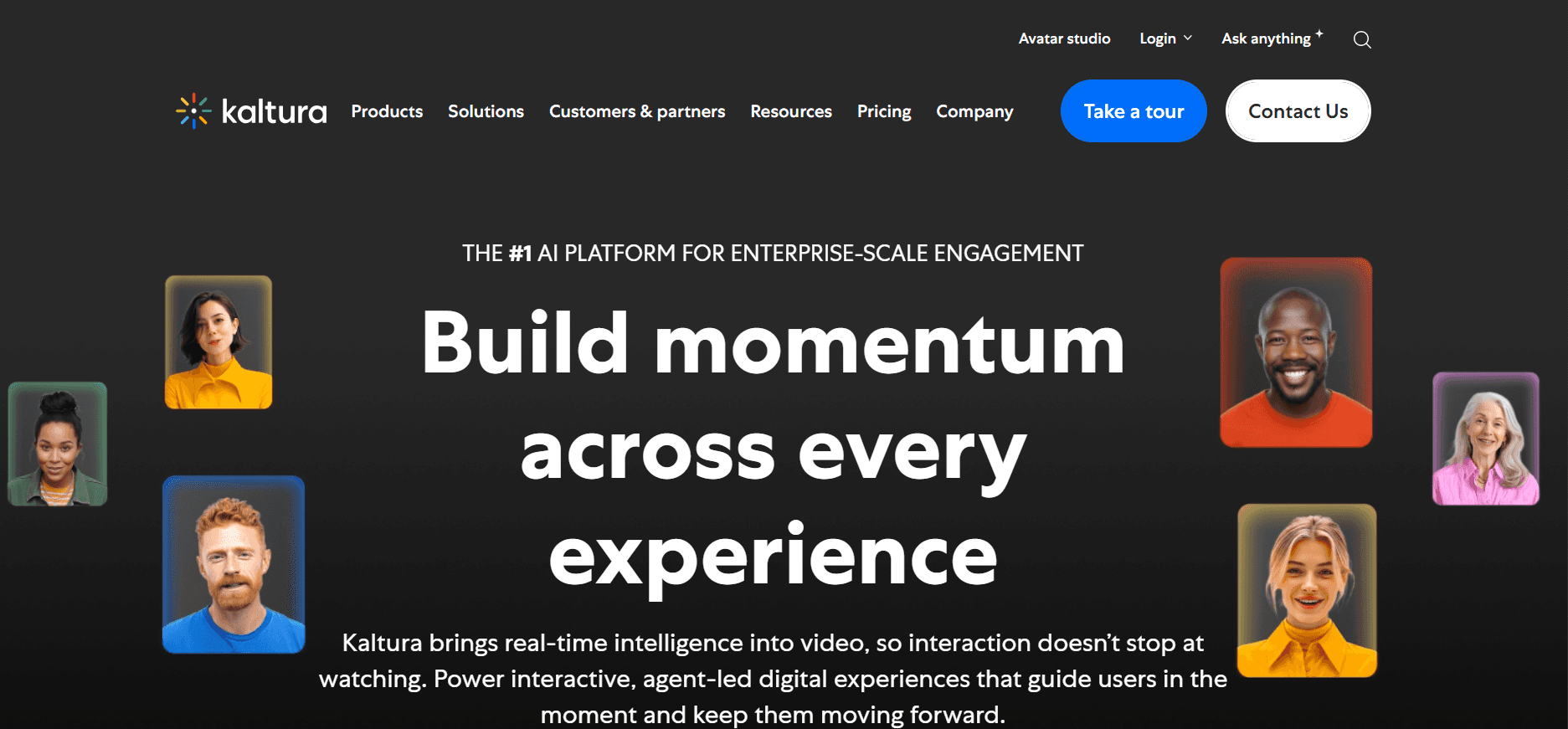
Kaltura is a powerful platform for video creation, management, and distribution. It offers a wide range of tools for interactive learning, making it suitable for educational institutions and businesses requiring comprehensive training solutions. However, its complexity can be daunting for new users.
Key Features
Interactive Video Quizzes
AI Video Transcription
Advanced Video Analytics
Customizable Video Player
Multi-tenant Capabilities
Webcasting
Cloud-hosted Solution
Extensive API Support
Pros
Cons
Comprehensive suite of video tools.
Steep learning curve for new users.
Highly customizable and scalable.
Higher cost compared to simpler platforms.
Strong focus on education and training.
Complex initial setup process.
Pricing
No free tier; pricing starts at $99 per user/month.
Vidyard
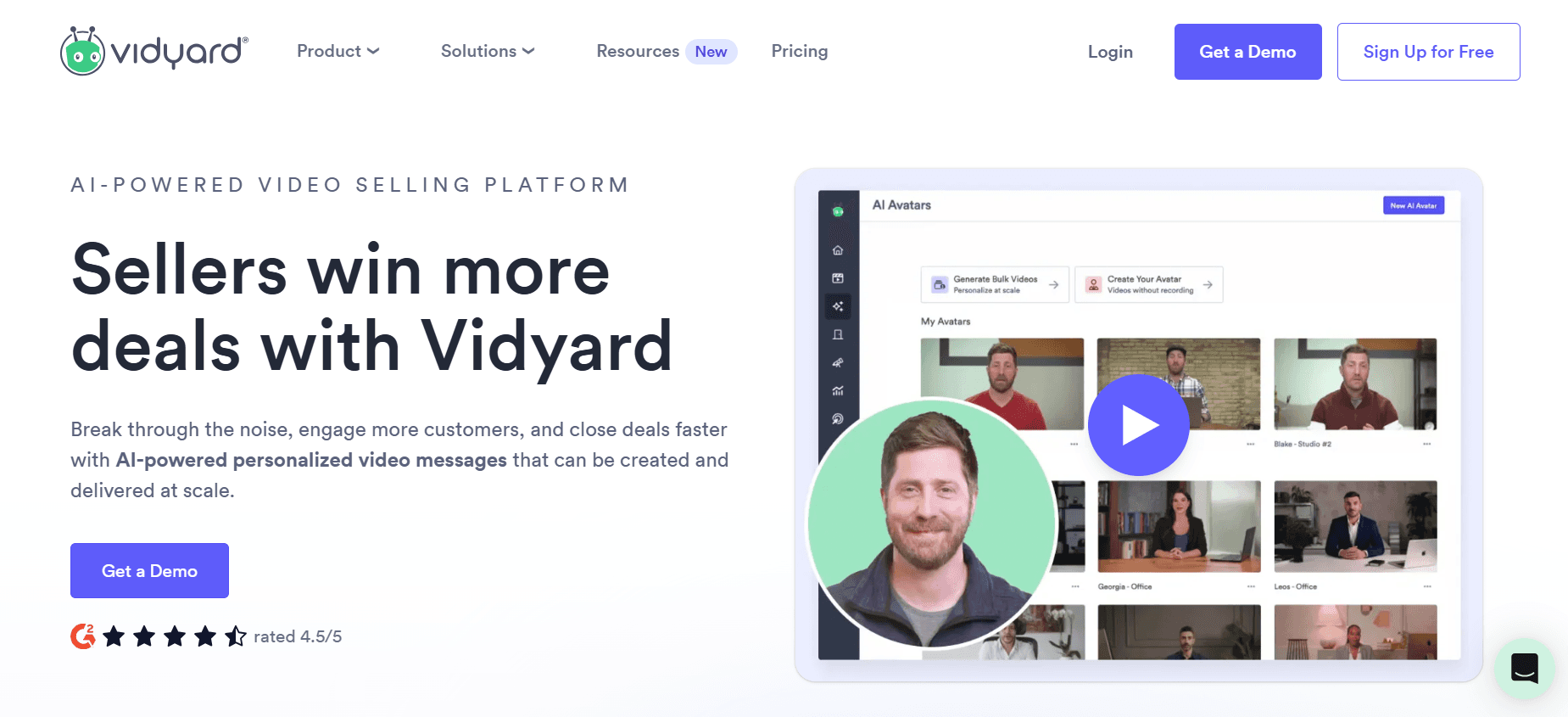
Vidyard is known for its strong analytics and marketing capabilities, making it an excellent choice for businesses focusing on video marketing and client engagement. It provides interactive elements and robust engagement tracking. However, its focus on marketing can limit its training-specific features.
Key Features
Video Hosting and Management
Detailed Viewer Analytics
Interactive Video Elements
CRM Integrations
Video Personalization
Custom Branding Tools
Automated Video Transcription
SEO Optimization for Videos
Pros
Cons
Excellent for marketing-focused video content.
Limited training-specific features.
Strong analytics capabilities.
Higher price for advanced features.
Interactive elements enhance engagement.
Focus on marketing may not suit all training needs.
Pricing
Free tier available; paid plans start at $19 per user/month.
Wistia
Wistia specializes in delivering high-quality video hosting with a focus on brand customization and analytics. It's perfect for businesses that prioritize professional-looking video content with strong brand identity. However, Wistia lacks some of the interactive training features that other platforms offer.
Key Features
High-Quality Video Hosting
Advanced Brand Customization
Lead Generation Tools
Video SEO
Analytics and Heatmaps
Integrations with Marketing Tools
Ad-Free Experience
Customizable Video Thumbnails
Pros
Cons
Strong focus on brand identity.
Limited interactive training features.
Excellent analytics and tracking.
No AI voiceover options.
High-quality video hosting.
Higher cost for premium branding features.
Pricing
No free tier; pricing starts at $99 per user/month.
Camtasia
Camtasia is a well-known tool for screen recording and video editing, favored by educators and trainers who need to create detailed tutorials. It provides a robust set of editing tools but lacks advanced analytics and interactive features that are essential for client training.
Key Features
Screen Recording Capabilities
Comprehensive Video Editing Suite
Audio Effects and Enhancements
Multi-Track Timeline
Annotations and Callouts
Green Screen Effect
Transitions and Animations
Export to Multiple Formats
Pros
Cons
Powerful video editing tools.
Lacks advanced analytics features.
Ideal for detailed tutorial creation.
No client portal support.
Comprehensive screen recording.
Limited interactive elements.
Pricing
No free tier; one-time purchase at $249 per user.
Vimeo OTT
Vimeo OTT is tailored for businesses looking to offer subscription-based video content. It supports monetization and custom branding, making it ideal for companies wanting to create a professional video channel. However, it may not offer the interactive training features needed for client education.
Key Features
Subscription Video On Demand
Custom Branding and OTT Apps
Monetization Options
Analytics and Reporting
Multi-Device Compatibility
Live Streaming Capabilities
Ad-Free Viewing
Customizable Video Player
Pros
Cons
Ideal for creating subscription-based video channels.
Limited interactive training features.
Strong customization and branding.
Not focused on client training needs.
Monetization supports revenue generation.
Higher cost for comprehensive features.
Pricing
No free tier; pricing starts at $500 per user/month.
Video Training Platform Challenges: What Teams Struggle With
No Dedicated Client Access Controls
Generic video links often replace secure portals, risking unauthorized access.
Lack of user-specific permissions makes it hard to personalize content access.
Compromised data security can lead to client trust issues.
Without dedicated controls, companies find it challenging to manage access at scale.
No Visibility into Video Engagement
Teams can't track whether clients have watched the entire video.
Missed opportunities to improve content based on viewer behavior.
Inability to follow up effectively, as engagement insights are lacking.
Limited feedback mechanisms hinder continuous improvement efforts.
Lack of Professional Branding
Inconsistent branding can weaken the company's image in client communications.
Generic platforms don't allow for customization to reflect brand identity.
Limited branding options can make videos look unprofessional.
Brand integrity suffers when videos don't align with overall marketing efforts.
No Interactive Elements for Client Training
Static videos fail to engage clients actively.
Without quizzes or feedback loops, understanding client comprehension is difficult.
Clients can't explore content at their own pace, reducing learning effectiveness.
Interactive elements are crucial for keeping clients engaged and motivated.
Re-recording Required for Every Update
Time-consuming re-recordings are needed for every product update.
Frequent updates lead to resource strain, impacting productivity.
Clients may receive outdated information if updates are delayed.
Scalability issues arise when managing multiple video updates simultaneously.
Challenge
Traditional Process
Business Impact
Time Cost
No Dedicated Client Access Controls
Generic links and email notifications
Security risks and client dissatisfaction
High
No Visibility into Video Engagement
Manual follow-ups and surveys
Missed insights and feedback
Moderate
Lack of Professional Branding
Standard platform templates
Weakened brand identity
Moderate
No Interactive Elements
Static video content
Reduced client engagement
Moderate
Re-recording for Updates
Complete video re-recordings
Resource drain and outdated info
High
Must-Have Features in Video Training Platforms
Client Portal with Granular Access Controls
A dedicated client portal is essential for organizing and managing video content access. It allows businesses to set specific permissions for different users, ensuring that each client sees only what they're meant to. With these controls, you can also track who accessed which content, adding a layer of accountability. Platforms like Trupeer excel here, offering detailed access management options.
Granular access controls provide peace of mind by safeguarding sensitive information. They help prevent unauthorized access that could compromise client data. This feature is indispensable for companies that prioritize security and personalized client interactions.
Video Analytics Showing Per-Viewer Engagement
Understanding how clients interact with your video content is crucial for tailoring future training sessions. Comprehensive analytics track metrics such as watch time, engagement rates, and drop-off points, providing actionable insights. Vidyard is particularly strong in offering detailed viewer analytics that can significantly inform content strategy.
These insights allow trainers to make informed decisions about which content resonates most with clients. By analyzing this data, businesses can refine their messaging and ensure that each video effectively meets its training goals.
Interactive Elements (Quizzes, Chapters, Branching)
Interactive elements such as quizzes, chapters, and branching paths transform passive viewing into an engaging learning experience. Tools like Kaltura are known for their robust interactive capabilities, enabling trainers to assess client understanding in real-time.
These features keep clients engaged by prompting them to participate actively. They also allow for a more customized learning path, which can adapt to the viewer's pace and comprehension level. Interactive videos can significantly enhance client retention and satisfaction.
AI Voiceover and Auto-Translation
AI voiceover and auto-translation features break down language barriers, making your content accessible to a global audience. Trupeer and Kaltura offer advanced AI-driven solutions that automate these processes, saving time and ensuring consistency.
These technologies enable businesses to reach a broader audience without incurring the cost of professional translation or voiceover services. They also ensure that your content maintains a professional tone across languages, crucial for maintaining brand integrity.
Custom Branding with Logo and Colors
Custom branding capabilities allow companies to maintain their visual identity across all client interactions. By incorporating logos and brand colors into video content, businesses can ensure a consistent and professional presentation. Wistia excels at providing extensive customization options to align videos with corporate branding.
This feature is vital for reinforcing brand recognition and trust. It ensures that every piece of content reflects the company's image, strengthening client relationships and supporting marketing efforts.
Easy Content Updates Without Re-recording
The ability to update video content quickly without re-recording is a game-changer. This feature allows trainers to make necessary adjustments or add new information without starting from scratch. Platforms like Trupeer offer seamless update processes, making it easy to keep content current.
Easy updates reduce the time and resources needed to keep training materials relevant. They ensure that clients always have access to the latest information, enhancing the value and credibility of the training provided.
How to Choose Video Training Platforms Based on Your Use Case
Software Onboarding Videos for Clients
Software onboarding is crucial for ensuring clients can effectively use your product. Clear onboarding videos help reduce support calls and increase product adoption. A platform with interactive features can enhance the learning experience, making it easier for clients to understand complex software functionalities.
Key Challenges:
Diverse client skill levels.
Need for step-by-step guidance.
High volume of onboarding requests.
Solutions Needed:
Interactive video elements for engagement.
Detailed analytics to track client progress.
Custom branding to reinforce company image.
Feature
Trupeer
Vidyard
Kaltura
Interactive Components
Yes
Yes
Yes
Analytics
Yes
Yes
Yes
Branding
Yes
Yes
Yes
Ongoing Product Training Libraries
Maintaining a library of training videos ensures clients have access to the latest information about your products. These libraries can be a self-service resource, reducing the need for live training sessions. Platforms with easy update capabilities are essential for keeping content fresh.
Key Challenges:
Frequent product updates.
Need for accessible, on-demand content.
Diverse client learning preferences.
Solutions Needed:
Efficient content update mechanisms.
Multi-language support for global reach.
Customizable video library structures.
Feature
Trupeer
Wistia
Vimeo OTT
Easy Updates
Yes
No
Limited
Multi-language
Yes
No
Limited
Library Customization
Yes
Yes
Yes
Compliance and Certification Training for Clients
Compliance training ensures that clients adhere to industry regulations, which is critical in fields like finance and healthcare. These trainings often need to be tracked meticulously to verify completion and understanding. Platforms with detailed reporting and assessment features are ideal.
Key Challenges:
Regulatory compliance requirements.
Verification of client understanding.
High stakes if training is not completed.
Solutions Needed:
Comprehensive reporting capabilities.
Interactive assessments for knowledge checks.
Secure client access portals.
Feature
Trupeer
Panopto
Camtasia
Reporting
Yes
Yes
No
Assessments
Yes
Limited
No
Secure Access
Yes
Yes
No
Partner Enablement Video Programs
Partner enablement is about equipping your partners with the knowledge they need to sell or support your products effectively. These programs often require a combination of live and recorded sessions, along with interactive content for real-world scenarios.
Key Challenges:
Need for comprehensive training materials.
Varied partner knowledge levels.
Scalability of training programs.
Solutions Needed:
Flexible content delivery options.
Detailed progress tracking.
Interactive scenarios and role-playing.
Feature
Trupeer
Brightcove
Loom
Content Delivery
Yes
Yes
Limited
Progress Tracking
Yes
Yes
No
Interactive Scenarios
Yes
Limited
No
Best Practices for Video Training Platforms
Before Launching Videos
Define clear learning outcomes for each video.
Plan your video series by topic to ensure comprehensive coverage.
Identify your audience's specific needs and tailor content accordingly.
Create an outline or storyboard to organize your ideas effectively.
Test your equipment and environment to ensure high-quality production.
During Video Production
Keep each video under 5 minutes to maintain viewer attention.
Use chapters or segments to allow easy navigation within videos.
Incorporate interactive elements like quizzes to boost engagement.
Speak clearly and at a natural pace for better comprehension.
Use visuals and examples to illustrate complex concepts.
After Publishing Videos
Track completion rates and viewer analytics to assess effectiveness.
Gather feedback from clients to improve future content.
Refresh content quarterly to ensure information remains current.
Update videos promptly to reflect any significant changes or updates.
Share success stories and case studies to highlight video impact.
Frequently Asked Questions
What types of businesses benefit most from video training platforms?
Businesses that provide external training, such as SaaS companies, agencies, and educational institutions, benefit most. These platforms facilitate interactive, engaging, and scalable training solutions.
Why is engagement analytics important in a video training platform?
Engagement analytics help you understand how clients interact with your content. This data allows you to refine your strategies, improve content quality, and ensure training effectiveness.
Can these platforms handle multiple languages?
Many platforms, like Trupeer and Kaltura, offer multi-language support, making them suitable for global audiences. This feature ensures that the content is accessible and understandable to diverse viewers.
What are interactive video elements?
Interactive video elements include quizzes, clickable links, and branching scenarios. They enhance engagement by prompting viewers to participate actively, thereby improving retention and understanding.
Are there any free video training platforms available?
Some platforms, like Loom and Vidyard, offer free tiers with basic features. However, more advanced functionalities typically require a paid subscription.
What factors influence the pricing of video training platforms?
Pricing varies based on features like analytics, branding, interactive elements, and storage capacity. The number of users and the level of customer support also impact the cost.
How long does it take to implement a video training platform?
Implementation time varies by platform and scope. Simple setups may take a few days, while comprehensive solutions with custom integrations could require several weeks.
What support options are available during implementation?
Most platforms offer customer support, tutorials, and documentation to assist with implementation. Some, like Trupeer, provide dedicated onboarding specialists for a smoother transition.
Closing
Video training platforms have become indispensable tools for businesses aiming to enhance client interactions and streamline training processes. Choosing the right platform depends on your specific needs, such as interactive features, analytics, and branding capabilities. Investing in a suitable video training solution can lead to significant improvements in client satisfaction and training efficiency.
Trupeer stands out as a comprehensive solution for businesses seeking to elevate their training programs. With features tailored to client engagement and easy content management, it's a top choice for those looking to make a significant impact. Explore Trupeer at learn more about how it can transform your training initiatives.
Related Blogs



