vs

Camtasia vs Trupeer Manual Video Editing, or AI-Made Videos and Docs from One Recording?
Get Started
Book a Demo
See Why Trupeer Is the Smarter Choice Over Camtasia

Explore Trupeer
What Trupeer Can Do For You
" transform="translate(2 2)" width="59.5px"/></svg>)
Video
Studio-quality videos from any screen recording

Snimi zaslon

Translation
Videos and docs in 65+ languages, automatically


Demo proizvoda
Kako instalirati Claude Code
Ovaj vodič za brzi početak pokazuje kako postaviti i pokrenuti svoju stranicu s dokumentacijom za nekoliko minuta. Nakon što dovršite ovaj vodič, imat ćete aktivnu stranicu s dokumentacijom spremnu za prilagodbu i proširenje.
Odaberi

Ruski
Njemački

Estonski

Japanski

Kineski

Hindi

Documentation
Auto-generate manuals, SOPs, and docs instantly

Dokumenti
Snalaženje u HubSpot ekosustavu
Naslov 1
B
/
Snalaženje u HubSpot ekosustavu
Uloga ->
Koordinator marketinga
Modul ->
Početno postavljanje sustava i orijentacija
Vrijeme za dovršetak ->
45 minuta
Uvod u portal
Dobrodošli u tim! Naš HubSpot portal je "Jedini izvor istine" za sve interakcije s kupcima. Ovaj vodič pomoći će vam postaviti radni prostor tako da odgovara standardima tima.

Knowledge Base
A searchable knowledge base for your whole team

Webflow
Započnite
Uvod
Brzi početak
Biblioteka
Bilješke
Konfiguracija
Globalne postavke
Stranice
Navigacija
Teme
Pretraži bazu znanja
Uvod
Dobrodošli u Webflow bazu znanja
Ovaj brzi vodič pokazuje kako postaviti i objaviti svoju stranicu dokumentacije za nekoliko minuta. Nakon što dovršite ovaj vodič, imat ćete aktivnu stranicu dokumentacije spremnu za prilagodbu i proširenje.

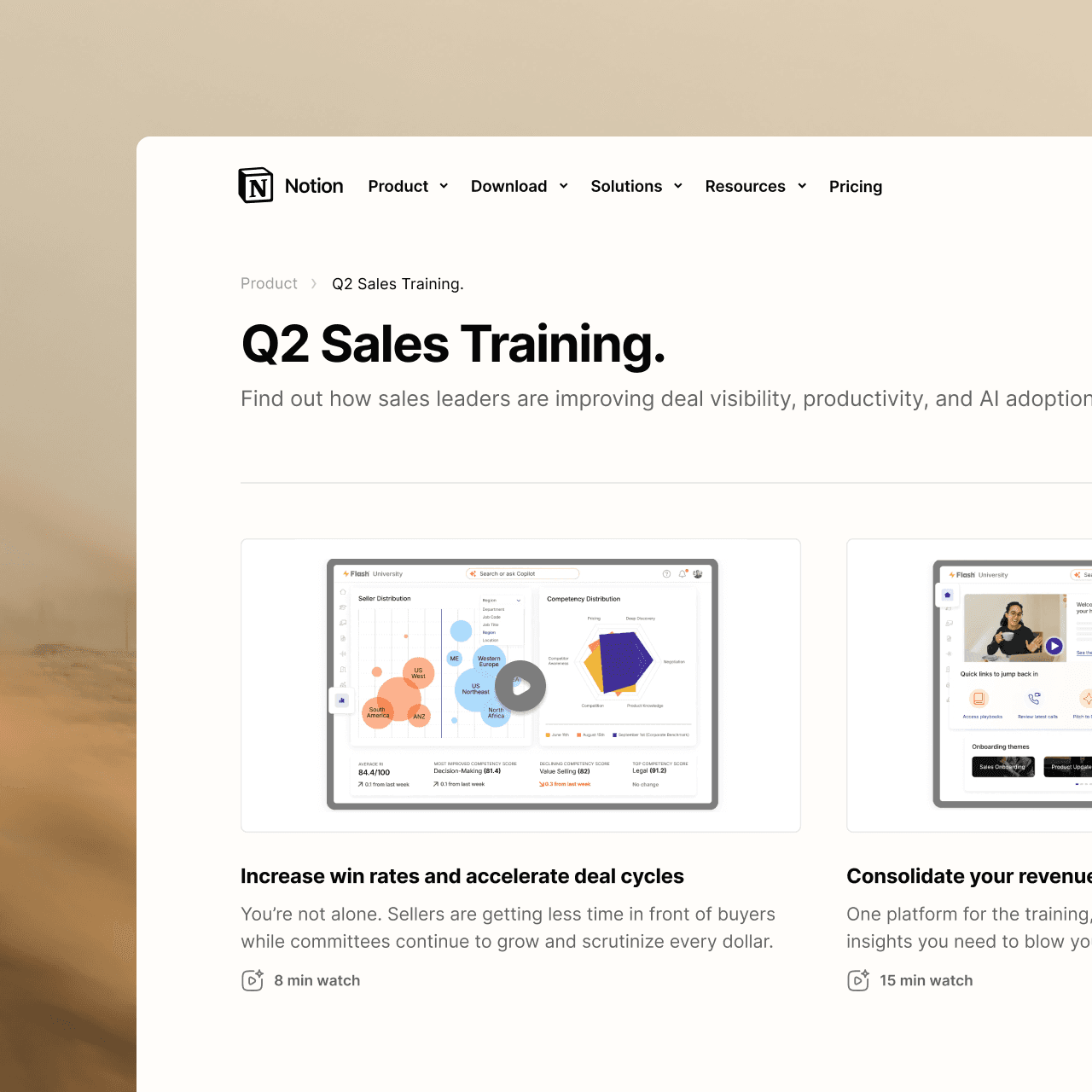
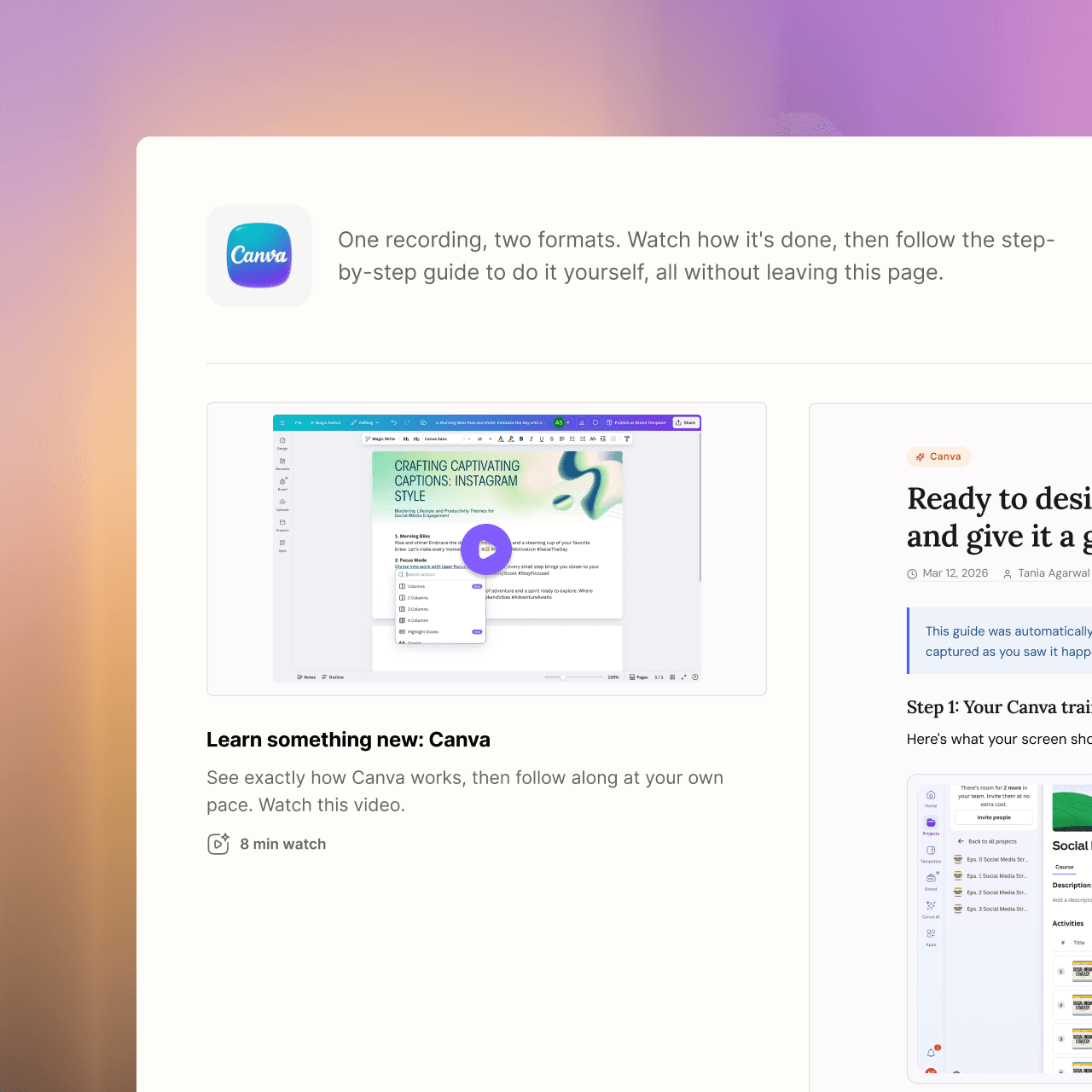
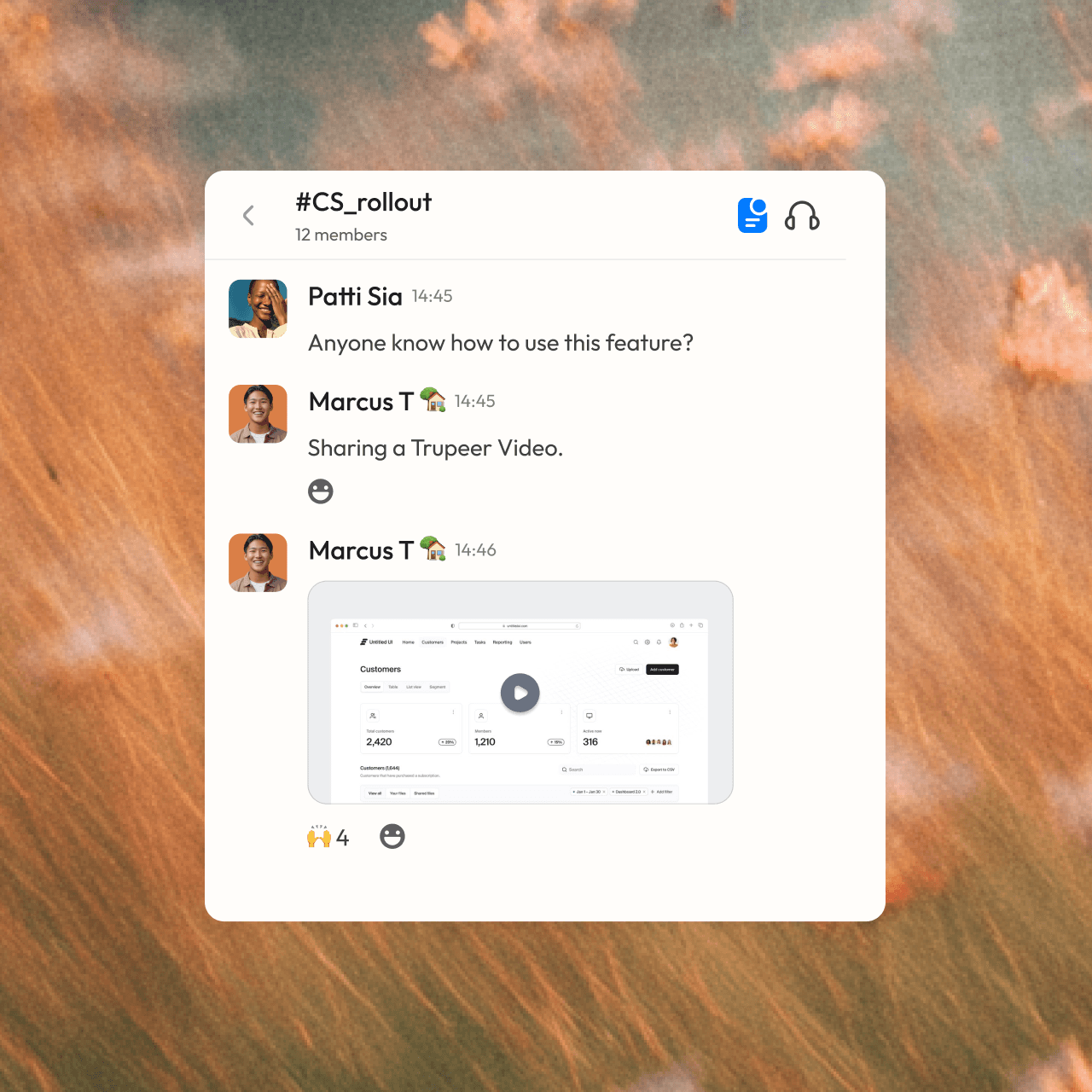

become a pro
Not a content person? No problem. Just hit record.


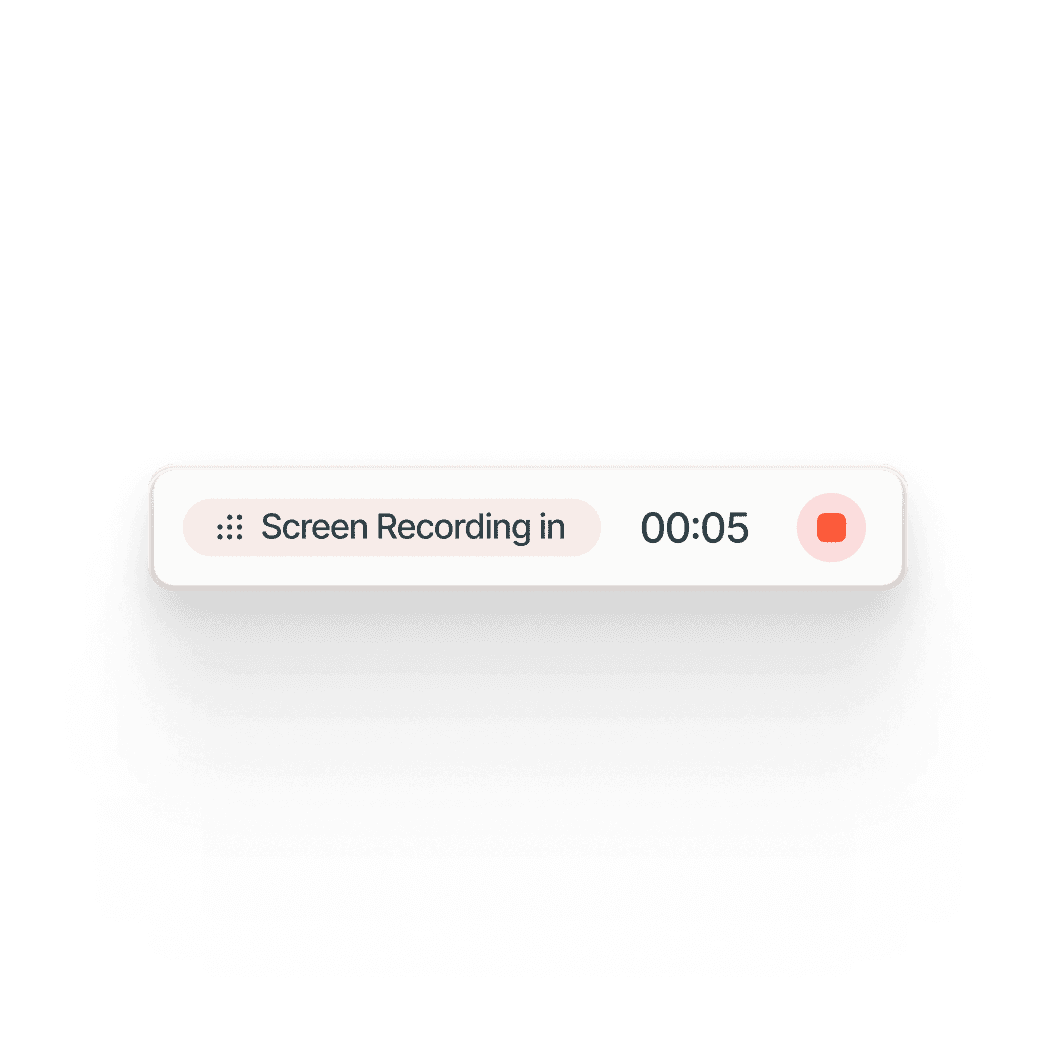
Other tools capture your screen.
Trupeer captures your knowledge.





Frequently Asked Questions
1. Is Trupeer a good alternative to Camtasia?
Yes, if you'd rather not edit videos by hand. Camtasia gives you a full timeline editor for frame-by-frame control. Trupeer turns a screen recording into a finished video automatically, with zooms, an AI voiceover and a clean script, and creates a step-by-step guide from the same recording.
2. Do I need video editing skills to use Trupeer?
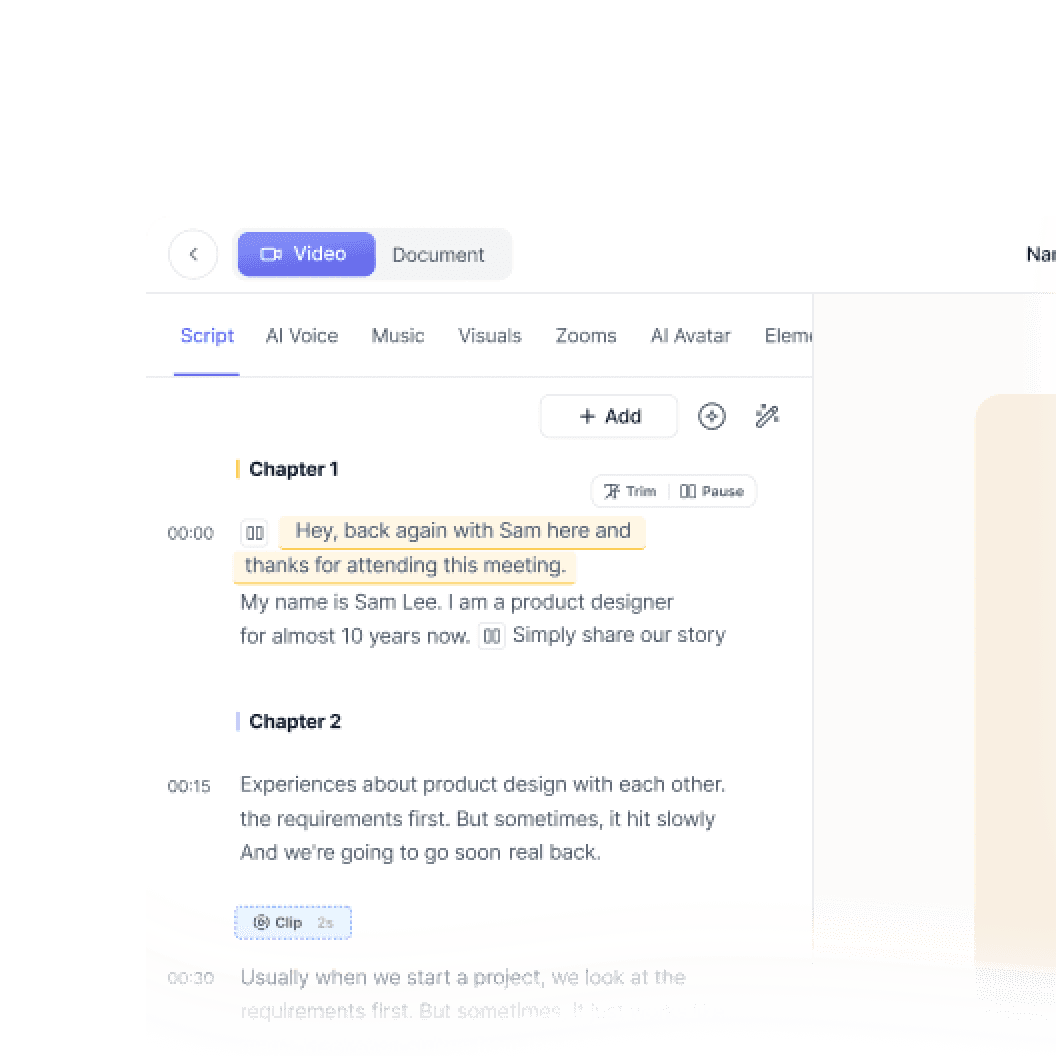
No. Trupeer edits the video for you. To make changes, you edit the script like a document, and the video updates to match. You can trim with a waveform view or use the advanced editor when you want finer control, but most videos are ready without any timeline work.
3. Can Camtasia create step-by-step documentation?
Camtasia is a video editor, and step-by-step guides come from Snagit, a separate app in the same suite. Trupeer creates the video and the written guide from one recording and keeps them in sync, so when you edit the script, the guide updates too.
4. Can Trupeer translate videos and guides?
Yes. Trupeer translates the video, its voiceover and the written guide into 65+ languages, and you share everything through one link where each viewer picks their language. Camtasia's translation and dubbing are only available on its Pro plan and cover the video only.
5. How do I update a video when my product changes?
In Trupeer, you edit the script and the video and guide update automatically, with no re-recording or re-editing. If one step of a process changes, you can re-record just that part and swap it into a merged video, keeping the rest as it is.


