Trupeer Blog
Summarise
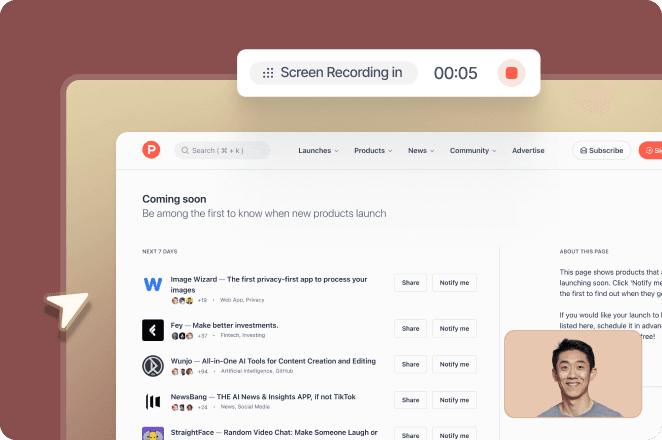
Writing a narration script for a product demo or tutorial usually means watching the recording, pausing, typing what happens, then re-recording the voiceover. AI can now do most of that work by looking at the screen recording itself. This guide explains how AI generates a narration script from screen activity, what it does well, where it needs help, and how to get the best results.
How AI Turns Screen Activity Into a Narration Script
Tools that generate narration from a screen recording typically combine several AI techniques:
Stage | What happens |
|---|---|
1. Capture | The tool records the screen, plus clicks, typing and page changes, and optionally your voice |
2. Read the screen | Computer vision and text recognition identify buttons, menus, fields and labels on each frame |
3. Detect actions | Clicks, typing and navigation mark where one step ends and the next begins |
4. Split into steps | The recording is divided into a sequence of steps, each with a key frame |
5. Write the script | A language model describes each step in plain language, using the names it read on screen |
6. Generate the voice | Text-to-speech reads the script in a natural voice, timed to the video |
If you also narrate while recording, your spoken words give the AI extra context, such as why a step matters, which it can tidy into a cleaner script.
Silent Recording vs Recording With Your Voice
Silent recording:
Best when you are not comfortable narrating or the environment is noisy. The script is built from clicks and on-screen elements, so it describes what happens on screen.Recording with your voice:
Best when context matters. The AI combines what you say with what happens on screen to produce a clearer, more complete script.
What AI Narration Does Well, and Where It Needs Help
Does well | Needs a human |
|---|---|
Describing each click and screen accurately | Explaining why a step matters |
Using the exact names of buttons and menus | Business rules, exceptions and approvals that are not on screen |
Keeping a consistent, clear tone | Product positioning and messaging for a specific audience |
Producing a first draft in minutes | Checking accuracy before publishing |
The best results come from treating the AI script as a strong first draft: review it, add the context only you know, then generate the final voiceover.
How to Generate a Narration Script With Trupeer
Step 1: Record your screen

Record a browser tab, a window or your entire screen with the Trupeer Chrome extension. Narrate as you go, or choose No Microphone to record silently.
Step 2: Generate AI Content
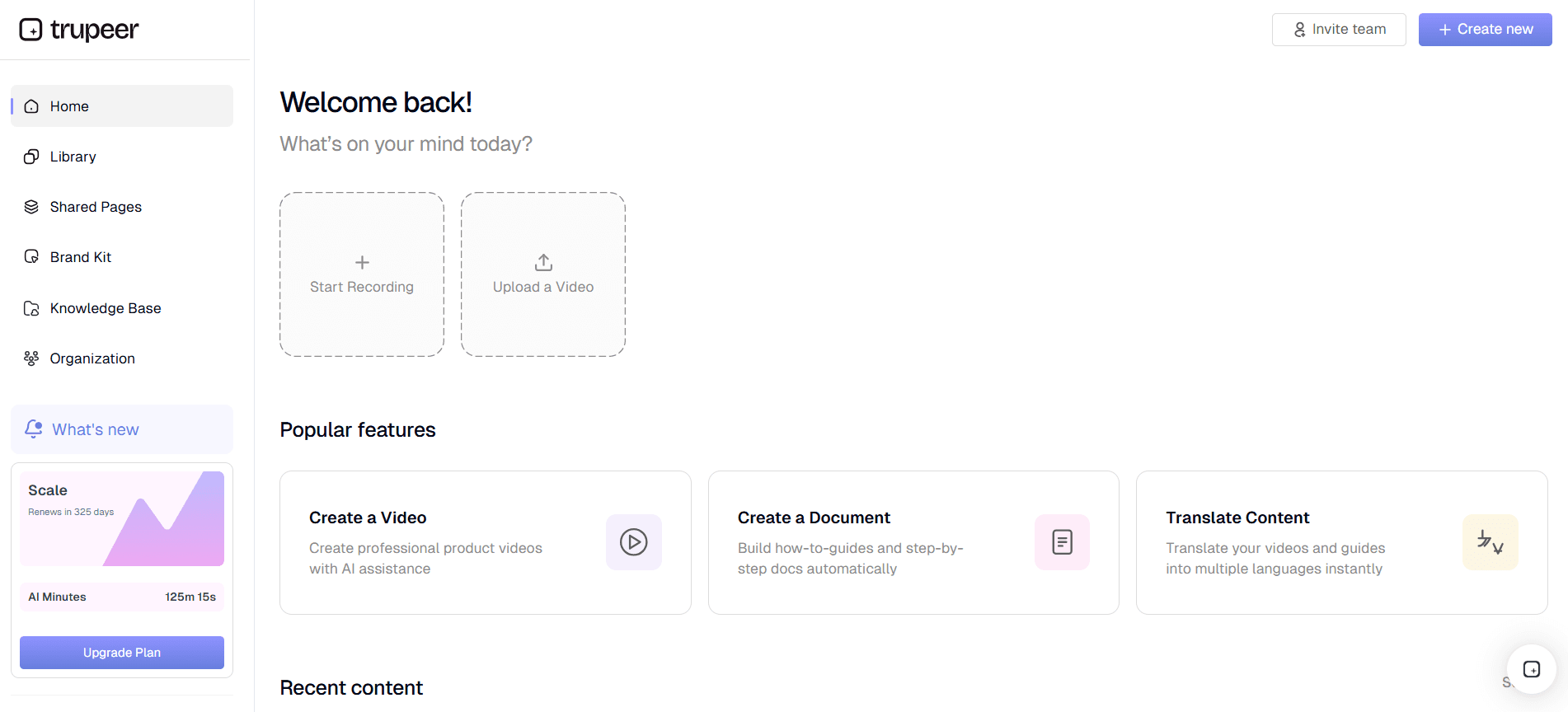
Click Generate AI Content. Trupeer generates a polished video with an AI script and voiceover, plus a step-by-step guide. With No Microphone selected, it builds the content from your clicks and the visual elements on screen.
Step 3: Edit and refine the script

Edit the script like a document, or use Rewrite with AI to change the tone, length or emphasis, then refresh the voiceover.
Step 4: Choose the voice

Pick an AI voice or a custom AI voice, and translate the narration for other languages on the Scale plan.
Step 5: Export and share

Export the video as MP4 with captions and the guide as DOC, PDF or Markdown, or share both with a link.
Tips for Better AI Narration
Plan the flow before recording and avoid unnecessary clicks
Use realistic demo data so on-screen labels make sense
Pause briefly on important screens so each step is clear
Narrate the “why” if context matters, even roughly; the AI will tidy it
Review every script for accuracy before publishing
Keep scripts short; see our 2-minute training video script formula
Final Thoughts
AI can turn screen activity into a clear narration script in minutes by reading the screen, detecting actions and describing each step. Use it for the first draft, add the context only you know, and let AI handle the voiceover. For demo-specific uses, see the product demo video maker.
Frequently Asked Questions
How does AI generate a narration script from a screen recording?
It reads on-screen text and elements, detects clicks and page changes, splits the recording into steps, and uses a language model to describe each step. Text-to-speech then reads the script.
Can I create a narrated video without speaking?
Yes. With Trupeer you can select No Microphone and generate the script and voiceover from your clicks and on-screen elements.
How accurate is AI-generated narration?
It is usually accurate about what happens on screen, but you should review it and add context, business rules and exceptions that are not visible.
Can I edit the AI-generated script?
Yes. In Trupeer you can edit the script like a document or use Rewrite with AI, then refresh the voiceover.
What is the difference between a transcript and a narration script?
A transcript records what was said. A narration script is written for the viewer, describing each step clearly and concisely.
Can AI narration be translated?
Yes. Trupeer can translate videos and documentation on its Scale plan and above.
What kinds of recordings work best for AI narration?
Software walkthroughs, product demos, tutorials and SOPs, where each step is a visible action on screen.
Does AI narration replace a human voiceover?
For many tutorials and demos, yes. For brand campaigns or emotional storytelling, a human voice may still be preferred.
Related Blogs