vs

Synthesia vs Trupeer
AI Avatar Videos, or Real Product Walkthroughs and Docs?

Get Started

Book a Demo

no credit card required

Trusted by Fortune 500 Companies

Trusted by Fortune 500 Companies

Trusted by Fortune 500 Companies

See Why Trupeer Is the Smarter Choice Over Synthesia

Screen recording
Script from your recording
Doc to Video
AI voiceover
AI avatars
Editing real recordings
Auto-generated documentation
Process Flow Diagrams
Smart Blur / PII redaction
Knowledge base and AI search
trupeer
Full screen recording with auto zoom and click highlights, plus upload or import Loom and Zoom recordings
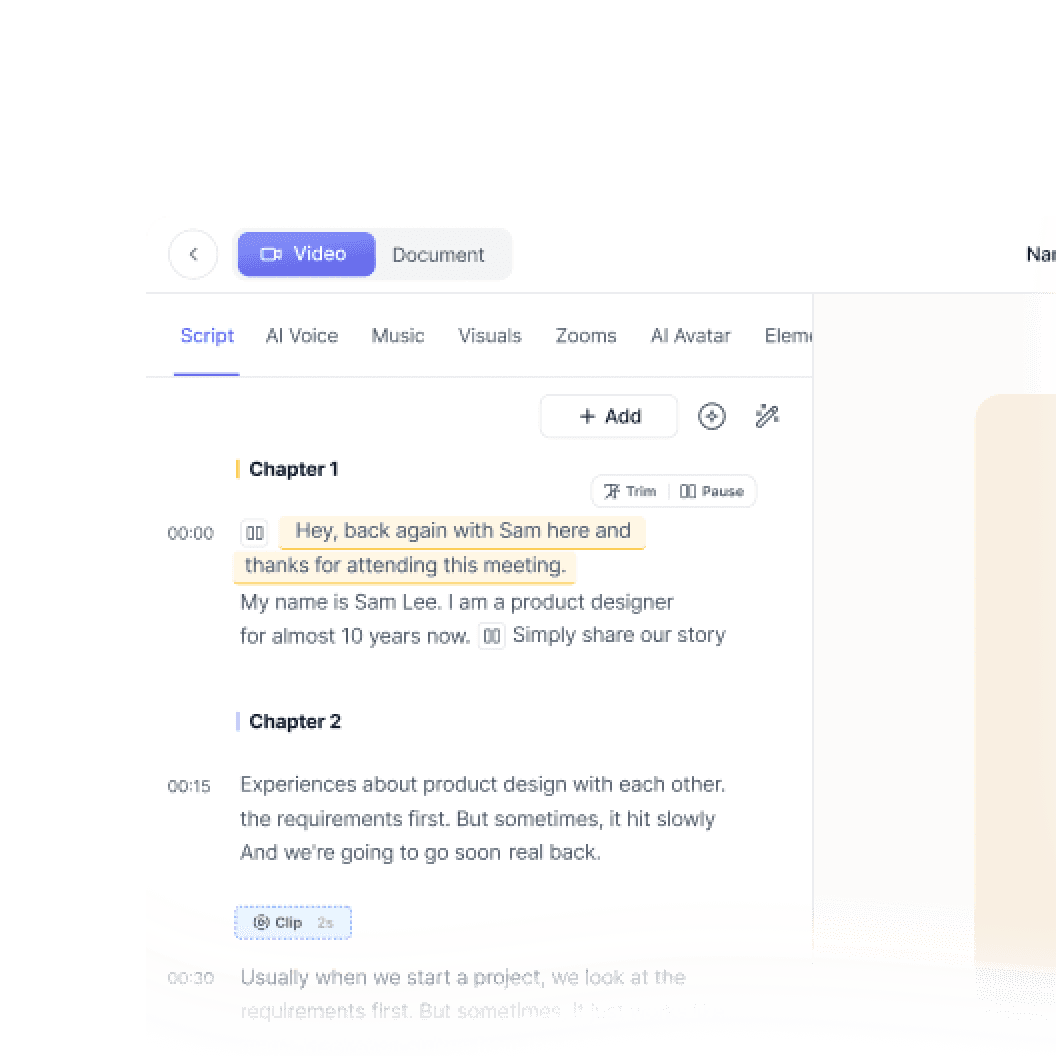
Writes a clean script from what you show and say on screen
PPT, PPTX, DOC, DOCX and PDF become a narrated video, with a script for every slide
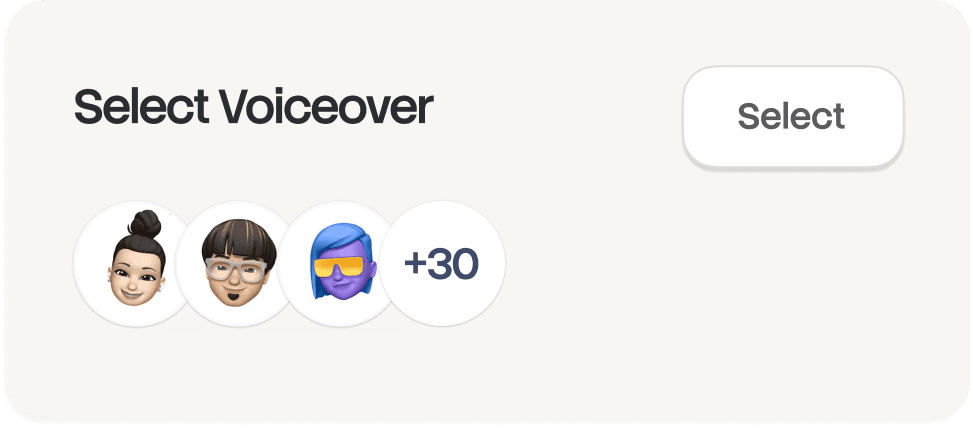
Studio-quality voiceovers with custom pronunciations
Lifelike presenters, no camera needed
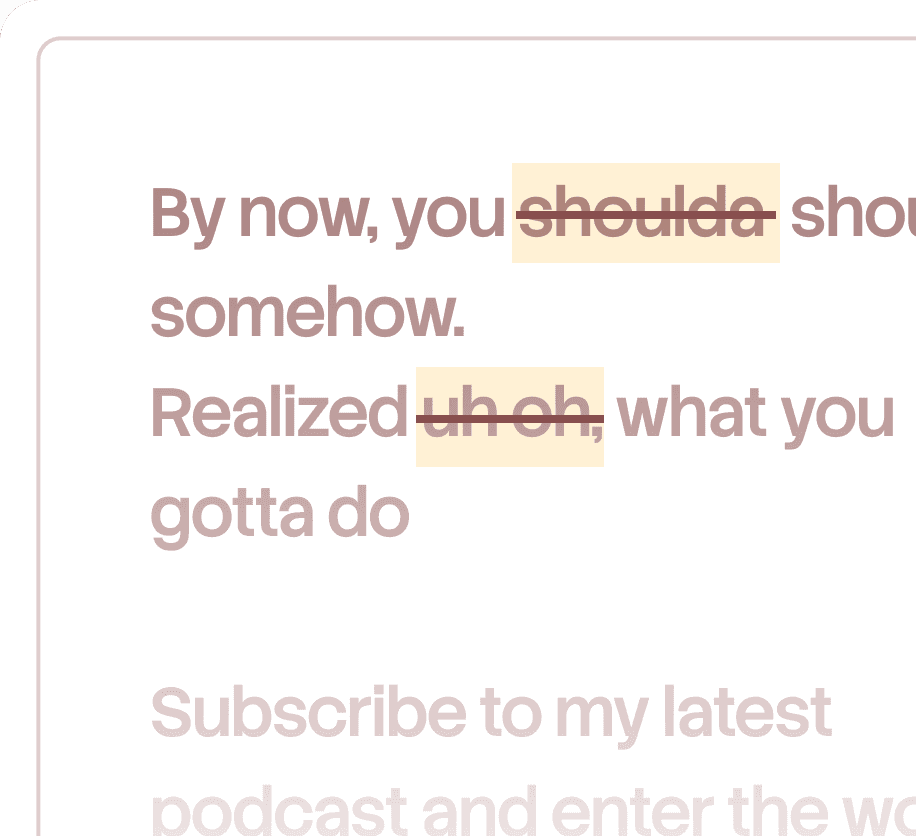
Edit by script, waveform trimming, filler-word removal, merge multiple recordings
Step-by-step guides with screenshots, from the same recording
Record a process once and get a visual flow diagram
Automatic redaction across video and docs
Branded knowledge base on your own domain; Ask Trupeer answers with timestamped video moments; built-in analytics
loom
AI screen recorder (Chrome extension)
AI writes scripts from prompts and documents
PPT, PDF and URL to video
AI voices in 140+ languages
Large stock avatar library plus personal avatars
Scene-based editor built for avatar videos
Doesn't exist
Doesn't exist
Doesn't exist
Branded video pages

Explore Trupeer

What Trupeer Can Do For You

Translation

Videos and docs in 65+ languages, automatically

Product Demo

How to Install Claude Code

This quickstart guide shows you how to set up and deploy your documentation site in minutes. After completing this guide, you will have a live documentation site ready to customize and expand.

Select

Russia

Russian

German

Civil flag of Germany

Estonian

Estonia

Japanese

Japan

Chinese

China

Hindi

India
Documentation

Auto-generate manuals, SOPs, and docs instantly

Documents

Navigating the HubSpot Ecosystem

Heading 1

B

/

Navigating the HubSpot Ecosystem

Role ->

Marketing Coordinator

Module ->

Initial System Setup & Orientation

Time to Complete ->

45 minutes

Introduction to the Portal

Welcome to the team! Our HubSpot portal is the "Single Source of Truth" for all customer interactions. This guide will help you set up your workspace to match the team's standards.

Knowledge Base

A searchable knowledge base for your whole team

Webflow

Get started

Introduction

Quick start

Library

Notes

Configuration

Global settings

Pages

Navigation

Themes

Search Knowledge Base

Introduction

Welcome to Webflow Knowledge Base

This quickstart guide shows you how to set up and deploy your documentation site in minutes. After completing this guide, you will have a live documentation site ready to customize and expand.

One tool.
More use cases than we expected.
Product Marketing

Ship product updates right after you ship products, not a week later.

Pre-Sales
Change Management
Sales Enablement
Learning & Development
Customer Success
Product Marketing

Ship product updates right after you ship products, not a week later.

Pre-Sales

Let prospects explore your product before you even get on a call.

Change Management

Roll out changes without the town halls, the decks, and the 5 hour zoom calls.

Sales Enablement

Give your reps everything they need to sell, without the back and forth.

Learning & Development

Train thousands across the globe in the language they actually think in.

Customer Success

Answer the same question once. Let the video answer it forever.

Product Marketing

Ship product updates right after you ship products, not a week later.

Pre-Sales

Let prospects explore your product before you even get on a call.

Change Management

Roll out changes without the town halls, the decks, and the 5 hour zoom calls.

Sales Enablement

Give your reps everything they need to sell, without the back and forth.

Learning & Development

Train thousands across the globe in the language they actually think in.

Customer Success

Answer the same question once. Let the video answer it forever.

become a pro

Not a content person? No problem. Just hit record.

Record your screen

Generate in single click

Edit easily with AI

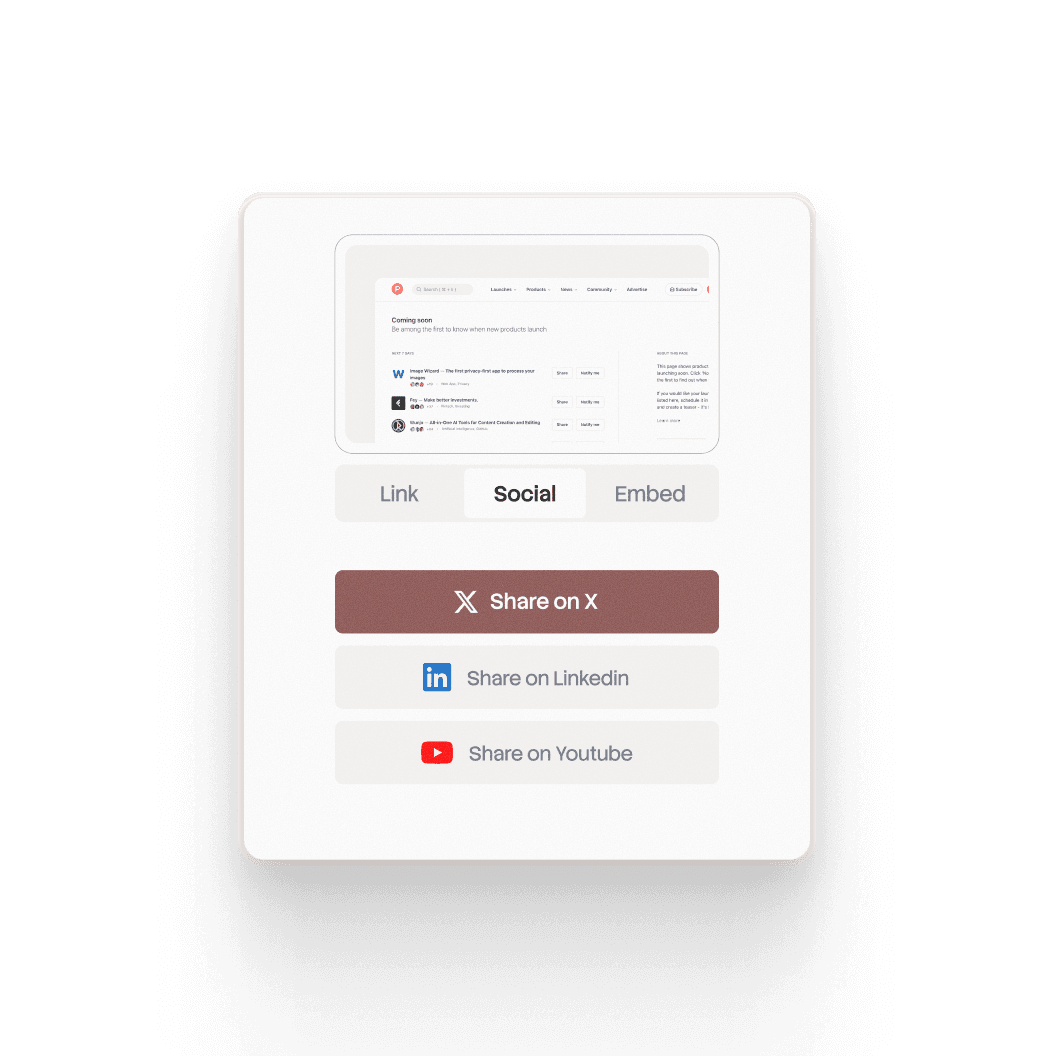
Share in any format

Hit record on any screen. Talk through it naturally. Use the Chrome extension or upload an existing recording.

Record your screen

Hit record on any screen. Talk through it naturally. Use the Chrome extension or upload an existing recording.

Generate in single click

Trupeer turns your recording into a polished doc, video, or tutorial — no editing needed. One click.

Edit easily with AI

Tweak the script, swap steps, trim the fluff. The AI follows your intent, not just your words.

Share in any format

Export as a video, doc, or embeddable link. Send it wherever your team actually lives.

Record your screen

Hit record on any screen. Talk through it naturally. Use the Chrome extension or upload an existing recording.

Trupeer has helped us stop rebuilding from scratch every time something changes and that's made a real difference in how our team operates.

David Greene

RVP Solutions Consulting

Trupeer has helped us stop rebuilding from scratch every time something changes and that's made a real difference in how our team operates.

David Greene

RVP Solutions Consulting

Frequently Asked Questions

1. What's the difference between Synthesia and Trupeer?

Synthesia is built for avatar-led videos: you write a script and an AI presenter delivers it. Trupeer is built for showing how a product or process works: you record your screen, and Trupeer turns it into a polished video with an AI voiceover plus a step-by-step written guide. You can still add an AI avatar in Trupeer if you want a presenter.

2. Which is better for software tutorials and product demos?

Trupeer is designed for this. It works from a real recording of your product, adds auto zooms on every click, writes and narrates the script, and builds a written guide with screenshots at the same time. Synthesia's videos center on the avatar presenter, which suits training talks and announcements more than click-by-click walkthroughs.

3. Can Synthesia create step-by-step documentation?

No. Synthesia produces videos only. Trupeer creates both a video and a step-by-step guide with screenshots from one recording, and keeps them in sync, so when you edit the script, the visuals and guide update too. You can export the guide, embed it, or publish it to your knowledge base.

4. Does Trupeer offer AI avatars like Synthesia?

Yes. You can add a lifelike AI avatar as an on-screen presenter to any Trupeer video, with no camera or filming needed. The avatar works alongside your screen recording, so viewers see both the presenter and the product in action.

5. Can Trupeer translate both videos and written guides?

Yes. Trupeer translates the video, its voiceover and the written guide into 65+ languages. You share one link, and each viewer follows along in their own language, so global teams don't need separate videos and documents for each region.

Other tools capture your screen.
Trupeer captures your knowledge.
Powering the video stack for companies around the globe

Smart zooms and animations

Every key action gets a zoom. No manual editing, no missed moments.

Studio quality voiceover

Pick a voice and get broadcast-ready narration on your first take.

Clean, professional scripts

Your recording becomes a polished, ready-to-use script in seconds.

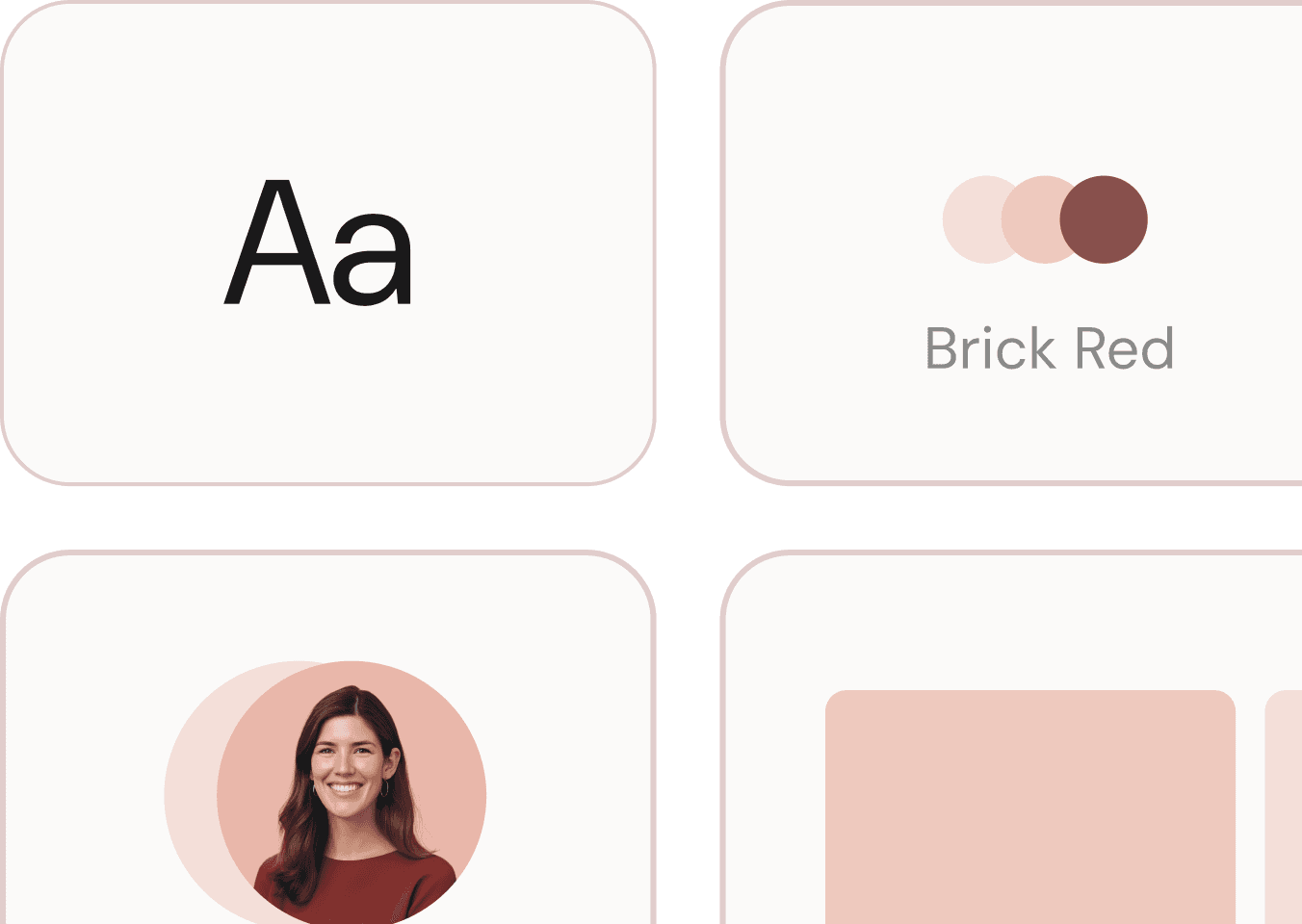
Always on brand

Your logo, colors, and fonts show up in every video you make.

Lifelike avatars, no camera

Put a presenter in your video without recording a single second of footage.

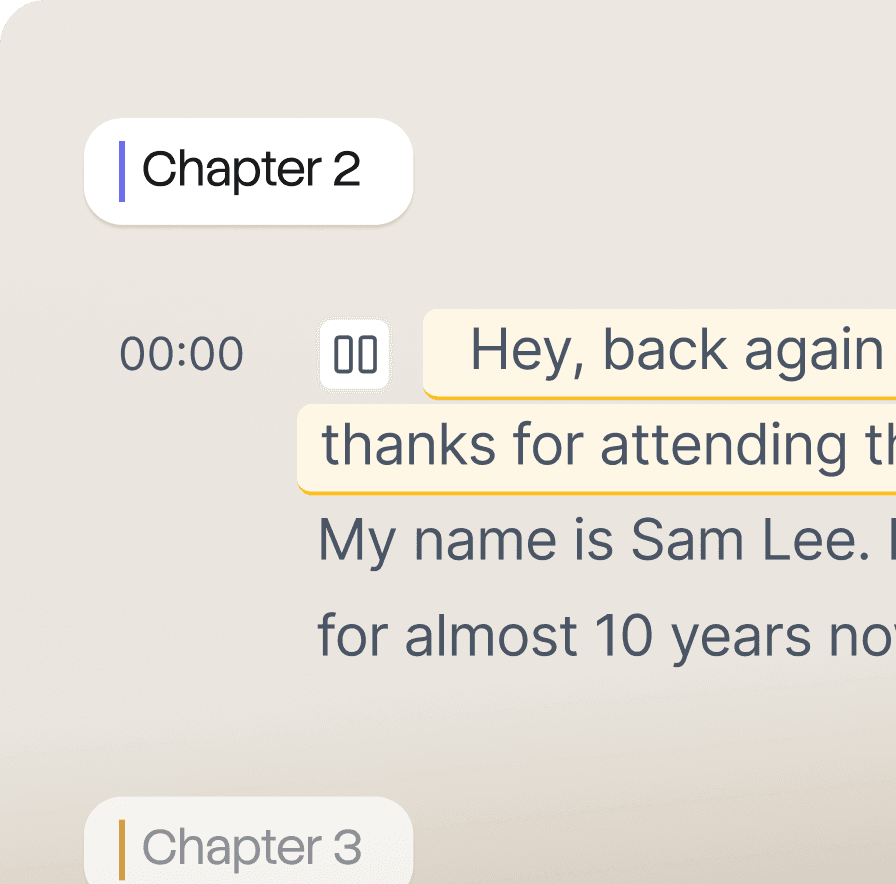
Break into chapters

Long videos split into chapters so viewers find what they need fast.

Powering the video stack for companies around the globe

Smart zooms and animations

Every key action gets a zoom. No manual editing, no missed moments.

Studio quality voiceover

Pick a voice and get broadcast-ready narration on your first take.

Clean, professional scripts

Your recording becomes a polished, ready-to-use script in seconds.

Always on brand

Your logo, colors, and fonts show up in every video you make.

Lifelike avatars, no camera

Put a presenter in your video without recording a single second of footage.

Break into chapters

Long videos split into chapters so viewers find what they need fast.

Powering the video stack for companies around the globe

Smart zooms and animations

Every key action gets a zoom. No manual editing, no missed moments.

Studio quality voiceover

Pick a voice and get broadcast-ready narration on your first take.

Clean, professional scripts

Your recording becomes a polished, ready-to-use script in seconds.

Always on brand

Your logo, colors, and fonts show up in every video you make.

Lifelike avatars, no camera

Put a presenter in your video without recording a single second of footage.

Break into chapters

Long videos split into chapters so viewers find what they need fast.

The last documentation tool
you'll ever need, promise.

Smart screenshots & annotations

Every step is captured and annotated exactly where it needs to be.

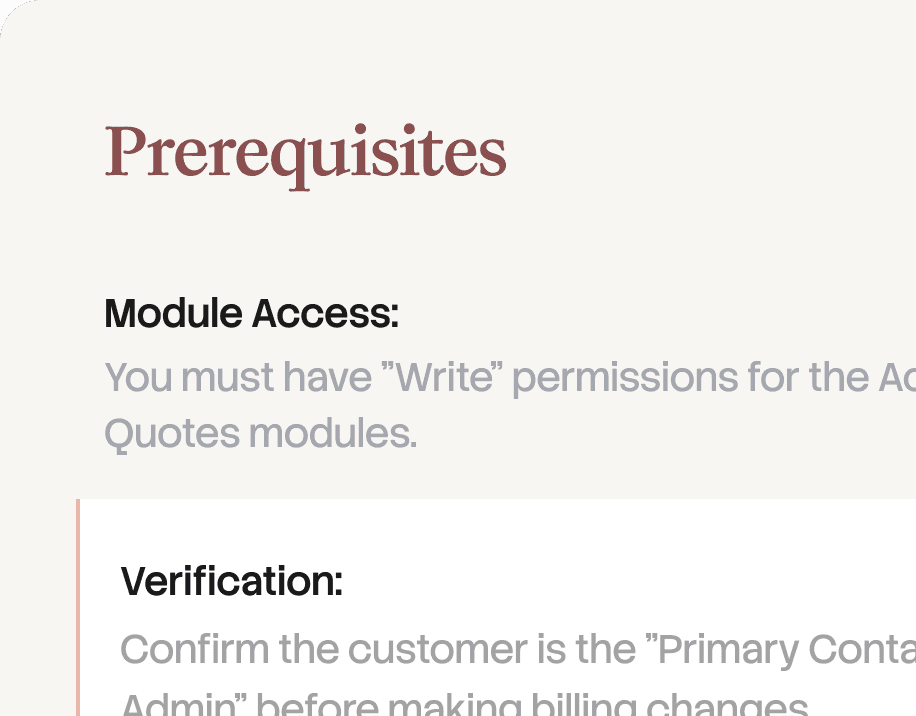
Fully formatted, structured documents

Headings, steps, and layout come built in. No formatting work needed.

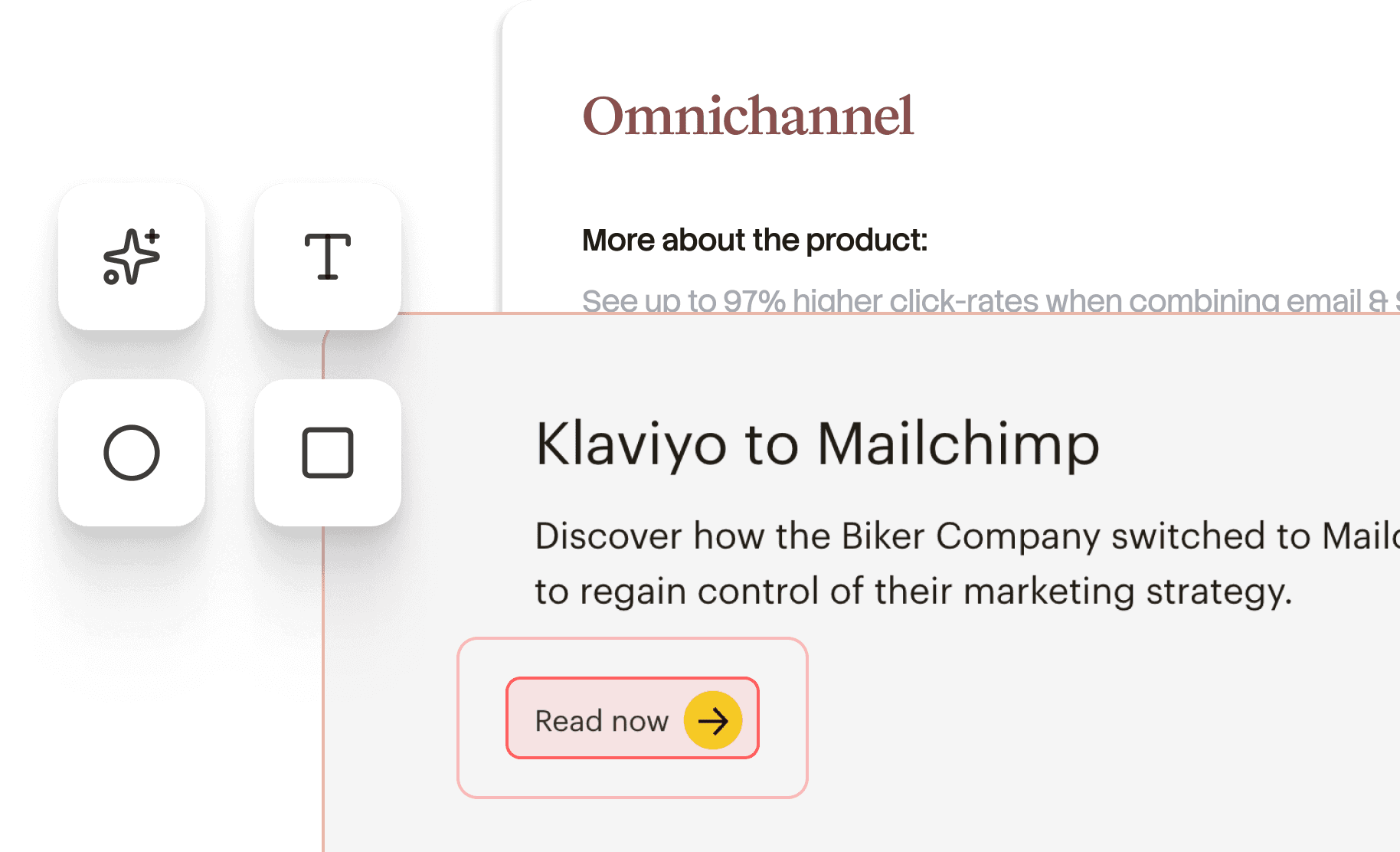
Replicate your own template

Bring your template once. Every doc you create follows it from there.

Vision led action detection

Trupeer sees every click and action and documents each one automatically.

The last documentation tool you'll ever need, promise.

Smart screenshots & annotations

Every step is captured and annotated exactly where it needs to be.

Fully formatted, structured documents

Headings, steps, and layout come built in. No formatting work needed.

Replicate your own template

Bring your template once. Every doc you create follows it from there.

Vision led action detection

Trupeer sees every click and action and documents each one automatically.

The last documentation tool
you'll ever need, promise.

Smart screenshots & annotations

Every step is captured and annotated exactly where it needs to be.

Fully formatted, structured documents

Headings, steps, and layout come built in. No formatting work needed.

Replicate your own template

Bring your template once. Every doc you create follows it from there.

Vision led action detection

Trupeer sees every click and action and documents each one automatically.

Need a video editor, translator, and a scriptwriter?

Try Trupeer for Free

Book a Demo

Need a video editor, translator, and a scriptwriter?

Try Trupeer for Free

Book a Demo